Wireless charging, distraction-free writing, and more are part of this week's best deals. Photo: Cult of Mac Deals
This week’s best new deals in the Cult of Mac Store include some futuristic goodies. From a wireless charging pad to ultra durable wireless earbuds. There’s also a powerful planning platform for iOS and a distraction-free writing app, all of it discounted by half off or more. Read on for more details:
With iOS 11, you don't need to go to a recording studio to collaborate on a song. Photo: Ste Smith/Cult of Mac
One of the great new features in iOS 11 and macOS High Sierra is shared documents. You can create almost any kind of file, and collaborate on it with other people. We’ll show you how to share and collaborate using GarageBand in iOS 11.
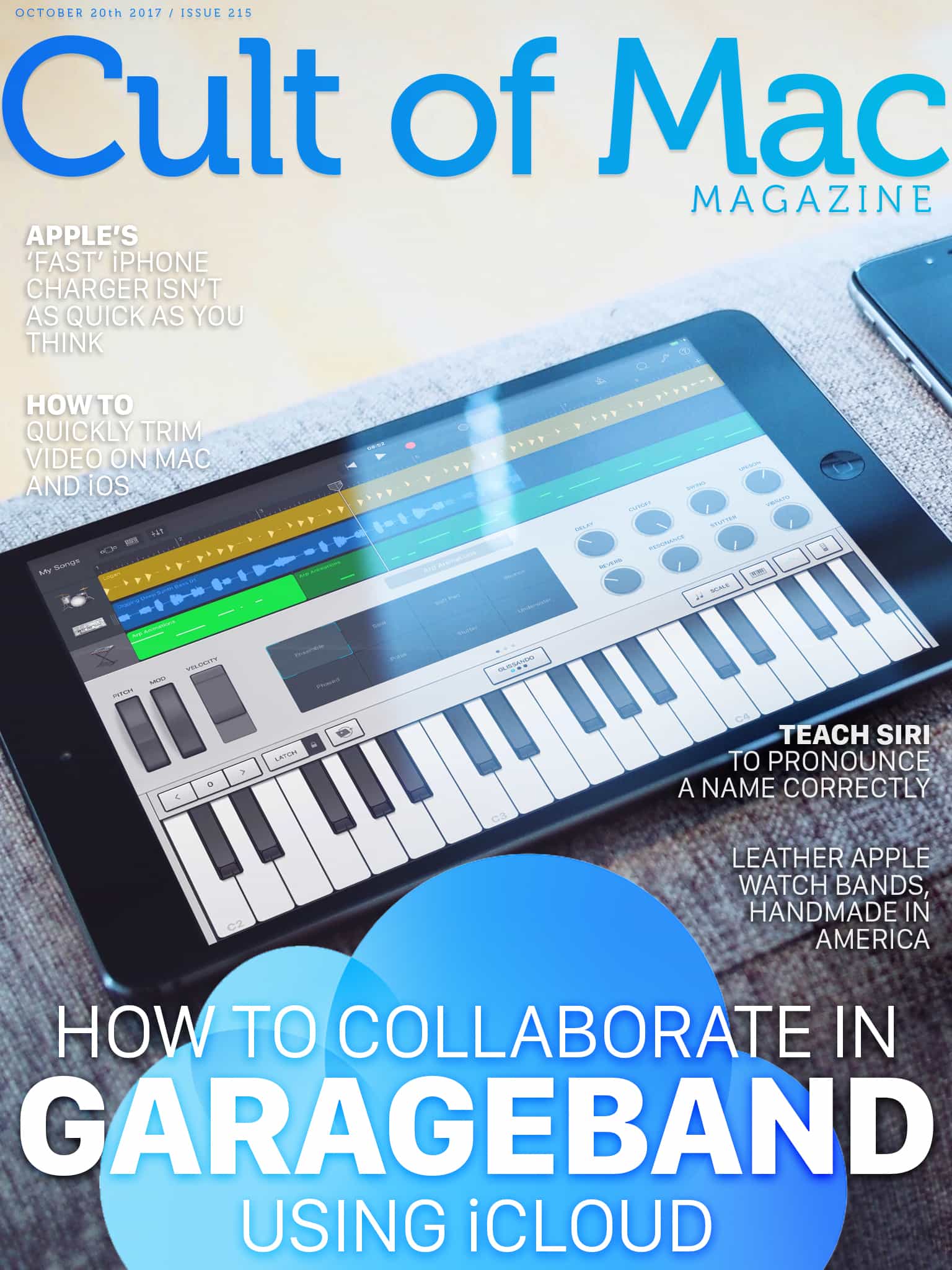
In this week’s issue, you’ll find that story and more. Find out why Apple’s ‘fast’ iPhone 8 charger isn’t as quick as you think. Teach Siri to pronounce a name correctly, and check out some great leather Apple Watch bands in wood and leather. Don’t miss your last chance to win an a free iPhone 8, and more. Get yourfree subscription toCult of Mac Magazine from iTunes.Or read on for this week’s top stories.
Tyke is ready to take a note whenever you need it. Photo: Tyke
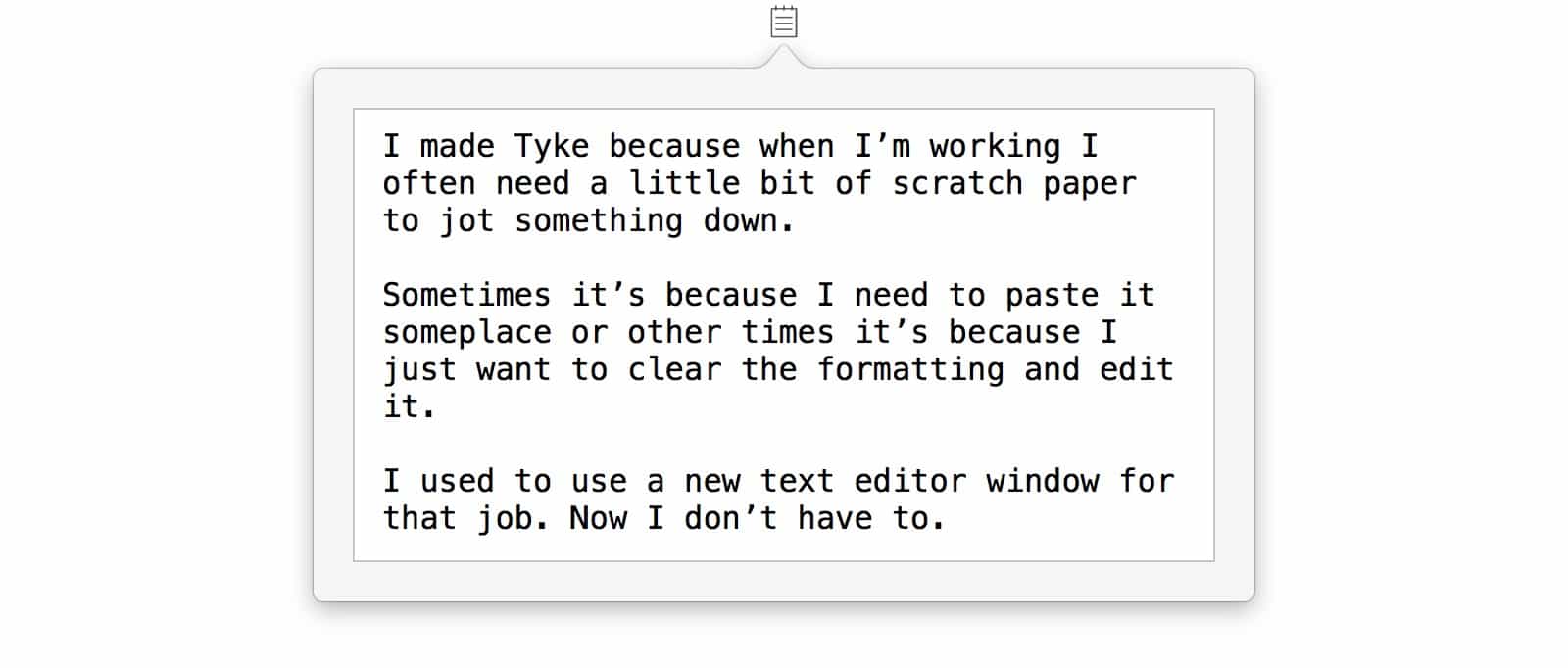
Tyke might be just about the simplest app you ever saw. It is also really, really useful. Tyke puts a little icon in your Mac’s menubar, and when you click it, it opens up a text scratchpad. You can jot in a quick note, or paste in some info. And that’s about it.
Your music is so hard to get into the iPhone's Music app, it may as well be on CD Photo: Lost Places/Flickr CC
It’s 2017, and yet you still can’t add music to the Music app on your iPhone. If you have an MP3 file that somebody sent you, that you downloaded, or that you created with one of the zillions of powerful apps on iOS, you can’t just add it to your library. Instead, you must add it to iTunes on your Mac or PC, and then manually sync it to your iPhone, either over Wi-Fi or with a cable.
It’s absurd, and today we’re going to fix it. You’ll still need a Mac to be running, but at least you don’t have to actually touch it.
iPhone X finally hits Apple's refurbished section. Photo: Apple
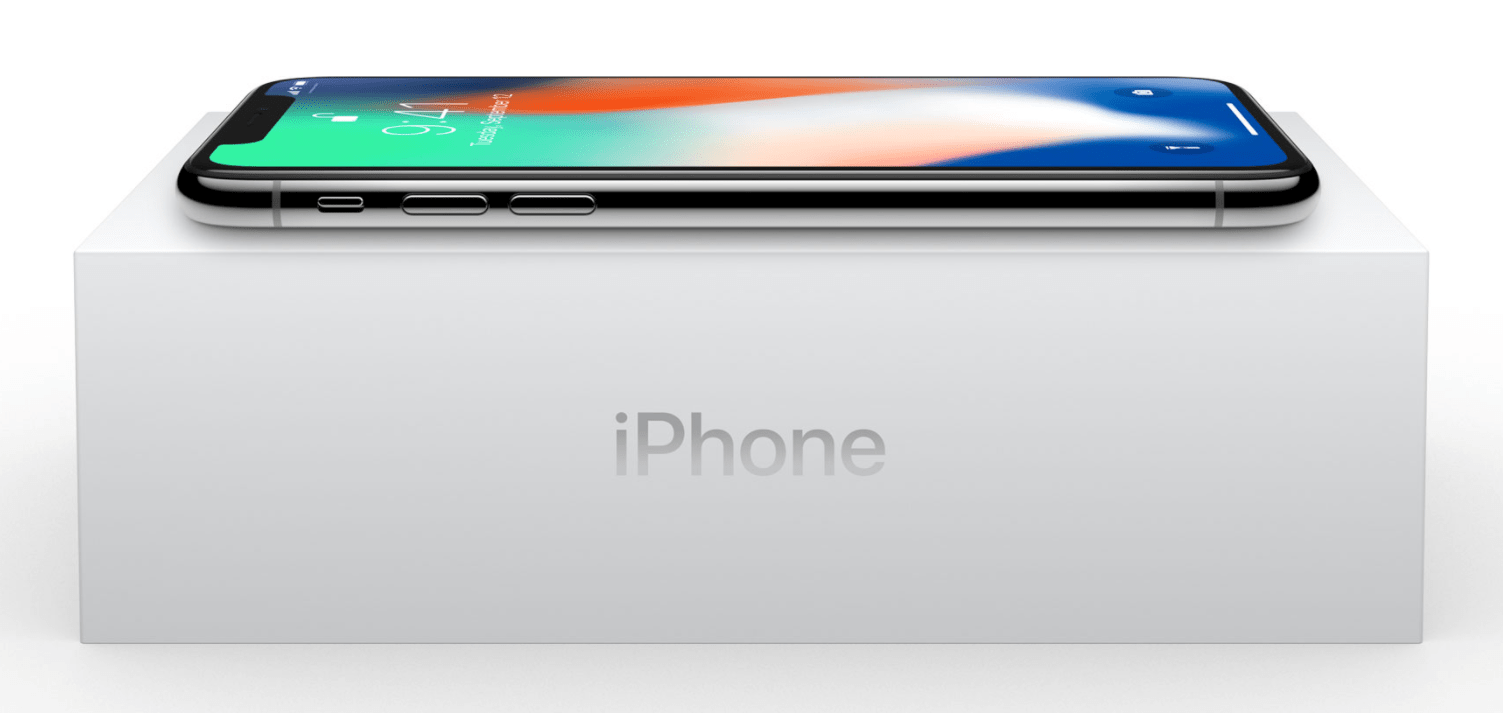
Apple and Foxconn executives will meet later this month to discuss ongoing iPhone X production woes, according to a new report.
Apple operating chief Jeff Williams is planning to sit down with Foxconn chairman Terry Gou, sources say. It’s likely the subject of that meeting will be to solve manufacturing issues that are causing severe iPhone X supply constraints.
Don't expect anymore Apple keynotes this year. Photo: Apple
Hoping for that long-overdue Mac mini refresh to arrive this year? Don’t count on it. Don’t count on any further product unveilings. Apple executive Craig Federighi has indicated that there will be no more special events this year.
Feel like spicing up the digital dimensions of your life? If so, today is your lucky day. That’s because we’ve rounded up massive deals on top shelf accessories, from Bluetooth speakers and headphones, to an awesome digital camera and portable power pack. It’s all discounted by nearly half off or more. Plus, you can get an additional 15 percent off when you use the coupon code “SAVE15” at checkout. Read on for more details:
iPhone X has already been hit with its first lawsuit.
A Japanese company is suing Apple for allegedly infringing a trademark that covers the word “Animoji.” Apple tried to buy the rights to the name, which it is using for its animated emoji feature in iPhone X, before the handset’s launch.
That's nowhere near enough to meet early demand. Photo: Apple
There are going to be a lot of unhappy Apple fans come November 3. Yet another report from a reliable analyst has reiterated that production issues are affecting early iPhone X supply. Apple will have just 3 million units available at launch.
Bag a Mac mini now for half the usual price. Photo: Apple
The Mac mini is still an “important part” of Apple’s lineup, according to CEO Tim Cook. The most affordable macOS machine has gone without an update for three years, but fans should not be worried about it getting the chop.
With iOS 11, you don't need to go to a recording studio to collaborate on a song. Photo: Iñaki de Bilbao/Flickr CC
One of the great new features in iOS 11 and macOS High Sierra is shared documents. You can create almost any kind of file, and collaborate on it with other people. This can be a simple Pages document, or a complex song in GarageBand. In theory, the file will be updated with everybody’s changes, so you can work on the same project without emailing a zillion copies back and forth.
Currently, this feature ranges from a little shaky, to rock solid, depending on what apps you are using. Here’s how to share and collaborate using GarageBand in iOS 11.
Apple is under pressure to activate an iPhone feature that it claims does not exist.
The National Association of Broadcasters is calling for the company to enable dormant FM chips that would allow users to tune into radio stations. It comes less then a month after the Federal Communications Commission asked for the same.
This task managing app is like having a coworking platform for your home and family. Photo: Cult of Mac Deals
Life today is full of competing priorities and distractions. Work and personal emails, groceries and chores, personal projects and work obligations. Consequently, it can quickly get overwhelming trying to keep track of it all.
New customers cannot sign up due to security concerns. Photo: Ste Smith/Cult of Mac
Apple fans in China who coughed up more cash for an Apple Watch with LTE almost certainly regret that decision today. The government has reportedly blocked the feature after brief availability with one carrier due to security concerns.
With Alexa baked in, UE's new Blast speaker will be right at home in the kitchen. Photo: Ultimate Ears
SAN FRANCISCO — Ultimate Ears’ punchy portable speakers just got smart. The new Blast and Megablast speakers bring built-in support for Alexa, Amazon’s voice-operated smart assistant.
Bringing the always-listening, voice-operated helper to a battery-powered speaker proved “nontrivial,” said Benjamin Falk, principal software product manager at UE, during a demo of the new speakers.
The iPhones 8 and X both support Apple’s “fast-charging” option, which has been available on the iPad Pro since the first 13-inch model. Fast charging lets you use a powerful USB-C charger, along with a USB-C-to-Lightning cable, to charge your iPhone quicker than you can with the standard iPhone or iPad chargers.
But is it worth the $75 that those accessories will cost? Is charging really so much faster? According to tests run by software engineer and startup investor Dan Loewenherz, the answer is no.
Undisturbed turns off those annoying red badges. Photo: Cult of Mac
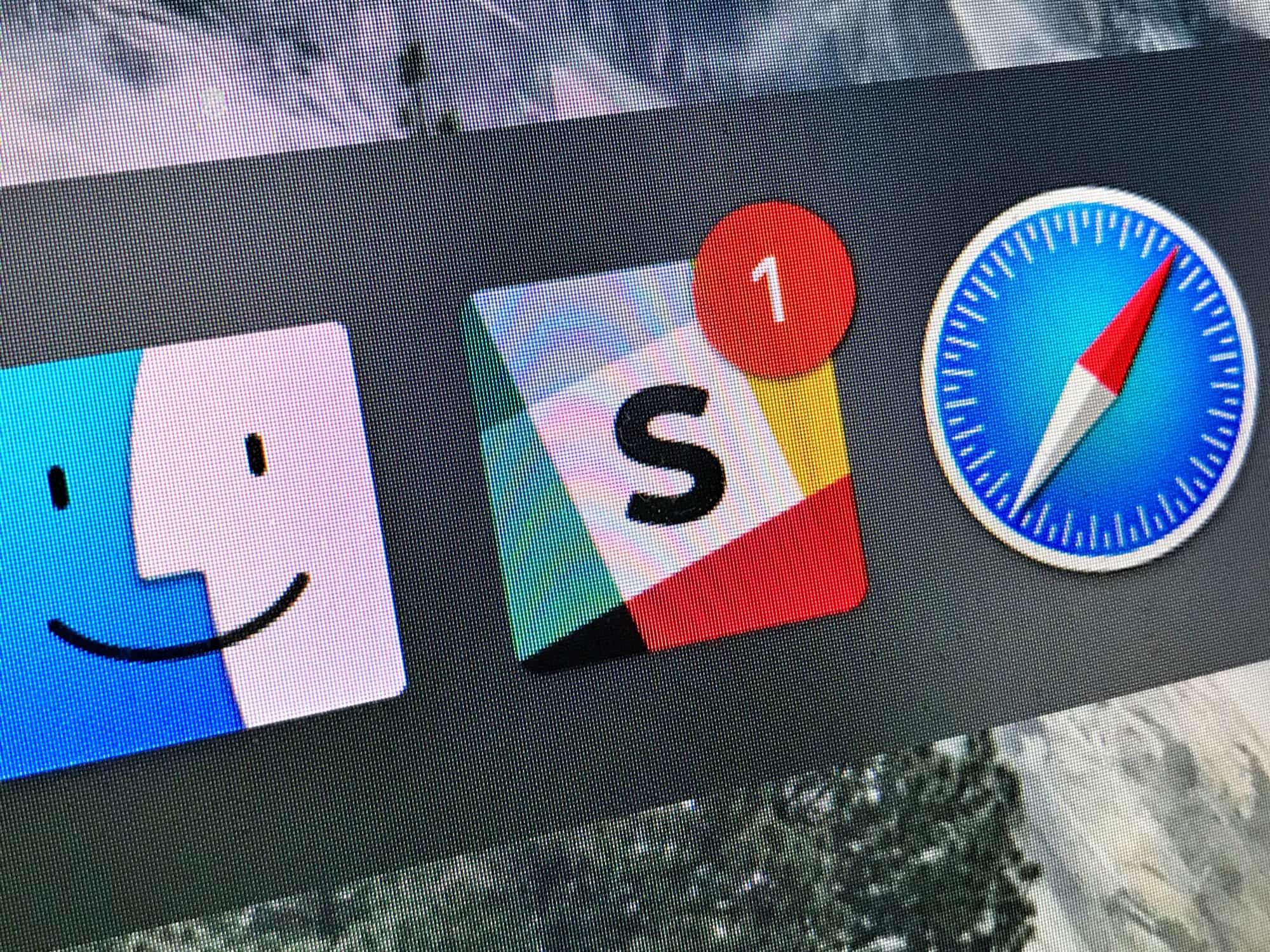
Do you know how to turn on your Mac’s Do Not Disturb mode? That’s right, you open up the Notification sidebar, pull down, and toggle the switch. It works great. Right up until you look at the Dock, or the app switcher, and see a bunch of big red badges hassling you to read your email or check your boss’ Slack messages.
That’s where Undisturbed comes in. It’s an app that improves Do Not Disturb, so you really don’t get disturbed.
Siri will teach you how to teach her. Photo: Cult of Mac
Siri is great for setting reminders and timers, but in recent times Apple’s AI assistant has gotten a lot better at other things, too. For instance, sending iMessages to folks via your EarPods or AirPods, with your iPhone still in your pocket, works well enough that you can use it reliably all the time.
However, if Siri can’t pronounce the names of your contacts, then it’ll drive you crazy. Luckily, you can teach Siri to say these names correctly.
Build your ultimate command center and have easy access to power outlets, USB ports, Bluetooth audio, and more at any time with Freecube.
It’s just one of the awesome ideas in this week’s Crowdfund Roundup. We also have smart bike lights that’ll keep you safe on the road, advanced wireless earphones, an ultra-immersive virtual reality headset, and more!
In this age of constant data leaks, using a VPN to protect your online identity is a must. Photo: Cult of Mac Deals
If you think the buzz around using a VPN service these days is exaggerated hype and paranoia, think again. Never before have so many day-to-day human interactions and transactions occurred online.
Whether we’re emailing our bosses, checking in with our kids, chatting with our friends or using a plethora of apps to schedule and manage our lives, it all takes place online.
The macOS High Sierra upgrade is causing iMessage issues. Photo: Ste Smith/Cult of Mac
A frustrating bug in macOS High Sierra is causing significant iMessage delivery delays for some users. It is also causing notification issues on iPhone and Apple Watch, and as things stand, there is no real fix.
Two great new shelf apps for iPads running iOS 11 have launched recently, and both are worth a look. One is Yoink, which has a long history as a shelf app on the Mac. The other is Gladys, with distinguishes itself by being both super-simple to use, and full of geeky extras.
Editing your video clips will make them way less boring. Photo: Charlie Sorrel/Cult of Mac
The secret of a good movie is in the editing. Well, the script, the lightning, the directing, the photography and the acting are all important, but for home movies, you have little control over those.
So it’s down to the edit. And the most basic of edits is to lop the ends off a clip, to trim video and make it shorter. Watching excessively long clips is the equivalent of a conversation with someone who can’t ever get to the point. “Let me tell you about that time I fell out of the plane. It was a Tuesday. No, I think it was Wednesday. Wait, it must have been a Tuesday because …”
It’s painful. So, do yourself a favor and trim your video clips. Even if you’re not planning on combining your edits into a short movie, you should at least remove the cruft from anything you’re going to show. The good news is that it’s dead easy to trim video on Mac and iOS.
This bundle of Mac apps adds new ways to work with video, WiFi, PDFs, and more. Photo: Cult of Mac Deals
Feel like giving your Mac a new dose of productivity potential? This roundup of apps should do the trick. Included are apps for downloading HD video from the web, and a powerful pair of video conversion apps. Plus, there’s a tool for mapping and optimizing Wi-Fi coverage, and a tool for making any boring PDF into delightful digital magazines. Even better, you’ll get 20 percent off any of these deals when you use the coupon code ‘SOFTWARE20’ at checkout. Read on for more details:
But they won't be ready for streaming for a while. Photo: Ste Smith/Cult of Mac
The wonderfully useful universal search function on Apple TV now supports a bunch of new services. Apple has added a number of popular providers in many countries, including BBC America, FX Now, and its own Apple Music.