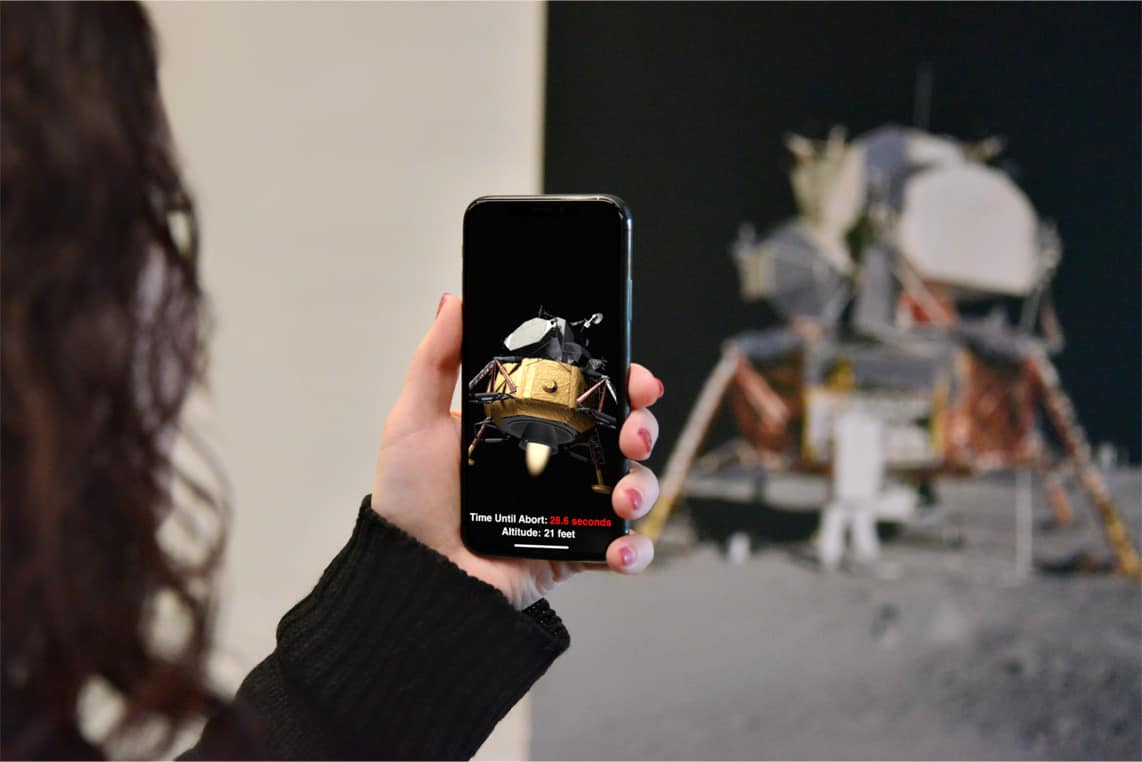
Augmented reality will be even better with glasses. Photo: Apple
Apple today offered fans a preview of a big iOS 11.3 update coming this spring.
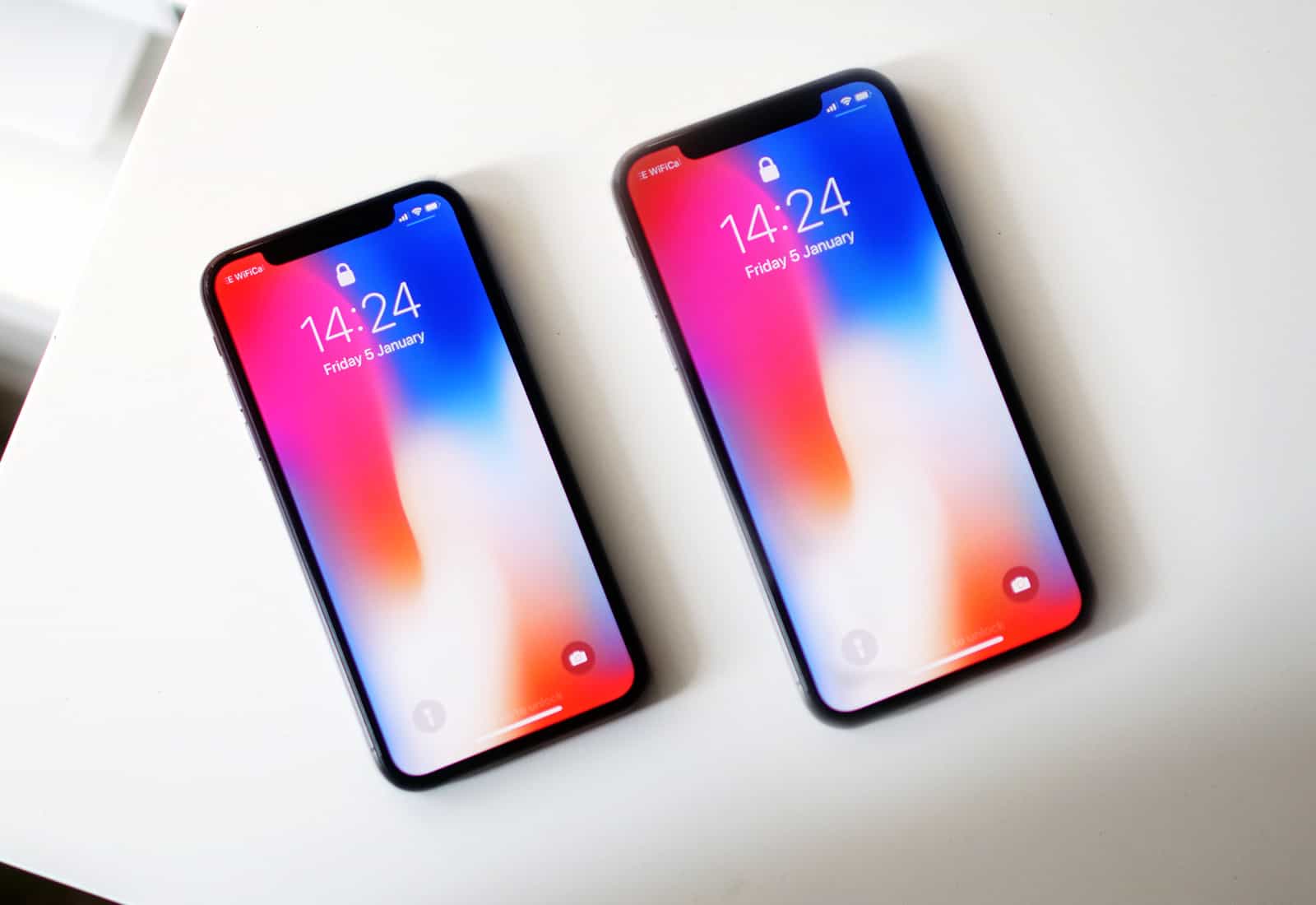
Alongside 16 new Animoji characters for iPhone X owners, the update will bring big improvements to ARKit and Messages, the ability to view battery health on all iOS devices, music videos for Apple Music, and lots more.
Dealing with Spaces' default behaviour feels like trying to battle a street magician. Photo: Rich Anderson/Flickr CC
If you use Spaces on your Mac, then there may be one “feature” that annoys the hell out of you. Do you keep nicely-arranged workspaces for specific tasks? Do you like to always have your text editor in the middle Space, and your slacking off apps (Twitter, Slack) out in the very last space of all?
That’s neat, but macOS can drive you crazy by forever rearranging your Spaces, so that your Twitter and Tumblrs end up where your work Space should be. Fortunately, it’s a one-click fix.
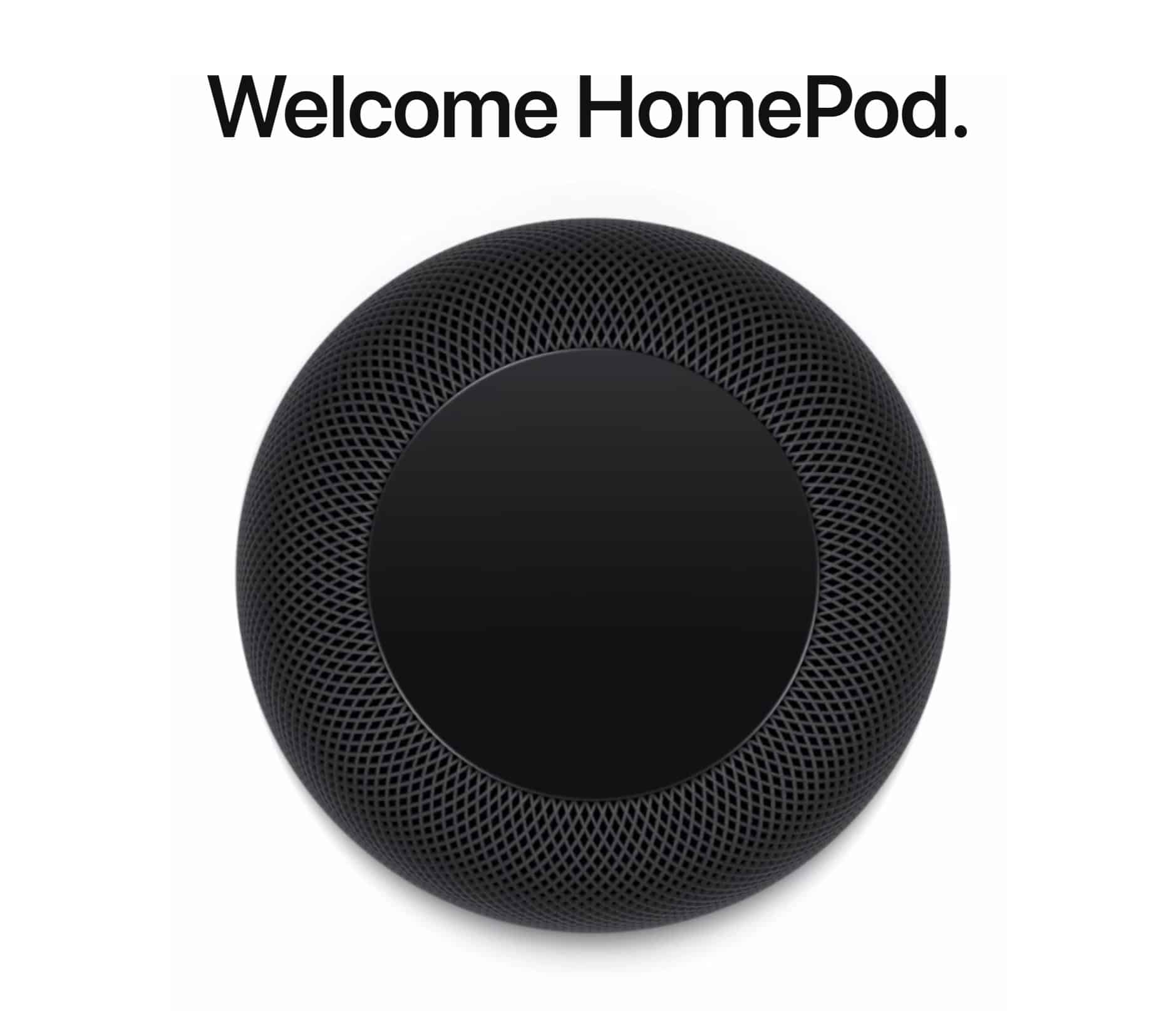
HomePod, the first new Apple product of 2018, is about to arrive. And as a huge Apple fanboy, I couldn’t care less.
Apple’s been hyping its smart speaker ever since unveiling the device last June at the Worldwide Developers Conference. And yet HomePod has failed to really excite fans (except through leaks that gave us early details about the iPhone X). Apple bills HomePod as a powerful speaker that packs Siri to take your listening experience to an all-new level. But with its Feb. 9 release just weeks away, HomePod is looking more like Apple’s next big bomb.
Now you can finally relax and take that siesta, without missing texts from your loved ones. Photo: Charlie Sorrel/Cult of Mac
The iPhone’s Do Not Disturb feature really is great. It silences your phone on a daily schedule, so you never need to worry about being woken up by a Facebook alert, or some other useless beep. But maybe you want to be disturbed by certain people. Maybe your teenage kids are out late, or your better half is away on a trip. Is there a way to let their calls and texts punch through the Do Not Disturb shield? Well, yes, there is! It’s called Emergency Bypass, and here’s how to enable it.
A new update is out for iPhone! Photo: Ste Smith/Cult of Mac
Apple pushed out a big batch of software updates this morning for iOS, tvOS, watchOS and macOS, bringing a host of bug fixes and performance improvements to all of its major platforms.
iOS 11.2.5 is the biggest of today’s software updates. The update for iPhones and iPads adds a couple new features, including support for Apple’s HomePod smart speaker, which opens for preorders this Friday.
Ready to ditch your iPhone X already? There's still time to get a great price! Photo: Ste Smith/Cult of Mac
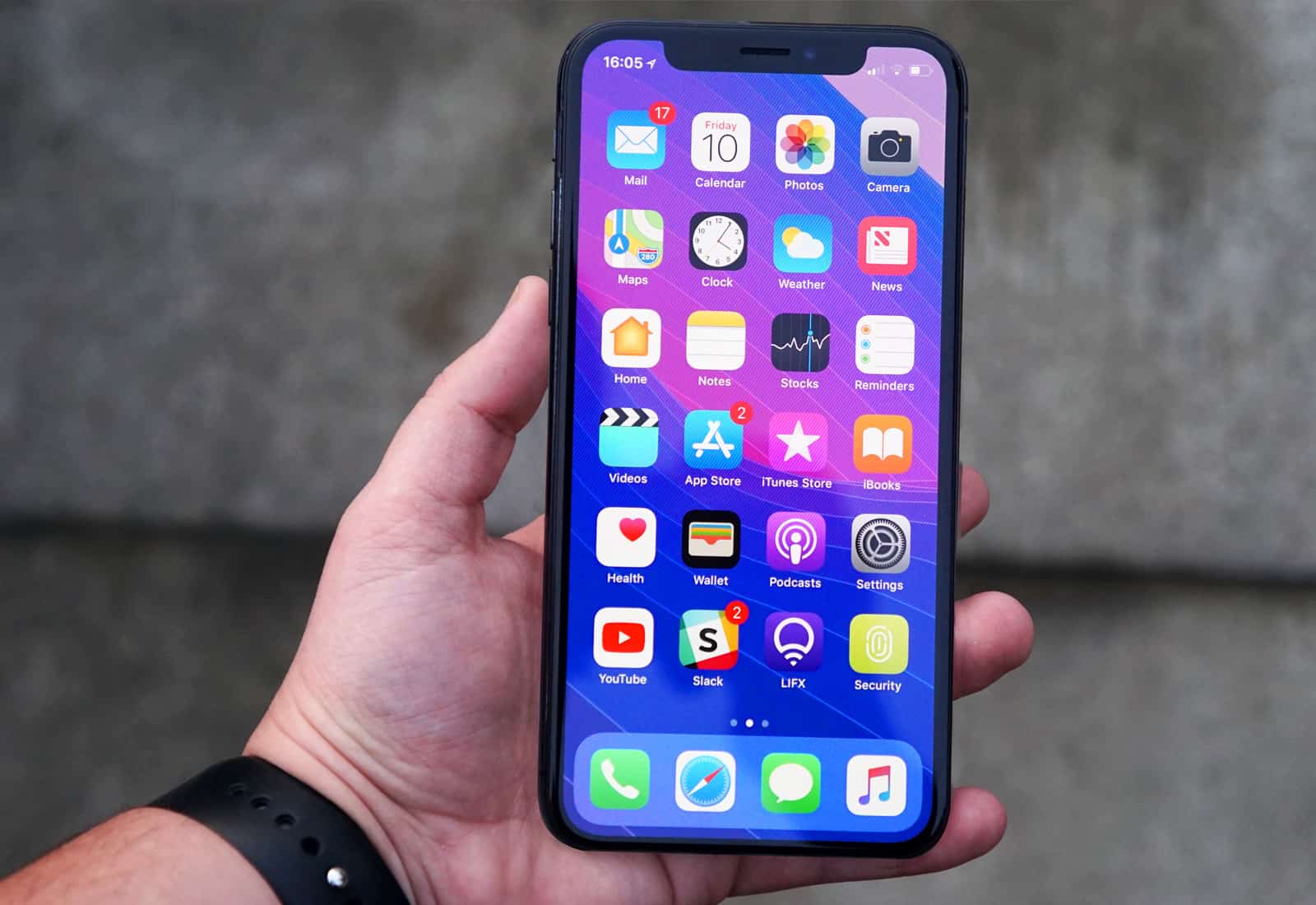
Apple will cut key features from its upcoming 6.1-inch iPhone to reach a more affordable price tag, according to one reliable analyst.
The device, which is expected to look a lot like iPhone X, could cost as little as $700. But buyers will lose luxuries like a stainless steal frame, dual rear-facing cameras, and even 3D Touch.
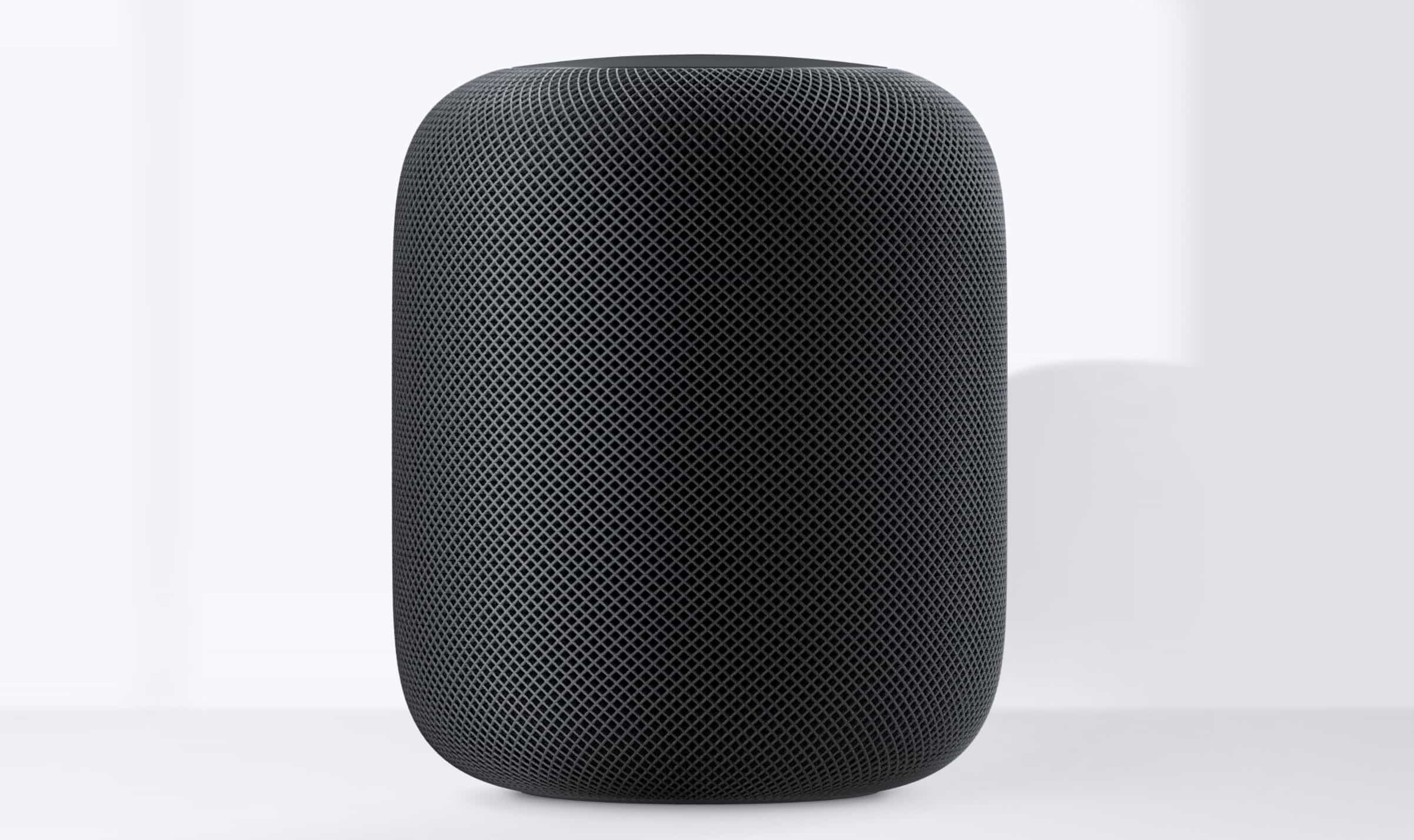
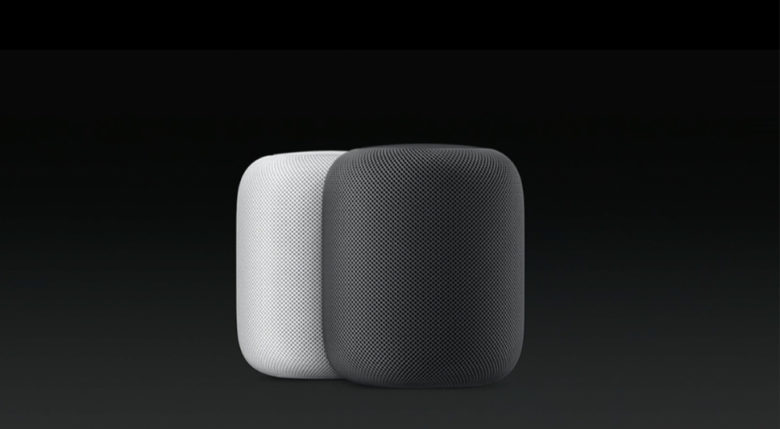
After confirming HomePod will finally make its debut on February 9 — with preorders starting this Friday — Apple has revealed new details about its hotly anticipated smart speaker.
Here’s what you need to know about HomePod gesture controls and more.
Save half off Final Draft 10, the industry standard for screenwriting applications. Photo: Cult of Mac Deals
Today there is something of a golden age for screenwriters. with countless new shows and platforms to deliver them. So there’s more opportunity in TV and film today than there has been in a long time.
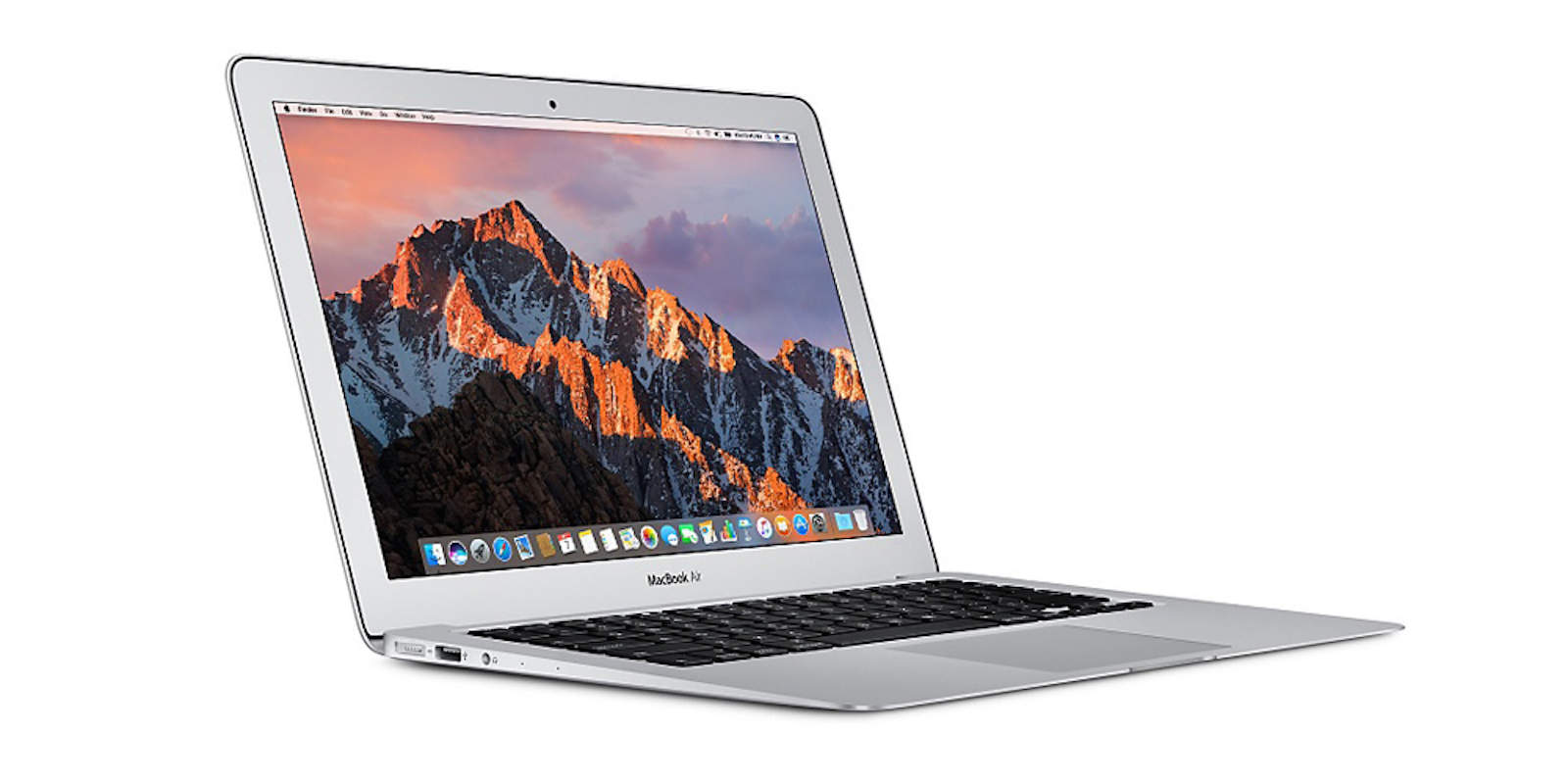
It’s about time we saw that new MacBook Air. Photo: Apple
Apple is said to be preparing a new 13-inch MacBook for 2018 that will likely replace the MacBook Air as its most affordable notebook.
Suppliers are already manufacturing displays for the machine, which will reportedly make its debut in the second half of the year, according to industry sources.
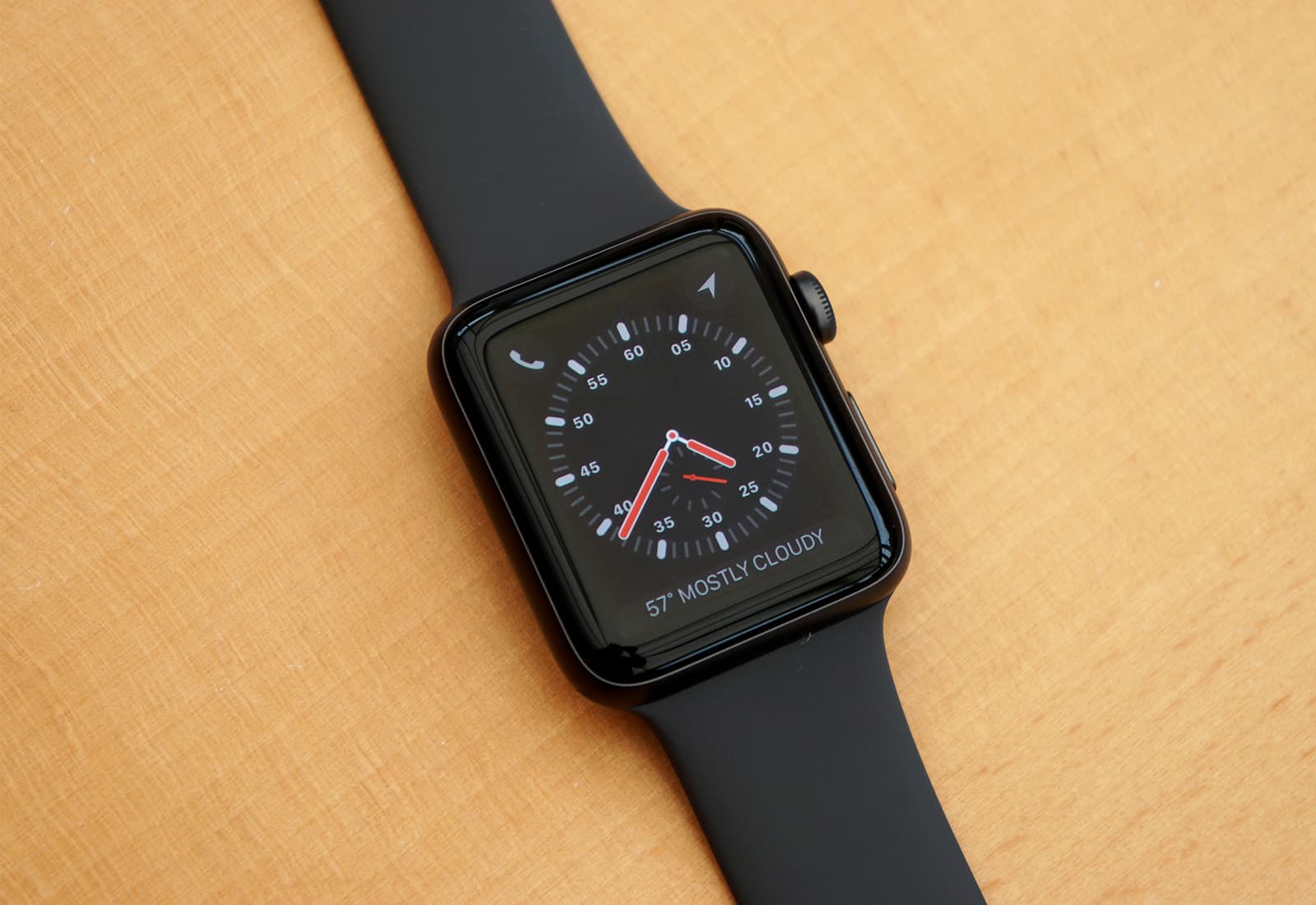
Make the most of your Apple Watch with these handy tips. Photo: Ste Smith/Cult of Mac
The Apple Watch truly became a useful device with the release of the Series 3. LTE connectivity, more accurate heart rate monitoring, and faster hardware make the Apple Watch a joy to use.
With all the features and functions Apple advertises, there are still plenty of hidden tips and tricks for users to discover. Check out seven of my favorites in our latest video:
The only platform simpler than txt.fyi is a sheet of paper. Photo: Charlie Sorrel/Cult of Mac
Did you ever have something to say that’s too long for a tweet, but too short for a blog post? And what if you don’t have a blog anyway? Then you need txt.fyi, “the dumbest publishing platform on the web.”
Apple Music for Artists launches in beta today. Photo: Apple
Apple is offering musicians an analytics dashboard through Apple Music for Artists. The new tool provides insight into the listening habits of fans, highlighting the number of track plays, song purchases, and more dating back to when Apple Music launched in June 2015.
If you misspell your markups, you can even go back and edit them before sending. Photo: Charlie Sorrel / Cult of Mac
If you’re explaining something to another human in person, you’ll often reach for a pencil and paper to make it easier. Perhaps you’re drawing a map, or a quick diagram of that chest of drawers you think would look great in the guest room.
And that’s in person, where gestures and feedback from the listener help communication. Given the limits of email, then, wouldn’t a sketch, chart, or diagram be even more useful? The answer is a resounding “probably,” and the best news you’ll hear today is that it is dead easy to add a drawing to your emails, even without an Apple pencil, and even on an iPhone.
Have you ever had your regular (important) iMessages swamped by a flurry of notifications for that inane group conversations about matcha-flavored KitKats? Or maybe you want to keep your iPad’s notifications switched on, but you want to mute iMessages from your boss until Monday, because she has no concept of boundaries?
If so, you need iMessage’s handy conversation-muting feature. It’s so easy to use that you may have turned it on by mistake. If you’re no longer getting alerts for certain messages, you may want to check this, too.
How to use your Apple Watch in the swimming pool when you’re soaking. Photo: Graham Bower/Cult of Mac
Your Apple Watch loves getting wet (provided you own a Series 2 or 3). But when you start a swimming workout, the waterproof mode kicks in automatically, which means the Apple Watch touchscreen stops working. So how are you supposed to use it?
Swimming with Apple Watch certainly takes a bit of getting used to. But if you check out our top 10 tips before you dive in, you’ll discover your smartwatch is almost as indispensable in the pool as your Speedo. Almost.
Jump at this chance to earn valuable coding skills in iOS 11. Photo: Cult of Mac Deals
Learning the development process for iOS is a great way to build up your resume. It’s also a great way to break into a space with massive creative and commercial potential.
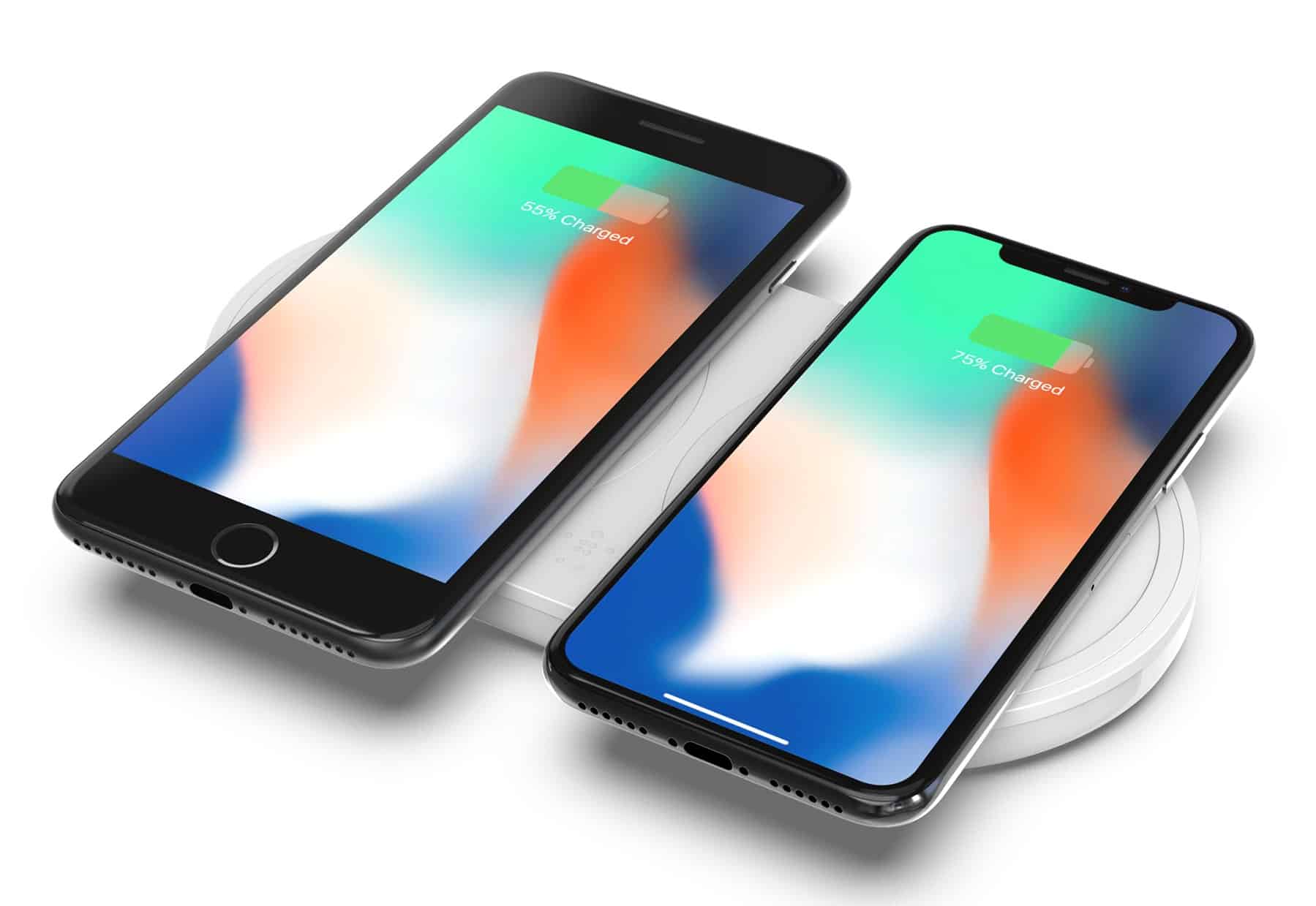
Topping up your iPhone could be faster than ever this fall. Photo: Belkin
Interest in Apple’s latest handsets is nearing an all-time low in the United States. A survey among customers with three of the largest carriers reveals the number of iPhone owners who plan to upgrade to a new iPhone is down more than seven percent.
New icons uncovered in the latest iOS 11.2.5 developer build confirm that, yes, HomePod owners will be able to disable the microphone on Apple’s smart speaker should so they wish to do so.
Given Apple’s privacy-conscious policies, and the fact that rival speakers made by Amazon and Google allow the same to be done, it’s no surprise that Apple would make that an option on HomePod. Still, it could help ease fears among customers concerned about the risk of housing an “always listening” speaker in their homes.
Civilization VI is a worthy addition to the legacy of the classic turn-based strategy game. Photo: Cult of Mac Deals
Most fans of computer gaming will be familiar with the epic Civilization series. It’s a turn-based strategy game that challenges players to build and sustain a thriving global society. Spanning from the beginnings of human history all the way to the deep future, it’s a complex, satisfying game. If that doesn’t sound fun, trust us: it is.
Apple's bringing home its massive fortune. Photo: Business Insider
This week on a very spicy edition of The CultCast: Tim Cook is thrilled with the new U.S. tax overhaul, and has some exciting plans to spend Apple’s massive fortune. Plus: Forget other smart speakers — we’ll tell you why we’re now even more excited for HomePod. And stick around for our favorite movies, shows and sausages in an all-new, very weird “What We’re Into!”
Our thanks to Squarespace for supporting this episode. It’s simple to accept Apple Pay and sell your wares with your very own Squarespace.com website. Enter offer code CultCast at checkout to get 10% off any hosting plan.
Apple says it will add over 20,000 new jobs in the next five years by hiring for new jobs at its existing campuses and the new one. Photo: Ste Smith/Cult of Mac
Apple’s big tax break is about to unleash an avalanche of spending from the iPhone-maker. In a public statement earlier this week, Apple revealed its plans to contribute $350 billion to the U.S. economy over the next five years now that the fee for repatriating its mountain of overseas cash has been significantly lowered.
In this week’s issue, you’ll find that story and more. Tim Cook has revealed that a future iOS 11 update will let users disable their iPhone’s throttling feature. Learn how to get the best battery life from your MacBook. It’s the last week to get your preorders in for Juuk’s new three-think Velo Apple Watch band! Get your free subscription to Cult of Mac Magazine from iTunes. Or read on for this week’s top stories.