Mobile menu toggle

Top stories - page 514

What you should know about HomePod, before you buy, on The CultCast

By

X-ray view of HomePod
Is HomePod nearing its end, or just getting started?
Photo: Apple

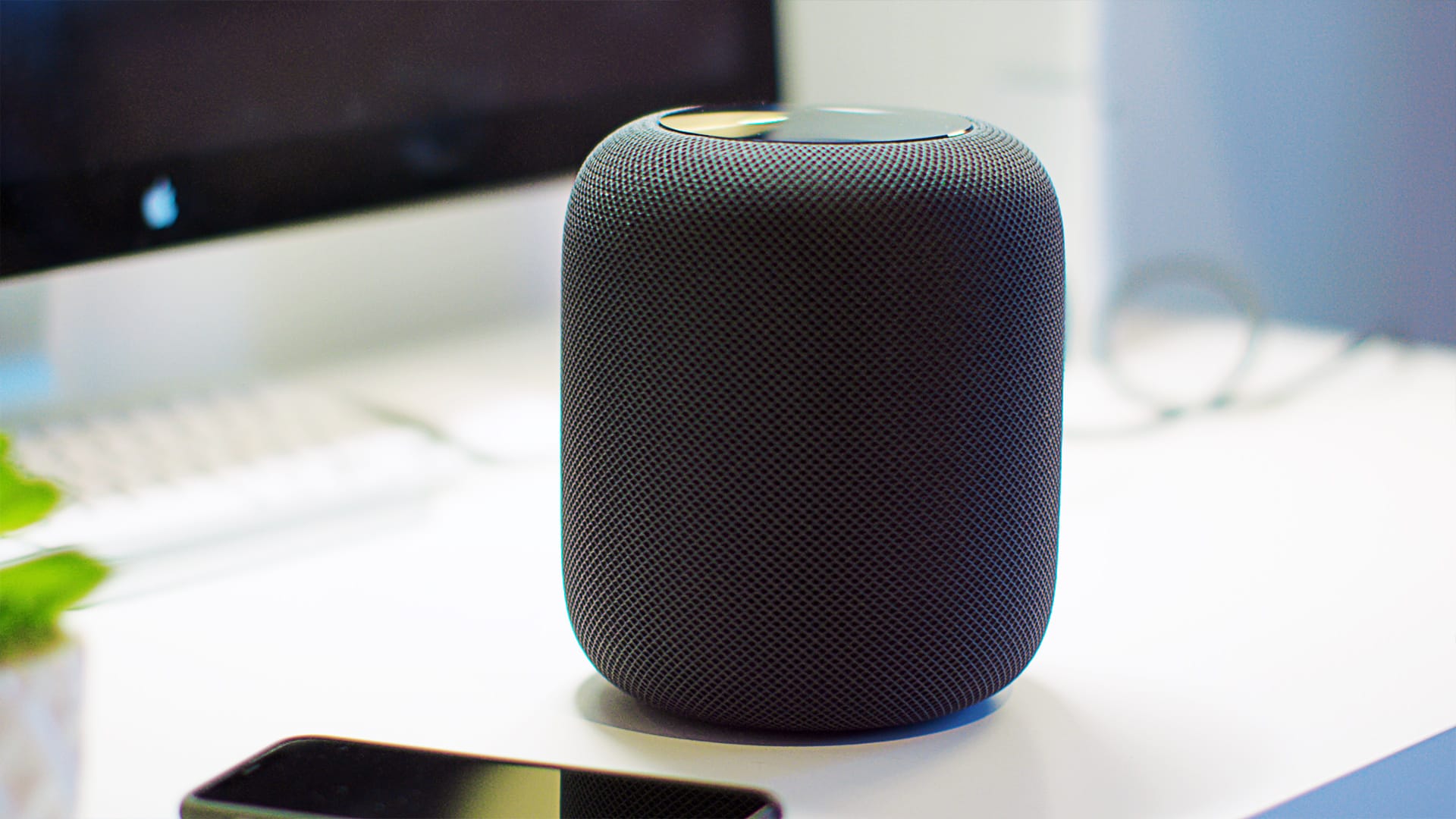
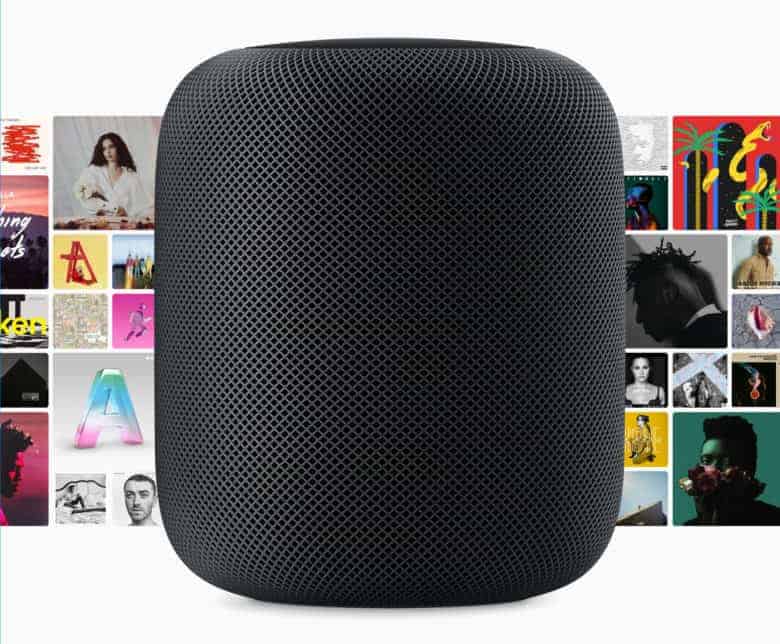
The HomePod reviews have been coming out hot and heavy, and they’re surprising. This week on The CultCast, we’ll tell you what people like, love and hate about Apple’s new speaker. If you’re planning on buying one, don’t miss our discussion. Plus: Something strange is happening at Apple HQ … we elaborate; 150 new kickass emojis are coming to your iPhone; and we pitch you the movies, gadgets and food we can’t get enough of in all-new What We’re Into!

Our thanks to Squarespace for supporting this episode. It’s simple to accept Apple Pay and sell your wares with your very own Squarespace.com website. Enter offer code CultCast at checkout to get 10% off any hosting plan.


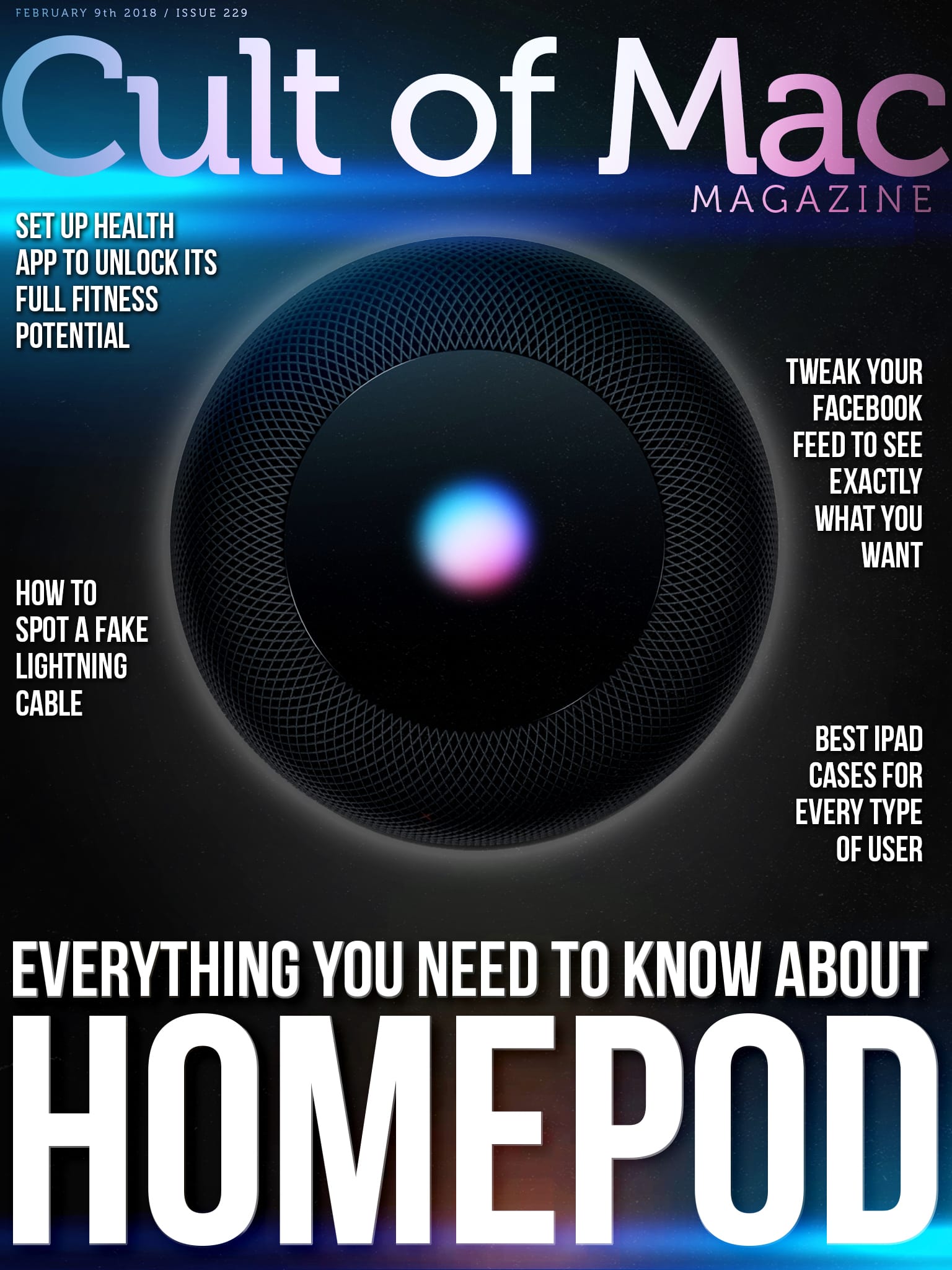
Cult of Mac Magazine: Everything you need to know about HomePod and more!

By

cover
Here's everything you need to know about Apple's HomePod smart speaker.
Photo: Ste Smith/Cult of Mac

After months of delays, Apple’s HomePod is finally available in Apple Stores today. Before we get to the reviews, comparisons and tips, with our latest video we give you a tour of what’s in the box, show you how easy it is to set up, show it off in action and my first impressions.

In this week’s issue, you’ll find that story and more. Learn how to set up Apple’s Health app to unlock its awesome fitness potential. Apple is investigating iPhone X’s incoming call bug. Discover how to to see Cult of Mac at the top of your Facebook feed. And, now until Tuesday take advantage of a two-for-$65 promo on Nyloon’s lineup of great nylon Apple Watch bands. Get your free subscription to Cult of Mac Magazine from iTunes. Or read on for this week’s top stories.

HomePod unboxing video: First look at Apple’s smart speaker

By

HomePod HomeKit Unboxing
Check out Apple's new HomePod in action.
Photo: Ste Smith/Cult of Mac

After months of delays, Apple’s HomePod is finally available in Apple Stores today. Before we get to the reviews, comparisons and tips, with our latest video we give you a tour of what’s in the box, show you how easy it is to set up, show it off in action and my first impressions.

Check the video out below.

Apple patents way to fix VR headsets’ worst problem

By

Alex Heath gets down in the Oculus booth. Photo: Jim Merithew/Cult of Mac
VR headsets are still bulky AF.
Photo: Jim Merithew/Cult of Mac

Bulky virtual reality headsets may soon look like retro relics if Apple’s designers have their way.

Details of a new patent from Apple reveal the company is investigating different ways to reduce the size of bulky augmented reality and virtual reality headsets. The patents specifically mentions a tech that its rivals aren’t using, which could give it big advantage if it enters the market.

Is HomePod love at first listen? It’s complicated.

By

HomePod audio quality is great out of the box, and Siri turns out to be a pleasant surprise.
HomePod sounds great out of the box, and Siri turns out to be a pleasant surprise.
Photo: Leander Kahney/Cult of Mac

High-quality audio is the signature feature of Apple’s new HomePod. Apple execs brush off “Siri so stupid” concerns by emphasizing the sound quality of the device.

So the big question is: Will the HomePod be love at first listen? I just unwrapped one of the new Apple smart speakers, and my ears now have a little bit of a crush on HomePod.

Sonos trolls HomePod with hidden message in Spotify playlist

By

HomePod
HomePod is a fruit machine, apparently.
Photo: Apple

HomePod has landed. If you’re an Apple fan who loves audio, it’s a wonderful day. If you’re a speaker company, however, you now have to compete against the biggest tech brand in the world.

Sonos has shown it’s not scared by trolling HomePod with a Spotify playlist that contains a hidden message.

Apple investigates AirPods explosion

By

AirPod explodes
What happened to this poor AirPod?
Photo: WFLA

Apple is investigating how an AirPod exploded and very nearly injured its owner. A Tampa, Florida man was listening to music at the gym when he noticed smoke billowing out of his ear. Fortunately for him, he took the AirPod out before it ended up in tiny pieces.

Fine-tune your music with Visual EQ in GarageBand for iPad

By

the equalizer
Nothing says '1980s' like a stereo with a giant graphic EQ.
Photo: Pete/Flickr public domain

One great recent addition to GarageBand for iOS is the Visual EQ, an equalizer that is about as far away from the 1980s-style bank of sliders as it’s possible to get. The Visual EQ also shows you a waveform of the actual sound you’re adjusting, so you can see as well as hear the effects immediately. This visual element, combined with a clever three-“band” EQ, makes this a very powerful tool for shaping your music.

Massive online leak reveals iPhone’s deepest secrets

By

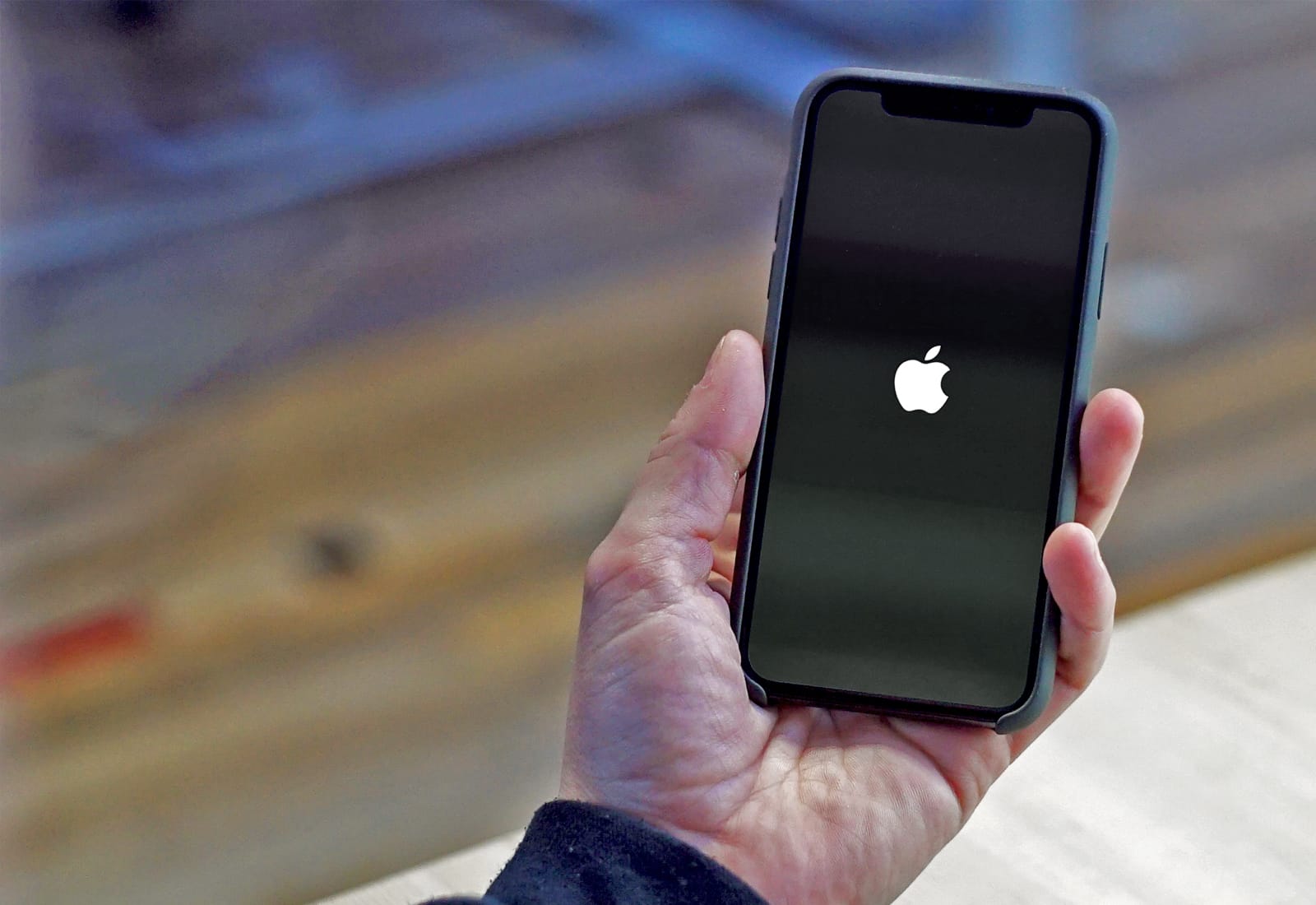
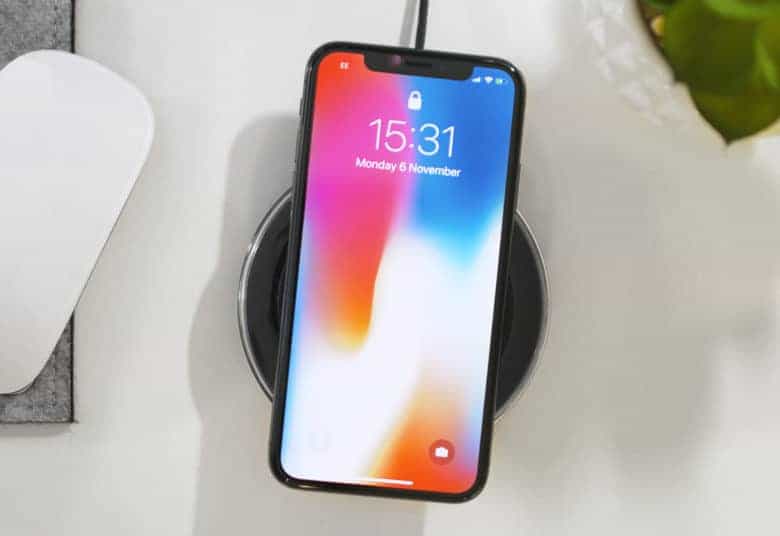
iPhone boot up
"The biggest leak in history."
Photo: Ste Smith/Cult of Mac

Source code for a core component of the iPhone’s software has appeared online in what is described as “the biggest leak in history.”

iBoot, a part of iOS that ensures the device is booting a trusted operating system, was posted to GitHub anonymously. The code could be used by hackers to find vulnerabilities in Apple’s software. The company has already filed a copyright take-down request to have it removed.

How to set up Apple’s Health app to unlock its awesome fitness potential

By

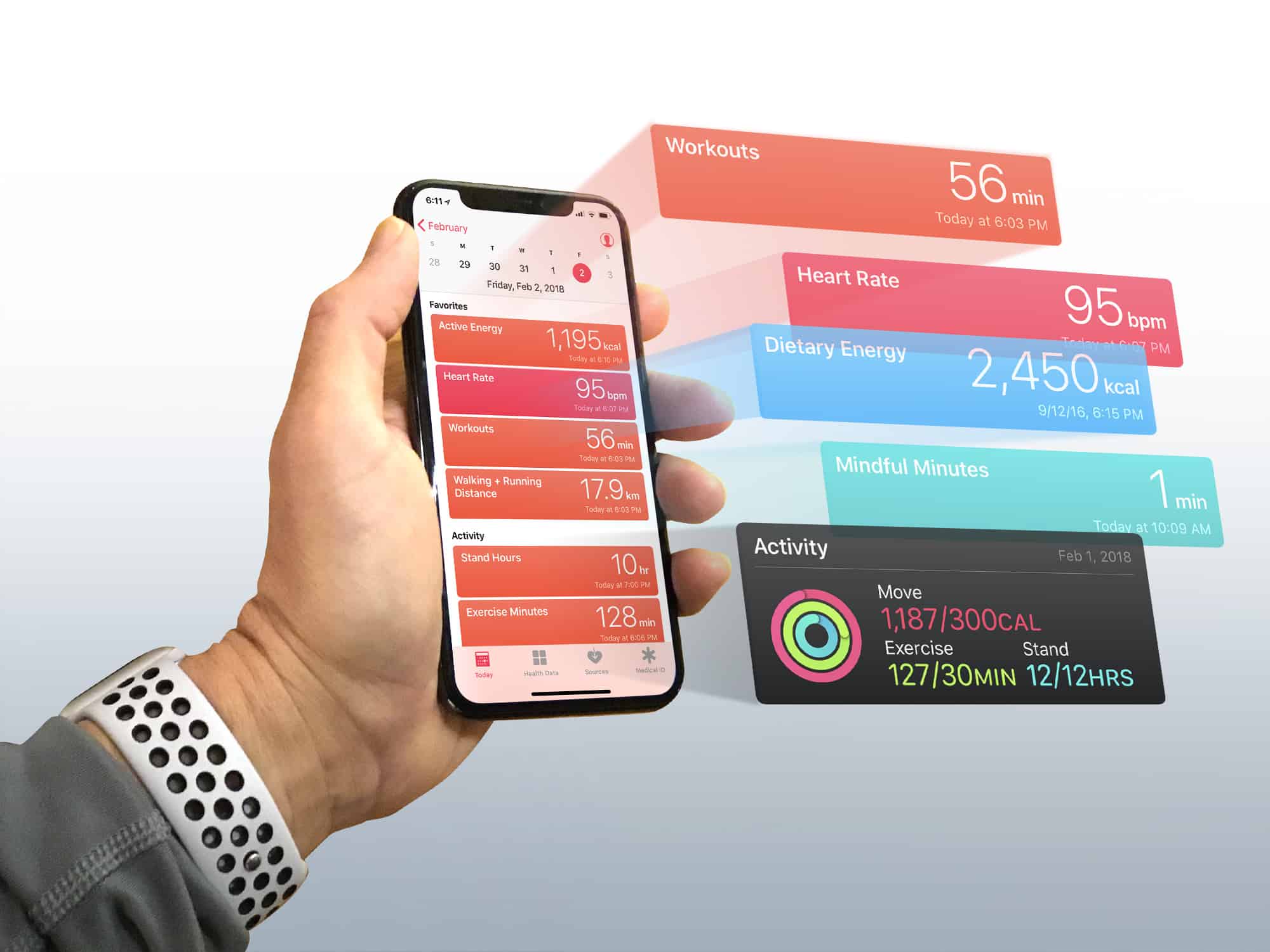
Turn the iPhone Health app into a dashboard for your body
Photo: Graham Bower/Cult of Mac

If you think the Health app is just another pointless junk app that comes preinstalled on your iPhone, think again. Unlike Stocks, Compass or Tips, it is one of the few apps that Apple won’t let you delete. Set up the Apple Health app properly, and it becomes a powerful tool for getting (or staying) fit.

You see, the Health app lies at the heart of Cupertino’s growing health and fitness ambitions. And with its underlying HealthKit API, the Health app provides the framework that Apple Watch uses to gather data on your daily activity, heart rate and workouts.

But the Health app is more than just a place for storing data. With every iOS update, Apple makes major improvements to it. So, if you still think the Health app is a waste of space, it’s probably time you gave it another look. Especially if you own an Apple Watch. You’ll find it contains loads of useful, well-presented data that can help you achieve your fitness goals.

Mario Kart Tour will be ‘free-to-start’ on mobile

By

Mario Kart Tour has the second best debut month ever on mobile
Photo: Nintendo

Nintendo’s upcoming Mario Kart Tour game will be “free-to-start” on mobile, developer DeNA has confirmed.

Much like Animal Crossing and Fire Emblem Heroes, you’ll be able to enjoy the game without coughing up any cash, though optional in-app purchases will provide some advantage.

Redheads and superheroes included in 150+ new emoji for 2018

By

emoji 2018
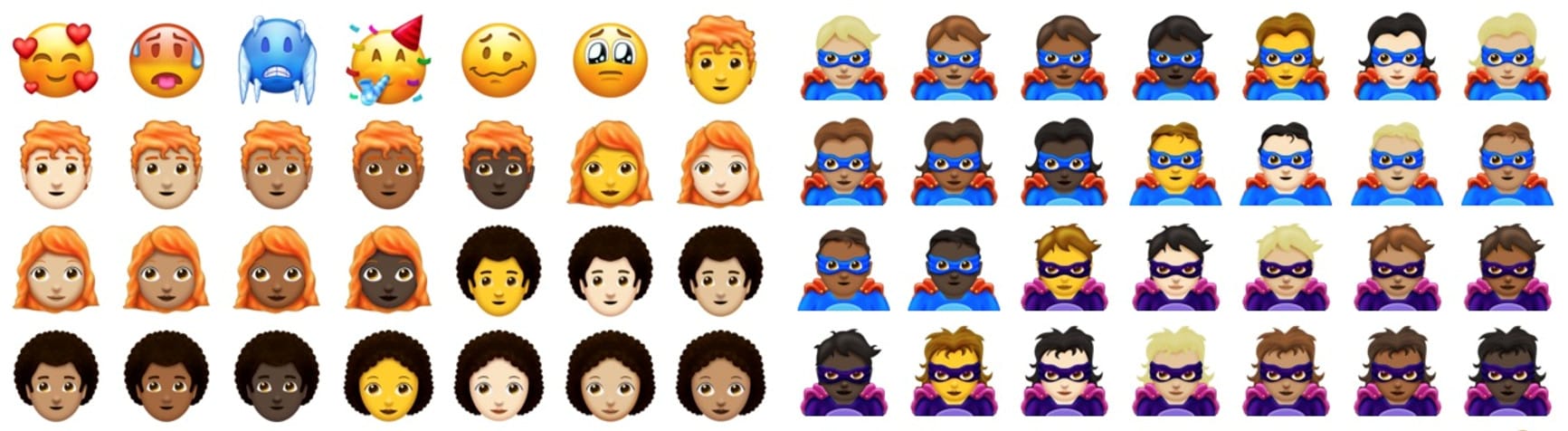
Some of the new emoji approved for 2018.
Photo: Unicode Consortium

The Unicode Consortium has approved more than 150 new emoji characters that will likely be headed to iOS and macOS later this year.

The new emoji set finally includes male and female faces with red hair, along with bald characters, new superheroes and supervillains, and more.

How to see Cult of Mac stories at the top of your Facebook feed

By

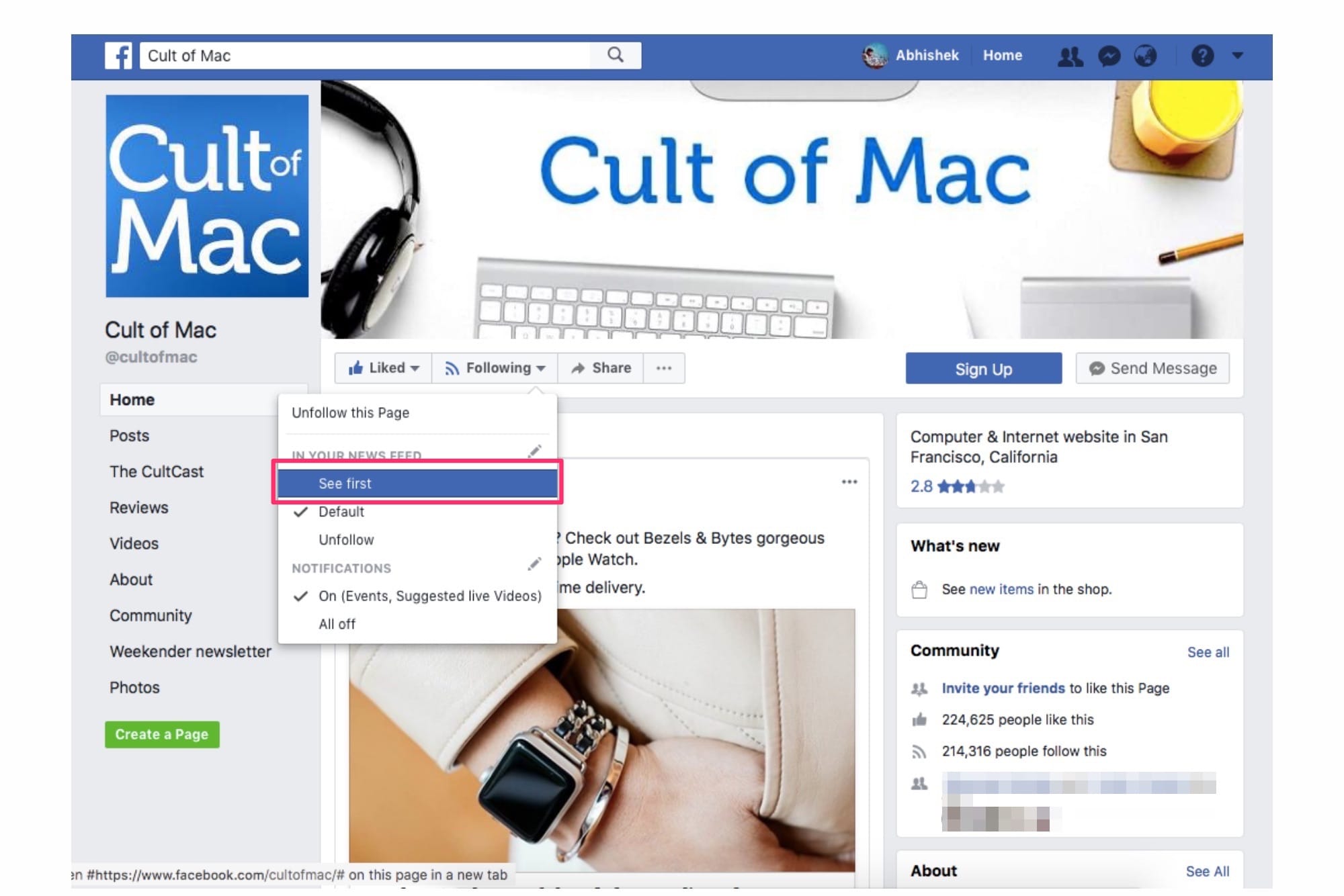
See posts from cult of Mac first
Click "See First" to never miss out on our updates!
Photo: Cult of Mac

Significant changes to Facebook’s News Feed algorithm mean you might not be seeing as much news as usual. Facebook started prioritizing posts from friends over posts from pages and publications.

While this might be a welcome move for everyone who uses Facebook to stay connected with friends and family, not everyone uses the social network with the same goal in mind. I’m sure a certain number of people still prefer using Facebook simply to keep in the news loop or interact with communities/brands who are not “friends.”

Would you rather use Facebook to keep yourself updated on all things, say,  Apple? If yes, here’s how you can make sure to see stories from Cult of Mac at the top of your Facebook News Feed.

This shotgun-style microphone is perfect for YouTube shooters [Review]

By

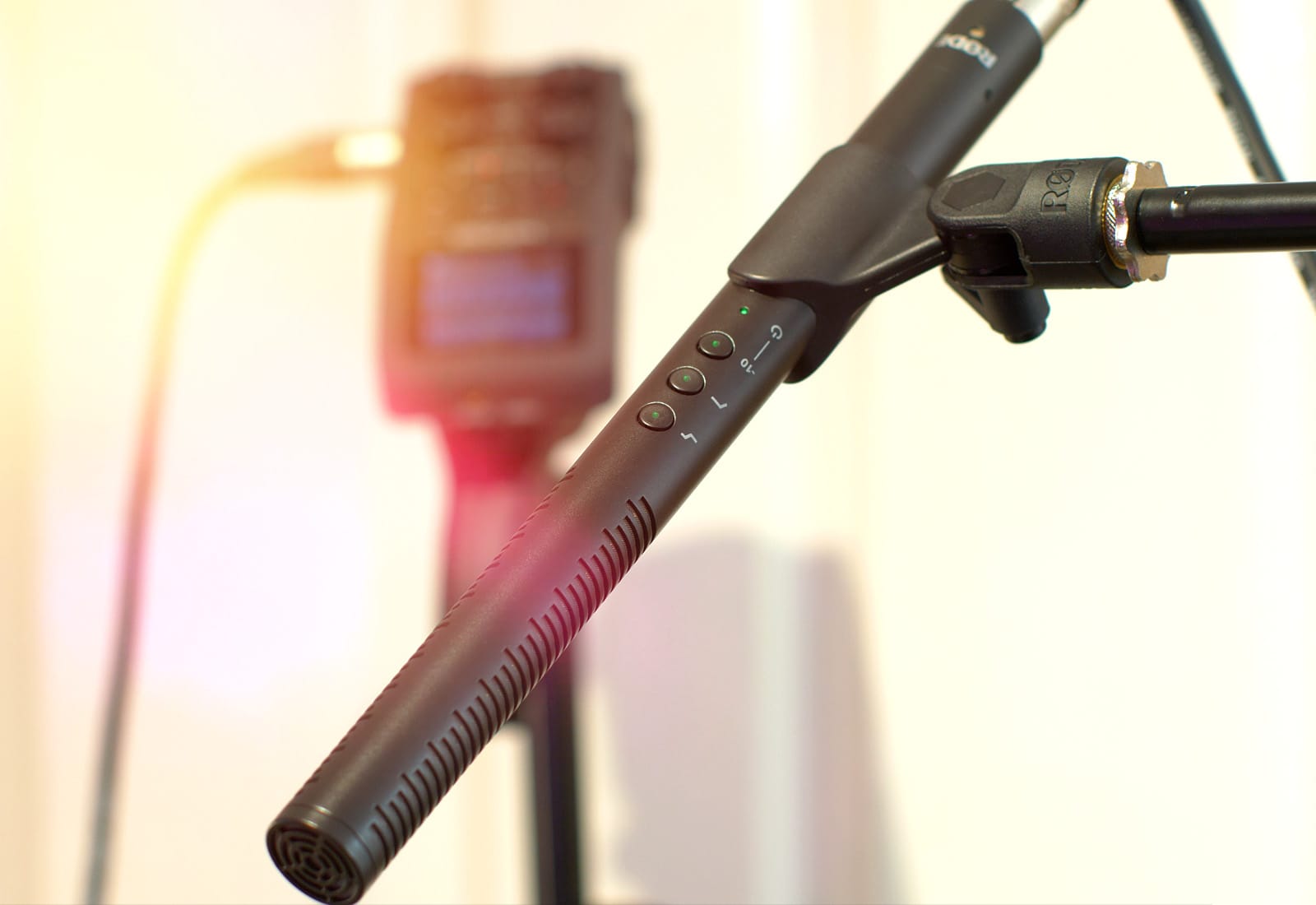
The Rode NTG4+ microphone makes our YouTube videos sound super-crispy.

Photo: Ste Smith/Cult of Mac

Since I started running Cult of Mac‘s YouTube channel, I’ve been striving for the best visuals and audio possible. Compare our latest videos with some of our earlier ones, and you should see improvements across the board.

I’ve always neglected audio, but I’ve learned over time that sound proves vital to crafting quality videos. With that in mind, I recently tried out the Rode NTG4+ microphone. Now it’s part of my essential kit for creating videos.

Check out my video review below.

How to disable iOS 11.3’s new battery Performance Management feature

By

battery
Next time you complain about Apple battery conspiracy theories, imagine how life would be if your iPhone ran on AAs.
Photo: James Almond/Flickr CC

Ever since Apple introduced a measure to stop iPhones from unexpectedly shutting down in iOS 11, politicians and other morons have jumped on the story to gin up publicity for themselves. Now, thanks to their efforts, Apple has added a control that lets you switch off iOS 11’s Performance Management.

If you do switch it off, then your iPhone will stop slowing performance when the battery is too weak to supply enough power, and instead you can again face unexpected shutdowns. Here’s how.

Why Apple won’t need to throttle iPhone 8 or iPhone X so severely

By

iphone x
iPhone X won't be hit with severe throttling.
Photo: Ste Smith/Cult of Mac

Apple won’t need to throttle the performance of iPhone 8 or iPhone X so severely as they age.

Its latest devices use more advanced hardware and a different power management system that allows iOS to avoid unexpected shutdowns without having to cap processor performance.

This app can help you budget your finances for the future [Deals]

By

PocketSmith does more than visualize the state of your finances, it helps you predict where they'll go.
Photo: Cult of Mac Deals

Saving money is one of the most important things you can do, and one of the most difficult. We’re told to invest our money in a 401k, the stock market or, by some dubious sources, in cryptocurrency. Unfortunately, each is a risk (some more than others); what really helps is being able to watch and predict the course of your personal finances.

Apple Watch detects diabetes with 85% accuracy

By

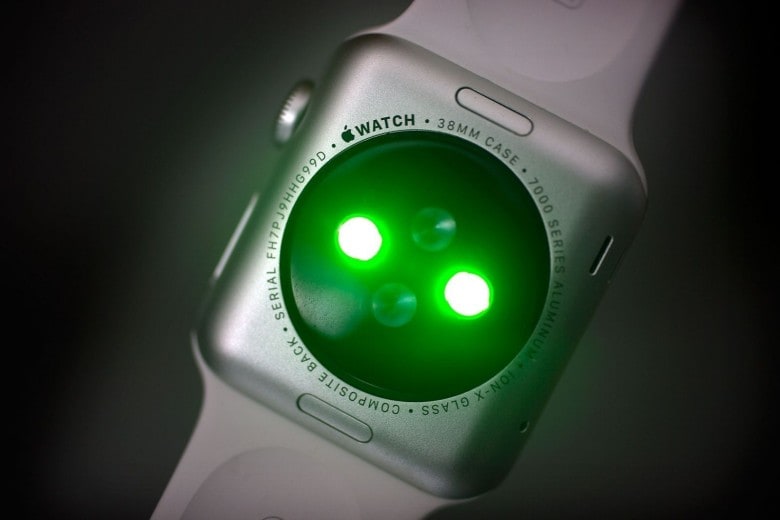
Apple Watch's heart rate monitor
Apple Watch's heart rate monitor is set to get a big upgrade.
Photo: Jim Merithew/Cult of Mac

Figuring out if you have diabetes could soon be as easy as strapping on an Apple Watch.

A new study from Cardiogram shows that by using heart rate monitors on wearables like the Apple Watch, neural networks can now detect whether the wearer shows early signs of diabetes with astonishing accuracy.

Happy Valentine’s! Get an extra $10 on every gadget trade-in

By

The quickest and easiest way to get paid for your old devices.
Photo: MyPhones Unlimited

With only one week until Valentine’s Day, we’re here to help pump up your budget. Whether you’re taking out your special someone or just consuming dangerous amounts of ice cream alone, we’re giving judgment-free cash for all of your old Apple devices.

In less than a minute, you can see how much your old device is worth and have a box on its way straight to your doorstep. Head over to Cult of Mac’s gadget buyback page and see how much you can get. And don’t forget to use the coupon code “cupid” to get an extra $10!

Drag-and-drop the news with Lire RSS reader

By

lire
Lire has a nice icon.
Photo: Charlie Sorrel/Cult of Mac

Lire is an RSS reader for iOS, and it just added a great update in the form of drag-and-drop. Now you can grab any news story and drag it either to Lire’s own drop-shelf (iPhone and iPad), or to another app (iPad). It really makes great use of iOS 11’s drag-and-drop, but is let down by other apps’ poor implementation for receiving dropped items.