For some people, Thanksgiving is a day to stay home, stuff themselves silly, and watch football on the couch until the turkey coma sets in around 7 p.m. For other people, though, Thanksgiving means traveling — making it more difficult to catch the Turkey Day football action.
If you’re spending Thanksgiving on the road or at a friend or family member’s house, it might be tough to keep up with the NFL games. Luckily, there are several ways you can watch the Thanksgiving NFL games on your iPhone.
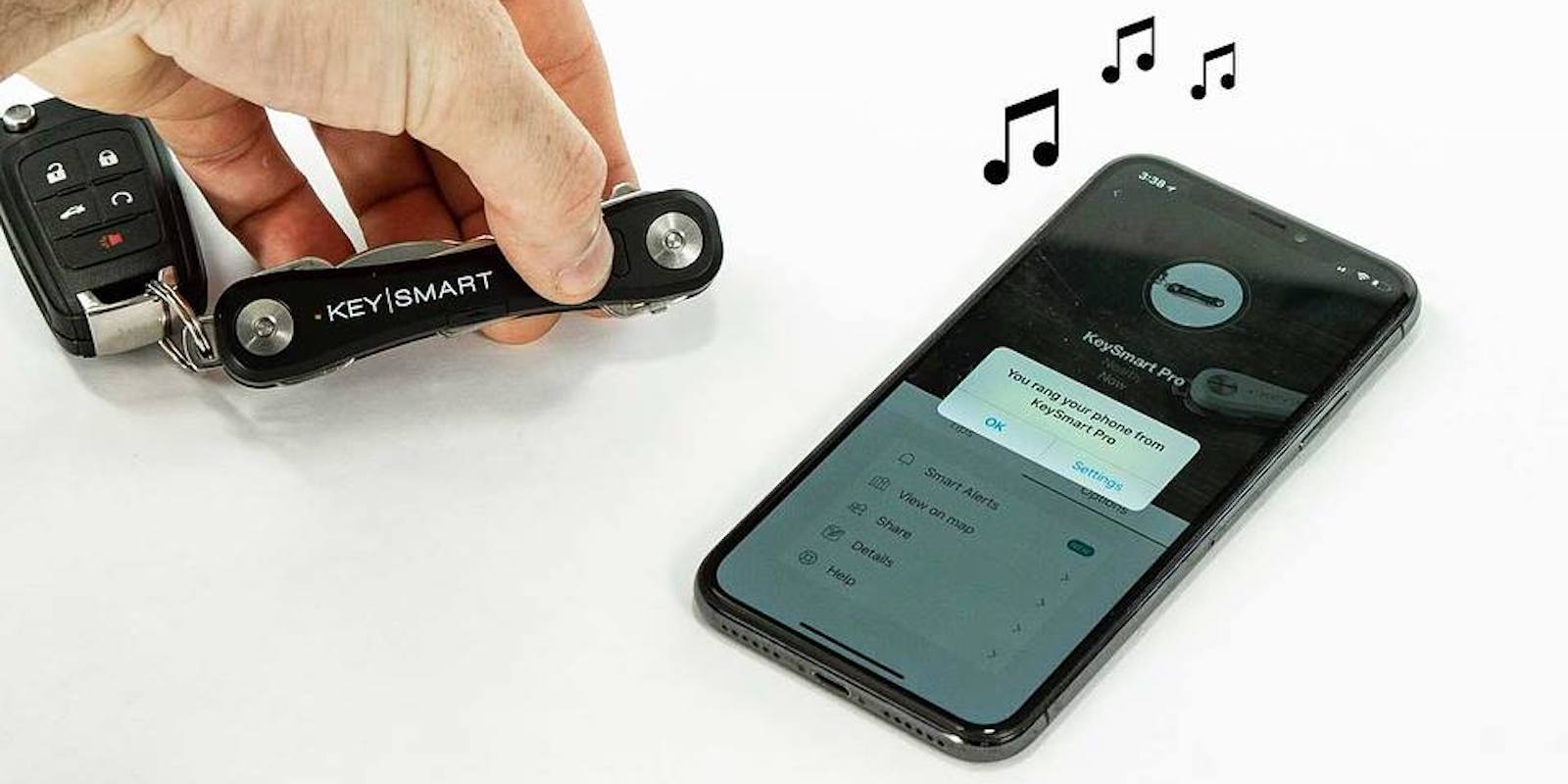
Keysmart Pro with Tile allows you to find your keys via your iPhone Photo: Cult of Mac Deals
You don’t need to be told how frustrating losing your keys can be. There are few items so important to daily life, so it makes sense to loss-proof them. It’s even better if you can add extra utility in the process.
Are you exposing sensitive data in the cloud? Photo: Charlie Sorrel/Cult of Mac
I have a friend who came back to the iPad with the iPad Pro, and the first thing he started whining about was that there’s no way to create a local folder in the Files app. He doesn’t want to store everything in iCloud. Which reminded me of this great feature. All of Apple’s big iOS Apps — Pages, GarageBand, Numbers, and so on — let you choose where they store their files. The default is iCloud Drive, but you can choose pretty much any place you like, from Dropbox, to your iPad itself, to pretty much any third-party storage app. Let’s see how it works.
Friends don’t let friends get to this stage. Photo: Charlie Sorrel/Cult of Mac
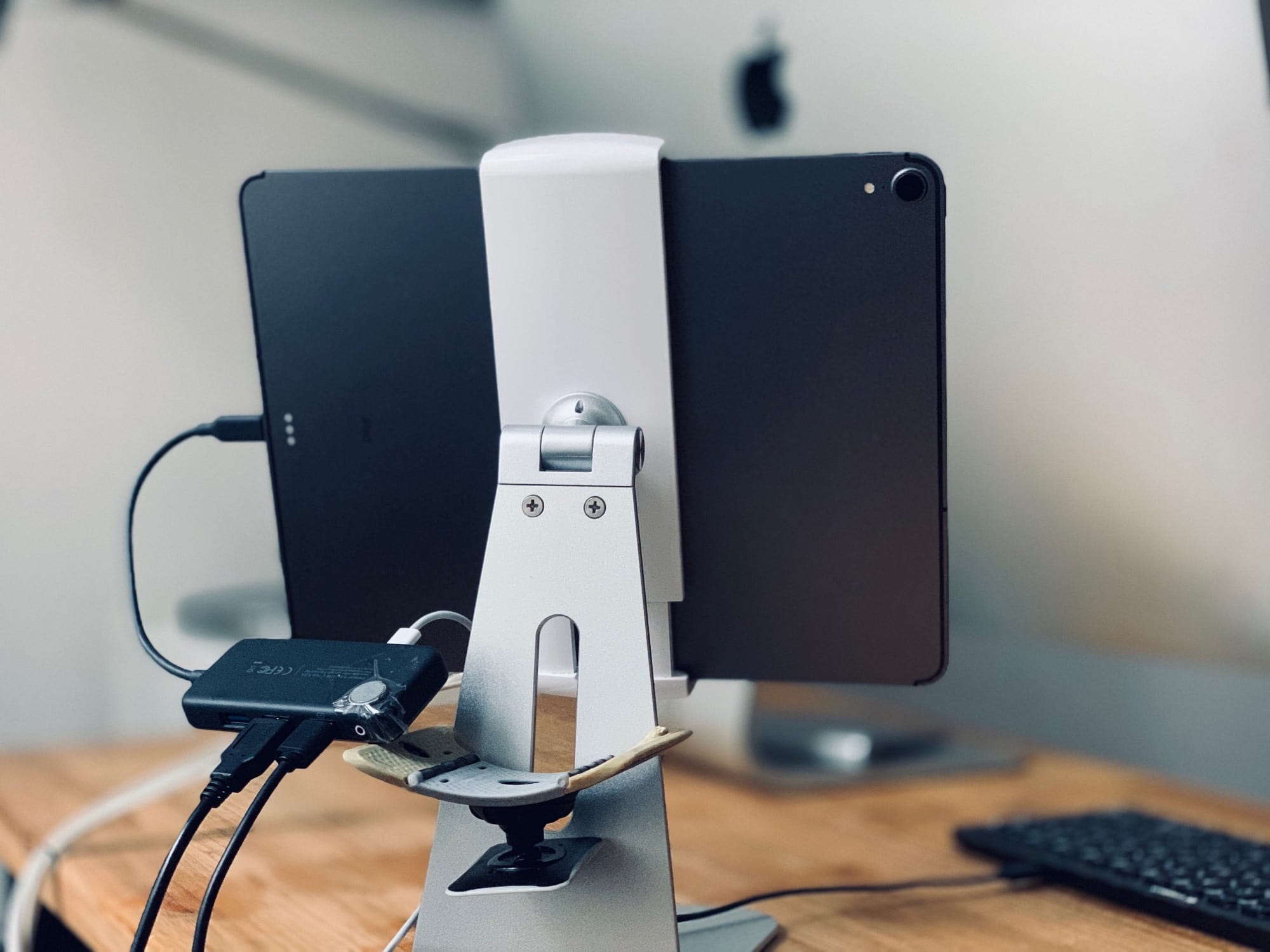
If you have a new 2018 iPad Pro, then you probably need a new USB-C hub. Without it, you can only plug in one accessory at a time, and that includes the charger. With a hub, you can plug in an almost unlimited number of USB devices (and other gear), plus provide power for everything at the same time.
The problem is, almost all USB-C docks are designed for laptop computers like the MacBook. They’re designed with short tails so they can sit on a desk next to the MacBook’s desk-level USB-C port, and plug in without trailing a long cable all over the place. But these short tails are terrible for the iPad — especially if you use the tablet on a stand.
They result in a dongle dangling from the iPad, trailing all the cables and accessories hooked up to the hub. This puts a strain on the USB-C port, and reduces mobility for the iPad. It also looks ridiculous. Ditto those docks that clip to the iPad itself. They’re a disaster waiting to happen. Fortunately, I have a better idea.
Apple Watch Series 4 loves getting wet. Photo: Graham Bower/Cult of Mac
While many of us learn to swim at school, plenty of people never return to the pool as an adult. If that sounds familiar, but your shiny new Apple Watch Series 4 is tempting you to dip your toe in the water again, this guide to swimming with Apple Watch is for you.
We’ll take a look at what equipment you’ll need, how to use your watch for swimming, how to structure your workouts for maximum fitness gains, and how to track your progress in Apple’s Activity app.
Let’s dive in and start swimming with Apple Watch.
AirFly brings pristine wireless listening to any and every location. Photo: Twelve South
Got a long flight home this holiday season? Wish you could listen to in-flight TV with your AirPods? Want to hear the gym cardio machine’s TV audio with your wireless headphones?
Now you can, thanks to Twelve South’s AirFly — a tiny device that connects wireless headphones to wired audio jacks on planes, in fitness centers and anywhere else wired headphones were previously required. Just pair your wireless headphones with AirFly, plug it into the headphone jack, and you’re ready.
This wondrous little machine makes an excellent travel buddy and stocking stuffer this holiday season. Grab it from our Watch Store now!
A totally legit audio-routing setup. Photo: Charlie Sorrel/Cult of Mac
Up until last year, if you plugged a pair of headphones into your Mac, the speakers were effectively disconnected. There was no way to send simultaneous audio stream to both headphones and speakers. Now, with modern T2-equipped Macs, you can double up on audio. For instance, you could have alerts sound through the built-in speakers, with music routed through the headphone jack, so you don’t get notifications interrupting your banging tunes.
The best part is that its really easy to set up. And, if you prefer the old behavior, you don’t have to do anything.
The new USB-C hub indicator icon on the 2018 iPad Pro. Photo: Cult of Mac
When you plug a USB-C hub into your new iPad Pro, you will see a new icon appear in the iOS status bar, up on the right by the battery, Wi-Fi, and LTE status icons. It’s a little blue lozenge with an icon of an old-style Camera Connection Kit in it, and it appears for just a short moment.
The new icon is handy to let you know that your hub has been recognized, but it doesn’t always work as expected.
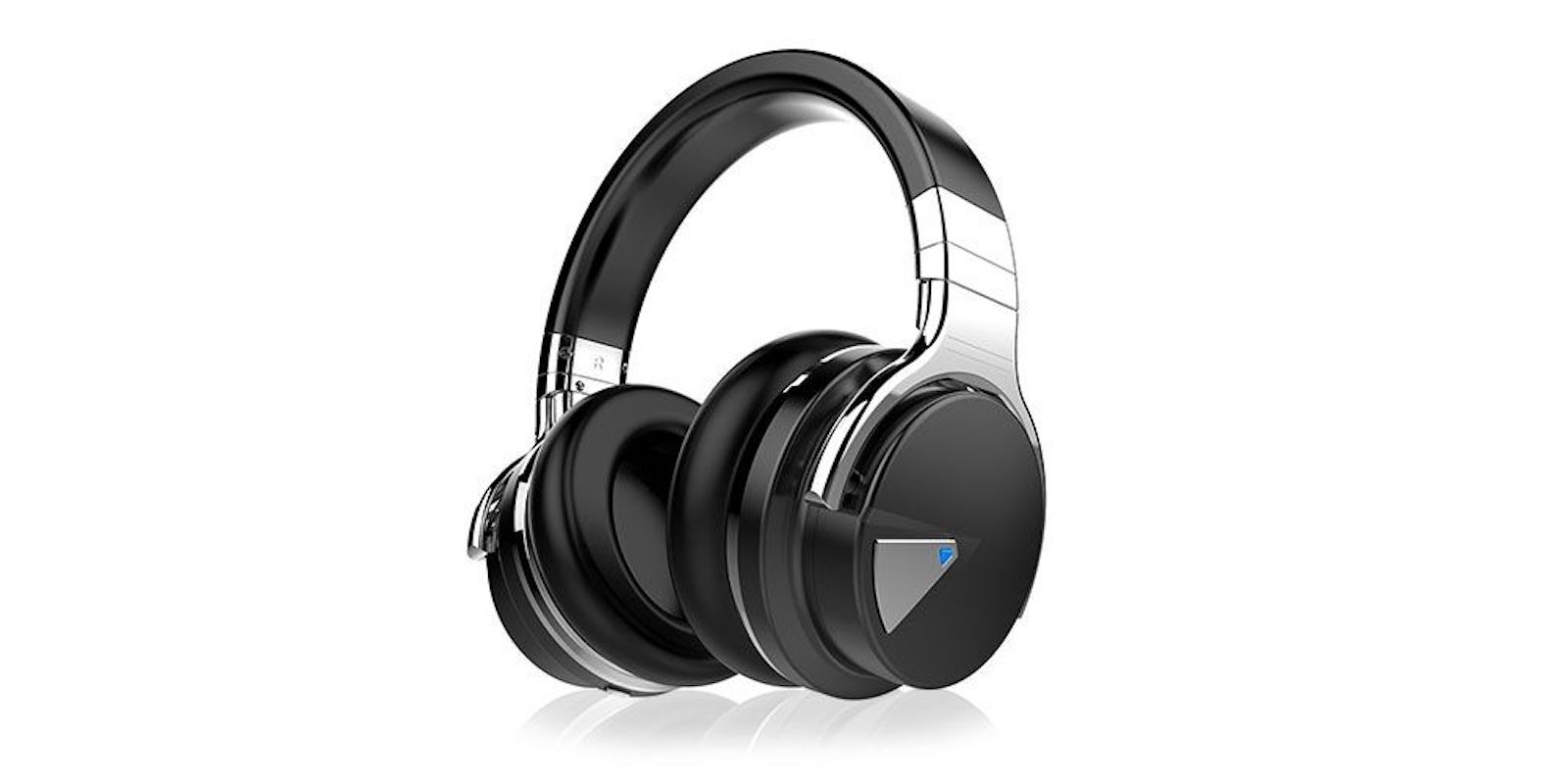
These Bluetooth over-ears sport noise cancellation and a 30 hour battery life, making them the perfect travel companion. Photo: Cult of Mac Deals
Let’s be honest. For most of us, traveling is more about the sights than the sounds. On the plane, train or out in the world, noise-canceling headphones make it easy to be alone with your music or shows. Black Friday approaches, so it’s a great time to get a set for a fraction of the usual price.
Better performance than most laptops comes up in Apple’s new video called 5 Reasons iPad Pro can be your next computer. Screenshot: Apple
In a previous iPad advertisement, Apple famously asked “What’s a computer?” The company has taken a step past that with its latest ad that urges people to make an iPad Pro their next computer.
The less-than-a-minute video goes on to delineate some of the capabilities of the latest iOS tablet.
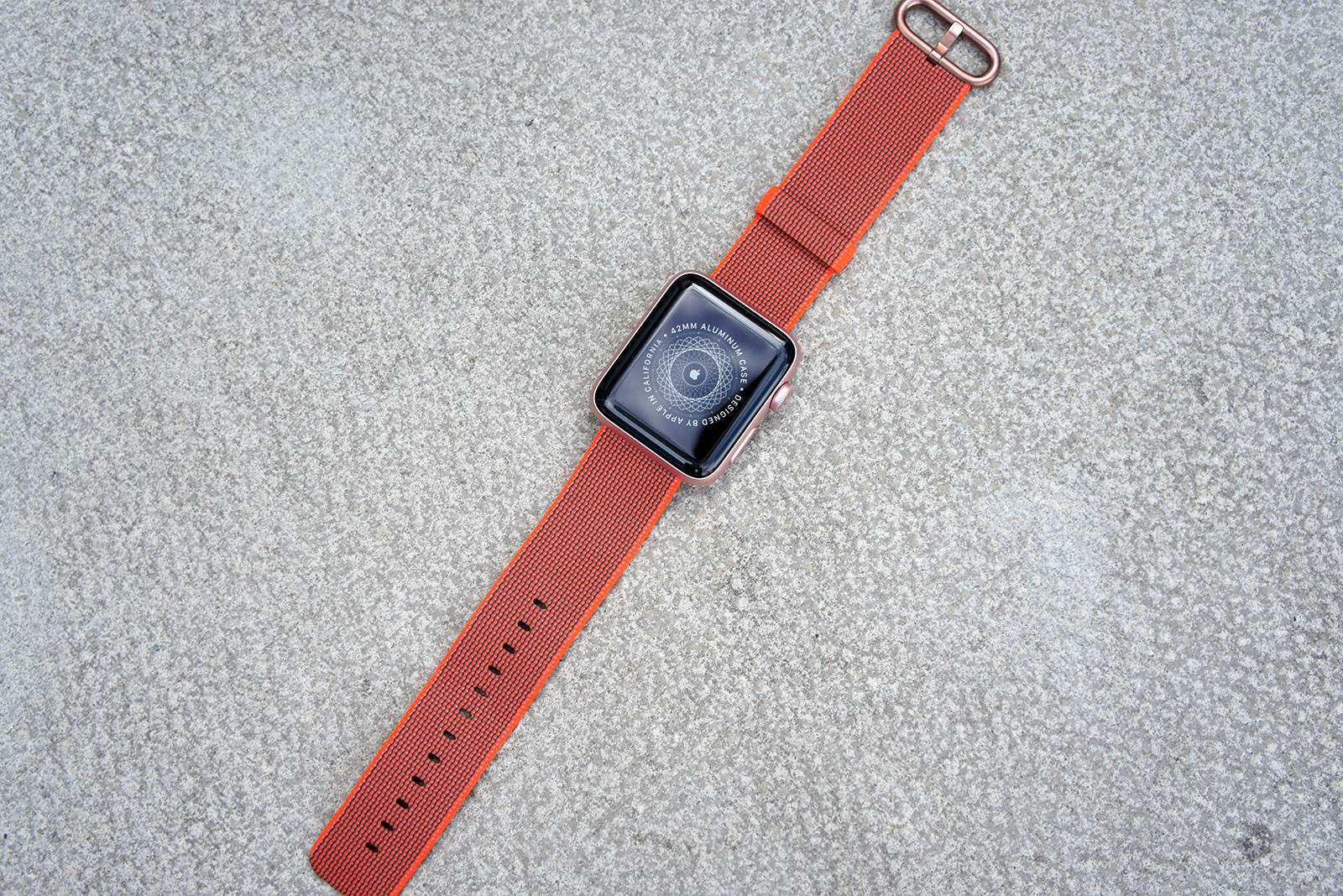
Bag an Apple Watch for under $185 today only. Photo: Ste Smith/Cult of Mac
Retailers are offering big discounts on the Apple Watch for Black Friday, and you can fund your upgrade by selling your old model to Cult of Mac. The whole process is quick and easy, and we typically pay more than other buyback services like GameStop and Gazelle.
Find out how much your Apple Watch is really worth today!
If only all text was so easy to translate. Photo: Charlie Sorrel/Cult of Mac
Today we’re going to make a Siri Shortcut that takes any text, converts it into English, and copies it to the clipboard. Never again will you have to struggle with a foreign menu on a web page, or a snippet of text from a non-English news site.
There are a few ways to translate text and websites on iOS, but this shortcut has two big advantages: It’s really, really fast, and it automatically copies the result to the clipboard. If you ever used the otherwise-excellent Microsoft Translate share extension, you will already be sick of having to manually select the result in a tiny window, and then use the share sheet again just to copy it.
The Yohann Wood MacBook Stand is artful and sturdy. Photo: David Pierini/Cult of Mac
In German, the boy’s name “Yohann” means “gift of god.” The same could be said about the Yohann MacBook stand, a sculptural walnut base divine in both look and function.
You may want to say a little prayer when you place your MacBook Pro on this elevating perch for the first time, though. You will wonder how this thing can support your rather expensive machine.
Whether you need to download YouTube video, manage your day-to-day tasks or recover old files, Cult of Mac Deals has you covered with three great Mac apps on sale today.
Tim Cook gave an in-depth interview to HBO. Photo: Saïd Business School, University of Oxford
Tim Cook thinks the tech industry has “missed” doing enough to push gender diversity to break up the male dominated culture in Silicon Valley.
Cook answered the question as part of an Axios interview on HBO, which aired on Sunday. In addition to talking gender diversity, Cook also discussed his daily routine, concerns about the mental impact of Apple devices on users, and privacy regulation.
Check out this week's awesome apps. Photo: Cult of Mac
This week we check out podcast app Pocket Casts, add grain to our RAW images with Darkroom, and speed up the entire internet with Cloudflare’s 1.1.1.1.
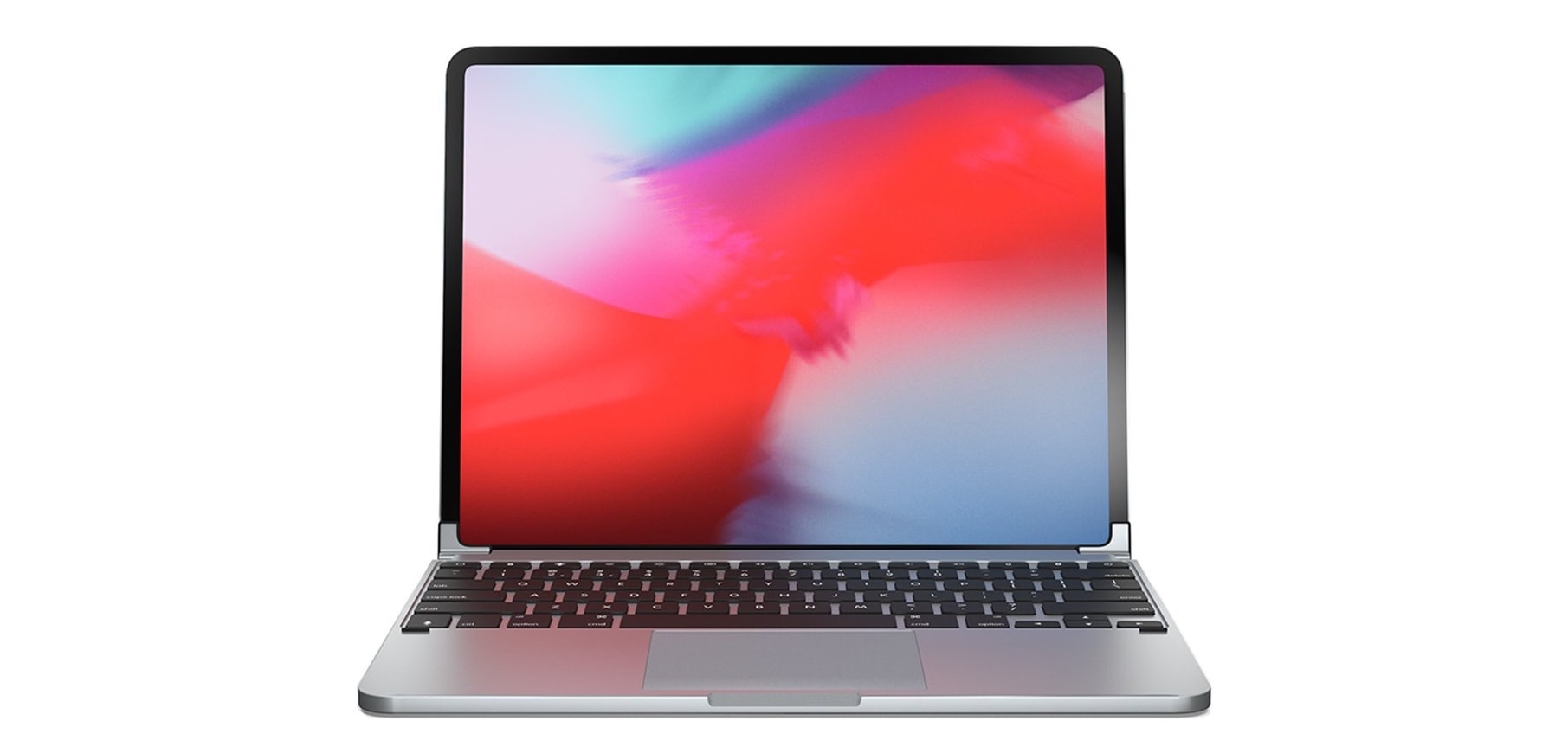
An accessory maker shared a picture of something many people would love: a clip-on iPad Pro keyboard with a trackpad. Sadly, Brydge’s concept device just isn’t possible because iOS doesn’t support external pointing devices.
At least, that’s true for now. But mouse/trackpad support is a often-requested feature, and there’s reason to think Apple is at least considering it.
UPDATE: Turns out Apple was considering it, and mouse/trackpad support is built into iPadOS 13. Learn how to use a mouse with your iPad.
Turn your iPhone into a 360 degree camera Photo: Cult of Mac Deals
The latest iPhone’s camera is almost near perfect in every way. The only thing missing is real time photos and videos in 360 degrees. This is where the Insta360 Nano steps in; creating a new immersive video and photo experience.
What did we do before this wonderful thing arrived? Cover: Leander Kahney/Cult of Mac
Seven sinfully satisfying days. That’s what the Cult of Mac staffers who ponied up for the new iPad Pro describe as they recount their first wonderful week with the stunning Apple tablet. (Even the ones who still think it’s not really a legit laptop replacement are swooning.)
You’ll find those sober assessments, plus new how-tos and reviews, in this week’s issue of Cult of Mac Magazine. Pick up your free subscription on iTunes now. Or, if you like, read on for the week’s best stories.
Spoiler alert: Our free iOS mag is going to look better than ever if you’re one of the lucky ones reading it on a new iPad Pro.
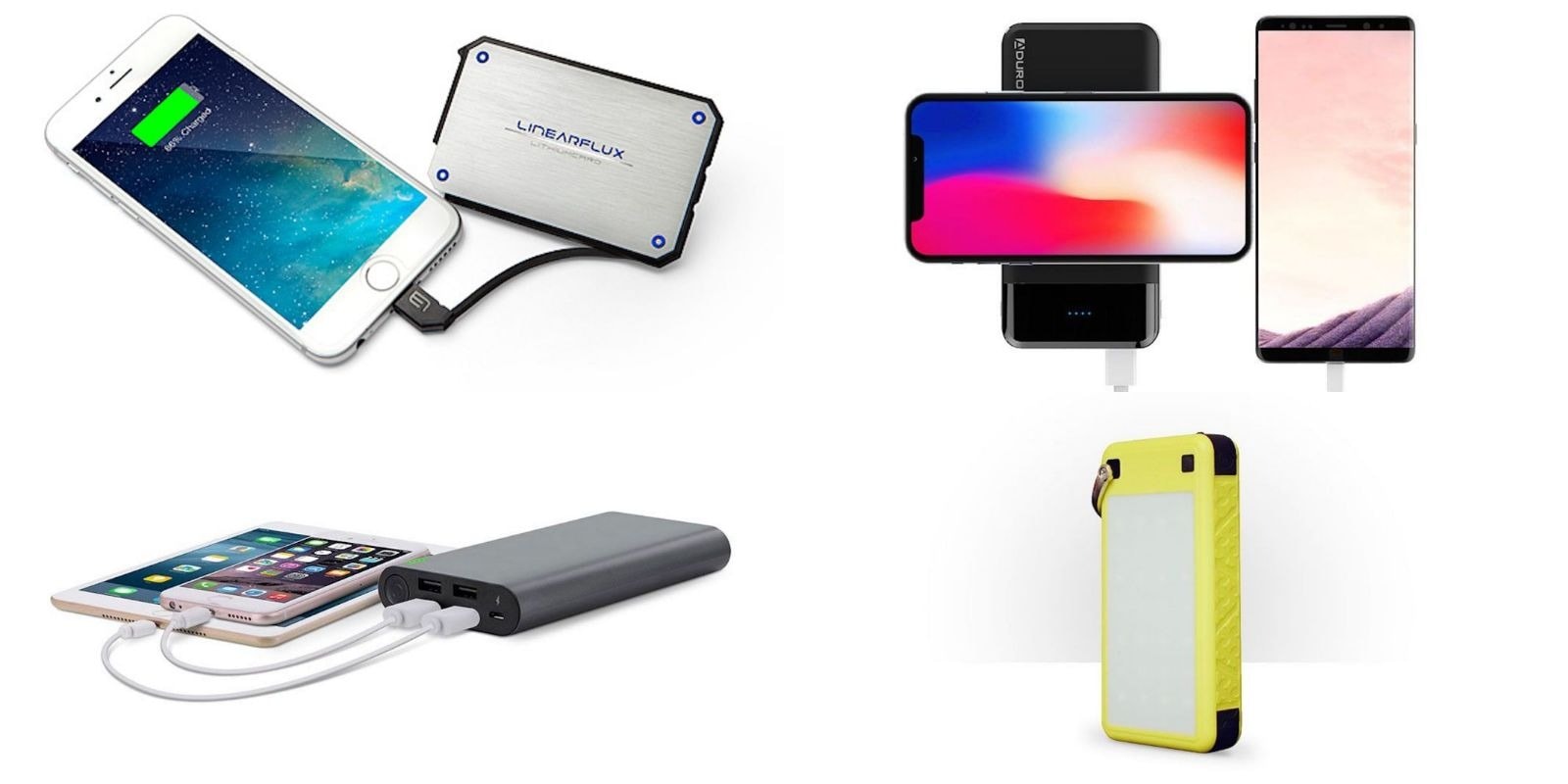
We've rounded up some of the best deals on portable power packs, in time for Black Friday holiday shopping. Photo: Cult of Mac Deals
When it comes to mobile devices, you can never have too much power. Being mobile means being away from wall outlets when you need them most, so we’ve rounded up some of the very best deals on portable power packs.
From solar-powered and tough to ultra-compact, sleek and everything in between, all of them are discounted by more than half.
Any Songmaker Kit can be turned into the GarageBand Edition. Photo: Roli
Roli makes touch-sensitive controllers for music apps, and they come in Blocks, little modular units that can be snapped together via magnets to form bigger, better controllers. They’re kind of like Transformers for music. Now, Roli will now sell you a GarageBand-friendly version of its amazing Songmaker Kit, optimized for use with the Mac version of GarageBand.
But what if you already bought a Songmaker Kit? Should you return it and buy the new one? Nope. The hardware is exactly the same, all you need is a software update.
Today we’ll see what the Songmaker Kit GarageBand Edition can do, and find out how to update your own Blocks to use it.
We've rounded up some of the best deals on the best accessories for MacBook. Photo: Cult of Mac Deals
Pretty much every MacBook user can benefit from a good accessory. So we’ve rounded up some of the best deals on the best peripherals for MacBooks, just in time for Black Friday. Below you’ll find great deals on USB adapters, docking stands, breakaway cables and more!
Shift lets you maintain form and spend less time looking at your wrist. Photo: EdgeGear
A pair of avid runners turned engineers have reinvented the watch band into something kind of genius, and we’ve got it in the Cult of Mac Watch Store.
Your Apple Watch provides a torrent of information – so why wear it in the same spot as the watch your great-grandfather wore? Putting key stats and info in your natural line of sight is not only easier to read, it’s easier to use and it’s safer.
The 2018 MacBook Pro has two new GPUs, and we're pissed.
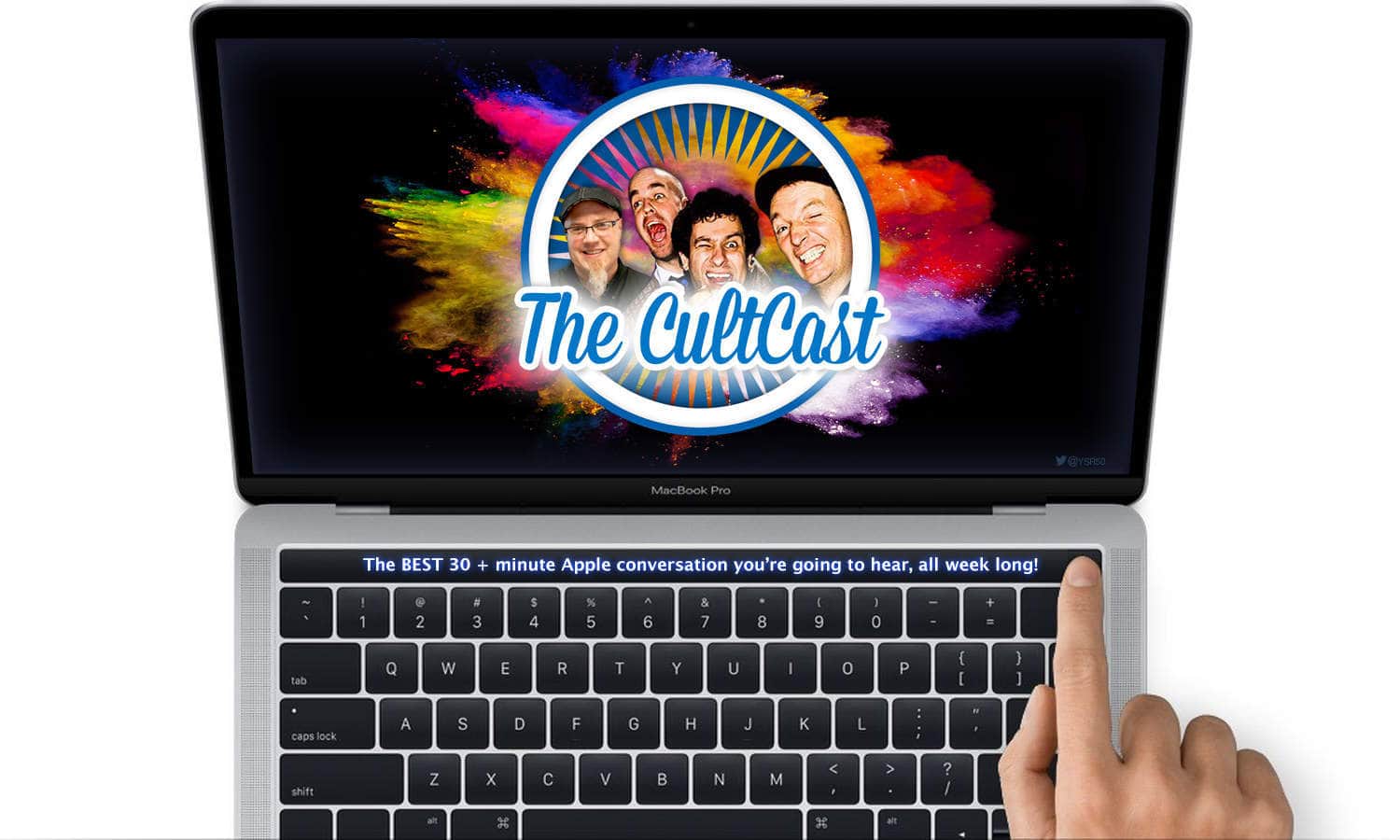
This week on The CultCast: You need to be prepared if you want to lock down the best prices on the best gadgets this Black Friday. We’ll tell you the strategies to use to grab all the good deals most shoppers miss. Plus: The new MacBook Pro GPUs are a huge upgrade, but we’re pissed. (We’ll explain.) Also: Why Apple’s stock has fallen off a cliff. And we’ll wrap up with a Steve Jobs story so mundane, the internet has become fascinated with it.
Our thanks to Squarespace for supporting this episode. It’s simple to accept Apple Pay and sell your wares with your very own Squarespace website. Enter offer code CultCast at checkout to get 10% off your first hosting plan or domain.
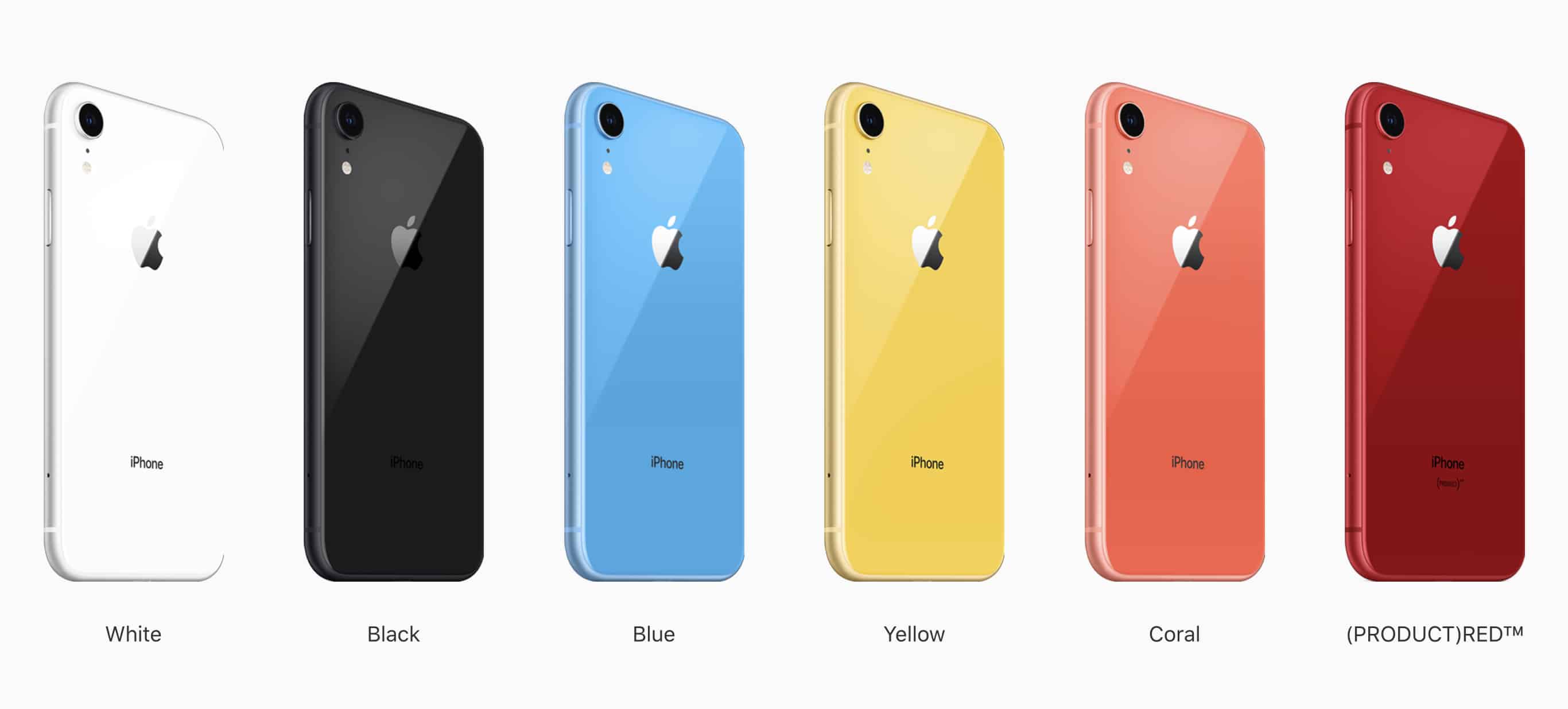
Does this story feed into the idea that iPhone XR sales are weak? Photo: Apple
Sources with knowledge of two of the touch module suppliers for the iPhone XR say the companies expect to see a slowdown in shipments in the first quarter of 2019.
The two companies are TPK Holding and General Interface Solution (GIS), both of whom have worked with Apple for several years. It feeds into concerns that the iPhone XR is experiencing weaker-than-expected sales. Things might not be quite what they seem, however.