Mobile menu toggle

Top stories - page 440

How to use Files app to replace your lame notes app

By

No, not that kind of file.
Photo: Charlie Sorrel/Cult of Mac

After trying out the millionth notes/scrapbooking app for the iPad, I realized that I should ditch apps altogether and just use the built-in Files app. It might be severely limited as an actual file browser, but Files has some big advantages over scrapbooking apps. It makes everything available to Spotlight searches, for one, and it doesn’t create duplicates of your files, because you’re always working with the originals.

Another huge advantage is that marking up PDFs with the Apple Pencil is instant. With all other PDF editors I’ve tried, you have to tap to enter a markup mode. In Files, you just start writing on the PDF. And that’s just the beginning.

Let’s see how it all works.

Here’s a home smart lock that’s 10 times stronger than your deadbolt [Deals]

By

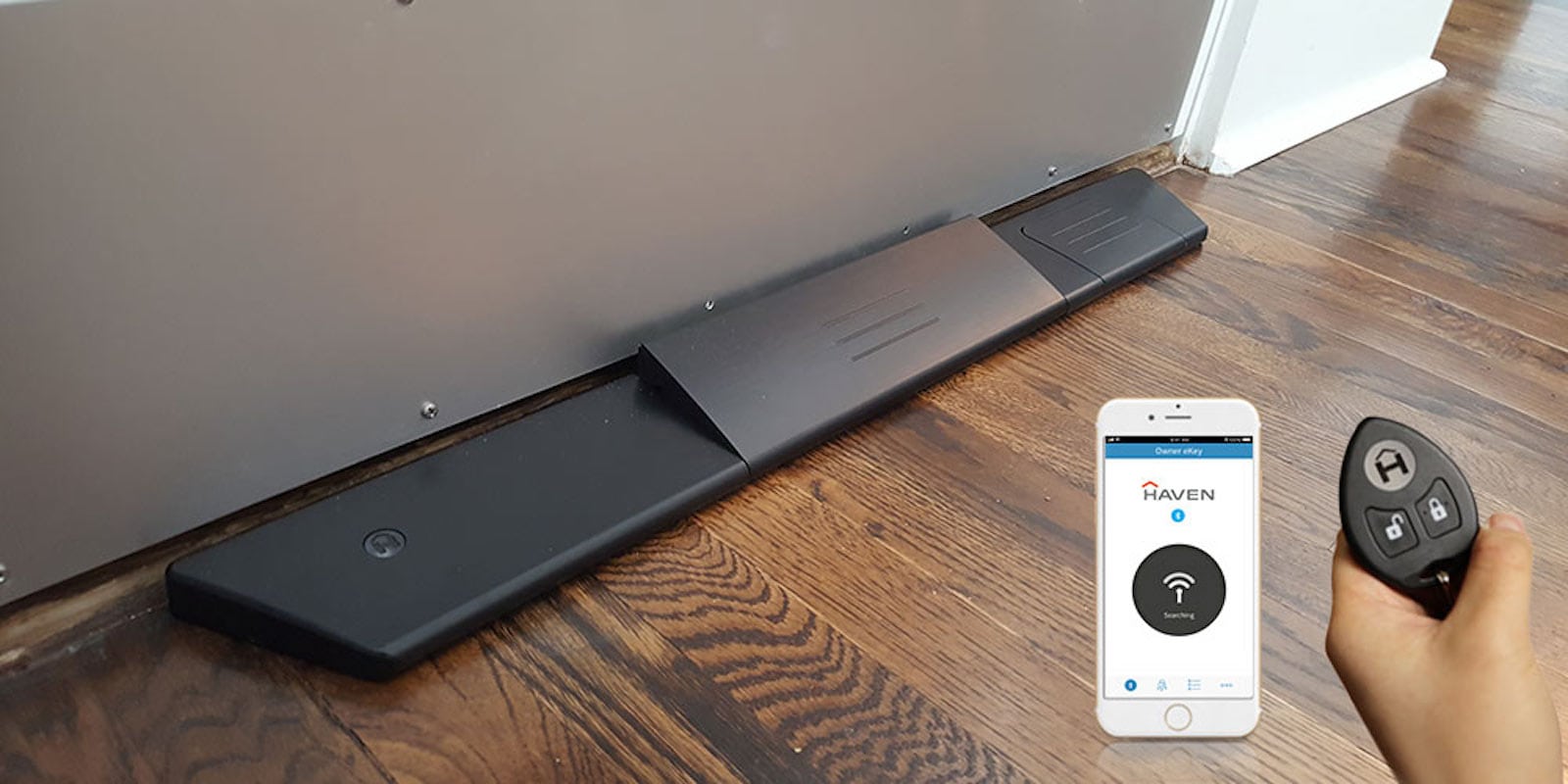
Haven Connect
Keep your home safe with this smarthome deadbolt solution.
Photo: Cult of Mac Deals.

For decades, a strong, well-made deadbolt was the standout method of securing a door against intruders. Yet even in the age of smart-enabled door locks, keypads and other high-tech security alternatives, your protection still inevitably comes down to the actual physical strength of the door you’re defending. Codes and thumbprints and retina scans are only so effective against focused brute force, right?

Replace your home-screen app icons with actions

By

Home screen actions
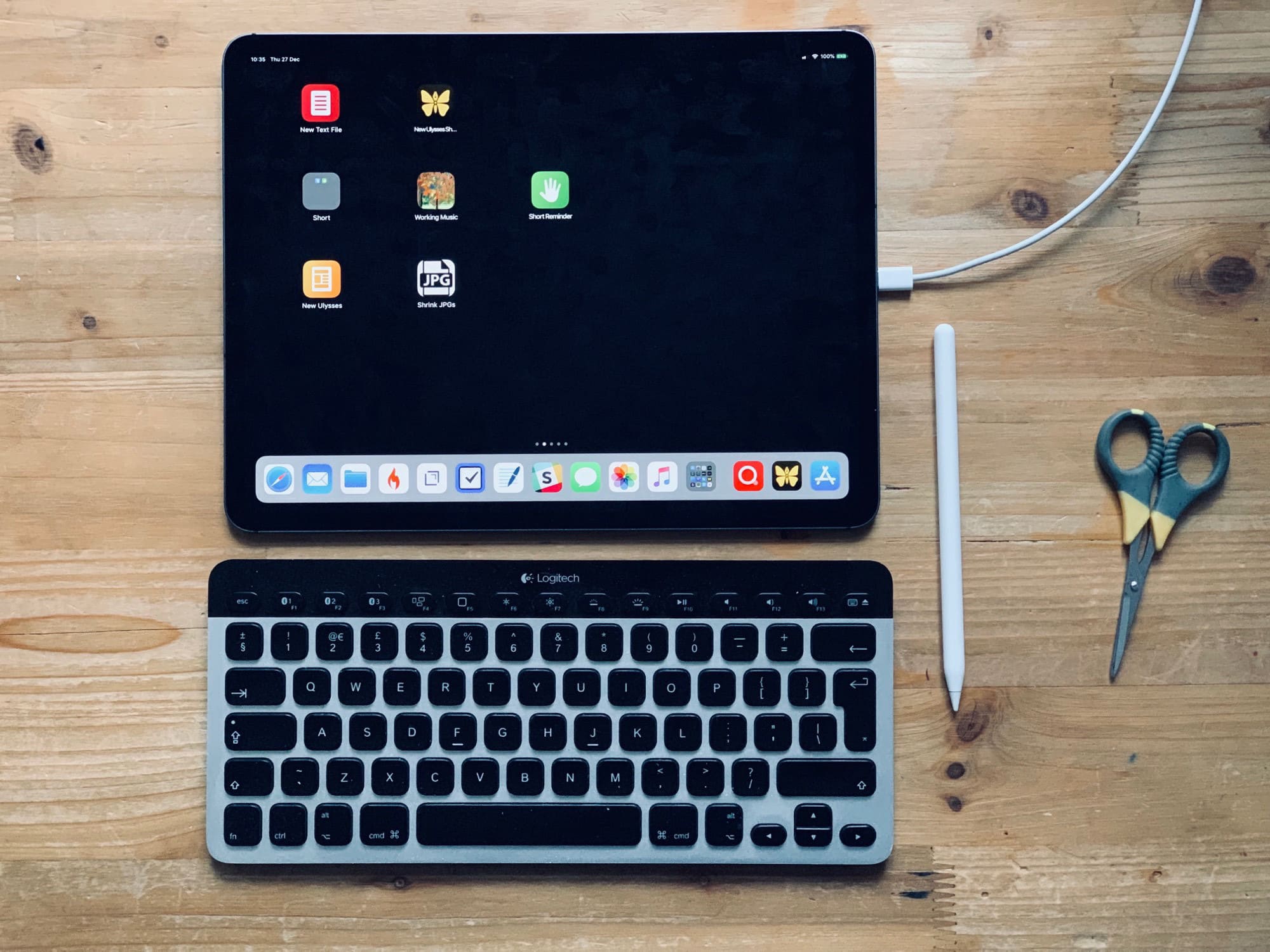
It’s easy to make you home screen more useful.
Photo: Charlie Sorrel/Cult of Mac

The iPad’s home screen is a waste of space. The 4X5 grid of icons looks absurd on the 13-inch iPad Pro. In fact, the fact that you’re limited to a grid of app icons is itself absurd. Where are the live readouts from your weather app or stock ticker? Where are the actions to send a message direct to your spouse/boss without opening an app first?

Worse, because the iPad doesn’t have 3D Touch, you can’t do anything useful with those icons other than launch the app1.

Today we’ll fix that. Using a combination of shortcuts, you can add actions to your home screen, instead of apps. For instance, you can create a grid of custom icons which can email a contact, create a new blank file in your text app of choice, create a quick reminder, and so on. Check it out.

How to cancel iOS app subscriptions

By

It used to be a lot harder to cancel subscriptions.
Photo: Charlie Sorrel/Cult of Mac

Did you get a new iPhone or iPad for Christmas? Maybe you got all excited and signed up for a few subscriptions? And now, perhaps, you’re worried that when the free trial periods end, you’ll be stuck paying for them, and that they’ll be as impossible to cancel as an unused gym membership. No problem! Canceling subscriptions on iOS is almost as easy as signing up to them.

Ranking all the major hardware Apple released in 2018 [Year in Review]

By

Year in Review Every Apple Product 2018
What was your favorite device Apple released this year?
Photo: Killian Bell/Cult of Mac

Cult of Mac Year in Review 2018 It’s been one heck of a busy year for Apple, and we’ve got the devices to prove it! Truth be told, despite Apple’s shrinking share price, this has been one of the company’s best years in a while for hardware.

What was the cream of the 2018 Apple crop? Here’s how we rank Apple’s major new product launches for 2018.

For $34.99, you’ll have complete VPN protection for life [Deals]

By

ZenVPN
Surf the web in anonymity with this VPN.
Photo: Cult of Mac Deals

Why do you need a virtual private network (VPN)? Most shoppers would tell you for security and peace of mind. Others want to get around international geoblocking restrictions. The truth is that most VPN providers worth their salt nowadays will likely cover all the most pertinent VPN needs. So it all comes down to who’s ready to give you the best price?

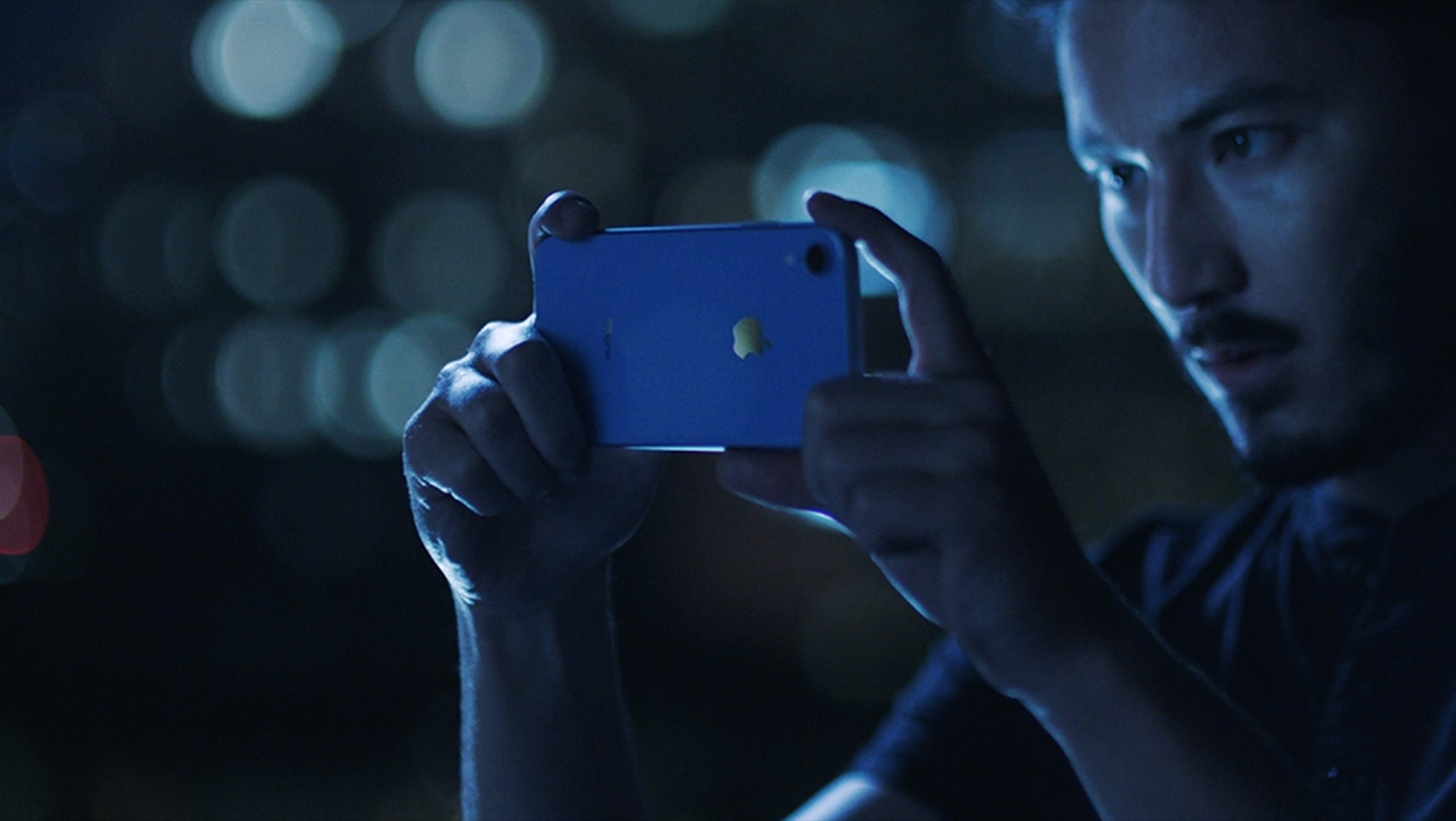
iPhone XR is Apple’s biggest lure for Android lovers

By

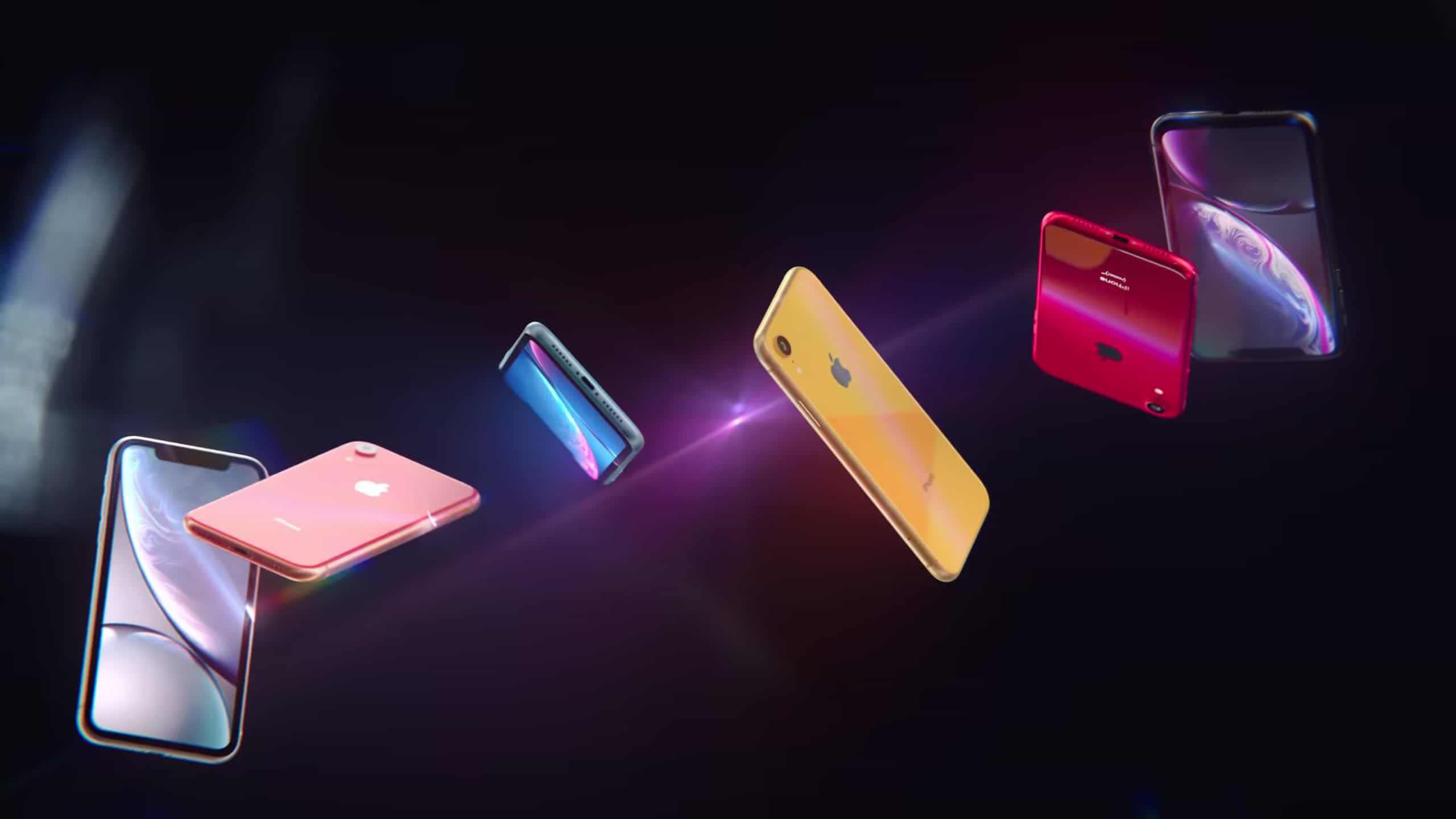
iPhone XR Spectrum ad
iPhone XR sales in its first month were as about as strong as those of previous Apple bandsets right after their launches.
Photo: Apple

The iPhone XR got off to a fairly strong start. In November, this just-launched model made up 30 percent of Apple’s U.S. sales, slightly higher than the iPhone X in Nov. 2017.

But the standout aspect of the XR’s launch is this new model drew in a higher percentage of Android fans than any Apple device in years.

The best Mac apps of 2018 [Year in Review]

By

Year in Review Best Mac Apps 2018: Make Mac great again with one (or all!) of these top apps.
Make Mac great again with one (or all!) of these top apps.
Image: Killian Bell/Cult of Mac

Cult of Mac Year in Review 2018 The Mac may be way older than the iPhone and iPad, but it still has some tricks. 2018 saw some fine updates to some of our favorite Mac apps, as well as some amazing new apps that migrated across from iOS.

Also, Apple injected so much new life into a tired old macOS staple in Mojave that it’s made our top 5 list this year. Can you guess which one it is?

Turn YouTube into your personal promotion platform [Deals]

By

Learn the hows and whys of getting an engaged audience on YouTube.
Photo: Cult of Mac Deals

There are few more powerful platforms than YouTube for connecting with an audience and building a brand. It’s basically the new TV, with mind-boggling numbers of daily engagement. That’s a lot of eyeballs that can point at your content, so it’s worth learning how to get them.

The best iOS games of 2018 [Year in Review]

By

Year in Review Best iOS Games 2018
Every mobile gamer needs to play these titles.
Image: Killian Bell/Cult of Mac

Cult of Mac Year in Review 2018The iPhone and iPad have become insanely powerful devices, with new A-series chips delivering even faster performance every year. That means mobile gaming keeps getting better and better, and 2018 had more than its fair share of groundbreaking releases.

Here’s our roundup of the best games from the past year, which features smash hits like Fortnite, as well as some lesser-known titles that every mobile gamer has to try.

How to upgrade your new iPhone XR

By

The iPhone XR really is a great phone.
Photo: Apple

In recent years, the iPhone setup process has changed as dramatically as the iPhones themselves. Apple just keeps making it easier to do. So easy, in fact, that there are just a few things you need to do to move from your old iPhone to a new one. And setting up a new iPhone XR from scratch isn’t much harder — gone are the days of manually copying passwords just to get to the home screen.

There are still a few tricks, though, that will help things run smoothly. Here’s how to set up your new iPhone XR the right way.

Best apps to download now for your new iPad

By

Best apps for your new iPad
The iPad, home of some of the best apps in existence.
Image: Killian Bell/Cult of Mac

Cult of Mac Year in Review 2018The iPad can be so may different things. I use mine for reading, writing, making music, watching movies, and if I have any time to waste, I might play a game. The iPad is pretty much the ultimate creative tool, but that doesn’t mean that you can’t sit back and “consume” the odd “content” every once in a while.

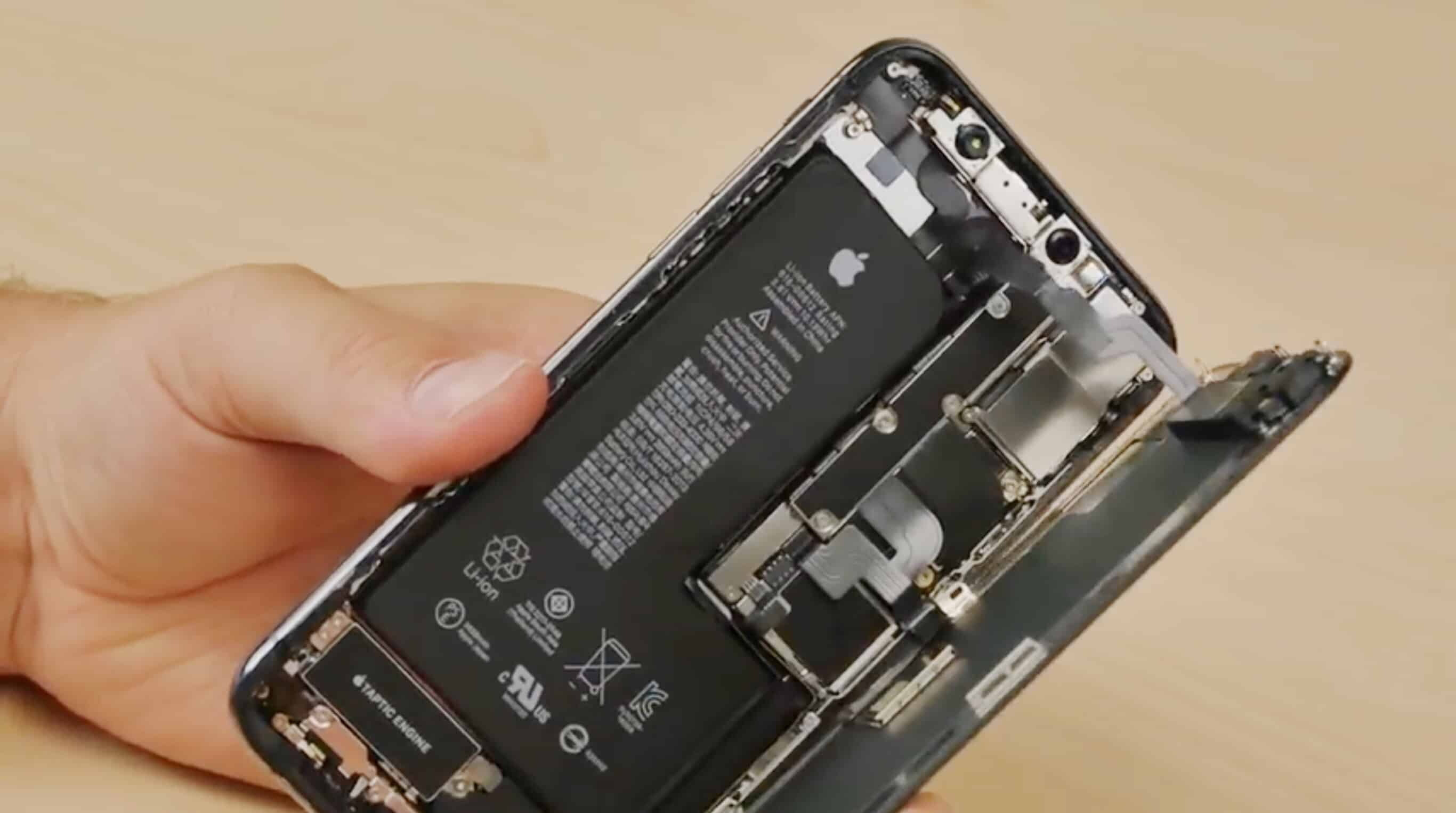
How to upgrade your new iPhone XS

By

The first iPhone XS teardown video shows the unusual L-shaped battery.
Have your iPhone XS up and running ASAP with our setup guide.
Photo: FixjeiPhone

In recent years, the iPhone setup process has changed as dramatically as the iPhones themselves. Apple just keeps making it easier to do. So easy, in fact, that there are just a few things you need to do to move from your old iPhone to a new one. And setting up a new iPhone XS from scratch isn’t much harder — gone are the days of manually copying passwords just to get to the home screen.

There are still a few tricks, though, that will help things to run smoothly. Let’s see how to upgrade to the iPhone XS.

The best iOS apps of 2018 [Year in Review]

By

Year in Review Best iOS apps 2018
Don’t miss out on these awesome iOS apps.
Image: Killian Bell/Cult of Mac

Cult of Mac Year in Review 2018There are almost 2 million apps available on iOS today, and yet in 2018, 10 years after the App Store opened its doors, developers continue to deliver new and unique titles that blow us away.

We’ve rounded up the very best from the past year right here. We have terrific text editors, fantastic photography apps, amazing utilities, and lots more.

The best Christmas apps for iOS

By

The Best Christmas Apps for iOS
Our 5 favorite apps for making the most of the holiday season.
Photo: Ian Fuchs/Cult of Mac

The holidays are officially upon us. That means family time, festive celebrations, joyous music and an overabundance of delicious food. To help get you through the holidays, we compiled a list of the best iOS apps to make the most of the season.

Whether you’re looking for a way to provide some entertainment for the kids, hosting friends or family, or just want a way to spread some festive cheer, we’ve got your tree trimmed, so to speak.

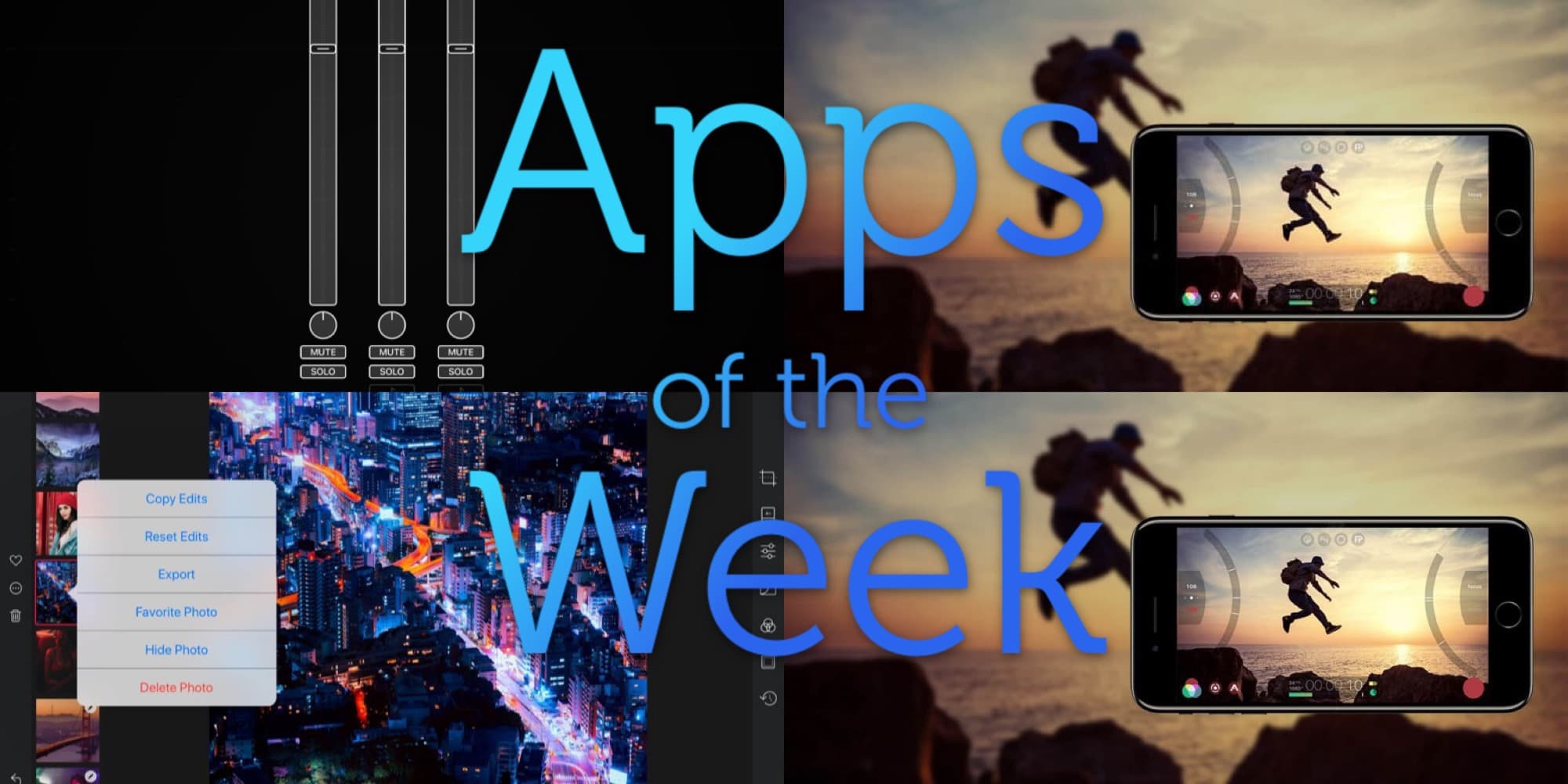
Darkroom for iPad, Audiobus, Filmic Pro, and other great apps of the week

By

What a festive feast of apps we have for you this week.
Photo: Cult of Mac

Oh man, just Darkroom for iPad is enough for this week — it’s that good. If you only use it to browse your photo library it’s worth the download. Also check out Audiobus’ new MIDI learn, Filmic Pro’s crazy, storage-filling new high-Bitrate option, and Agenda’s image and file attachments.

Slay your next screenplay with this powerhouse screenwriting app [Deals]

By

Break out of the loneliness of the creative process with this collaboration-centered screenwriting app.
Photo: Cult of Mac Deals

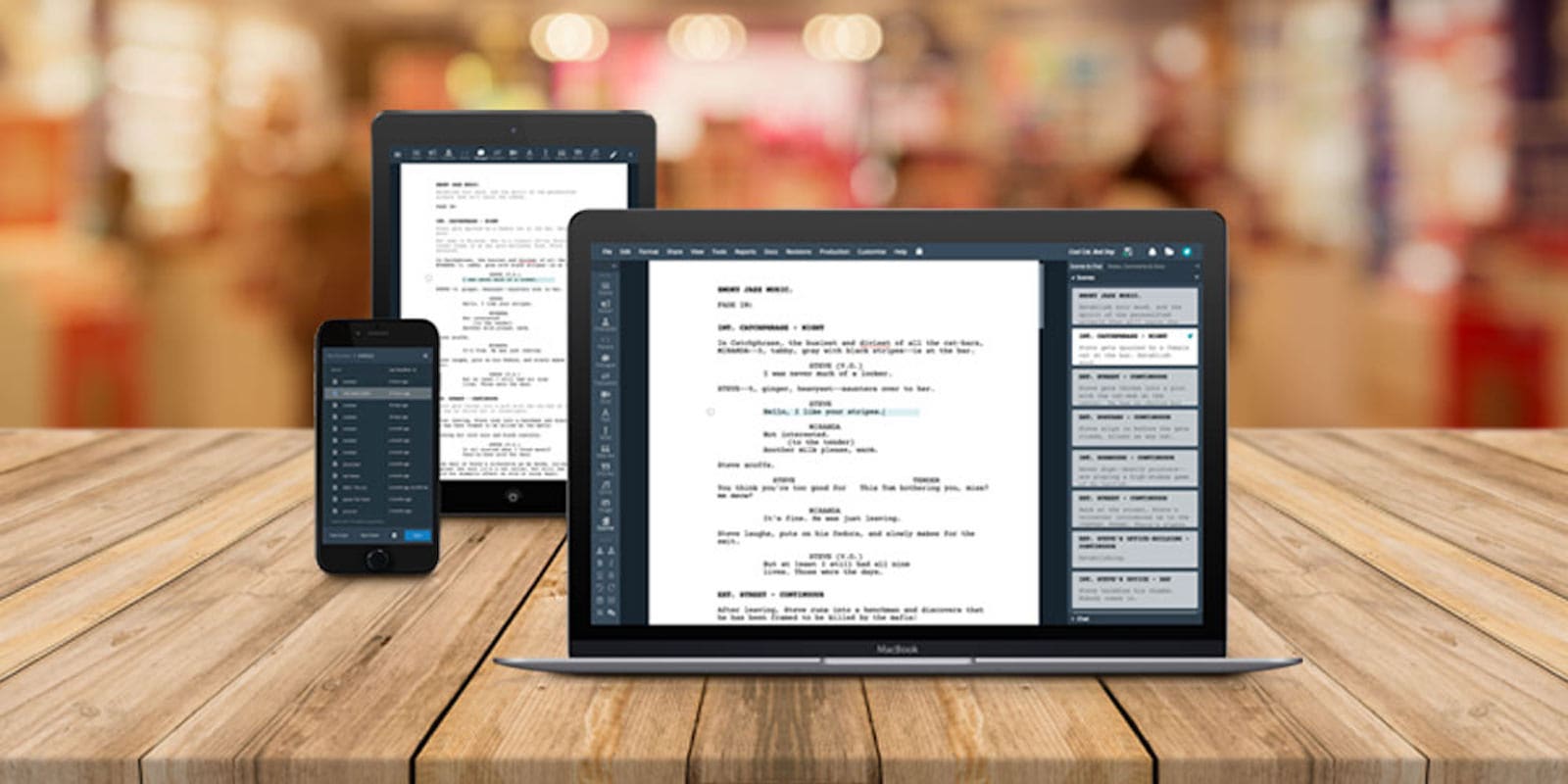
Just like all writing, penning screenplays can be a lonely and painstaking process. That makes this collaborative screenwriting tool a must for anyone writing for TV or film. And right now, you can get WriterDuet Pro for more than half off the usual price.

How to fix your parents’ messed-up computers when home for the holidays [Cult of Mac Magazine No. 276]

By

Cult of Mac Magazine No. 276 cover
Get ready to fix your parents' computer.
Cover: Leander Kahney/Cult of Mac

Christmas time means packing up your daily troubles, forgetting work for a week, and heading home to … troubleshoot your parents’ broken computers and gadgets? Oh man, is it that time of year again already? That’s the problem with being the family’s only geek — you get handed all the geek jobs. However, you can turn this to your advantage, and make it a lot easier, by going in prepared.

Find out how to be the family tech support in the latest free issue of Cult of Mac Magazine. Get it now on iTunes, or keep reading for the week’s best Apple news, reviews and how-tos.

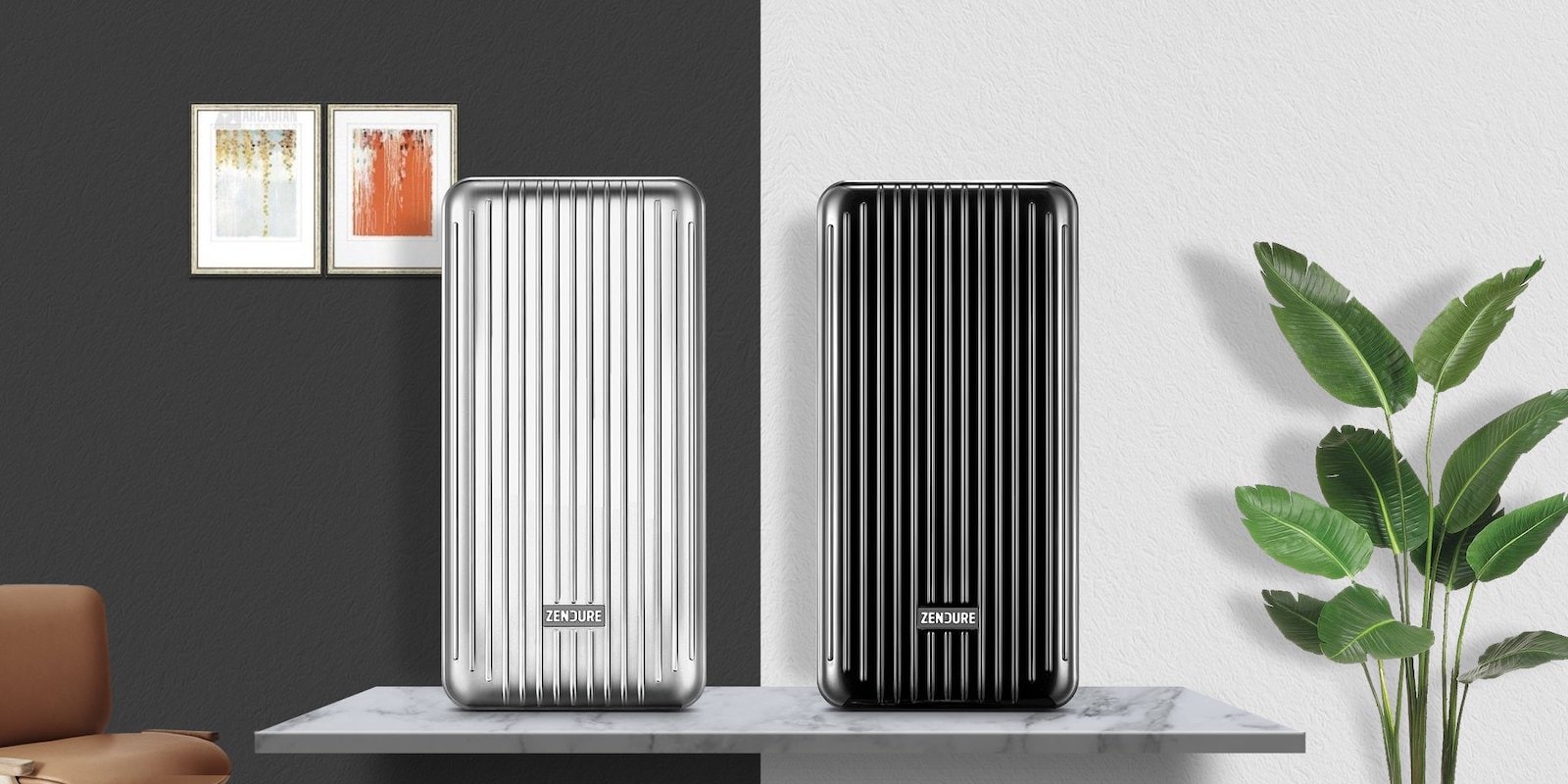
This $68 crush-proof power bank ensures you’ll never be powerless again [Deals]

By

powerbank
Never be caught running on 0% with this tough power bank.
Photo: Cult of Mac Deals

If your home is like many homes, Christmas morning will bring a whole heaping mess of gleaming new tech gadgets splayed out under the tree. In fact, there will probably be so much polished chrome everywhere that you’re gonna feel like you live in an Apple store for at least a few days.

This Shortcut shrinks your huge 4K Christmas videos

By

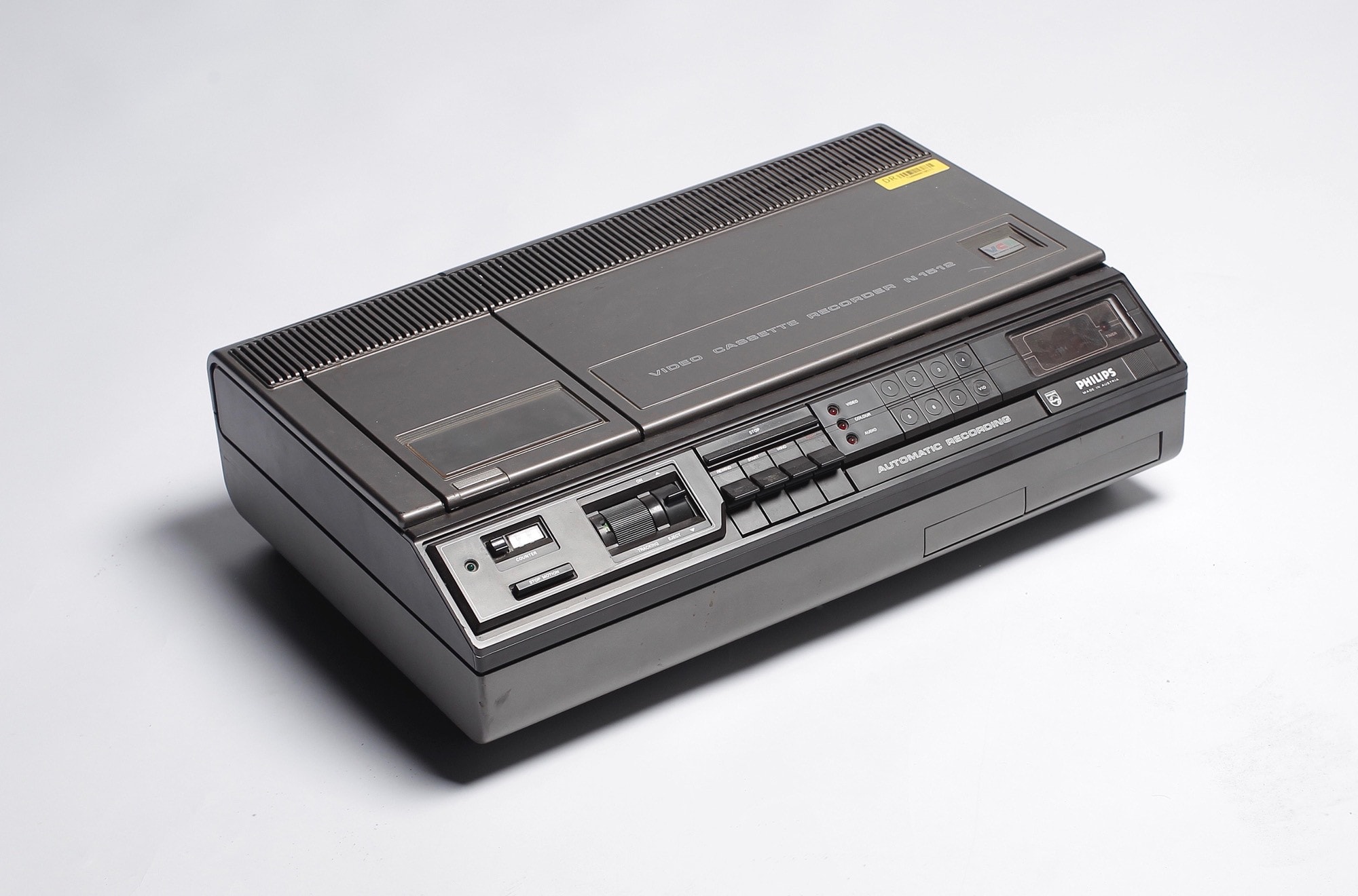
Now this is a big video.
Photo: DRs Kulturarvsprojekt/Flickr CC

“This is going to be the best Christmas video ever!” you tell yourself. You have an iPhone XS, it’s set to 4K at 24 frames per second, and you’re framing your shots like a pro. Smart HDR will illuminate the smiles on the faces of your nieces and nephews, and stabilization will take care of your hangover jitters.

“Oh man, I can’t wait until these morons see this in their iMessages, using iOS 12’s great Share Back feature,” you think somewhat uncharitably, while squeezing a handy link into your thoughts.

Then reality grabs you. That 5-minute 4K clip of the angels ripping their way through a forest’s worth of wrapping paper is over 1.5GB. There’s no way you can share that on your parents’ crappy internet connection. Why oh why didn’t you shoot at 720p? Luckily, Shortcuts is here to save the day. Again.

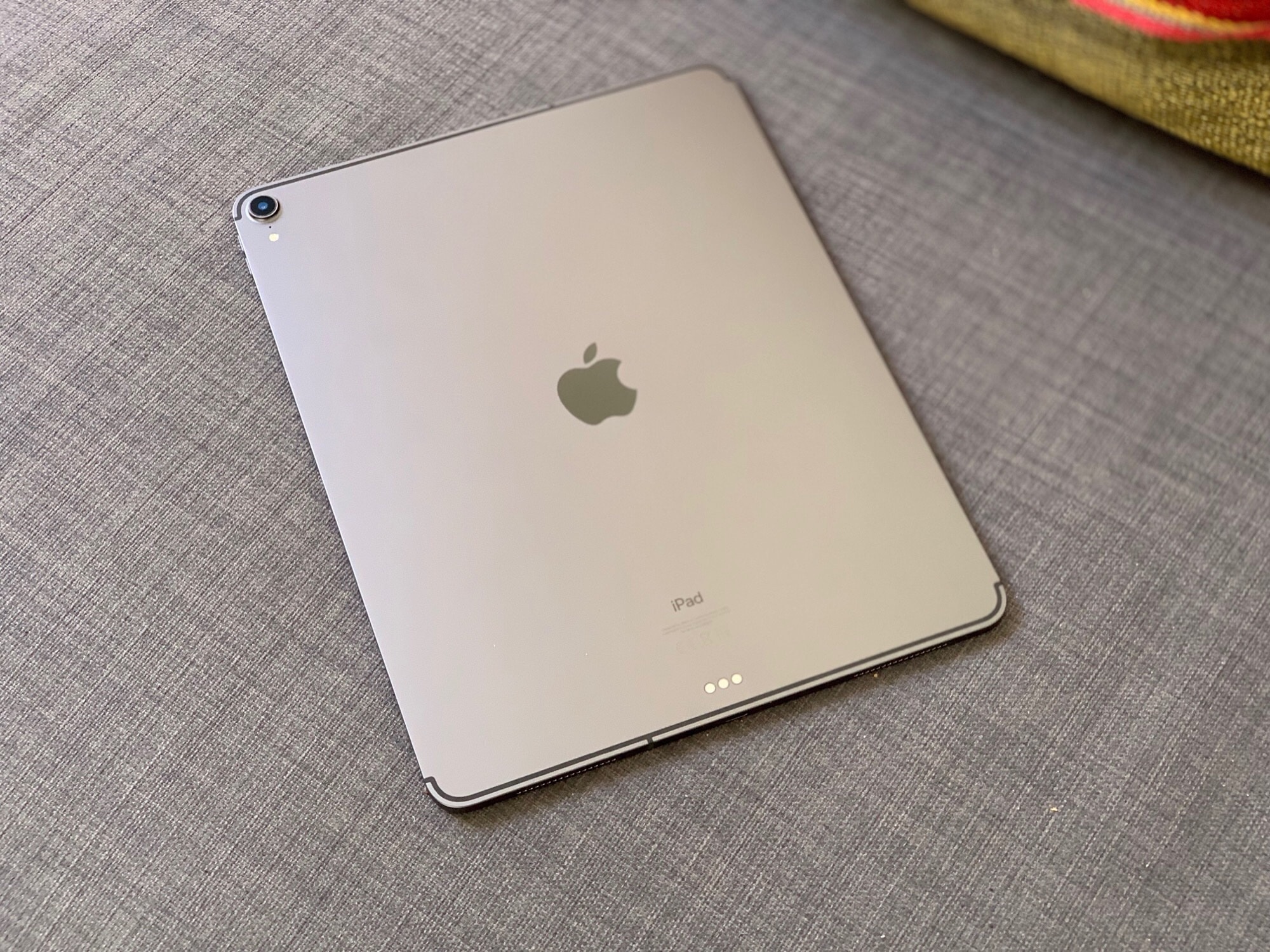
Apple stands by its bent iPads

By

iPad Pro 2018 one week review
None of the Cult of Mac iPad Pro units came bent.
Photo: Charlie Sorrel/Cult of Mac

Apple’s VP of hardware engineering reportedly says that the slight bend in some 2018 iPad Pro units is nothing unusual. 

Dan Riccio tald the owner of a bent tablet that the variance from straight in any unit is less than 400 microns, which is less than in previous iPad models.

Say what? 2018’s most quote-worthy Apple moments [Year in Review]

By

Year in Review: Best Apple quotes 2018: Apple sure fired up the chattering classes in 2018.
Apple sure fired up the chattering classes in 2018.
Image: Killian Bell/Cult of Mac

Cult of Mac Year in Review 2018 Few brands stir the passions like Apple. Be it a rumor, stock speculation, a glowing gadget review or a president’s bombastic tweet, Apple, its devices and the people who make them always seem to be part of a conversation.

So to curate the best quotes about Apple for 2018 is as daunting as choosing your favorite word in the dictionary. There are so many — and best is a matter of taste. How do you pick?

Save up to $800 on the MacBook Pro [Deals & Steals]

By

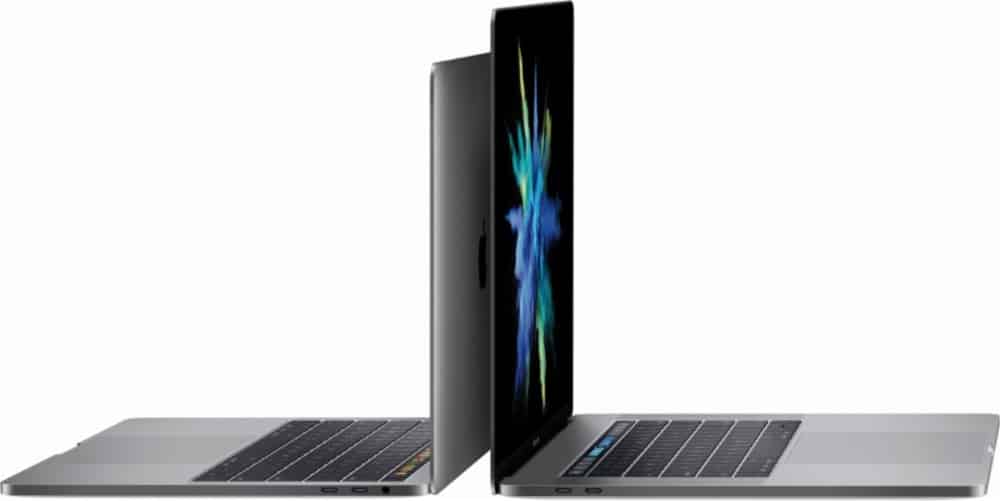
MacBook Pro refurbs
Bag a MacBook Pro today and save up to $800!
Photo: Apple

It might be too late to order gifts in time for Christmas, but it’s certainly not too late to take advantage of some stellar holiday savings — like up to $800 off the MacBook Pro at Best Buy.

That’s just one of the awesome offers in today’s Deals & Steals roundup. We also have up to $175 off the 10.5-inch iPad Pro, $40 off the brand new 11-inch iPad Pro, $55 off urBeats 3 headphones, and more!

Our favorite gadgets of 2018 [Year in Review]

By

Year in Review Favorite Gadgets 2018
These are the gadgets we couldn’t live without.
Image: Killian Bell/Cult of Mac

Cult of Mac Year in Review 2018 2018 has been an amazing year for Apple products, but there were a bunch of other tech companies that put out some incredible new gadgets that we’ve fallen in love with.

Instead of focusing on the flashiest, most popular products of 2018, we’ve rounded up a list of goodies that we’ve personally been using throughout the year and can’t imagine living without, whether they were created in Cupertino or not. Hopefully, you’ll find something great you haven’t heard about yet.