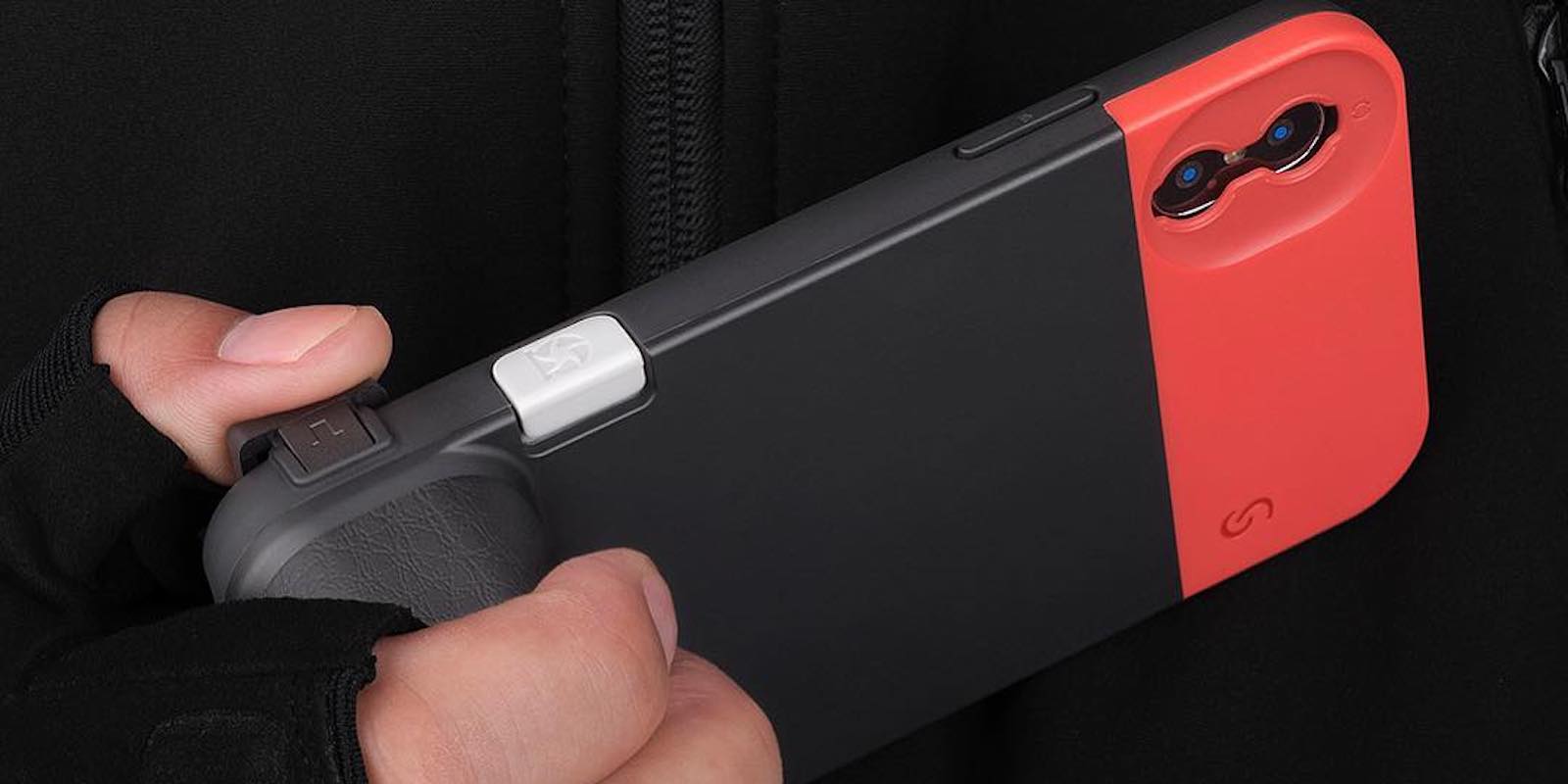
This battery case is cleverly designed to make your iPhone look and feel like a 135mm camera. Photo: Cult of Mac Deals
No matter how good the optics on iPhone get, at the end of the day it still feels like a phone. DSLR cameras are build to be durable and easy to hold, so why shouldn’t our iPhones work the same way? With this protective battery case, they can.
Huawei has demoted two employees over a Twitter update sent from an iPhone.
The New Year message, which has since been deleted, was mocked for being published “via Twitter for iPhone.” But Huawei isn’t the only smartphone maker that’s been caught using a rival’s devices.
Start growing your site's traffic with the help of this SEO bundle Photo: Cult of Mac Deals
Search engine optimization remains one of the most important parts of connecting to eyeballs online. Maybe you think you’ve got it down, but there is plenty for anybody to learn about the art and science of SEO. And with this huge bundle of SEO courses, you can, at a fraction the usual price.
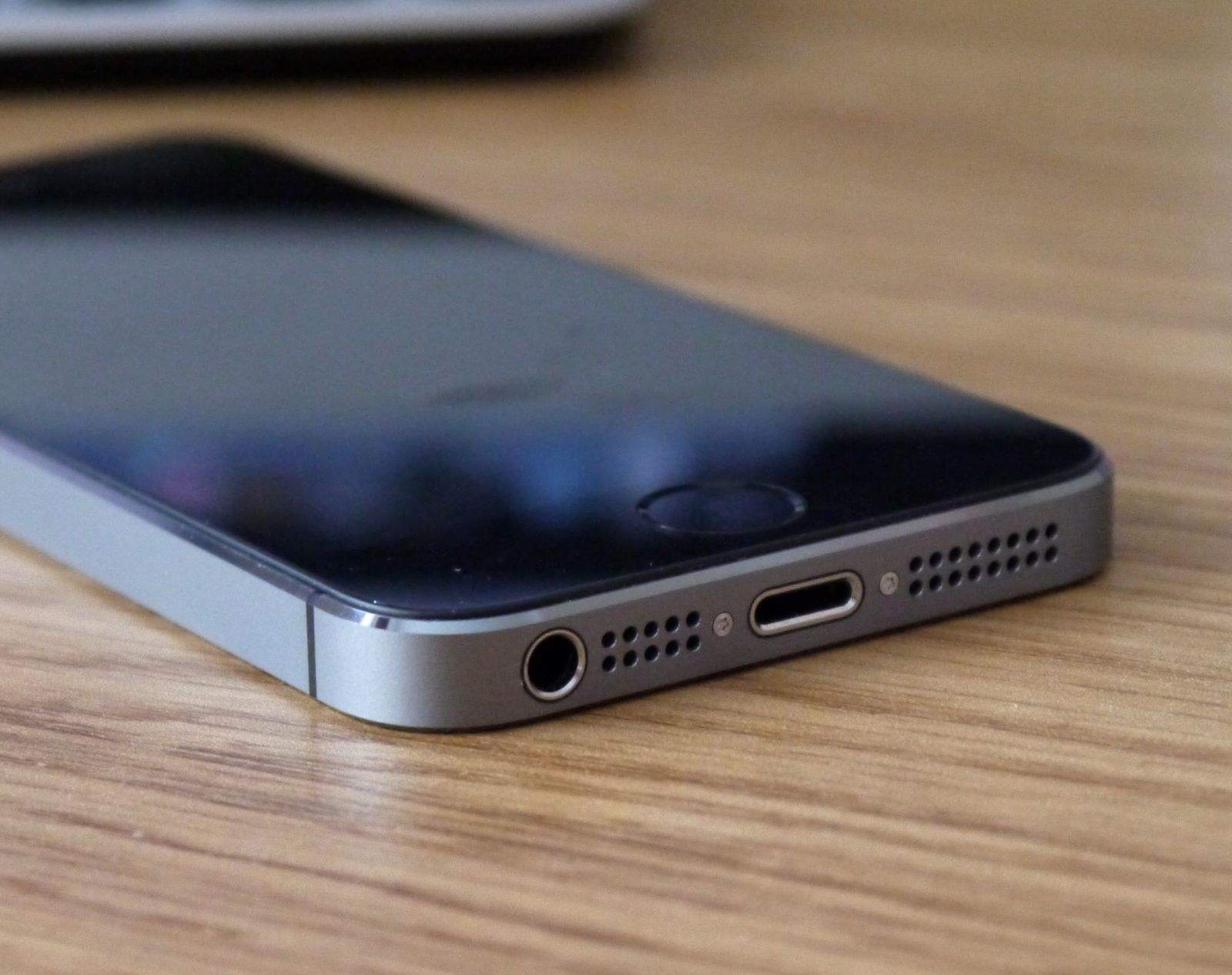
The iPhone 5 might have been Apple’s coolest iPhone design. Photo: Cult of Mac
Apple is set to make 5 billion dollars less this quarter than it previously expected. That’s a pretty big deal, and it’s down to two major things. One was an “economic weakness in some emerging markets.” The other was that Apple said it sold “fewer iPhone upgrades than we had anticipated.”
That second one is very interesting. Why aren’t people upgrading? There are two possibilities. One is that they’re switching to Android. The other is that people are holding onto their old iPhones for much longer. Why’s that?
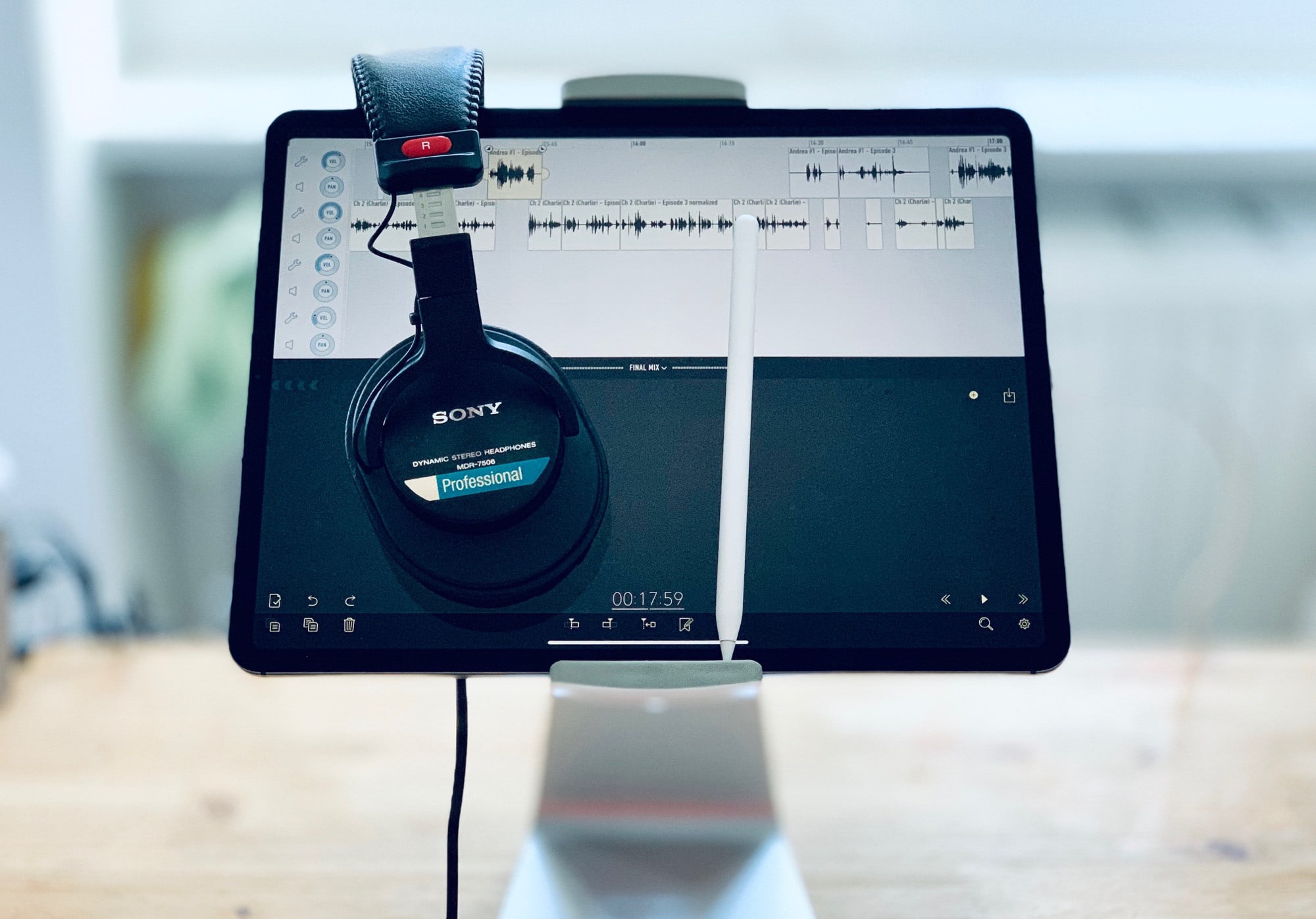
The Apple Pencil is your secret weapon for podcast editing. Photo: Charlie Sorrel/Cult of Mac
In parts one and two of this series, I talked about how I record podcasts on the iPad. In today’s third and final episode, we’ll learn about editing. For this, I use the awesome Ferrite Recording Studio, and Apple Pencil, and a pair of headphones. Let’s get started.
IINA is a super-slick new media player for the Mac. Photo: IINA
Iina is a brand-new video-playing app for the Mac. Like VLC, it can play pretty much any file, and has deep customization options, even in v1.0. Unlike VLC, it feels like a real Mac-first app, and has support for trackpad gestures and bowser extensions right out of the box.
The iPhone’s camera already does things impossible for a regular camera. What’s next? Image: Killian Bell/Cult of Mac
The iPhone camera is hands-down amazing, thanks almost entirely to the fact that it is hooked up to a pocket-size supercomputer. Initially, the iPhone used its computer smarts to overcome the limitations of phone cameras — the tiny sensor, for example. But over time, Apple added amazing features like Smart HDR and the incredible Portrait Mode, which simulates the out-of-focus background that occurs naturally with traditional high-end cameras.
This path is likely to continue. Computational photography, as it is called, is pushing the capabilities of cellphone cameras far ahead of regular “dumb” cameras. So what can we expect to see in future?
Catch up on the movies you've missed. Screenshot: Killian Bell/Cult of Mac
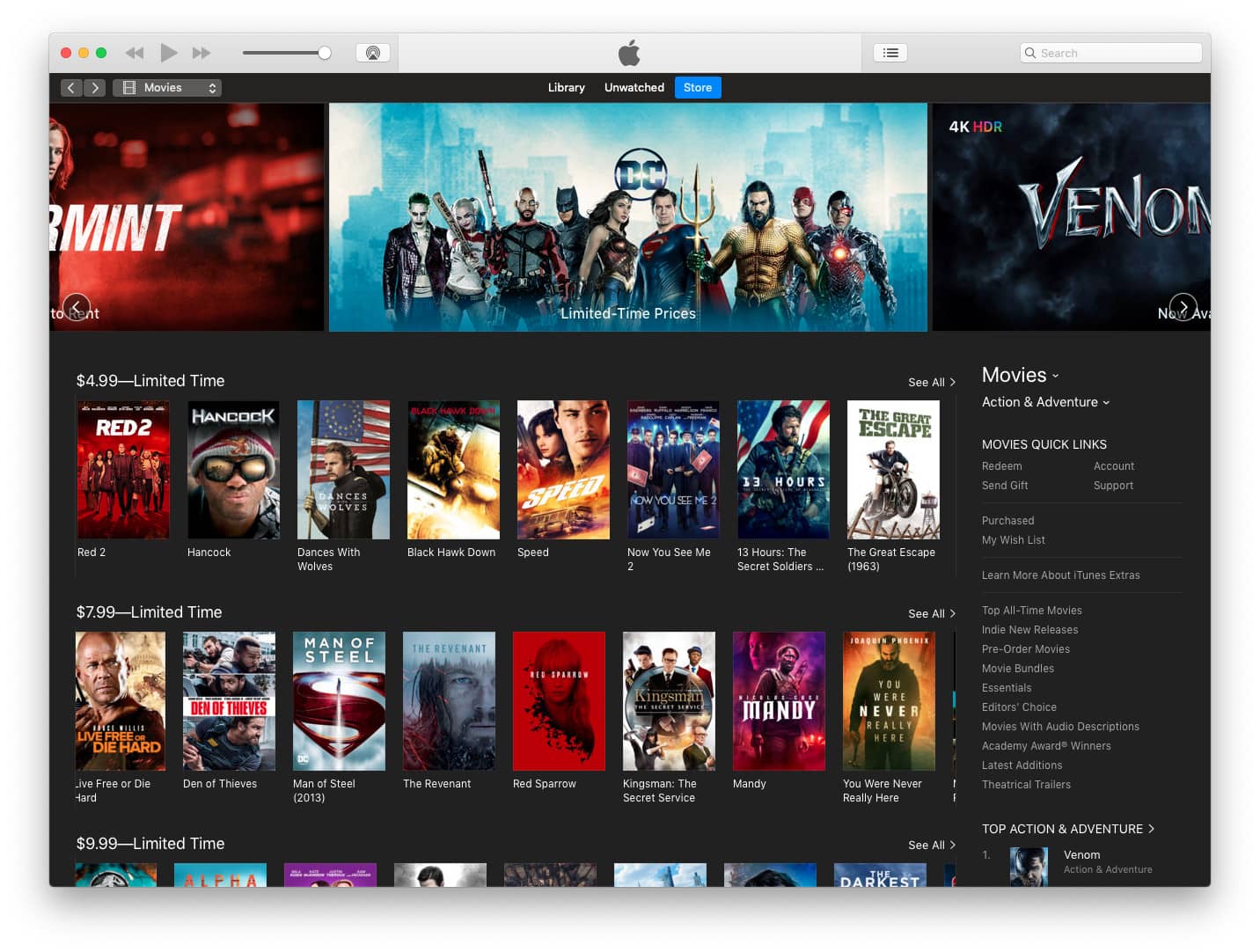
Apple is kicking off 2019 with a massive movie sale on iTunes.
A long list of titles, including Reservoir Dogs, Kill Bill, and The Goonies, have been reduced to just $4.99 for a limited time. Other titles, including Deadpool, Suicide Squad, and The Equalizer, are now available for $7.99.
Start designing more UX focuses products with this bundle. Photo: Cult of Mac Deals
The more people interact with technology, the more need there is for UX and UI designers. So skills for designing the look and feel of apps and websites make a valuable addition to any resume.
We take a look at what really changed for Apple and other tech companies in 2018. Photo: Cult of Mac
Growing concerns about how much companies are spying on us tops our list of the most significant tech trends of 2018. Also on the list are some big changes in applications, a trend in phone design, and a new type of device that became nearly ubiquitous.
As the new year begins, let’s take a look back at what changed for Apple and the tech world over the past 12 months.
How to get in shape with Apple Watch in 2019 Photo: Graham Bower/Cult of Mac
If your New Year’s resolution is to get fit with Apple Watch in 2019, maybe I can help. I know from personal experience that it’s never too late to get in shape.
I’m a middle-aged guy, and up until a few years ago, I lived a very unhealthy lifestyle. I never exercised, I only ate junk food, and I was seriously overweight. Today, I have a six-pack, I run seven miles a day, and I even write about fitness for Cult of Mac.
The secret to my transformation is something I call “The Ratchet.” It’s a way of running that makes it so easy to get started that pretty much anyone who can walk can do it. All you need is your Apple Watch and a pair of running shoes.
So if you’re thinking about New Year’s resolutions for 2019, why not give The Ratchet a try? Here’s how.
Unless your resolution is to give up your iPhone, these apps are perfect for starting the new year right! Photo: Tru Katsadne. Graphic: Ian Fuchs/Cult of Mac
Every year, people make a pledge to themselves to improve in some way. New Year’s resolutions typically come in the form of personal wellness and fitness, productivity or kicking a bad habit. Sometimes they can be more general.
Whatever your goal is for the new year, there’s probably an app to help. These are some of the best apps to help you on your journey to a better you in 2019.
Staying healthy can be tough, so Fitterclub makes customized nutrition plans and workout routines that are accessible anywhere you go. Photo: Cult of Mac Deals
It’s easy to say you’re going to spend the new year getting into better shape. But once January 1st rolls around, you’ll actually have to get off the couch and step out the door. We all want to meet our resolutions, so why not skip the part about stepping out the door?
Don’t keep your App Store wishlist on paper. Photo: Charlie Sorrel/Cult of Mac
You know what the New Year means? New devices, and the need for new apps to fill them. Only you’re all spent out, and instead of buying you an iTunes voucher, Auntie and Uncle got you yet another country-themed doll like you used to collect when you were a kid1.
The answer is an App Store Wish List. And in order to save you money that you don;t have, were going to make our own with the Shortcuts app.
Today we’ll make two shortcuts. One will add any app to a list in Reminders. The second will take that list, and show you a beautiful list of links and prices, right there in the Today view. Just tap on an app to see it in the App Store, and maybe even buy it.
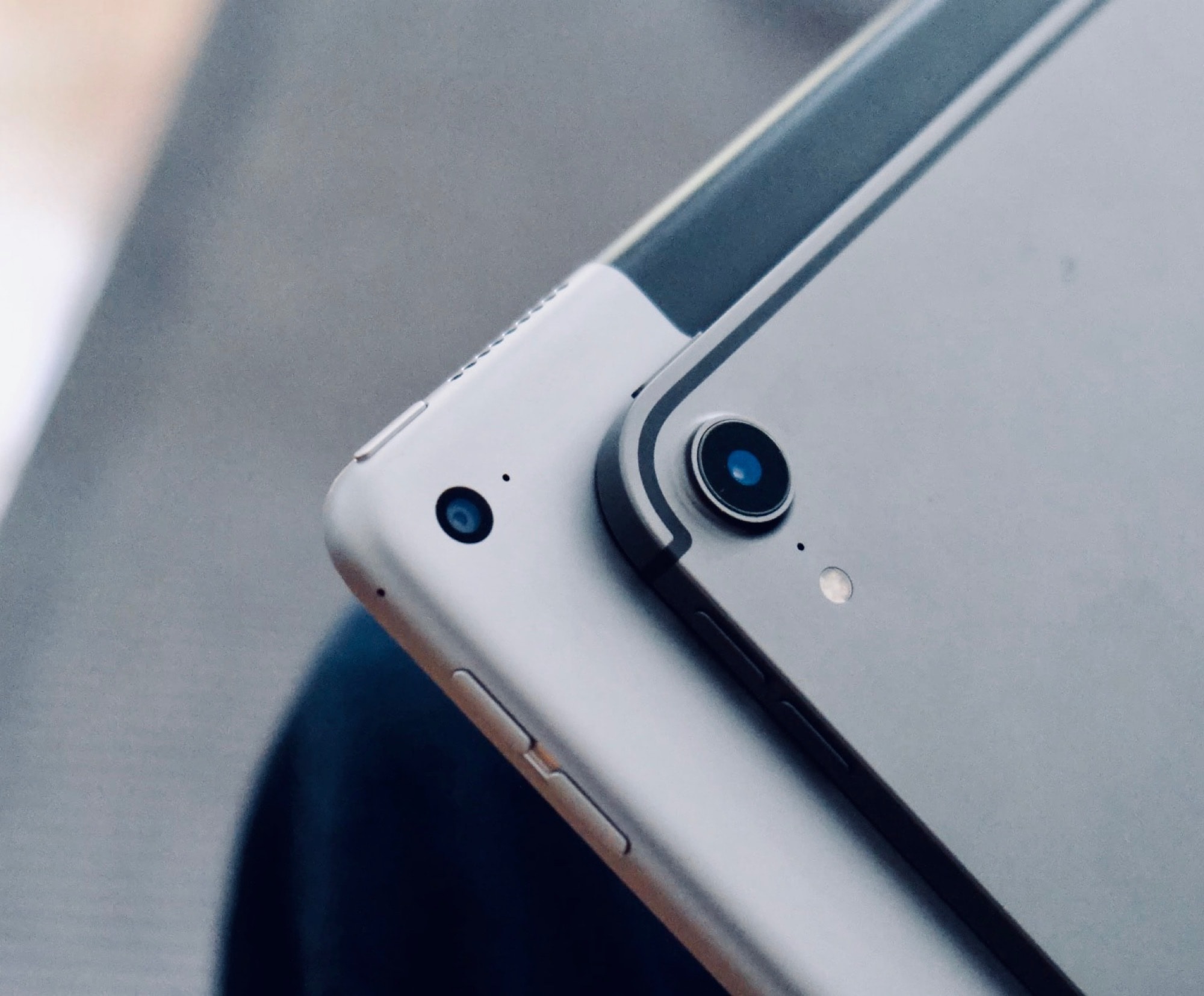
The new iPad Pro is Apple’s best ever portable computer. Photo: Andrea Nepori
I love the new iPad Pro, but if you’re planning on buying one, you may be misinformed. There’s a lot of nonsense about Apple’s best portable computer ever all over the internet, and today we’ll set some of it straight. Here are five iPad Pro myths that just aren’t true.
This isn’t what your iPhone XS Max should look like after 3 weeks. Photo: J. Hillard/iDrop News
An Ohio man is contemplating legal action against Apple after his 3-week-old iPhone XS Max allegedly exploded in his pocket.
J. Hillard reports that his iPhone XS Max started emitting a strange smell before he felt a “large amount of heat” in his pocket. He eventually got a new device from Apple — as well as burns on his buttocks.
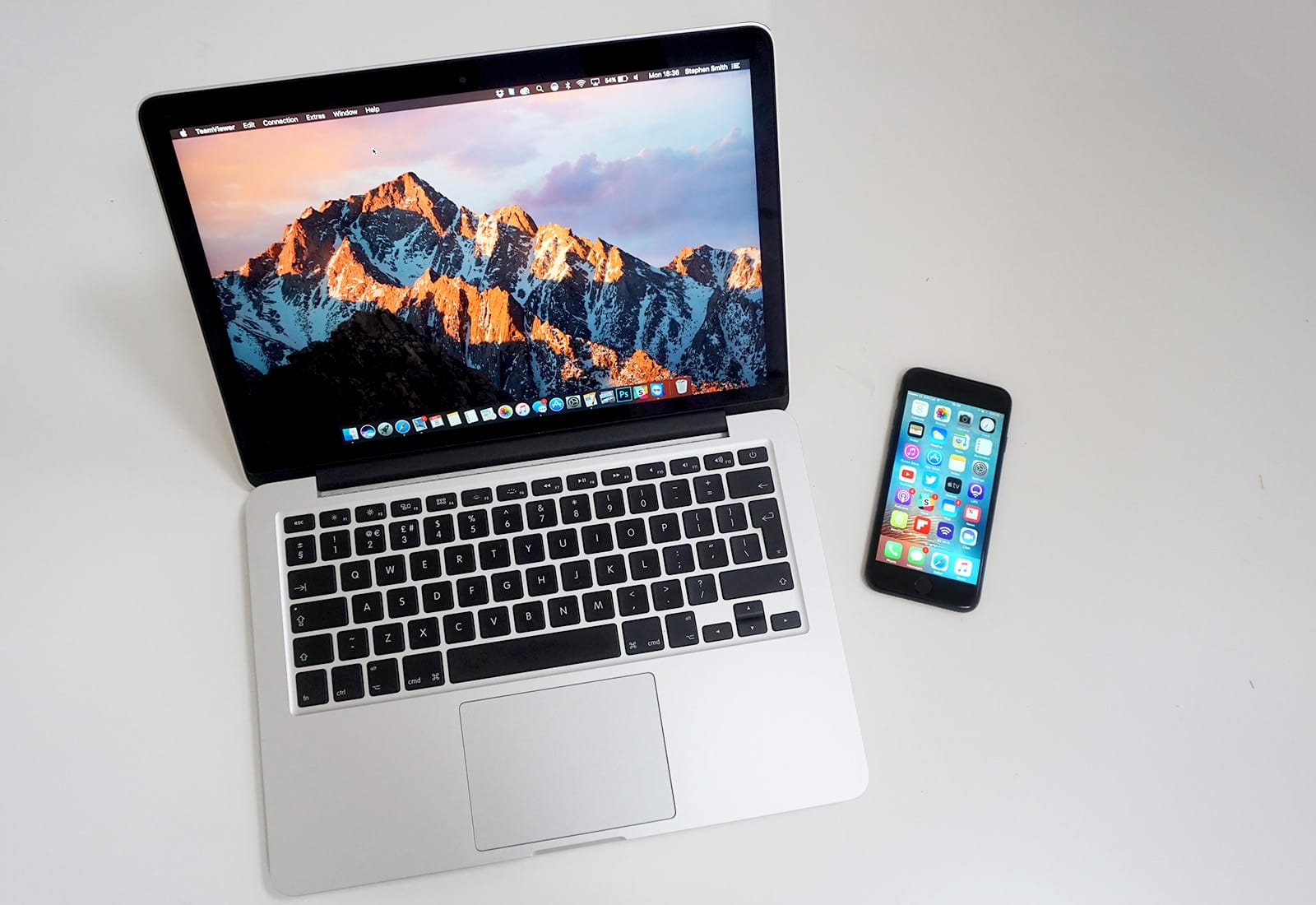
Don’t let your old Mac drag you down. Cult of Mac can help you upgrade on the cheap. Photo: Ste Smith/Cult of Mac
If you were lucky enough to get new Apple devices for the holidays, it’s time to turn your old ones into cash — and fast!
Your old iPhone, iPad, Apple Watch, or Mac could be worth a small fortune — and Cult of Mac wants to buy it! We typically pay more than other trade-in services, and we won’t leave you waiting ages for your money.
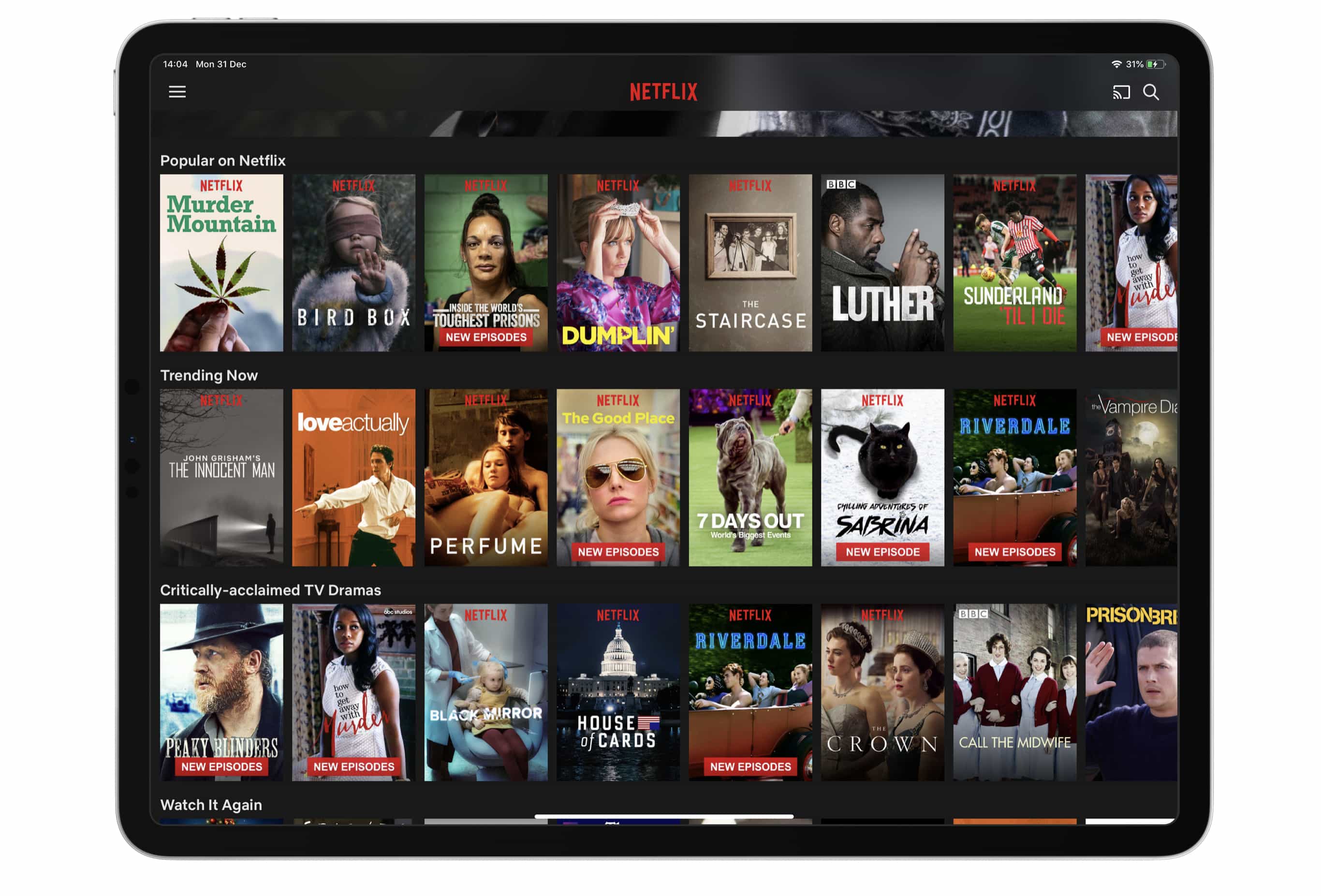
Prepare to pay more for Netflix. Photo: Killian Bell/Cult of Mac
New Netflix users can no longer pay for their subscription through iTunes.
You will need to sign up for the service using a browser like Safari instead — but nothing needs to change if you’re paying for Netflix through iTunes already.
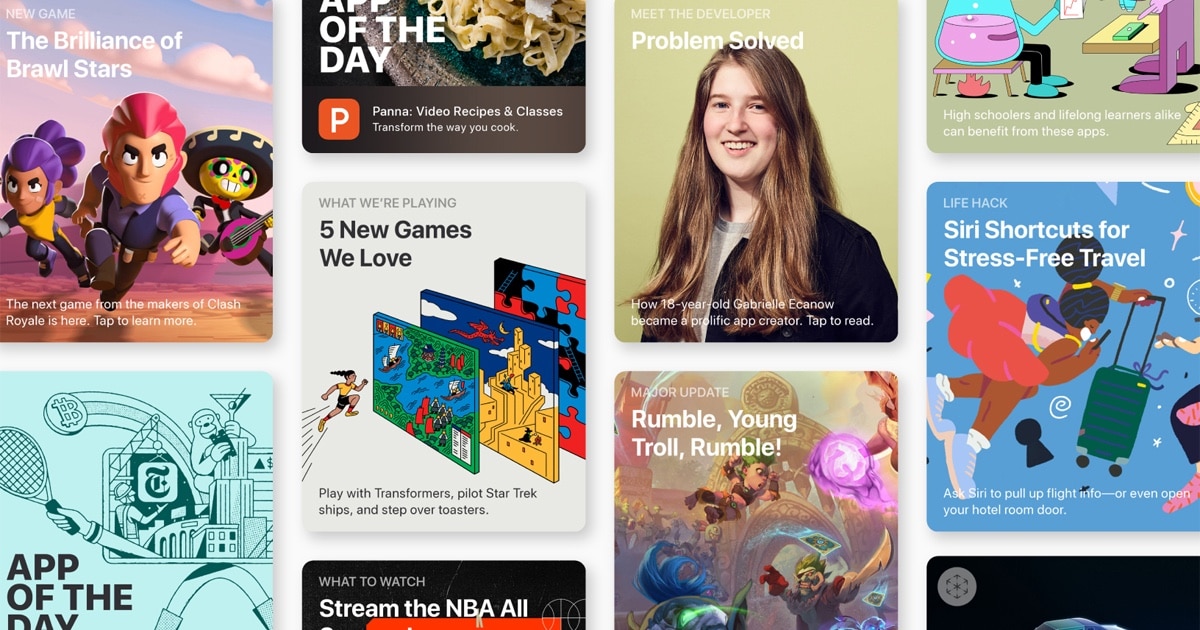
Look at this amazing selection of apps. Photo: Cult of Mac
This week we find out what music we’ve loved in 2018 with Music Year in Review, make some music with Ultimate Circle of Fifths, take a walk with the brand new hike search in Gaia GPS, and more.
Jump at these massive deals on some of the very best Mac apps of 2018. Photo: Cult of Mac Deals
Apple fans, ring in the new year with the best of last year’s apps and software for Mac. We’ve rounded up some incredible deals on powerhouse applications, from a powerful PDF editor to an efficiency-enhancing macro manager, a professional disk recovery tool and lots more. Even better, these apps are discounted by an average of 75 percent, so read on for more details.
Ranking Apple's hardware releases in 2018. Cover: Marty Cortinas/Cult of Mac
It’s been one heck of a busy year for Apple, and we’ve got the devices to prove it! Truth be told, despite Apple’s fluctuating share price, this has been one of the company’s best years in a while for hardware. What was the cream of the 2018 Apple crop? Here’s how we rank Apple’s major new product launches for 2018.
Find the best goods from 2018 and learn how to set up all your new hardware in the latest free issue of Cult of Mac Magazine. Get it now on iTunes, or keep reading for the week’s best Apple news, reviews and how-tos.
Start taking better pictures on your iPhone with these accessories Photo: Cult of Mac Deals
Every year, Apple unveils a new iPhone model, often with new hyper-gee-whiz camera advancements that make it the…((ahem))…greatest smartphone camera of all time!
While hyperbole is baked into such announcements, even camera experts admit a high-end smartphone camera can under many circumstances produce images that are at least on par with shots from a DSLR. Of course, that doesn’t mean there aren’t some accessories that can help make your iPhone images just a touch better.
We've rounded up the best iPhone accessories of 2018, all available at massive discounts. Photo: Cult of Mac Deals
There are just hours left in 2018, which could be good news or bad news depending on how you look at it. But one thing that’s definitely great is the opportunity to look back at the best gear of the year. So we’ve rounded up some of the best deals on accessories for iPhone, from wireless charging hubs to ultra durable charging cables, camera upgrades and more. Most are discounted by half or more, so read on for details:





![Top 5 tech trends of 2018 [Year in Review]](https://www.cultofmac.com/wp-content/uploads/2019/01/D090F70F-2A5C-4E45-830B-65E9EBAF266F.jpeg "Top 5 tech trends of 2018 [Year in Review]")