Now anyone can download and try out the iOS 13 public beta. But if you’re still rocking an iPhone 6 or earlier, it’s not going to be compatible. The good news is Cult of Mac can help you bag a cheap upgrade today.
Here’s how.
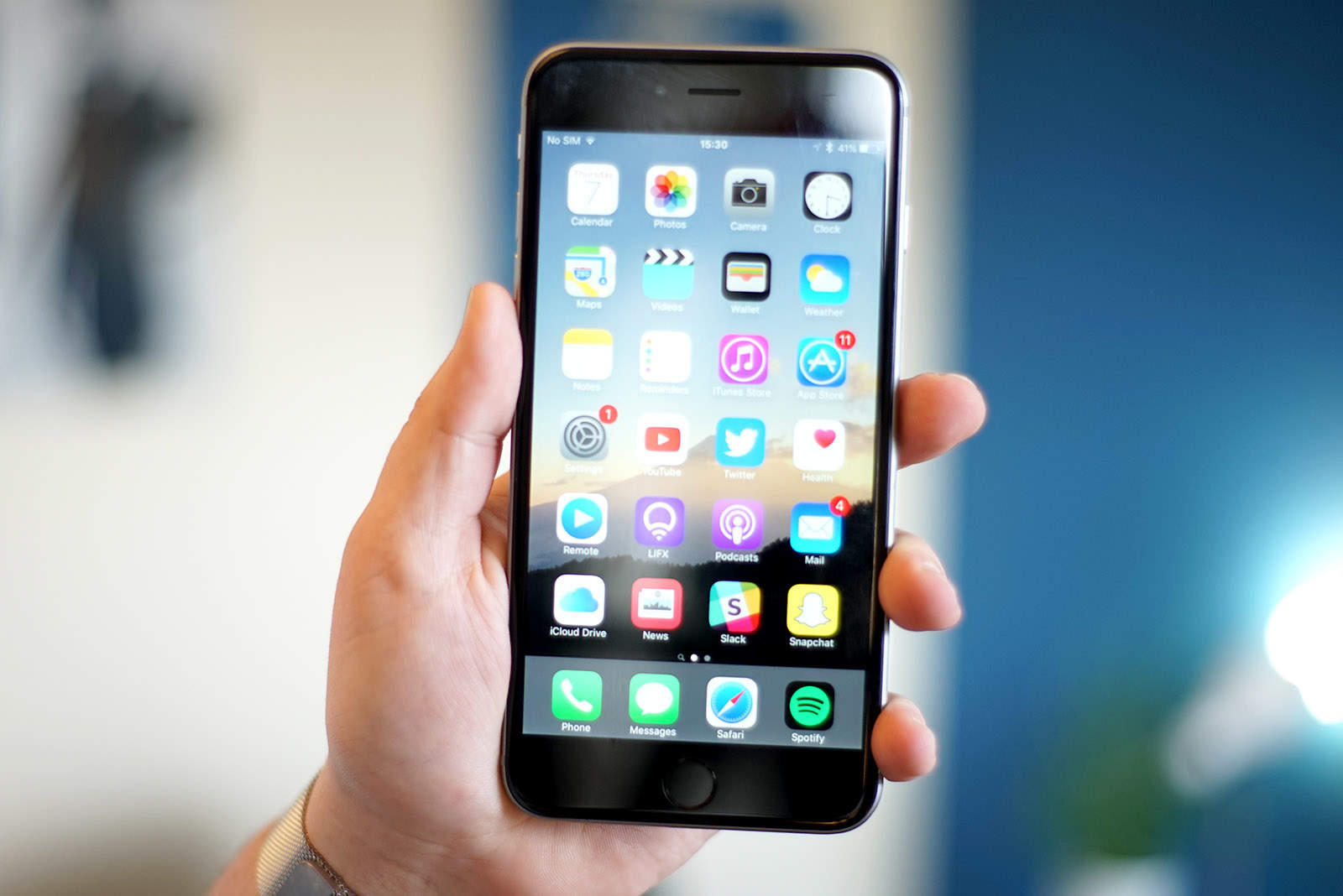
Now anyone can download and try out the iOS 13 public beta. But if you’re still rocking an iPhone 6 or earlier, it’s not going to be compatible. The good news is Cult of Mac can help you bag a cheap upgrade today.
Here’s how.

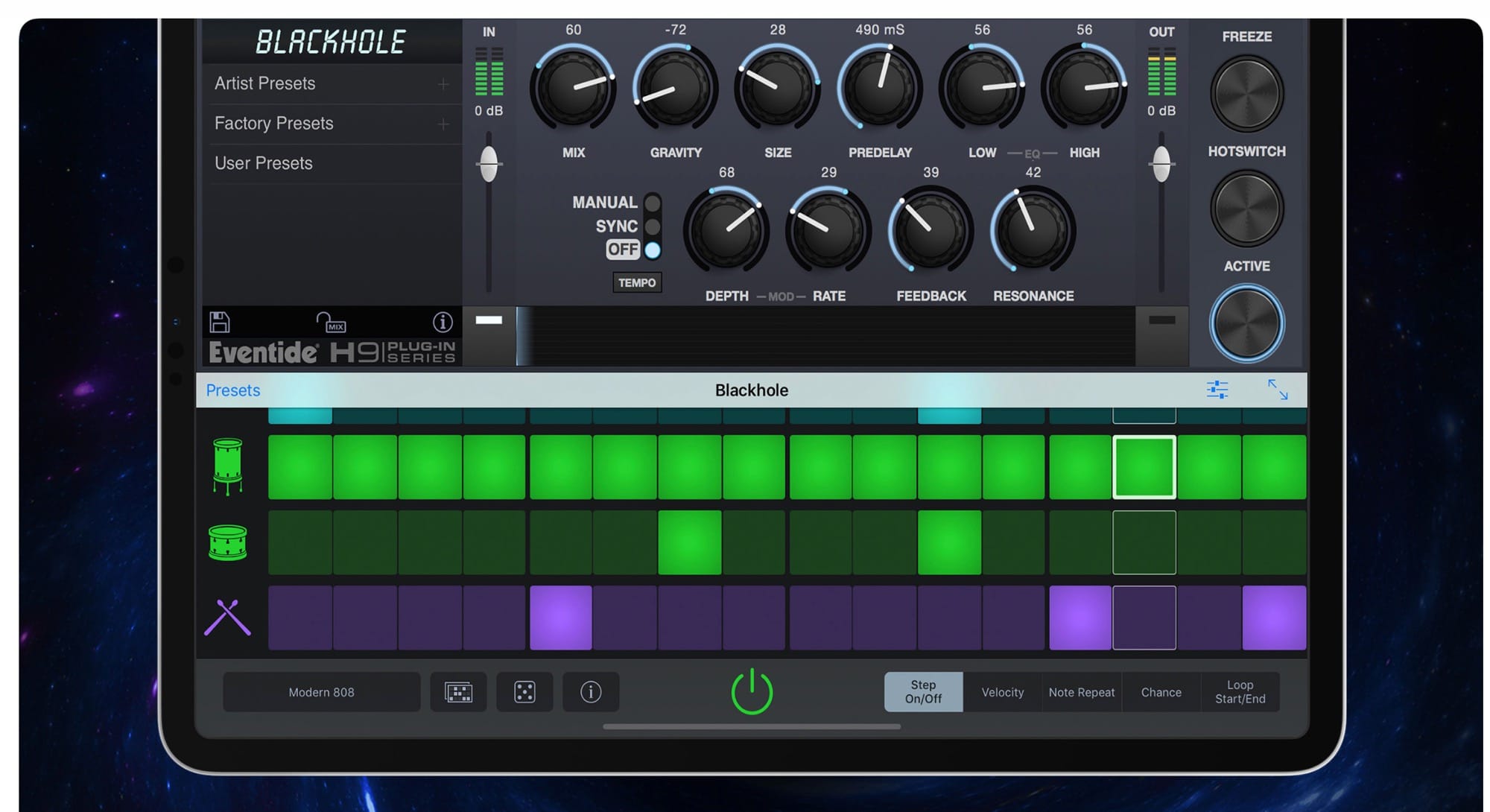
Eventide, one of the most important creators of musical effects, and the inventor of many crazy audio-mangling ideas, is now making effects apps for the iPhone and iPad. This is just about as big as news can get for musicians working on iOS. For those outside the world of music-creation, Eventide is roughly equivalent to Adobe, and the release of these apps is like Photoshop’s entry into mobile.
iOS musicians can now enjoy three effects from Eventide, all of which are Audio Units (plugins for other apps), and all of which run on both the iPhone and the iPad.
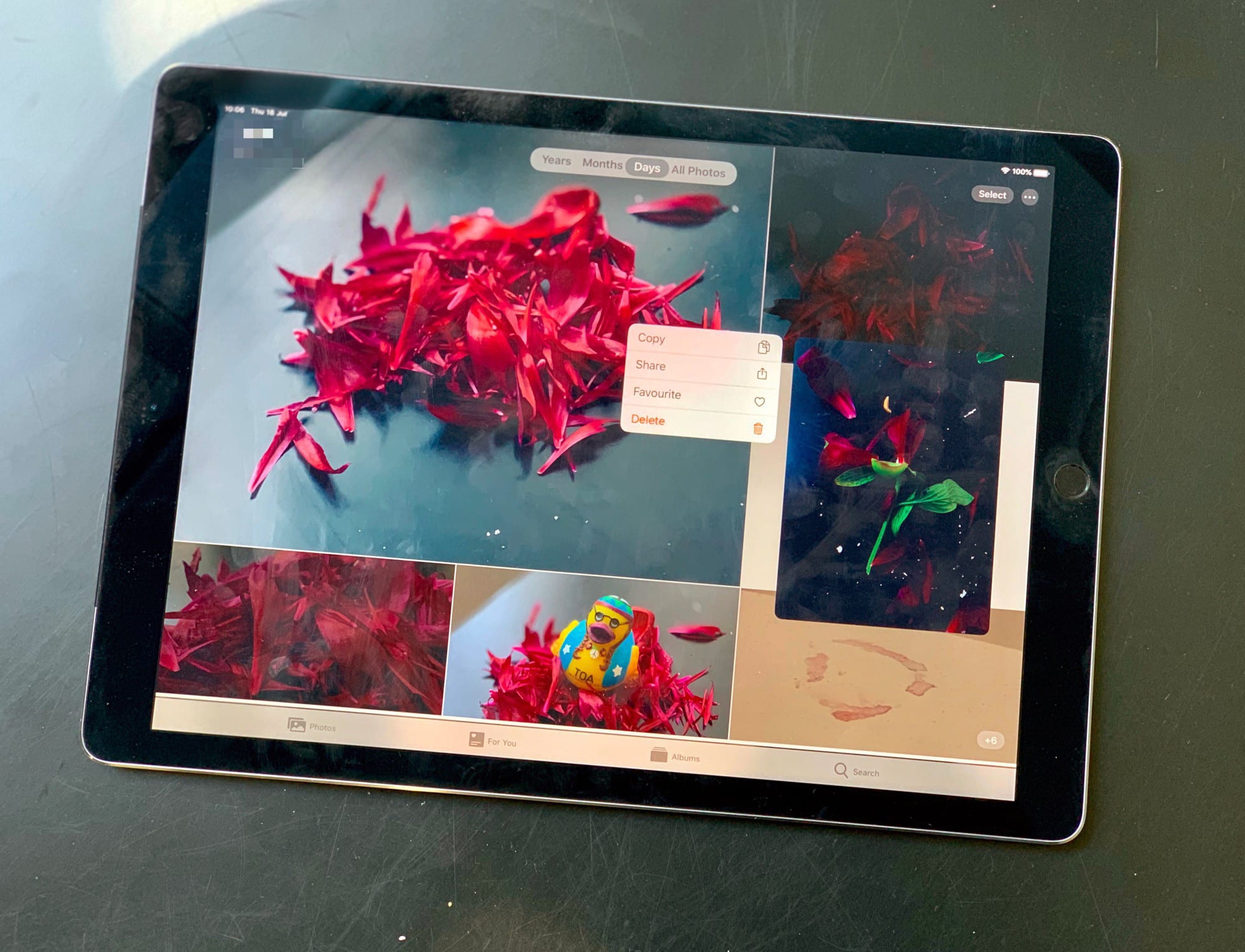
There’s good ness and bad news in iOS 13 beta 4 — the good news is that the next version of iOS has gotten some polish, lots of bug fixes, and at least one great new feature. The bad news is that new glitches have been introduced, and that the share sheet is still way, way harder to use than the current iOS 12 version. But let’s take a look at what’s new.
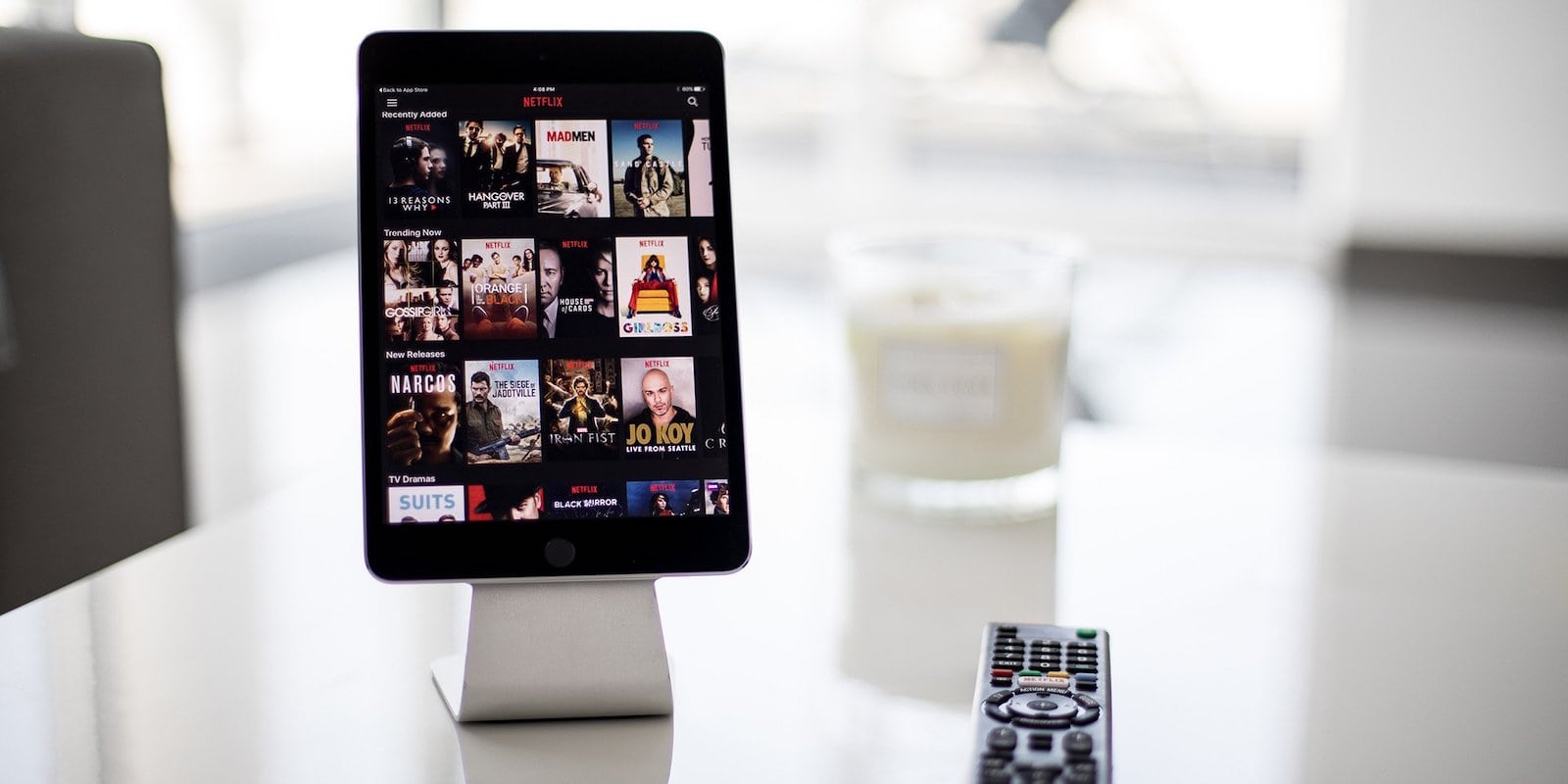
For many, our mobile devices are part of the daily workflow. We keep our computer screens for the sake of our necks and eyes, but mobile devices hold our attention no less than our laptop or desktop screens. So why shouldn’t they also get their own stands for ideal viewing angle and screen access?

Not every Mac owner uses an iPhone, and that means they often miss out on first-party features like Messages and iCloud. But there’s one feature Android users can now enjoy.
KDE Connect is a new macOS app that allows for Continuity between Mac and Android devices. You can enjoy desktop notifications, file sharing, and more — and it’s free.

When the casing or another component for an unreleased iPhone leaks before the official unveiling, it’s often because someone at an assembly plant in China snuck it out. Apple always does its best to track down the culprit and the punishment is … generally not much.
And there’s a good reason why.
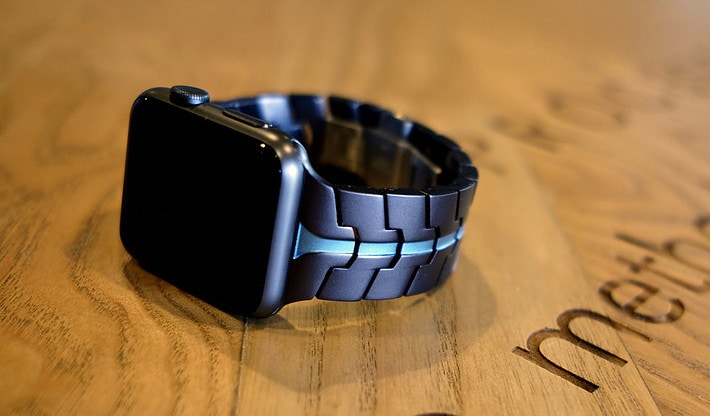
Add a touch of class to your Apple Watch with a stunning Vitero band from Juuk Design. Made from high-grade 6000 series aluminum, they’re incredibly robust but lightweight, and available in a range of striking styles.
Get yours now and enjoy 20% off the usual price.

DuckDuckGo is a private search engine. Unlike Google, it doesn’t track your internet use, save your searches, or track your location. DuckDuckGo’s reason for existing is to protect your privacy on the internet, but it’s also a great search engine. And when it doesn’t find the results you want, it’s easy to run that search in Google.
Today we’ll see how to switch all your searches to DuckDuckGo, and how to add a one-tap Google backup search.
The good news is that you don’t have to do anything weird or difficult to switch to DuckDuckGo. Both iOS and macOS offer it as a default option in their settings. On the Mac, this setting is in Safari. On the iPhone and iPad, you’ll find it under Safari in the Settings app.

Thanks to the Zoom fiasco, which left a secret webcam-sharing server running on Macs of anyone who previously installed the videoconferencing app, Apple issued two silent updates in the past week or so.
These silent updates are security patches that Apple can apply to your Mac automatically, without asking you first. They’re relatively rare, and are a great way for Apple to patch security holes almost instantly. They prove especially helpful for the kind of user that never, ever bothers to run software updates.
But what if you are a Mac nerd? Maybe you want to have a say over this kind of thing. Or perhaps you run IT for a company, and don’t want anything being installed on the business Macs without you checking it first. Can you switch off Apple’s silent updates? Yes, you can. Here’s how.
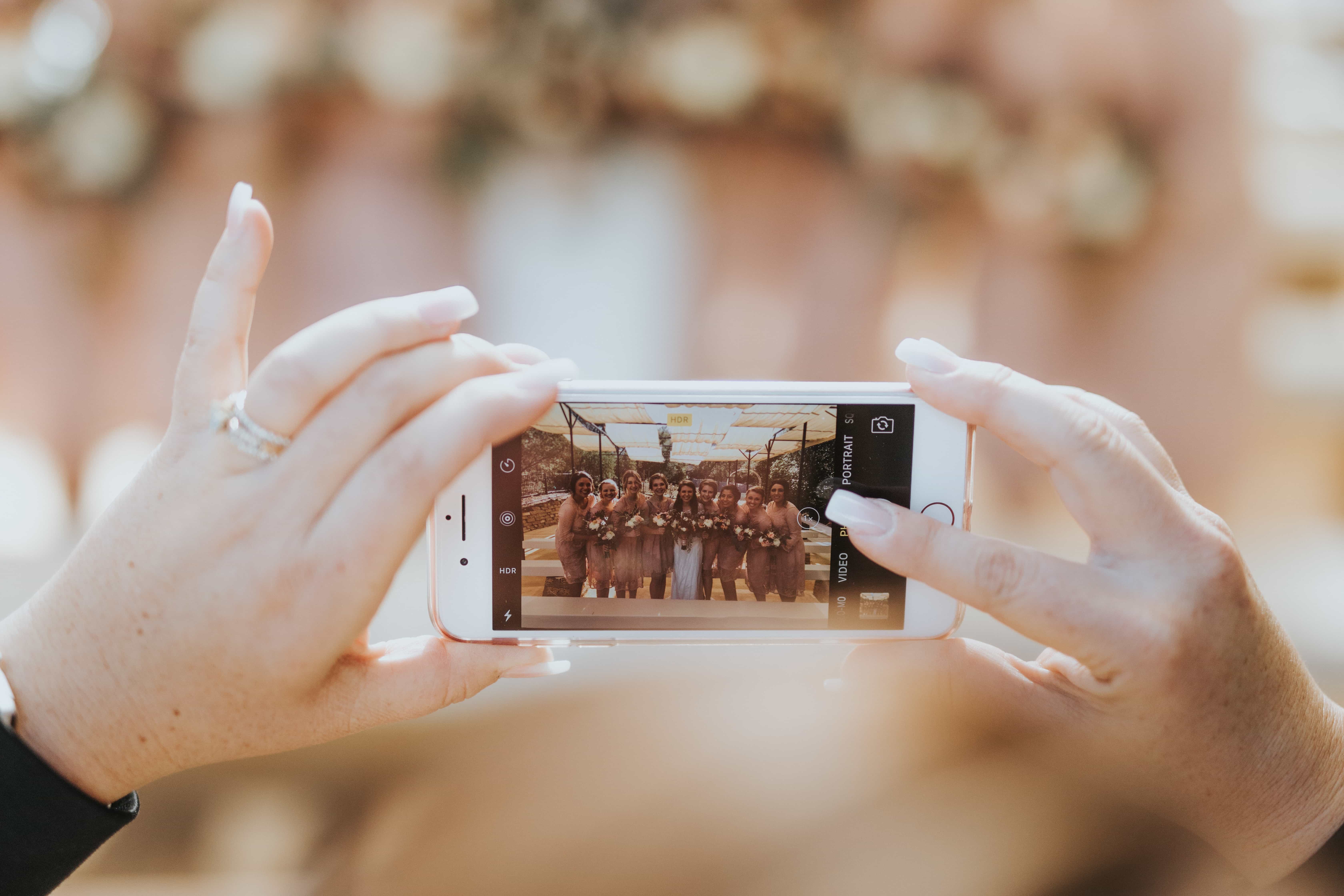
A wedding photographer calling for people to stop using their iPhones at weddings has gone viral with an angry Facebook rant.
Hannah Stanley is asking smartphone users to “please stop viewing weddings you attend through a screen” and avoid getting in the way of the professional photographer.
The post comes after one wedding guest ruining a perfectly good photo of a bride and her father by blocking Stanley’s view with their iPhone.
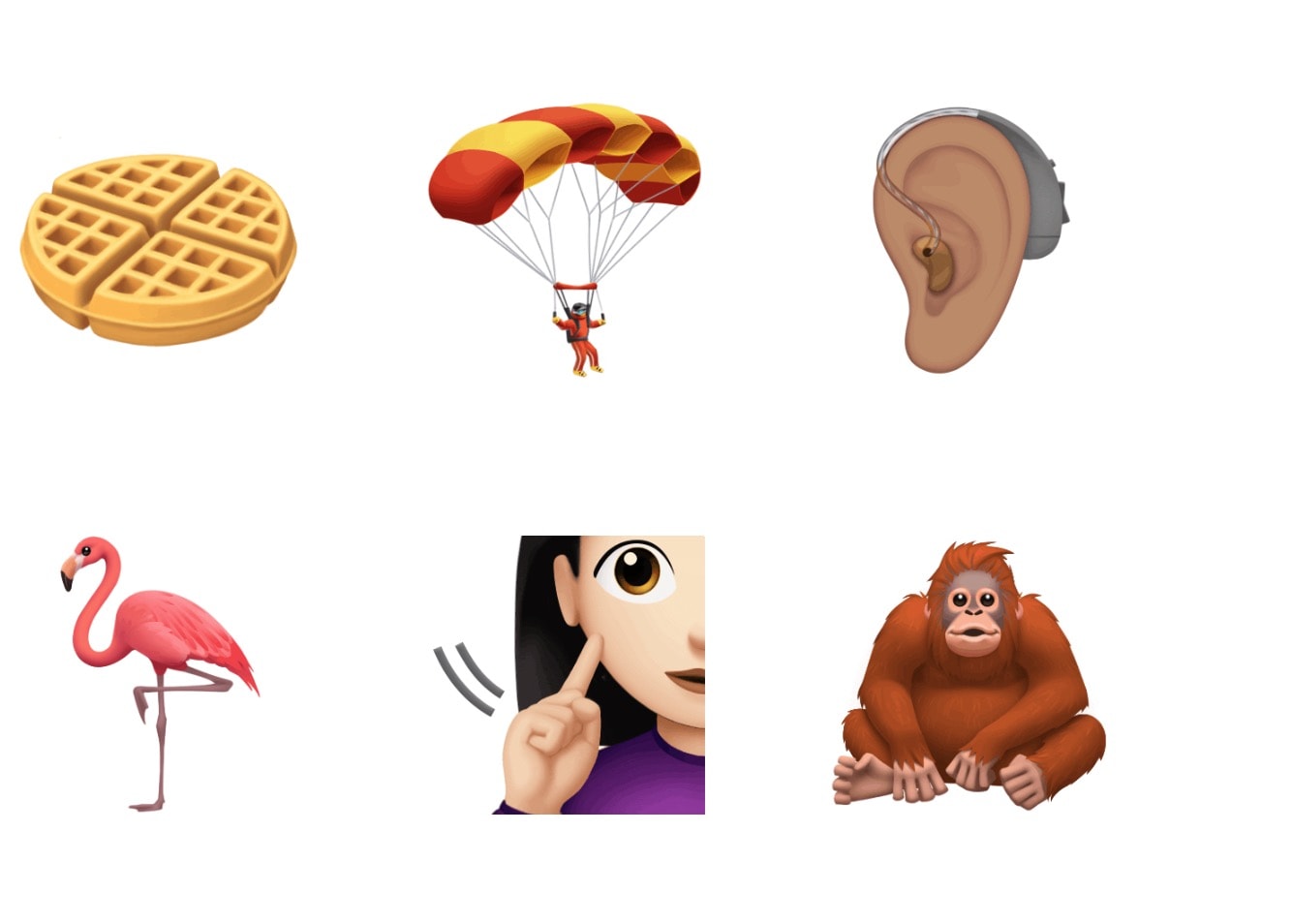
There are close to 3,000 different emoji, but you can’t find one that expresses how you are feeling. So you have an idea for one sketched out.
Now what?
For World Emoji Day 2019, we offer you a glimpse into the process. The word “process” should signal to you that the simple symbols and characters we use in texting every day take a complicated path to your iPhone.
The website is an incomprehensibly vast trove of information. When you want to save that information for later, it usually means saving a bunch of bookmarks or remembering the right search terms. But what if instead you could index and sort your own personal web archive?
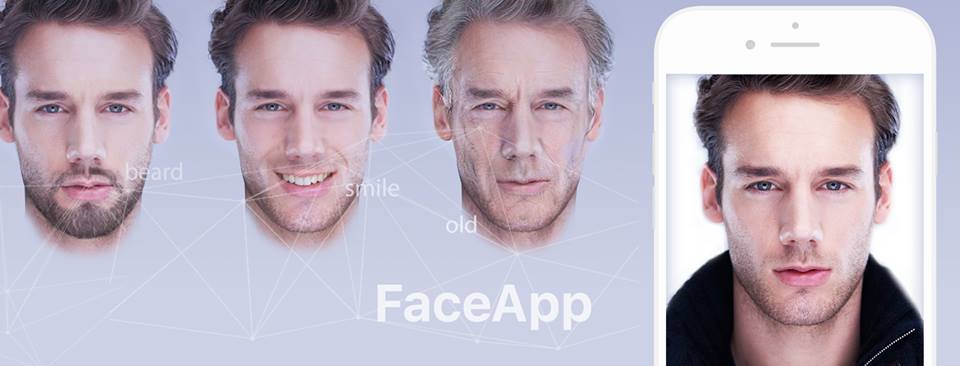
Impressive artificial intelligence that delivers some of the most convincing facial effects has made FaceApp incredibly popular in recent weeks. But there’s some concern over what happens to your photos when you use it.
The good news is FaceApp won’t steal your entire photo library. However, some of your images will end up on its servers.
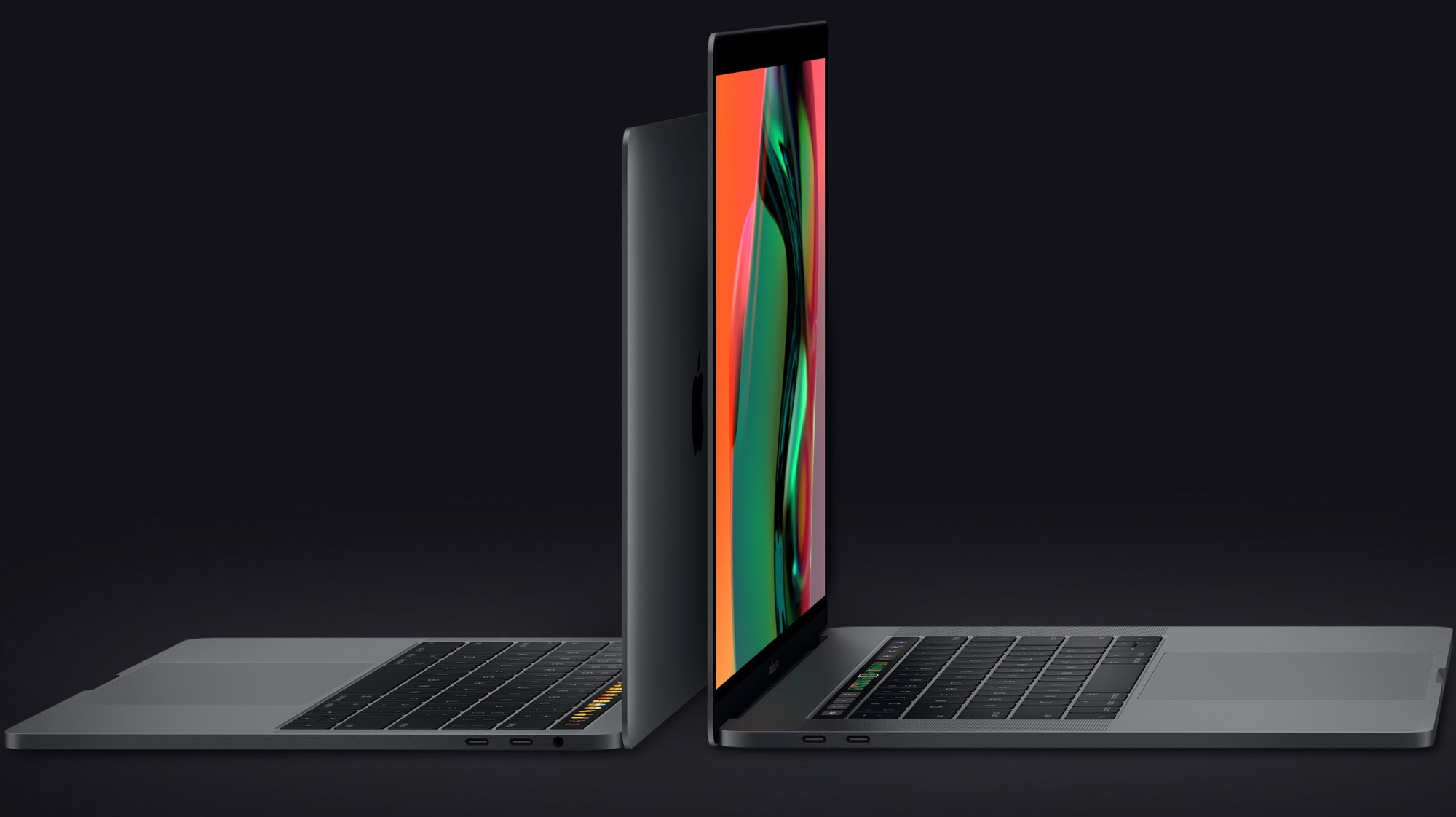
You need a 2019 MacBook Pro, but there are so many of configurations to choose from, with the top model more than twice as expensive as the base one. Naturally, Apple makes you pay extra for a faster processor, but is the additional cost worth it?
We took benchmarking scores for all the variations of the newest Mac laptop and divided them by the cost of each. The results might well surprise you.
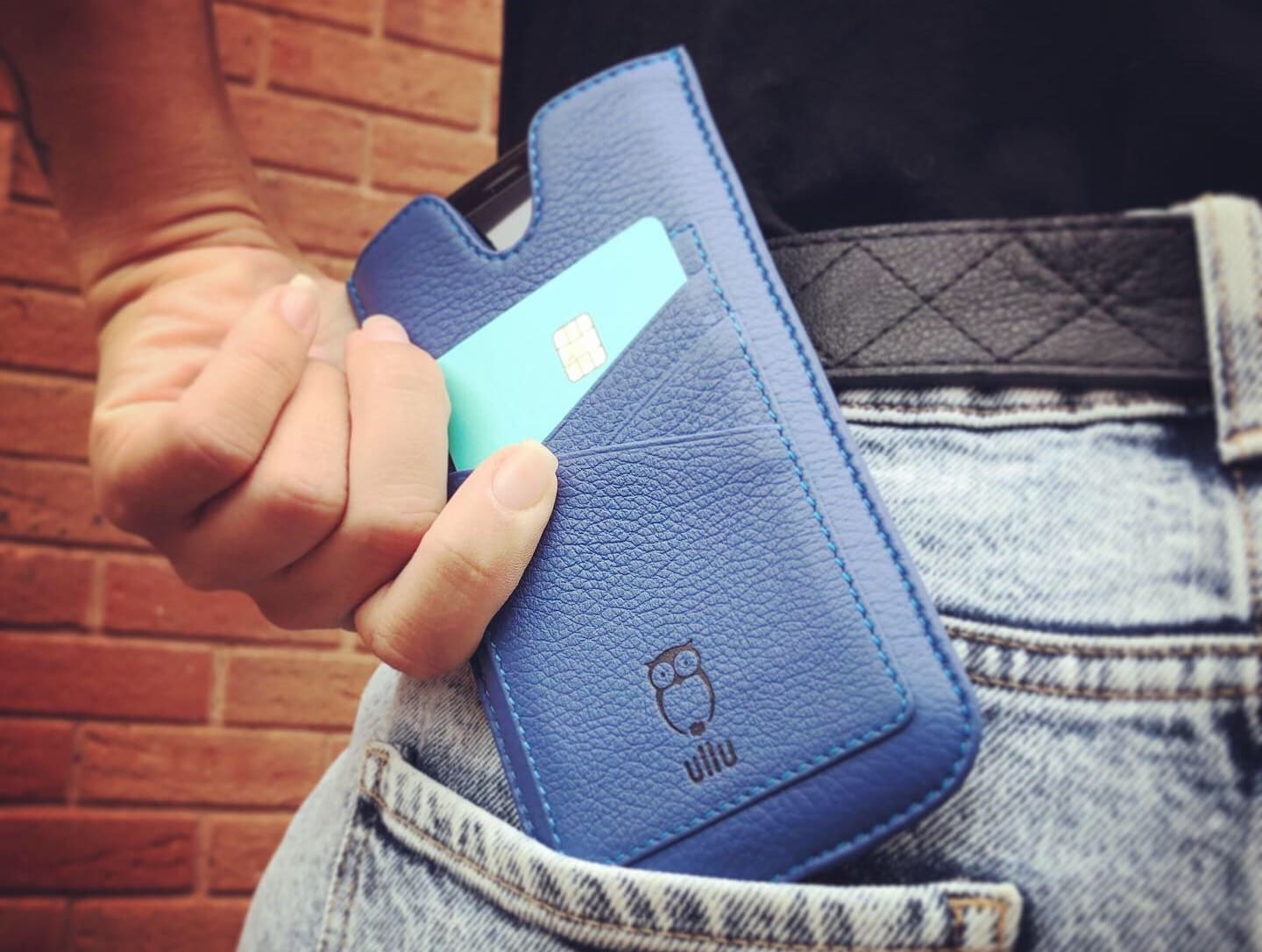
When you spend upwards of $1,000 on a smartphone, you shouldn’t rely on a $3 case to keep it safe. You should protect your investment by lavishing it in luxurious leather that keeps (almost) every inch of it suitably covered up.
That’s what I did with the gorgeous Ullu Pocket Wallet.
Handcrafted from Italian calf leather, this case carries your iPhone and credit cards in a compact, stylish package that won’t weigh you down. It protects your handset from scratches, scuffs, and dirt without getting in your way.
It’s also on sale right now — and you should get your own.

The Photos app on the Mac has two options for storing your photos. You can tell it to keep the full-size originals of everything, or you can have it self-manage, keeping your master library in iCloud and storing a mixture of full-resolution and low-res versions locally to save space.
The trouble is, even when you choose the “Optimize Mac Storage” option, the Photos app’s storage can metastasize and take over your whole drive. Today we’ll see how to cap this storage, giving Photos a hard limit on how much space it can use. For instance, if you have a MacBook with a 128GB SSD, you could choose to only use 30GB for Photos — and it will never, ever use more.
Apple’s growing services business will soon feature original podcasts, according to a report that, if true, amps up the tech giant’s battle with rival Spotify.
Apple’s pursuit of original podcast content came to light via a news bulletin from a Bloomberg terminal. Even before the full story published, the news sent Spotify’s stock on a fall of more than 2 percent.
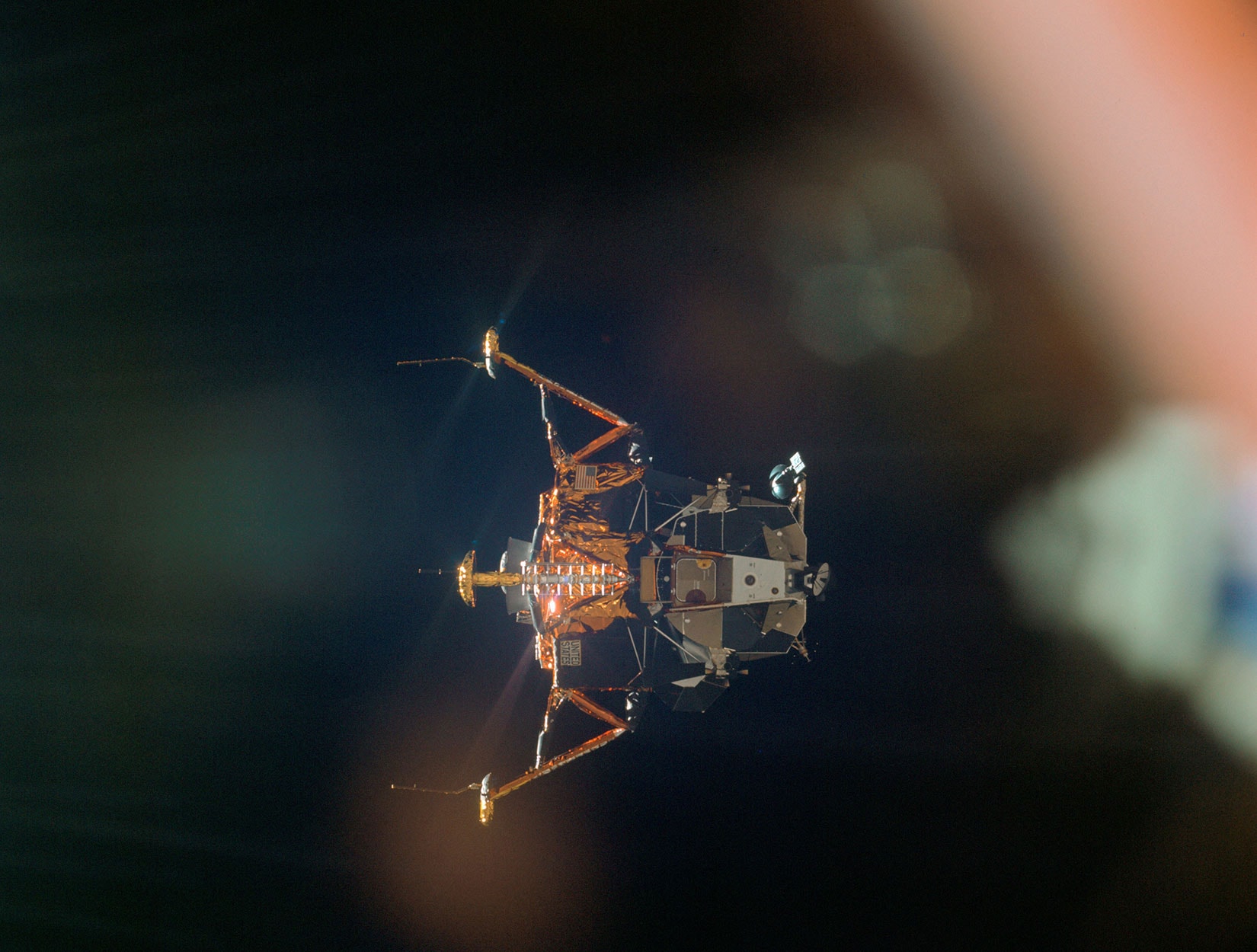
My father worked on an engineering team that designed the housing that held the components for the guidance computer onboard Apollo 11.
Just this morning, I read an article looking back on the 50 years since man first landed on the moon. I read the story on my iPhone, which delivers 100,000 times the processing power of the computer that got Neil Armstrong and Buzz Aldrin to the lunar surface.
We’ve brought you the best iPhone accessories on sale for Prime Day — but we didn’t forget about iPad. Whether you need wireless speakers, a sturdy stand, or a do-it-all USB-C hub, we have you covered.
Everything included in this roundup is now available at a deep discount, but it may not last long. Go grab it while you can!
UPDATE: New deals added!
Amazon Prime Day isn’t over yet. You have another day to enjoy deep discounts on more than 1 million products, and Cult of Mac is here to help you seek out the best before they’re gone.
We’ve rounded up the best iPhone accessories right here. You’ll find cheap Beats and Bose headphones, smart speakers from Sonos, must-have battery packs from Anker, and lots more.
Bust out your wallet and enjoy these massive savings while you can.

We spend tons of time at our desks, so why not deck them out? We’ve rounded up some of the coolest accessories for your desktop, from personal air conditioners to invisible laptop stands, wireless charging stands and more. Read on for more details:

Apple’s upcoming “cheese grater” Mac Pro promises to max out at 28 CPU cores. However, all that power comes at a jaw-dropping price, especially at the top end.
For that reason, the folks at YouTube channel Linus Tech Tips set about trying to build a “hackintosh” that can achieve the same specs — before Apple releases the Mac Pro.
Check out their video below.
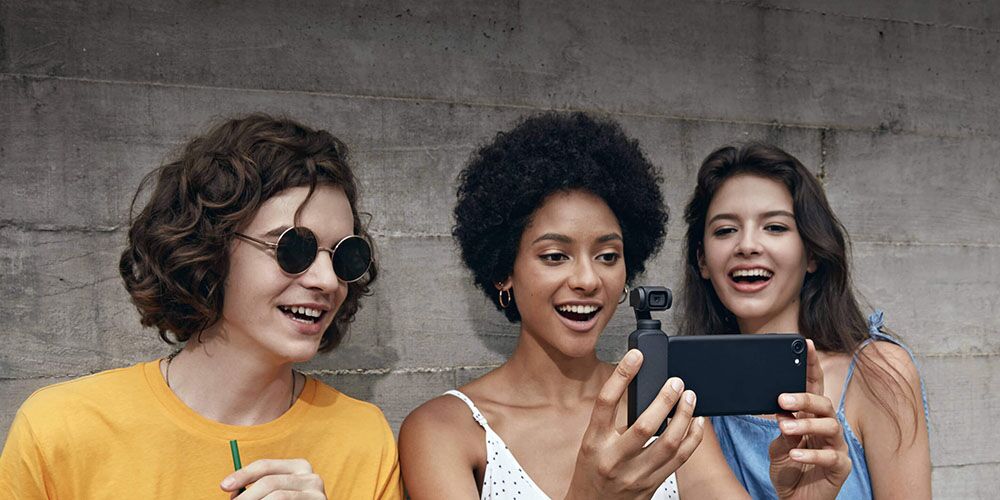
Few things are more cinematic than a good, smooth tracking shot. It used to require tracks and a dolly to get these Kubrick-esque shots. But these days, you can fit the necessary equipment in your pocket. The Osmo from DJI is a must-have for any gear bag. It’s a lightweight gimbal stabilizer and 4K camera, adjusting to your movements in real time so that all your footage is cinematically seamless.
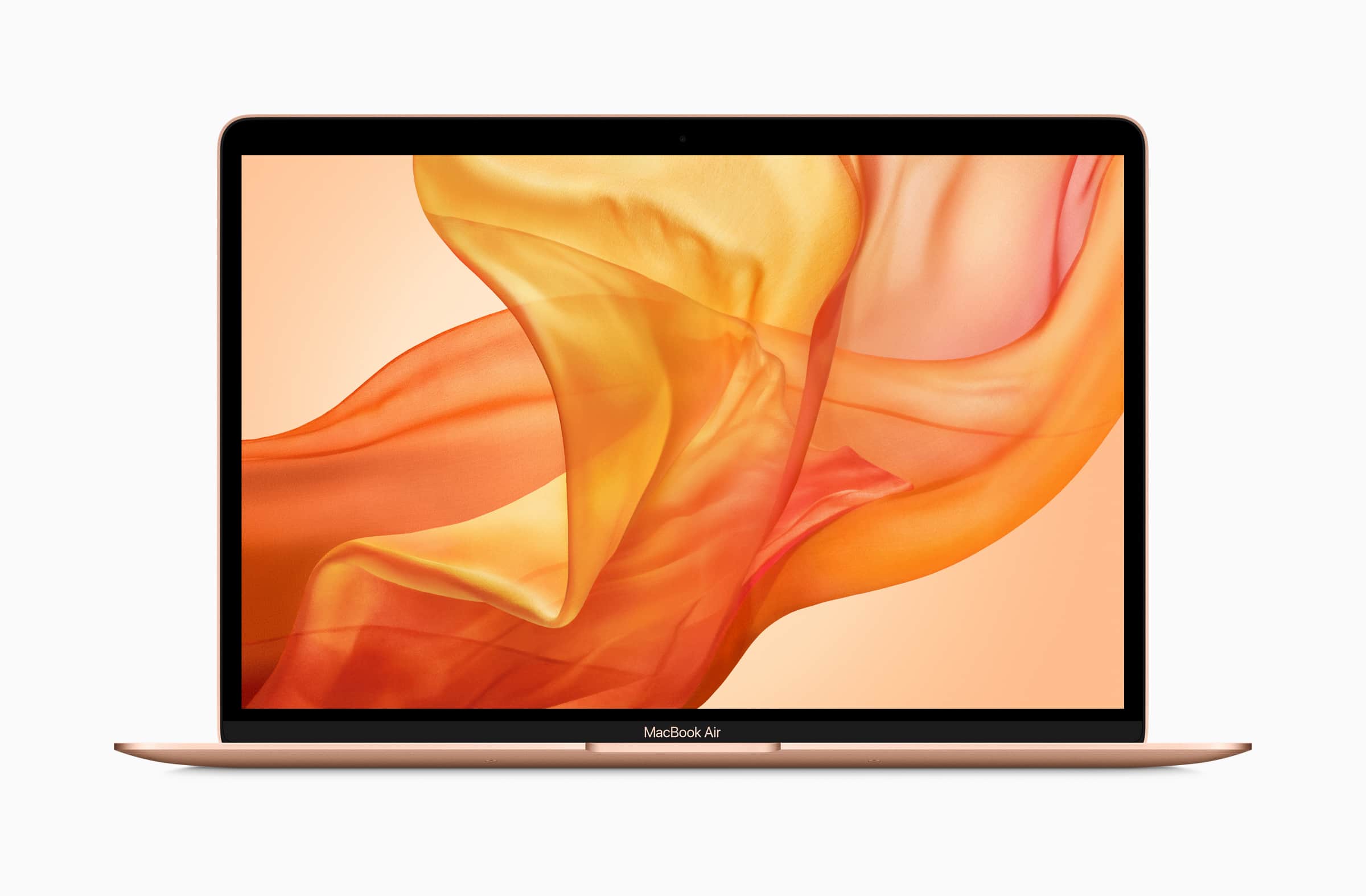
Apple’s newest MacBook Air costs $100 less than the previous model — but how was that saving made?
It turns out Apple may have cut corners on storage to shave money off the notebook’s price tag. Tests have found new machine packs slower storage than the 2018 MacBook Air.
US lawmakers say Apple CEO Tim Cook has actively urged them to pass legislation that better protects the privacy of US consumers. However, congresspeople also say the iPhone maker isn’t doing enough to actually get laws passed.