Virtually every retailer already sold out of Apple’s new AirPods Pro, and resellers are offering these popular earbuds at hefty premiums.
Unfortunately, paying a big markup is probably the only way to get this accessory before Christmas or Hanukkah.

Virtually every retailer already sold out of Apple’s new AirPods Pro, and resellers are offering these popular earbuds at hefty premiums.
Unfortunately, paying a big markup is probably the only way to get this accessory before Christmas or Hanukkah.


Whether you travel for the holidays or as part of your everyday life, going online on the road typically means being vulnerable to threats. Snoops and identity thieves love public Wi-Fi networks. For protection and peace of mind on the go, your best bet is a VPN.

iPhone 11 packs Apple’s most impressive cameras to date. They’re some of the best available in any phone today. So you might be surprised to find they were just eliminated in round one of a blind camera test.
A photo taken on iPhone 11 Pro secured just 30% of the votes when up against a snap from the OnePlus 7T Pro — a handset that costs $400 less.
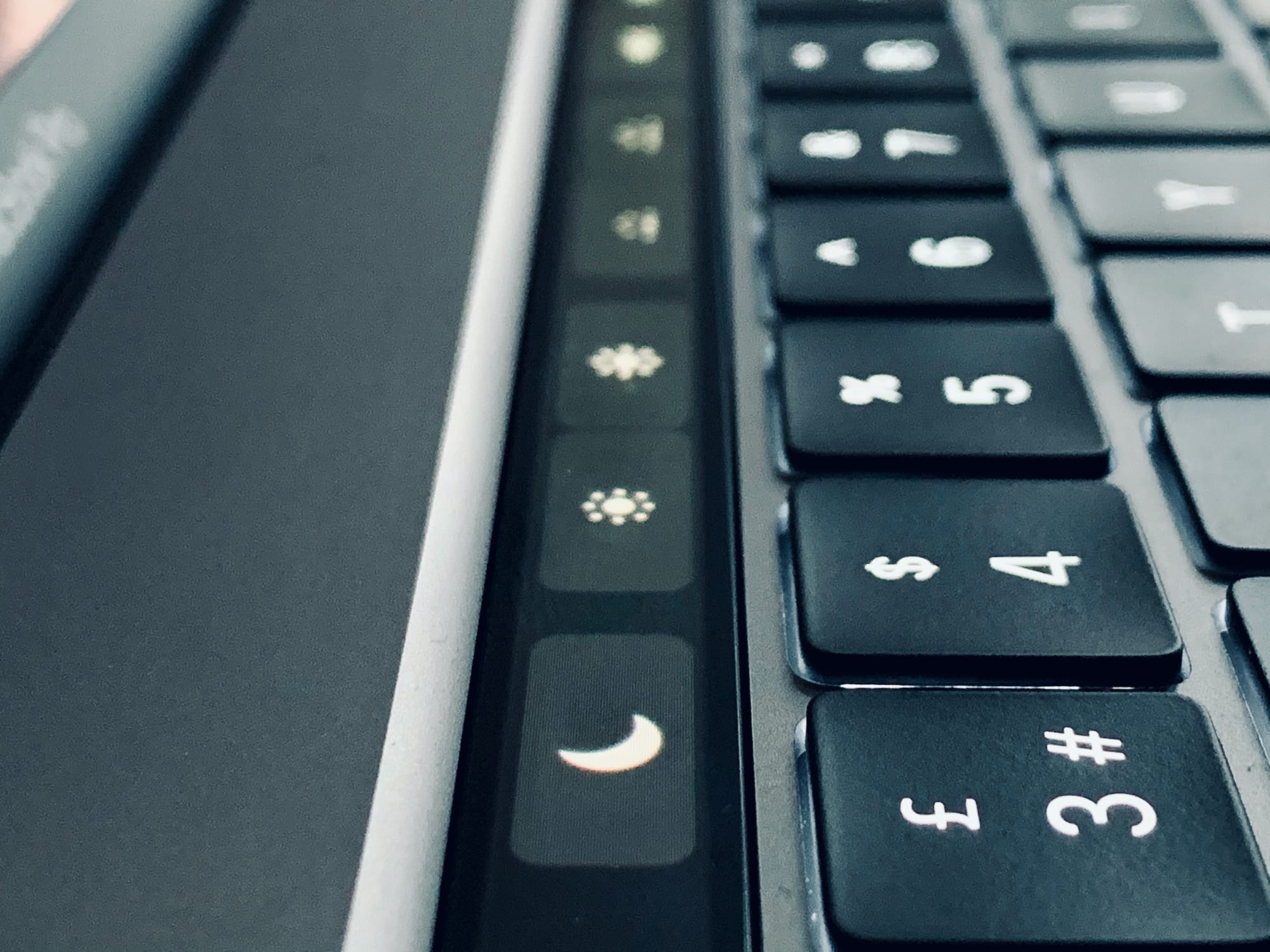
If you have a Mac with a Touch Bar, do this right now. Hold down the Option key (⌥), and tap the volume icon in the Touch Bar. For non-Touch Bar-using readers, this is what happened: The Mac’s Sound Preferences launched instantly.
This is such a typical Mac feature that it should be obvious. But when I shared this tip with fellow Touch Bar aficionado and Cult of Mac writer Graham Bower, he was all like, “Oh!” and, “That’s pretty neat!”
So, what other tricks can be done with the Option key and the Touch Bar?

The 2019 Mac Pro is famously assembled in the United States. Apple CEO Tim Cook took President Trump on a tour of the plant in Texas where these powerful computers are put together.
But the situation is reportedly quite different if you place an order in Europe.

macOS 10.15 Catalina is ruthless about launching unknown apps. Unless your app comes direct from the App Store, or the app’s developer got the app notarized by Apple, it won’t launch. Double click on it, and you’ll see a warning — and nothing else. There’s no option to say you trust the app and launch it despite Catalina’s warnings.
But you can still launch those apps. It’s just that Apple hides the controls in the hope that you’ll give up. It’s petty, and it shows a lack of respect for you, the user. However, it’s also dead easy to fix this problem. Let’s see how to launch any app on macOS Catalina.

Apple News and ABC News will join forces to provide up-to-the-minute coverage of the 2020 presidential election.
ABC videos, live-streams, and more will be available inside the Apple News app — alongside data and analysis from FiveThirtyEight. It all kicks off with the Democratic primary debate on February 7, 2020.
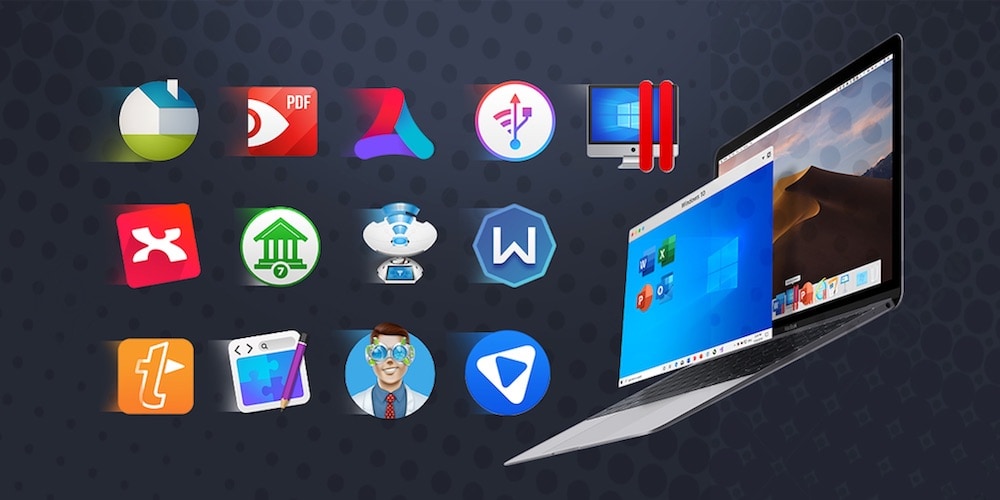
Your Mac is only as good as the apps on it. So if you’re looking to boost the utility, productivity, and fun you get out of your Mac, this bundle of 13 top Mac apps is an easy and affordable way to do it.
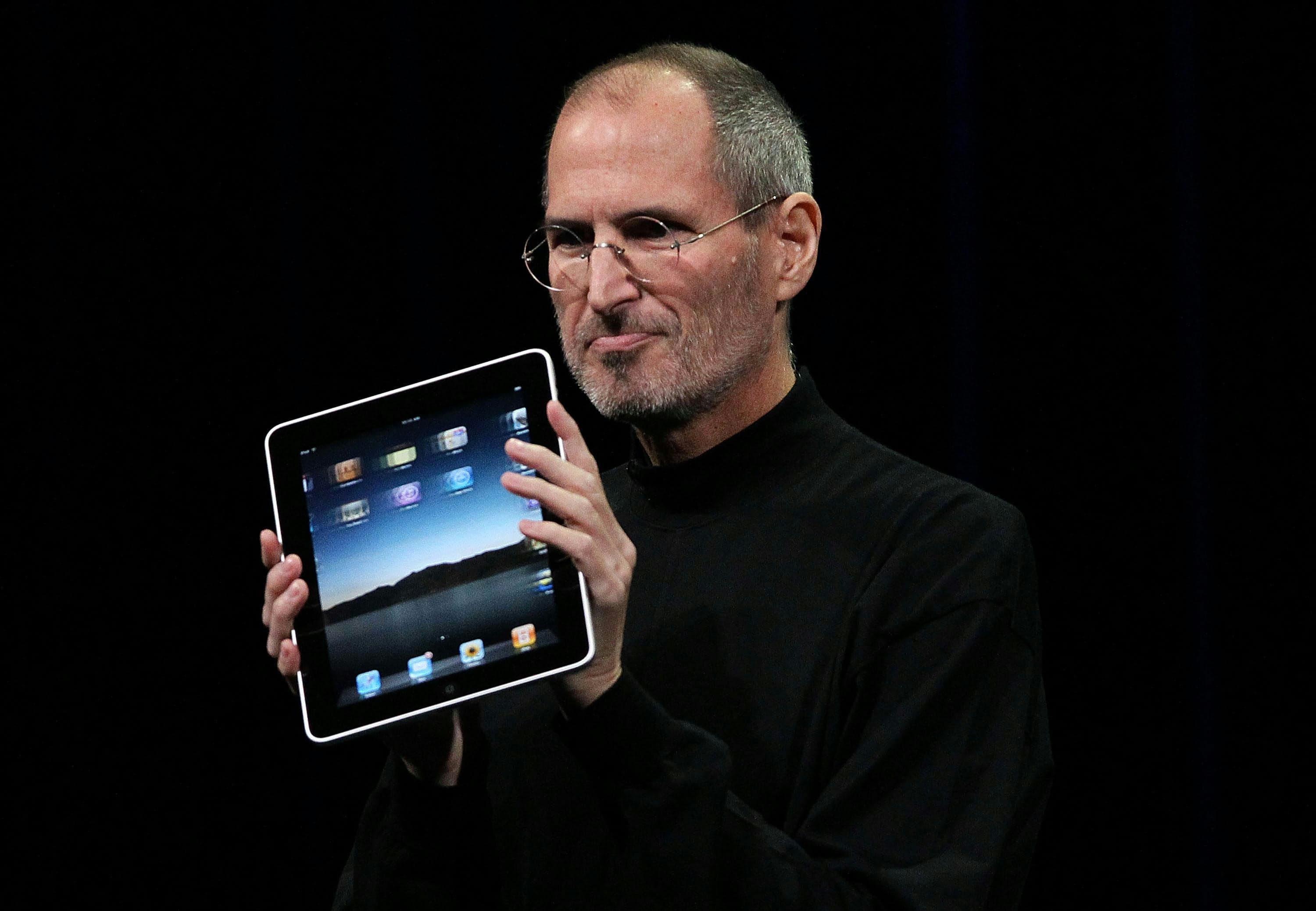
Time magazine’s pick of the “10 best gadgets of the 2010s” is out, and perhaps unsurprisingly, three of them are Apple products.
iPad, Apple Watch, and AirPods were all chosen as some of the “most important and influential gadgets” of the decade. Other products include the Nintendo Switch, Tesla Model S, and the Amazon Echo.
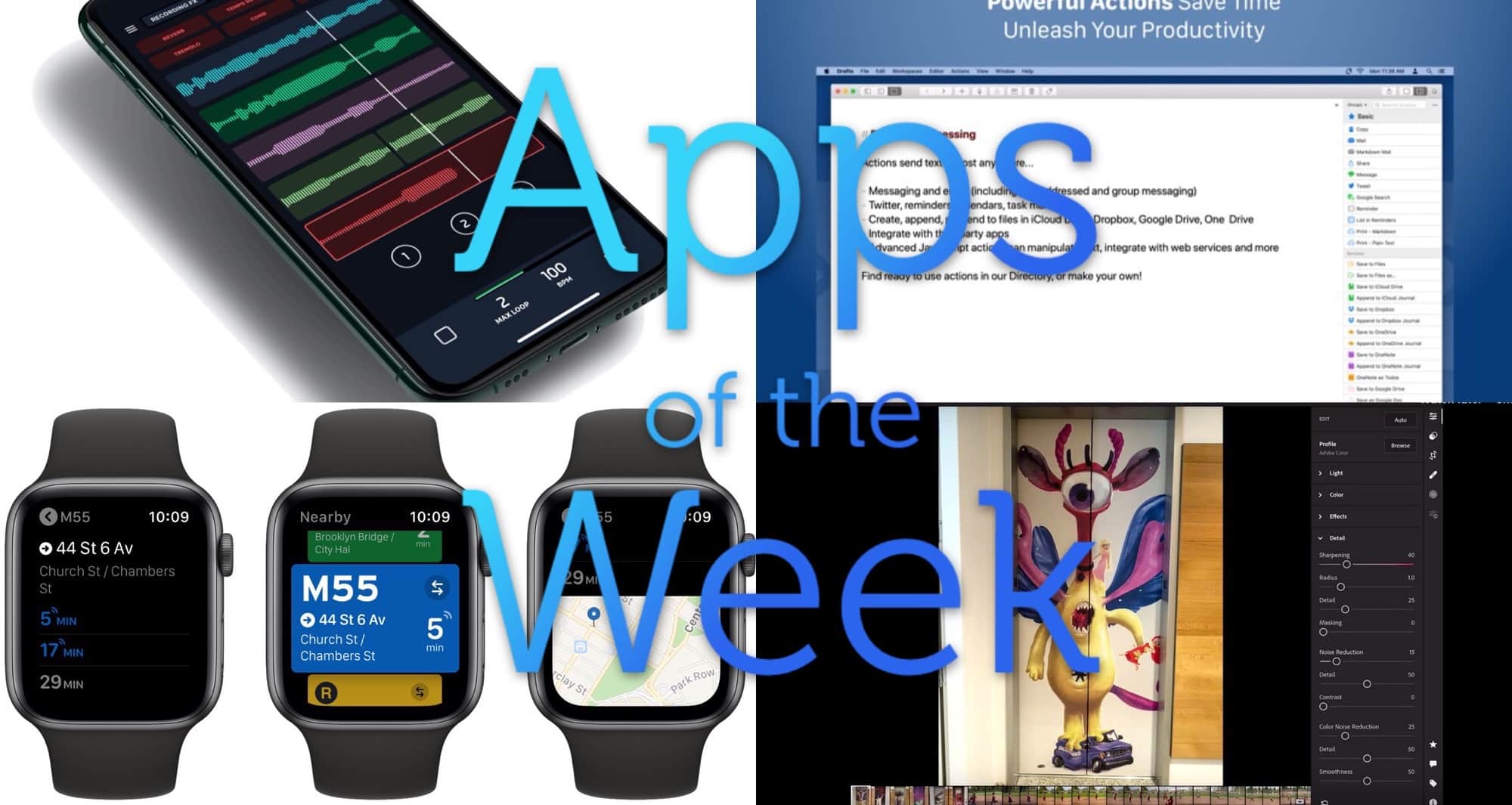
This week we import photos from SD cards straight into Lightroom for iPad, make loops with L7 Looper, find the next bus or subway ride with Transit for Apple Watch, and more.
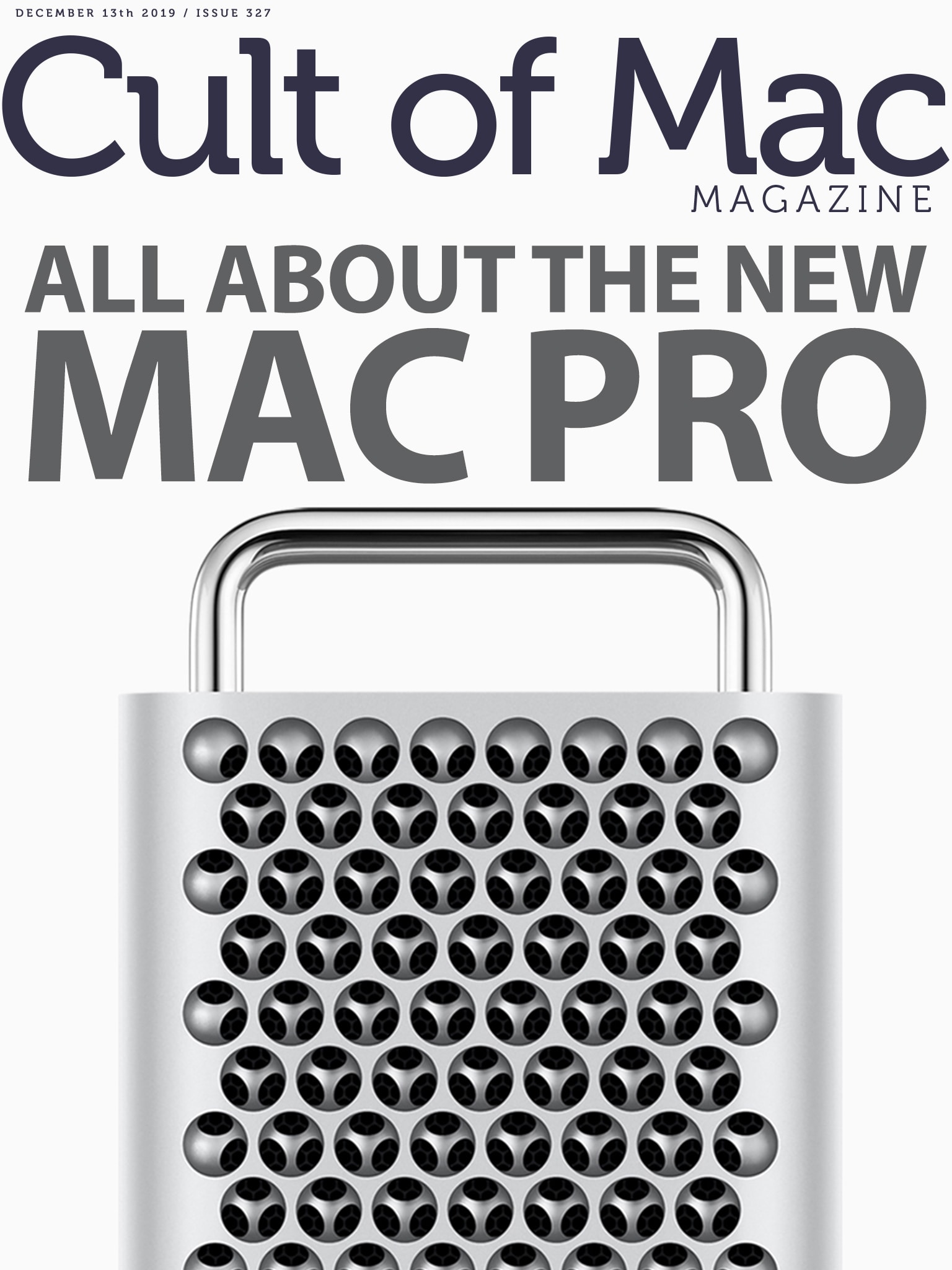
The 2019 Mac Pro: It’s a powerhouse workstation that looks like a cheese grater. And it’s the most upgradeable Apple computer in years. But you’ll pay for all that computing muscle: It starts at $5,999 and pairs with a Pro Display XDR, which starts at $4,999. Maxed-out, this monster costs an eye-watering $53,000. Even adding wheels costs $400. Still, it’s not the most expensive Mac ever — not by a long shot!
Find out more in this week’s issue of Cult of Mac Magazine. You’ll also get — for free! — the rest of this week’s top Apple news stories, plus plenty of reviews and how-tos. Grab it now (or get the stories in your browser below).
Also, don’t miss your shot at winning one of 10 copies of Leander Kahney and David Pierini’s new book, The Cult of Mac, Second Edition. Enter our giveaway now! (The book’s also available now for preorder, just in case you don’t win.)
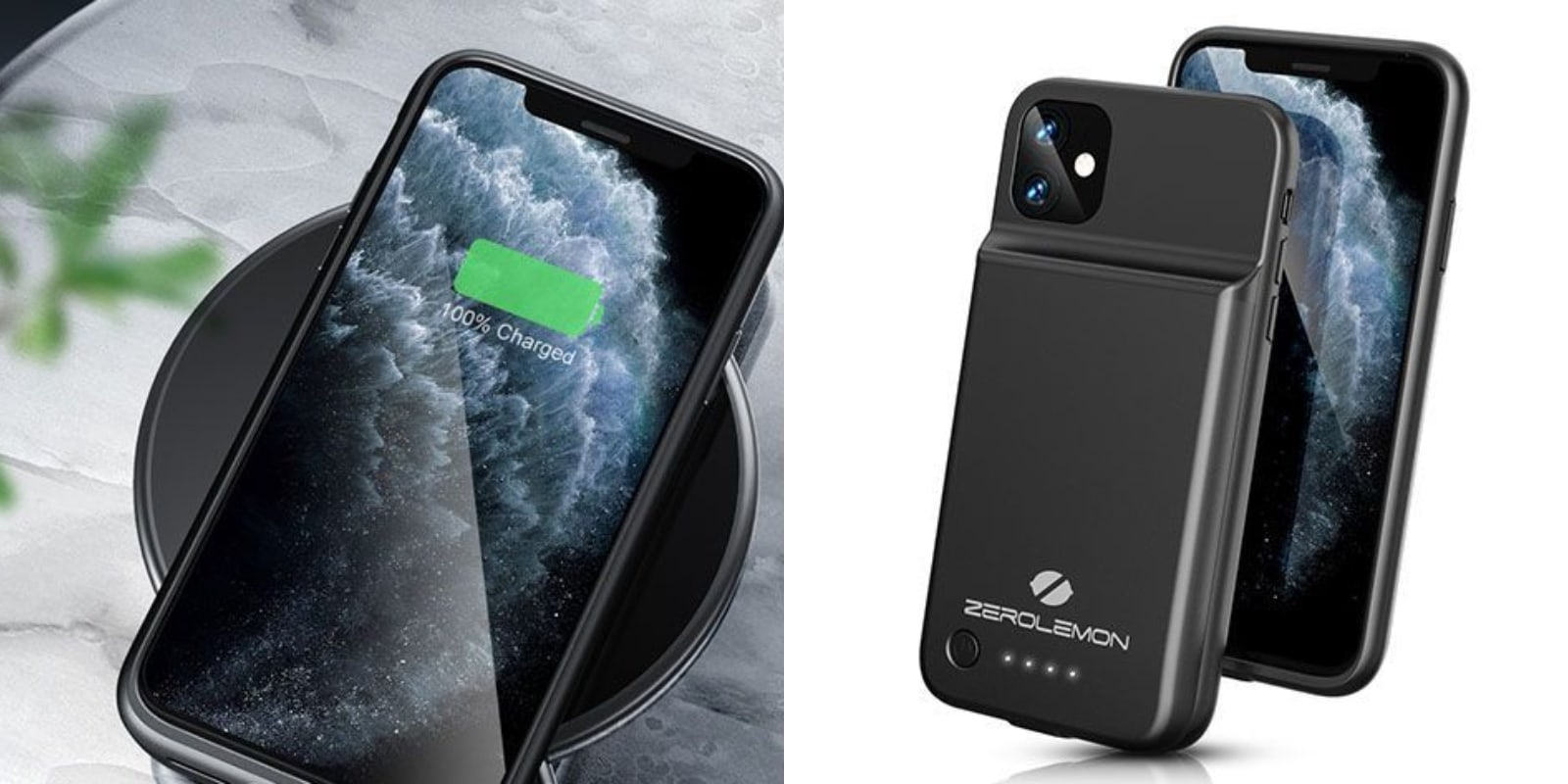
When it comes to our mobile phones, dead batteries are the great equalizer. That’s certainly true of the new iPhone 11. They are high-capacity and high-power devices, so the more you need and use them, the quicker they’ll go kaput. Not so with this slim wireless battery case.
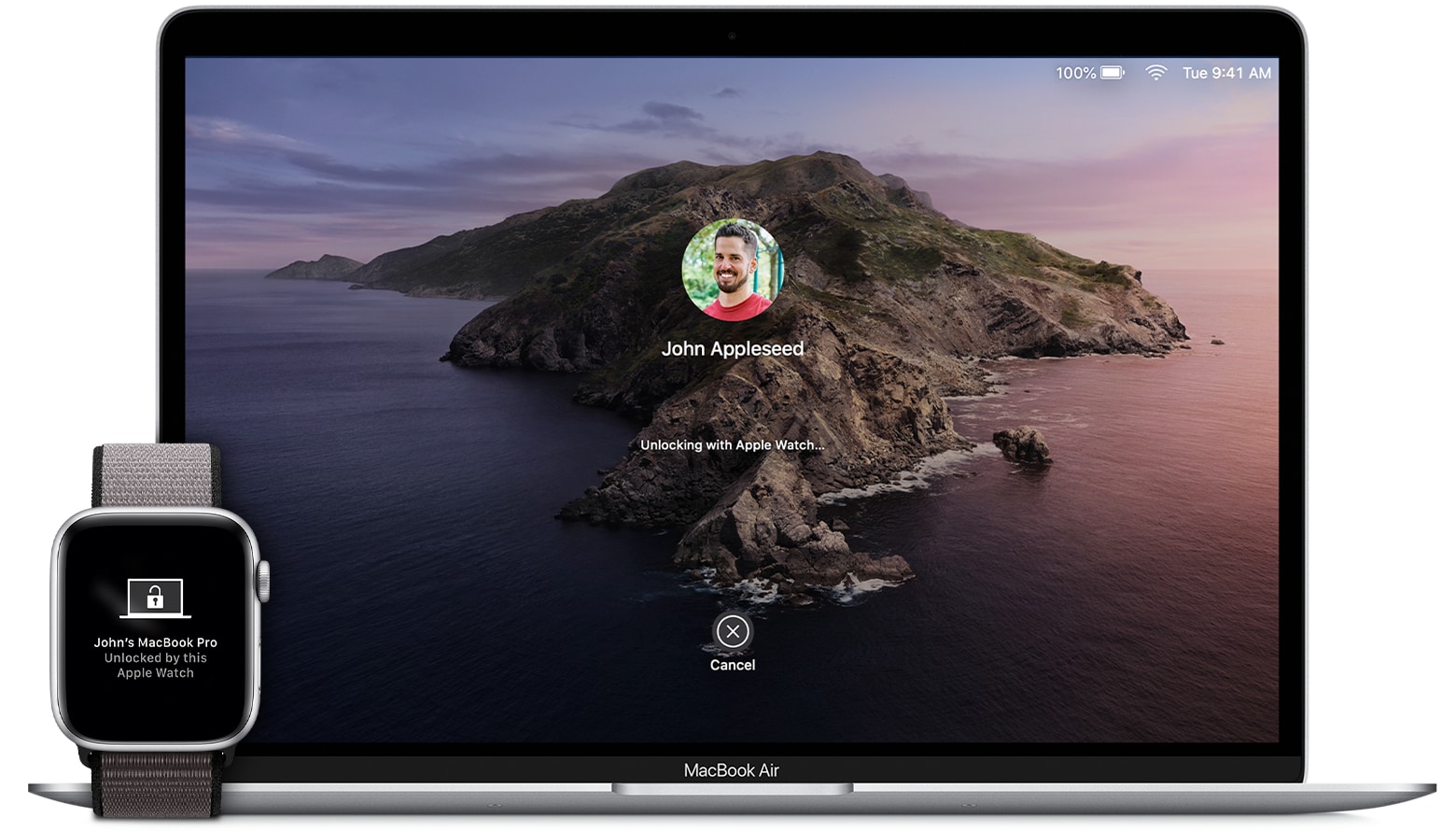
Maybe my favorite Continuity feature is Apple Watch Unlock for the Mac. Once you set it up, you’ll never need to enter your password to unlock your Mac ever again — not until you restart it, anyway. It’s one of the best examples of Apple’s It Just Works™ philosophy, and it will change the way you use your Mac.
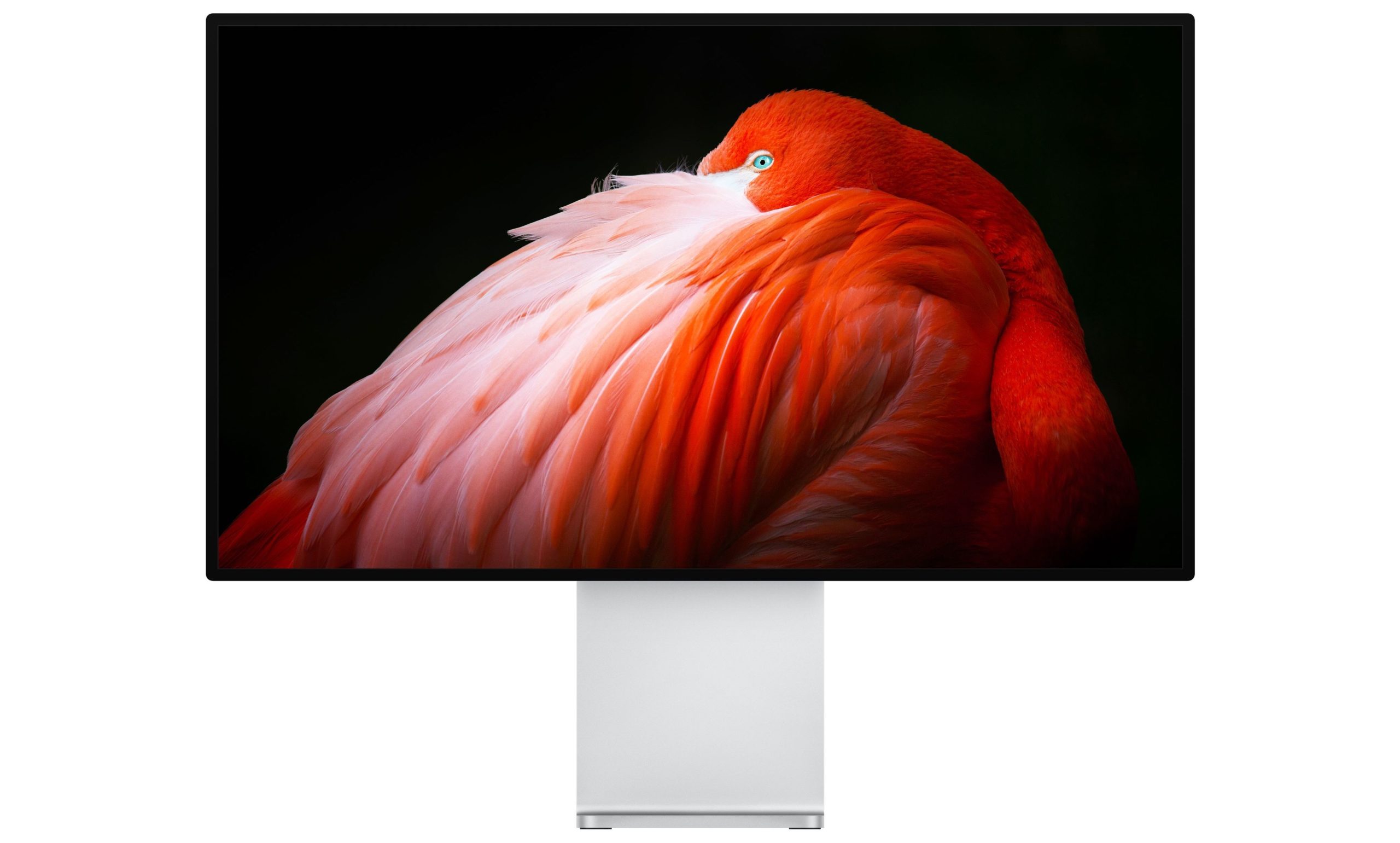
Only a handful of the latest Macs are fully compatible with Apple’s stunning new Pro Display XDR. But it turns out that other machines — such as the $5,000 iMac Pro — will work, too.
Just don’t expect a full 6K resolution.

Wireless charging is super convenient. Even more so when you can bring it with you. This powerful, portable charger is no exception, working as a wireless charging pad and power bank. Not only is it super useful, you also get two of them.
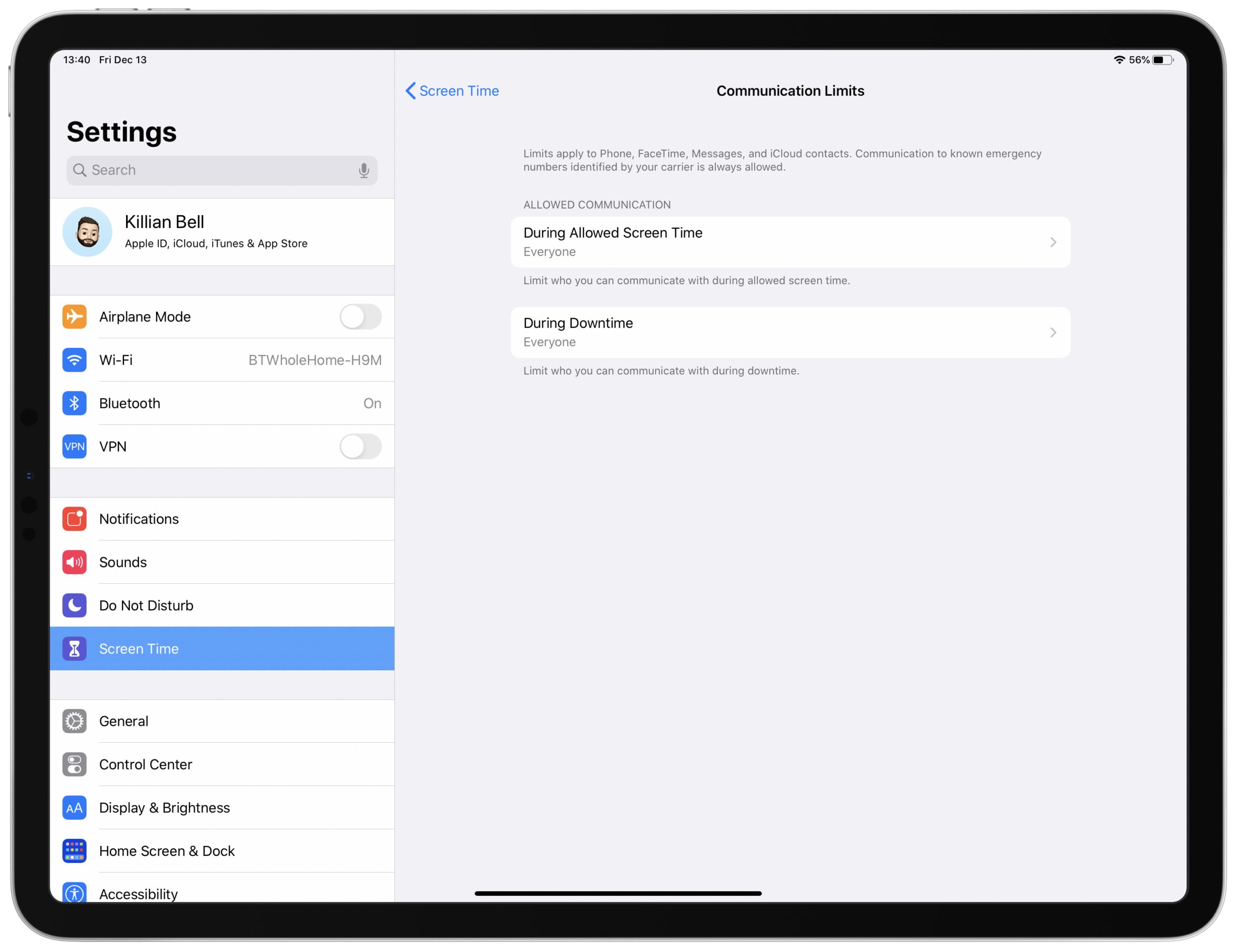
iOS 13.3 dropped this week, bringing a brand-new parental controls feature called Communication Limits. But it comes with a serious flaw that allows kids to bypass any rules set by adults.
Apple says a workaround is available, and it is working on a fix that will be included in a future software update.

This week on The CultCast: The Mac Pro isn’t just a beauty, it’s also a beast. We cover our first impressions, plus discuss some of the insane upgrades available for Apple’s new powerhouse Mac. Plus, we reveal more of our favorite tech, shows, movies and more in our Best of the Year picks, part 2!
This episode supported by
Easily create a beautiful website all by yourself, at Squarespace.com/cultcast. Use offer code CultCast at checkout to get 10% off your first purchase of a website or domain.

YouTube’s biggest star just dropped a brand-new game for mobile devices, but you won’t be playing it on iPhone. Poopdie is a “poopcrafting adventure” from PewDiePie that’s too disgusting for the App Store.
Its developers this week confirmed the title was rejected by Apple for “crude imagery” — despite its cartoon visuals aimed at kids.
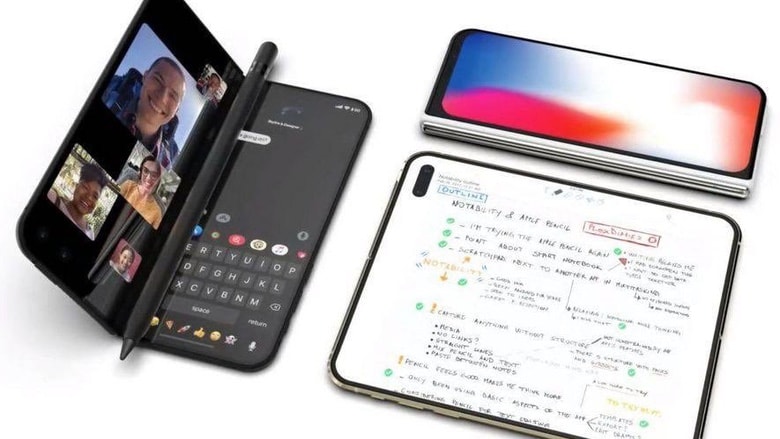
A foldable iPhone is probably somewhere in Apple’s future, but a concept designer shows us just how amazing it might look today.
The flexible display allows this dream device to be both phone and small tablet.
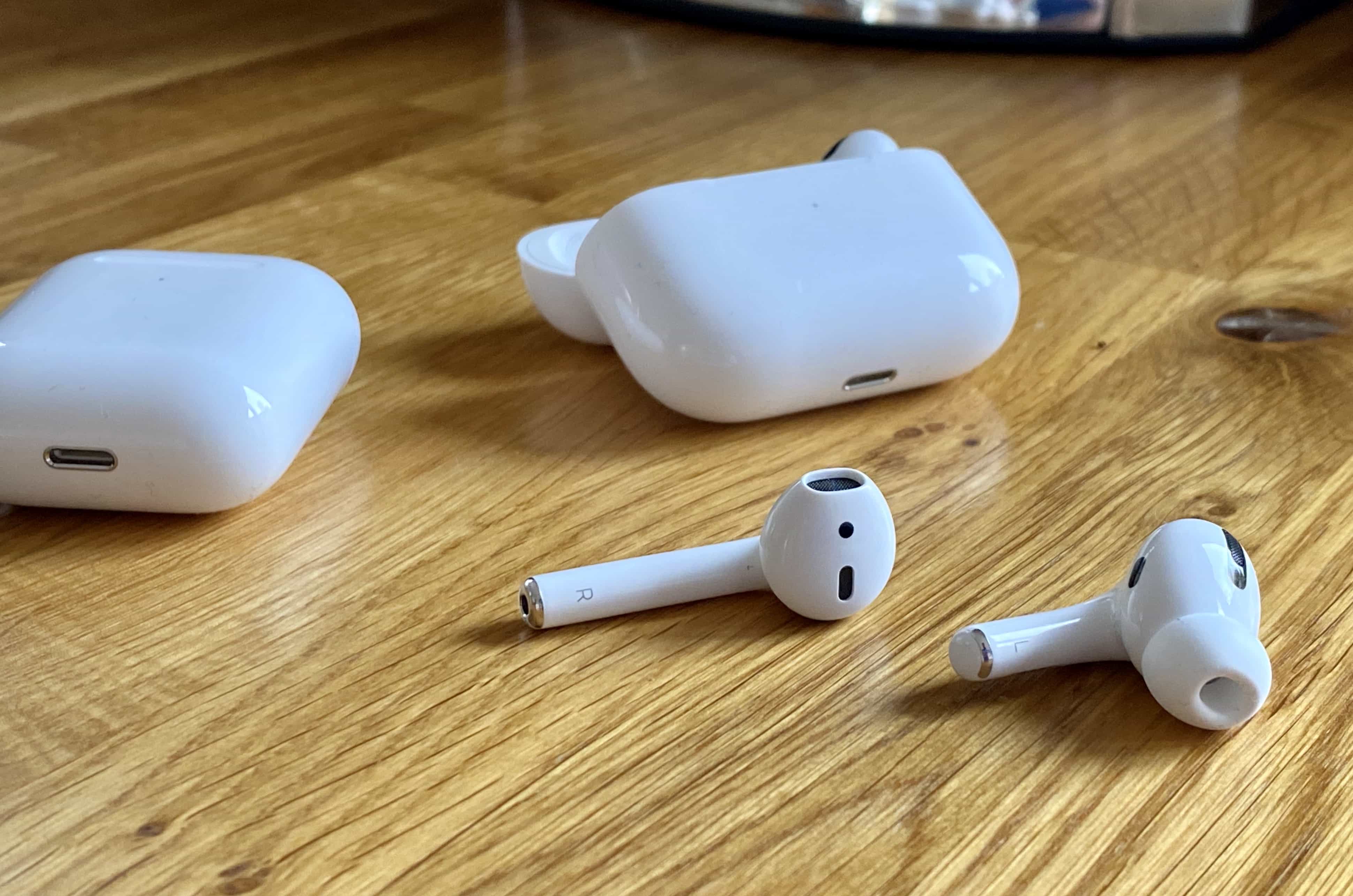
AirPods contribute as much to Apple’s bottom line as the iconic iPod did at its peak, according to an industry analyst. And Apple Watch long since passed that milestone.
Combined, Apple’s Wearables and Home products are expected to far outsell Mac and iPad this quarter.
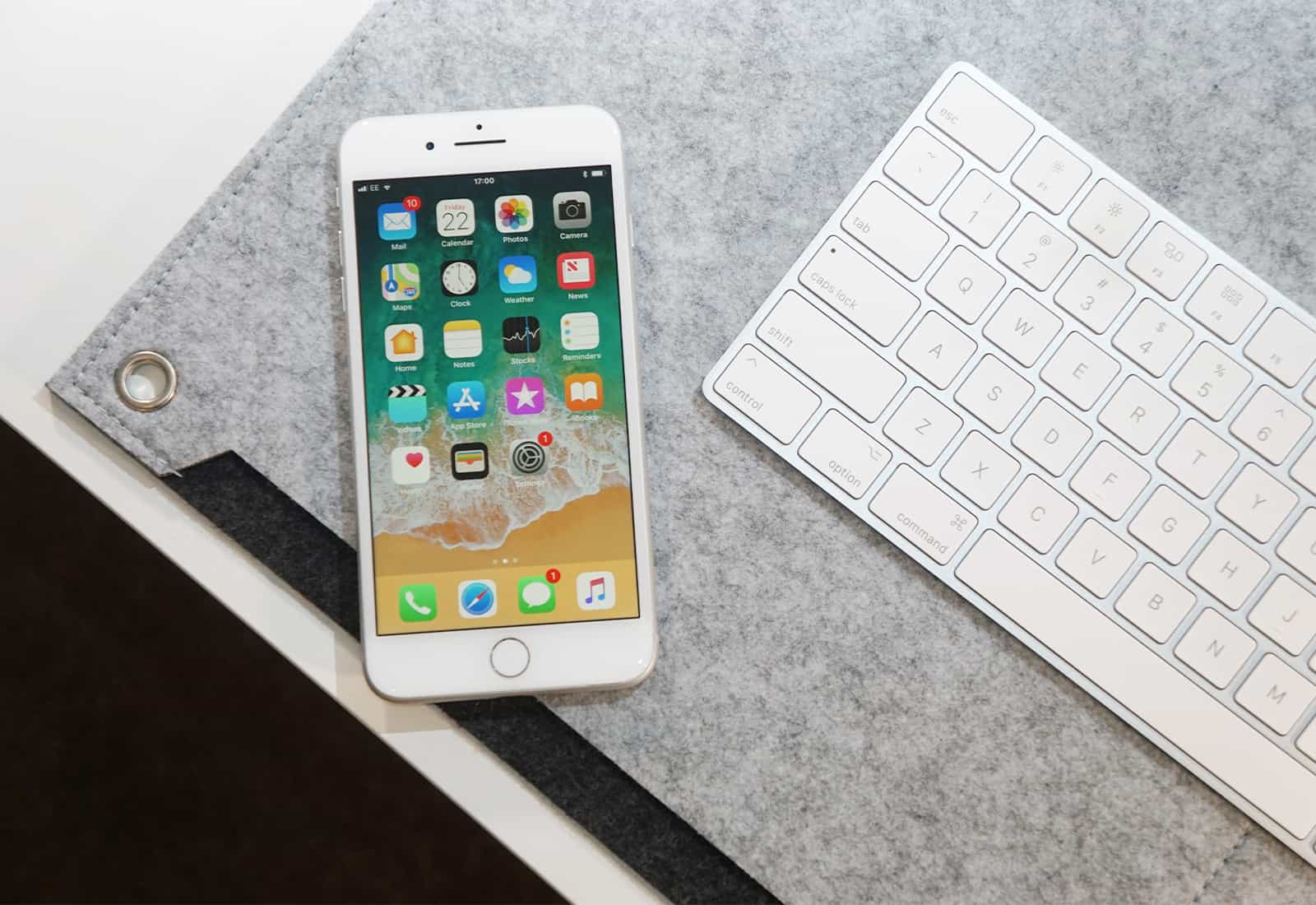
There are sometimes concerns that new iOS versions will cut the battery life of older iPhone models, or slow down performance. Tests on a variety of Apple handsets with the just-released iOS 13.3 show just the opposite — this update not only speeds up these devices, it increases the time between charges.
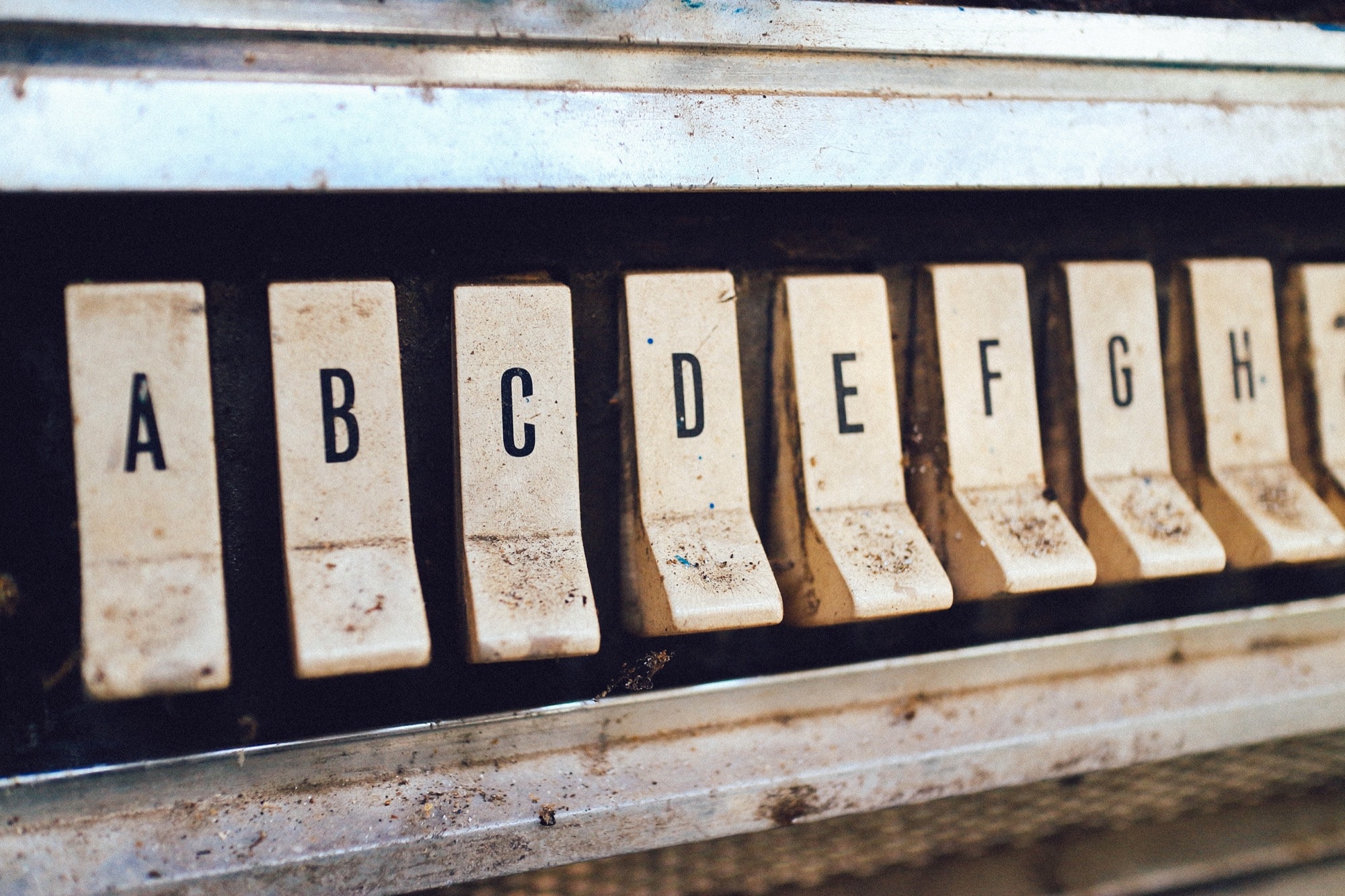
It may have nothing to do with Jony Ive leaving the company, but Apple has been adding buttons back to its devices. It’s a slow start, but hopefully it’s the beginning of a trend. The new 16-inch MacBook Pro added an Escape key, and a separate power button (you can press the Touch ID button). Plus, the recently introduced iPhone 11 battery case added a dedicated camera button.
After what seems like decades of removing useful hardware features, is Apple finally seeing the error of its ways? And, if so, what buttons would we like to see next? Let’s take a look at the current lay of the land.
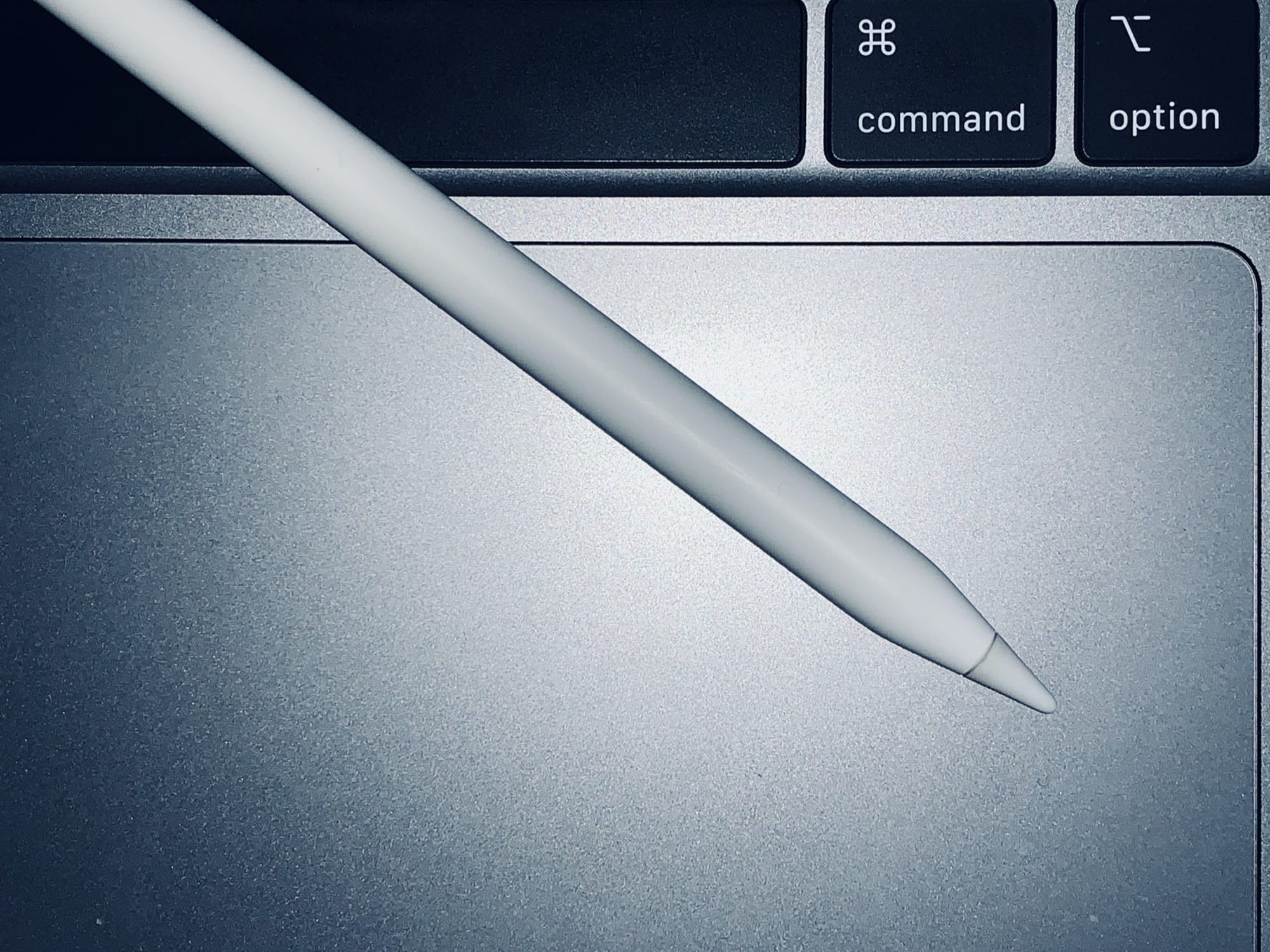
You can sign a PDF on your Mac using the giant MacBook trackpad, and you can mark up PDFs and screenshots, too. But all that stuff is much easier on the iPad, especially if you have an Apple Pencil. The problem is getting it there. But in macOS Catalina, you don’t have to “get it” anywhere. Screenshots and PDFs magically show up on nearby iPads, where you can sign them or mark them up. Then you can return them to your Mac. These features are called Continuity Sketch and Continuity Markup, and they’re killer.
You know how the UPS guy holds up his brown scanner box for you to sign? PDF markup is like that, only on your iPad — and you never feel guilty about ordering too many parcels.
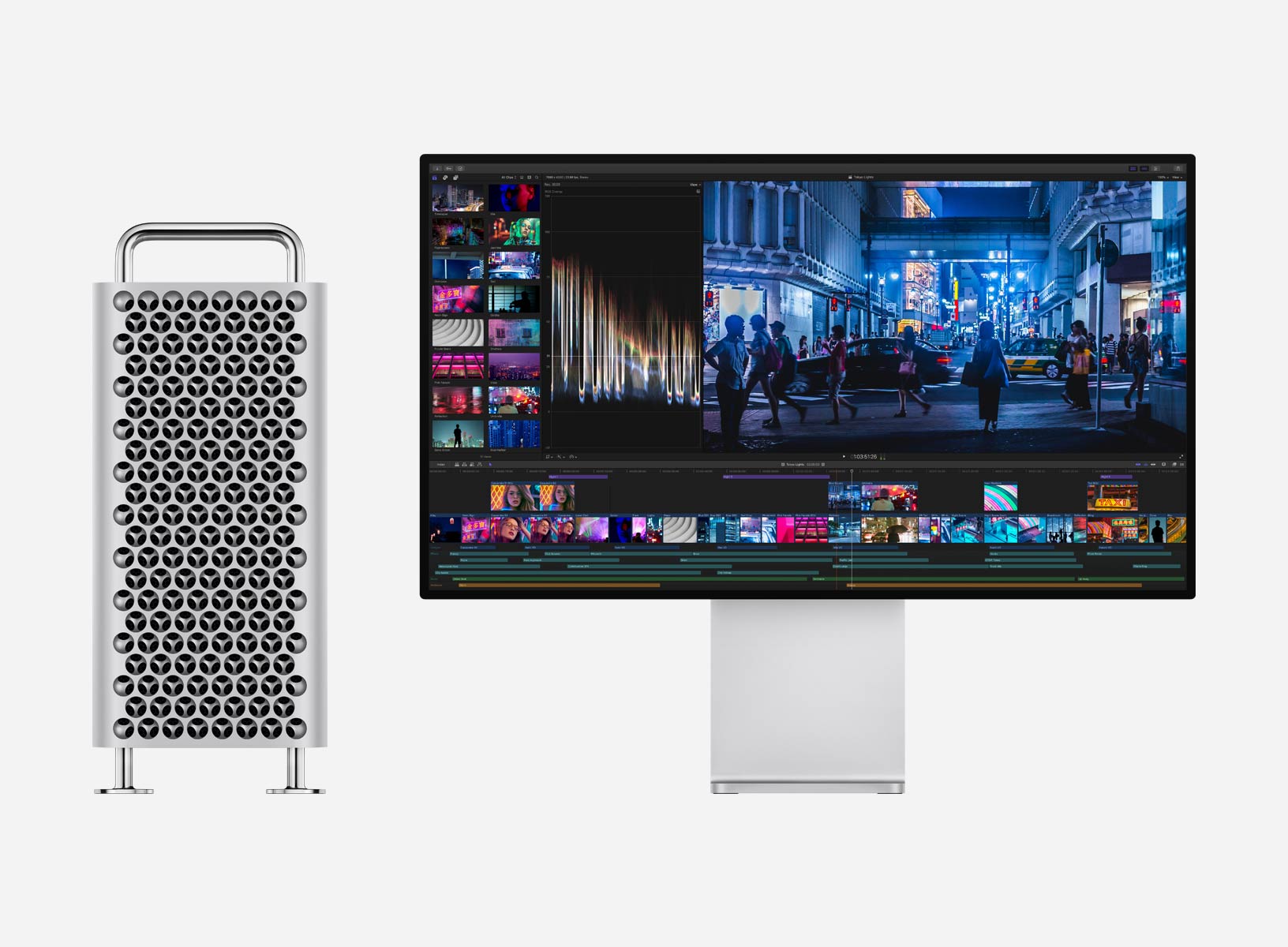
You will soon have something to show for that $5,999+ you just handed over to Apple. The first Mac Pro orders have today started shipping out to customers. Deliveries are scheduled to begin this Friday, December 13.
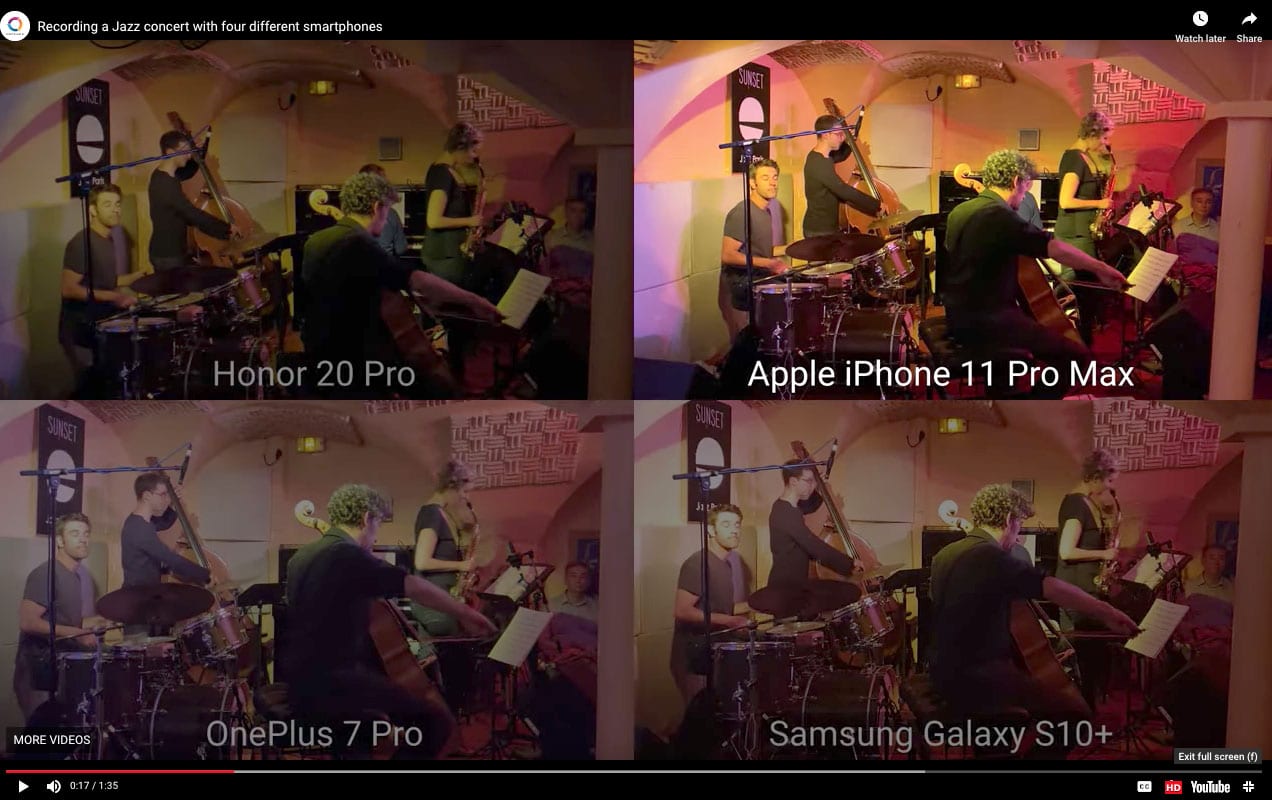
The technicians of the independent digital camera testing lab DxOMark are used to focusing their eyes on the quality of smartphone camera images.
Lately, they’ve been tuning their ears as well.