Mobile menu toggle

Top stories - page 354

Setting the best Move Goal in Apple Watch [Cult of Mac Magazine 329]

By

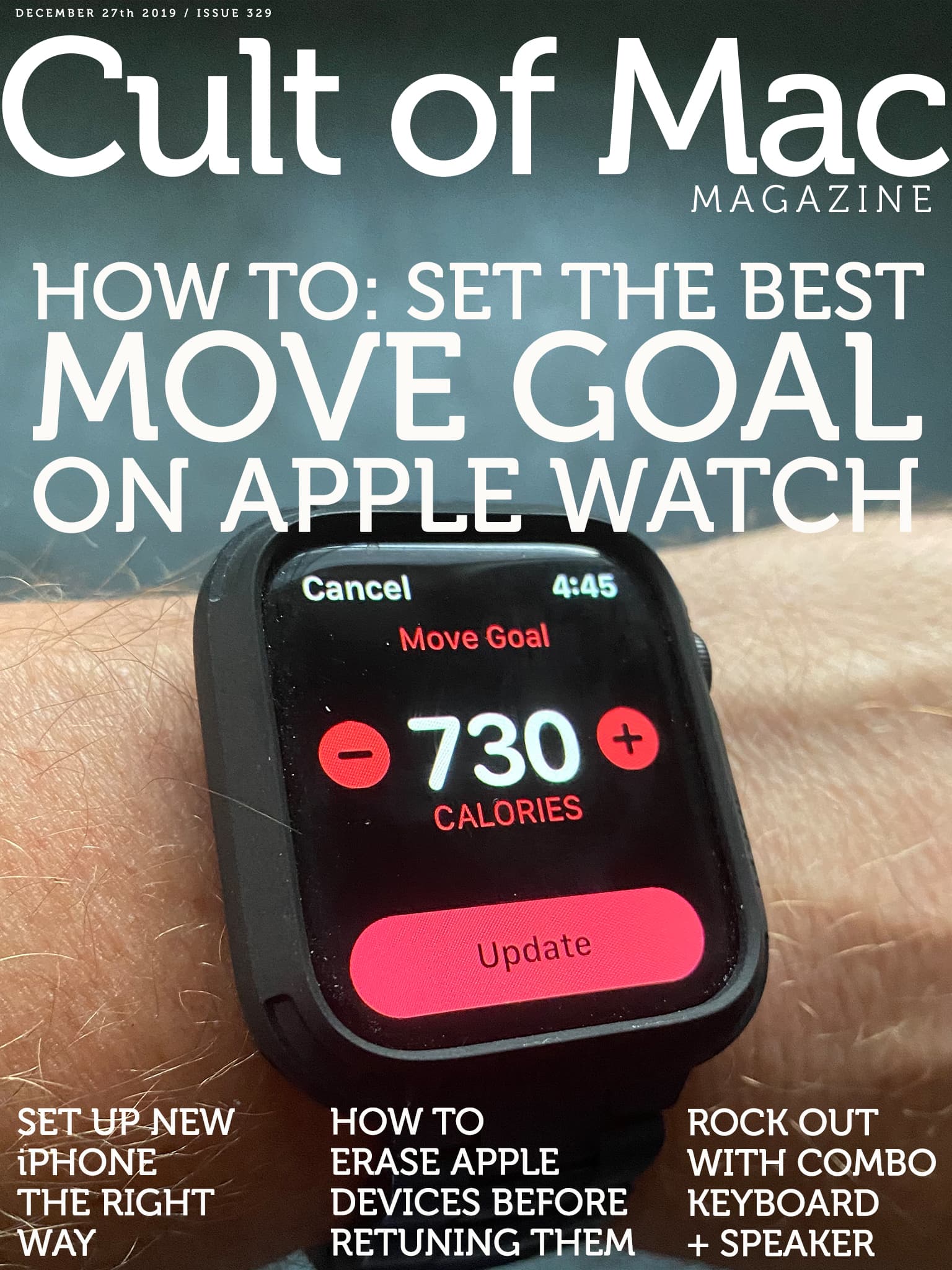
Cult of Mac Magazine cover number 329
Get moving with the perfect Move Goal.

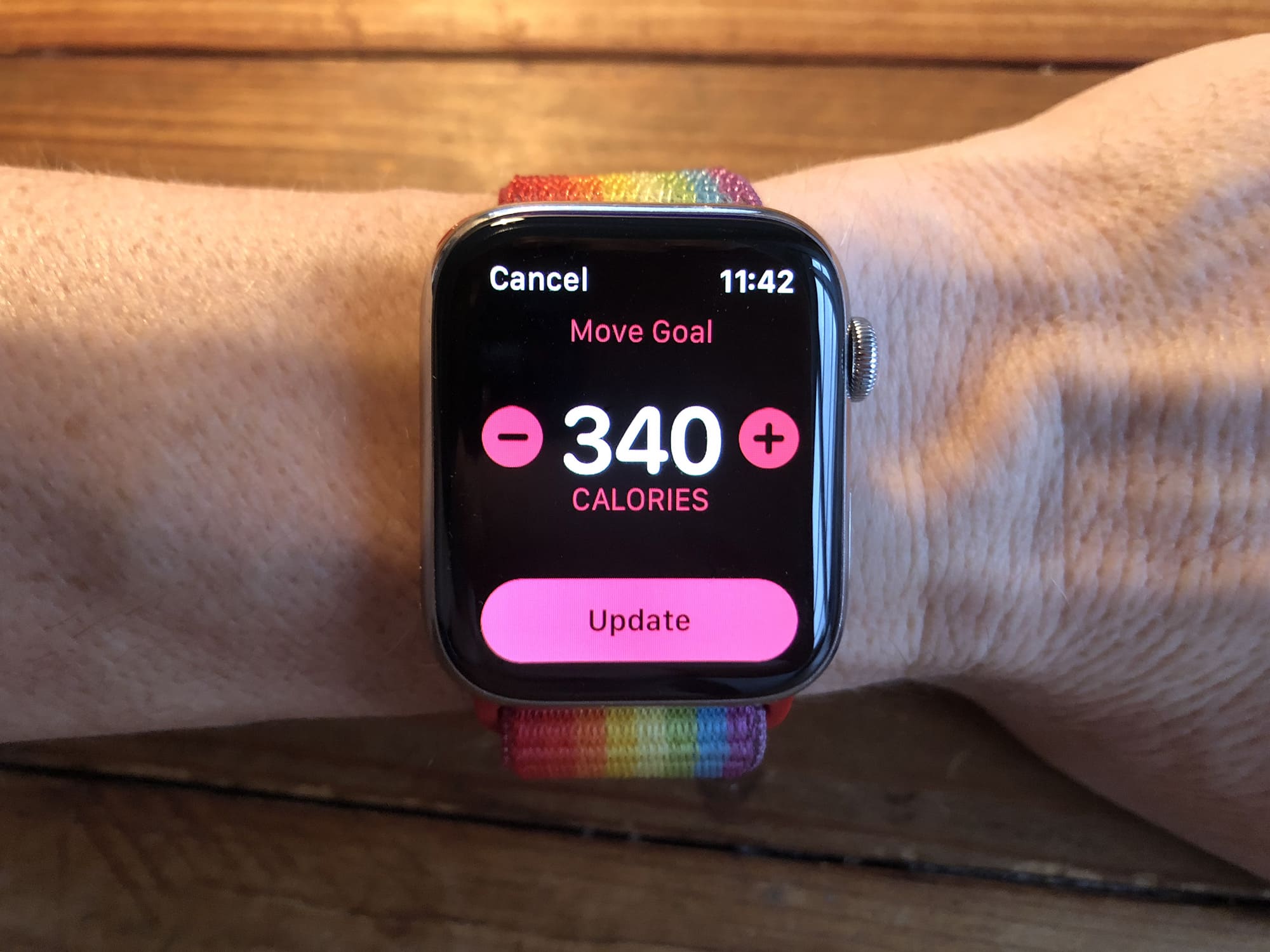
The Move Goal on your Apple Watch is a tricky beast. Set it too low, and it’s just not challenging enough. Set too high and it’ll be demotivating. So how do you pick the perfect Move Goal on Apple Watch?

Add that to a new dummy iPhone 12 that may be a sneak peek at next year’s device, and timely advice on setting up a new iPhone or erasing Apple devices before returning them to a store. It’s all in this week’s free Cult of Mac Magazine, along with reviews of a retro keyboard-speaker-combo and the week’s best new apps.

Download your free issue now to enjoy it on your iPad, or read the stories in any browser below.

Protect your online identity and activity for life with this highly rated VPN [Deals]

By

VPN Unlimited Main
This powerful VPN offers anonymity, security, and freedom to stream content anywhere.
Photo: Cult of Mac Deals

When you go online, your privacy and security is far from guaranteed. In fact, there are plenty of snoops, thieves, and content regulators waiting to pounce on your activity. So we recommend using a VPN anytime you connect to the internet, and this one offers the best bang for your buck.

How to safely erase your iPad, iPhone or Mac before returning it

By

The hardest part of returning a MacBook is removing the stickers.
Photo: Charlie Sorrel/Cult of Mac

Did you get a MacBook, iPhone, or iPad this holiday season? Are you going to return it? The good news is that, even if the gift was purchased back in November, you can still return it thanks to Apple’s generous holiday return policy. But if you’ve already set things up and used the iDevice of the Mac, then you need to wipe your data off before you return it. Here’s how.

New Apple devices for the holidays? Get the best price for your old ones

By

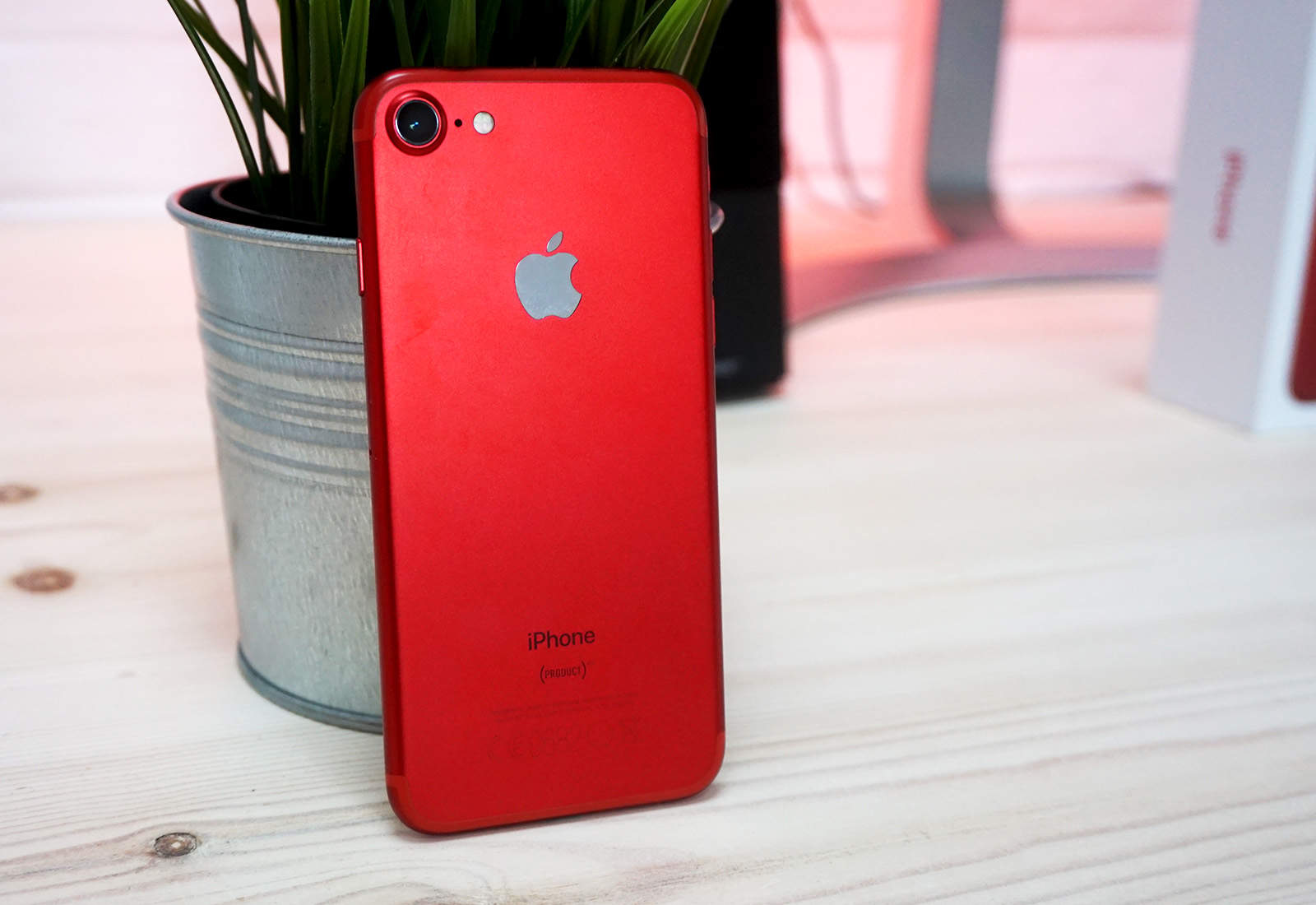
iPhone 7 red
Cult of Mac pays real cash for your old Apple devices.
Photo: Ste Smith/Cult of Mac

If you were lucky enough to get new Apple devices for the holidays, it’s time to start thinking about what you’ll do with your old ones. They’re likely still worth a pretty penny, and Cult of Mac can help you get the best price.

We’ll buy back any old iPhone, iPad, Apple Watch, or Mac. We’ll even take your dirty old AirPods — and broken devices in need of repair. What’s more, we typically pay more than other trade-in services.

Cult of Mac pays real cash and we won’t leave you waiting weeks for your money. Get a quote today to find out how much your old Apple devices are really worth.

Learn to develop apps in iOS 13 and SwiftUI this coming new year [Deals]

By

iOS 13 Lifestyle
This bundle of iOS 13 development courses covers almost two days' worth of content.
Photo: Cult of Mac Deals

Now that iOS 13 is out, developers have a whole new set of tools and norms to play with. So if you’re looking to build apps, you’re going to have to get familiar. With this bundle of four comprehensive courses, you can get caught up at your own pace.

Apple enters … the space game!? We discuss, this week, on The CultCast

By

CultCast 420
Space—the final frontier! And Apple's next destination?
Photo: @YSR50

This week on The CultCast: Apple is entering the space game with their own fleet of satellites… but why? We discuss. Plus, we wrap up 2019 with our final picks for Best of the Year!

This episode supported by

Easily create a beautiful website all by yourself, at Squarespace.com/cultcast. Use offer code CultCast at checkout to get 10% off your first purchase of a website or domain.

iPhone concept with detachable display will blow your mind

By

iPhone concept with a removable secondary display
No content with one display, an iPhone concept suggests a pair — one removable.
Screenshot: Caviar

Rejecting the idea of flexible screens, an artist at Caviar dreamed up an iPhone concept with a detachable secondary display instead. This allows for real multitasking, or the handset to be snapped into a tablet or netbook.

Not stoping there, the artist created a concept video with multiple other innovative iPhone designs that might debut in next decade.

Watch it now:

How to set up your new iPad the right way

By

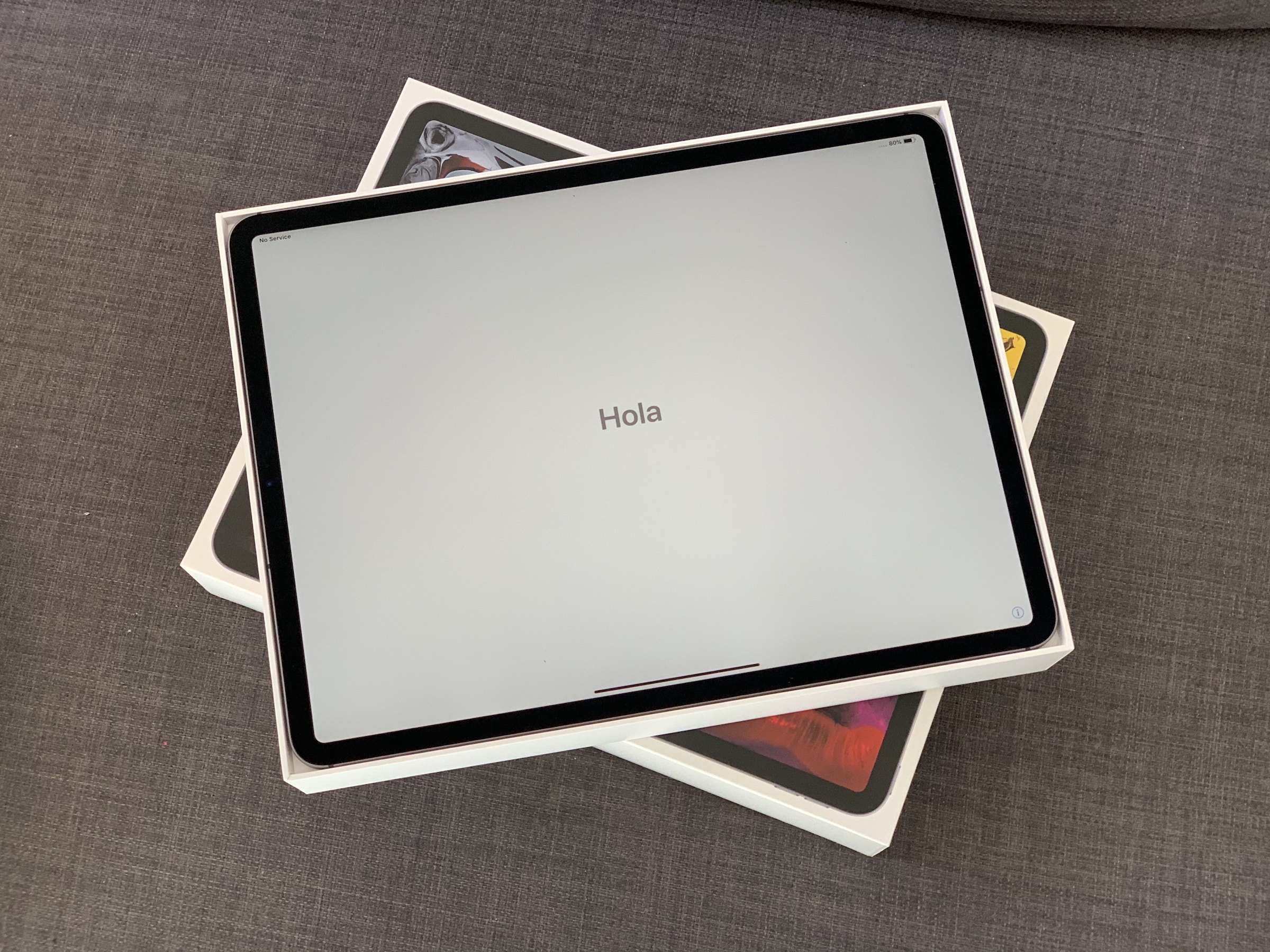
2018 iPad Pro unboxing
Have you got yours yet?
Photo: Charlie Sorrel/Cult of Mac

Oh man! You just got your amazing new iPad Pro, tore it out of the box, and wondered how you tricked somebody into  dropping $130 on that tiny white Apple Pencil. Now it’s time to get things set up. Thankfully, this is an easy process, especially if you already use an iPhone or iPad with iCloud.

So easy, in fact, that there are just a few things you need to do to move from your old iPad to a new one, or to migrate from an iPhone. And setting up a new iPad Pro from scratch isn’t much harder — gone are the days of manually copying passwords just to get to the home screen.

Still, following these iPad Pro setup and customization tips will make sure you get the most out of your new machine. Let’s get started.

Study up to 14 languages online for life with this highly rated language app [Deals]

By

Babbel
Learn 14 languages and get more than 10,000 hours of high-quality language education online.
Photo: Cult of Mac Deals

Learning a new language is like getting a passport for your mind. Even if you stay at home, it opens up books, poetry, TV shows, and conversations that wouldn’t be possible otherwise. Learning a language is also a lifetime pursuit, so this leading language app offers a lifetime of access.

Round out your Christmas shopping with cloud storage, VPN protection and more [Deals]

By

Xmas Sale
Swoop in on the last, best deals of the year.
Photo: Cult of Mac Deals

Christmas is here, so we’re giving the gift of great deals on essential digital tools. Below you’ll find discounts as high as 97% off for cloud storage, VPN protection, powerful tools for iOS management and more. Even better, you can also save an extra 15% when you use the promo code HAPPYHOLIDAYS at checkout.

Take control of your family photos this Christmas

By

headless Santa holiday photos
Ho ho ho!
Photo: Charlie Sorrel/Cult of Mac

This weekend, you’re “enjoying” some extended time with your family. After you’ve fixed their devices, and taught them that the battery of their iPhone lasts way longer if they don’t leave the damn screen on the whole time, you might decide to swap some photos. You may grab the your old childhood snaps off your mother’s iPad, or photos of the family recipe book off your father’s iPhone. There are a few ways to do this — slow, fast and faster, wired or wireless. Let’s see how to transfer photos between iPhones and iPads, and how to share the best holiday photos with everyone.

Swipe some iPhone charging accessories during this sale [Deals]

By

Power Bank Sale
Save 15% off already discounted portable chargers.
Photo: Cult of Mac Deals

Still some Christmas stockings that need stuffing? Since everybody uses digital devices, almost anyone can use a good charger. So ahead of Christmas, we’ve rounded up four great deals on versatile portable chargers. They’re all discounted, but you can save an extra 15% with the promo code HAPPYHOLIDAYS at checkout.

Order last-minute gifts from Apple today for free 2-hour delivery

By

Apple-Store-gifts
If you live in the right places ...
Photo: Apple

Apple is now offering customers free two-hour delivery on eligible hardware “in most major metros.”

The offer is available until 4 p.m. local time today, December 24. It’s ideal for picking up last-minute gifts … if you don’t mind splashing out.

How to fix your parents’ messed-up computers this holiday season

By

abandoned parents computers
Don't let this be your Christmas.
Photo: Charlie Sorrel/Cult of Mac

Christmas time means packing up your daily troubles, forgetting work for a week, and heading home to… troubleshoot your parents’ broken computers and gadgets? Oh man, is it that time of year again already? That’s the problem with being the family’s only geek – you get handed all the geek jobs. However, you can turn this to your advantage, and make it a lot easier, by going in prepared. Check out our Holiday Troubleshooting Guide right here.

How to set an Apple Watch Move goal that’s right for you

By

For best results, you should tailor your Apple Watch Move goal to suit your personal situation.
For best results, you should tailor your Move goal to suit your personal situation.
Photo: Graham Bower/Cult of Mac

The Apple Watch Activity app sets us three daily goals, for standing, exercise and movement. The first two are the same for everyone: Stand for a minute during at least 12 hours of the day, and do at least 30 minutes of exercise. But the Move goal is different.

For it, you must choose an appropriate goal for yourself, and that can prove a little tricky. Set it too high and it’ll be demotivating. Too low, and it’s just not challenging enough.

So how do you pick the perfect Move goal on Apple Watch?

App Store offers free holiday ‘treats’ from December 24

By

App-Store-treats-2019
Visit the App Store every day for a new one.
Photo: Apple

Apple is giving App Store customers free digital treats over the holidays.

Users in Australia, where it is now Christmas Eve, are waking up to a new App Store story that promises “a new surprise every day” from December 24 to December 29.

“Come back daily to discover which treat we have waiting for you,” Apple says.

Get the gist of popular books in just 15 minutes [Deals]

By

Booknotes
This digital library for busy people offers summaries of over 1,000 best-selling books in just 15 minutes each.
Photo: Cult of Mac Deals

Books a key part of human culture, and an essential way of staying informed. Unfortunately, many of us have limited time for reading, so getting through a book is an accomplishment that can take weeks or longer. Luckily, you can get a lot out of a book without reading the whole thing, and that’s what BookNotes offers.

’iPhone 12’ leak reveals exciting new design inspired by iPhone 4

By

iPhone-12-dummy-leak
Don't get too excited.
Photo: Macotakara

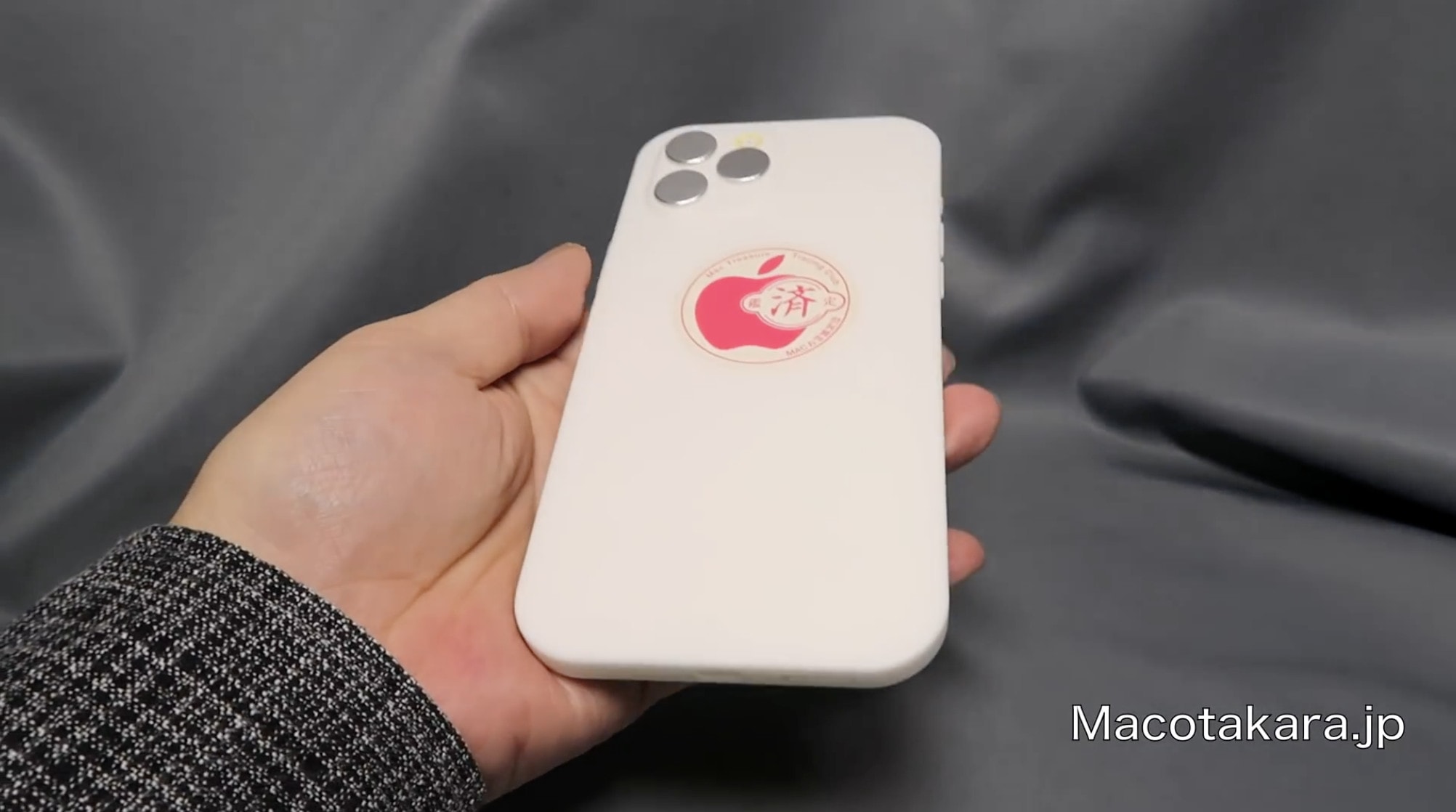
A supposed “iPhone 12” dummy unit offers what may be our very first glimpse at next year’s big redesign.

It shows a device that looks a lot like an iPhone 11 Pro Max from the front, with a large, edge-to-edge display and notch. But it sports flat sides and sharper edges that are inspired by the iconic iPhone 4.

10 things you didn’t know about iPhone [Cult of Mac Magazine 328]

By

iPhone trivia: Bet you didn't know all 10 of these iPhone facts.
Bet you didn't know all 10 of these iPhone facts.

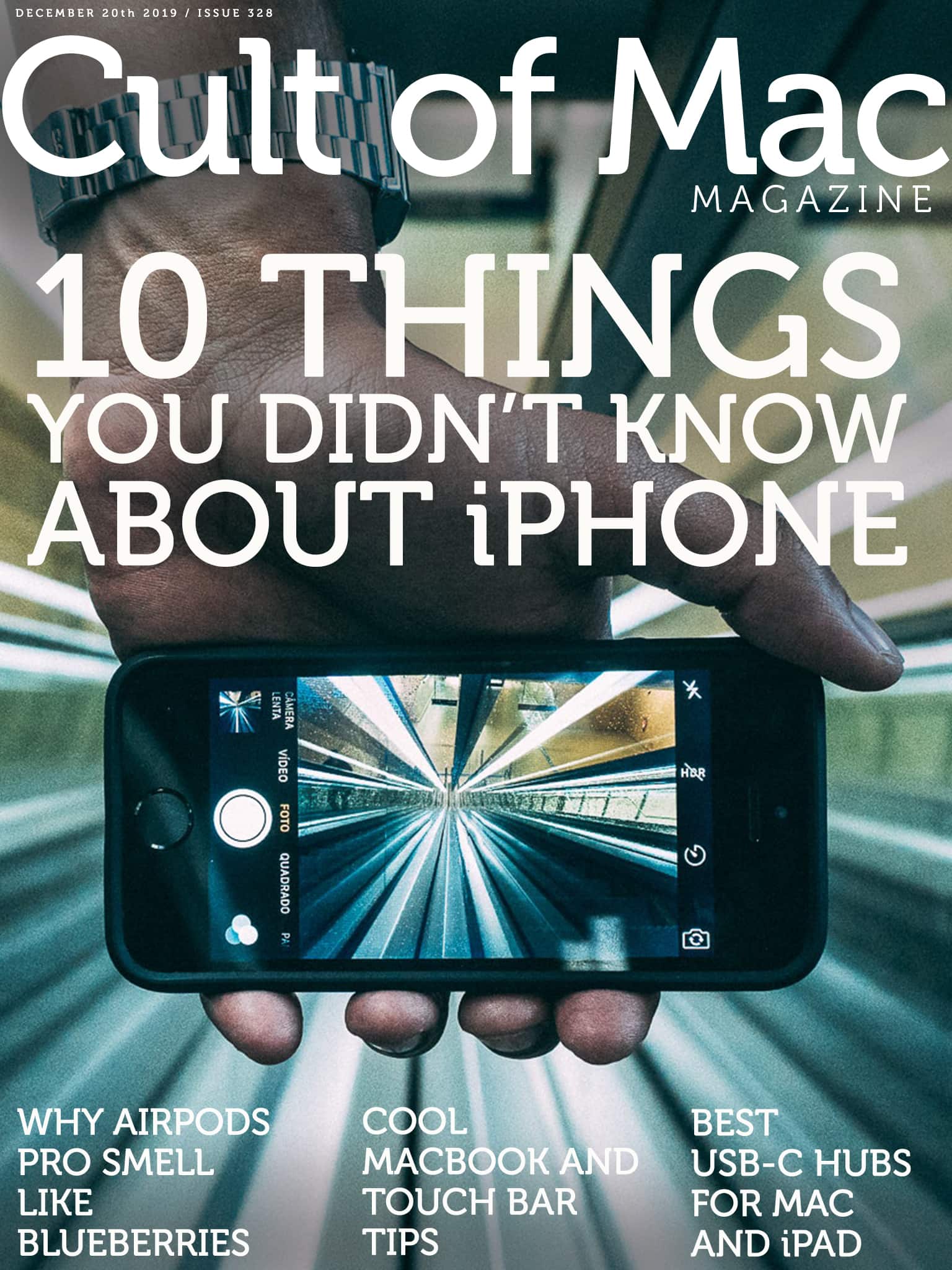
Even if you’re a die-hard Apple fan, there’s still plenty you most likely don’t know about the company’s most popular product. Get ready to wow all of your Apple-loving in-laws over the holidays with 10 things you (probably) don’t know about the iPhone.

Beyond the iPhone trivia, we’ve got a bumper crop of Apple tips and how-tos in this week’s issue of Cult of Mac Magazine. Things like how to find AirPods Pro in time for Christmas, how to add music to your Mac in a post-iTunes world and more. Download your free issue now to enjoy it on your iPad, or read the stories in any browser below.

Pick the perfect Bluetooth keyboard for your phone or tablet [Deals]

By

Wireless Keyboard Roundup
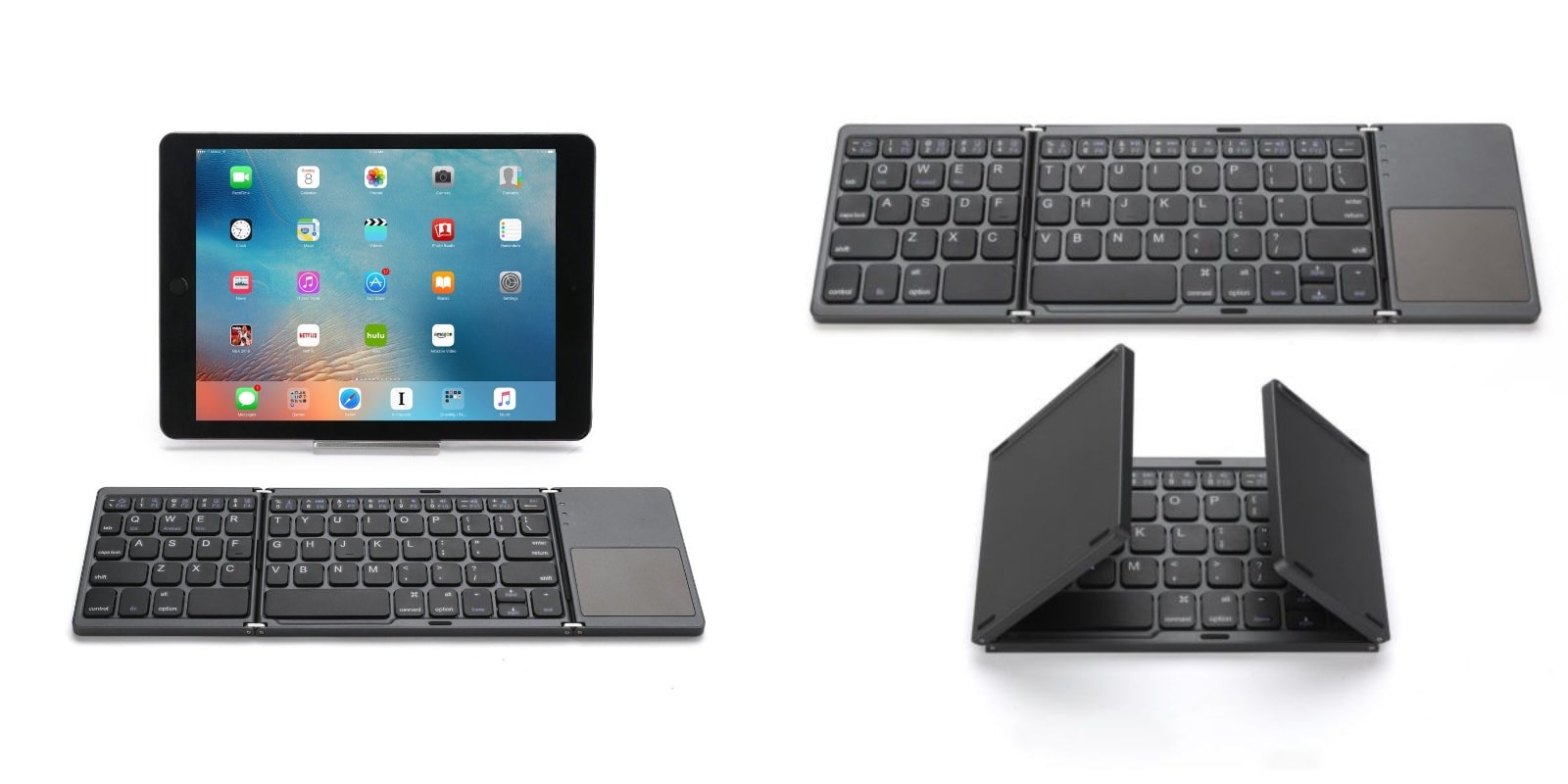
No matter what kind of Bluetooth keyboard you want, we've got it!
Photo: Cult of Mac Deals

Being attached to our computers doesn’t have to mean literally being attached. Whether for phones or tablets, a portable wireless keyboard offers tons of extra flexibility and accuracy.

That’s exactly what you’ll find in these four great deals on our favorite Bluetooth keyboards. Each is already significantly discounted, but using the promo code MERRYSAVE15 at checkout takes an extra 15% off.

New book shows how to take control of iOS Shortcuts

By

Apple Shortcuts
A new Take Control book explains Apple Shortcuts step-by-step.
Photo: Apple

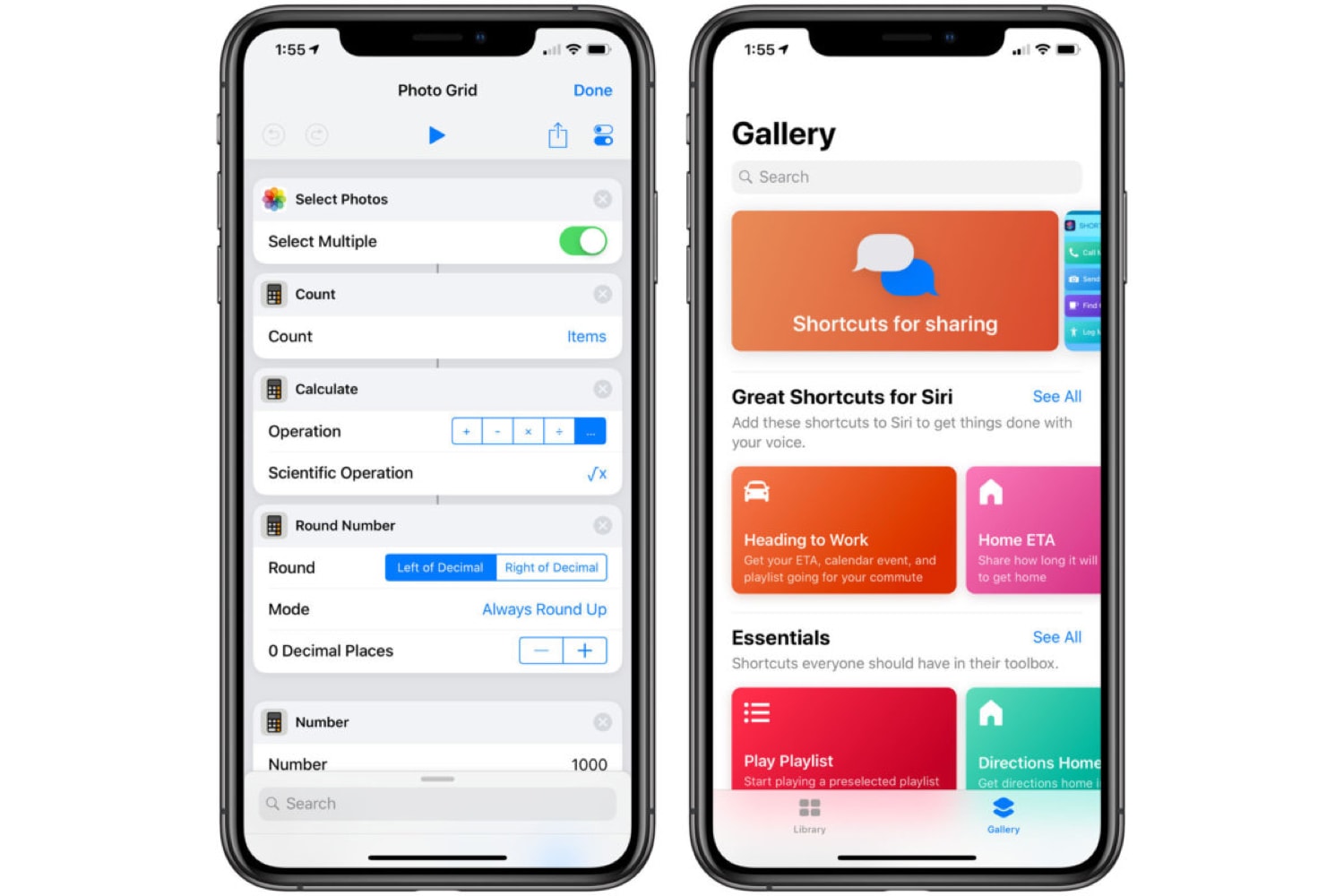
Apple Shortcuts are an easy and powerful tool to automate actions on iOS devices. A new ‘how-to’ from the people at Take Control Books walks users through setting up and building customized shortcuts with step-by-step ‘recipes’.

How to sync your iPhone with your Mac in Catalina

By

iTunes-as-Swiss-Army-knife-pun.
Photo: Goran Ivos/Unsplash

In macOS Catalina, iTunes has been replaced by separate apps, but none of those new apps takes on the tasks of syncing your music, books, photos and other data to your iPhone, iPod touch or iPad. That responsibility now falls upon the Finder.

So, does this means you can plug in your iPad and drag and drop all your apps’ files between it and your Mac? Of course not. In fact, apart from this functionality now being in the Finder, not much has changed at all.