You'll need a microSD card reader. Image: Killian Bell/Cult of Mac
Buying a new Nintendo Switch memory card, or simply worried you might one day lose all your precious save data? Back up your Switch to your Mac for peace of mind and easy save transfers. We’ll show you how.
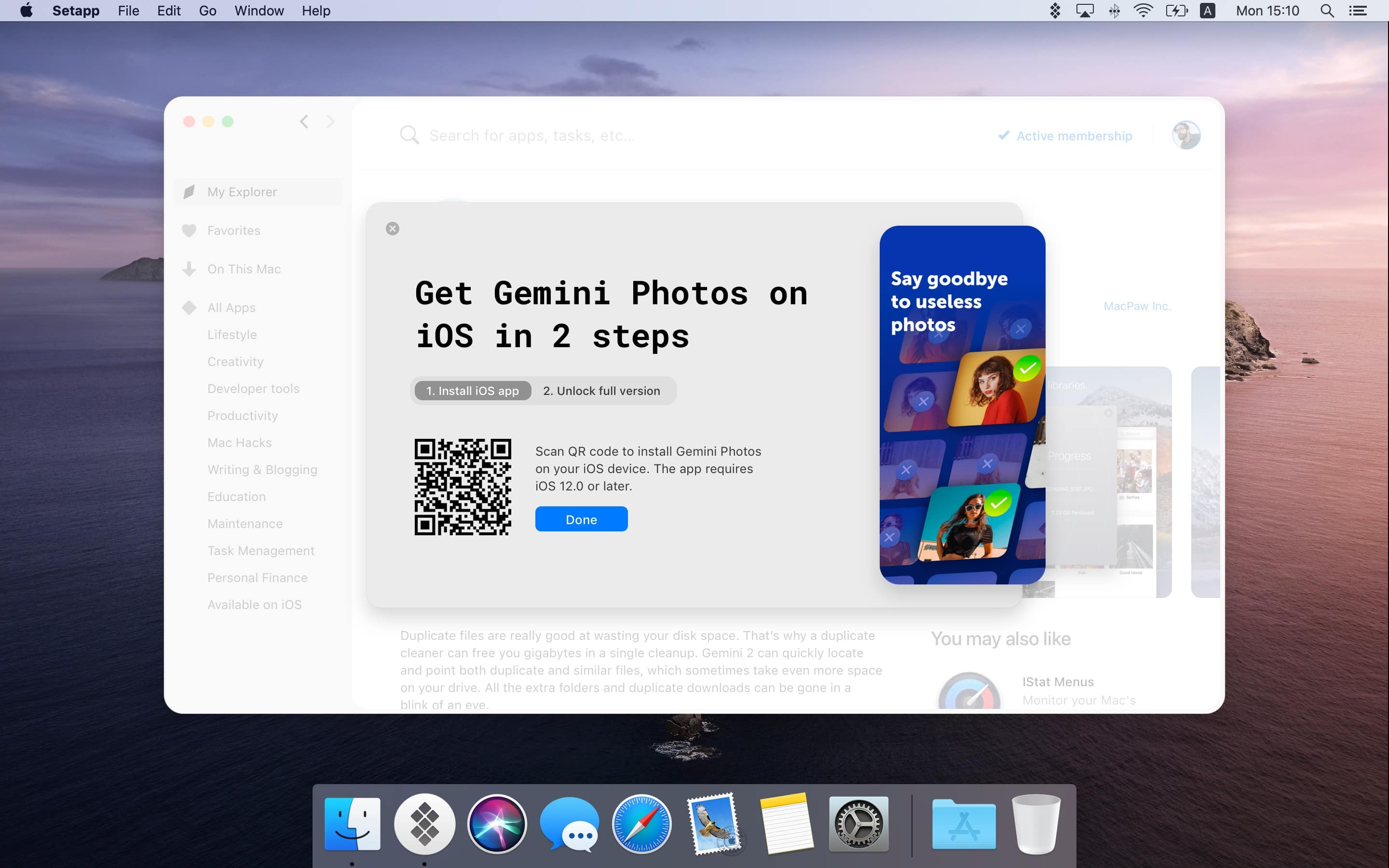
A catalog of amazing apps, one small monthly fee. Photo: Setapp
Setapp, the brilliant app subscription service from MacPaw, has finally landed on iOS. The service offers eight titles at launch, including task-management app 2Do and wonderful writing tool Ulysses.
A small monthly fee gets you complete, unlimited access to every app in the catalog, with more being added on a regular basis. And if you’re already a Setapp subscriber, you may get the iOS apps for free.
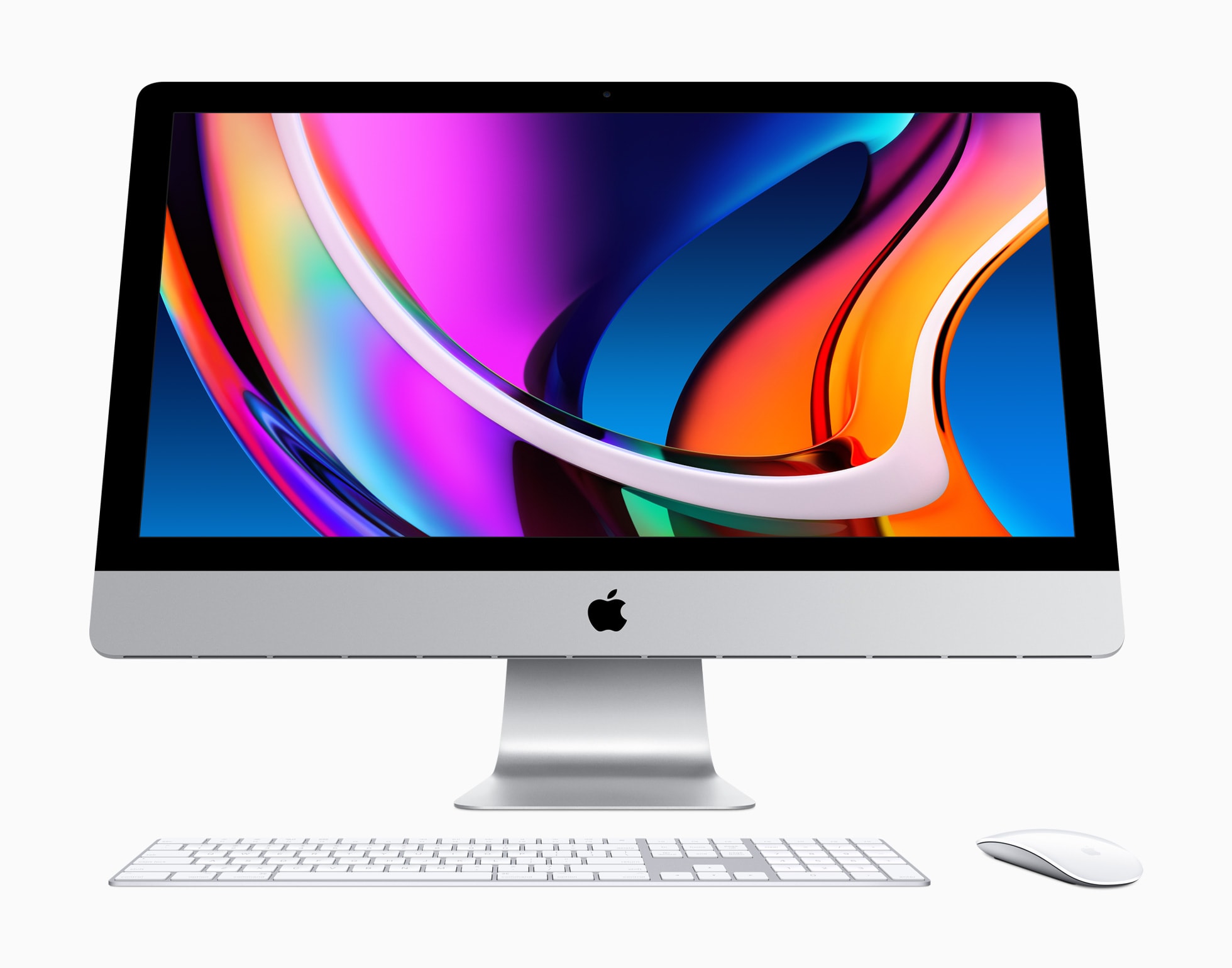
The 2020 iMac is certainly worth your cash. Photo: Apple
Apple’s newest iMac is by far the fastest yet, with huge increases in both CPU and GPU performance. It also ships with improved speakers and microphones. And yet, it seems a lot of Apple fans don’t care.
The reason? The new iMac is powered by Intel processors, like all its predecessors since 2006, instead of Apple Silicon. Since Apple revealed its plan to switch to its own custom chips at the Worldwide Developers Conference in June, Intel processors just don’t hold the same appeal.
But there are some great reasons to continue buying Intel-powered Macs in 2020. Here are a few.
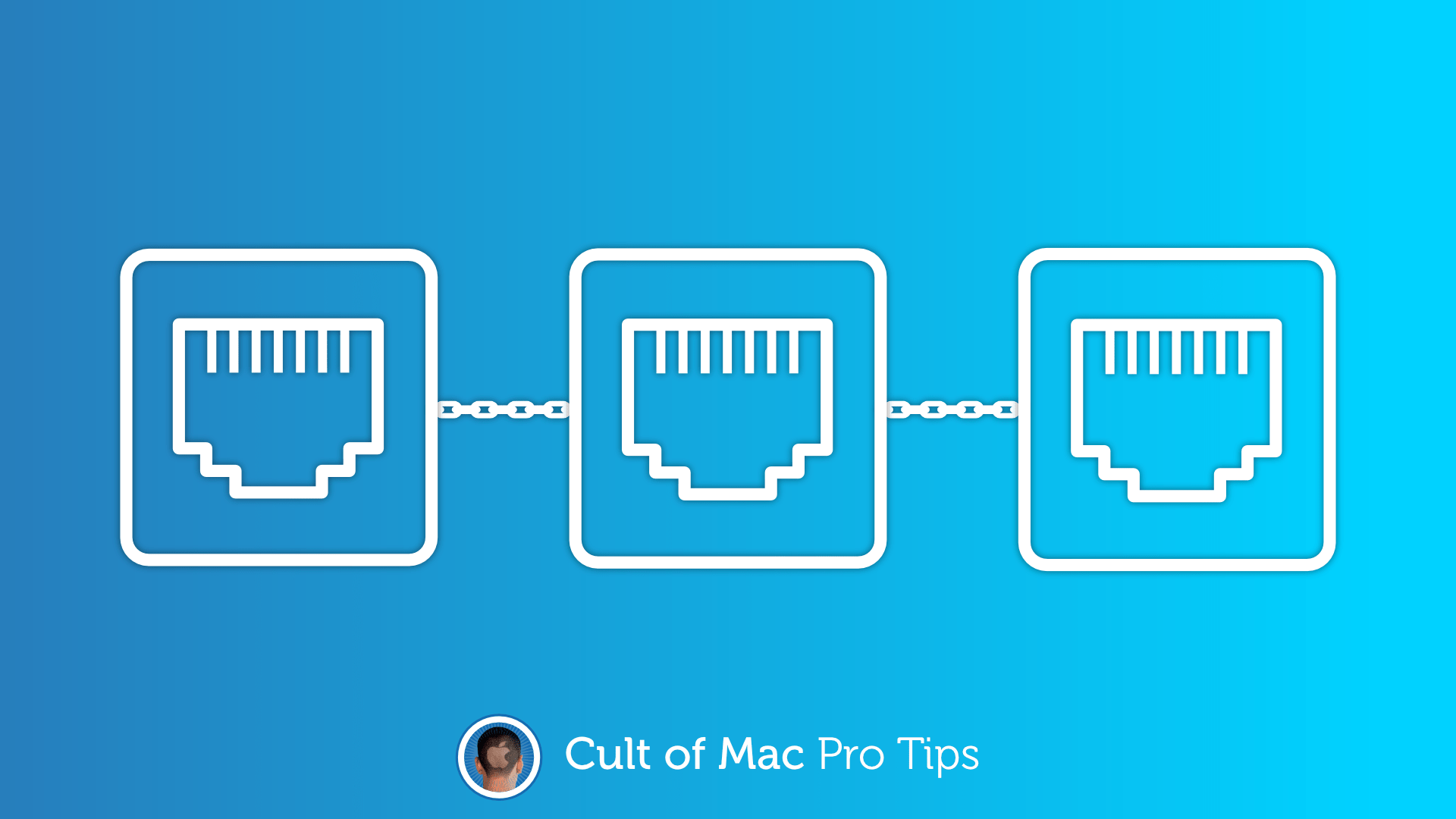
A faster, more reliable connection. Image: Killian Bell/Cult of Mac
Did you know it’s possible to merge multiple Ethernet ports into one on a Mac? The feature is simple to set up and can greatly increase speeds for those with super-speedy network connections.
Keep notes a secret on shared devices. Image: Killian Bell/Cult of Mac
You might be willing to share your iPhone’s passcode with other people, but what if you have sensitive notes you don’t want anyone else to see? Protect them with their own password.
Here’s how to secure individual notes on iPhone, iPad, and Mac.
Some browsers are better than others on older machines. Image: Killian Bell/Cult of Mac
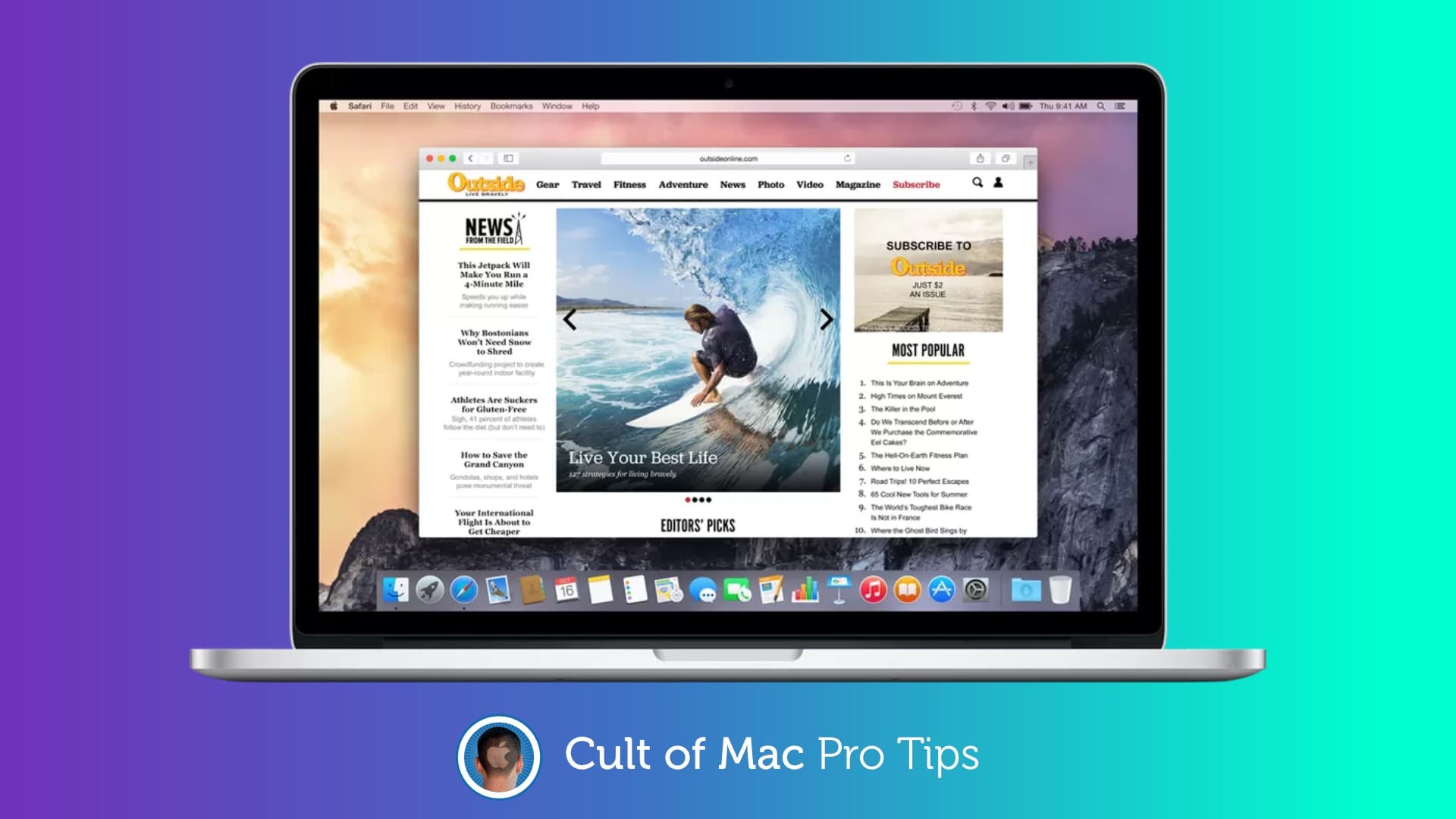
Got an old Mac that’s crawling to a halt every time you browse the web? It might not be your hardware that’s in need of a change. Before splashing out on new components, try switching browsers instead—or considerwhat to do with old MacBook to give it a new lease on life.
Apple News curated local content debuted for Mac, iPad, and iPhone today. Photo: Ed Hardy/Cult of Mac
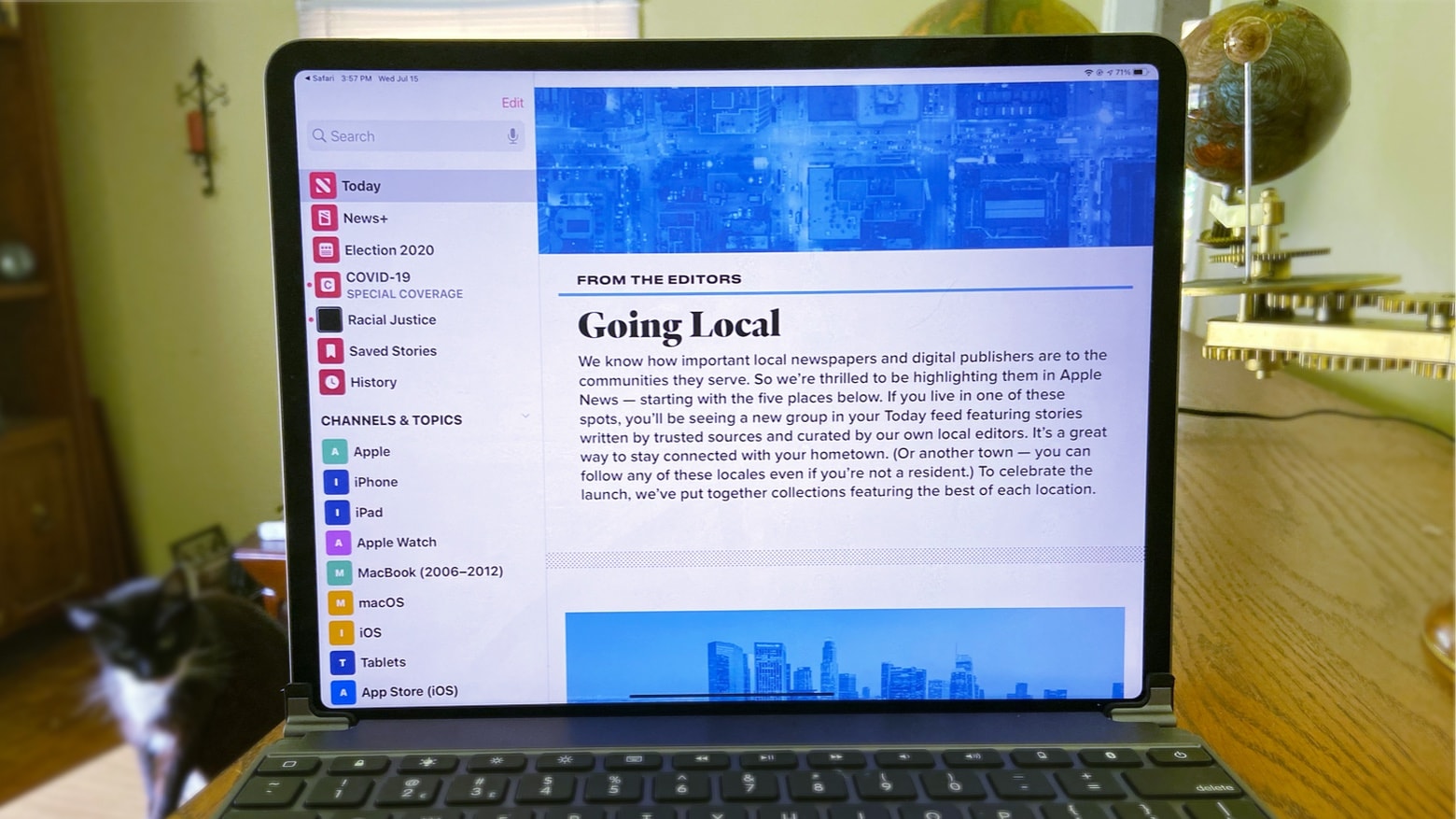
Mac users can grab macOS Catalina 10.15.6 starting Wednesday. This update adds local coverage to Apple News in select areas. And this new version kills a few bugs, too.
A dream come true? Photo: Killian Bell/Cult of Mac
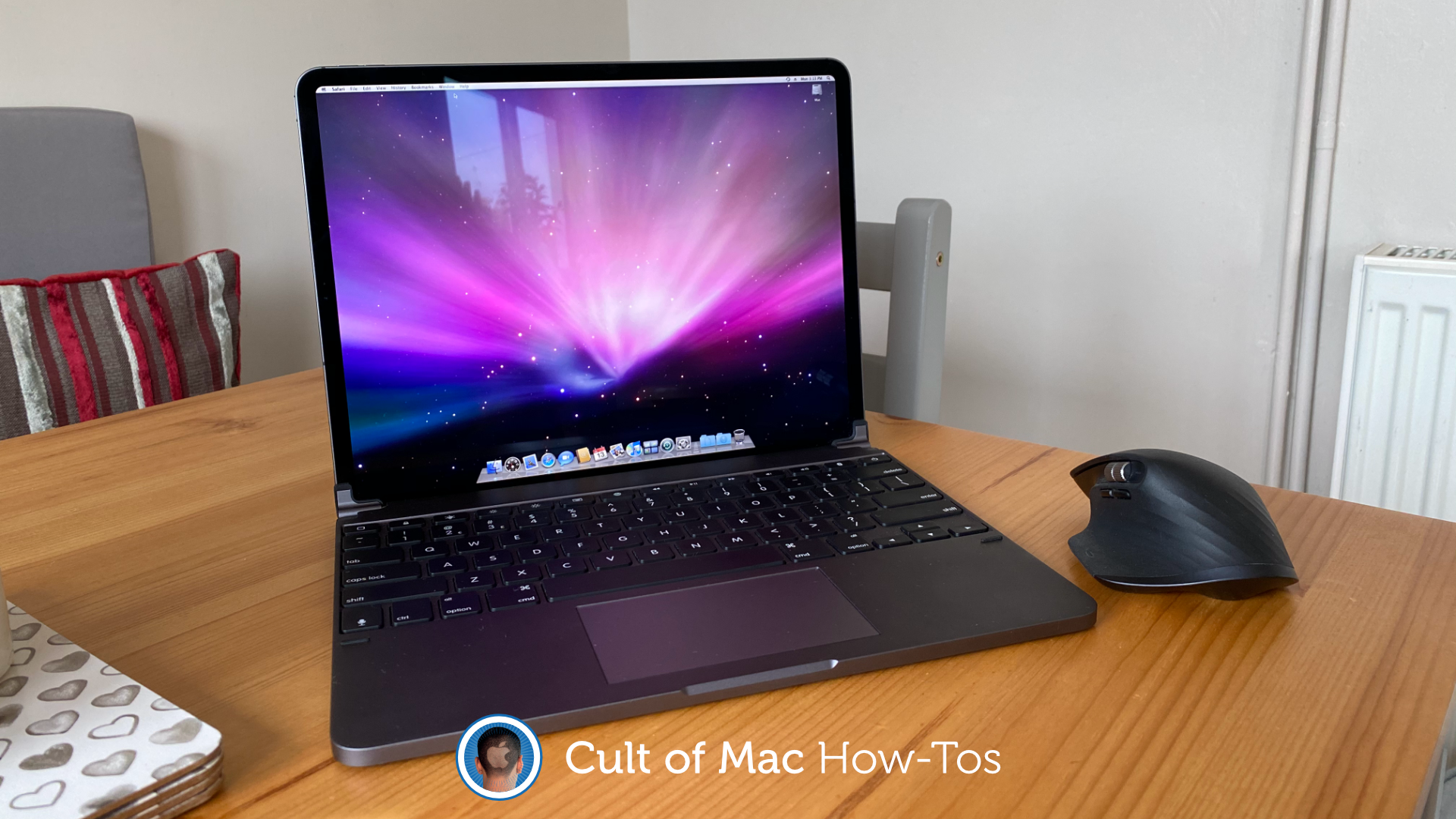
It’s highly unlikely Apple will ever give us an iPad that runs macOS — and that’s OK. Because with a few tricks (that do not require a jailbreak), you can easily install Mac OS X on your iPad all by yourself.
The process won’t void your warranty or interfere with iPadOS in anyway. All you need is a copy of Mac OS X, an app that lets you run virtual machines, and plenty of storage space.
macOS on iPad is a dream of many people. A developer created a glimpse of that possibility. Photo: Jordan Singer
There’s pent up demand for Apple to bring macOS to iPad, so a clever developer created a simulation in SwiftUI to show what it would look like.
While it appears much like an Apple tablet running the Mac operating system, and even seems to work, this is not macOS Big Sur on an iPad. It’s just something that mimics part of the user interface. Still, it shows those eager for a “MacPad” what one could look like.
What do you think of macOS Big Sur's new app icons? Photo: Apple
There’s a lot to love about macOS Big Sur, but one thing that’s dividing Mac fans is its redesigned app icons. Some look good enough to eat. Others are so ugly they’ll make you want to use Windows (not really). And some have simply lost some of their charm as a result of simplification.
What do you think of Apple’s new desktop icon designs so far? Check out all of them right here.
On today’s special edition of The CultCast: Catch our reactions to all the great stuff announced at the WWDC 2020 keynote. We highlight our favorite features from iOS 14, MacOS Big Sur, tvOS, iPadOS and watchOS, and so much more.
Today’s episode is supported by CleanMyMac X, an all-in-one utility from MacPaw that takes care of your Mac’s health. It’s a macOS cleaner, a performance monitor, a malware remover and occasionally, a lifesaver. And until July 5, you can go to macpaw.com/cultofmac to get CleanMyMac X with a 30% discount.
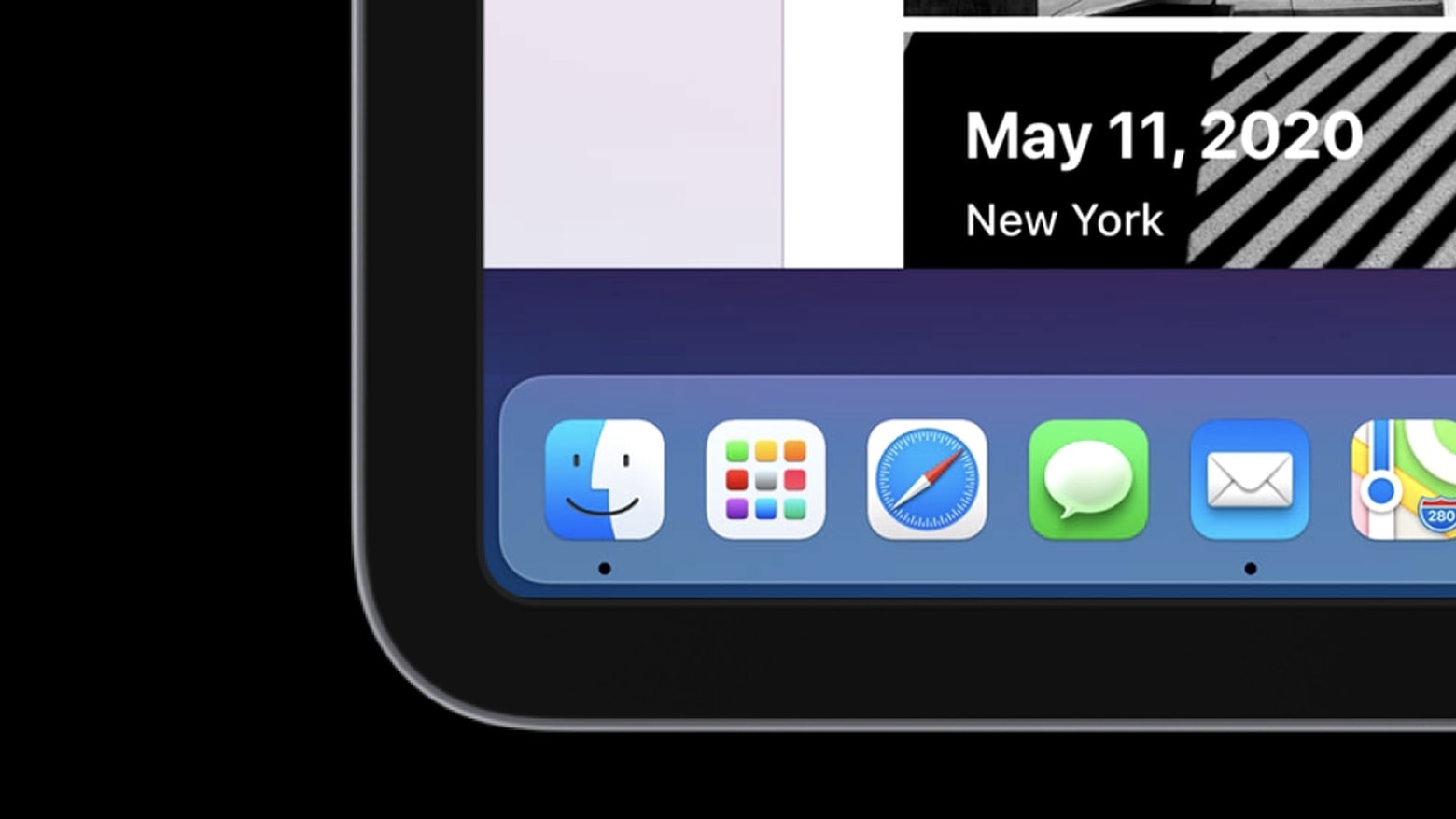
It's official: The next version of macOS will be called "Big Sur." Photo: Apple
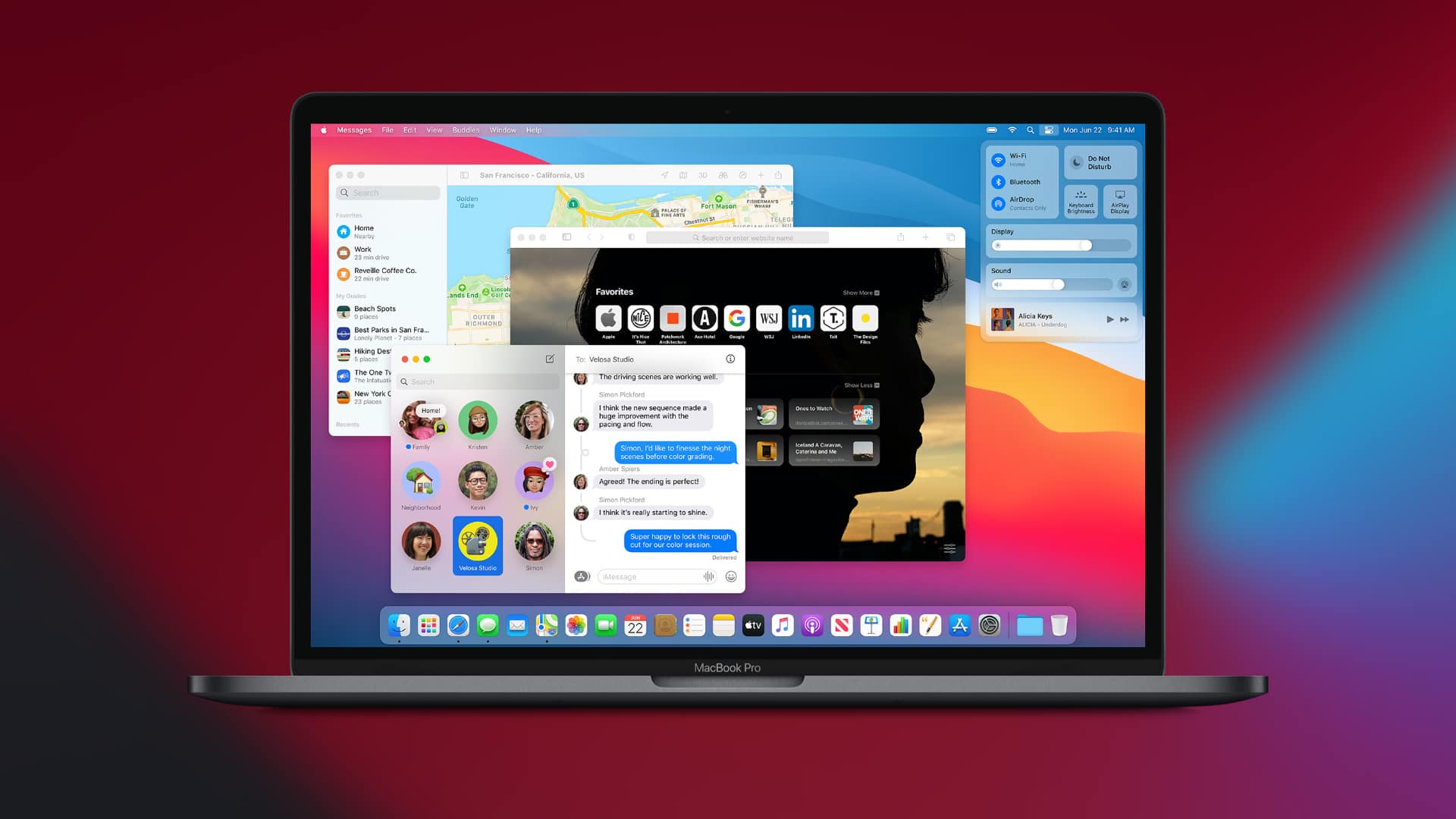
The next Mac operating system, called macOS Big Sur, will bring the biggest design overhaul in nearly two decades, Apple said Monday. In addition to the massive visual upgrades, MacOS Big Sur will usher in huge changes to the Messages, Maps and the Safari web browser.
Apple unveiled the massive changes coming to macOS on Monday during the company’s keynote kicking off this year’s online-only Worldwide Developers Conference.
“This year, we’re taking the macOS experience you love even further,” said Craig Federighi, Apple’s senior VP of software engineering, as he launched into a deep dive into changes coming soon to Mac.
Next week's virtual WWDC looks like a doozy. Image: The CultCast
This week on The CultCast: We discuss our WWDC 2020 hardware and software predictions, and there’s a lot to say. Plus: A new leak details a next-generation iPhone with dual displays; the new 5600M MacBook Pro GPU is an absolute monster; and Apple’s back-to-school promo is back for the summer, but with an interesting twist.
Our thanks to Squarespace for supporting this episode. Easily create a beautiful website all by yourself, at Squarespace.com/cultcast. Use offer code CultCast at checkout to get 10% off your first purchase of a website or domain.
A handy feature you may not have known about. Image: Killian Bell/Cult of Mac
When only wired internet access is available, turn your Mac into a Wi-Fi hotspot that allows wireless devices — like iPhone, iPad, and more — to share its network connection. It’s quick to set up and works brilliantly.
An easy fix that brings your favorites sites back to life. Image: Killian Bell/Cult of Mac
Do you ever find that websites sometimes refuse to load in Safari on your Mac, no matter how long you wait? The problem has been plaguing Twitter users in recent months, and can occur with other sites, too.
If you use Gmail inside Mail on macOS, you may have noticed an extremely frustrating bug that can cause the app to randomly shove itself in your face. It’s particularly annoying when you’re using another app in full screen mode.
You don’t have to suffer that anymore. In this how-to, we’ll show you an easy fix that permanently prevents unwanted Mail popups from occurring.
Worried your hefty Pages document is too big to send? There’s a helpful tool baked right into Pages that can help you make it smaller. Here’s how to use it to make sharing documents quicker and easier.
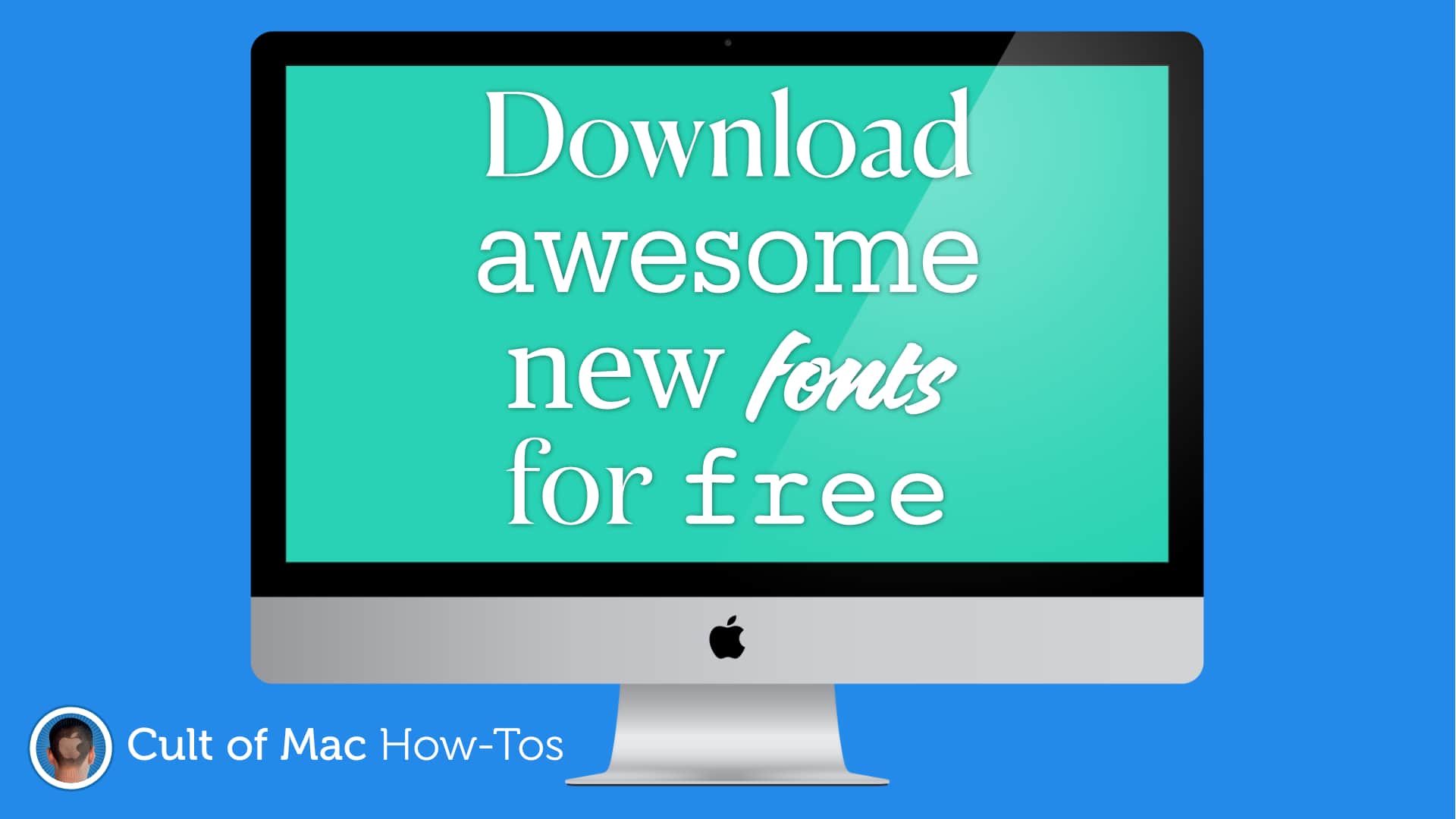
There are loads to choose from. Image: Killian Bell/Cult of Mac
Apple recently brought a bunch of awesome new fonts to macOS, but they’re not enabled by default. Here’s how to download them for free so that you can enjoy them inside almost any Mac app.
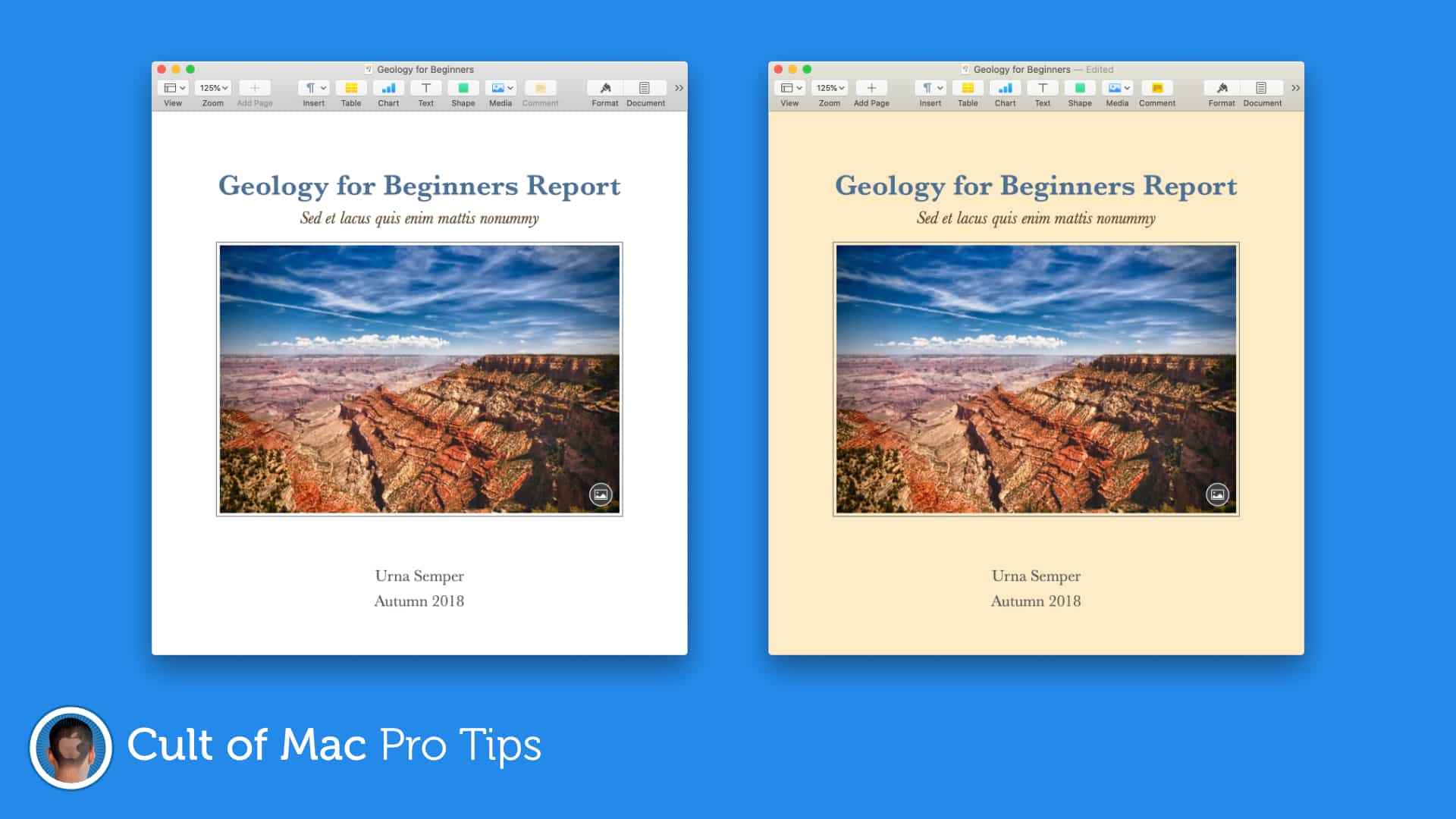
For designs that can't be missed. Image: Killian Bell/Cult of Mac
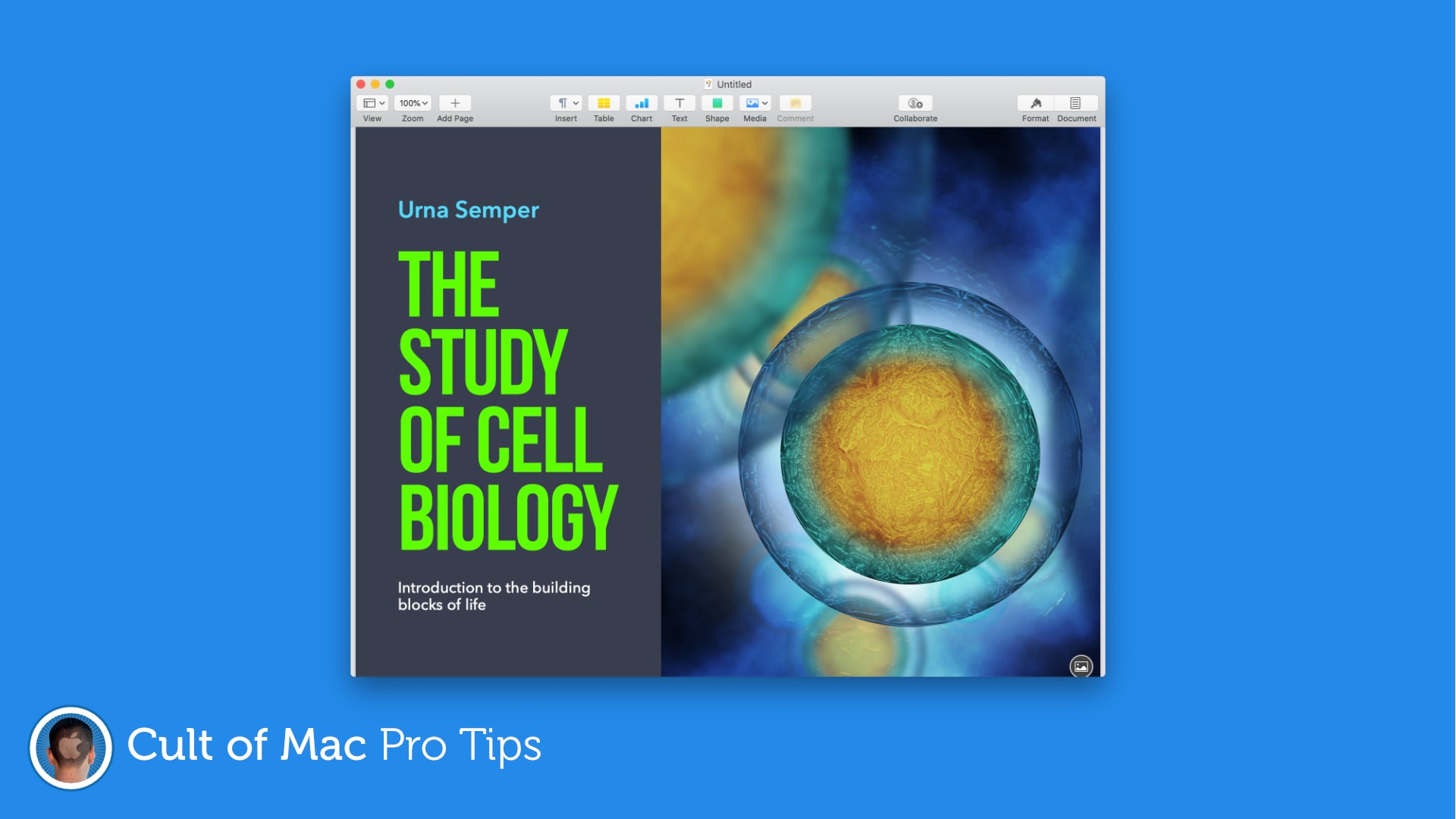
Make posters and invitations with more eye-catching designs by setting color, gradients, or images as your document background in Pages. It’s a super-simple trick that can make a big difference. Find out how in this pro tip.
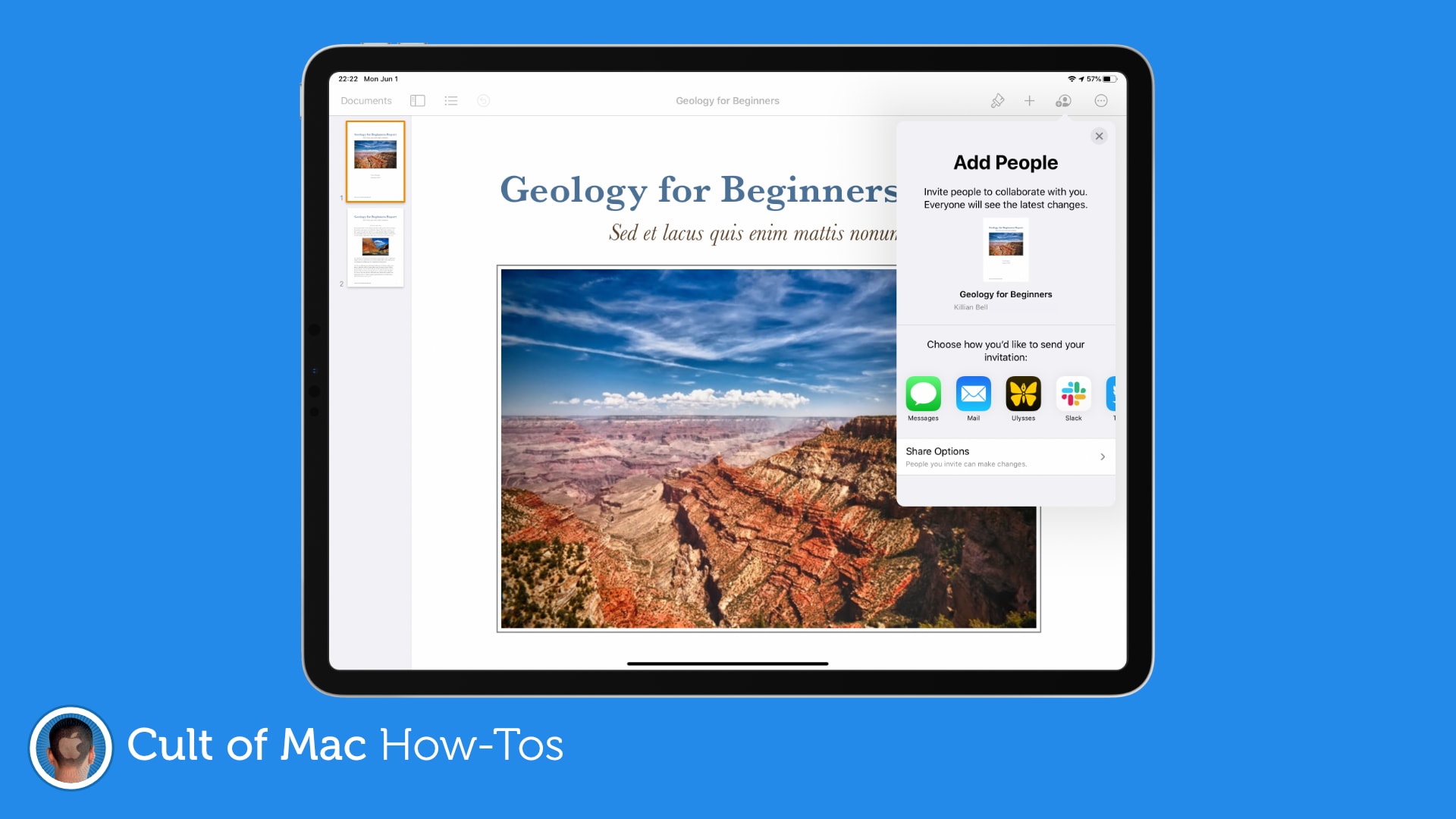
No more sending documents back and forth. Image: Killian Bell/Cult of Mac
Working from home can make collaboration a little more difficult, but not if you’re using Pages on a Mac or iOS device. The ability to collaborate with others online is now built-in, and it’s surprisingly easy to take advantage of.
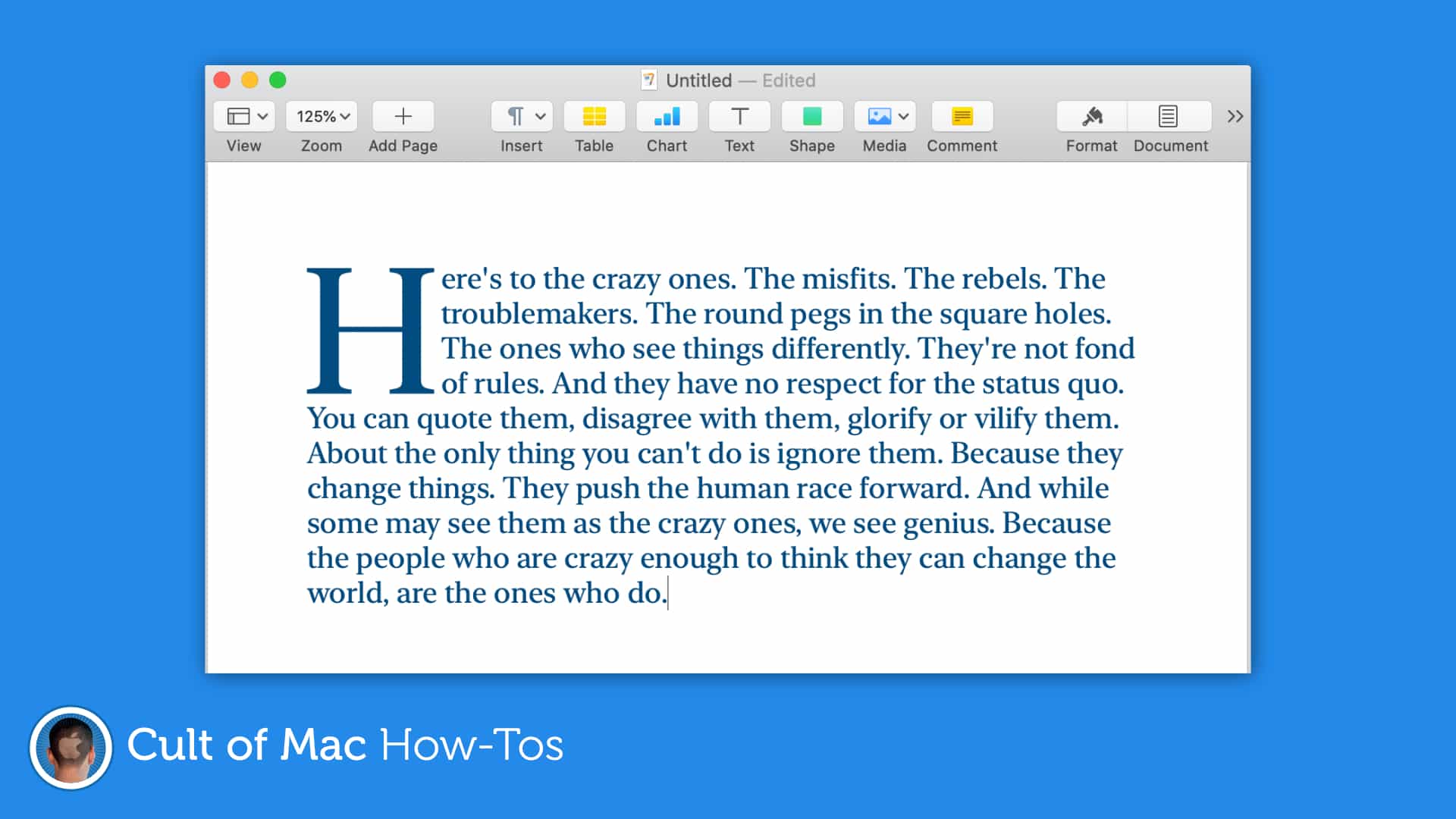
Drop caps can make almost any document look better. Image: Killian Bell/Cult of Mac
Create documents that grab a reader’s attention by taking advantage of the newly-added drop cap tool in Pages for Mac and iOS. It’s easy to use and offers a whole bunch of customizations options.
Apple’s newest macOS update makes it easier than ever to check MacBook battery health, and to prolong its lifespan. In this pro tip, we’ll show you where to find the new battery health features, and how to check the status of yours.
Apple looks to be gearing up to port iPad’s built-in Messages app over to Mac. The move could immediately fix Messages’ biggest problems on Mac, including its glaring lack of features.
The desktop version of the app still does not support iMessage apps, Apple Pay, message effects and other key features. Evidence of the move has been uncovered in leaked iOS 14 code, indicating it could be executed this fall when Apple drops its next major macOS update.
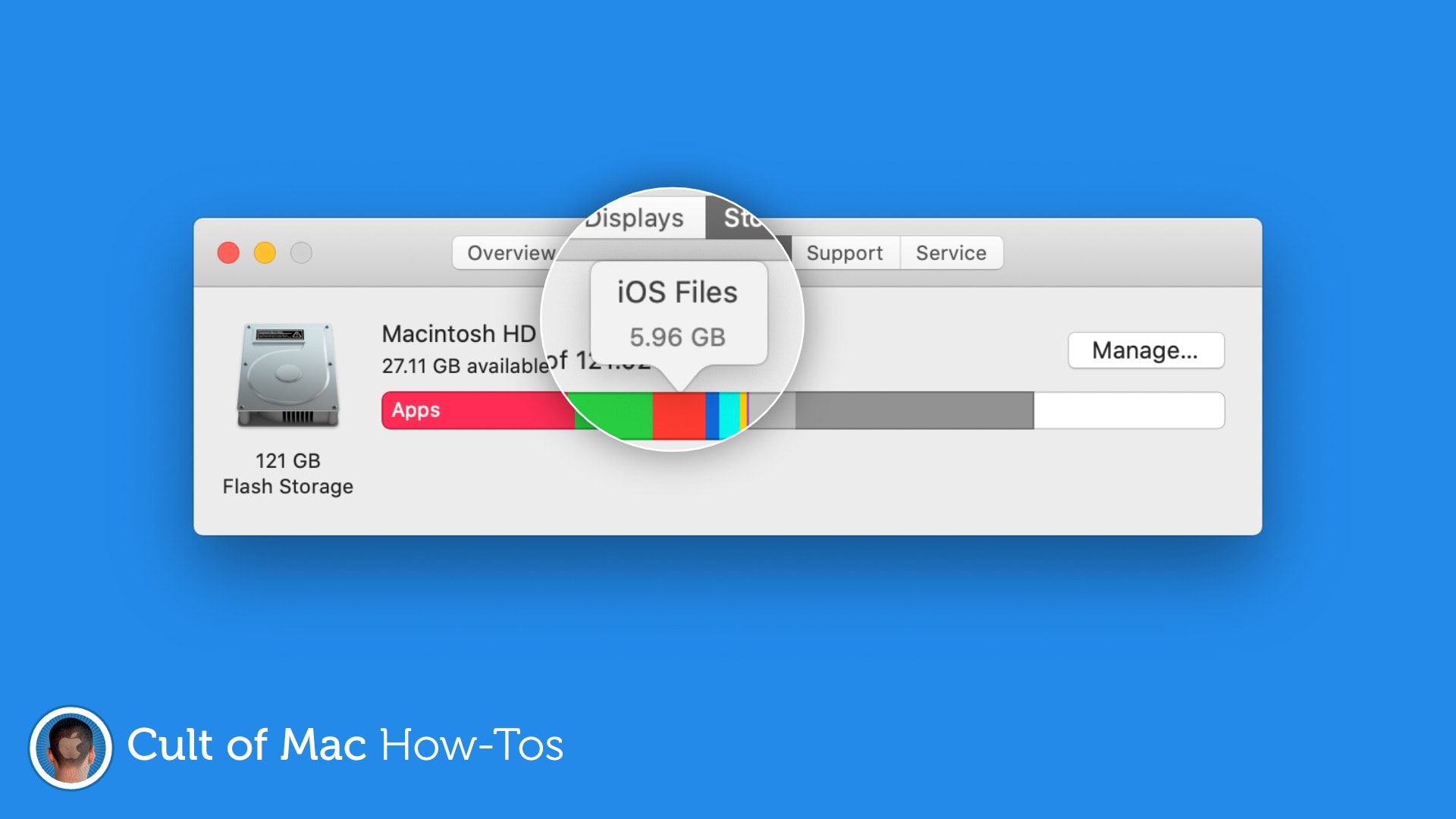
Free up gigabytes of storage space. Image: Killian Bell/Cult of Mac
Are mysterious “iOS Files” taking up gigabytes of precious storage space on your Mac? You may not need them anymore, so we’ve put together a handy how-to guide on removing them with ease.
Here’s how to free up a lot of storage in no time at all.