Mobile menu toggle

macOS - page 11

How to stop the Mail app from randomly interrupting you in macOS

By

How to prevent Mail from randomly appearing on macOS

Image: Killian Bell/Cult of Mac

If you use Gmail inside Mail on macOS, you may have noticed an extremely frustrating bug that can cause the app to randomly shove itself in your face. It’s particularly annoying when you’re using another app in full screen mode.

You don’t have to suffer that anymore. In this how-to, we’ll show you an easy fix that permanently prevents unwanted Mail popups from occurring.

How to download the newest macOS fonts for free

By

Download-macOS-fonts-free-1
There are loads to choose from.
Image: Killian Bell/Cult of Mac

Apple recently brought a bunch of awesome new fonts to macOS, but they’re not enabled by default. Here’s how to download them for free so that you can enjoy them inside almost any Mac app.

Set color, gradients or images as document backgrounds in Pages [Pro tip]

By

Pages-background-color
For designs that can't be missed.
Image: Killian Bell/Cult of Mac

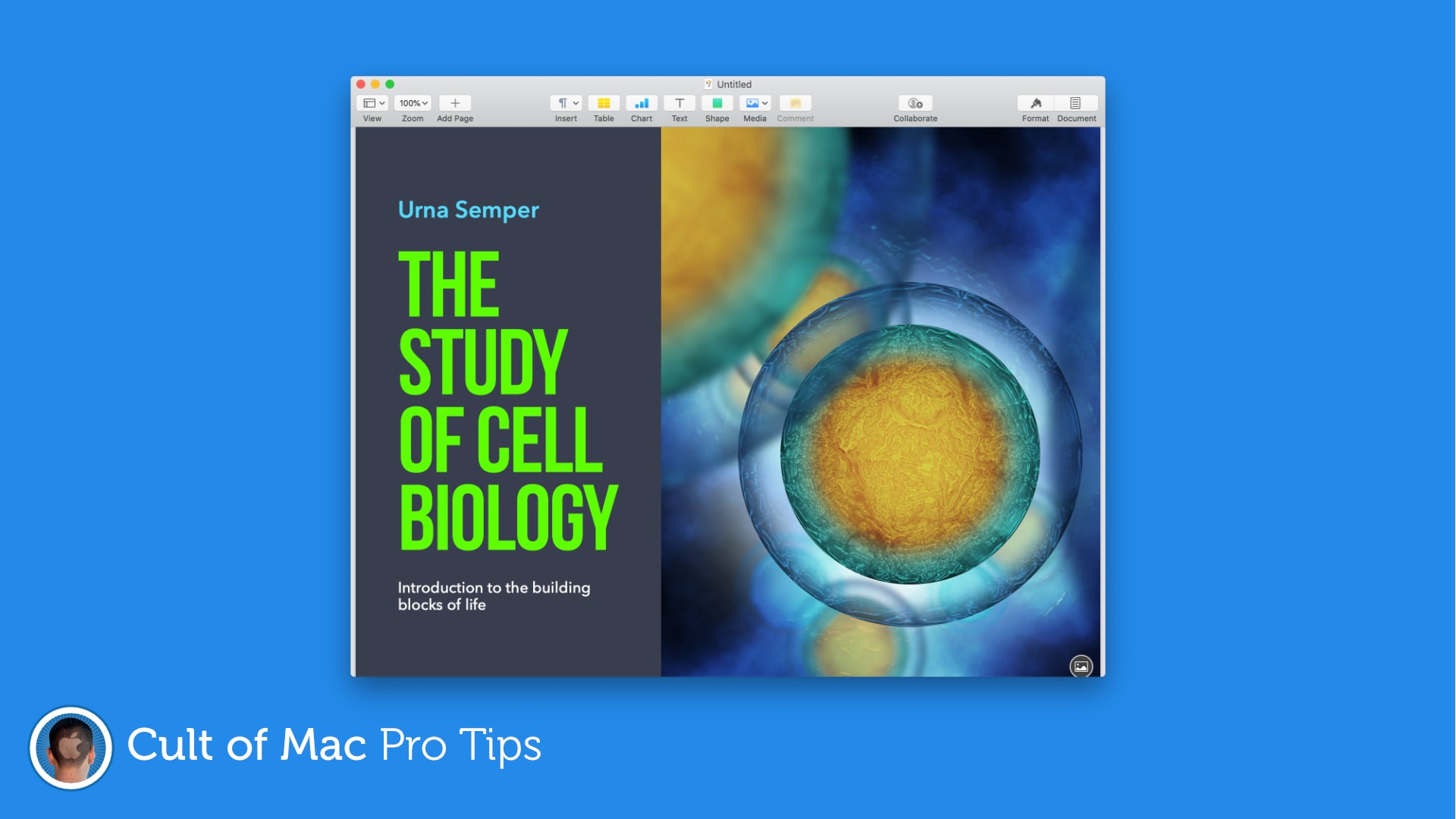
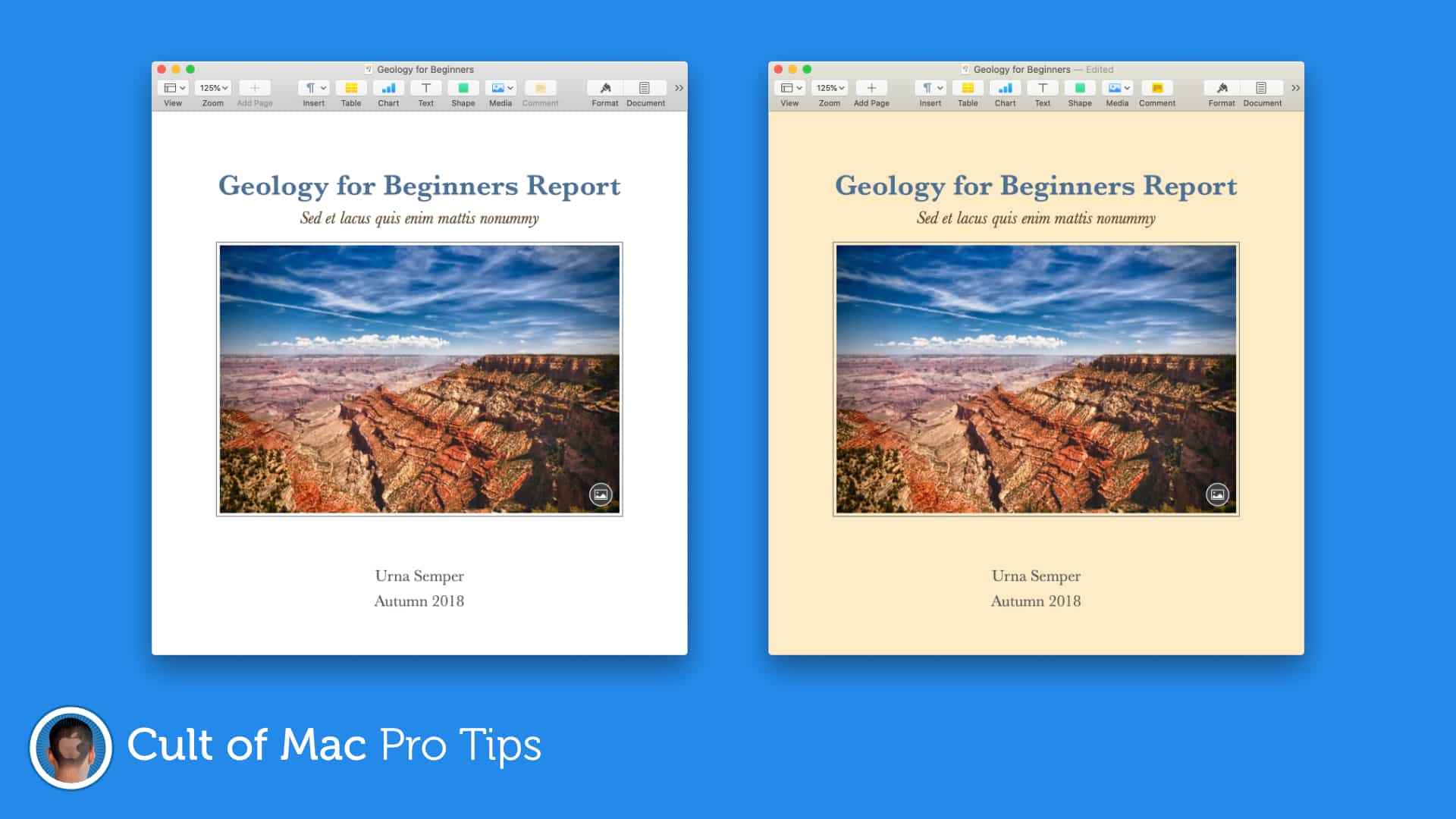
Pro-tip-4Make posters and invitations with more eye-catching designs by setting color, gradients, or images as your document background in Pages. It’s a super-simple trick that can make a big difference. Find out how in this pro tip.

How to share a Pages document for online collaboration

By

Collaborate-Pages-iOS
No more sending documents back and forth.
Image: Killian Bell/Cult of Mac

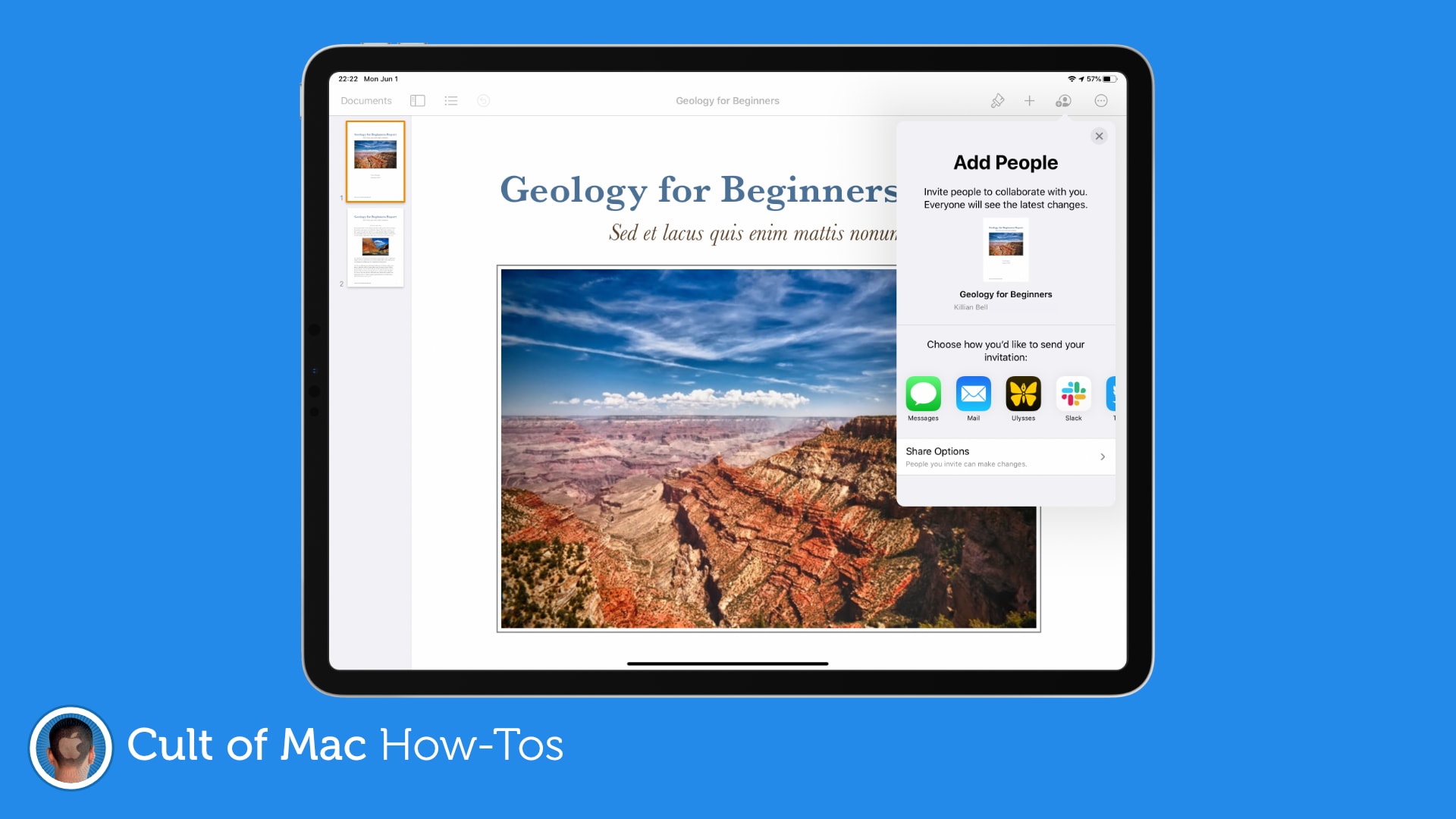
Working from home can make collaboration a little more difficult, but not if you’re using Pages on a Mac or iOS device. The ability to collaborate with others online is now built-in, and it’s surprisingly easy to take advantage of.

We’ll show you how.

How to use drop caps in Pages to make your documents pop

By

Pages-drop-caps
Drop caps can make almost any document look better.
Image: Killian Bell/Cult of Mac

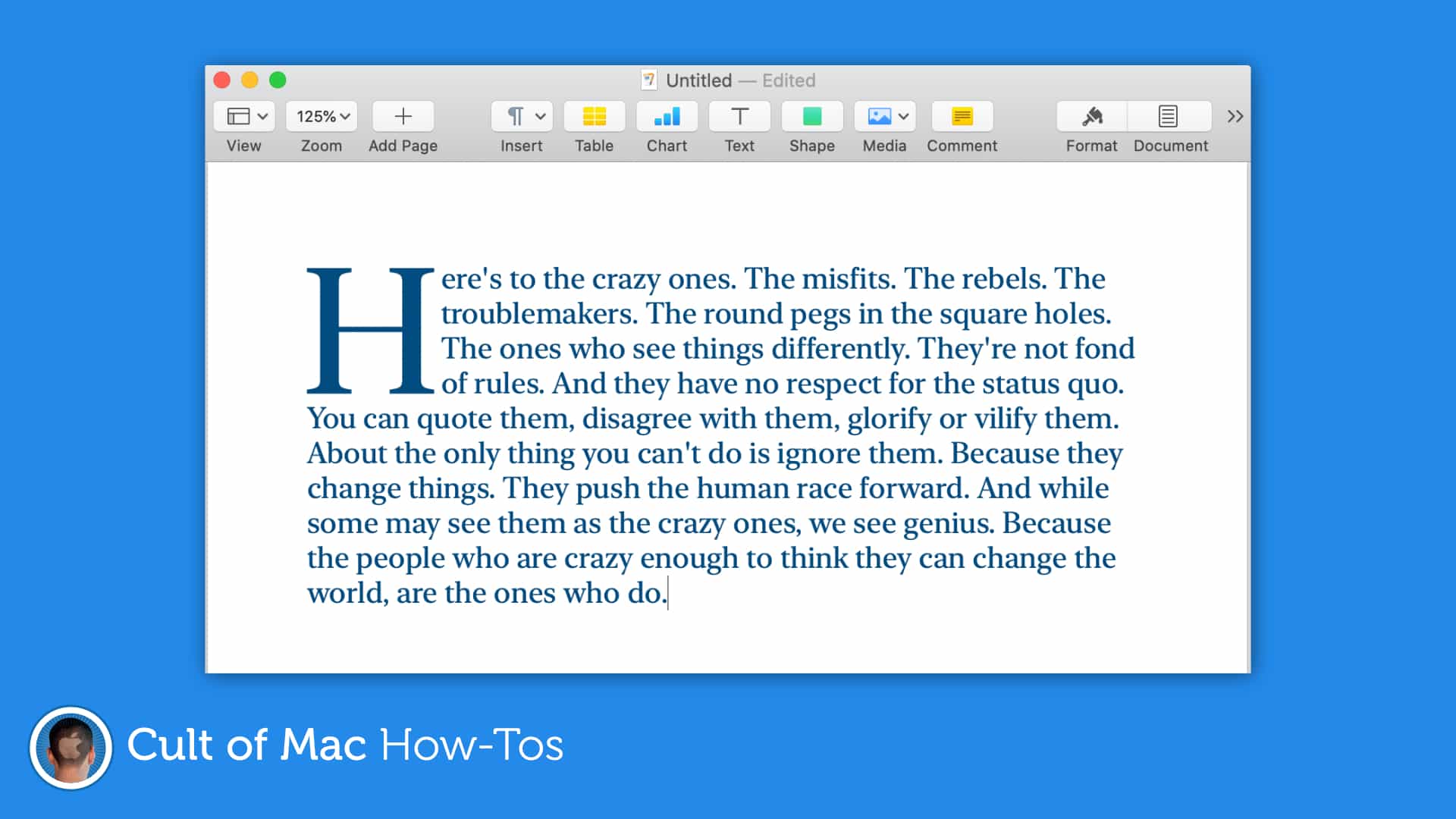
Create documents that grab a reader’s attention by taking advantage of the newly-added drop cap tool in Pages for Mac and iOS. It’s easy to use and offers a whole bunch of customizations options.

Here’s how to make the most of it.

Check MacBook battery health and prolong its lifespan in Catalina [Pro tip]

By

abstract-MacBook
Help your MacBook's battery age gracefully.
Photo: Dmitry Chernyshov

Pro-tip-4Apple’s newest macOS update makes it easier than ever to check MacBook battery health, and to prolong its lifespan. In this pro tip, we’ll show you where to find the new battery health features, and how to check the status of yours.

Apple could save Messages on Mac with new iPad app port

By

Messages-iPad
Messages is so much better on iPad.
Photo: Apple

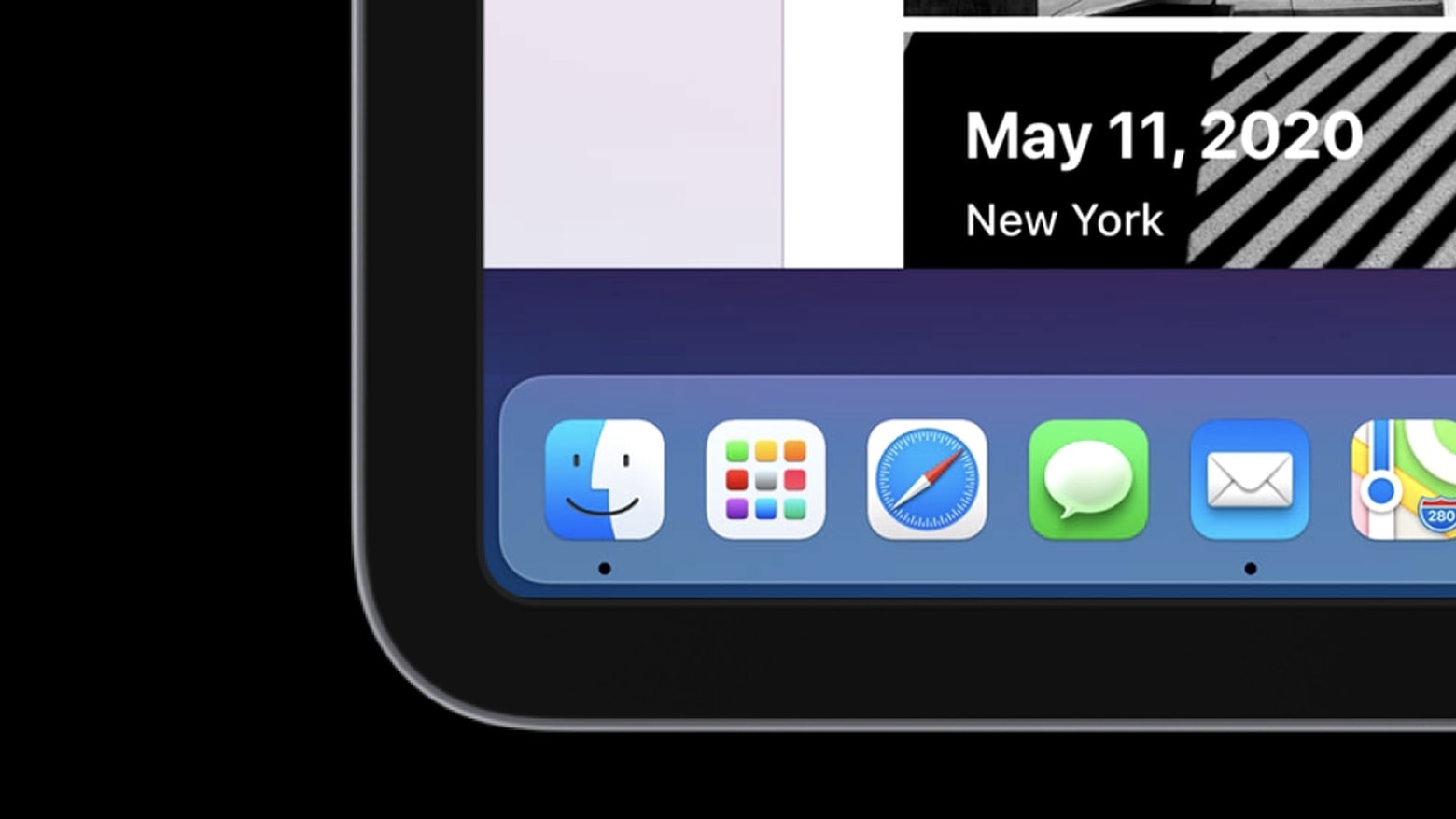
Apple looks to be gearing up to port iPad’s built-in Messages app over to Mac. The move could immediately fix Messages’ biggest problems on Mac, including its glaring lack of features.

The desktop version of the app still does not support iMessage apps, Apple Pay, message effects and other key features. Evidence of the move has been uncovered in leaked iOS 14 code, indicating it could be executed this fall when Apple drops its next major macOS update.

How to remove ‘iOS Files’ that are taking up space on your Mac

By

iOS-Files-Mac
Free up gigabytes of storage space.
Image: Killian Bell/Cult of Mac

Are mysterious “iOS Files” taking up gigabytes of precious storage space on your Mac? You may not need them anymore, so we’ve put together a handy how-to guide on removing them with ease.

Here’s how to free up a lot of storage in no time at all.

Valve abandons Mac support for Steam virtual reality platform

By

SteamVR lands on macOS.
R.I.P., SteamVR for macOS.
Photo: Valve

With little fanfare and few details, Valve Corporation said Friday it has ended SteamVR support for the Mac to concentrate its efforts on more financially viable platforms like Windows and Linux.

The news comes as recent surveys show the acceptance of the platform by macOS users below 5%.

Latest macOS beta brings fab new tool for boosting battery life

By

macOS Catalina is here. But proceed from Mojave with caution.
Portable Macs get the most attention in the new Catalina beta.
Photo: Apple

Apple seeded the second beta of macOS Catalina 10.15.5 to developers this morning, bringing with it a major change to the way MacBooks charge.

Several tech sites got an explainer from Apple on how the new Battery Health Management feature works. The tool is coming to every MacBook with a Thunderbolt 3 port — and it could be a godsend to your battery.

Watch Mac OS X Leopard running on 2020 iPad Pro

By

ipad
You've never seen an iPad Pro like this.
Photo: Hacking Jules

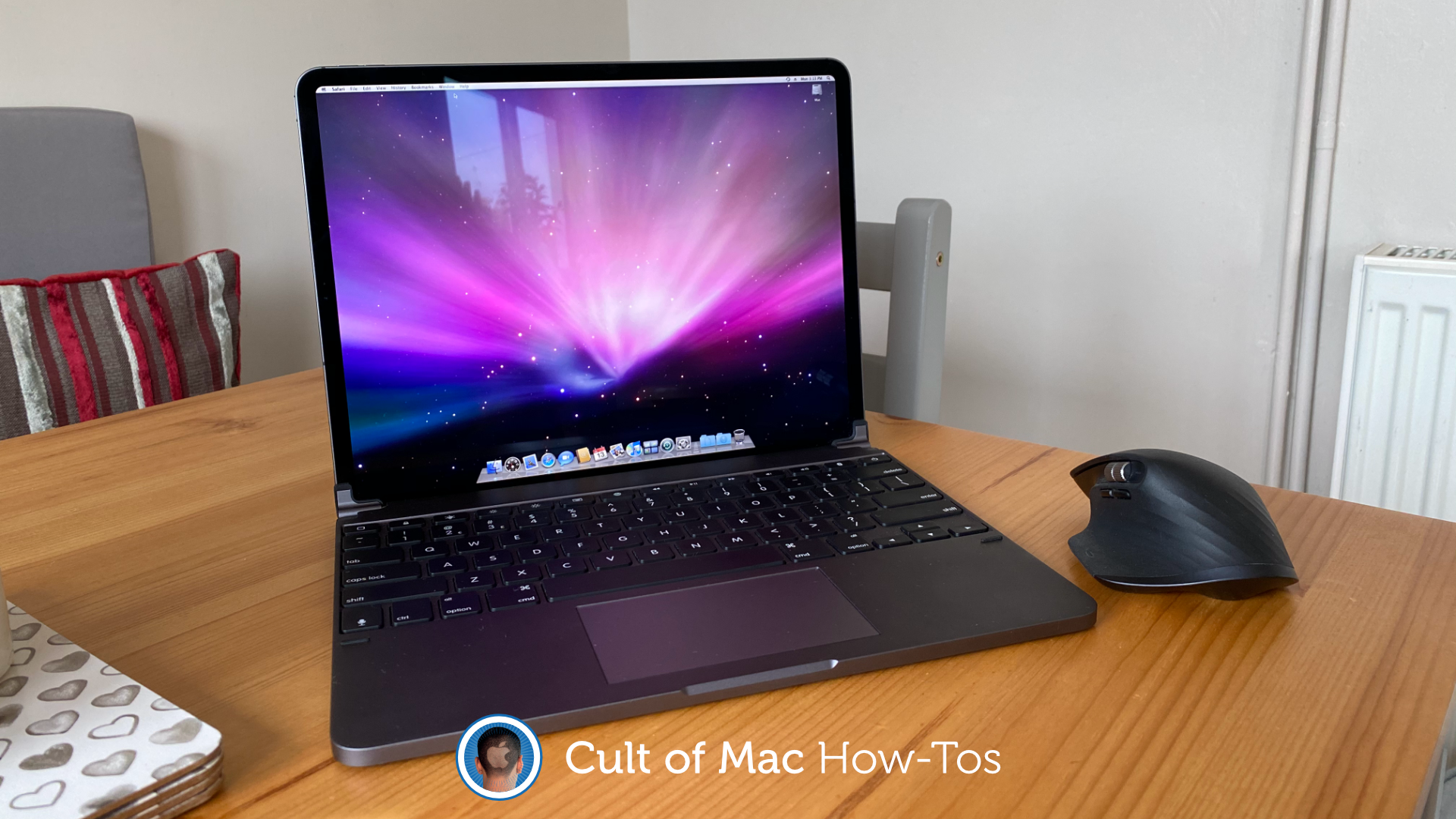
Running OS X on a tablet was a pipe dream for many Apple fans long before the iPad came out. Now that the iPad Pro has a processor that can compete with desktop CPUs, that pipe dream is almost a reality.

YouTuber Jules Gerard managed to get Mac OS X Leopard 10.5 running on his new 2020 iPad Pro without jailbreaking the device. Jules turned to the UTM emulator to show off how fast the old Mac operating system can run on the iPad Pro. Everything works shockingly well, including the built-in apps and Microsoft Office.

Prepare to be amazed:

Apple fine-tunes Safari Technology Preview with big batch of bug fixes

By

safari-preview
Preview gives devs early access to advances in Safari web technologies.
Photo: Apple

Developers received a new build of Apple’s Safari Technology Preview this morning. The experimental browser gives devs a sneak peek at upcoming web technologies for macOS and iOS.

Safari Technology Preview release 104 contains a huge number of bug fixes and other under-the-hood improvements, and it’s available on both macOS Mojave and macOS Catalina.

Facebook’s brand-new Messenger app available to all on Mac

By

Facebook-Messenger-Mac
Grab it now from the Mac App Store.
Photo: Facebook

The all-new Facebook Messenger app for macOS made its official Mac App Store debut on Thursday at a perfect time for those working and interacting more from home.

Messenger for the desktop first appeared in early March, almost a year after Facebook announced it at its F8 conference, but was then on offer in only a handful of countries. It is now open to all — and free to download.

Apple Developer app readies for WWDC 2020 with new video features

By

apple-developer
Everything you need to know about WWDC 2020 will be found in this app.
Photo: Apple

Apple is gearing up for its first-ever digital-only Worldwide Developers Conference in June with a fresh update to the Apple Developer app.

Formerly called the WWDC app, the Apple Developer app is the one-stop-shop for all the in-depth information developers need on iOS, macOS, tvOS, watchOS and all the other Apple platforms. Today’s big update adds some key new features that will make it easier and faster for developers to digest all the new info that comes out of WWDC 2020.

Check out the list of new goodies:

Developers can now make Mac and iOS apps a universal purchase

By

Apple_new-MacBook-Air-iPhone-11_03182020
A single bundle for everything.
Photo: Apple

It’s now possible for developers to make their apps available as a universal purchase. Apple enabled the change on Monday, paving the way for macOS, iOS, tvOS, and watchOS apps to be bundled as one.

Apple is not forcing developers to use universal purchases. It does hope, however, that the move will promote the use of Catalyst for porting iPad apps over to Mac.

Top 5 Apple mobile device management platforms for 2020

By

Hexnode top 5 Apple MDMs: Mobile device management is a crucial element of IT security.
Mobile device management is a crucial element of IT security.
Image: Hexnode

This top 5 Apple MDM platforms post is presented by Hexnode.

With the surge in recent years of employees working via smartphones, tablets and laptops from all over the place, it’s no surprise mobile device management, aka MDM, has become a crucial tool for organizations large and small. Then add in the near-ubiquity of cloud computing and software-as-a-service (SaaS) apps, plus companies letting employees use their own devices (BYOD). It all equals MDM becoming an unavoidable part of IT security. Ignore it at your own risk.

iPad and iPhone could get huge mouse support improvements in iOS 14

By

An iPad Pro with Smart Keyboard Folio and Magic Mouse, or a MacBook by another name?
Exciting news for full-time iPad users.
Photo: Apple

Apple is planning huge improvements to mouse support on iPhone and iPad for its iOS 14 update, a new report claims.

It is believed users will see more traditional cursor options — like those you’re used to seeing on desktops. Apple is also expected to add new gestures that will work alongside a new Smart Keyboard with built-in trackpad.

AMD’s next-gen Navi 2X graphics could bring beautiful ray tracing to Mac

By

AMD-Navi-X2
Nvidia's big advantage will soon disappear.
Photo: AMD

AMD’s next-generation graphics cards could bring ray tracing capabilities to Mac.

The company’s new Navi 2X architecture, coming later this year, will be the first to catch up with Nvidia’s GeForce RTX cards in the ray tracing department. It also promises 3D audio, faster load times, and “a new generation of games.”

How to resurrect your Mac’s startup chime

By

startup chime
Chimes and bongs: not just for hippies.
Photo: Arturo Rey/Unsplash

When you start up a Mac, it goes “bong,” and that’s the way the world should be. Unless, that is, you bought a Mac in 2016 or later, when Apple removed the Mac startup chime. These days, a Mac starts up silently, with only a whisper of fan noise (or the din of a whirring, clicking hard drive on an iMac) to let you know something is happening.

But what if you miss the good old Mac startup chime? Or — if you’re new to Macs — you just fancy a bit of retro charm? Today we’ll see how to bring back the bong.

Apple Music’s real-time lyrics feature is coming to Mac users everywhere

By

Streaming services like Apple Music dominate the US music market
Soon you'll be able to sing along to Drake on your Mac, too.
Photo: Apple

Apple Music’s lyric visualizer has arrived on Mac with the second beta release of macOS 10.15.4 Wednesday.

The feature, which gives users scrolling, karaoke-style song lyrics, was introduced as a much-lauded feature with iOS 13. Now Apple is porting it bringing it to macOS users as well.

Microsoft’s upcoming Windows 10X OS is ‘very smooth’ on a MacBook

By

Windows-10X-MacBook
And it's still in preview for now.
Photo: @imbushuo

Microsoft is working hard on a new version of Windows that promises to be faster, more efficient, and more secure. Windows 10X is available only in preview form for now, and it already runs surprisingly well on a MacBook.

One developer installed an early version of the software on an Apple machine, and it is proving to be “very smooth” so far.