Apple gave developers access to the release candidates of iOS 17.1 and macOS 14.1 on Tuesday. This is the last round of testing before introducing them to the public.
Release candidates for iPadOS 17.1, watchOS 10.1 and tvOS 17.1 also went out.
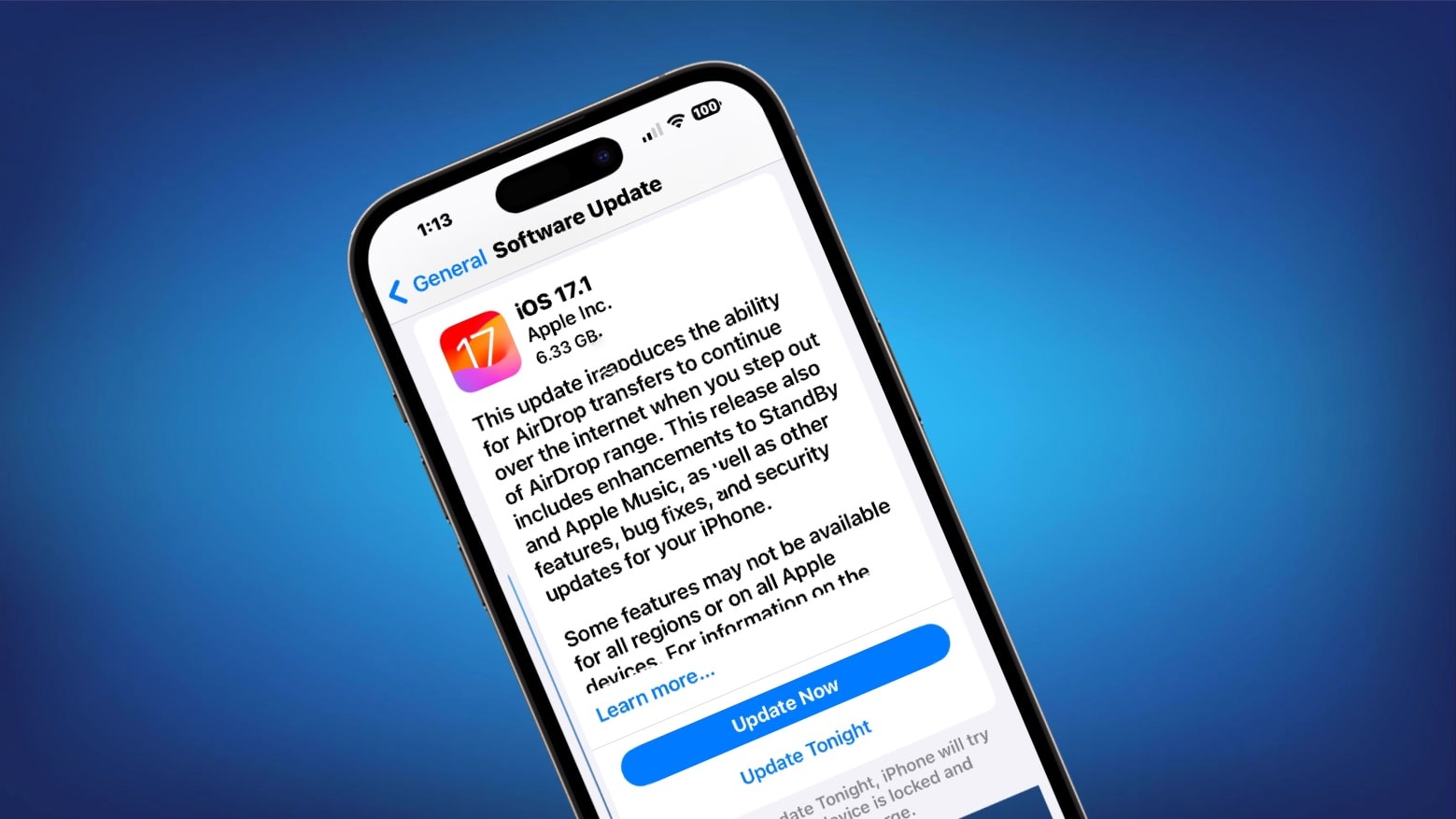
Apple gave developers access to the release candidates of iOS 17.1 and macOS 14.1 on Tuesday. This is the last round of testing before introducing them to the public.
Release candidates for iPadOS 17.1, watchOS 10.1 and tvOS 17.1 also went out.

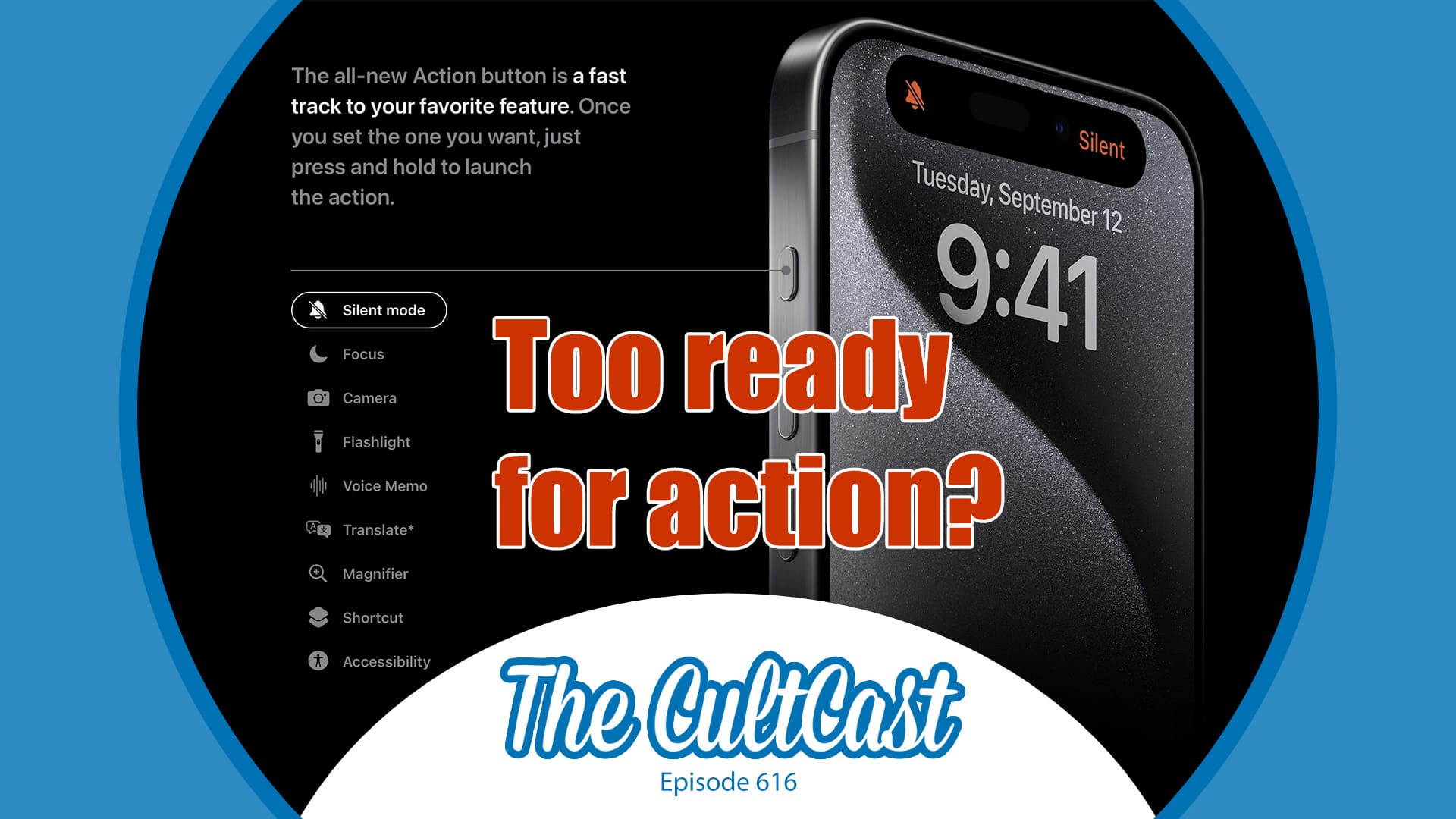
This week on Cult of Mac’s podcast: An iOS 17 update supposedly will stop the iPhone 15 Pro’s Action button from triggering in your pocket, at least in certain circumstances. Is this really a problem that needs fixing?
Also on The CultCast:
Listen to this week’s episode of The CultCast in the Podcasts app or your favorite podcast app. (Be sure to subscribe and leave us a review if you like it!) Or watch the video live stream, embedded below.
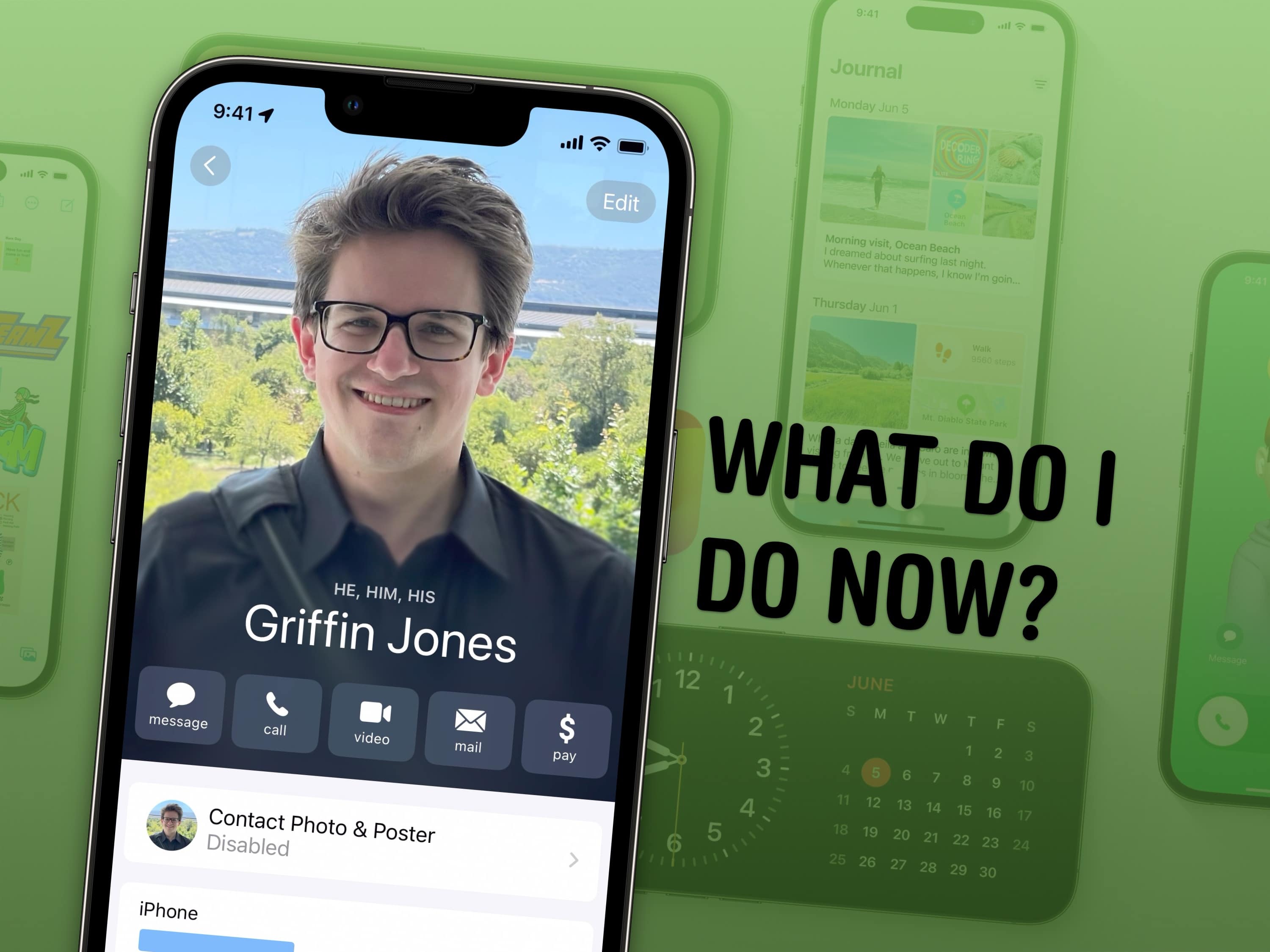
There are a lot of awesome features in iOS 17 — Contact Posters, StandBy, Safari profiles, shared passwords and much, much more. Here’s a simple to-do list on how to make the most of Cupertino’s latest and greatest iPhone operating system.
We now know the last possible day Apple will release iOS 17.1: Wednesday, October 24.
That is the date by which the iPhone-maker committed to introducing an update that reduces the amount of electromagnetic radiation emitted by the iPhone 12, as required by a French regulatory agency. And that update is part of iOS 17.1.
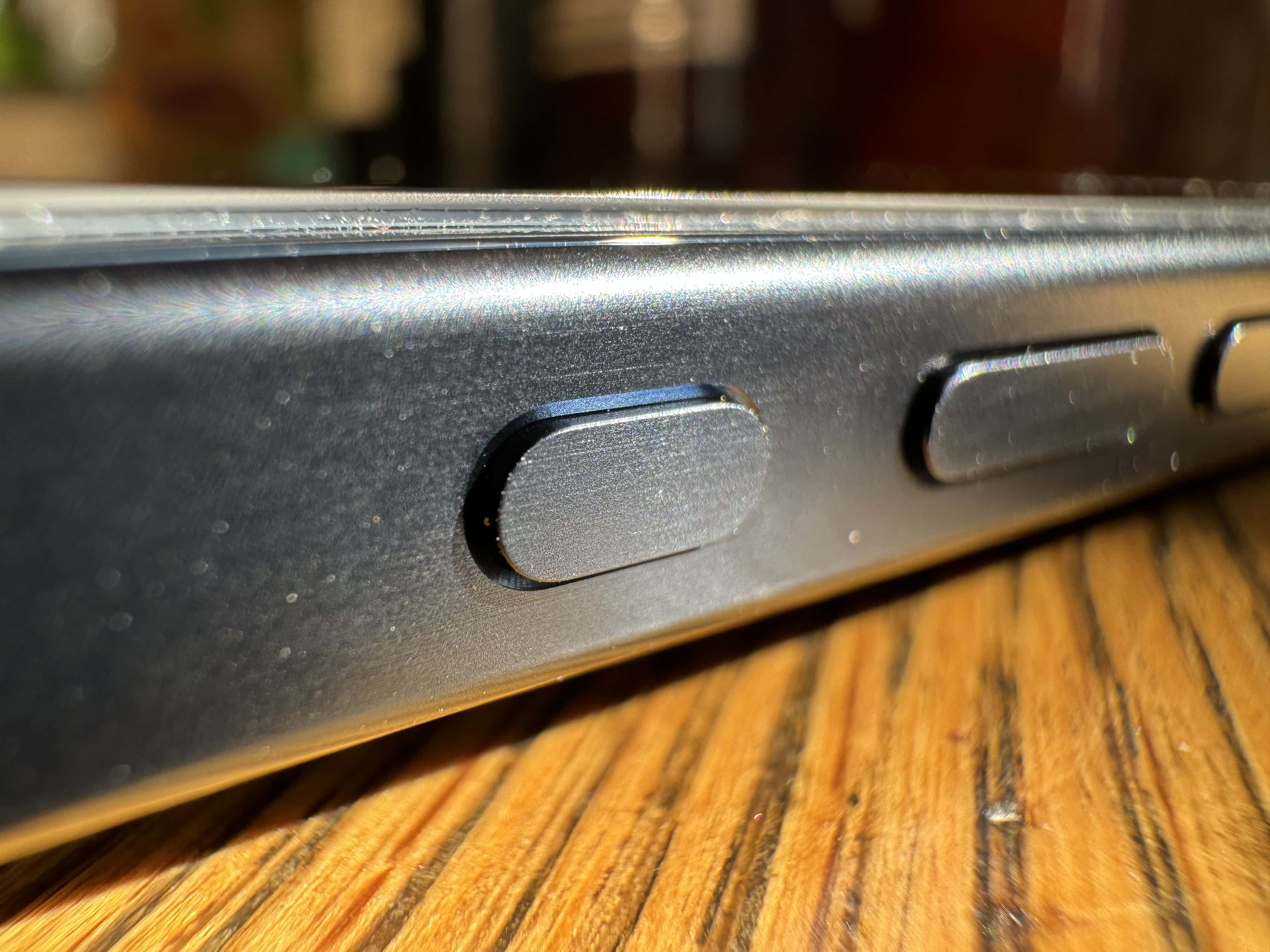
Apple will tweak the Action button’s behavior on the iPhone 15 Pro with the upcoming iOS 17.1. The change should prevent accidental keypresses from triggering the camera or flashlight.
The customizable Action button is easily one of the key highlights of the iPhone 15 Pro series.
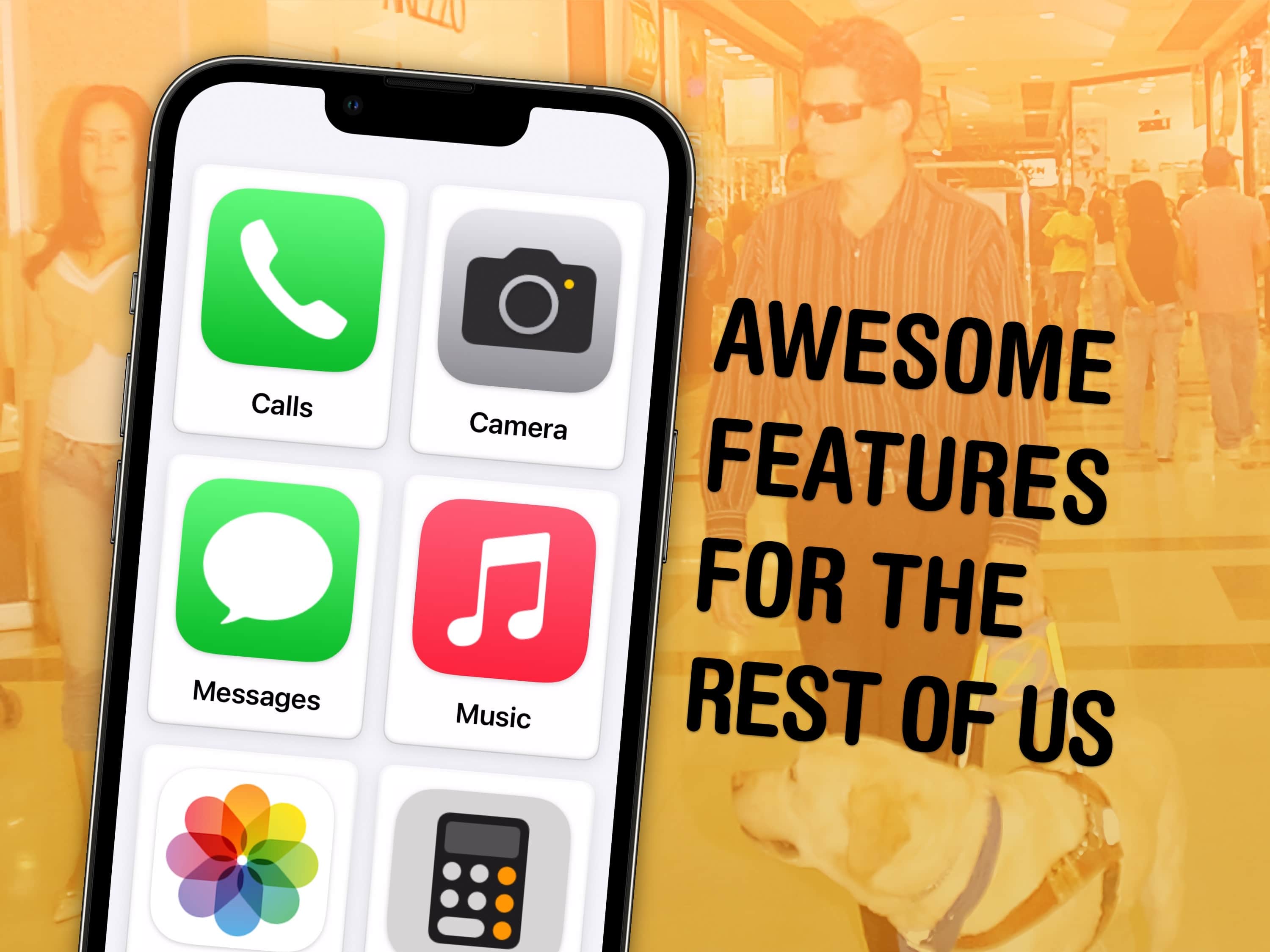
If you haven’t looked at any of Apple’s accessibility features because you’re not blind or deaf, and don’t think they would make your life easier, you might be surprised.
Apple built a handful of accessibility features into iOS 17 that let people with various disabilities use the iPhone in new and unexpected ways. However, absolutely anyone can take advantage of these tools, which prove surprisingly helpful in certain situations.
You can already get live captions to watch videos silently, lock your phone into one app to keep people from snooping around, play soothing ocean or forest sounds and more.
In iOS 17, five accessibility features take things even further. Assistive Access simplifies your phone to its bare features to make it easier to use; Live Speech and Personal Voice let you type on the keyboard to speak using your own voice; Detection Mode and Point and Speak help you get around using your iPhone camera.
Our hands-on demo will show you what these features can do for you.
This week on Cult of Mac’s podcast: The latest MacBook rumor sounds enticing, but will it come true? It’s time to speculate. Meanwhile, the real fire talk is all about that big, toasty iPhone 15 Pro Max. Apple’s iOS 17 update fixes the overheating problem. (Frankly, “Thermalgate” seems about as overblown as “Printgate.”)
Also on The CultCast:
Listen to this week’s episode of The CultCast in the Podcasts app or your favorite podcast app. (Be sure to subscribe and leave us a review if you like it!) Or watch the video live stream, embedded below.
In the weeks since iOS 17 launched, just a small percentage of iPhone owners have adopted it, according to an analytics firm. This is despite the fact that the new version is freely available for every iPhone going back five years.
Users may have been made cautious by Apple’s need to rush out three patches to fix bugs since the big update.
Siri Price can no longer use that name. The Edinburgh-based fitness instructor had to pick a new name because of a change in iOS 17, which was released for iPhones in September.
She’s not happy about it.
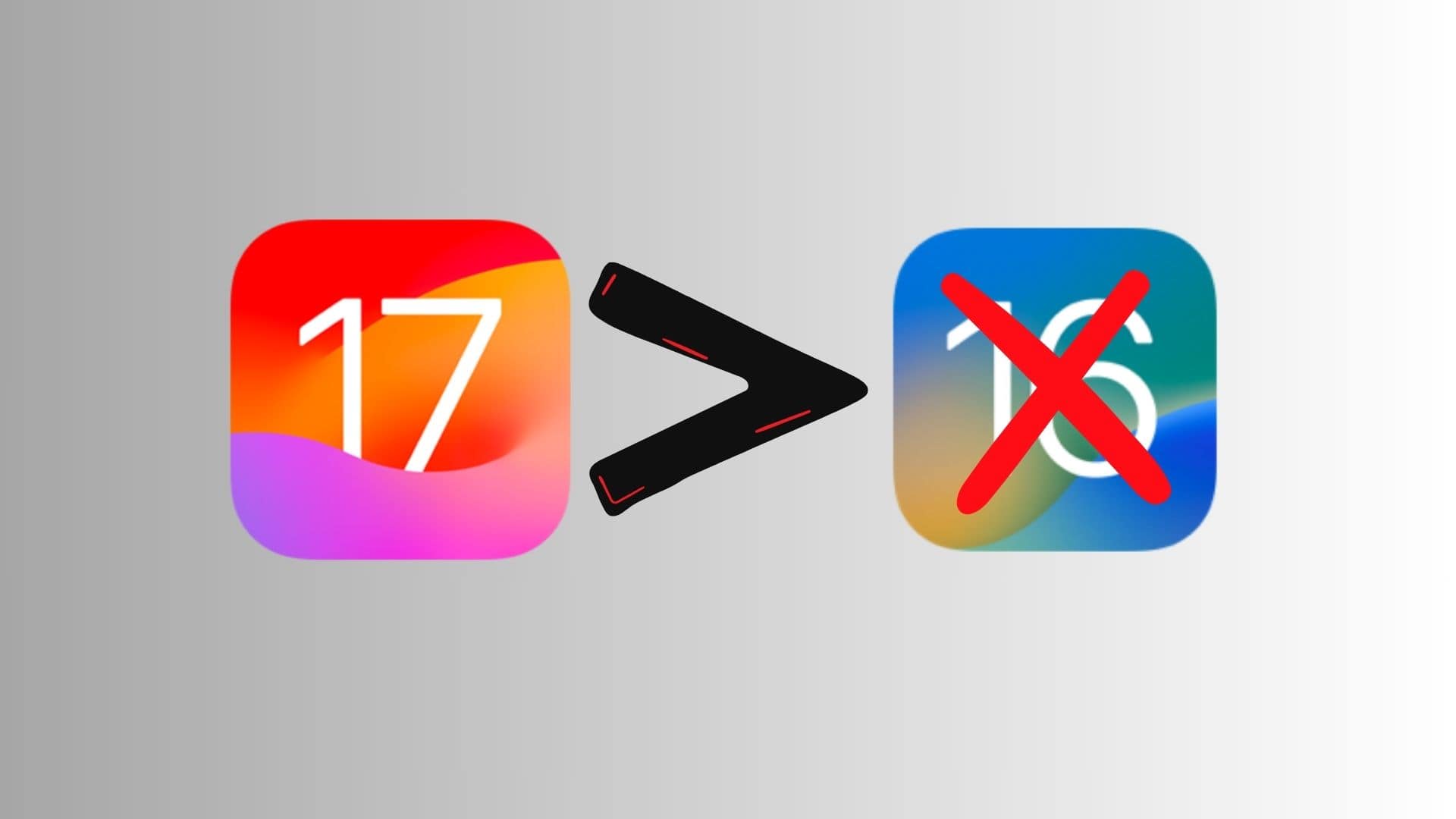
You can no longer downgrade your iPhone to iOS 16.6.1. Following the release of iOS 17.0.3, Apple has stopped signing the last stable iOS 16 release for its iPhones.
So, if you did not like iOS 17 for some reason, there’s no way you can downgrade your iPhone to iOS 16 now.
iOS 17.0.3 just launched, and Apple promises it “addresses an issue that may cause iPhone to run warmer than expected.” This is a well-publicized problem with iPhone 15 models.
It also might increase the battery life of previous iOS handsets.
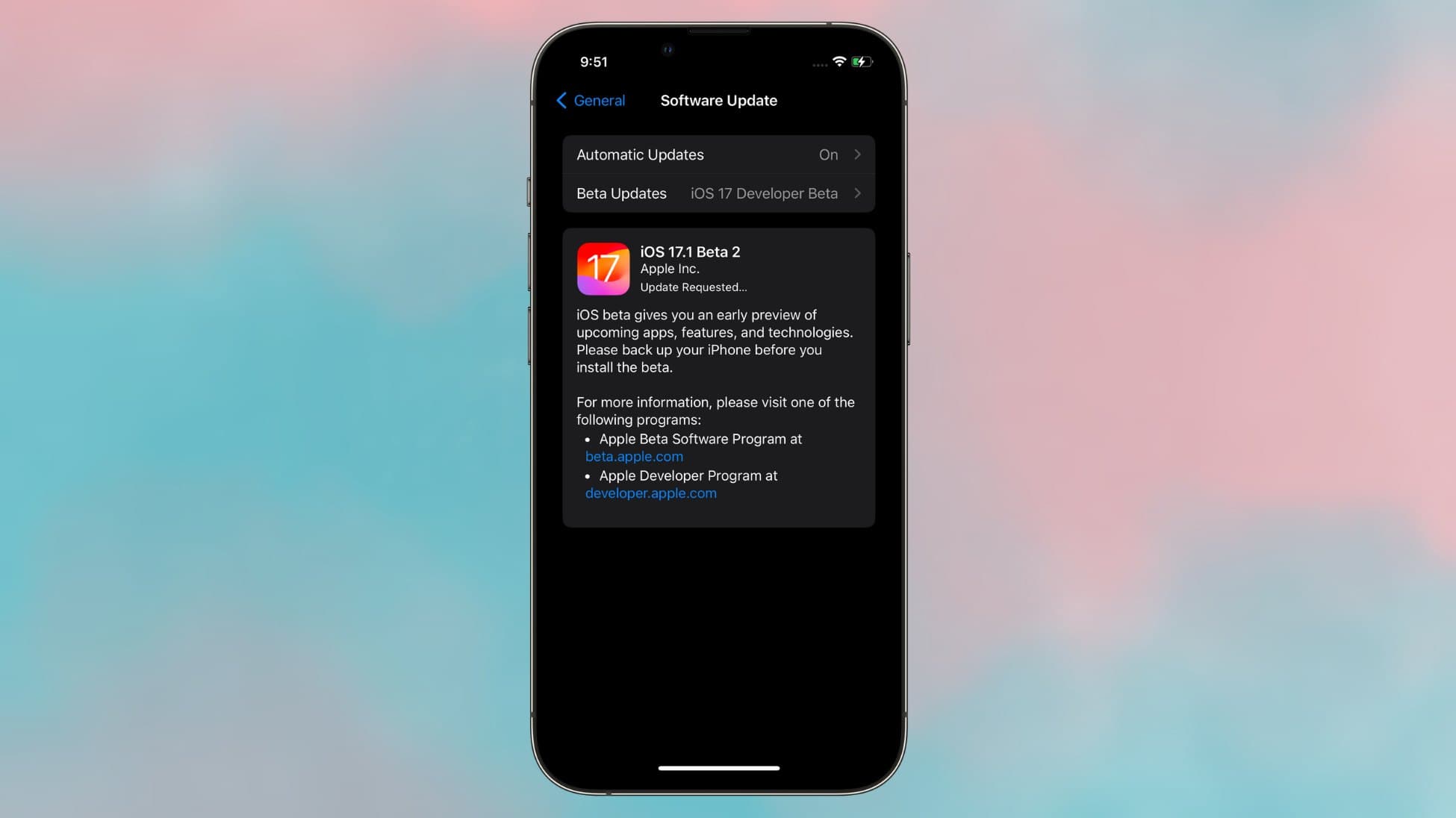
A week after the first iOS 17.1 beta dropped, Apple seeded the second beta release.
The upcoming point release of iOS 17.1 will pack several minor but important changes and features to deliver a better experience. Below is a look at everything new in iOS 17.1.
iOS 17 reduces the battery life of an array of older models. The result: Users of the iPhone XR, iPhone 13, etc., running the latest operating system version need to charge up their handsets more often.
It is not normal for a new iOS version to universally reduce battery life. But a fix may be on the way.
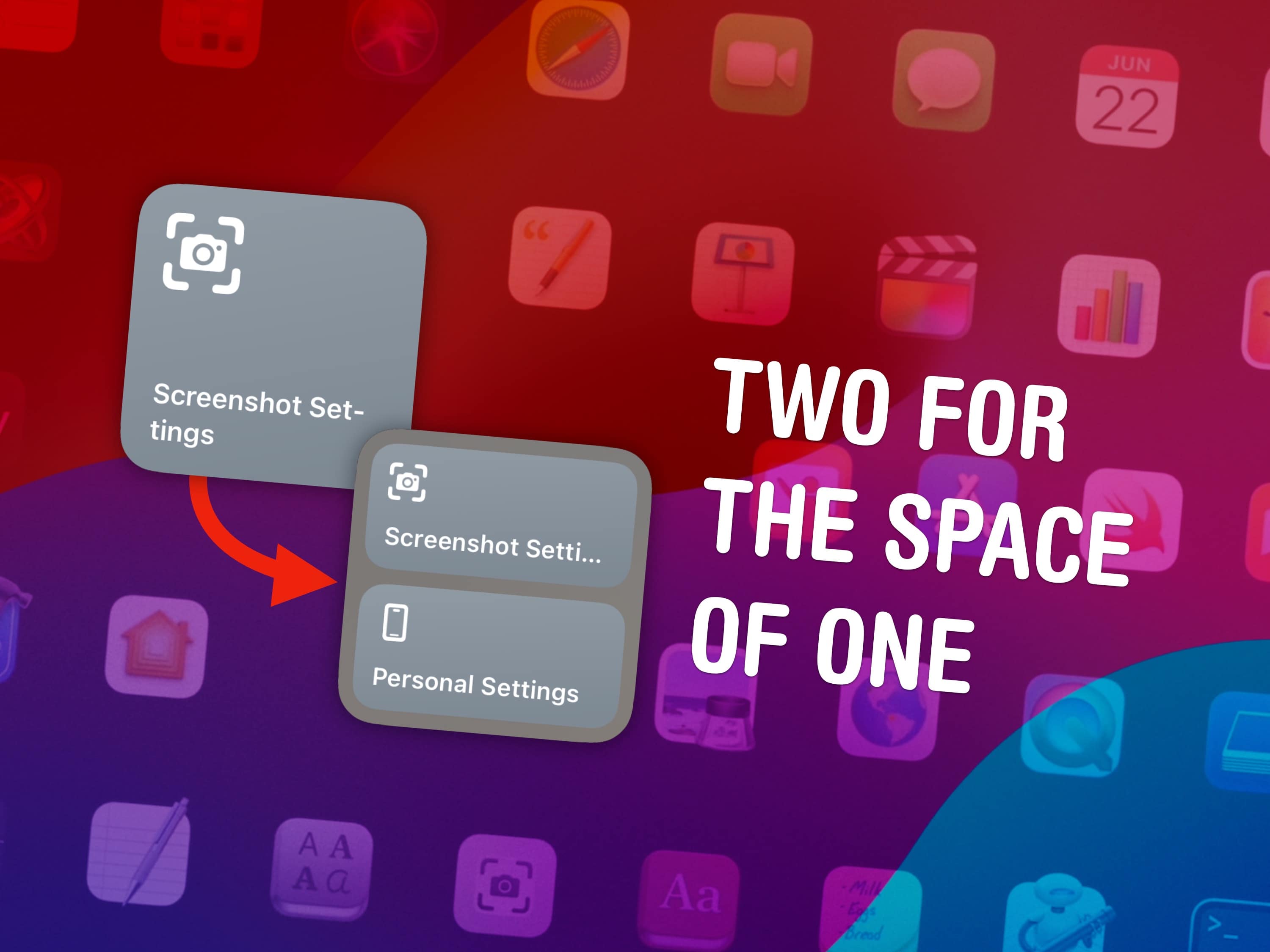

You can fit two shortcuts into one small widget in iOS 17, a significant change for power users of Apple’s time-saving Shortcuts app. A lot of shortcuts I make are in pairs — and now, you can put two shortcuts of a kind in one small space on your Home Screen.
Shortcuts, if you’re not aware, let you automate the things you do most often on your iPhone, Mac, iPad or Apple Watch. For instance, you can create a shortcut that sets a Focus mode when you get to work, one that suggests easy-to-remember passwords, one for converting units — the possibilities are endless. (Read Apple’s helpful Shortcuts guide if you want to familiarize yourself with the powerful app.)
Home Screen widgets are a great way to launch the shortcuts you use every day. On the iPhone, where space is limited, fitting twice as many shortcuts without losing any icons could be a game changer for your Home Screen. Let me show you how to set it up.
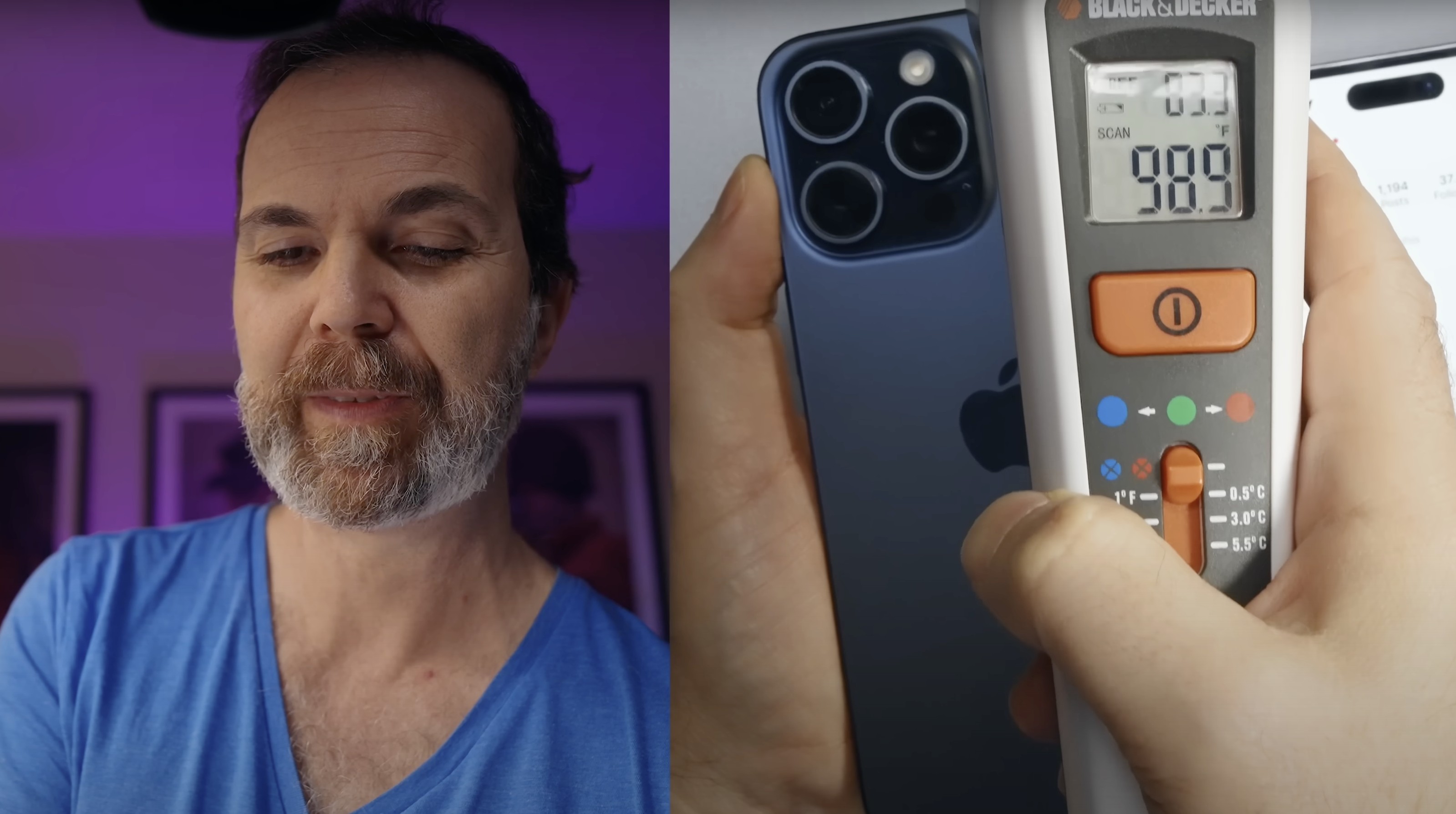
With iPhone 15 Pro models getting hot in users’ hands, new theories as to why are burning up the internet. One of those blames the Instagram app running on iOS 17 — and not just with the latest iPhones.
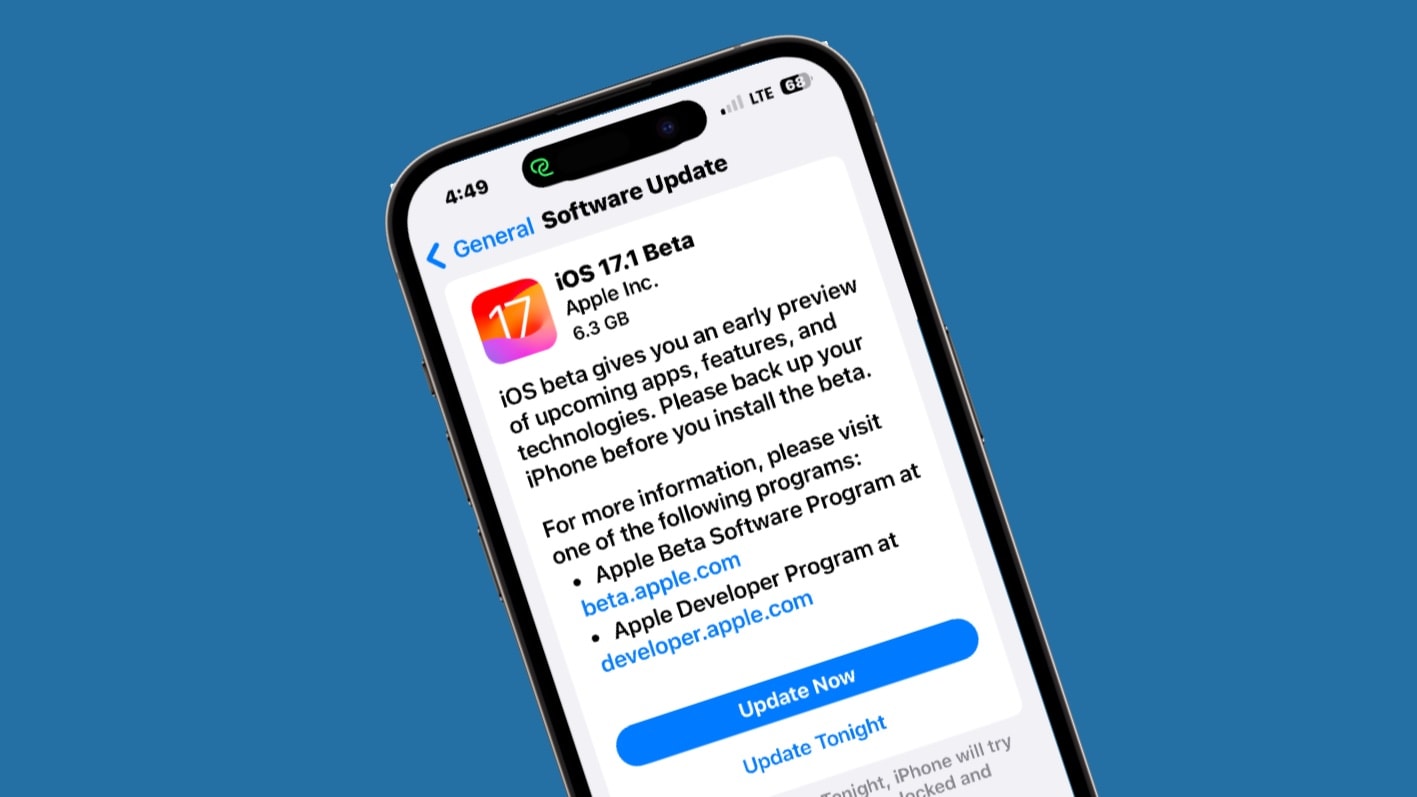
Apple seeded the first beta of iOS 17.1 to developers on Wednesday. This signals the start of testing for some iPhone features Apple already announced but didn’t debut in iOS 17, including AirDrop file transfers over the internet.
Cupertino also began beta testing macOS 14.1, iPadOS 17.1, watchOS 10.1 and tvOS 17.1.

Now you can listen to more than 100 new podcasts from various apps and services in Apple Podcasts, the company said Tuesday.
“Subscribers to Apple Music, Apple News+ and participating apps like Calm and Lingokids can connect their subscriptions to access new shows and more,” Apple noted.
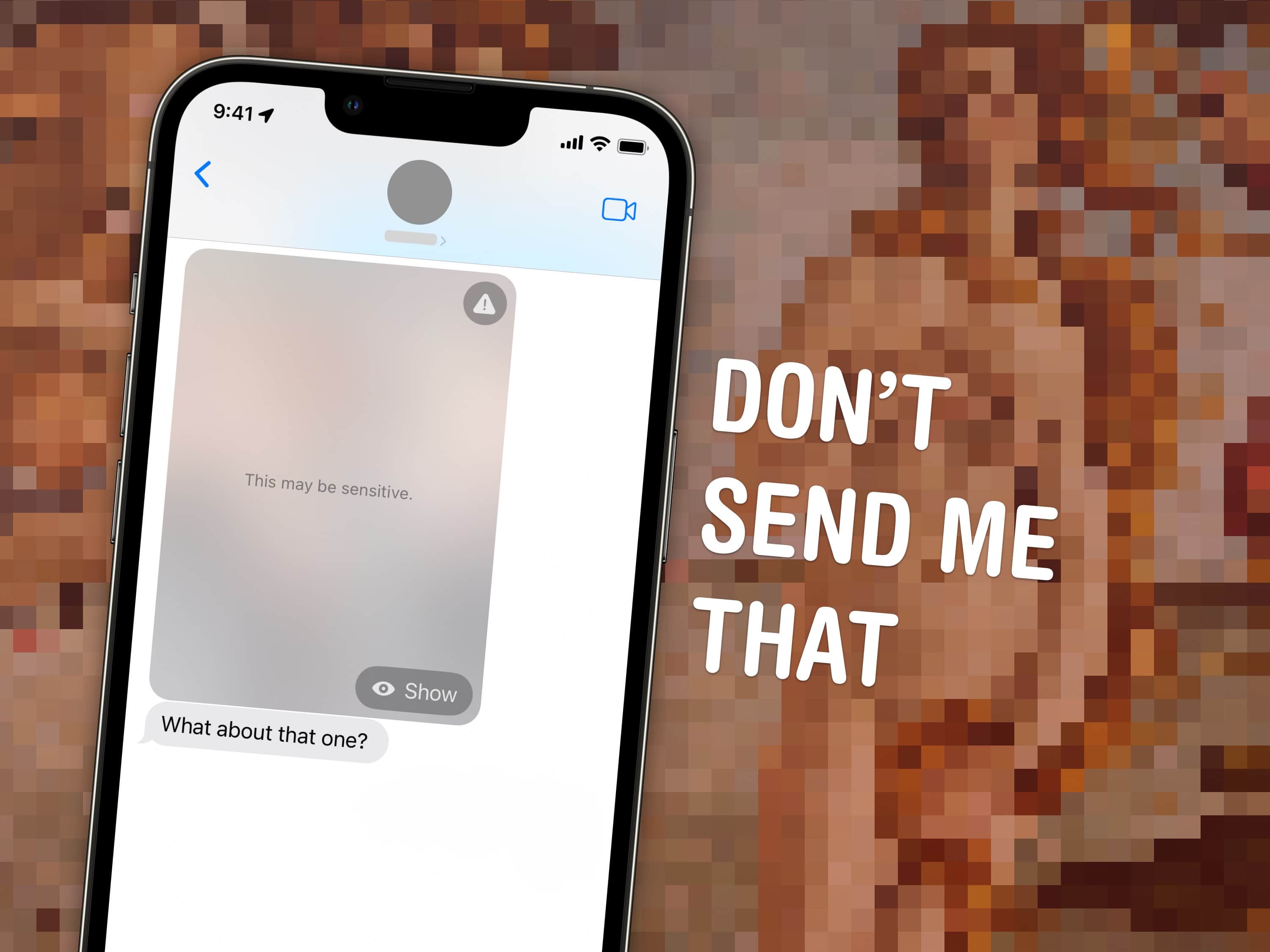
If you’ve ever been the victim of unsolicited dick pics, or “cyberflashing,” you can now automatically hide obscene images in iOS 17. Censoring NSFW sexts can give you an extra line of defense against unwanted, creepy texts. This feature, new in iOS 17, puts suspected nude images and videos behind a blurred gray background.
Unsolicited dick pics are a widespread problem. Among adults who reported receiving nude images, 91% of respondents say they were sent without their consent, according to Indiana University research. And one shocking study published in the Journal of Sex Research found 50% of heterosexual men admitted to sending them!
This new Sensitive Content Warning feature in iOS 17 isn’t just for protecting children. A lot of people likely will find it useful.

This week on Cult of Mac’s podcast: The first reviews of iPhone 15 Pro rave about everything from the phenomenal titanium finish to the fantastic 5x zoom. Sounds like Tim Cook has another winner on his hands.
Also on The CultCast:
Listen to this week’s episode of The CultCast in the Podcasts app or your favorite podcast app. (Be sure to subscribe and leave us a review if you like it!) Or watch the video live stream, embedded below.
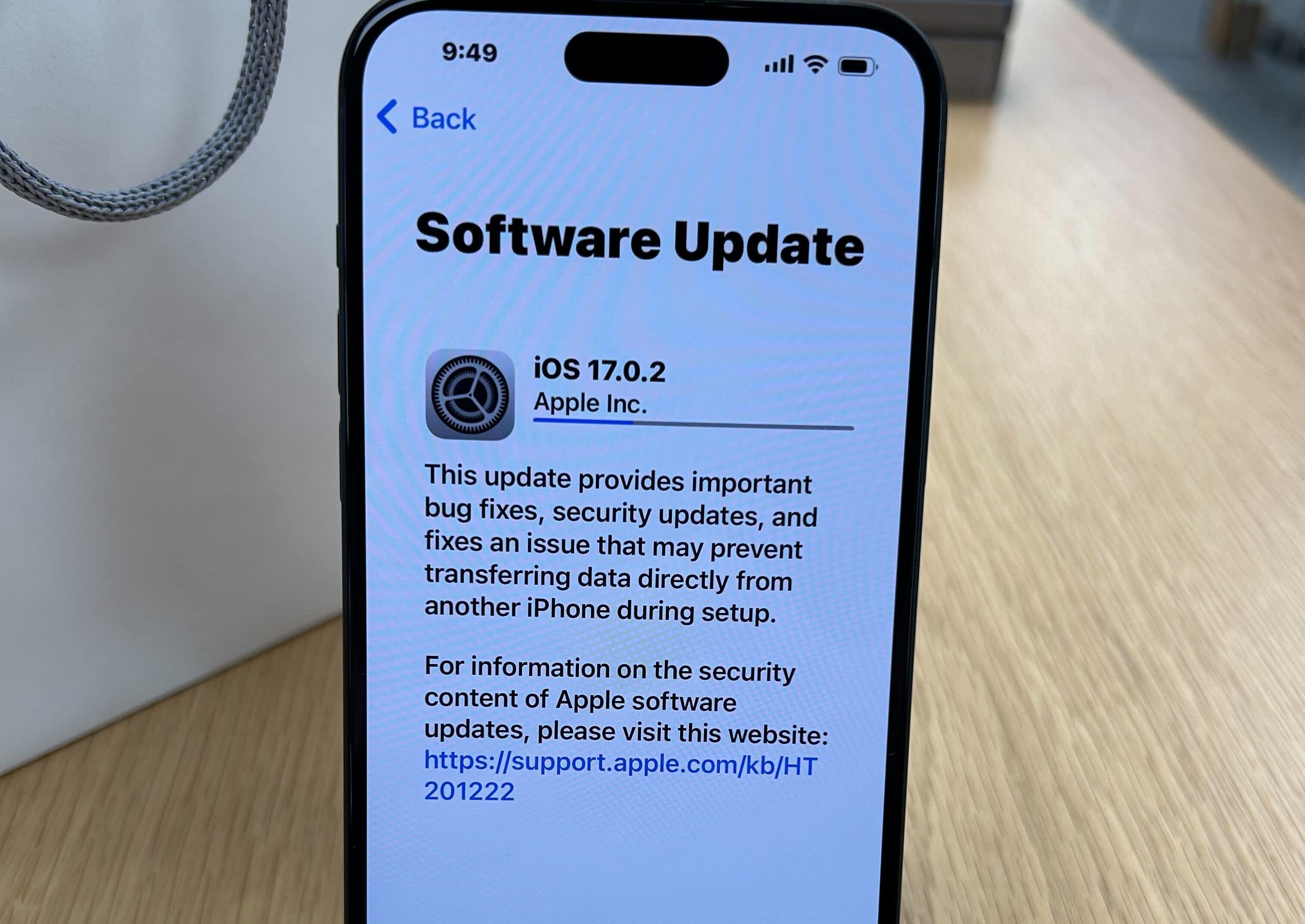
Apple advised iPhone 15 buyers Friday that they need to install the latest software update, iOS 17.0.2, before transferring data during the device setup process. The update fixes a problem that could prevent the data transfer and freeze up the new iPhone.

Apple finally released iOS 17 and iPadOS 17 to the public, but you won’t get to enjoy all the new features and enhancements immediately.
Certain features will be released in a future point release of the OS. Below is a look at all such iOS 17 and iPadOS 17 features that won’t be available at launch.
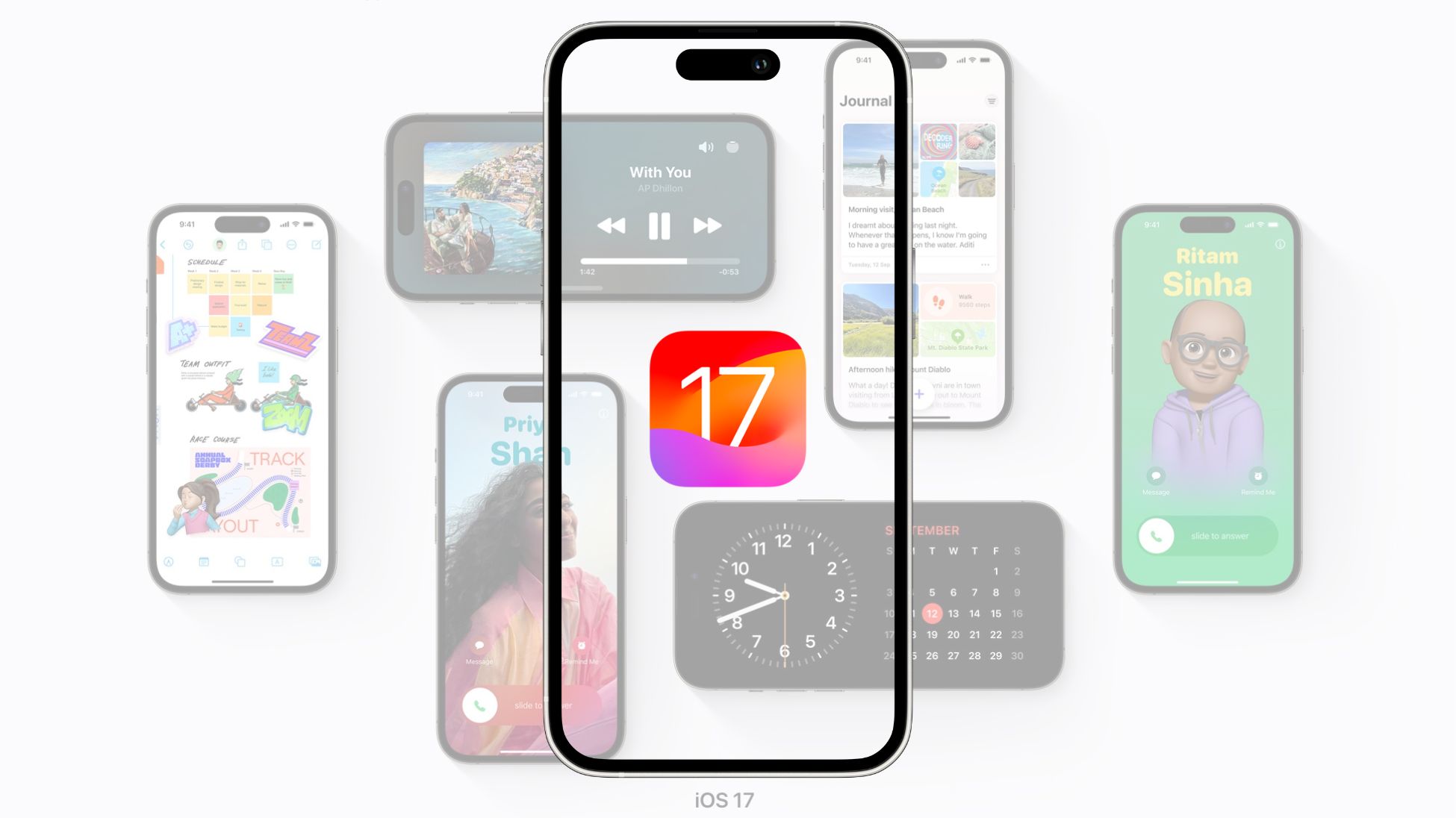
After eight beta releases and months of testing, Apple has released iOS 17 to the public. It works with iPhone XS and newer devices and brings several new features and usability improvements.
You can grab the iOS 17 OTA update by diving into your iPhone’s Settings menu.
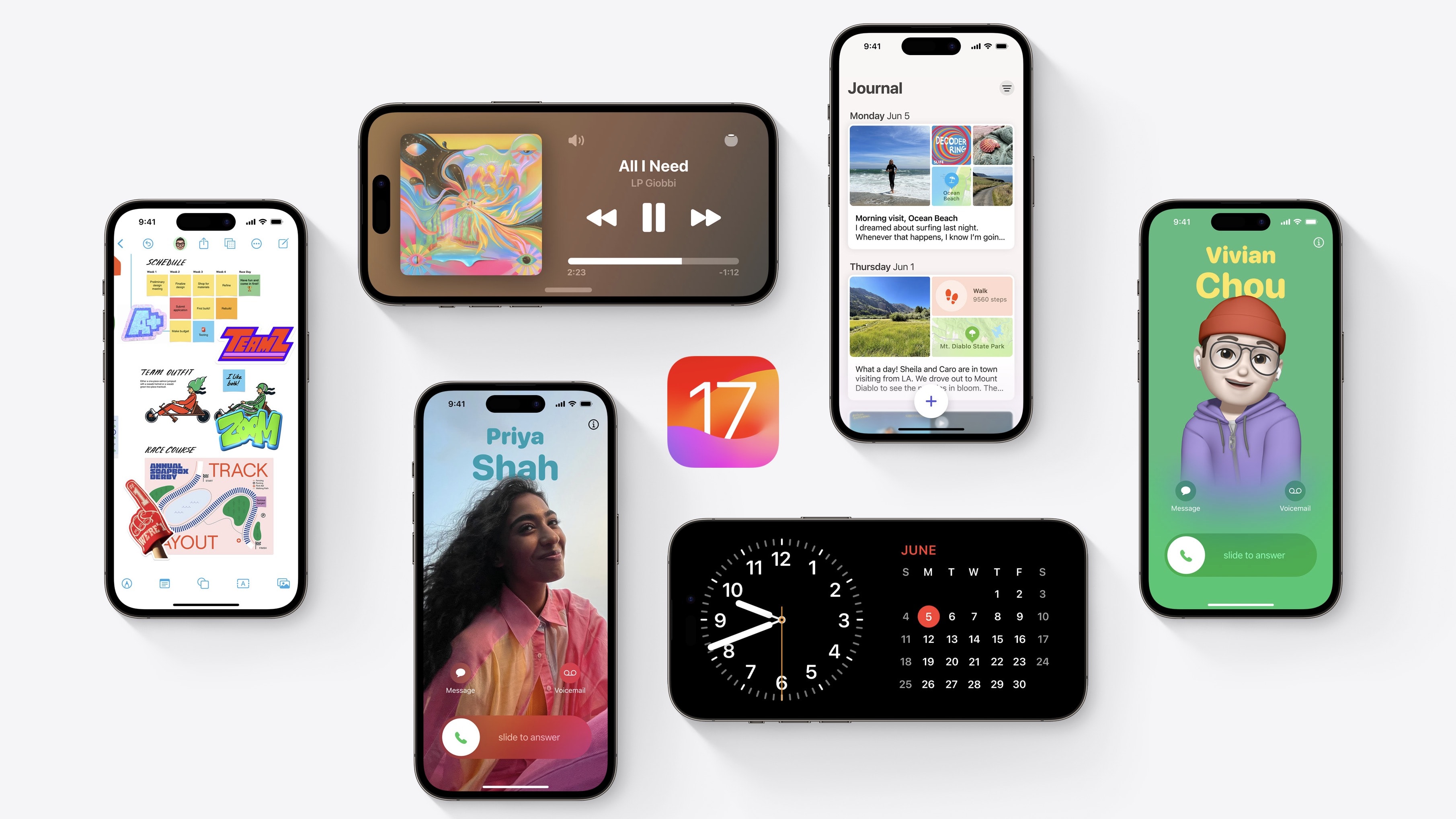
What’s new in iOS 17? This is a big year for iPhone and iPad. You should definitely check out the biggest new features — Contact Posters and Standby — first. But there are dozens of other great features for you to learn, explore and take advantage of, too.
iOS 17 is out now. I have all the 50 best tweaks and changes organized in this overview.
Apple is finally ready to release iOS 17, iPadOS 17 and watchOS 10 to the public. The stable build of these OSs will drop Monday for all compatible iPhones and iPads.
But exactly when will the iOS 17 update show up on your iPhone? After all, you might want to be the first in your group to install the new operating system and take advantage of new features like Standby. Find out the iOS 17, iPadOS 17 and watchOS 10’s release time in your area in our list below.

 Shortly after today’s announcements, Apple pushed out the release candidates for iOS 17, iPadOS 17 and watchOS 10. These operating systems will all be available on Monday, September 18.
macOS Sonoma has a later release date of September 26 and did not receive a release candidate today. Update: The macOS Sonoma release candidate is now out.
There are two important PSAs for developers: The release candidate of Xcode 15 does not support the visionOS SDK. App submissions for the new operating systems are now open, though.