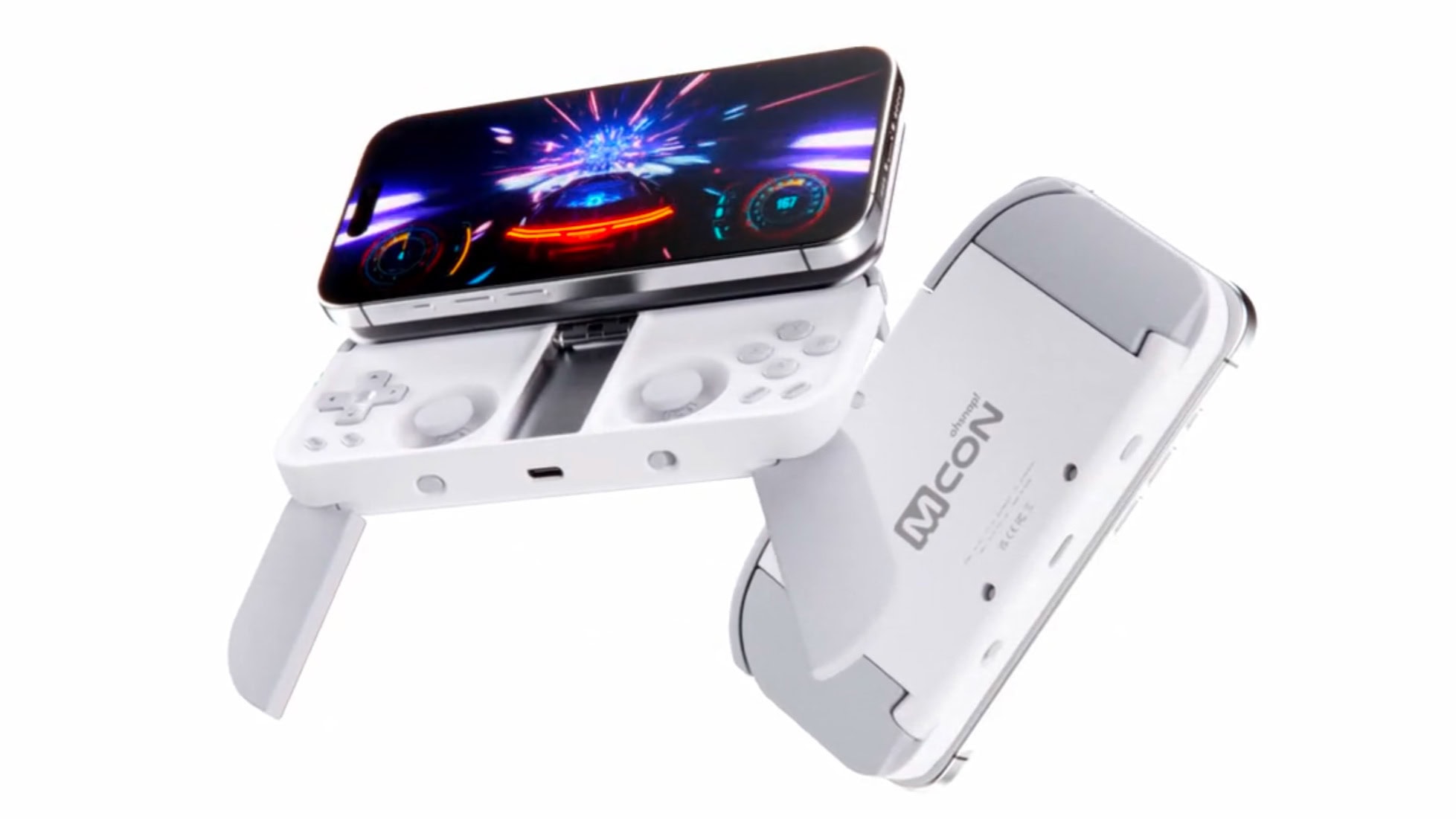
OhSnap Mcon iPhone game controller is simply packed with innovation. Screenshot: OhSnap
The OhSnap Mcon mobile gaming controller magnetically attaches to an iPhone to add joysticks, buttons, triggers and a D-pad. It’s very portable and uses an innovative design that includes flip-out grips for more comfortable play.
OhSnap unveiled the Mcon a year ago, and it finally reached customers on Tuesday.
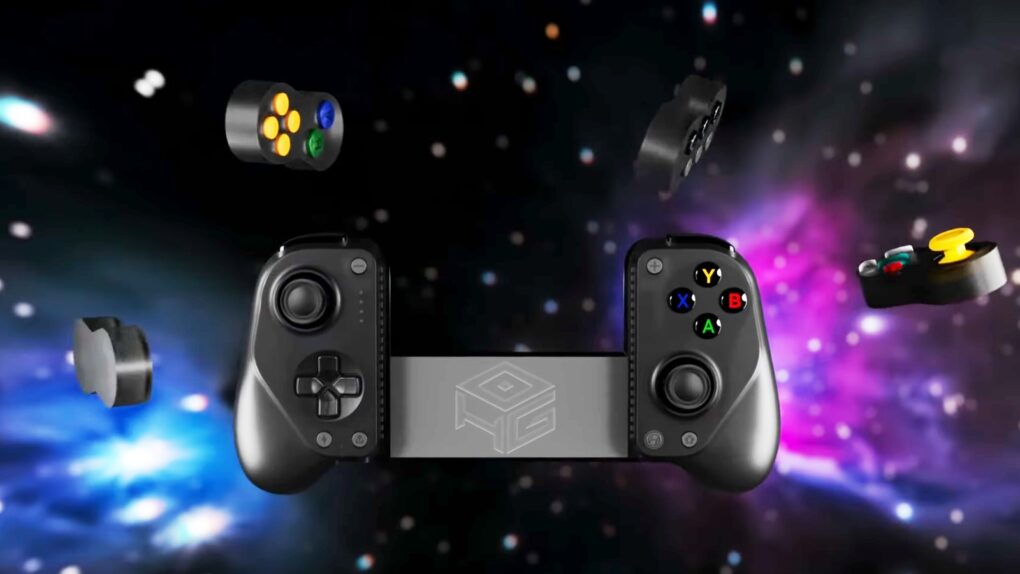
It took the talents of two companies to create an iPhone game controller this innovative. Graphic: GameSir/Hyperkin
The GameSir x Hyperkin X5 Alteron is the world’s first fully modular mobile game controller. A variety of buttons and sticks in removable modules can be swapped in and out from either side. Plus, the device telescopes to fit around your iPhone, iPad or Android.
It offers innovation that stands out in the market for side-mounted controllers.
★★★★☆
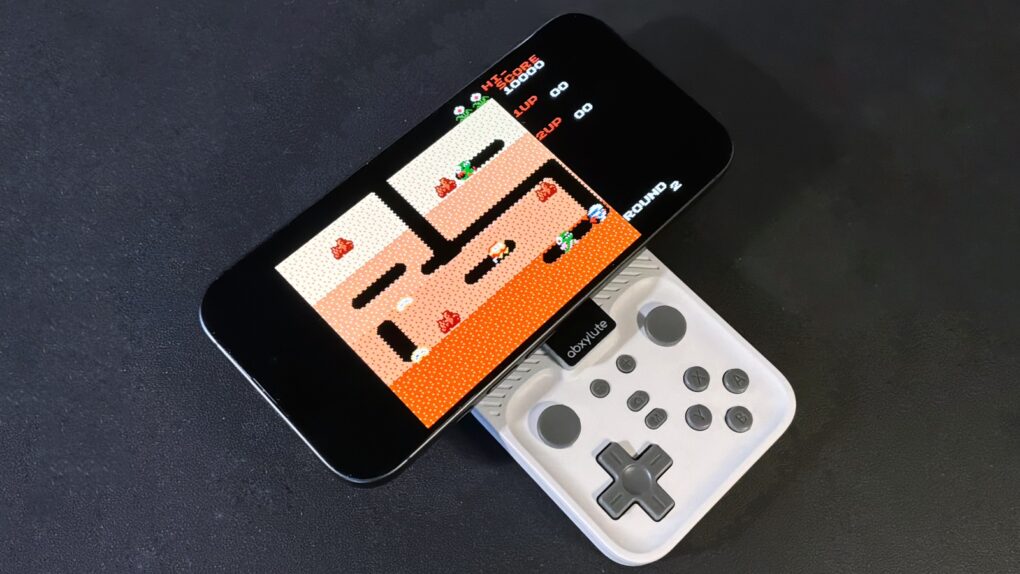
Your iPhone is always ready to have fun with the Abxylute M4 game controller. Photo: Ed Hardy/Cult of Mac
The Abxylute M4 game controller is genuinely pocket-size, but clip it to your iPhone and you’ll have all the buttons and sticks you want to play retro and modern games.
It clings to your iPhone’s MagSafe connector, plus it includes a stand for detached gaming.
I enjoyed testing out the pint-size game controller with my iPhone 17, as long as I accepted the reasons for its necessary limitations. The affordable price helped a lot, too.
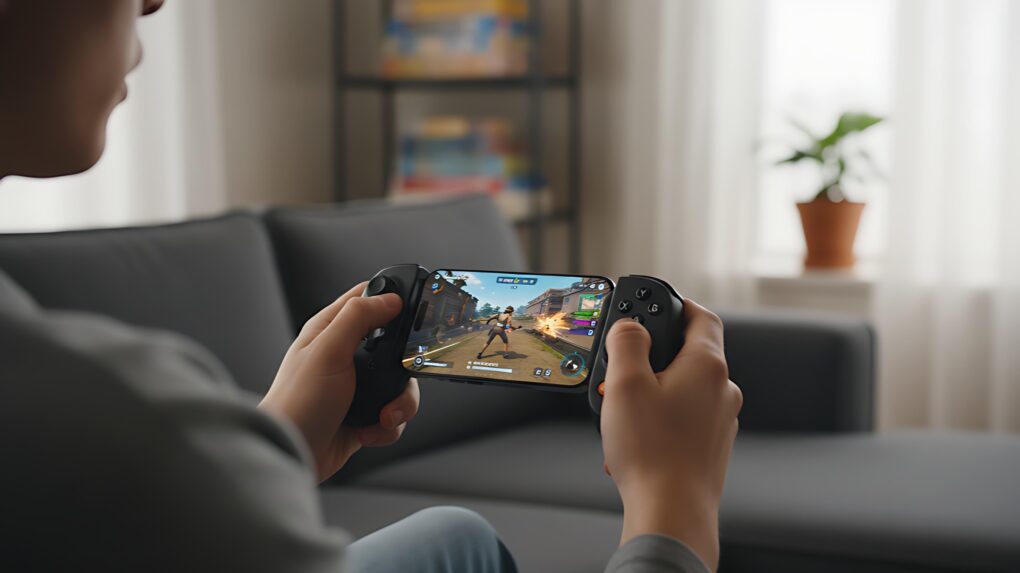
A Backbone game controller makes iPhone gaming much more like using a console. Image: Gemini
Nothing makes playing advanced games on an iPhone better than a Backbone game controller. Clip one to your phone, and it basically turns the handset into a mobile gaming console, ready to play wherever you go.
There are many top-quality first-person shooters and RPGs available for iPhone. Don’t waste your time playing these great games with just a touchscreen. Get a Backbone One or a Backbone Pro controller and snap it onto your iPhone. You’ll be glad you did.
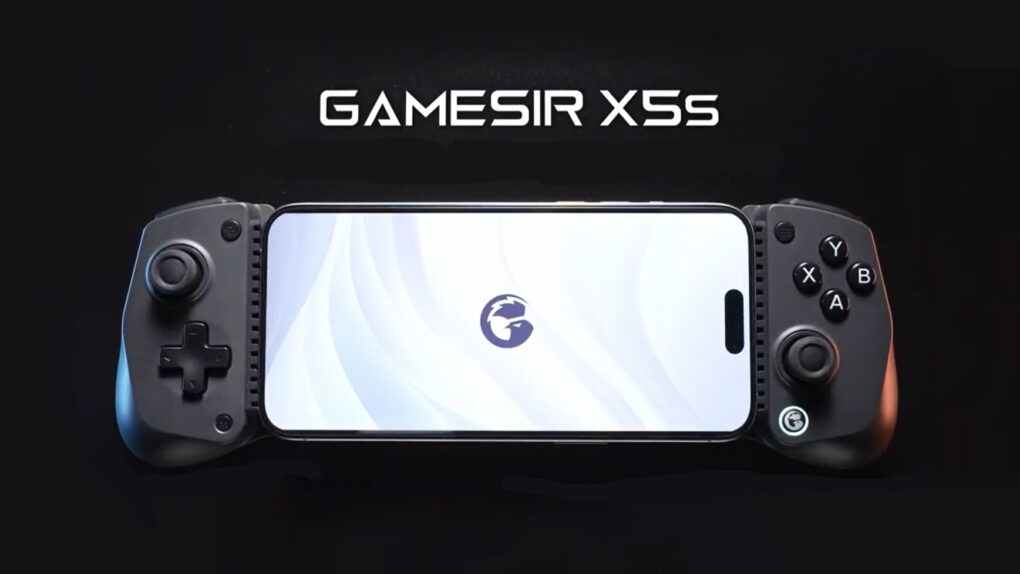
The GameSir X5s Wireless Mobile Game Controller offers tri-mode connectivity. Graphic: GameSir
Wrap the brand-new GameSir X5s around your iPhone to play high-end games. But that’s only the start — the controller also works with iPad, Nintendo Switch, PC and Android.
It’s lightweight with a portable design but includes Hall Effect sticks and triggers, a gyroscope and rumble motors.
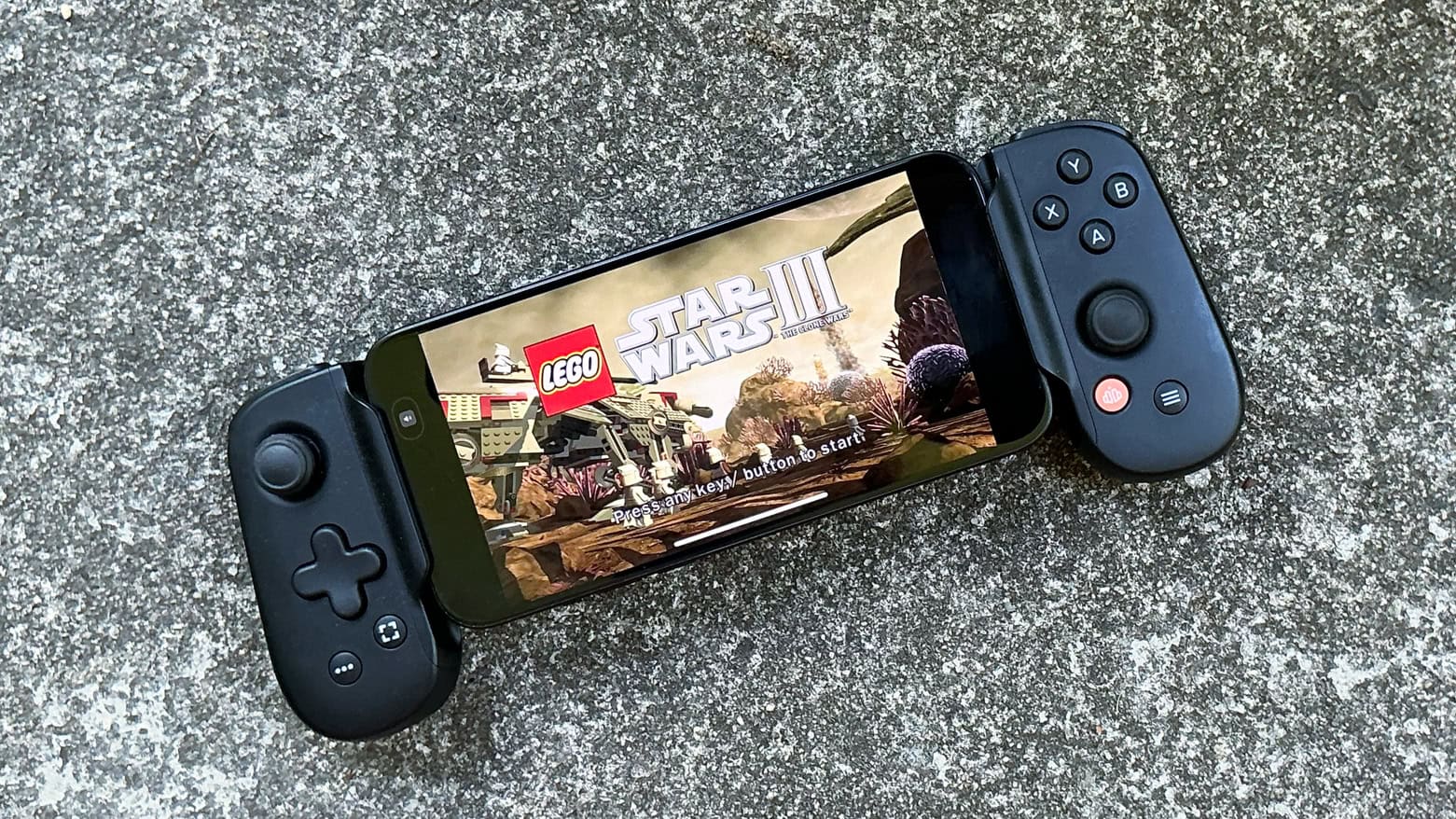
Backbone One USB-C game controller makes high-end gaming a pleasure on iPhone. Photo: Ed Hardy/Cult of Mac
A deal on the Backbone One (USB-C), which ranks among the absolute best clip-on game controllers for iPhone, cuts 40% off the usual cost. It’s also on sale at Amazon, though the deal isn’t quite as good.
Can’t take the family Playstation or Xbox to university? Game on your iPhone instead with this controller.
★★★★★
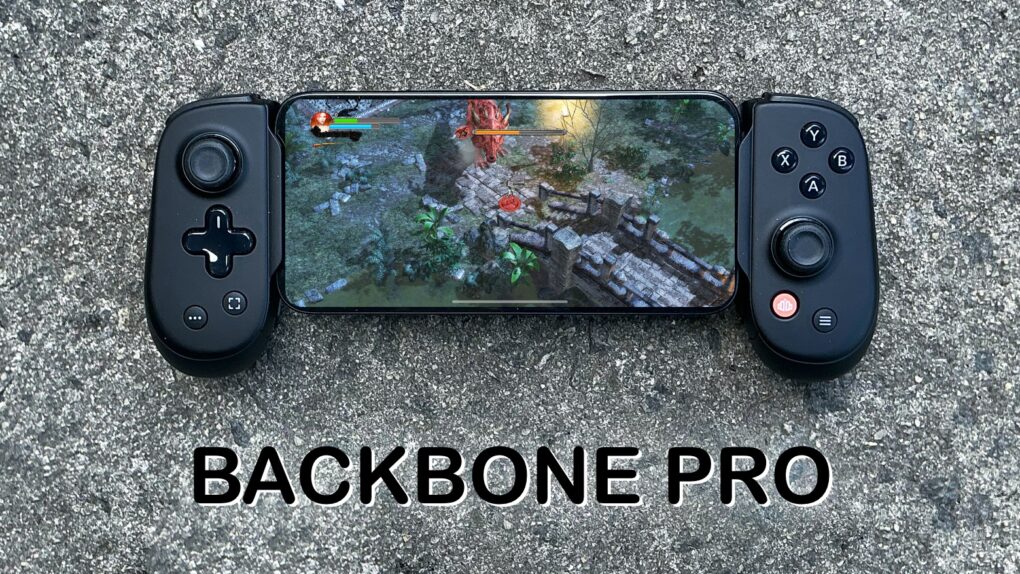
There’s no better way to improve mobile gaming than with Backbone Pro. Photo: Ed Hardy/Cult of Mac
The Backbone Pro game controller that launched Tuesday wraps around your iPhone and connects via USB-C, but it can also connect to your Mac or iPad via cable or Bluetooth. Plus, it adds remappable rear buttons to the standard mix of sticks, triggers, D-pad and more.
Backbone already makes the best iPhone game controller, and my hands-on experience with this new premium version found that it takes mobile gaming to a whole new level.
★★★★★
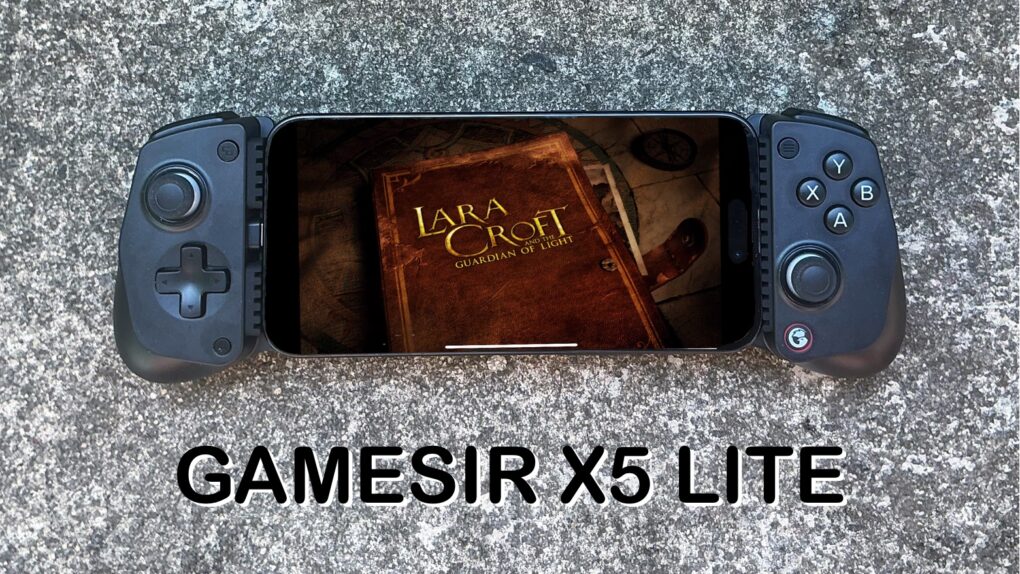
The GameSir X5 Lite is fun and a great value. Photo: Ed Hardy/Cult of Mac
The GameSir X5 Lite is the game controller for those who’ve hoped for a truly affordable way to add physical buttons and sticks to their iPhone. It costs a fraction of the price of its chief rival.
But don’t call it cheap. The accessory includes Hall Effect sticks plus a full set of the buttons and triggers needed for cloud gaming or on-device apps.
I enjoyed my time testing the GameSir X5 Lite — read the full review to find out why.
★★★★☆
GameBaby can be your key to retro gaming fun. Photo: Ed Hardy/Cult of Mac
GameBaby from Bitmo Lab is both an iPhone case and a game controller. Combined with the Delta retro game emulator, the accessory’s clever design allows you to play classic games on your phone with real buttons. And there’s nothing wrong with a new way to have fun.
For my GameBaby review, I tested it with my iPhone 16 Pro Max, and it’s the closest thing to a Game Boy I’ve played in much too long.
Plus, it’s available at a huge discount right now — 38% off. But the deal only lasts a few more days.
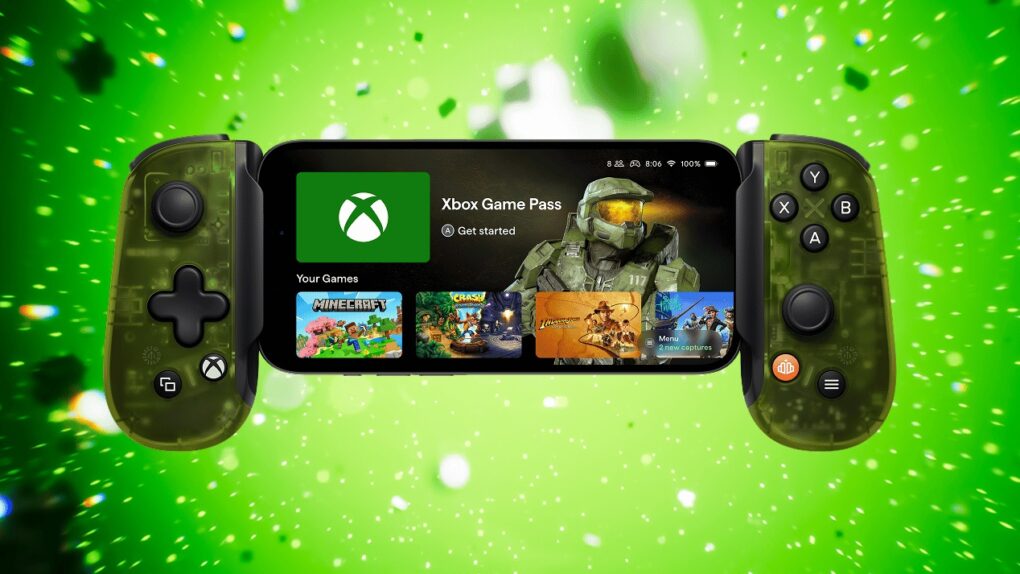
Upgrade your iPhone into a portable gaming console with Backbone One: Xbox Edition. Photo: Backbone
Clip the latest Backbone One iPhone controller to your iPhone to assemble what’s essentially an Xbox you can take anywhere. Press a dedicated button on the controller to dive into Xbox Cloud Gaming or Remote Play.
OhSnap Mcon iPhone game controller is already a huge success month before its launch. Screenshot: OhSnap
Only about 0.1% of Kickstarter campaigns bring in over $1 million. The latest to pass that lofty mark is the OhSnap Mcon mobile gaming controller, which magnetically attaches to an iPhone to add joysticks, buttons and a D-pad.
A prototype of the accessory was on display at CES 2025 where it earned loads of compliments. It “may set a new standard for mobile gaming,” said Engadget, for example.
The GameSir X3 Pro includes features many mobile controllers leave out. Photo: GameSir
The newly launched GameSir X3 Pro Mobile Gaming Controller packs Hall Effect sticks, dual rumble motors, micro switch triggers and detachable grips. And its USB-C connector and telescoping design means it fits a range of iPhone and Android models.
A stand-out feature is a cooling plate designed to prevent the handset from overheating while playing very demanding games.
★★★☆☆
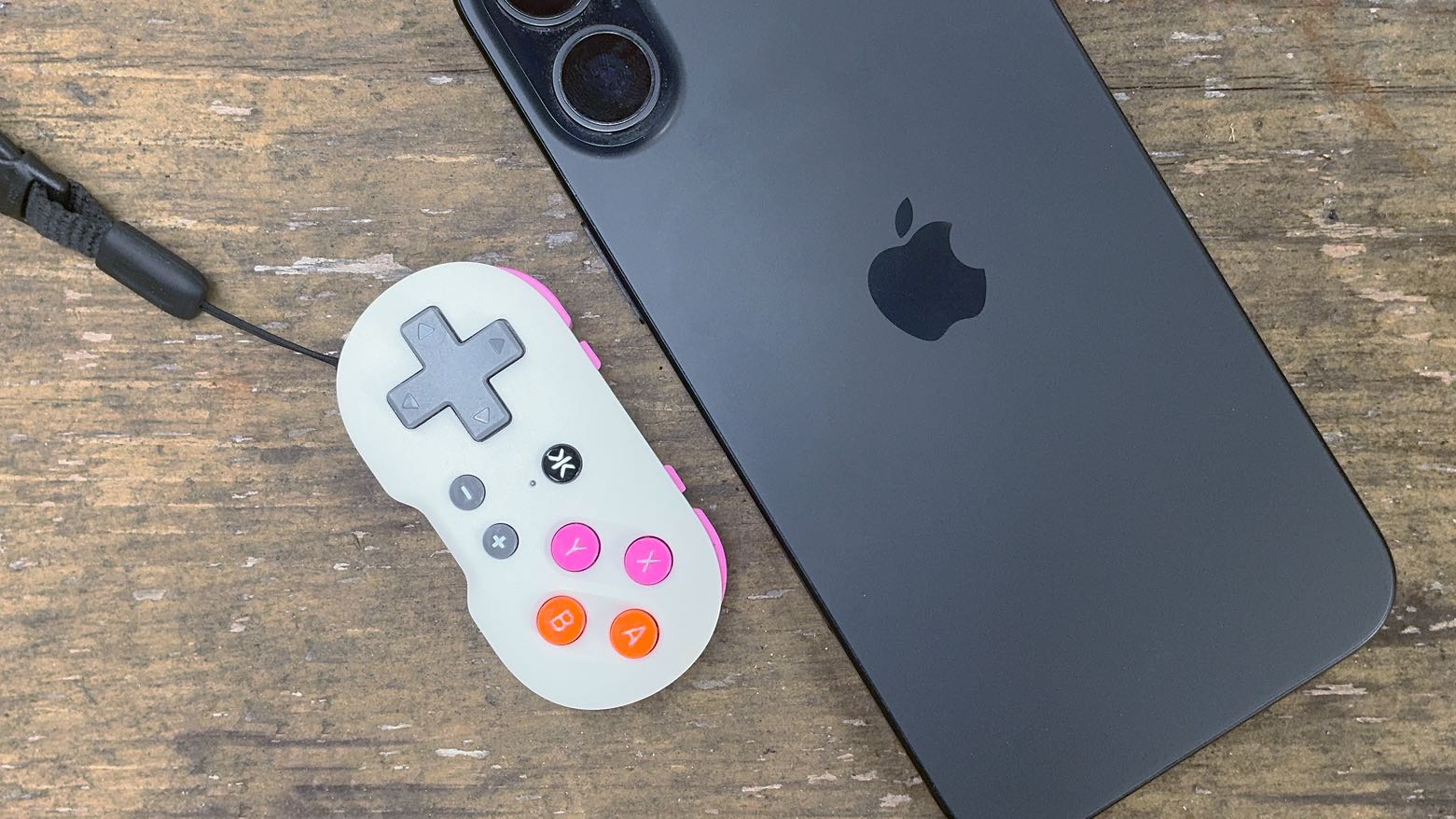
CRKD Atom is a tiny but usable game controller… for the right type of game. Photo: Ed Hardy/Cult of Mac
The CRKD Atom looks small enough to be a game controller for a doll, but it’s designed to clip on your keychain for gameplay wherever you go. It’s a way to have some fun with your iPhone when you find yourself with some unexpected time to kill.
I played with it, and while the complete lack of sticks greatly limits the controller, it’s possible to have fun with retro games.
★★★★☆
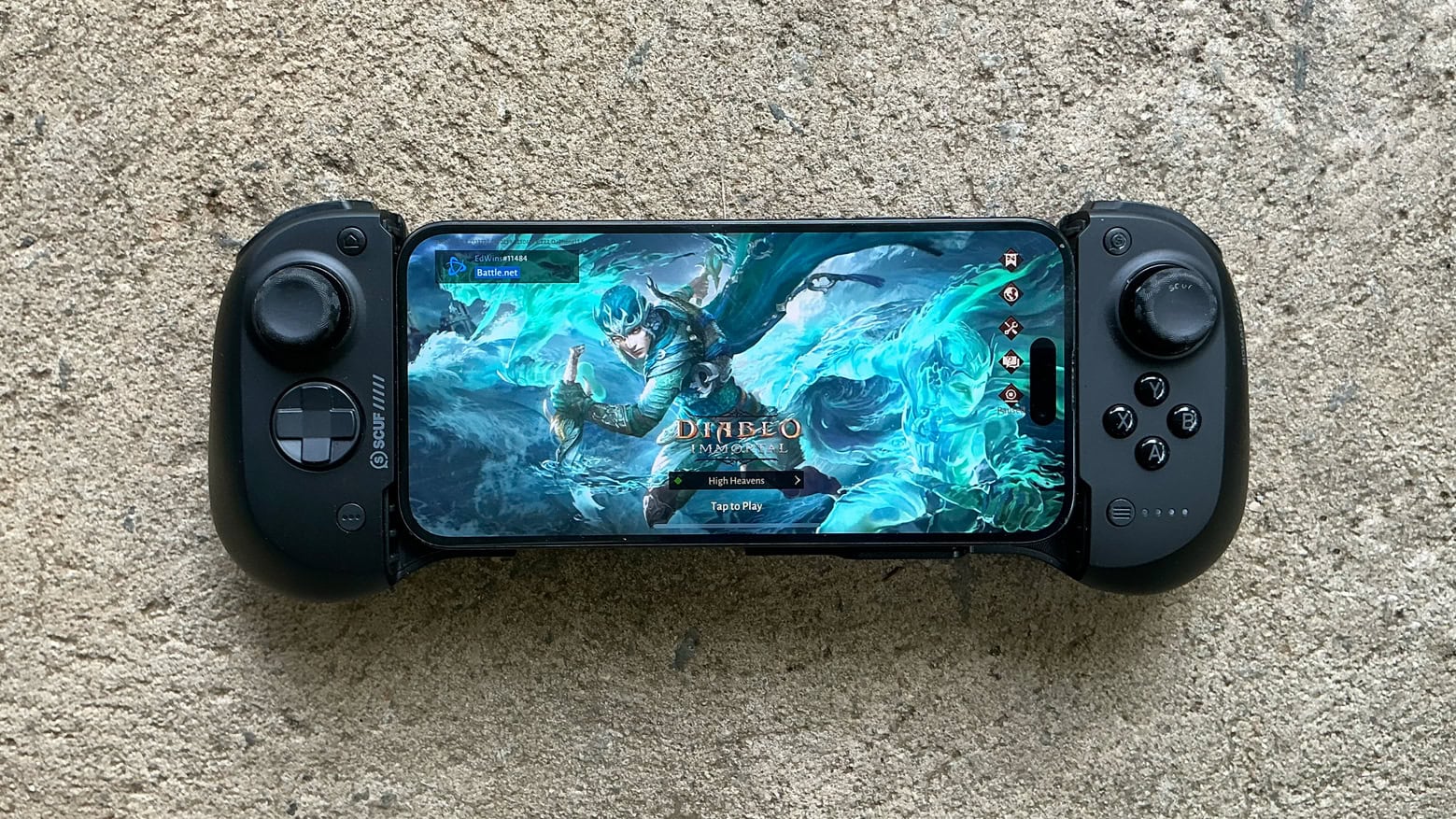
Scuf Nomad is one of the best iPhone game controllers I've tested. Photo: Ed Hardy/Cult of Mac
The new Scuf Nomad makes playing advanced games on your iPhone much more fun by adding physical buttons, triggers and sticks. It’s designed to go where you go, and works on nearly every iPhone.
The controller emphasizes customization, allowing you to change what the buttons do even if the game itself doesn’t support that. And there are rear paddles in addition to all the usual controls.
I happily played hours of games on the Nomad — here’s what it’s like to use.
Have more fun gaming with the updated Backbone One iPhone game controller. Photo: Backbone
Backbone updated the Lightning version of its popular game controller for iPhone with new magnetic adapters, a reshaped D-pad, and more. The goal of the second generation Backbone One is “better, faster, and longer gaming,” according to the company.
It now matches the updated USB-C version that Backbone introduced in autumn 2023.
★★★★☆
Say goodbye to virtual controls and hello to precise joystick and trigger inputs with GameSir X2s Type-C Mobile Controller. Photo: Ed Hardy/Cult of Mac
The GameSir X2s Type-C Mobile Controller is ready to make your mobile gaming so much better. Wrap the telescope design around your iPhone 15 to be ready for your favorite RPG, FPS and other advanced games.
It boasts Hall Effect sticks and triggers in a familiar arrangement, but is always ready for you to pick it up and go.
I tested it with my iPhone 15 and had quite a lot of fun. It also works with Androids. And if you’re still rocking a Lightning-enabled iPhone, don’t feel left out — GameSir has a version for you, too.
★★★★☆
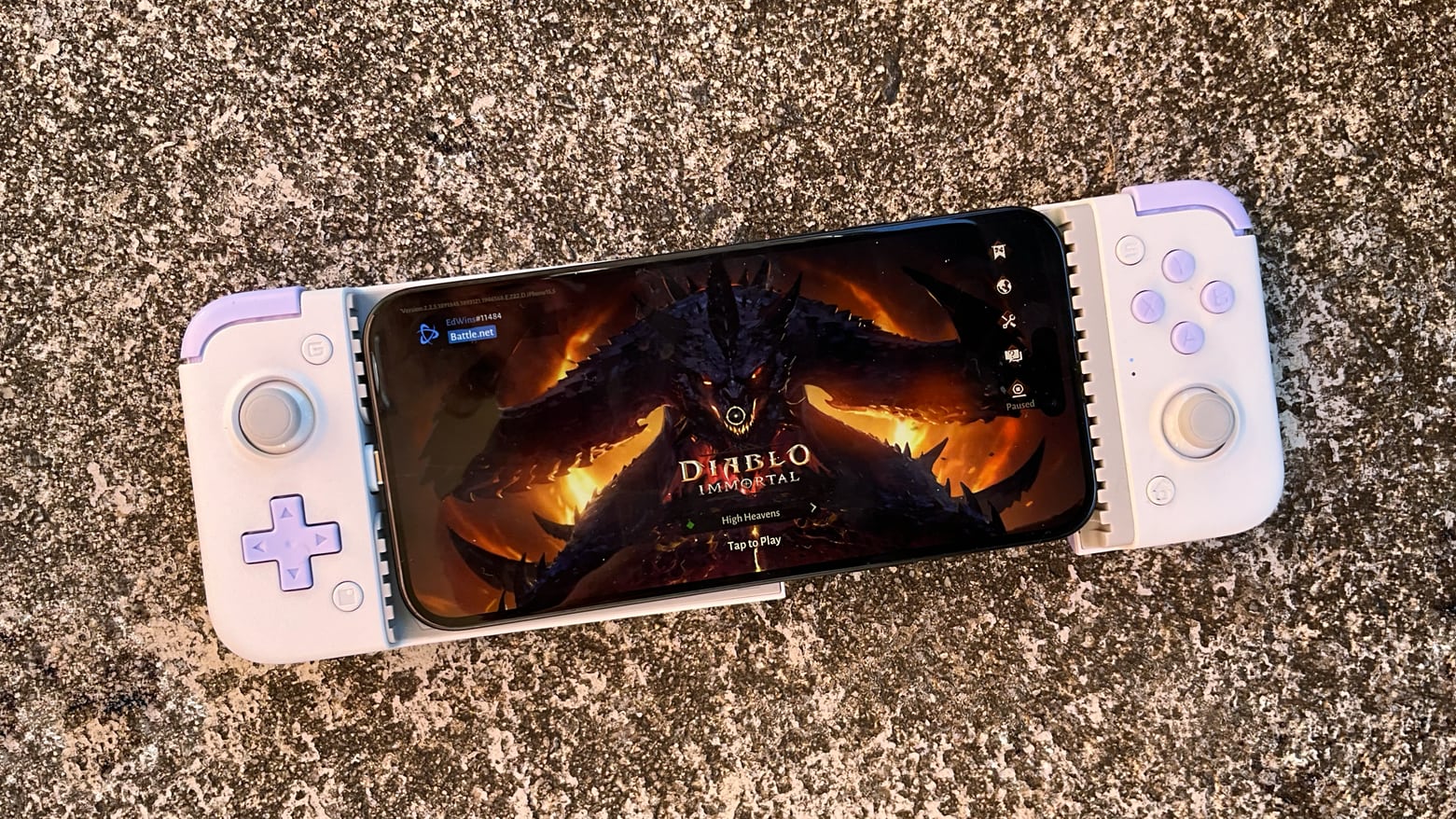
GameSir G8 Galileo makes iPhone gaming more fun. Photo: Ed Hardy/Cult of Mac
Wrap your iPhone 15 in the GameSir G8 Galileo and you have the physical buttons, triggers and sticks needed for high-end gaming. And it has a USB-C port so it works with Apple’s latest handsets. Plus the game controller includes swappable sticks, pass-through charging, a headphone jack and more.
I tested GameSir G8 Galileo with my iPhone 15. I had a heck of a good time.
The BackBone One game controller is ready for your iPhone 15. Photo: Backbone
Backbone updated the USB-C version of its popular game controller just in time for the iPhone 15 series, Apple’s first handsets with a USB-C port.
Like earlier versions, this wraps around an iOS or Android handset to put a collection of buttons, sticks and triggers on either side of the landscape screen.
★★★★☆
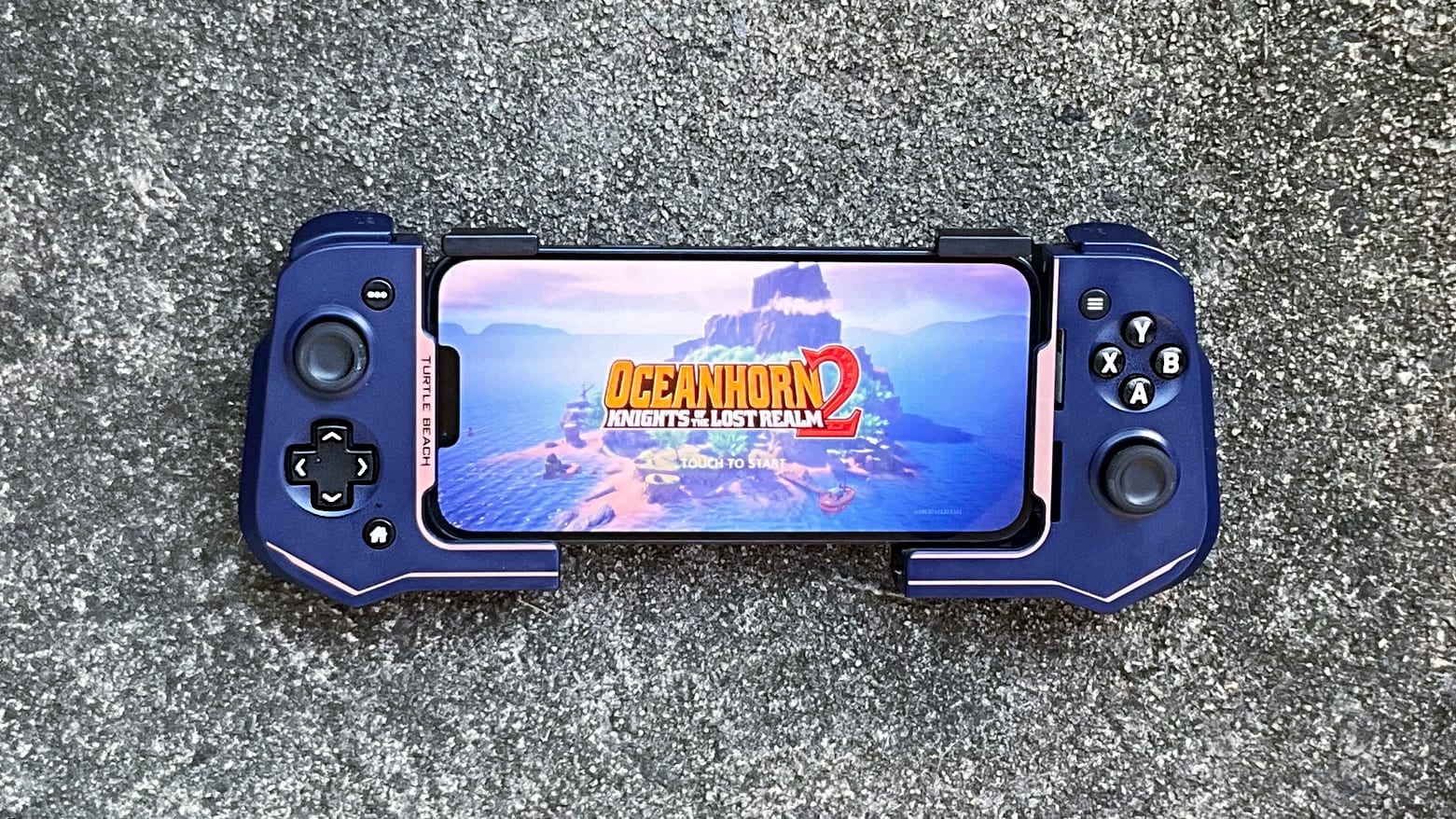
Don't struggle with on-screen controls when gaming on your iPhone. The Turtle Beach Atom Controller is the way to go. Photo: Ed Hardy/Cult of Mac
Clip the Turtle Beach Atom Controller for iOS on either side of an iPhone to add the physical buttons and sticks that make high-end gaming much more fun. It mimics the brilliant design of the Nintendo Switch Joy-Con with the controls set on either side of the display.
It’s ready for Apple Arcade games and cloud-gaming services, too. And don’t forget the console games Apple has promised to port to the iPhone 15 Pro.
I spent hours testing the controller (it’s a hard job I have) and I really like it. Here’s why.
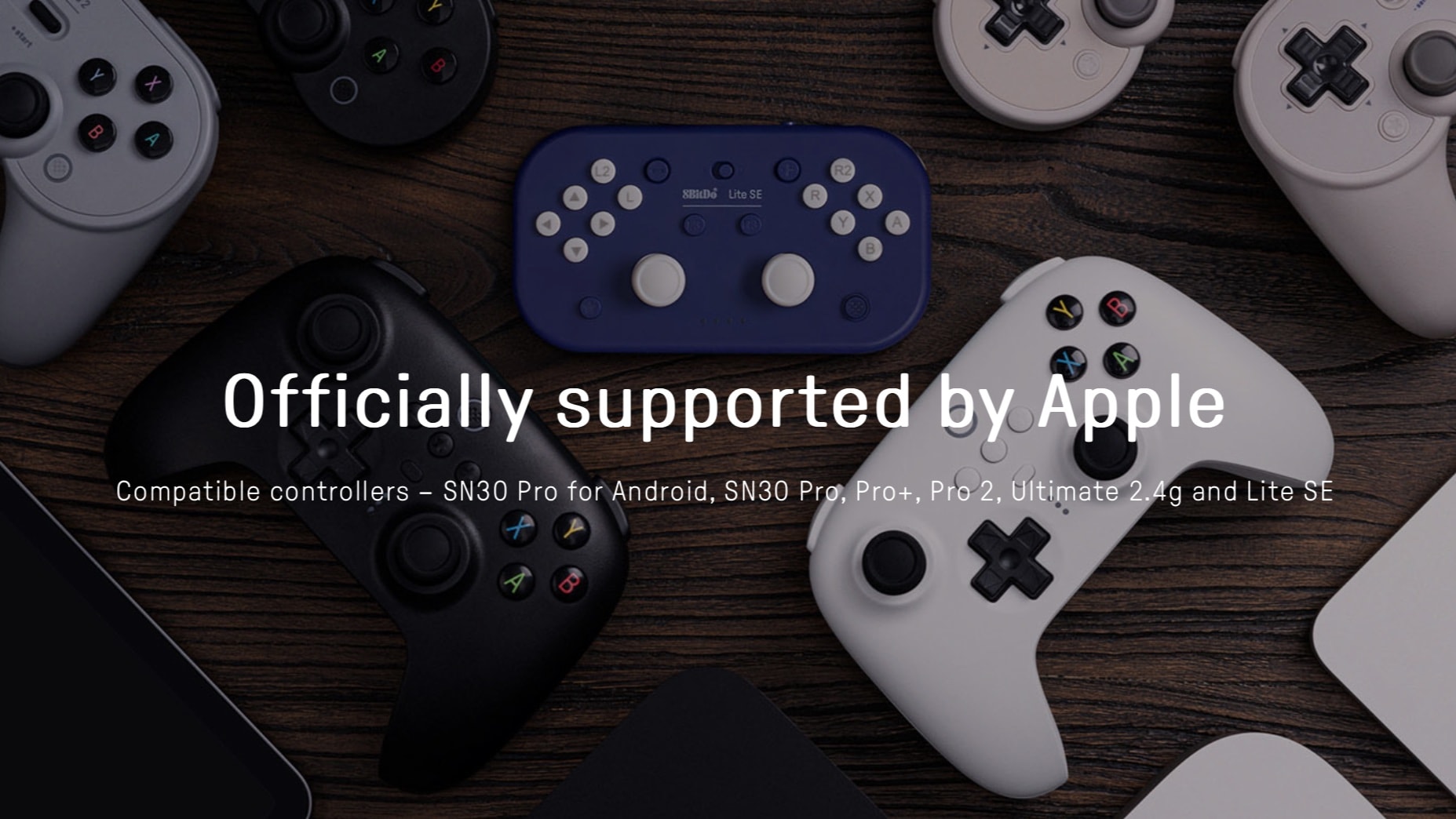
A range of 8BitDo game controllers now work with Mac, iPad, Apple TV and more. Image: 8BitDo
The selection of game controllers that can be used with Apple devices just grew, as a software update made multiple 8BitDo products compatible with iPhone, iPad, Mac and Apple TV.
The accessory maker offers wired and wireless controllers that mimic Xbox and Playstation ones. And there’s the 8BitDo Lite SE, too.
★★★★☆
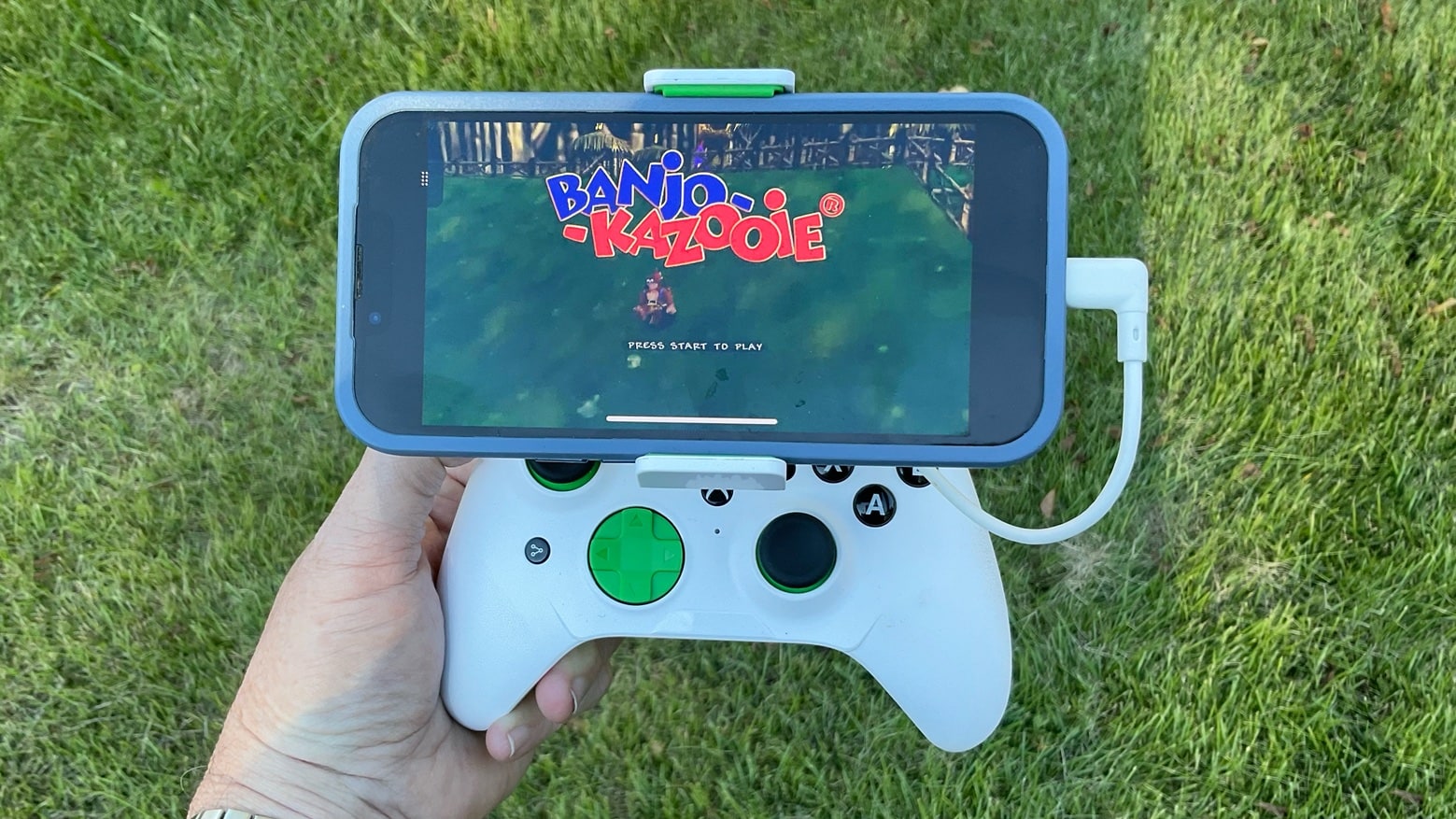
The RiotPWR RP1950 game controller is ready to play top-tier games on an iPhone or iPad. Photo: Ed Hardy/Cult of Mac
The RiotPWR RP1950 Cloud Gaming Controller solves a problem for iPhone gamers: the controller plugs into the Lightning port in today’s models, but also into the USB-C port that will be in the iPhone 15. In the mean time, the controller can also be used with the many iPad models that use USB-C.
I field-tested RiotPWR’s latest controller and its removable iPhone mount. I understand why Apple likes it enough to put in the online Apple Store.
Step up your Nintendo Switch play with a discounted Bluetooth controller. Photo: Cult of Mac Deals
Remember the days when you’d battle your friends on Nintendo for endless hours? While Nintendo products have progressed significantly and you may have more responsibilities as an adult, there’s no reason you can’t relive those good times you had growing up.
An iPhone game controller can make a great gift. Photo: Ed Hardy/Cult of Mac
If you are overstraining your brain trying to come up with the right gift for an iPhone fan, consider a clip-on game controller. Mobile gamers can appreciate that physical buttons, sticks and triggers make play a lot more fun for many types of games.
I’ve reviewed all the top iPhone game controllers. Here are my recommendations.
★★★★☆
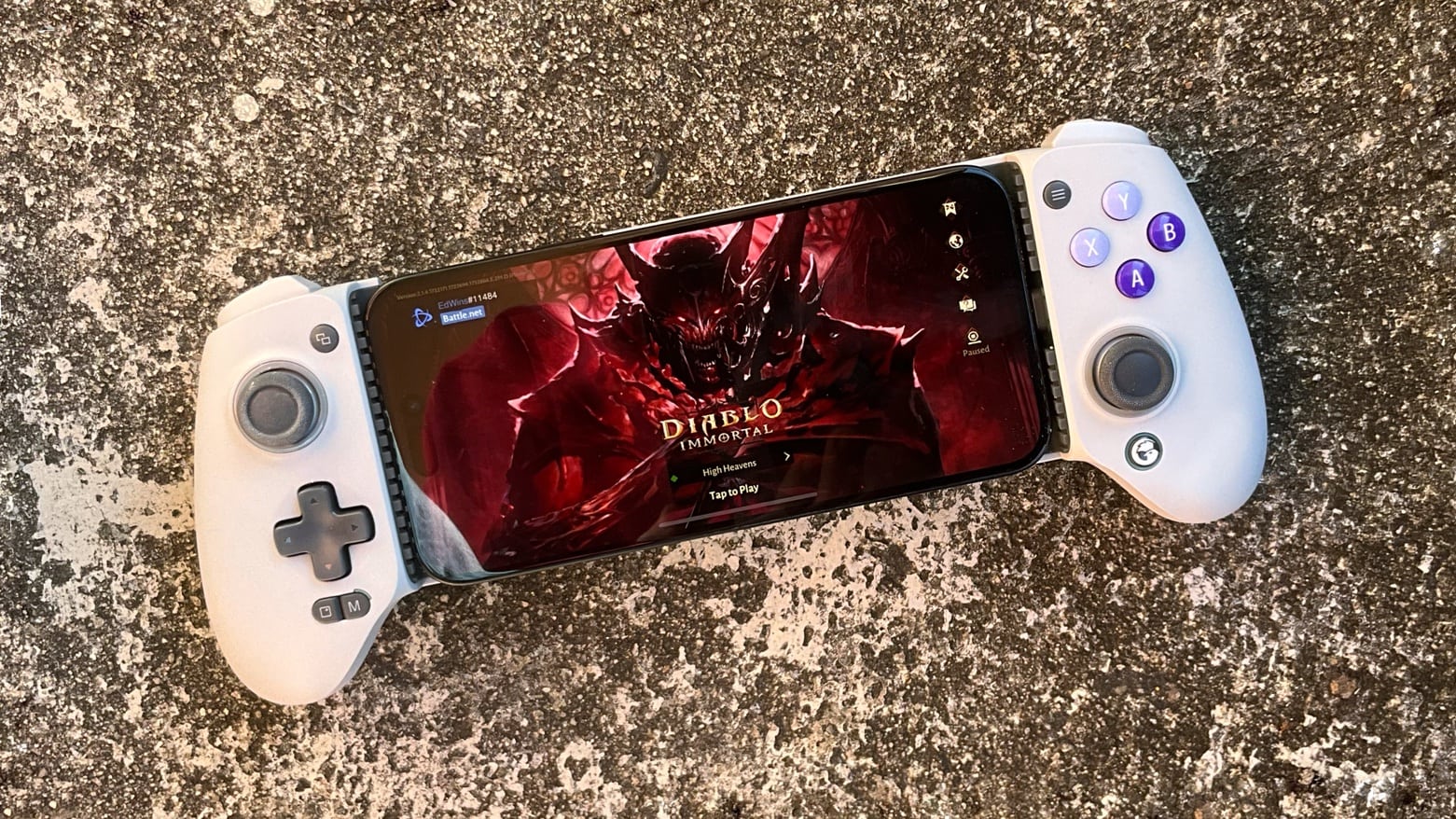
Play games on the Gamevice Flex without taking off your iPhone case. Photo: Ed Hardy/Cult of Mac
The Gamevice Flex is an iPhone game controller that mimics the design of the Nintendo Switch Joy-Con with the controls set on either side of the display. Similar iPhone controllers make you take the case off your handset to play but the Flex wraps around the handset even if it’s in a protective case.
The wired controller includes a full set of buttons, sticks, bumpers, etc. so you can enjoy games like Fortnite from Xbox Cloud Gaming or similar services, or almost anything from Apple Arcade.
I spent quite a few hours testing Gamevice Flex – here’s why I like it.







![Clever side-by-side iPhone game controller has no problem with bulky cases [Review]](https://www.cultofmac.com/wp-content/uploads/2022/10/Gamevice_Flex_hero.jpg "Clever side-by-side iPhone game controller has no problem with bulky cases [Review] ★★★★☆")