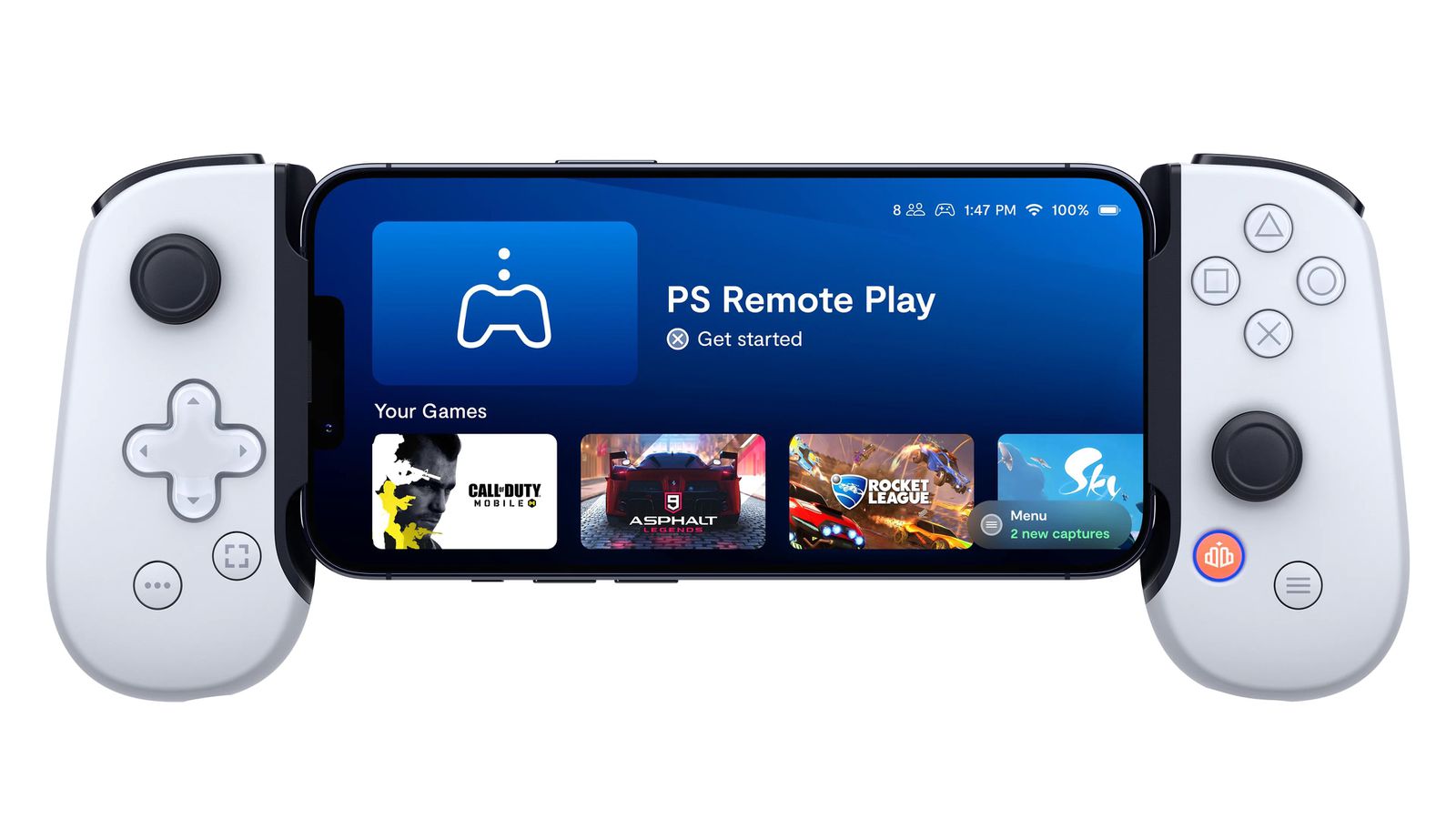
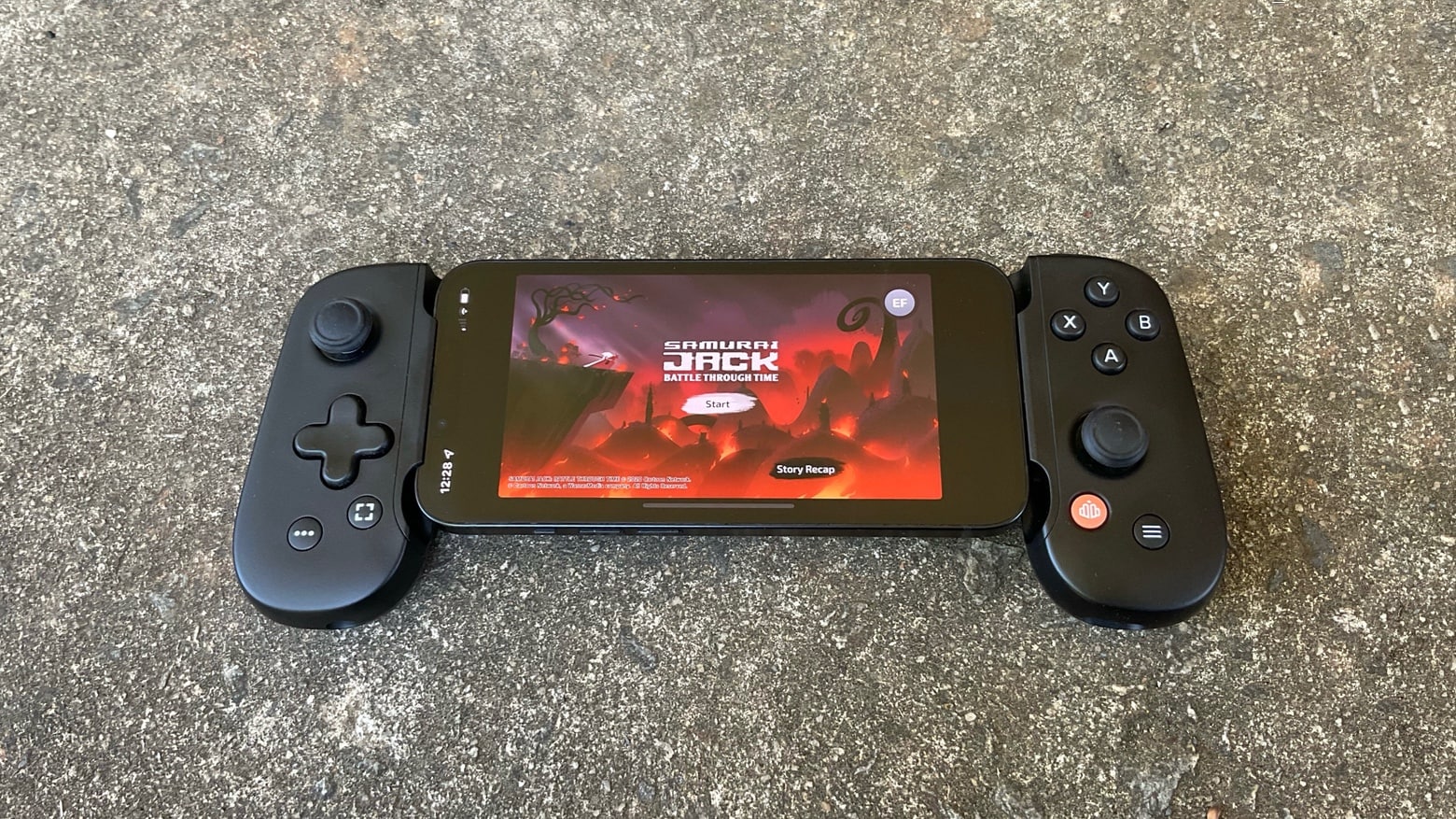
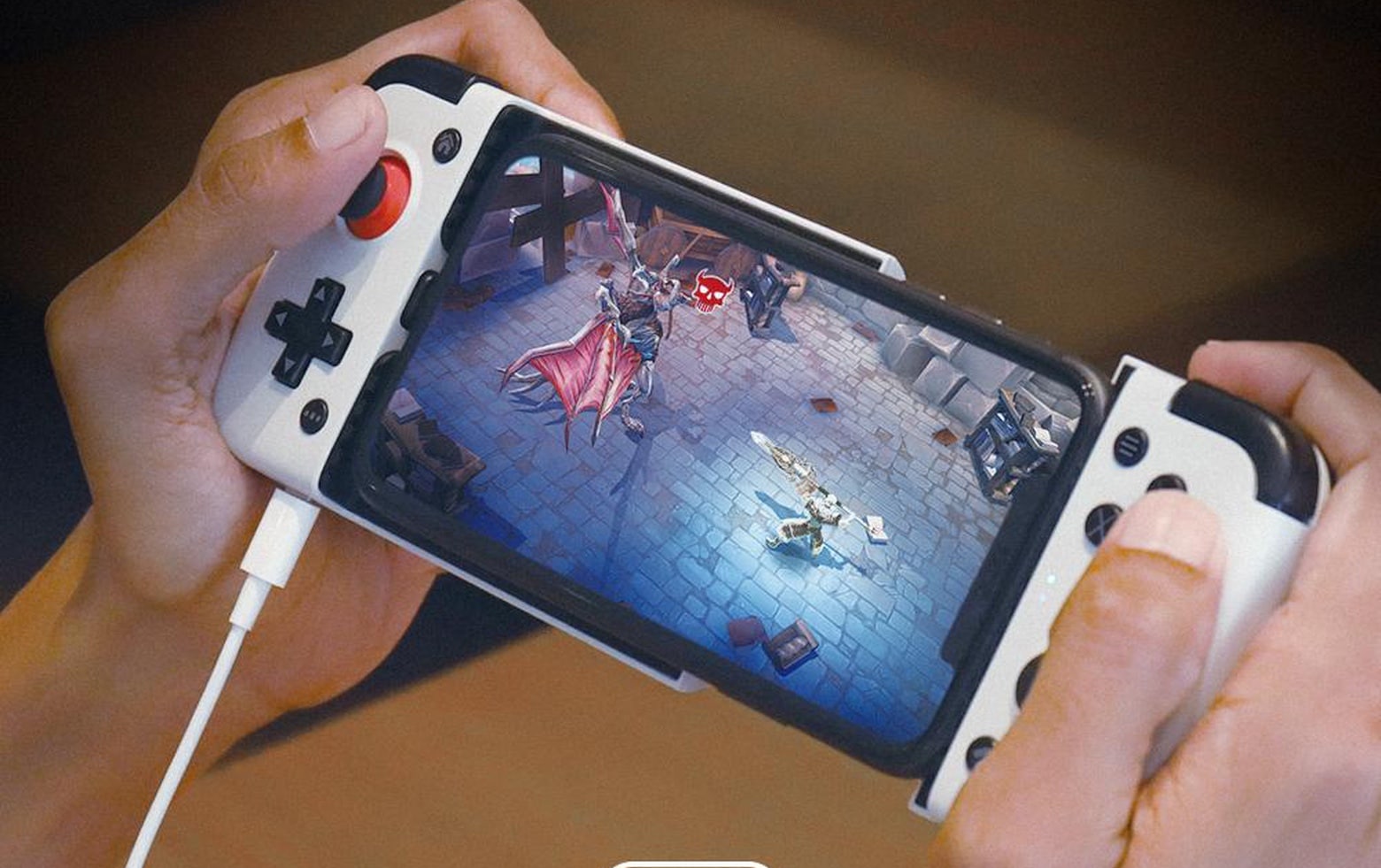
The BackBone One game controller is ready for your iPhone 15. Photo: Backbone
Backbone updated the USB-C version of its popular game controller just in time for the iPhone 15 series, Apple’s first handsets with a USB-C port.
Like earlier versions, this wraps around an iOS or Android handset to put a collection of buttons, sticks and triggers on either side of the landscape screen.
★★★★☆
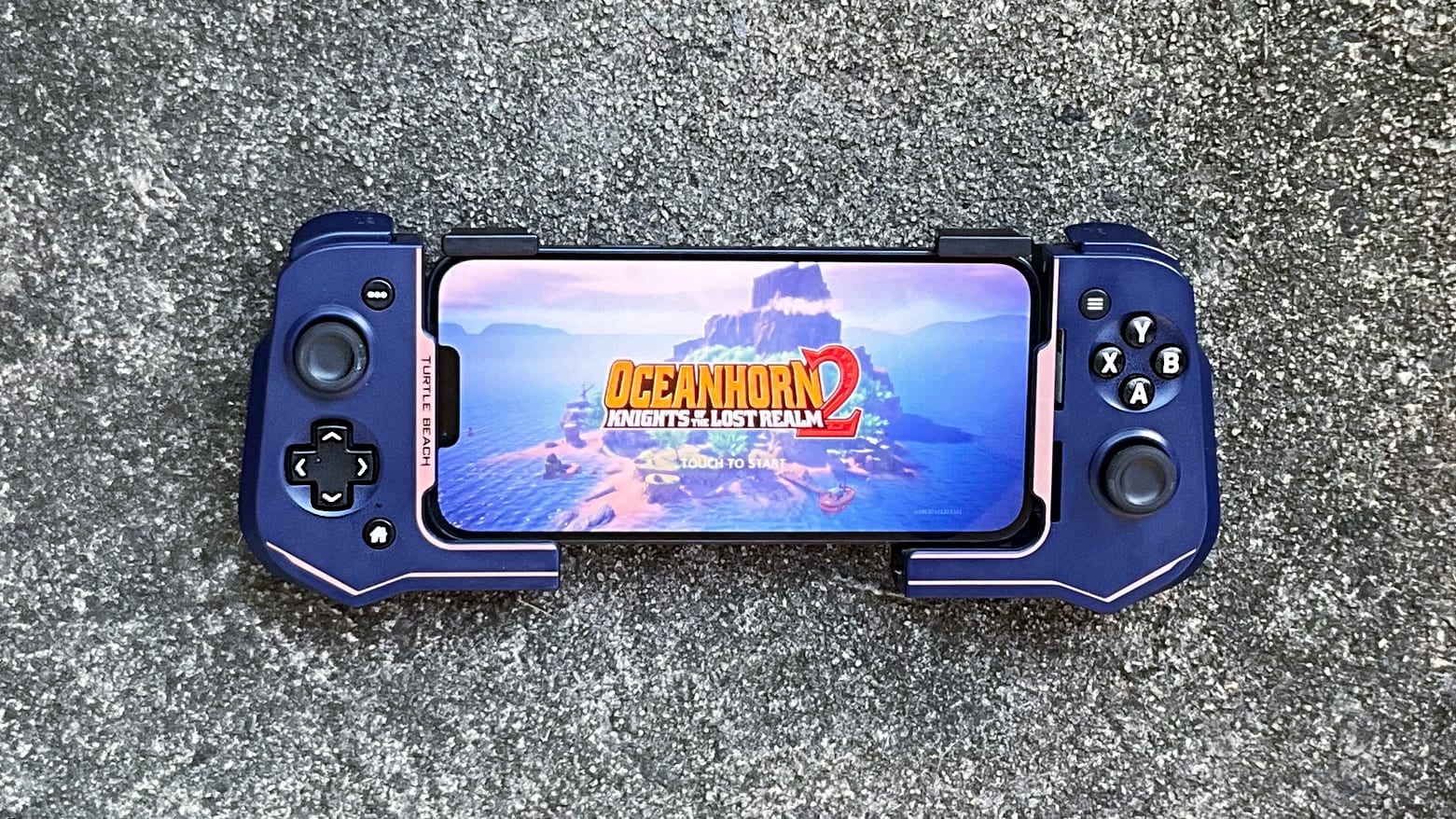
Don't struggle with on-screen controls when gaming on your iPhone. The Turtle Beach Atom Controller is the way to go. Photo: Ed Hardy/Cult of Mac
Clip the Turtle Beach Atom Controller for iOS on either side of an iPhone to add the physical buttons and sticks that make high-end gaming much more fun. It mimics the brilliant design of the Nintendo Switch Joy-Con with the controls set on either side of the display.
It’s ready for Apple Arcade games and cloud-gaming services, too. And don’t forget the console games Apple has promised to port to the iPhone 15 Pro.
I spent hours testing the controller (it’s a hard job I have) and I really like it. Here’s why.
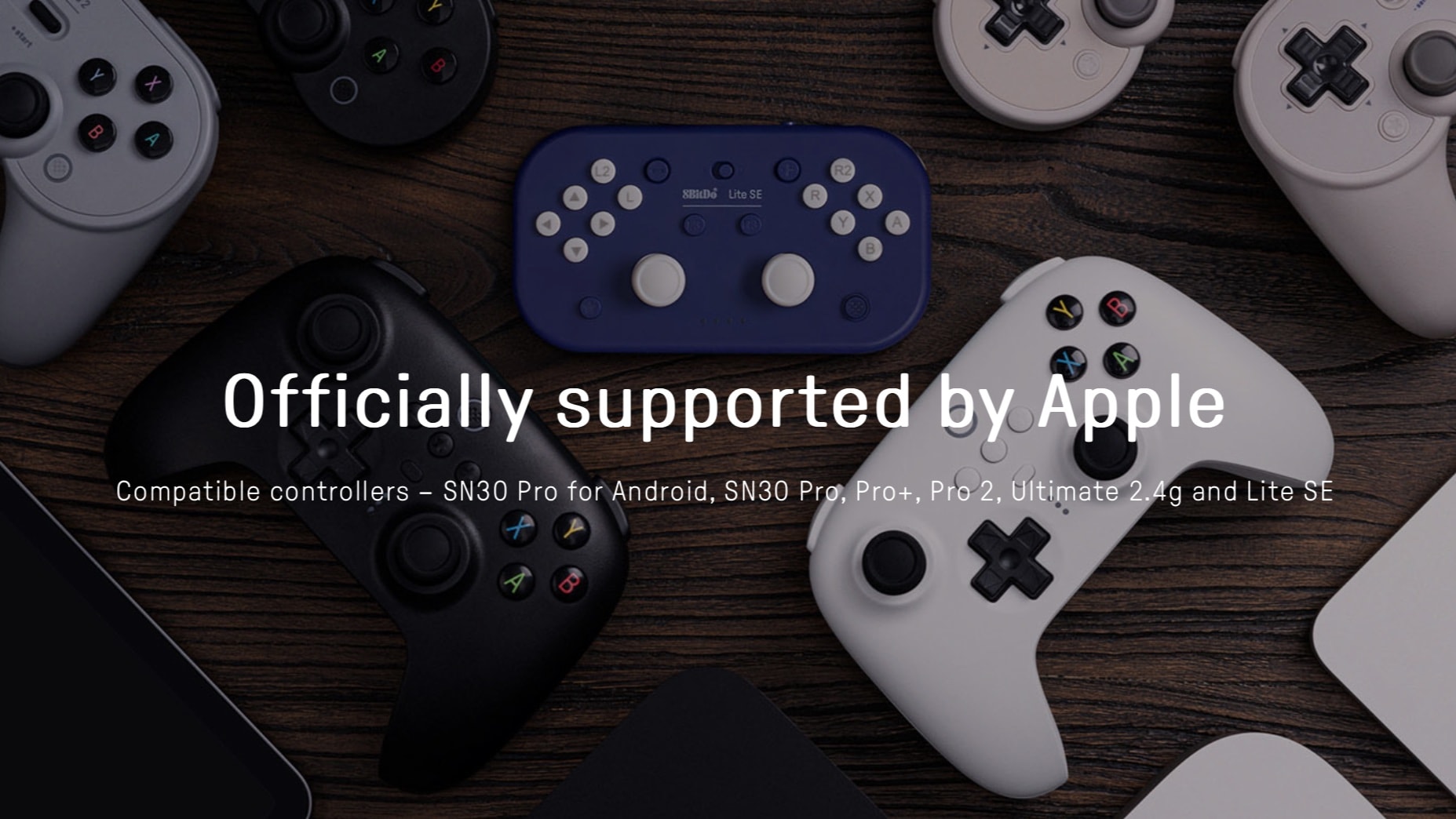
A range of 8BitDo game controllers now work with Mac, iPad, Apple TV and more. Image: 8BitDo
The selection of game controllers that can be used with Apple devices just grew, as a software update made multiple 8BitDo products compatible with iPhone, iPad, Mac and Apple TV.
The accessory maker offers wired and wireless controllers that mimic Xbox and Playstation ones. And there’s the 8BitDo Lite SE, too.
★★★★☆
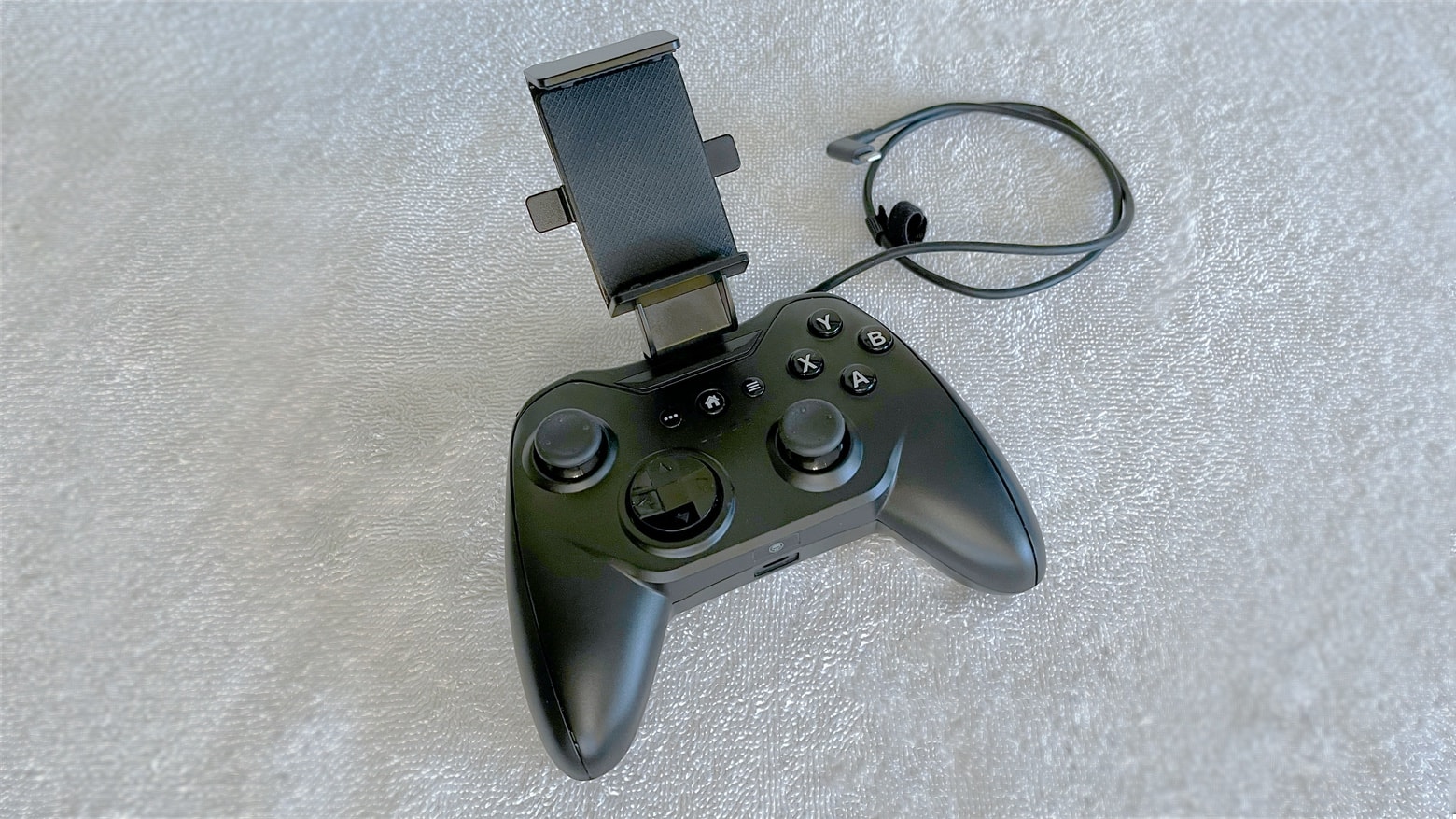
The RiotPWR RP1950 game controller is ready to play top-tier games on an iPhone or iPad. Photo: Ed Hardy/Cult of Mac
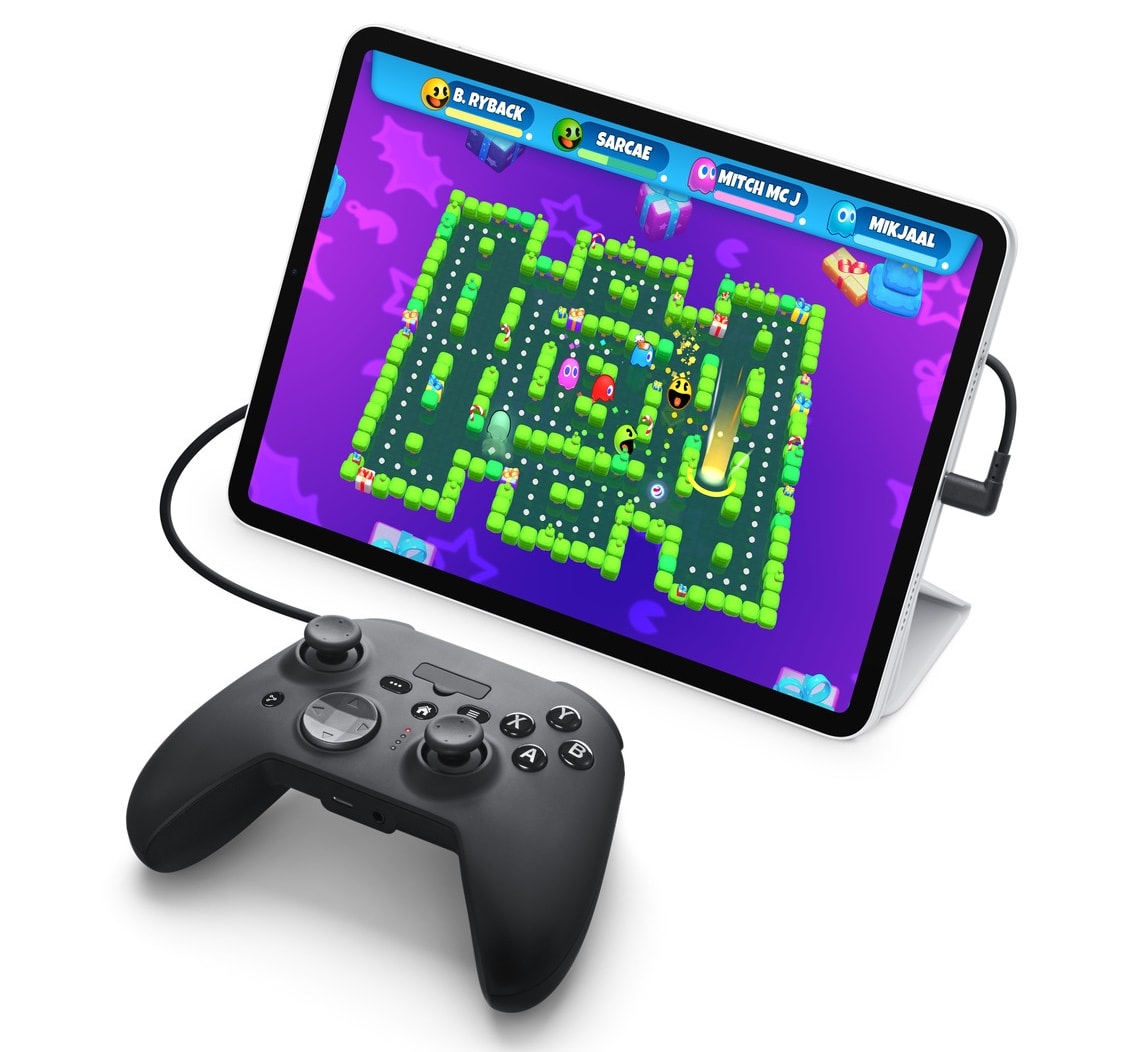
The RiotPWR RP1950 Cloud Gaming Controller solves a problem for iPhone gamers: the controller plugs into the Lightning port in today’s models, but also into the USB-C port that will be in the iPhone 15. In the mean time, the controller can also be used with the many iPad models that use USB-C.
I field-tested RiotPWR’s latest controller and its removable iPhone mount. I understand why Apple likes it enough to put in the online Apple Store.
With a USB-C connector in addition to a Lightning connector, the controller easily works with both iPads and iPhones. Photo: RiotPwr
Saying Wednesday that it created a “future-proof cloud gaming controller,” RiotPwr released a new iOS gaming controller with both Lightning and USB-C connectors.
“The RiotPWR RP1950 controller [is] the solution for the USB-C cloud gaming crisis for iOS users,” the company added.
Step up your Nintendo Switch play with a discounted Bluetooth controller. Photo: Cult of Mac Deals
Remember the days when you’d battle your friends on Nintendo for endless hours? While Nintendo products have progressed significantly and you may have more responsibilities as an adult, there’s no reason you can’t relive those good times you had growing up.
An iPhone game controller can make a great gift. Photo: Ed Hardy/Cult of Mac
If you are overstraining your brain trying to come up with the right gift for an iPhone fan, consider a clip-on game controller. Mobile gamers can appreciate that physical buttons, sticks and triggers make play a lot more fun for many types of games.
I’ve reviewed all the top iPhone game controllers. Here are my recommendations.
★★★★☆
Play games on the Gamevice Flex without taking off your iPhone case. Photo: Ed Hardy/Cult of Mac
The Gamevice Flex is an iPhone game controller that mimics the design of the Nintendo Switch Joy-Con with the controls set on either side of the display. Similar iPhone controllers make you take the case off your handset to play but the Flex wraps around the handset even if it’s in a protective case.
The wired controller includes a full set of buttons, sticks, bumpers, etc. so you can enjoy games like Fortnite from Xbox Cloud Gaming or similar services, or almost anything from Apple Arcade.
I spent quite a few hours testing Gamevice Flex – here’s why I like it.
★★★★☆
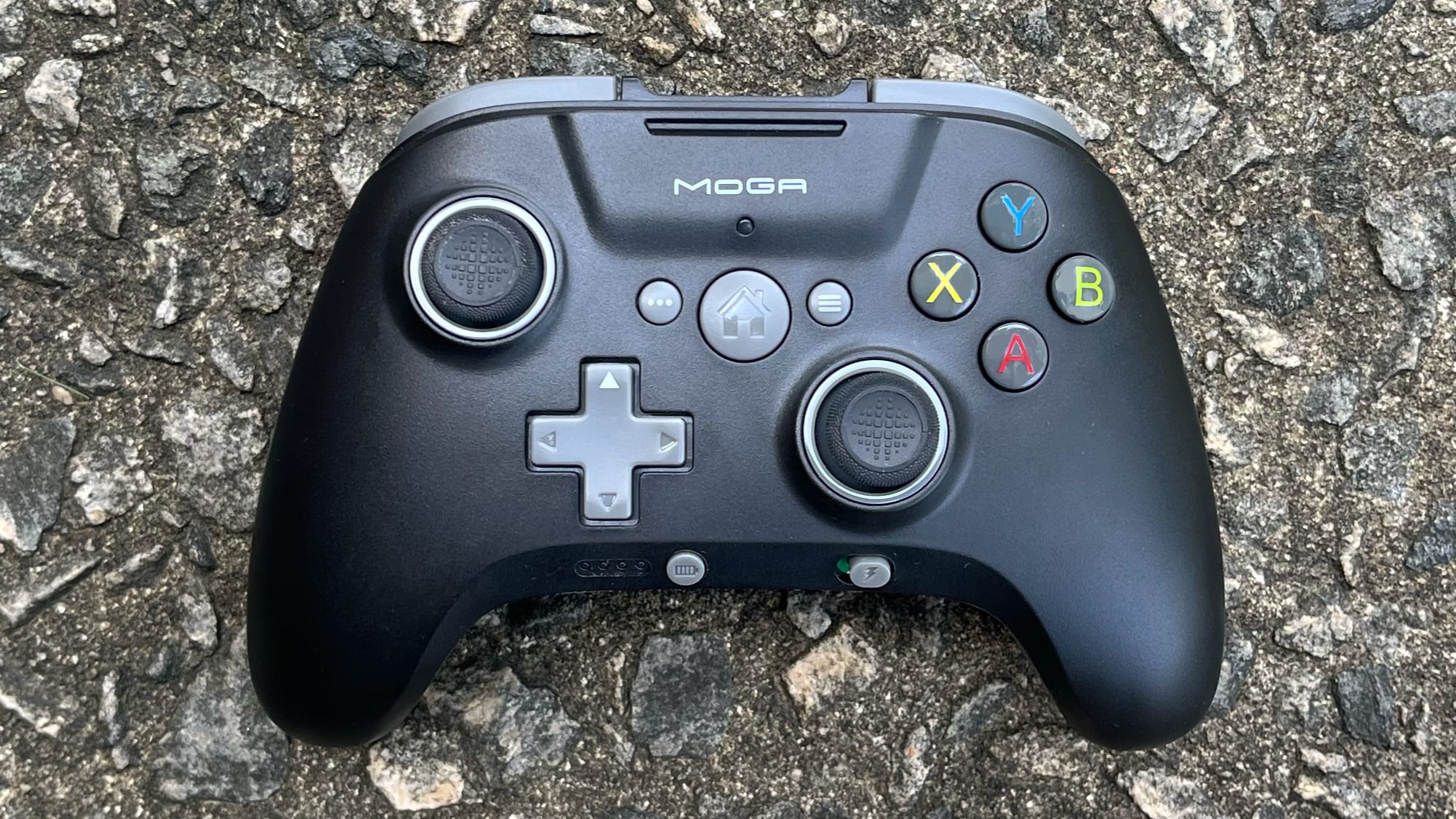
The PowerA MOGA XP5-i Plus game controller works beautifully with a range of Apple devices. And there's an iPhone mount, too. Photo: Ed Hardy/Cult of Mac
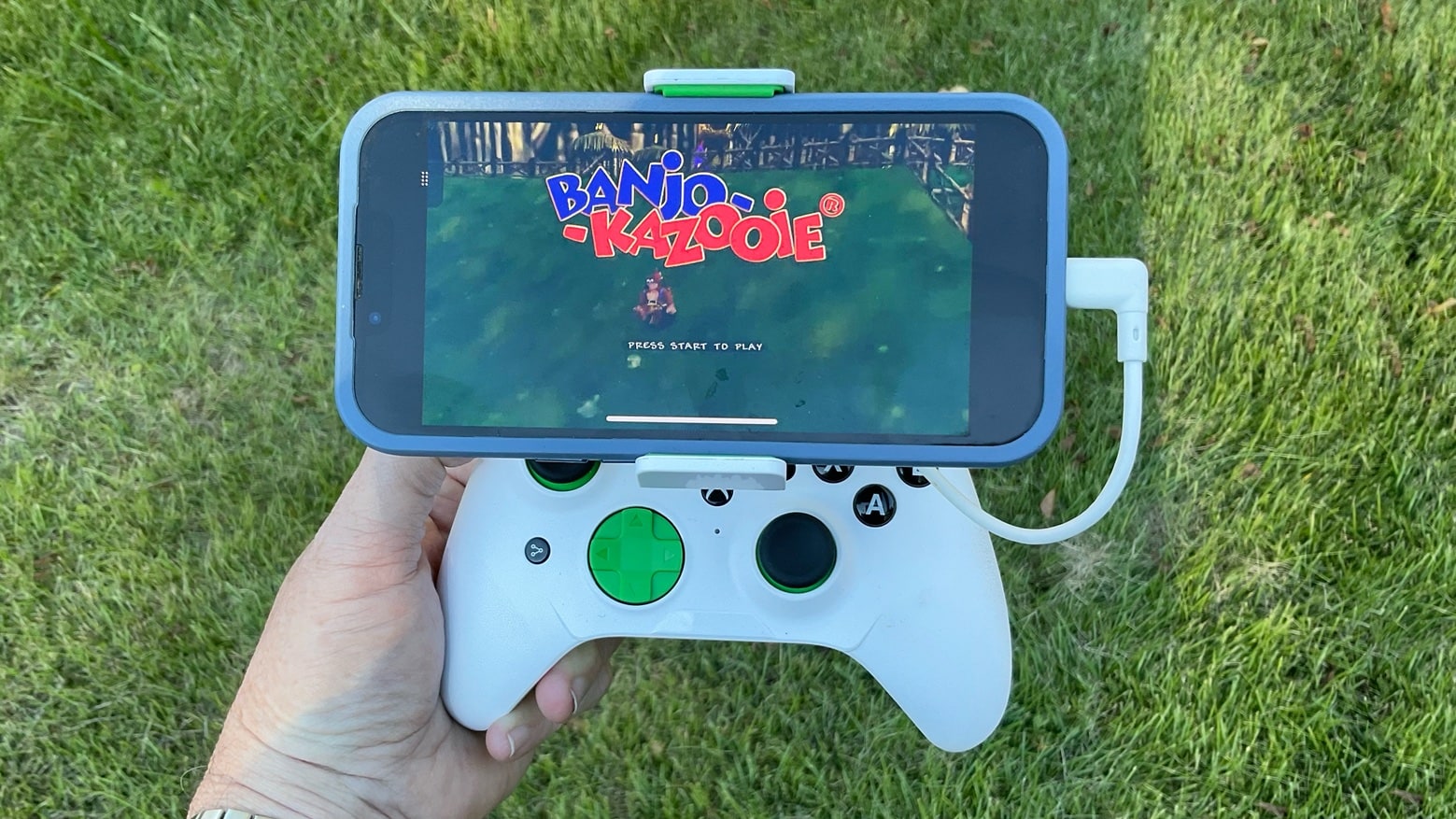
The PowerA Moga XP5-i Plus has the same basic design as an Xbox controller, but with a focus on Apple devices. Put your iPhone in the adjustable mount, or remove the mount for iPad or Apple TV gaming.
It stands out from the crowd with a built-in battery for recharging your handset while you play. Plus, PowerA added a couple of useful extra buttons.
I’ve enjoyed gaming on the Moga XP5-i Plus for a few weeks now. Here’s why.
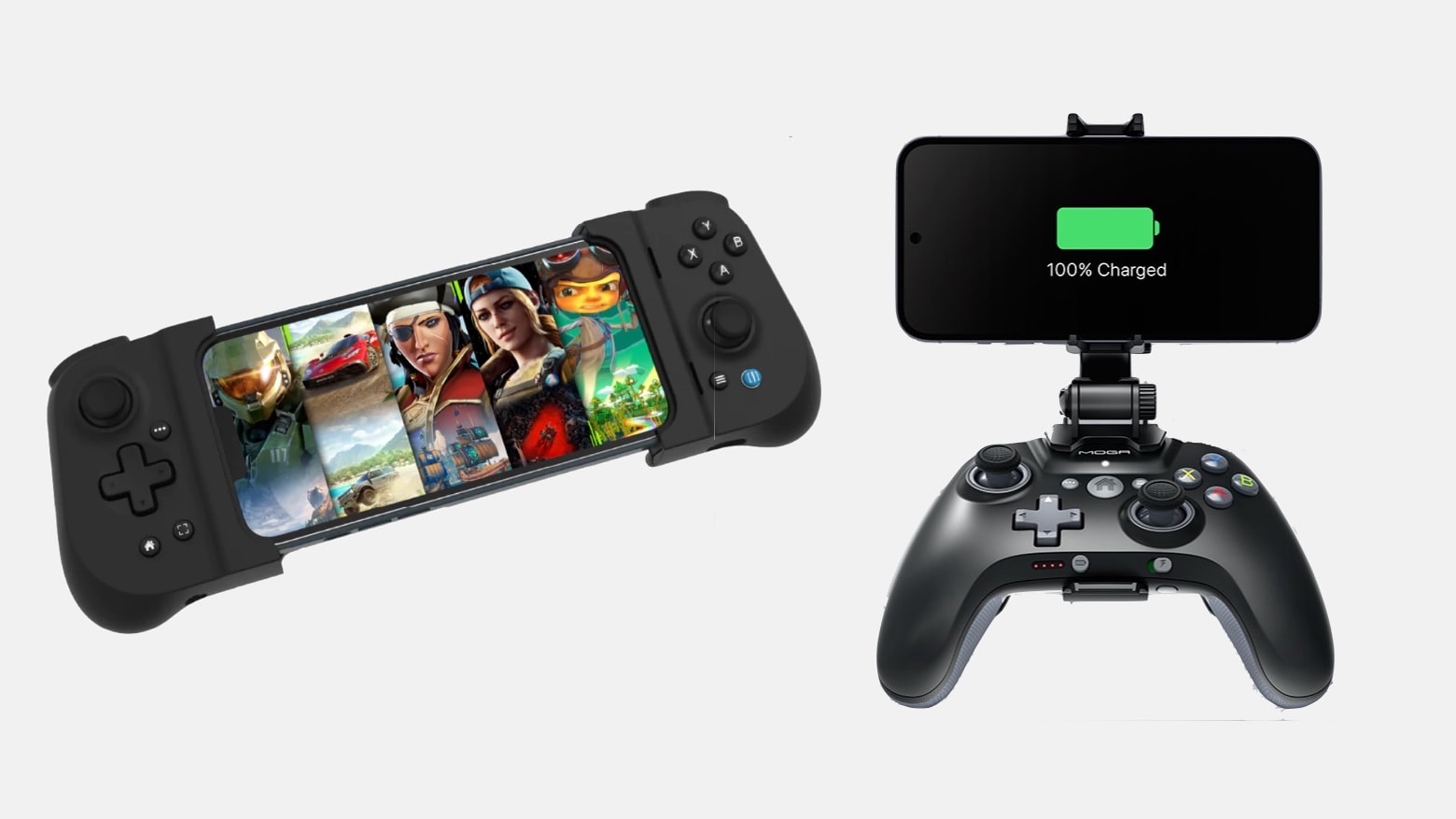
The Gamevice Flex (left) and PowerA MOGA XP5-i Plus (right) are iPhone game controllers with very different designs. Image: Gamevice/PowerA
The Gamevice Flex and PowerA MOGA XP5-i Plus are both game controllers for iPhone, but that’s almost the only thing they have in common. The Gamevice product wraps around the handset to put buttons and d-pads on either side of the screen, while PowerA’s mimics an Xbox controller but with a phone mount.
No matter the design, these let players escape using onscreen touch controls when accessing cloud-gaming services, Apple Arcade and other games.
Craig Federighi, Apple software chief, made a pitch for more Mac and iPad gaming at WWDC22. Screenshot: Apple
Mac is not the preferred platform for most gamers, but Metal 3 in macOS Ventura shows Apple hasn’t given up. And iPadOS 16 is getting support for a wider range of game controllers.
These are just a couple of gaming features Apple is bringing to Mac and iPad.
The Backbone One for iPhone takes your gaming to the next level. Photo: Ed Hardy/Cult of Mac
Clip the Backbone One to your iPhone to get the physical buttons and sticks you’ve been missing. It has a lot in common with an Xbox controller, while being designed specifically for iPhone gaming. And a Lightning connector makes hookups easy.
I spent many hours testing the Backbone One. Here’s why I completely love it, especially for cloud gaming.
It’s undeniable: Apple is at least considering an iPhone game controller. And one for iPad, too. Image: Apple/Cult of Mac
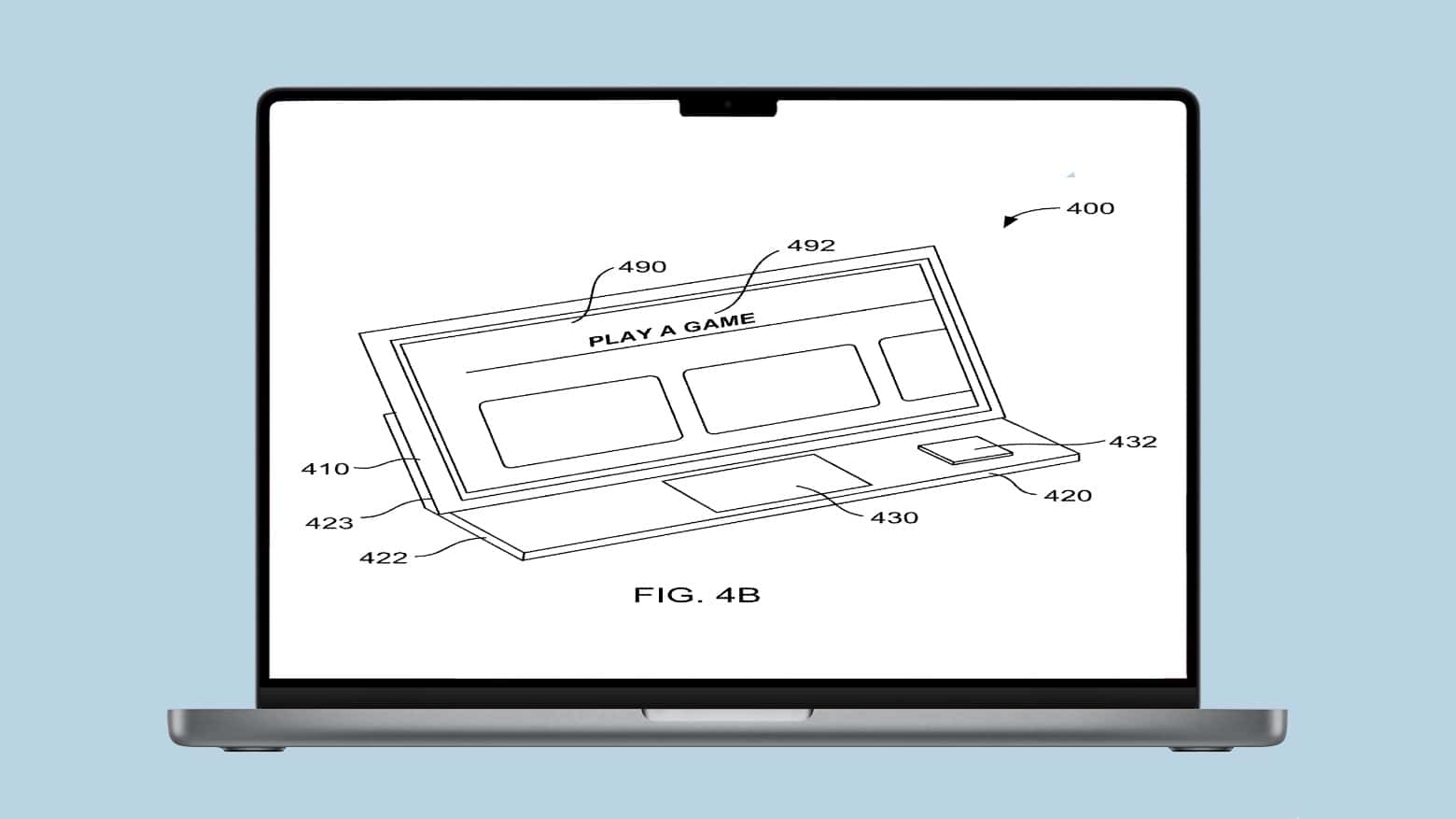
Apple is showing interest in making a clip-on iPhone or iPad game controller. It filed a patent application for various permutations of exactly that sort of accessory on Thursday.
This would be a new product category for the company. But it could be a boon for Apple Arcade subscribers.
iPhone gaming is better with a hardware game controller like the RiotPwr Rotor Riot RR1852. Photo: Ed Hardy/Cult of Mac
Playing serious games on an iPhone touchscreen can be crazy frustrating. Don’t throw your iPhone across the room — get a game controller like RiotPwr’s Rotor Riot RR1852. This mimics the design of Microsoft’s Xbox controller but with a Lightning cable and an iPhone mount.
I fully tested this updated version of the Rotor Riot Lightning-enabled game controller. And I like it a lot. And apparently so does Apple because you can find it in the Apple Store, both online and brick-and-mortar locations.
Connect RiotPWR’s Rotor Riot iPhone game controller to your iPhone for quick and easy fun. Photo: Apple/RiotPWR
RiotPwr is out with a new version of its iPhone game controller with a Lightning connector. This mimics the design of Microsoft’s Xbox controller, and new version adds a pair of buttons needed to play many games.
Apple likes this accessory so much it just began offering it in the Apple Store, both online and brick-and-mortar locations.
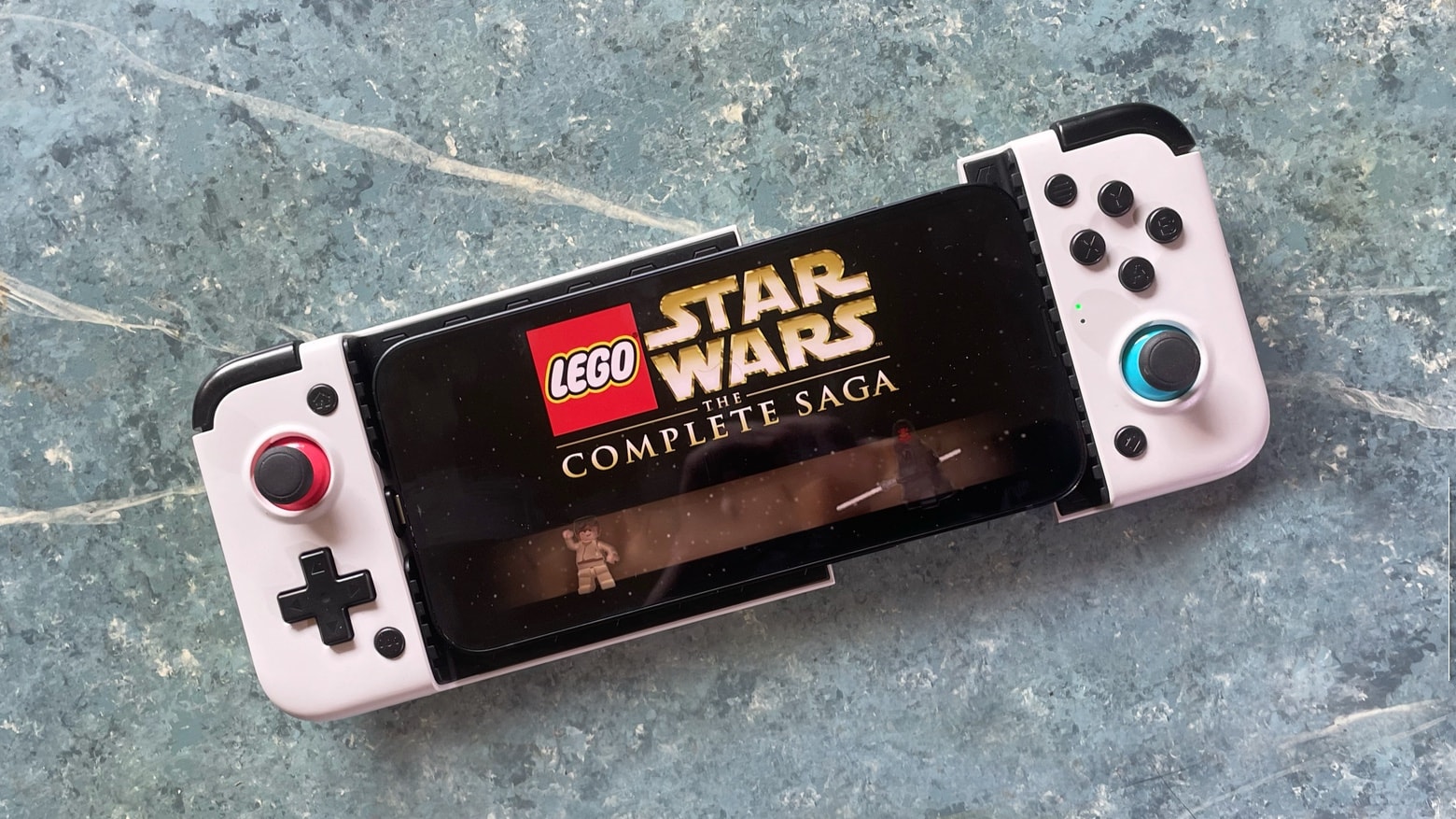
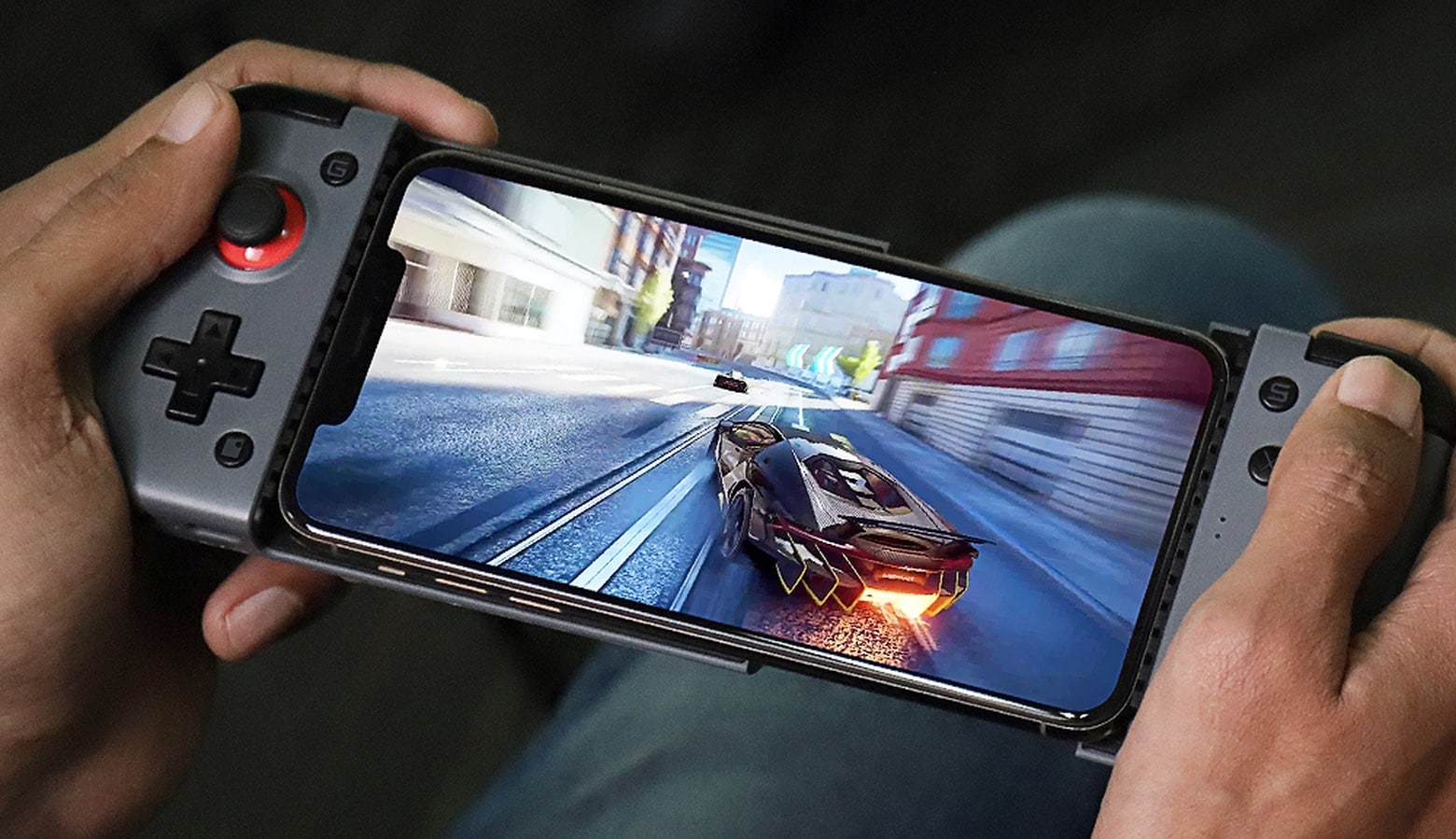
Slide your iPhone into the GameSir X2 Lightning Mobile Gaming Controller and you’re ready to play. Photo: Ed Hardy/Cult of Mac
If you’ve ever wished you could merge your iPhone and Nintendo Switch, I have great news. The GameSir X2 Lightning wraps around your handset and adds physical buttons and joysticks in a design reminiscent of the Switch Lite. And it includes a Lightning connector so it plugs directly into your iPhone.
I spent many hours playing games with this accessory — probably more than were necessary for testing. Here’s why I love it.
The GameSir X2 Lightning wraps a game controller around your iPhone. Photo: GameSir
On-screen game controls can be hard to use, but the GameSir X2 Lightning Mobile Gaming Controller adds physical buttons and joysticks to your iPhone. This newly-launched version includes a Lightning connector, making Bluetooth unnecessary.
In a related development, the GameSir F7 Claw Tablet Game Controller for larger devices is now available on Amazon.
Save on stellar accessories in Logitech’s big Memorial Day sale. You can get up to 56% off mice, keyboards, webcams and more, with prices starting at a mere $7.99. Start shopping before the sale ends!
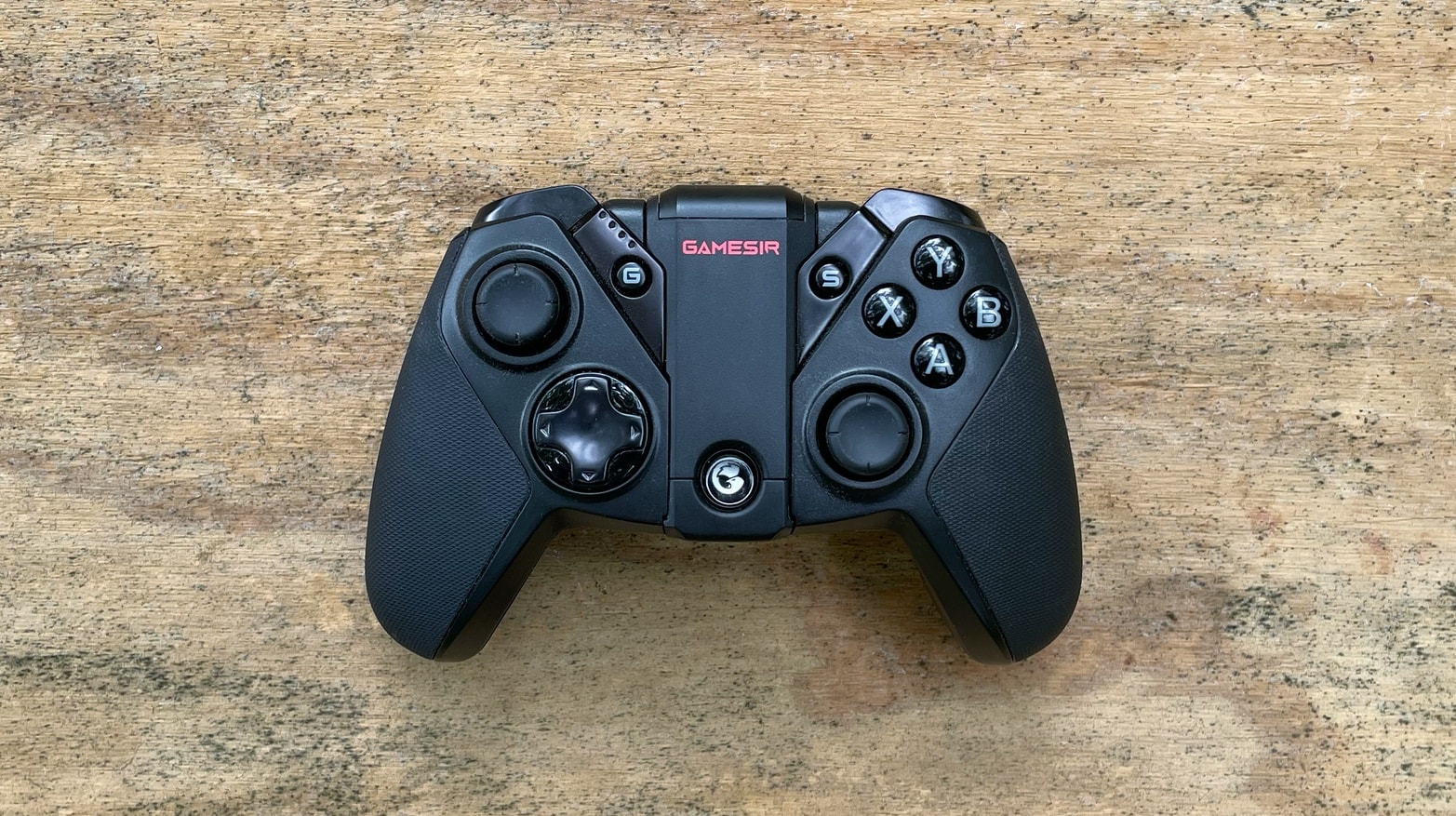
GameSir G4 Pro game controller can be used with iPhone and Android devices. And iPad and PC too. Plus Nintendo Switch. Photo: Ed Hardy/Cult of Mac
The GameSir G4 Pro is a wireless game controller that works with iPhone and iPad but also PC, Android and Switch. It resembles a wireless Xbox controller but with a flip-out mount for holding an iPhone.
I did quite a bit of gaming with the G4 Pro. Here’s how it stood up.
The GameSir X2 Bluetooth Mobile Gaming Controller is compatible with Apple Arcade and cloud-gaming services. Photo: GameSir
Clip the GameSir X2 Bluetooth Mobile Gaming Controller to an iPhone or Android to add physical controls to the handset. It uses a split design that puts the buttons and joysticks on either side of the screen.
GameSir also launched the F7 Claw Tablet Game Controller for larger devices.
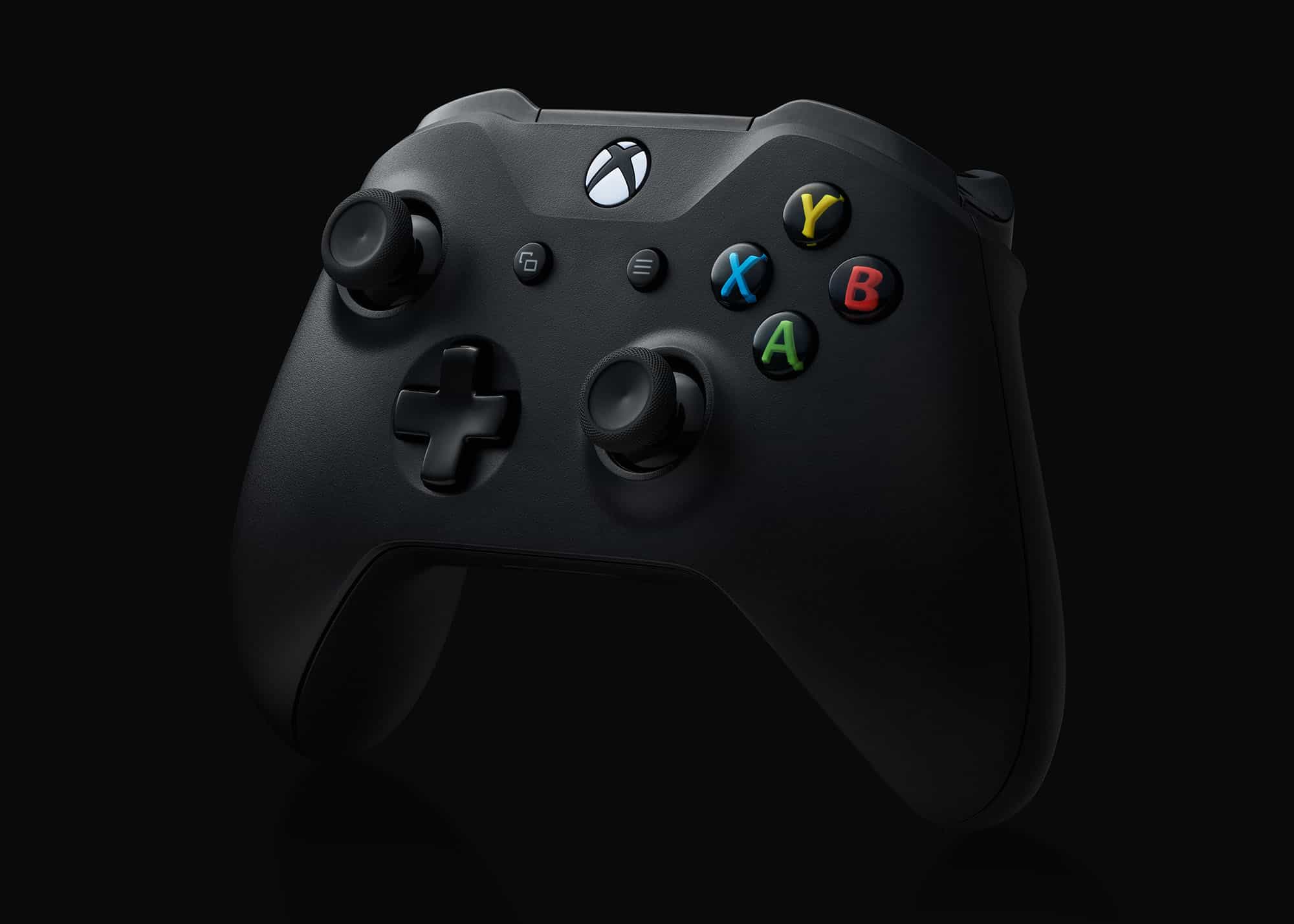
Apple is working with Microsoft to make new Xbox Series X controllers compatible with iPhone, iPad, Mac and more.
Support for Xbox One, PlayStation 4 and other controllers is already baked into the latest versions of iOS. It’s not yet clear if Apple will add support for the PlayStation 5’s new DualSense controller, too.
Optimize your creative computing with a highly customizable controller. Photo: Cult of Mac Deals
If you work as a digital creative, you know full well how small inefficiencies add up to lots of wasted time. Every extra keystroke or trip across the screen is a drag on your workflow. This powerful but intuitive controller takes the pain out of repetitive tasks and gives you new ways to speed through your creative endeavors.
The TourBox controller quickly feels like a natural extension of your hand. It works with Macs and PCs, and it’s great for navigating advanced software like Photoshop, Illustrator, Final Cut Pro, Premier and Capture One.
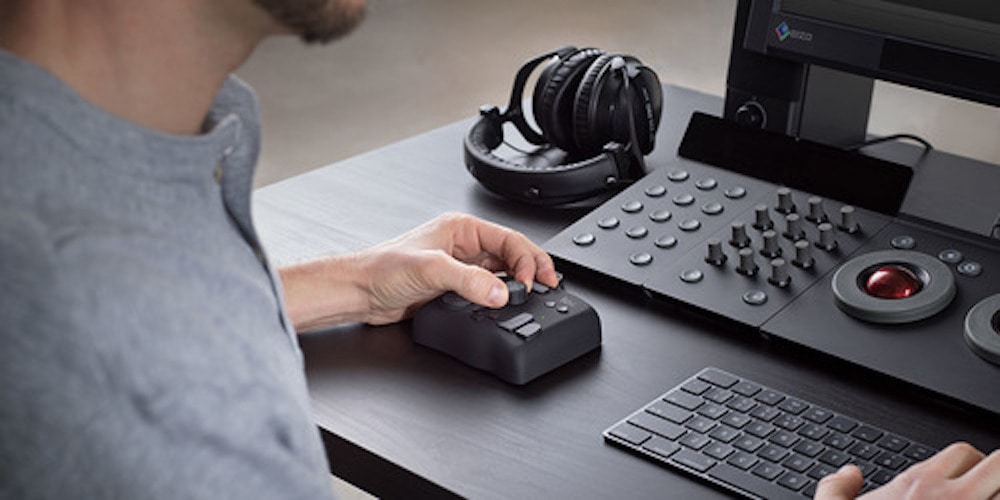
A less-expensive Apple Watch is just one of the predictions made today by a serial leaker. Illustration: Ed Hardy/Cult of Mac
A regular source of Apple leaks said on Thursday that a less expensive version of the Apple Watch is in the offing.
This was just one of multiple tidbits Jon Prosser dropped during a public Q&A session. He mentioned the first MacBook with Apple silicon, talked a bit about the company’s game controller, and more.




![Clever side-by-side iPhone game controller has no problem with bulky cases [Review]](https://www.cultofmac.com/wp-content/uploads/2022/10/Gamevice_Flex_hero.jpg "Clever side-by-side iPhone game controller has no problem with bulky cases [Review] ★★★★☆")