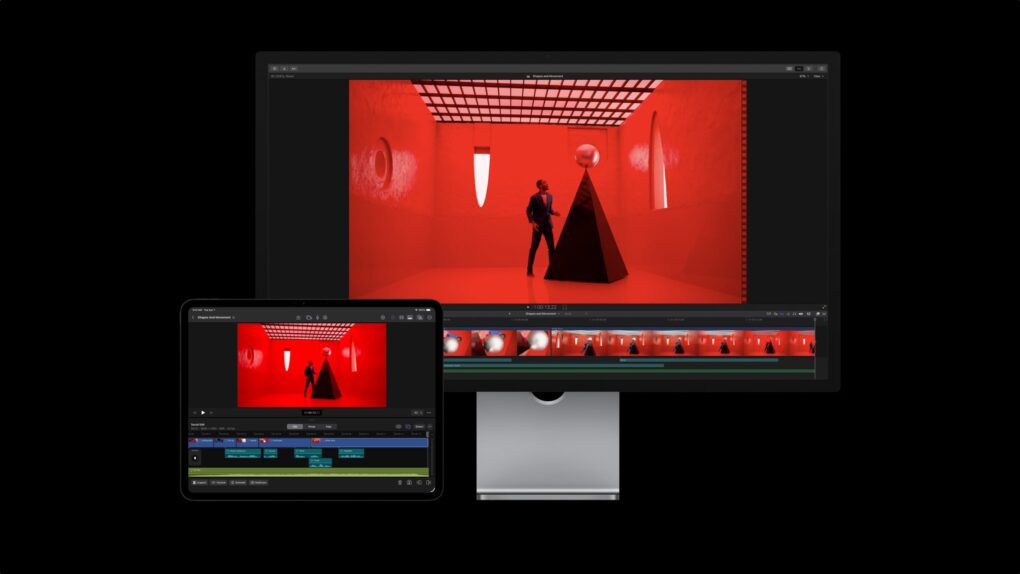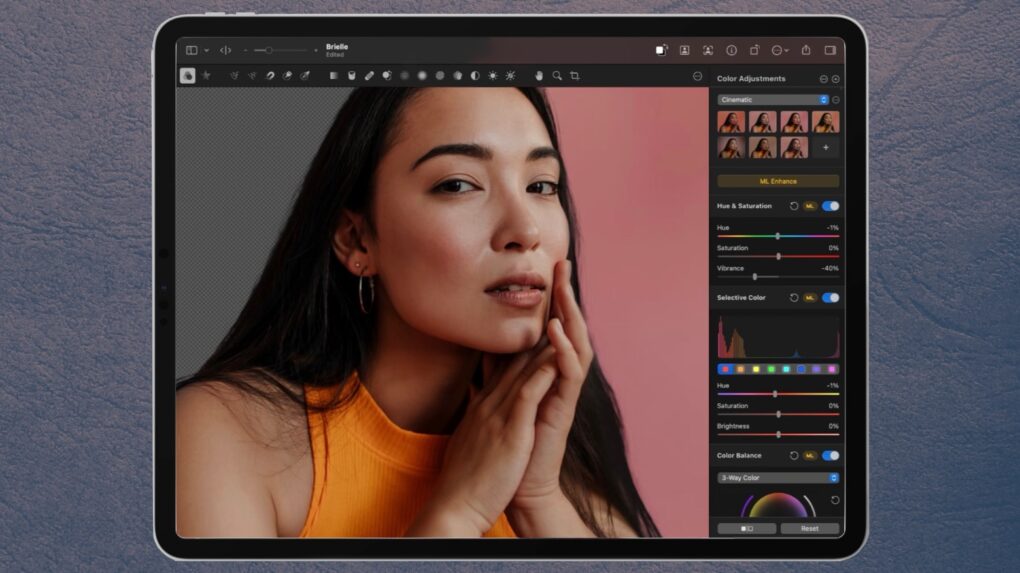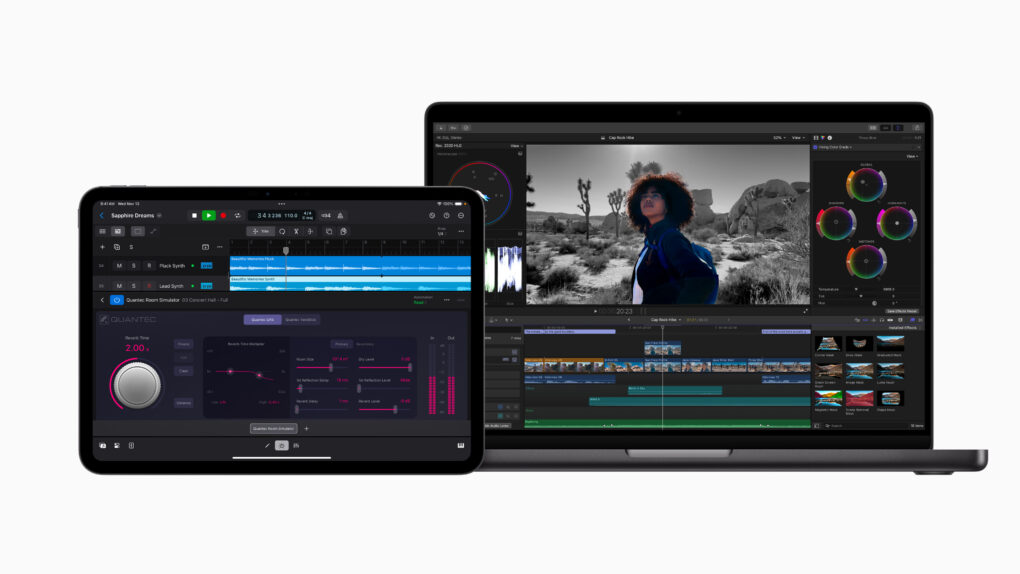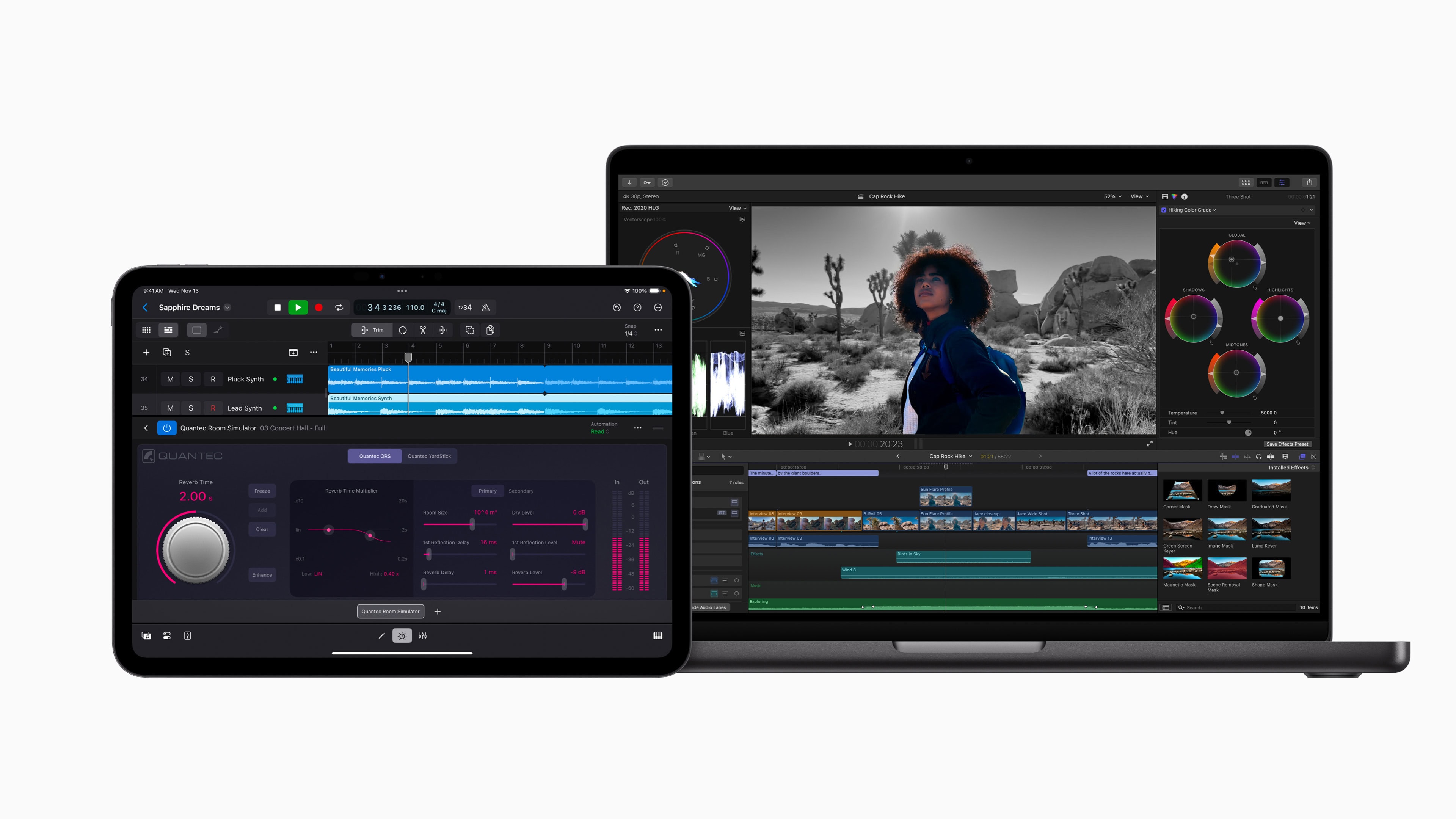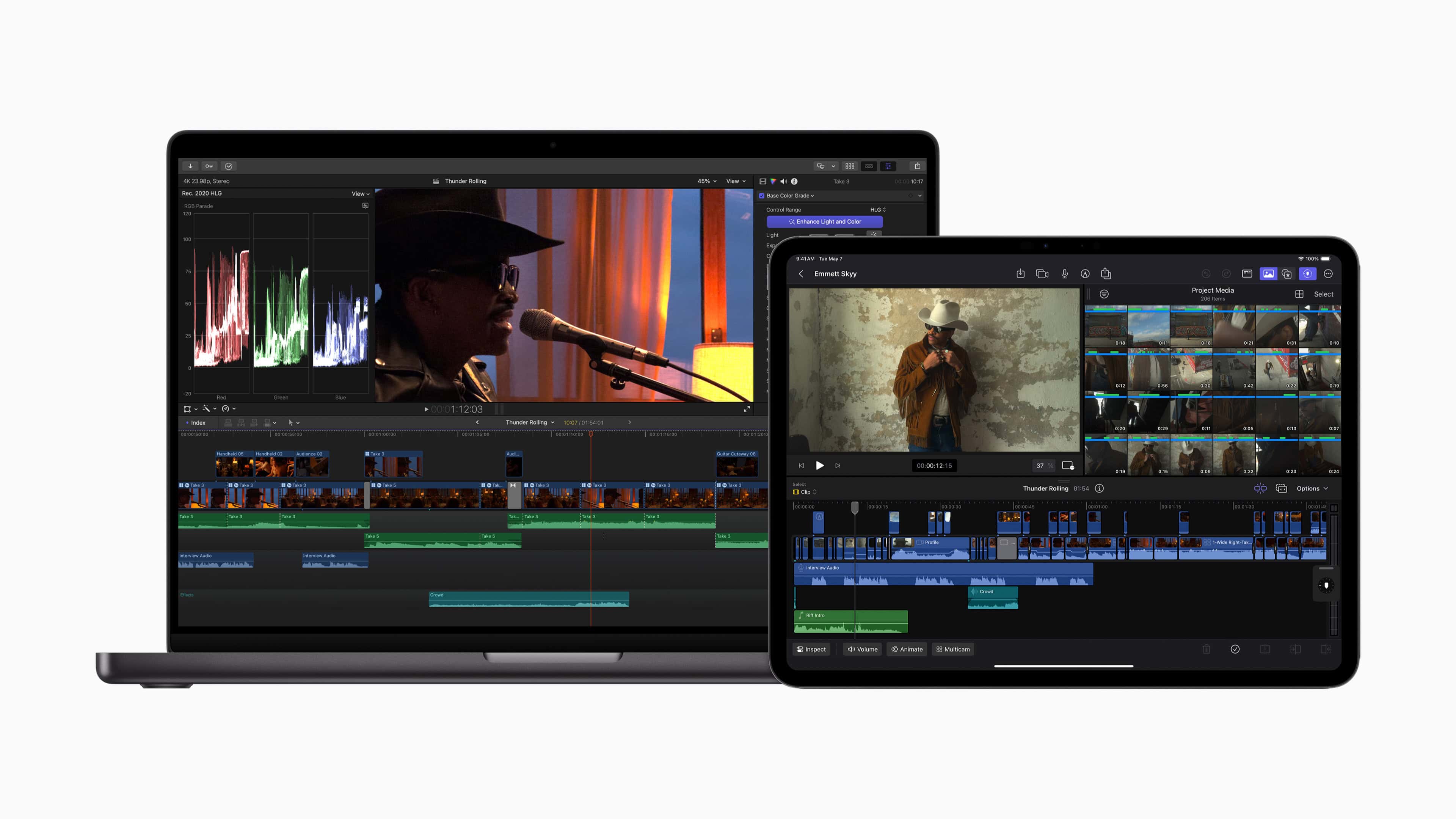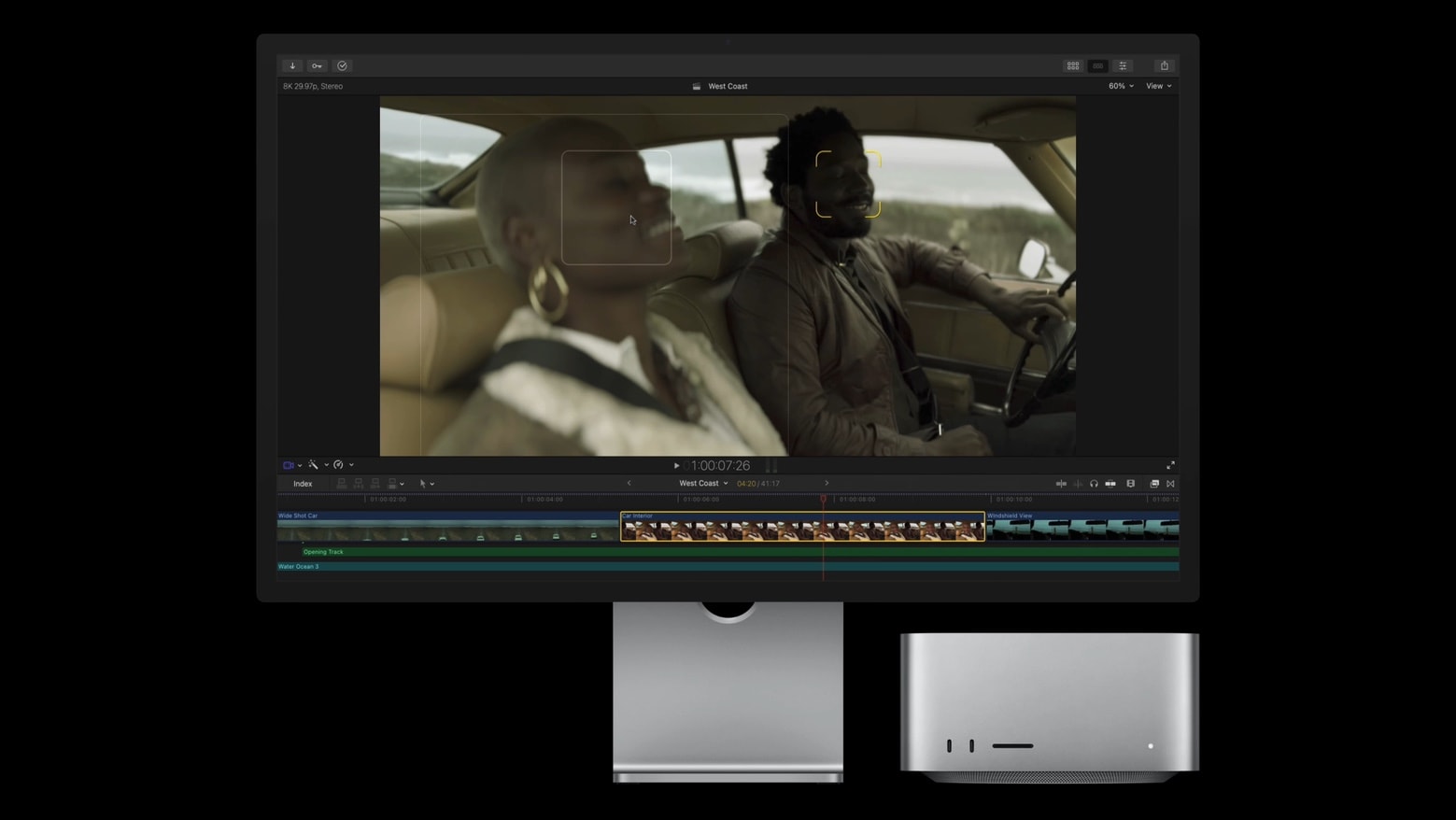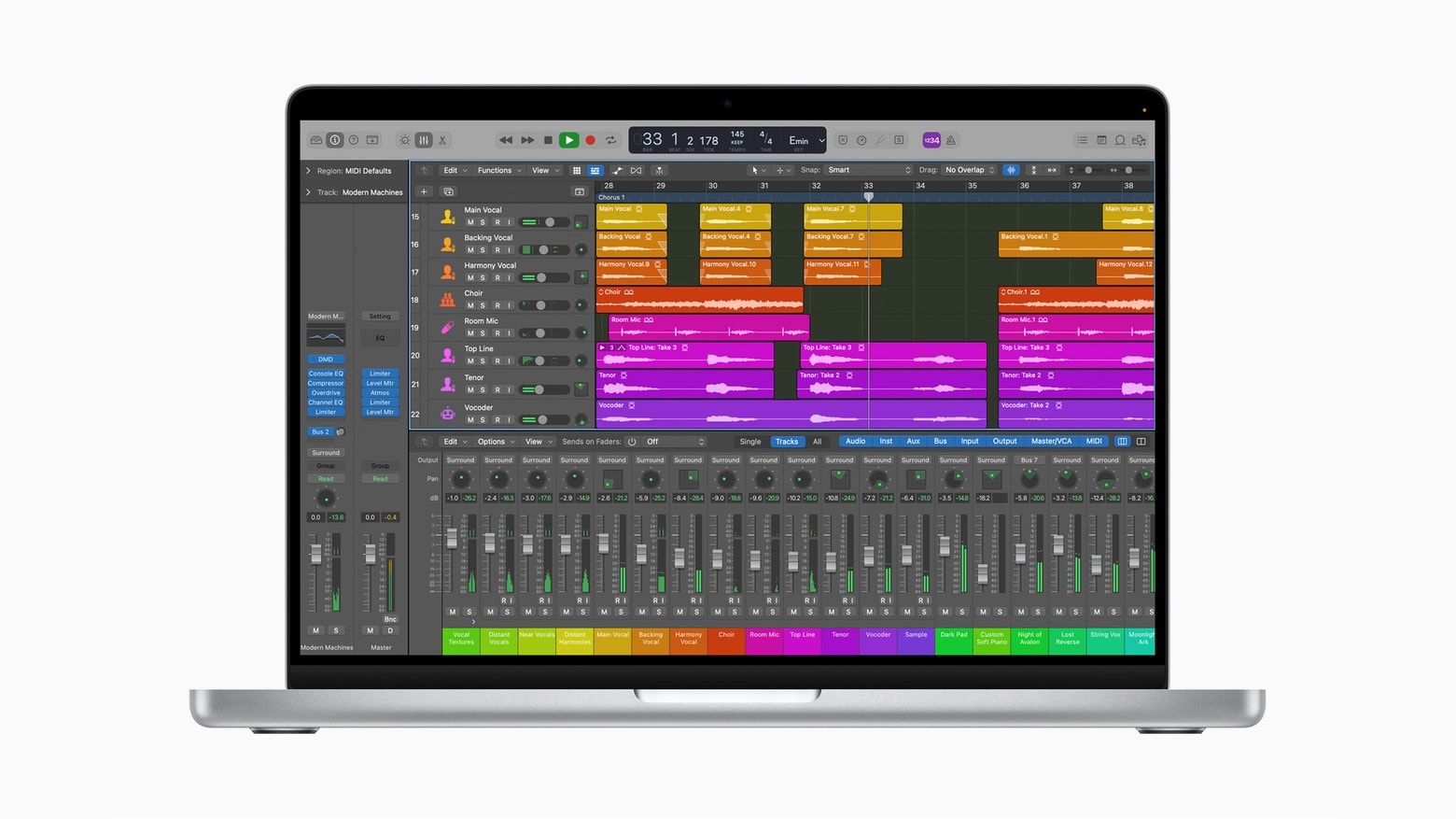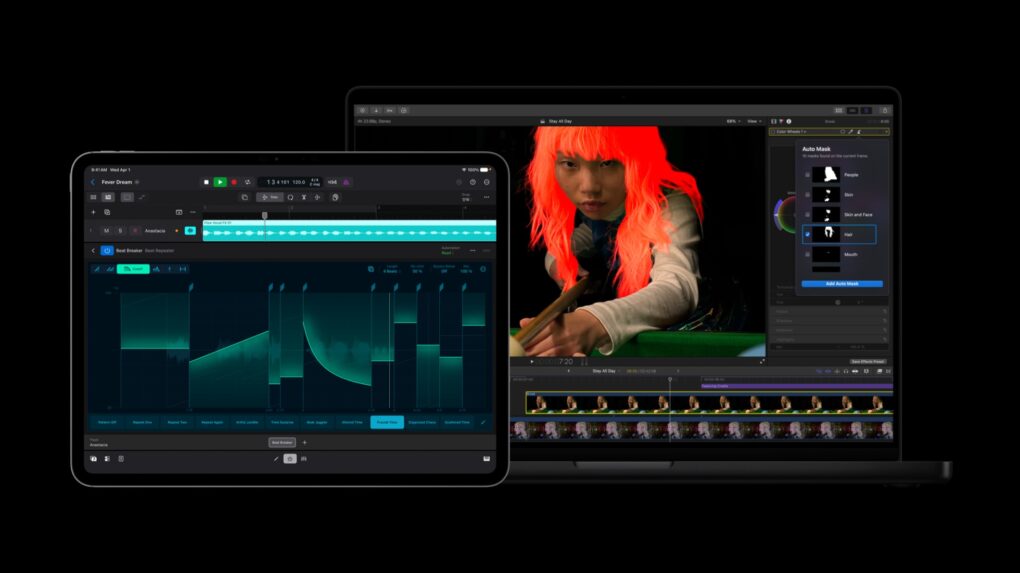
Apple rolled out a fresh batch of updates to Apple Creator Studio Tuesday, sharpening AI features inside its flagship video and music apps while weaving Pixelmator Pro’s editing tools directly into Final Cut Pro, Keynote, Pages and Numbers.
The updates expand on the role Mac, iPad and iPhone already play for creative work. They layer in new AI capabilities across editing, photo and music workflows.