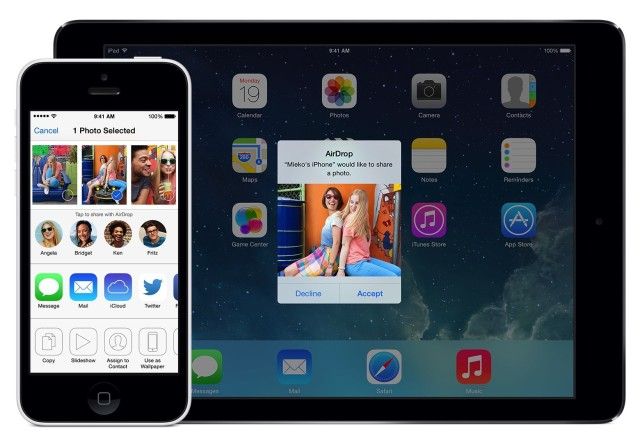
Apple AirDrop is a wireless file-sharing feature that allows users to quickly and securely transfer photos, videos, documents, and other data between Apple devices, such as iPhones, iPads, and Macs.
It uses a combination of Bluetooth and Wi-Fi to create a peer-to-peer network between nearby devices, enabling fast and encrypted transfers without the need for an internet connection or physical cables. AirDrop is especially convenient for sharing content with friends or moving files between personal devices, and it can be accessed directly from the share menu in most apps.
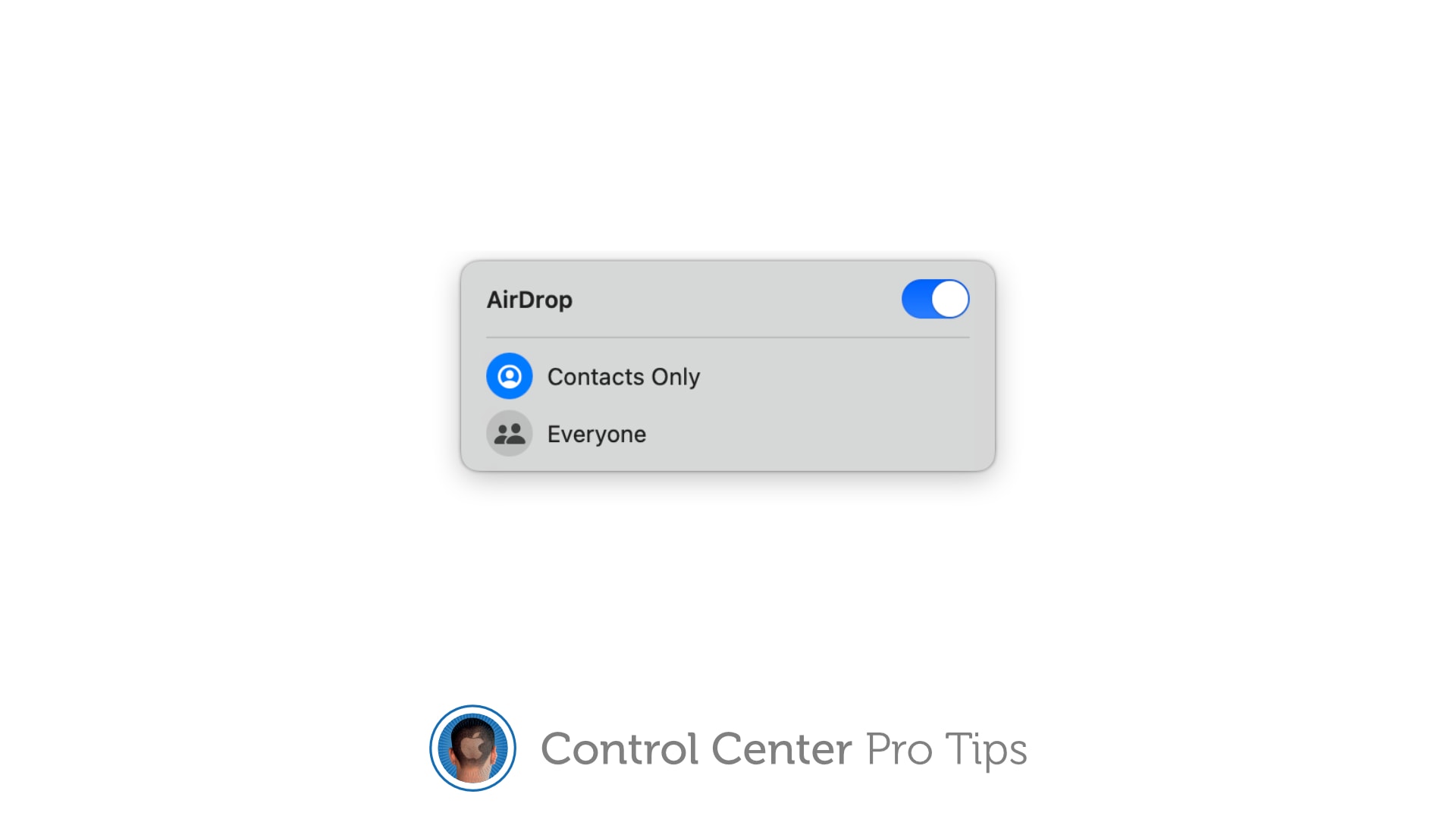
Users can control who can see their device — contacts only or everyone nearby — ensuring privacy and ease of use.
AirDrop now works with Samsung's flagship Galaxy phone. Image: D. Griffin Jones/Cult of Mac
Following in Google’s footsteps, Samsung added AirDrop support to its newest flagship phones: the Galaxy S26 series. This enables iPhone and Galaxy S26 users to transfer files between devices seamlessly.
Top be clear, Google and Samsung enabled AirDrop support in Quick Share without Apple’s help.
AirDrop is right up there with iMessage as a great Apple-exclusive feature. Learn how to use it. Image: D. Griffin Jones/Cult of Mac
If you want to know the fastest and easiest way to send someone photos, videos, files and so, so much more, you should know how to AirDrop. There’s no need to send an iMessage — Apple’s slick AirDrop feature will immediately send and open the content on someone else’s iPhone (or other Apple device). There’s no middle step.
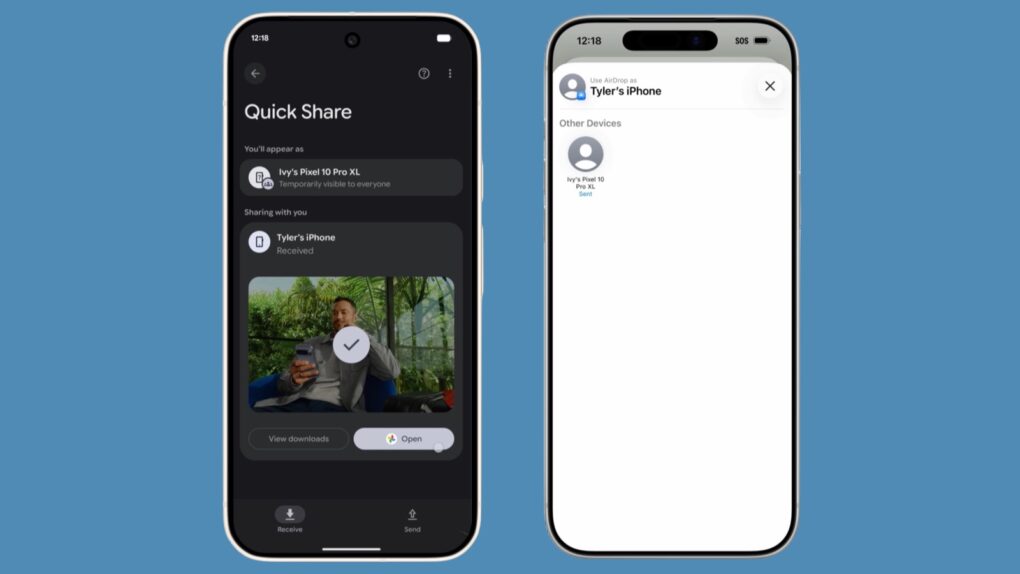
AirDrop works iPhone-to-iPhone, iPhone-to-Mac, iPhone-to-iPad, Vision Pro-to-Mac — any combination and permutation of two Apple devices. And, if your friend has a Google Pixel 10, you can AirDrop with them, too!
Keep reading to find out everything you need to know about how to take advantage of AirDrop.
Apple's about to drop the hammer on bloat and glitches. Image: Cult of Mac
This week on Cult of Mac’s podcast: Apple reportedly plans to focus on squashing bugs in iOS 27 and the rest of next year’s new operating systems. Sounds like Snow Leopard redux … and we couldn’t be happier. New features be damned!
Also on The CultCast:
Android devices get a delicious dose of AirDrop.
As usual, Apple’s Black Friday deals don’t knock us out. But plenty of other big discounts do. We discuss some of the best sales we’ve seen.
Griffin shows how you can give your Mac a makeover in macOS Tahoe. The new customization options look rad — and functional!
And finally, Griffin reviews the ViewSonic VP2788-5K, a Mac-ready, 27-inch 5K monitor with great features (and a regrettable name).
Listen to this week’s episode of The CultCast in the Podcasts app or your favorite podcast app. (Be sure to subscribe and leave us a review if you like it!) Or watch the video live stream, embedded below.
Surprise! Androids and iPhones can now AirDrop/Quick Share files back and forth. Screenshot: Google
Sharing holiday pictures with the whole family just got easier. Google found a way to make Android’s Quick Share feature cross-compatible with Apple AirDrop. This means Android and iPhone users can wirelessly transfer images and other files between their handsets.
The feature was announced Thursday, and currently only works with a few Android handsets, but Google promised wider availability is in development.
AirDrop and AirPlay are now in the EU’s sights. Image: Apple
AirDrop and AirPlay are the latest Apple technologies the European Union wants to make more interoperable. This would give third-party developers, including rival handset makers, access to the tech.
But Apple is pushing back hard. Apple has made the jaw-dropping claim that opening up AirDrop and AirPlay would allow companies like Meta (which owns Facebook, Instagram and WhatsApp) to read all your emails, messages, photos and even passwords!
Here's why you might be having trouble exchanging images with your friend's iPhone over AirDrop, and how to fix it. Image: Ed Hardy/Cult of Mac
You’re at a party and your friend takes a great picture. You ask them to AirDrop you a copy and the two iPhones won’t connect. So frustrating … what the %^#* is wrong? Why can’t you share iPhone photos the way you used to? You probably just need to tweak a setting to turn on AirDrop’s capability to work with any iPhone.
You see, Apple changed the way AirDrop works in iOS 16. If you haven’t updated your AirDrop settings, it might not work the way you want. Here’s how to set the easy wireless file-transfer system so you can get that picture from your friend.
Change these settings on your Mac now Photo/Graphics: Apple/Rajesh
Setting up a new Mac is an experience in itself. But once you finish your initial setup, you should change these Mac system settings for a better experience. These five easy tweaks to default Mac system preferences will speed up your workflow and save you time.
Irrespective of whether you are a new or long-time Mac user, below are five settings to change on your Mac. Keep reading or watch our latest video.
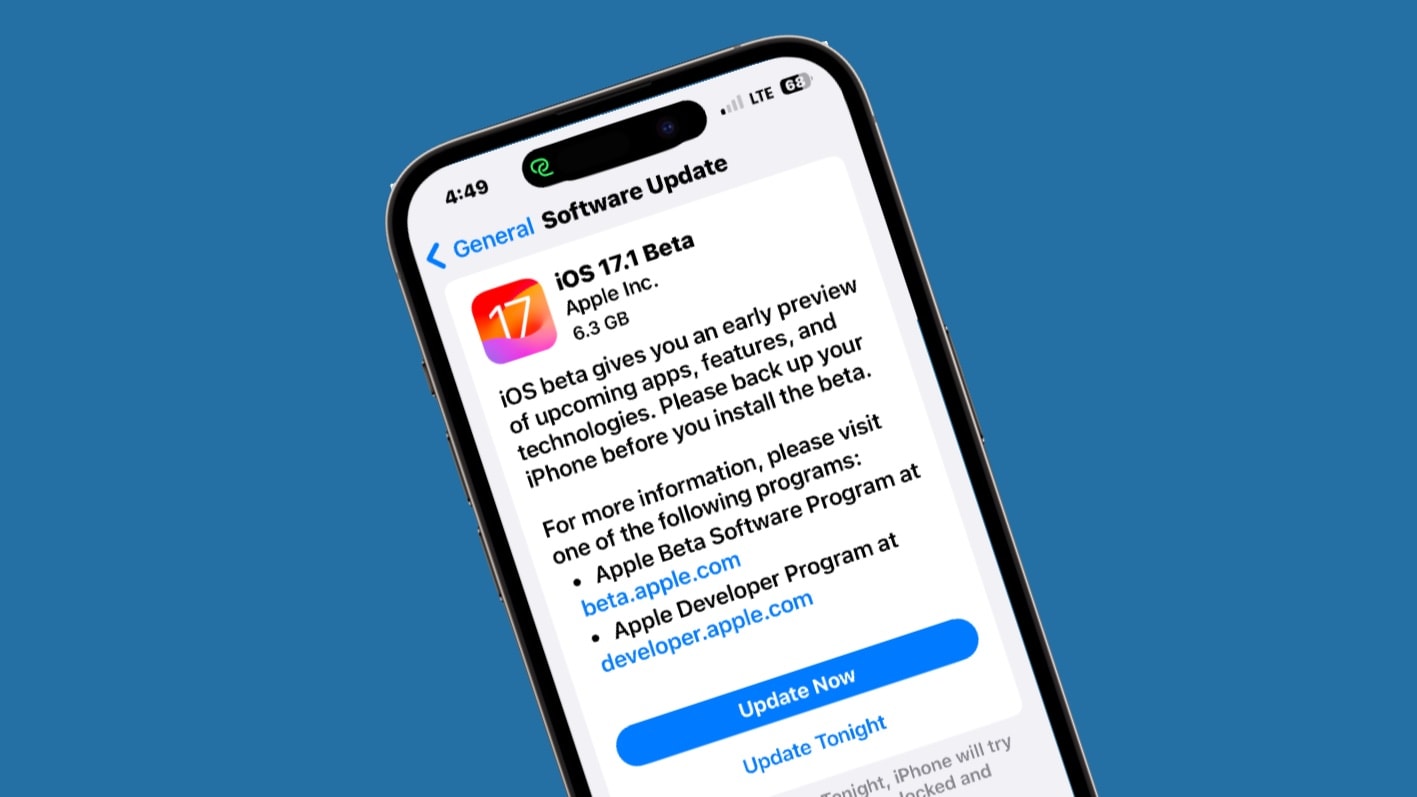
Apple seeded the first beta of iOS 17.1 to developers on Wednesday. This signals the start of testing for some iPhone features Apple already announced but didn’t debut in iOS 17, including AirDrop file transfers over the internet.
Cupertino also began beta testing macOS 14.1, iPadOS 17.1, watchOS 10.1 and tvOS 17.1.
iOS 17 and iPadOS 17, but without these features. Image: Rajesh Pandey/Cult of Mac
Apple finally released iOS 17 and iPadOS 17 to the public, but you won’t get to enjoy all the new features and enhancements immediately.
Certain features will be released in a future point release of the OS. Below is a look at all such iOS 17 and iPadOS 17 features that won’t be available at launch.
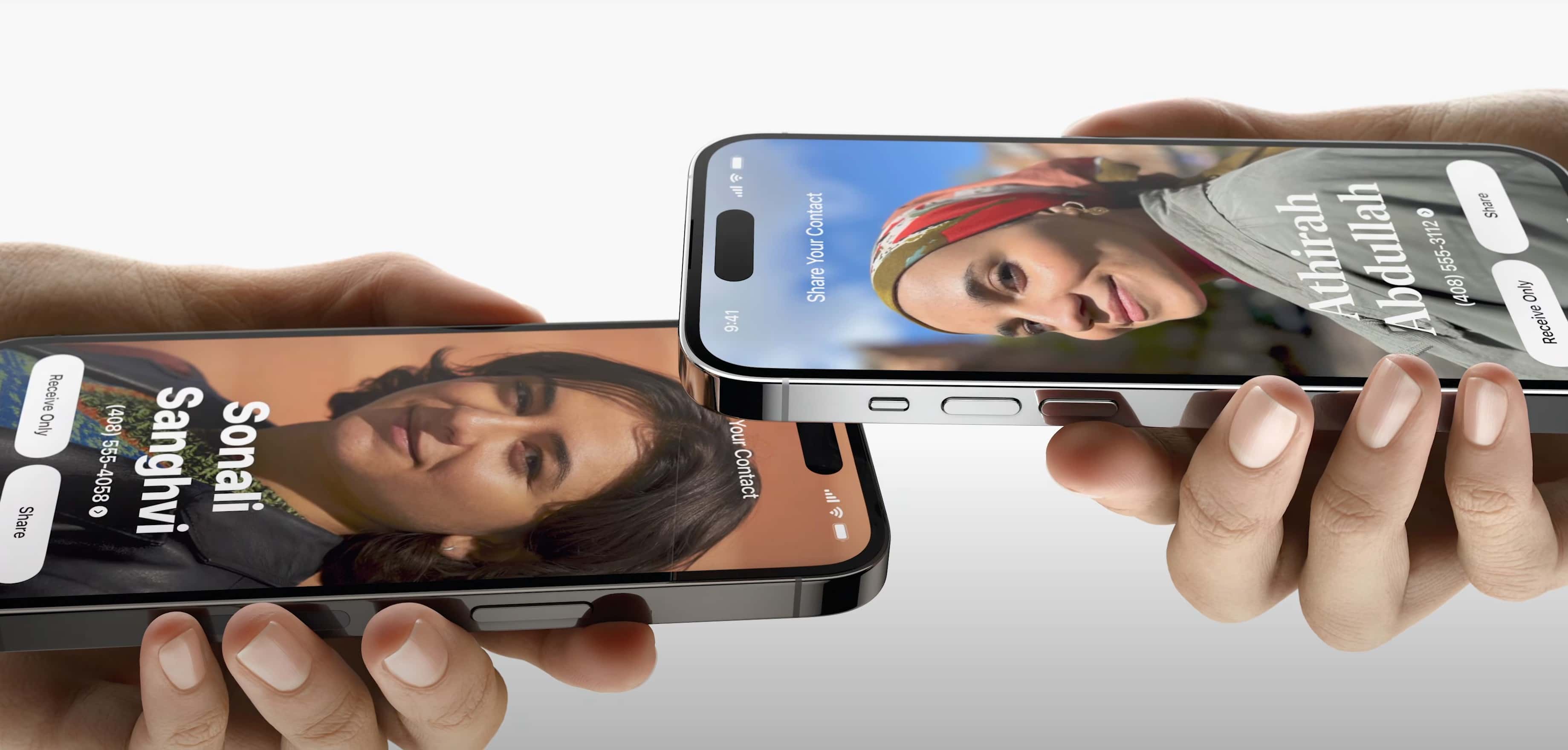
The new iOS 17 AirPlay feature called NameDrop will help you easily share your contact info and more. Photo: Apple
Sharing your contact information and more with people will get easier with new AirDrop functionality in iOS 17. A new feature called NameDrop makes it about as simple as knocking iPhones together.
“Today, you either hand your phone to them, or one of you dictates your information while the other types it. Now there’s a better way,” said Apple SVP of Software Engineering Craig Federighi during Monday’s WWDC23 keynote. “Now you can just bring your phones close together.”
Try out these 10 new iOS 16.2 features on your iPhone ASAP.
Image: Cult of Mac
iOS 16.2, which Apple released Tuesday, brings many new features that make it a must-have update for all iPhone owners. From security advancements and productivity boosters to cosmetic tweaks and other fun stuff, it’s positively loaded with upgrades.
Here are the top new iOS 16.2 features you should try right now. (Note: Many of these features also appear in iPadOS 16.2, which Apple also released today.)
Apple has limited AirDrop's visibility window in iOS 16.1.1. Photo: Lewis Wallace/Cult of Mac
With iOS 16.1.1, Apple has limited the window during which iPhone users can receive AirDrop files from non-contacts in China. The move comes after Chinese protesters used AirDrop to spread anti-government images to other iPhone users.
Currently, you can accept AirDrop from iPhone users not in your phonebook for 10 minutes. After that, your phone will only remain discoverable to your contacts.
AirDrop can be misused by pervs with an iPhone. Here's how to turn it off. Image: Ed Hardy/Cult of Mac
A creep nearly ruined a Southwest Airlines flight to Cabo San Lucas by using Apple’s AirDrop file-sharing tech to send unsolicited nudes to fellow passengers.
This is an excellent opportunity for a quick tutorial on how to turn off AirDrop so something like this never happens to you.
Cyberflashing could put you behind bars in the UK. That includes using AirDrop to do it. Image: Cult of Mac/Icons8
Cyberflashing, sharing unsolicited sexual image via social media, could soon be a crime in the U.K. That specifically includes using Apple’s AirDrop to send a nearby stranger a picture of your junk.
Just… don’t do it. For a lot of reasons. Including the fact that you don’t want to spend up to two years in prison.
There's no need to fiddle around inside the Settings app. Image: Killian Bell/Cult of Mac
We want to help you master Control Center, one of the most powerful and underutilized features on Apple devices. Cult of Mac’sControl Center Pro Tips series will show you how to make the most of this useful toolbox on iPhone, iPad, Apple Watch and Mac.
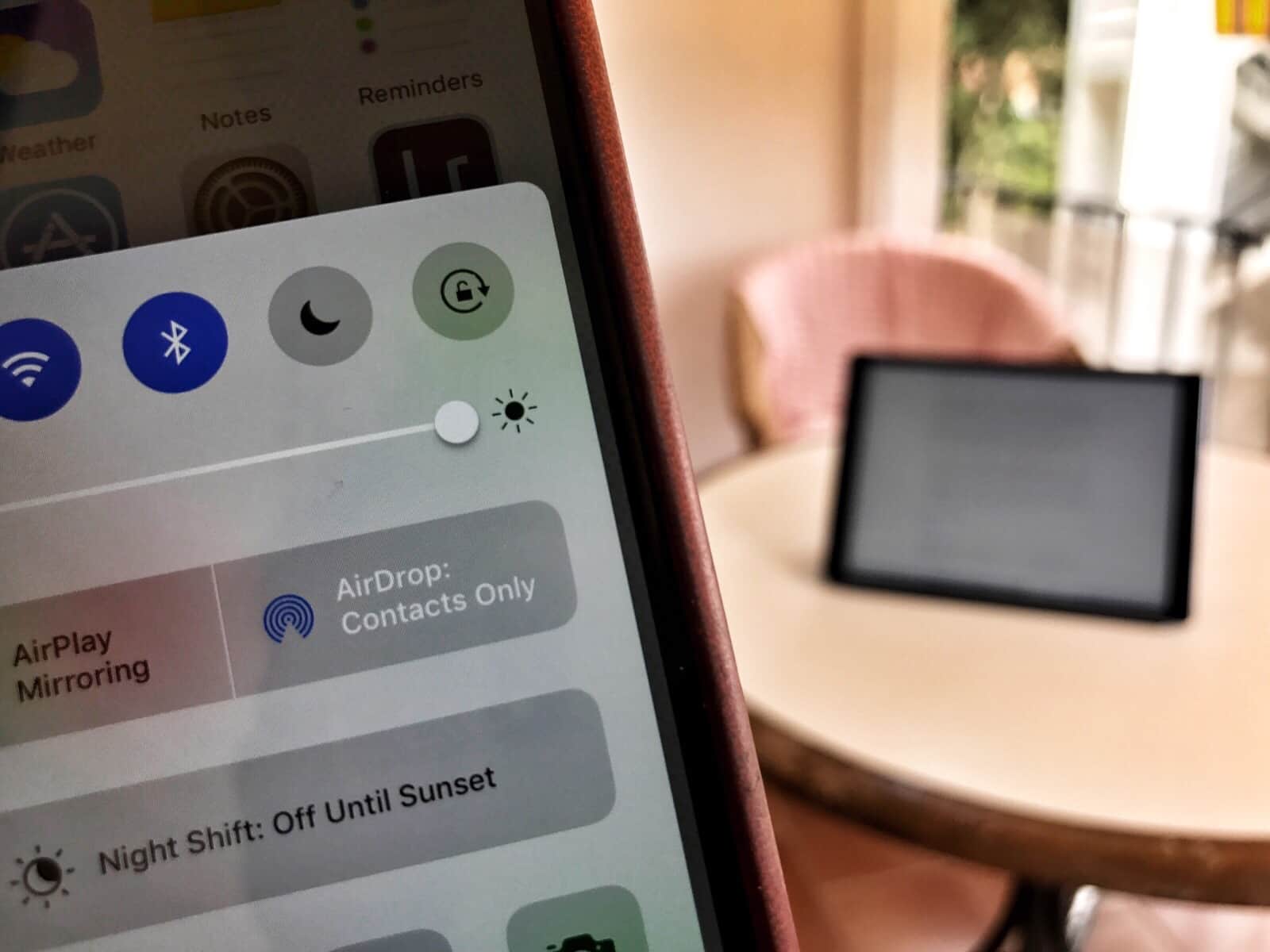
Want to quickly activate AirDrop, or deactivate it to avoid unwanted requests? There’s no need to mess around inside the Settings app or System Preferences; the toggle you need is baked into Control Center.
It’s enabled by default on iPhone, iPad, and Mac and can be quickly accessed when you need it. We’ll show you how.
Turns out it's not "contacts only." Photo: Charlie Sorrel/Cult of Mac
Strangers can see the email address and other personal info of AirDrop users due to a security flaw in Apple’s file-sharing system, security researchers say. All that is required for this exploit to take place is physical proximity to an AirDrop user and a Wi-Fi device.
The researchers reportedly disclosed the flaw to Apple in May 2019, but it remains unfixed. That potentially leaves more than 1.5 billion Apple devices vulnerable.
Samsung’s Quick Share is just like a feature iPhones have had since iOS 7. Photo: Samsung
Quick Share, a highlight of Samsung’s latest handsets, is a feature iPhone owners have been using for over 8 years. The Galaxy S20 and other new models from this company can wirelessly send files directly between two devices… just like Apple’s AirDrop.
Samsung is developing its own AirDrop competitor that will make its debut alongside the Galaxy S20 next month, according to a new report.
Leaked Quick Share screenshots reveal the feature will let users “share instantly with people nearby.” This is separate from the AirDrop rival Google is reportedly planning for all Android devices.
Apple today rolled out iOS 13.1 beta four ahead of the update’s public release on September 30.
The latest release is available to both public and developer testers. It doesn’t appear to make any obvious changes, so likely focuses on performance and stability improvements.
Tiles, which are nothing like the Apple Tag at all. Photo: Charlie Sorrel/Cult of Mac
What happened to the Apple Tag? Rumors pointed toward an imminent launch for Apple’s tracking-tile competitor, and what better place to announce it than along with new iPhones? But the iPhone 11 event came and went without the Tag.
Will we still see an Apple Tag this fall? I hope so, because it could be Cupertino’s most important product since the Apple Watch.
That's not a great look for AirDrop! Image: Hexway
A Bluetooth LE security flaw could let malicious actors discover people’s iPhone numbers using Apple’s file-sharing AirDrop feature.
An attacker would need to create a phone number database for a specific region. Using a special script, they then could collect information on users who tried to AirDrop a file.
iPhone migration, now with added cable. Photo: Charlie Sorrel/Cult of Mac
Getting a new iPhone set up is already pretty easy. Thanks to iCloud and Apple’s Quick Start (aka automatic setup), you can transfer all the data and apps from your old iPhone to a new iPhone or iPad, all without entering your long and secure iCloud passcode.
Migrating to a new device used to require either an iTunes backup or an iCloud backup. What if you just want to copy everything directly from one device to the other? Kind of like AirDrop? In iOS 12.4, you can do just that. And you can even use a cable! Let’s see how.
‘Fast Share’ will roll out later this year. Photo: Apple
Google is working to deliver an AirDrop clone that will allow Android users to quickly share files with nearby devices.
Its new “Fast Share” feature, which will also make its way to Chrome OS, can be used to send images, videos, links, and other files without an internet connection. It can already be enabled on some Android Q devices.
Readdle’s Wi-Fi Transfer gets our ‘stamp’ of approval. Photo: Charlie Sorrel/Cult of Mac
If you have an old Mac that doesn’t support AirDrop, or you use a PC with your iPhone or iPad, then getting files from one to the other is a real pain. Readdle’s Documents app fixes this, making it easy to beam anything from one place to the other, wirelessly. Today we’re going to see just how easy it is. And one other neat trick is that you can use this on any computer, not just your own.
Apple’s entire line of products are on full display in the company’s brilliant new ad that also features a patented Apple pizza box.
The new video, which clocks in at just over three minutes long, shows a team of low-level corporate workers using Macs, iPads, iPhones and Apple Watch to execute a moonshot idea that could get them the promotions they’ve been dreaming off. Apple’s software shines just as bright as the hardware while the team races to finish their project ahead of schedule.



![How to set AirDrop to exchange pictures with anyone's iPhone [Pro Tip]](https://www.cultofmac.com/wp-content/uploads/2023/12/AirDrop-To-Everyone.jpg "How to set AirDrop to share iPhone photos with anyone [Pro Tip]")