OWC makes an eye-opening claim about the Envoy Pro Ex: the company claims its latest solid-state drive is faster than any rival with a USB-C connection.
In addition, the portable drive can stand up to dust and even immersion in water.

OWC makes an eye-opening claim about the Envoy Pro Ex: the company claims its latest solid-state drive is faster than any rival with a USB-C connection.
In addition, the portable drive can stand up to dust and even immersion in water.

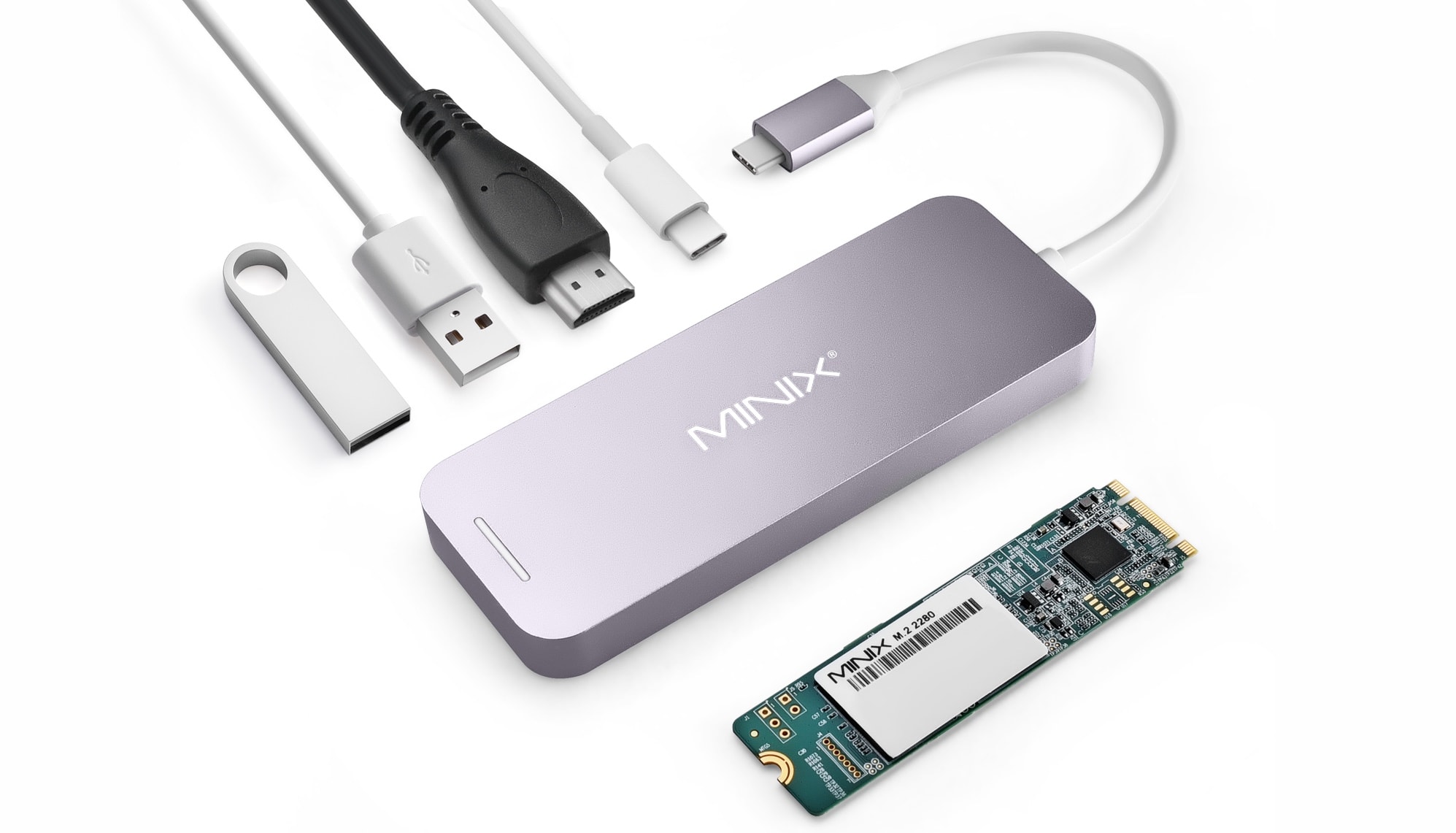
There’s a innovative option for people who want to make the most of the limited number of USB-C ports on their MacBook or iPad Pro: the Minix Neo Storage is a 4-port hub that also includes up to 240GB of built-in storage. And the price for all this is under $100.
UPDATE: Cult of Mac has published a Minix Neo Storage review.
This post is presented by OWC.
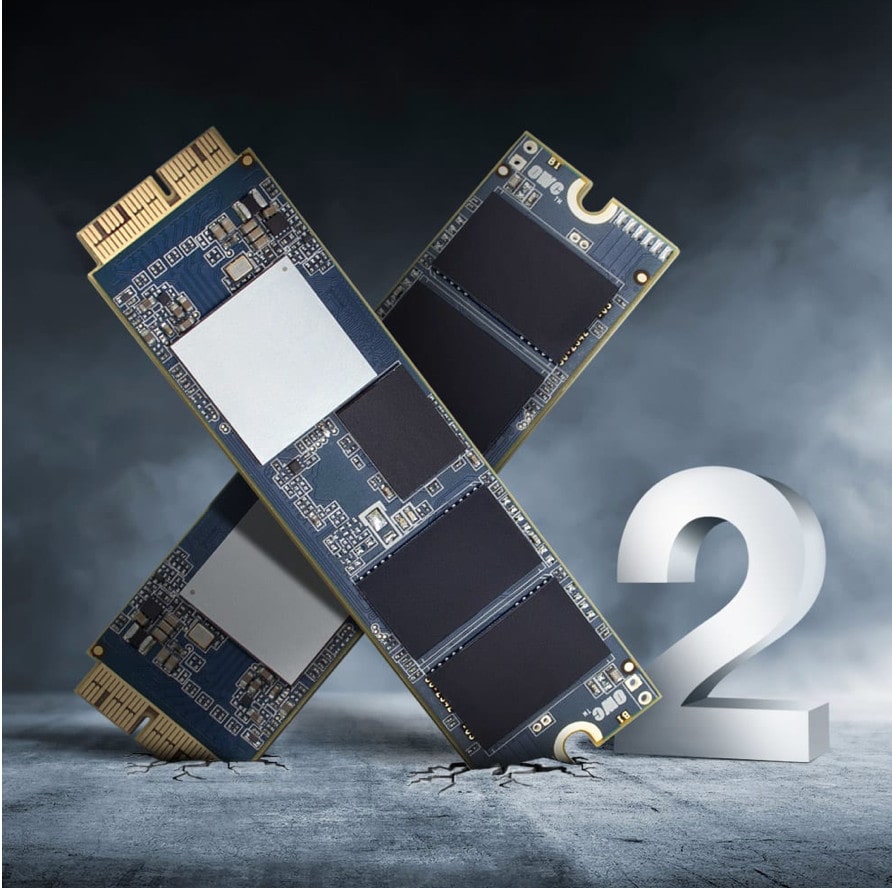
New Macs are reliably cutting-edge when they first hit shelves. But as time goes by, Cupertino’s products, like any other, move toward obsolescence. Luckily, boosting your Mac’s performance — and extending its useful life — can be a cinch.
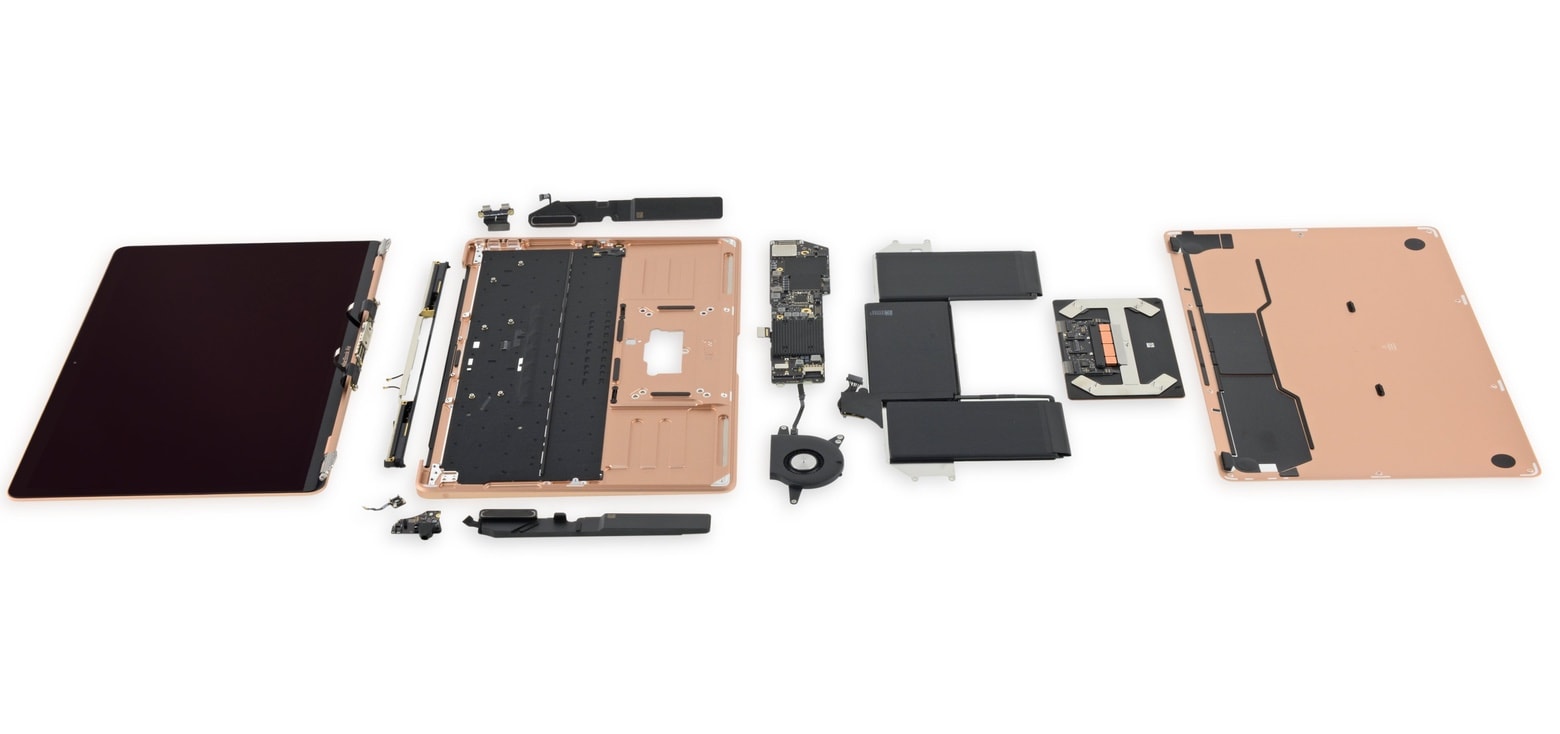
Apple lowered the prices of building high-capacity SSDs into the latest MacBook Air and Mac mini models today, potentially saving buyers as much as $200.
The company may have gotten a deal on storage drives, as it also dropped the cost of top-tier SSDs in the MacBook Pro today.
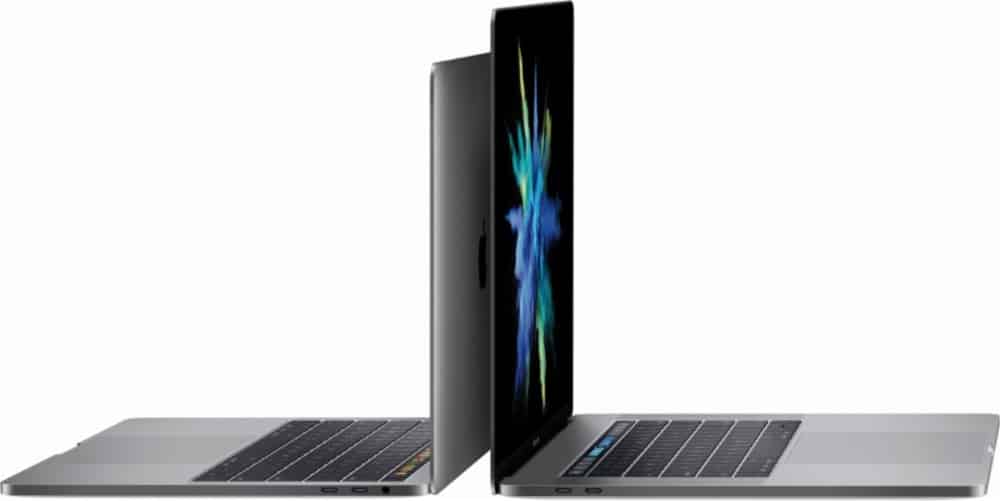
There’s good news for MacBook Pro buyers looking for a lot of storage: Apple has lowered the costs of its most-expensive SSD options. This can save shoppers up to $400 on these powerful laptops.
This is apparently a permanent price reductions, not a sale.

 Linedock is a device designed to deliver power and salvation from what its creators refer to as “dongle hell.”
It’s a massive messiah at two pounds with nine ports, a 20,000mAH battery with 100 W pass-through charging and an onboard SSD with up to 1 TB of storage.
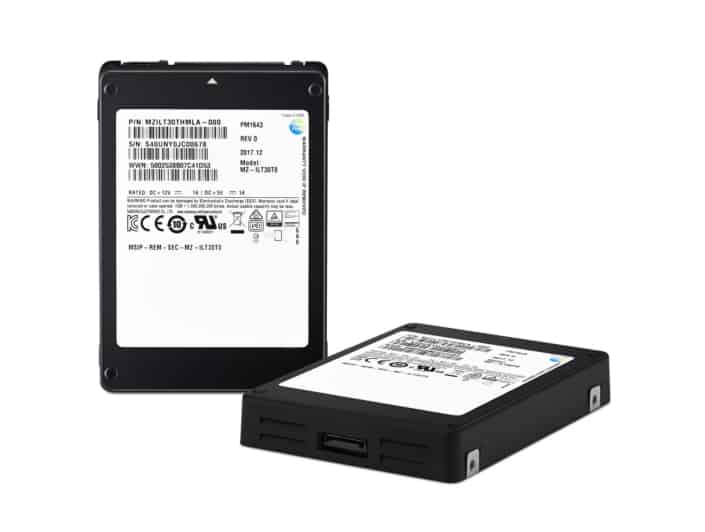
Samsung is again responsible for the world’s largest solid-state drive.
Almost years after the South Korean company released its record-breaking 15.36TB drive, it has unleashed a 30.72TB model. It is the most storage ever squeezed into a 2.5-inch form factor, enough to hold 5,700 high-definition movies.

iPhone-assembler Foxconn may be about to get some help from none other than Apple in its quest to buy Toshiba’s chipmaking business.
Apple is reportedly considering whether to make a huge multi-billion dollar investment in the world’s second-largest memory chip maker. If the deal goes through, it would give Foxconn and Apple a major advantage over other smartphone manufacturers.
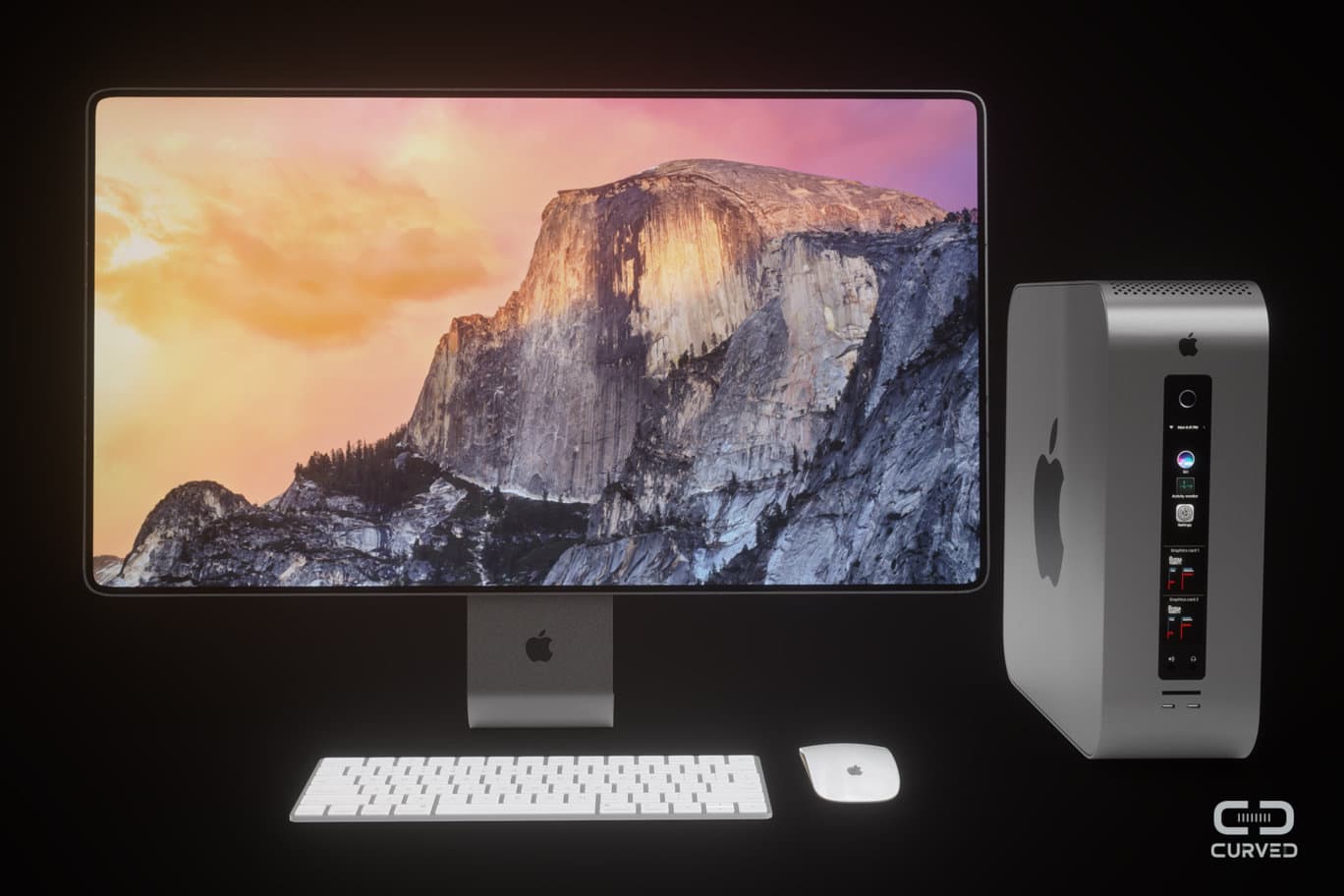
Professional Mac users will have to wait until 2018 for a glimpse at the new Mac Pro Apple is working on, but if the next-gen computer looks anything like this new concept, it might be worth the wait.
German site Curved created a Mac Pro concept that shows how Apple could add modular features, allowing professionals to swap out pretty much every component. The concept artists even dreamed up a Cinema Display that packs plenty of ports for expansion.
Take a closer look:
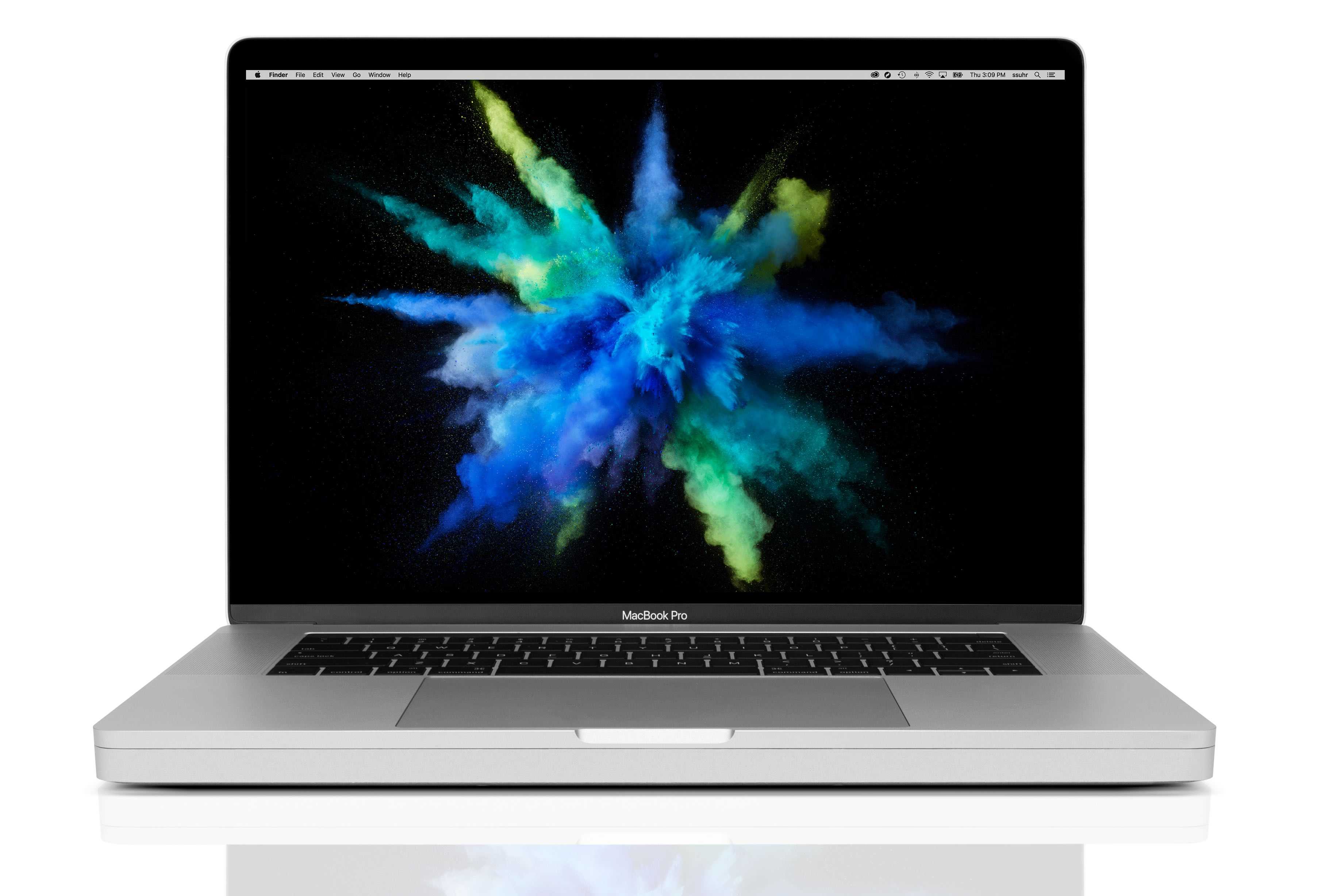
 MacBook Pro owners that wish Apple included more ports alongside the Touch Bar can now have the best of both worlds — if they don’t mind slapping a huge dock on their machines.
OWC teased a new accessory called the DEC dock for MacBook Pro at CES, the monstrous gadget show happening in Las Vegas this week. The dock is comically large, but it adds a bevy of new features to the MacBook Pro, including extra storage.

The Spotify app is killing your Mac’s solid-state storage drive, and you need to update now to prevent it.
For the past five months, a bug has caused the app to write massive amounts of data to SSDs, potentially knocking years off their lifespan.
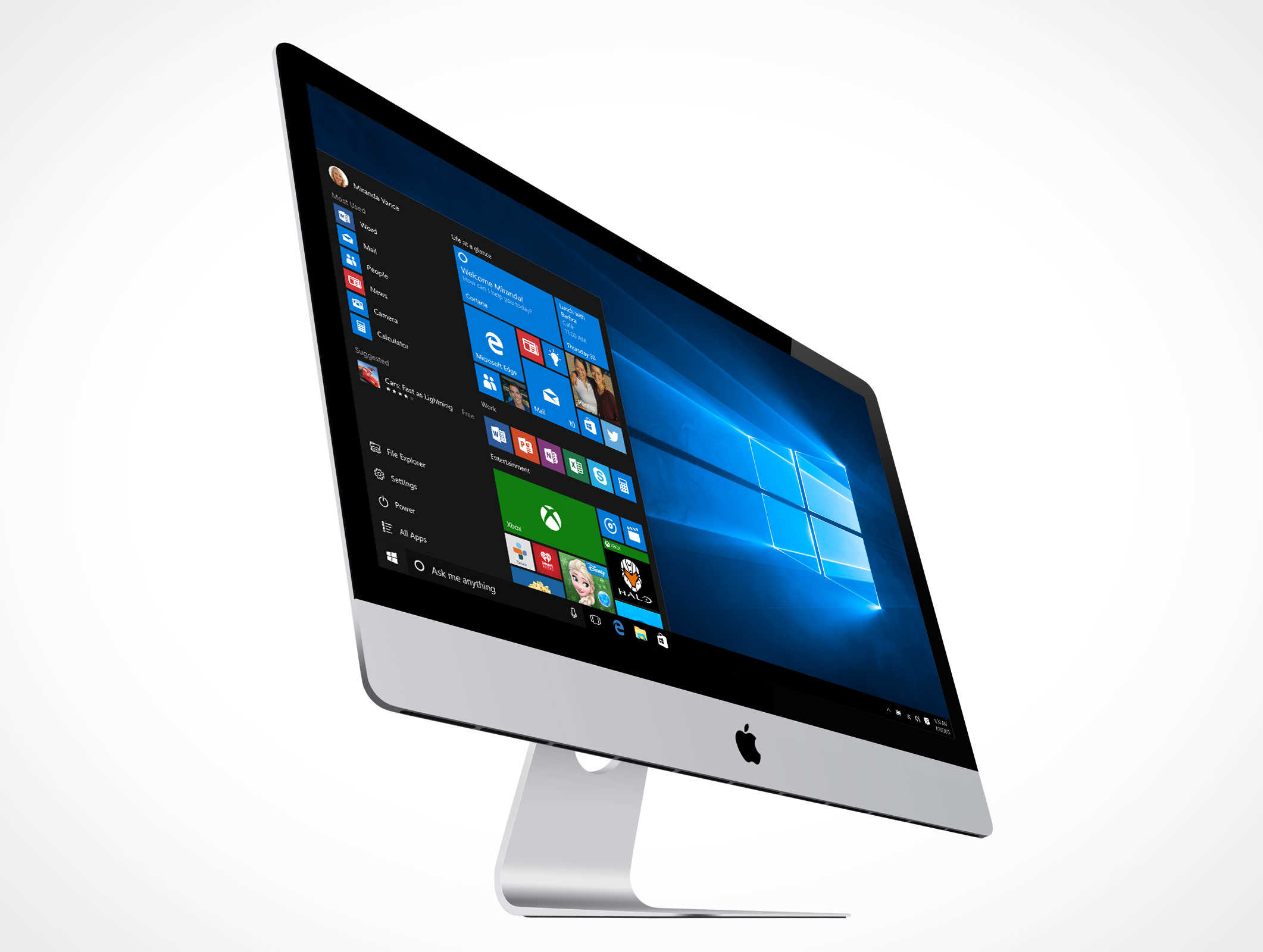
OWC has today released new drivers that make its entire SSD lineup compatible with Boot Camp. That means you can finally run Windows on Macs that have OWC drives installed.
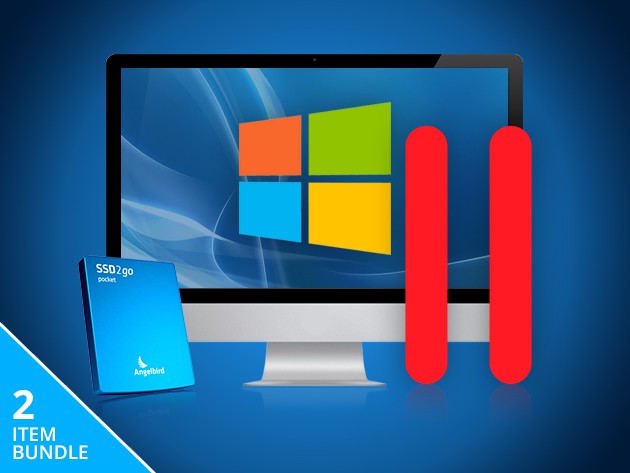
Talk about a power couple — this bundle comes with a pair of tools that expand the capacity and functionality of your Mac. Add 128 gigs of secure and fast storage, and run Windows or Linux alongside OSX on your Mac. It’s a massive upgrade for just $199.
Take a look at what’s included:
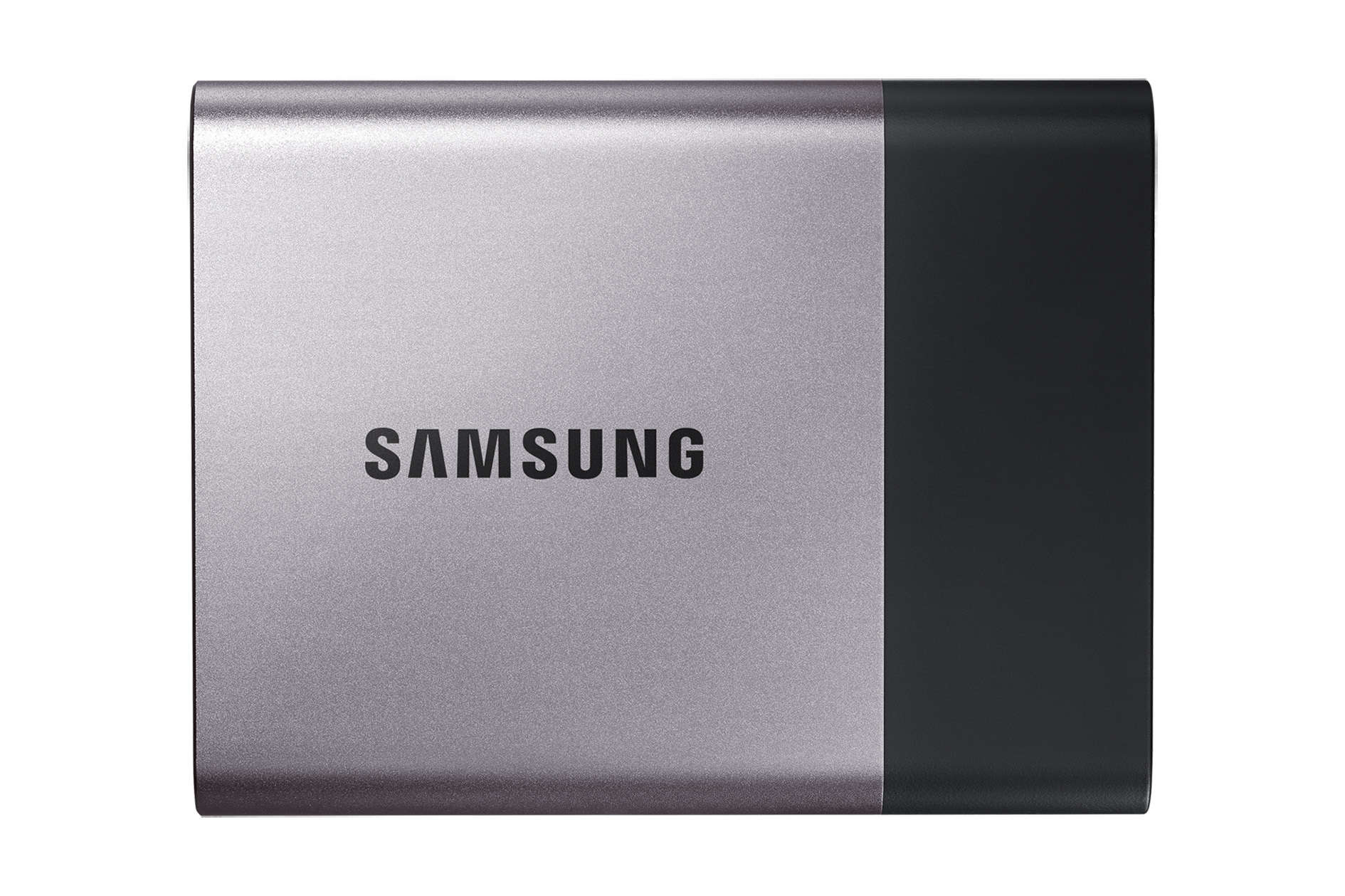
 If you’re like the rest of us, you’ve got a nice Mac with plenty of video, photos, and apps on it. Time Machine is a fantastic way to keep your stuff all backed up and safe, so you’ll need a high-capacity drive to do that with.
Samsung’s new external solid state drive (SSD), called the T3, has the capacity of multiple terabytes to keep more of your data backed up and the speed to make it easy.
“Following the successful worldwide launch of the Portable SSD T1 in 2015, we made several significant upgrades to the T3 based on the feedback and needs of our customers, which included content creators and business professionals in particular,” said Samsung’s Un-Soo Kim in a statement.

It’s Halloween season, but prices of these two Monsters are anything but scary. With cavernous storage and solid state storage, these are two devices you can take with you free of the worry of a dying motor or a scratched disc. And at more than half off, they’re going for a price that can’t be beat.
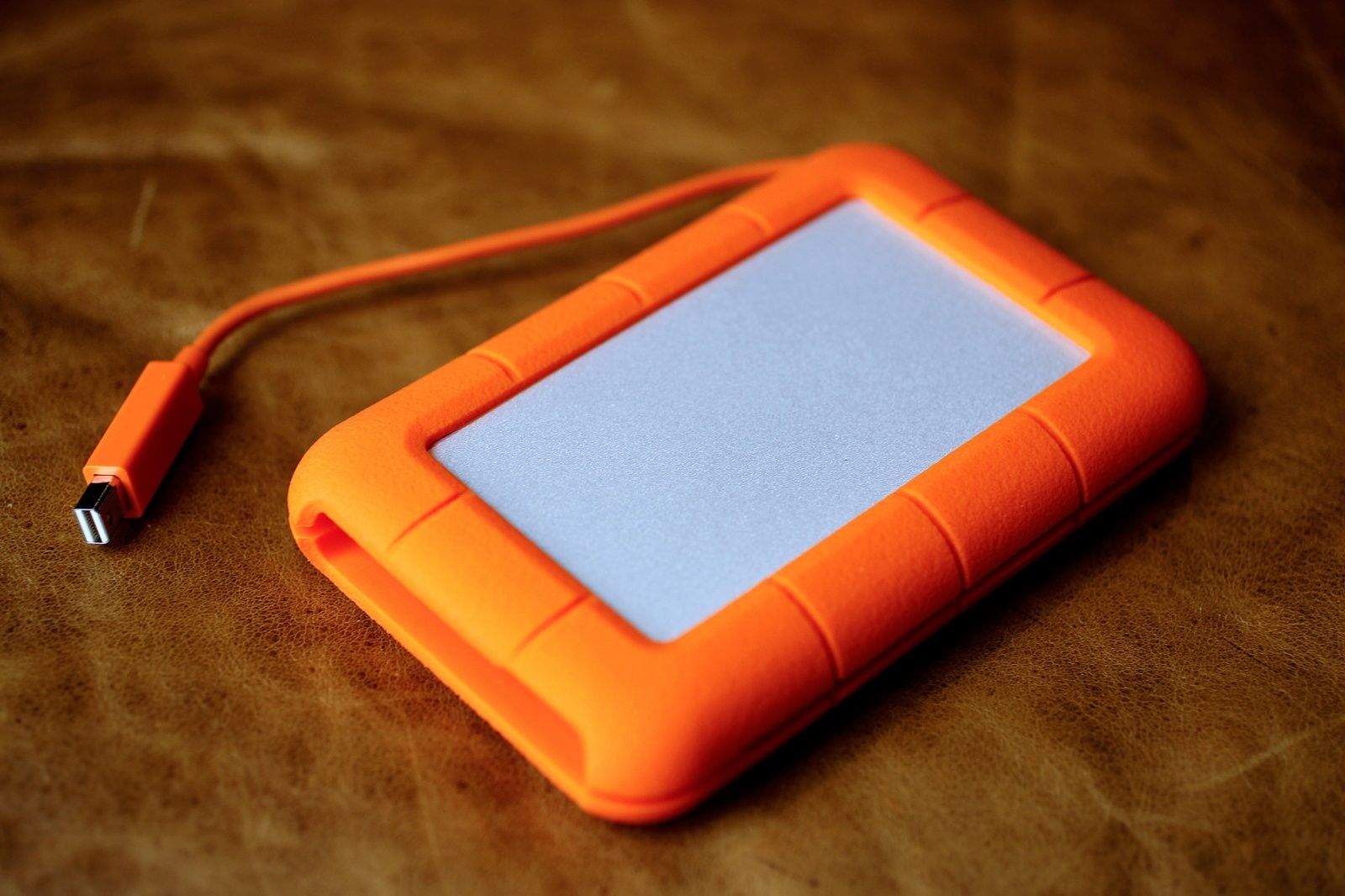
I’ve been using a USB 3 external hard drive to backup my Macbook Pro for a while now, and have been pleased with its reliability and fast data transfer speed. I also love that it powers itself via the USB port, letting me live a little more power cord free.
When I received the LaCie Rugged Thunderbolt SSD drive for review, I thought, “well, it’s pretty, but how much better can it be?” It’s just as small, powers itself via Thunderbolt (or USB) and has plenty of space on it, just like my current drive.
Then I ran a few tests and pulled up a drive speed test app on my Mac. I was blown away by the speed difference. This is one blazing fast hard drive. And, yeah, it still looks great.
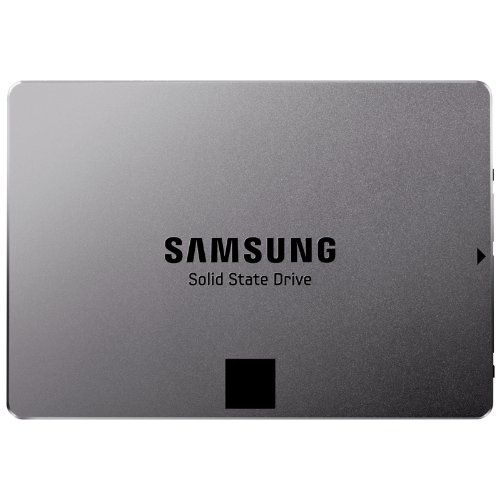
If you’re looking to upgrade your Mac with a high-capacity solid-state drive (SSD), this 1-Terabyte Samsung EVO-Series SSD on Amazon is a great deal. Normally $849.99, it’s just $514.99 and free shipping.
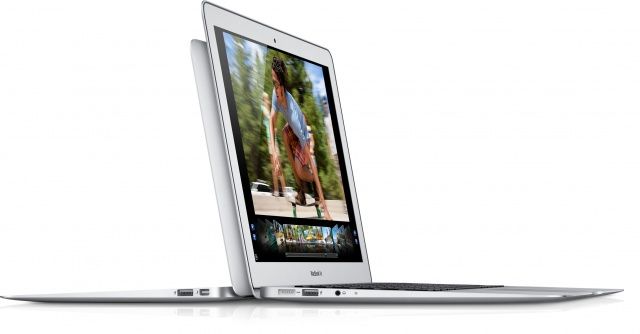
Apple just released a new firmware update for mid-2012 MacBook Air owners. The release notes say that Apple recently discovered that a small percentage of flash storage drives in these models may have an issue that could cause data loss.
The update, available here, tests your drive and should, if there’s a problem, install new firmware to prevent the issue from happening to you.
If your drive can’t be updated, Apple will replace it free of charge. That’s big news.
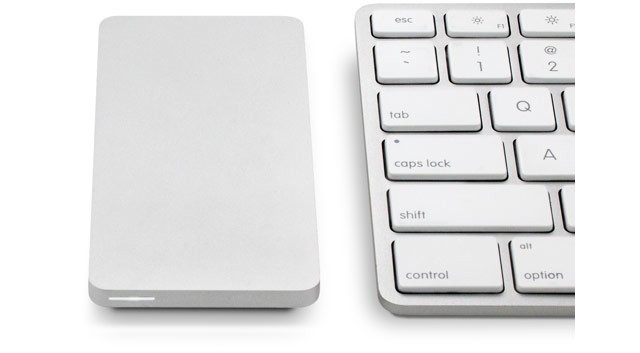
I love the look of OWC’s Envoy Pro EX. It’s a tiny external USB 3 drive which makes even a pocket HDD look bulky, and it packs a 240GB or a 480GB SSD, making it as fast as you’ll ever need.
But there’s one small problem: even the little one is $315, and the 480-gigger is almost $600. Ouch.
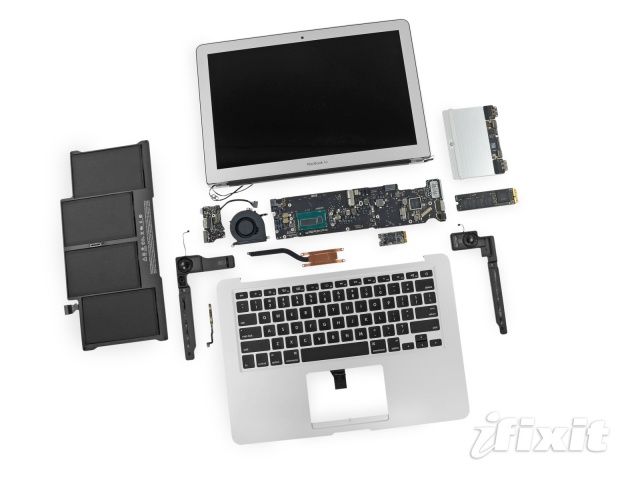
At a glance, Apple’s latest MacBook Air notebooks appear identical to their predecessors, but when you take a look under the hood, there are some obvious differences. Not only do they boast Intel’s latest Haswell processors, but they also have larger capacity batteries and smaller solid-state flash drives.
Saving space on your Mac’s hard drive is more important than ever, especially if you use one with a faster but smaller solid-state drive in it, like my MacBook Air. Being able to manage your space wisely is the key here, and once you’ve done the obvious things, like pare down your Applications folder and delete all those iMovie source files, it’s time to get tricky and a bit advanced. If you’re using a MacBook Pro M1, optimizing storage is even more crucial to ensure you get the best performance from your device.
Here’s five things that you can do to get rid of hard drive bloat, if you dare.
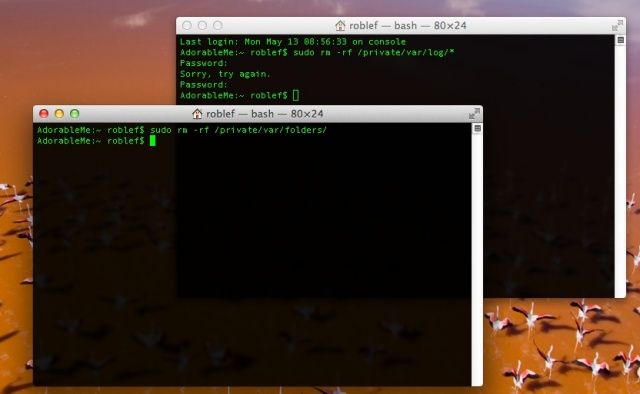
There are many files that help make your system usable, but they can build up over time. System logs, for example, keep track of usage, errors, and services running on your Mac, but unless you look at these often via an app like Console, you’ll probably not need a ton of log files taking up space on your Mac, especially if you have one with a low-volume SSD.
QuickLook cache files make your Mac feel zippy when you hit the spacebar to preview files in the Finder or Open/Save dialogs. If you can stand a bit of a wait to do this, deleting these files can save you some space as well.
Put together, you might save a decent amount of space on your hard drive, so give it a shot. Here’s how.
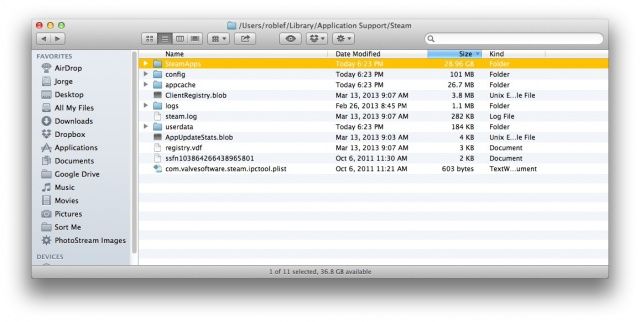
I suppose since I’m a gamer, I assume everyone else is. If you’re not, or you don’t use the fantastic cross-platform digital gaming portal, Steam, this tip won’t apply to you. Check out the last couple of tips for great space saving ideas, instead. Or, heck, read a review or two on Cult of Mac. I hear they’re pretty good.
For you Steam gamers looking to save some space on your hard drive, there’s one place you should really look.
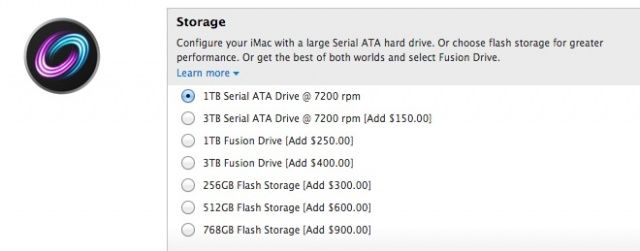
Up until now, if you wanted a new 21.5-inch 2012 iMac from Apple, you had pretty dim prospects when it came to storage: your only options were a a stinky 1TB 5400RPM hard drive, or spending an additional $250 on a 1TB Fusion Drive. There were no options for a pure flash storage iMac, and on the 27-inch iMac side, things weren’t much better: the only thing you could opt for in a build-to-order iMac was a $900 768GB SSD.
That’s all changed for the better now, though. Apple has quietly updated build-to-order options across its iMac line to allow you to replace your new iMac’s 1TB hard drive with a 256GB or 512GB SSD for $300 and $600, accordingly. That’s actually pretty expensive for an SSD — which cost about $0.66 per GB on Amazon right now — but given what a royal pain-in-the-neck performing any surgery on Apple’s glued shut new iMacs is, it’s your only real option if you want a flash drive in your iMac.
Source: Apple.com
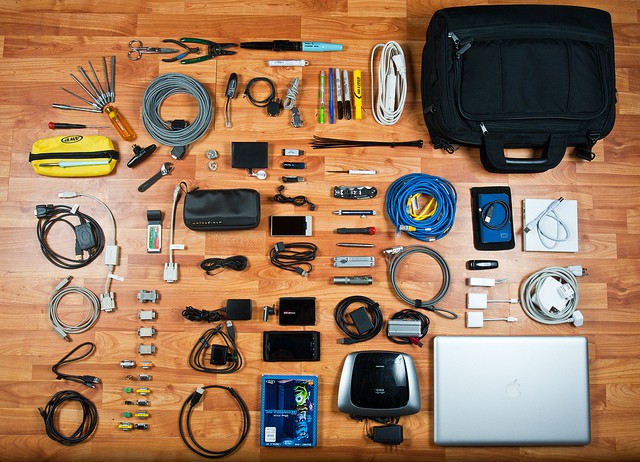
I recently switched to a MacBook Air for writing, and it is easily the best Mac I’ve owned in terms of speed and comfort. But, like the sports car your friends assume you’ll sell now that you have kids on the way, the Air is also lacking in space1.
Now, I’m using this 128GB (with 4GB RAM) 13-inch MacBook Air primarily for work, but that doesn’t mean I want to ditch my music, TV shows and photos altogether. Luckily, with modern Internet™ Technology™ I don’t have to. I can use cloud services and a little judicious tidying to make my New York walkup-sized MacBook Air feels like a mansion.