Sabrent’s new portable Rocket Nano XTRM External SSD features blazing-fast data-transfer speeds via Thunderbolt 3, the company said Thursday.
Tiny new 1TB SSD is rocket-fast
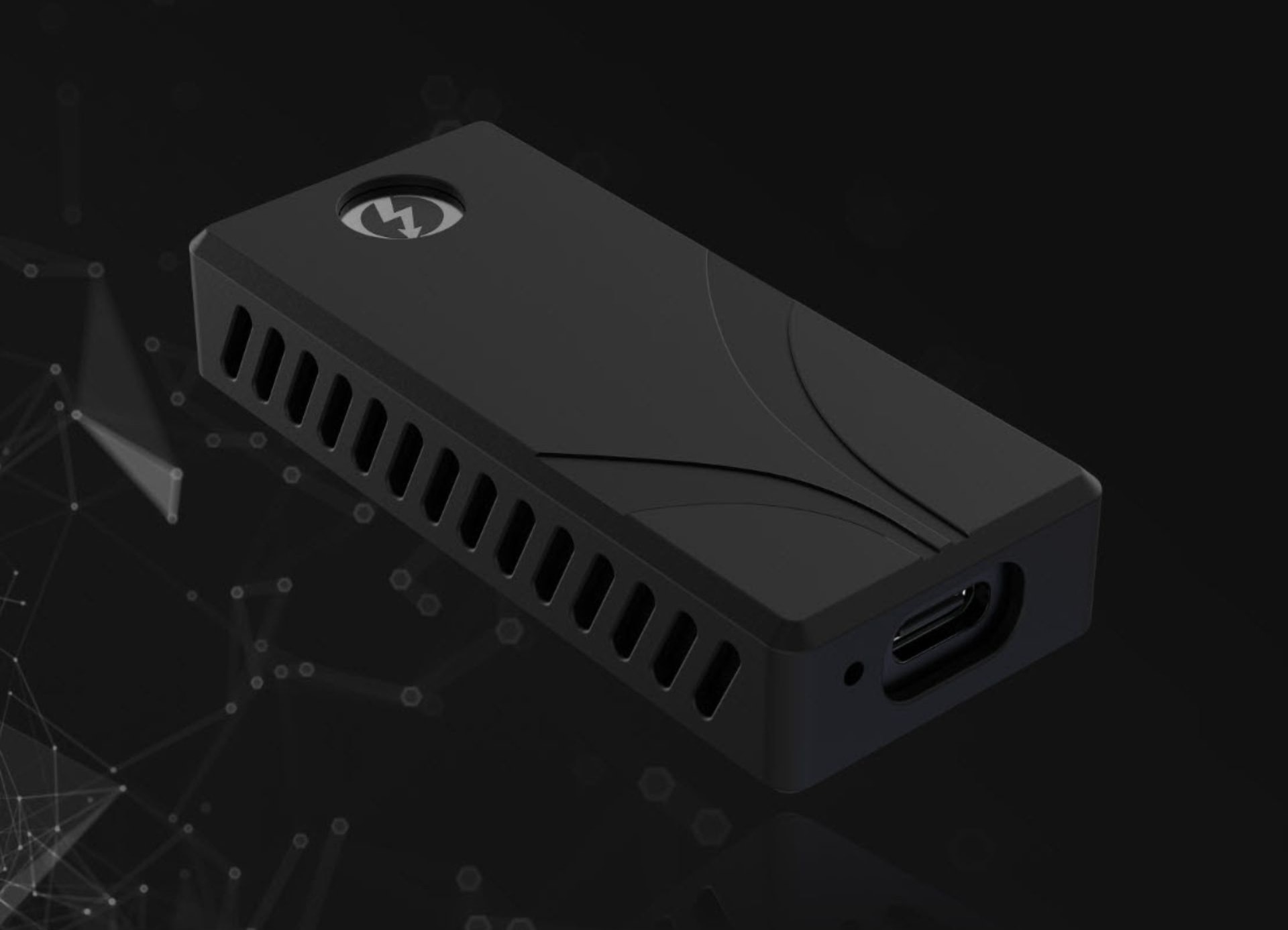
Photo: Sabrent

Sabrent’s new portable Rocket Nano XTRM External SSD features blazing-fast data-transfer speeds via Thunderbolt 3, the company said Thursday.
 ★★★★☆
★★★★☆
The Kingston IronKey Vault Privacy 80 External SSD includes a touchscreen and hardware encryption to protect user data. Unlock it by tapping in a password or numeric passcode onto the touchscreen.
It’s available in capacities ranging from 480GB to nearly 2TB. And it’s accessible from just about any device with a USB port — no special software needed.
I went hands-on with the secure SSD. Here’s why I like it.
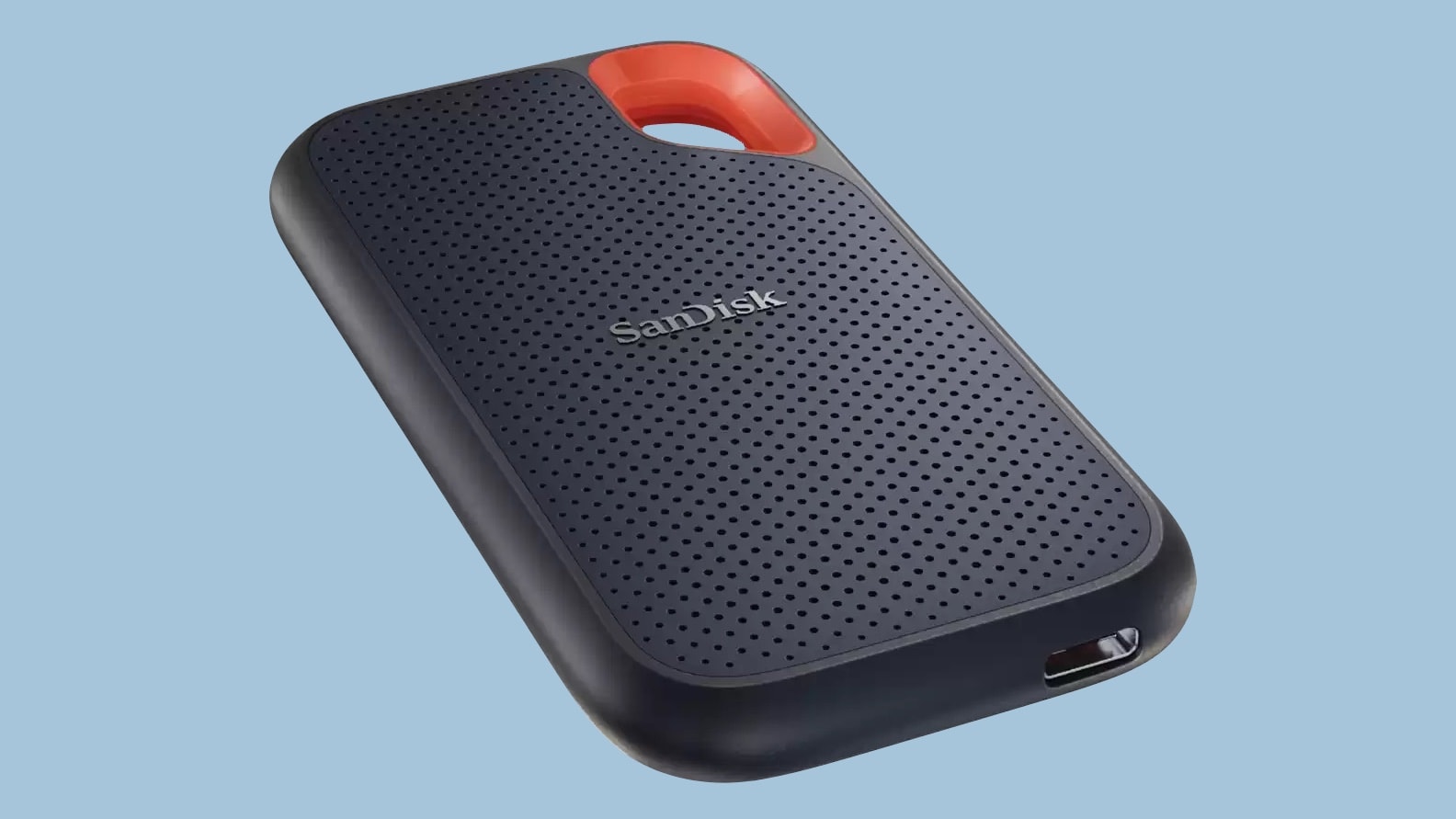
The SanDisk 4TB Extreme Portable SSD cost a jaw-dropping $699 when it launched. You can now pick it up for a third of that original cost: $229. Amazon also offers similar deals on smaller-capacity versions for a limited time.
These external drives promise data-transfer speeds up to 1,050 MBps over a USB-C connection, and work with Mac and iPad.
UPDATE: Published reports indicate this SSD has a high failure rate, which might explain why it’s on sale. Buyer beware.
 ★★★☆☆
★★★☆☆
The UGR Tech Portable SSD External Hard Drive 2TB offers a lot of storage for an exceedingly low price — it’s available from Cult of Mac Deals for just $34.99. I could even call that a suspiciously low price, because rival USB-C drives sell for about four times as much. So I ordered one and tested it out.
I discovered why the external SSD is so very cheap, but also that it’s not a scam or a ripoff … as long as you understand the significant speed limitation of this 2TB drive.
(Update: This incredibly popular 2TB external SSD sold out multiple times in 2023. Now it’s back in stock at Cult of Mac Deals, although the price has gone up to $44.97.)
 ★★★★☆
★★★★☆
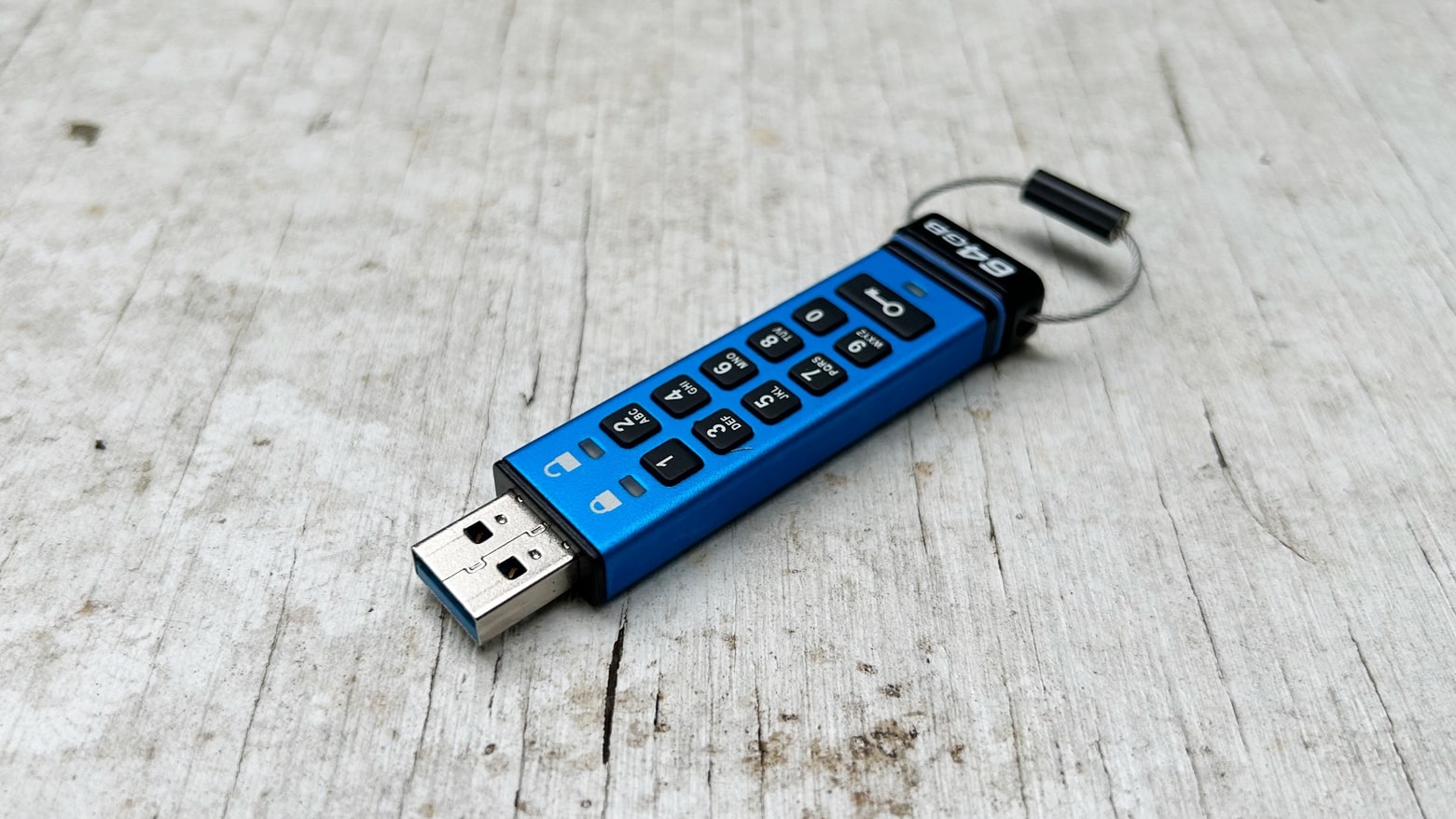
The best way to be sure no one is accessing your files is to lock them on an encrypted drive. The Kingston Ironkey Keypad 200 includes built-in keypad so you can easily unlock the USB drive when it’s time to access your stored information.
I put the mini-SSD to the test in my home office. Read on to see how well it stood up use with a variety of computers and other devices.
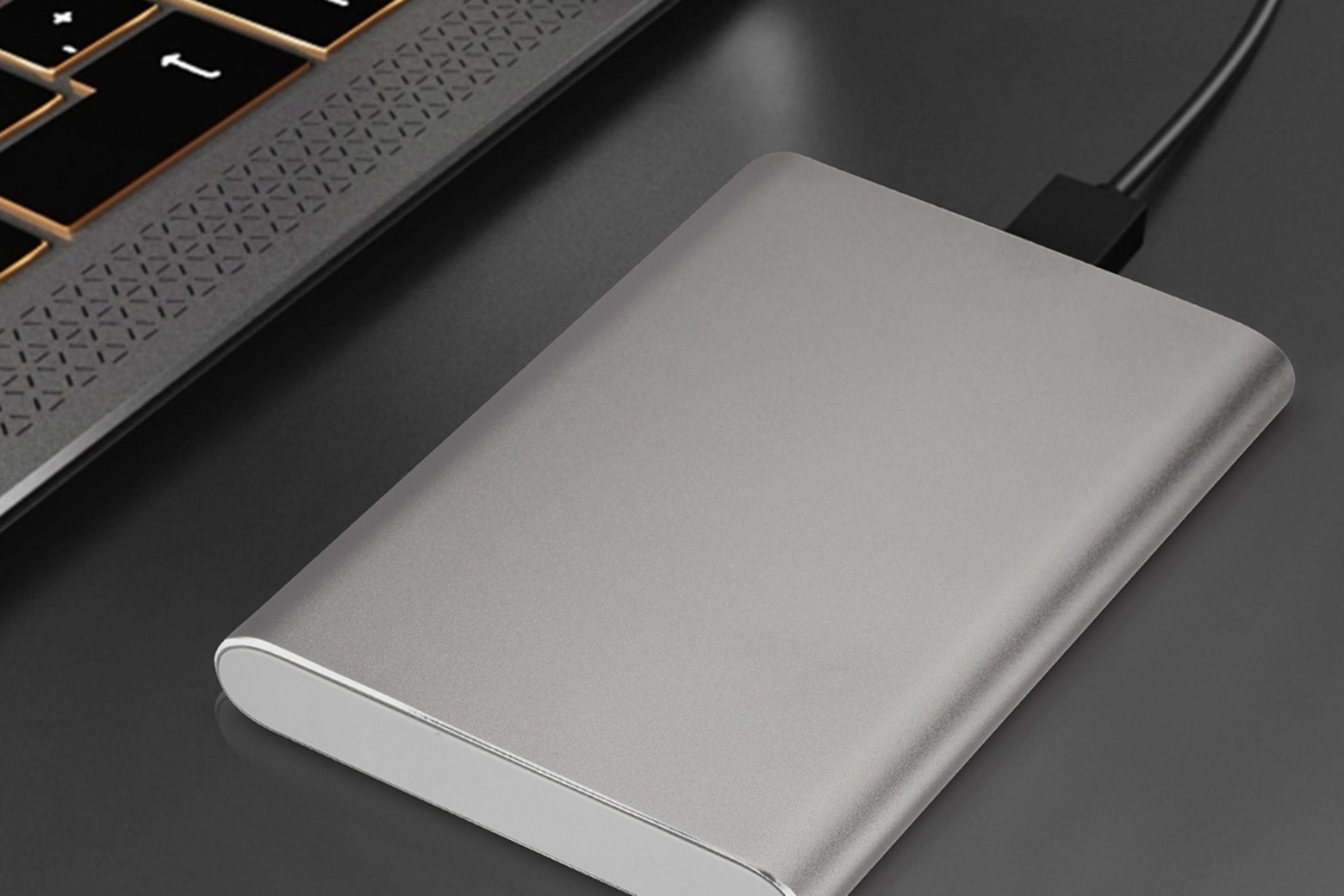
When you treated yourself to your current Mac or MacBook, did you spring for a model with extra storage space? If you didn’t and you’re running out of space, you could pay a monthly fee for iCloud.
Or, pay just one time and get this 1TB external drive for just $49.97, normally $63.
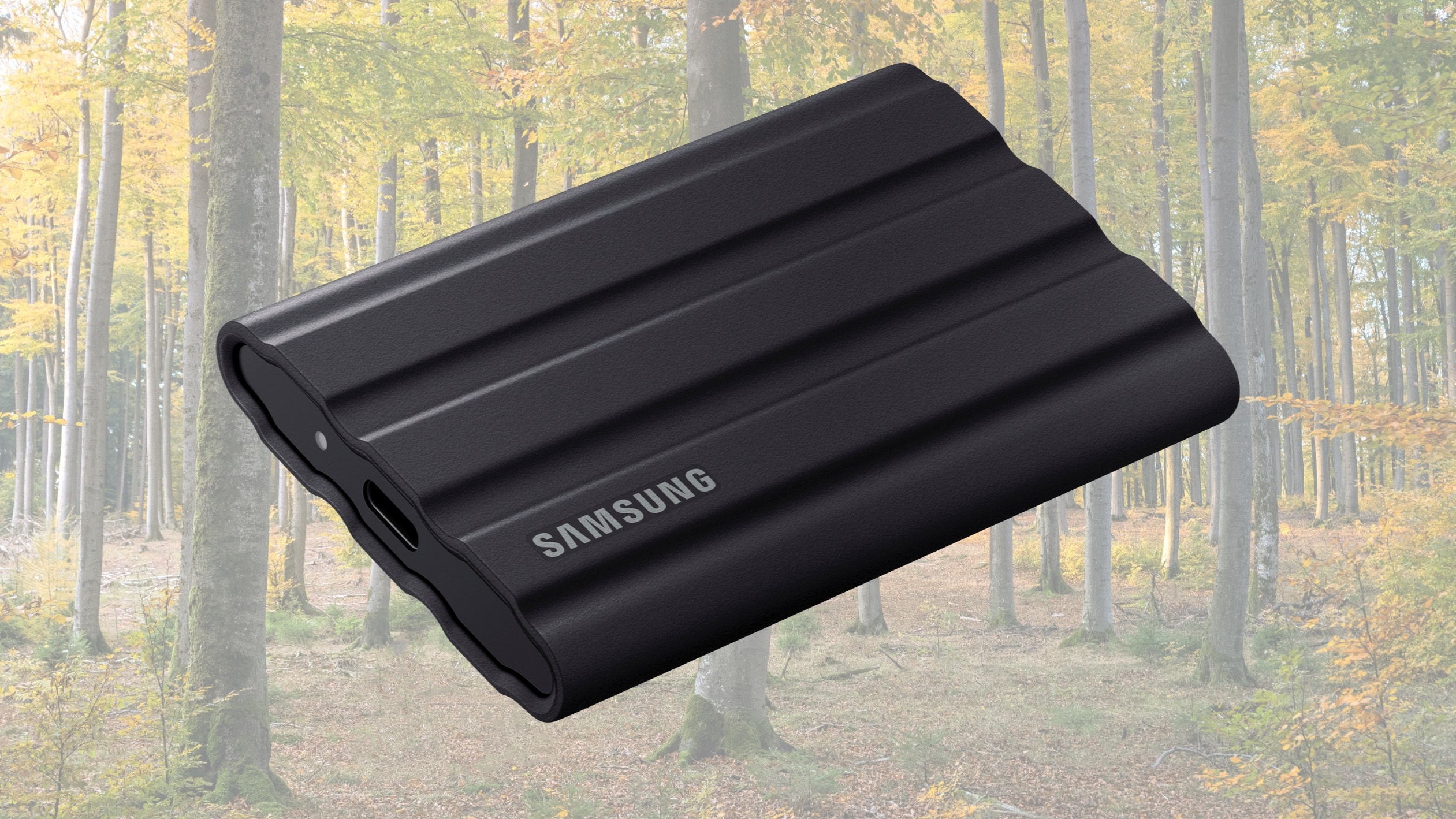
The Samsung T7 Shield is a credit-card-size external SSD designed to survive drops, rain and dust. The 1TB version is currently down to $79.99 on Amazon — half the cost it was when the solid-state drive launched a year ago.
And there are deals on the 2TB and 4TB versions, too.
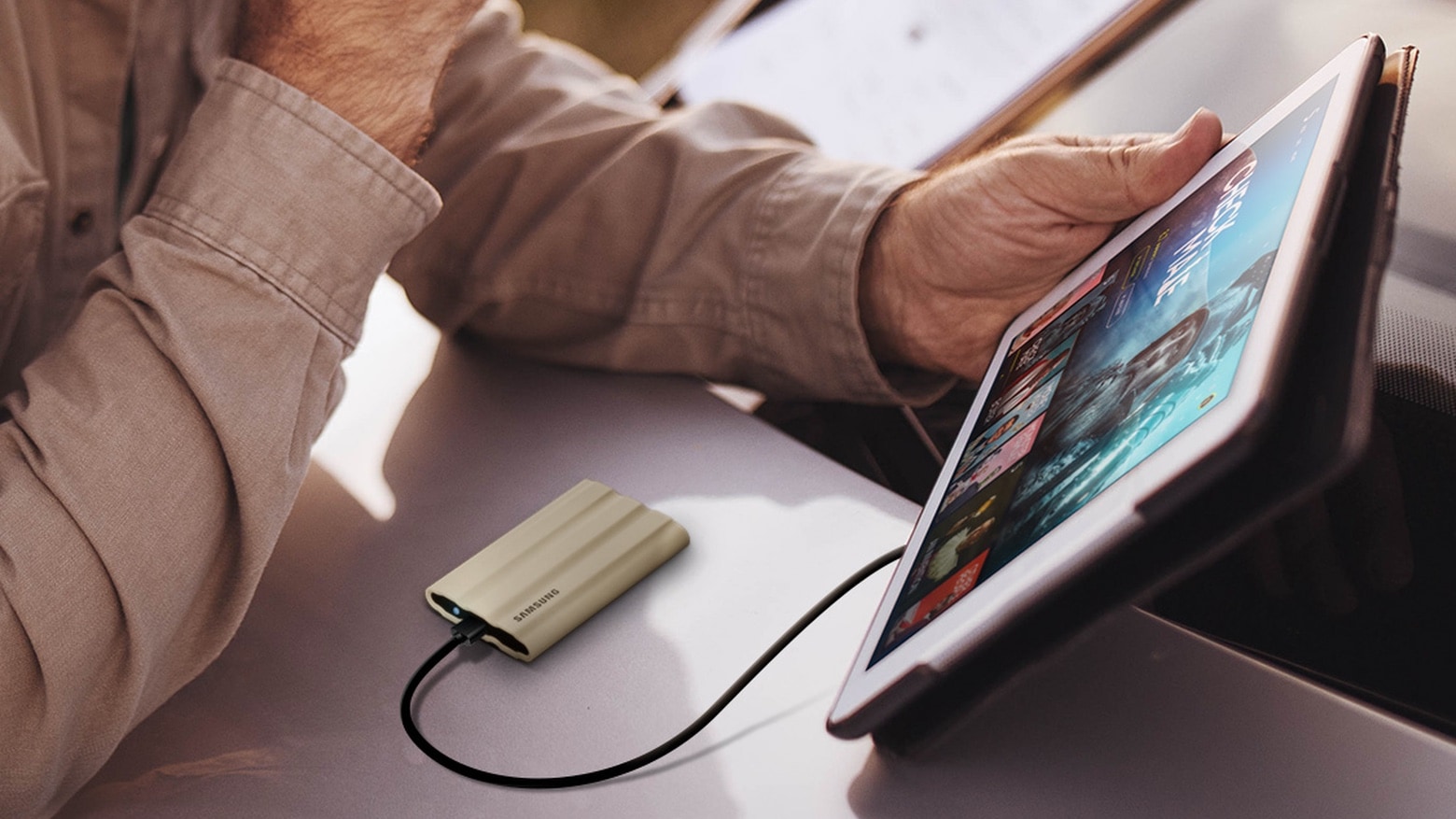
Several companies, including Samsung and Western Digital, have cut prices on SSDs and memory cards for World Backup Day. Save up to $80 on the rugged Samsung T7 Shield, while the SSD that’s WD’s closest rival is also on sale.
A 1TB SanDisk microSD card is surprisingly affordable. And the JetDriveLite specially made for MacBooks card readers is available at a discount, too.
Some of the deals are only available on March 31, so don’t procrastinate.
The Samsung T7 Shield rugged SSD launched in 2022 with a maximum of 2TB of capacity and is now available with twice that.
T7 Shield is a a credit-card size external SSD intended for outdoor content creators or travelers. It works with Mac and iPad plus a wide variety of devices.

The holiday season is fast-unfolding, and Christmas will be here before Hermey the elf from the classic Rudolph the Red-Nosed Reindeer can say “Well, sir, someday I’d like to be a dentist.”
So it’s time to act fast if you want to get a gadget-y gift for the techie or geek in your life in time for deliveries by December 25. Check out some cool ideas below.
They’re all small enough to fit in a stocking; prices range from a cheap $20 to a few hundred bucks (for those very special stockings). And there’s plenty more good stuff in the Cult of Mac Store.
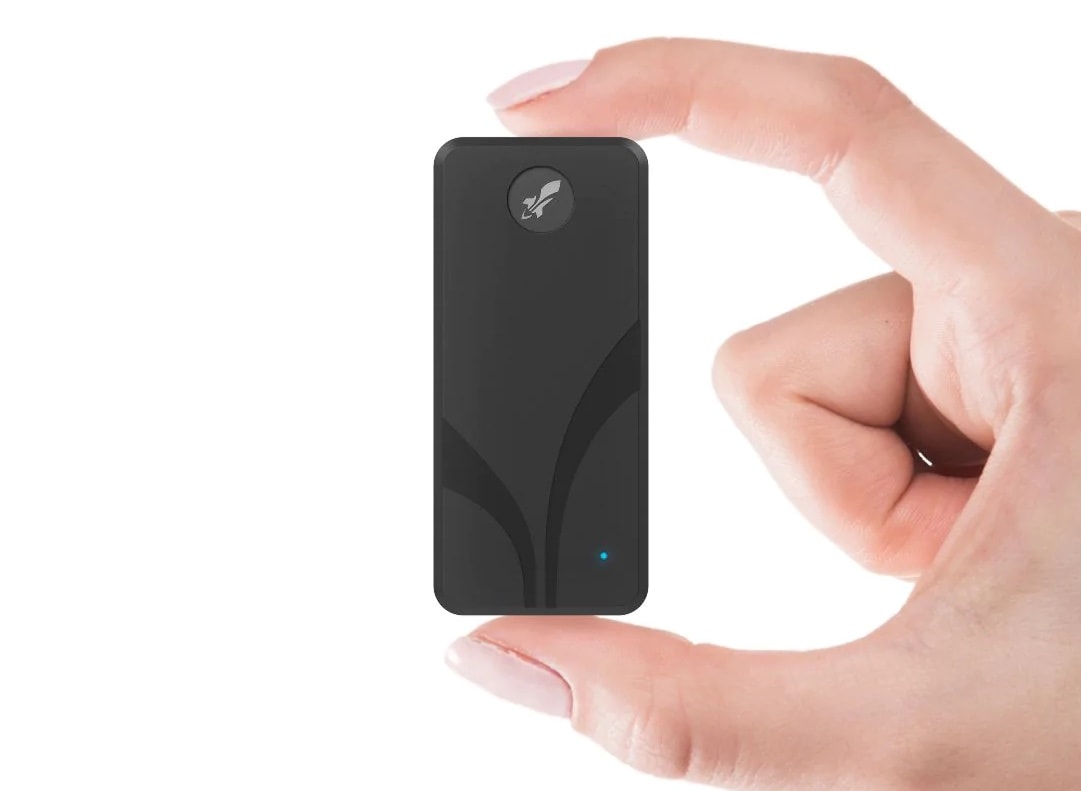
Just ahead the holidays, Sabrent offered a new set of solid state drives (SSD) that could be a perfect little gift for any techie on your list — the updated Sabrent Rocket Nano V2.
The redesigned version, no larger than a “fun-sized” candy bar, supports fast data transfer speeds and can store up to 4TB. And they can fit in someone’s pocket.
 ★★★★★
★★★★★
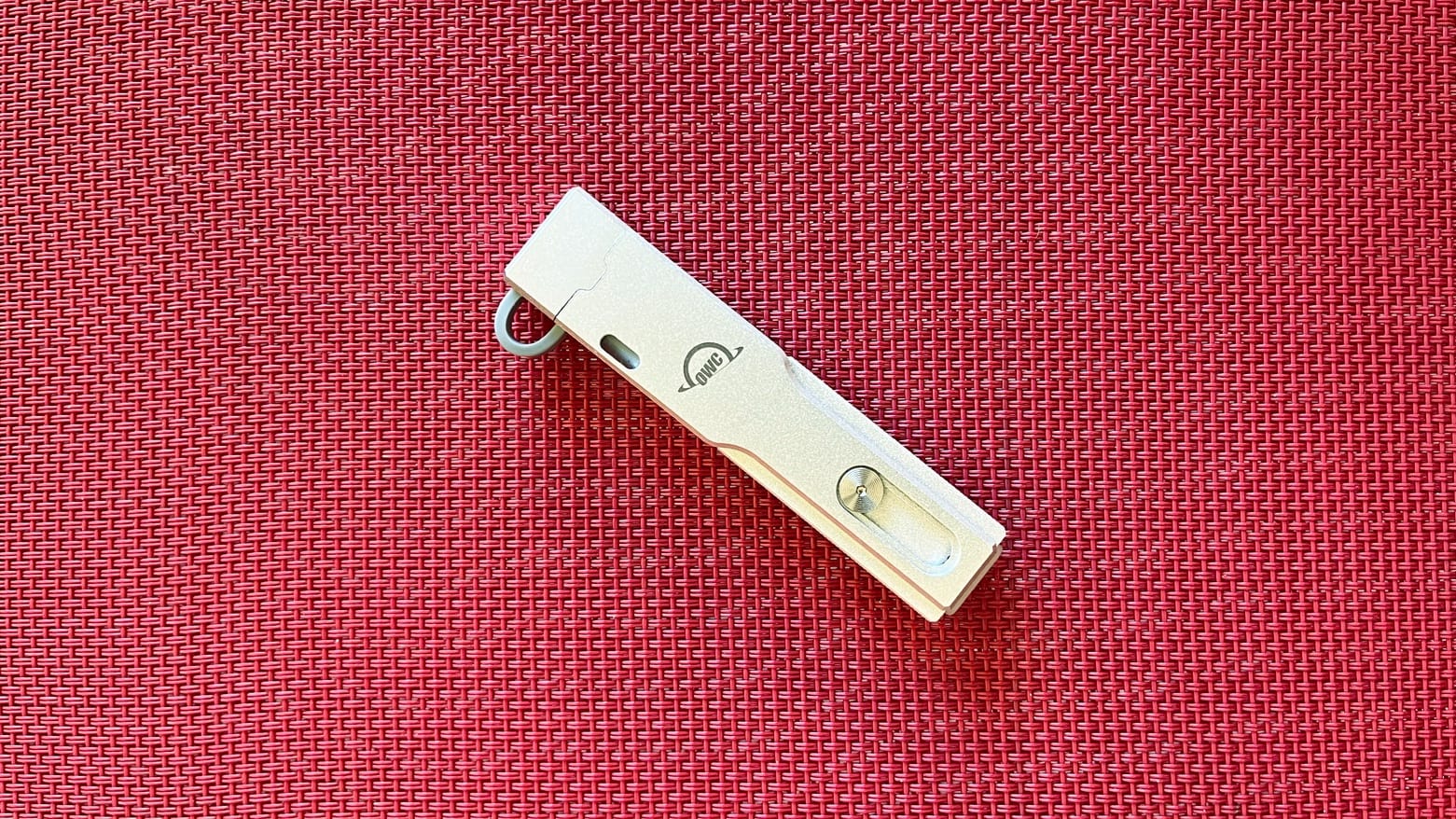
The OWC Envoy Pro mini is a small external SSD with both USB-C and USB-A connectors so it works with Mac and iPad but also Windows, Android and more. It’s rugged, fast and comes with up to 1TB of storage.
I ran the tiny drive through a battery of tests. It passed with flying colors.
 ★★★★★
★★★★★
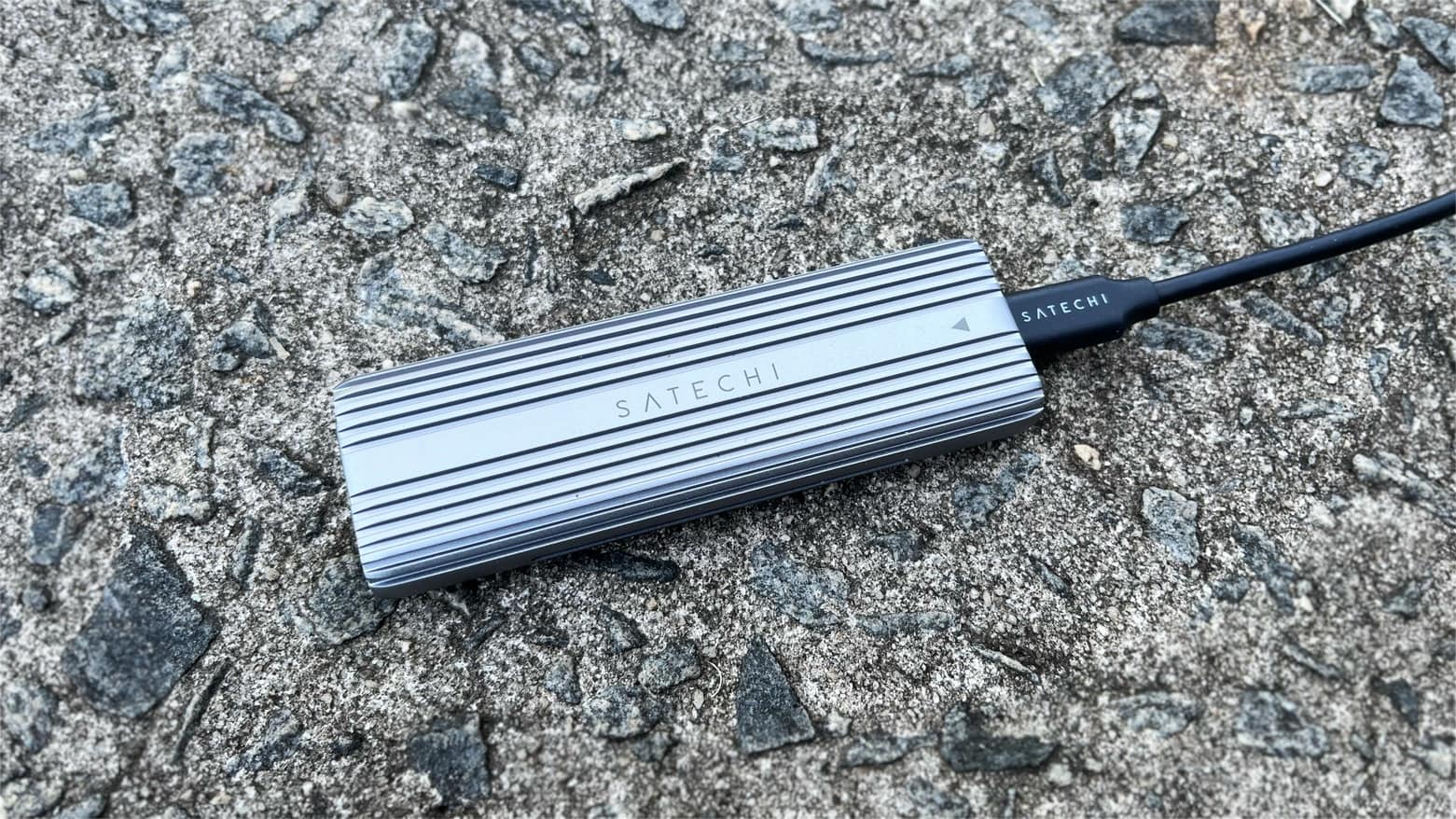
The Satechi USB-C Aluminum Tool-Free Enclosure allows M.2 PCIe NVMe and SATA solid state drives to be easily added to a Mac or iPad. The rugged enclosure includes a USB-C port for wide compatibility.
I installed an SSD into Satechi’s enclosure and tested it in my home office. It was as simple as one could hope.
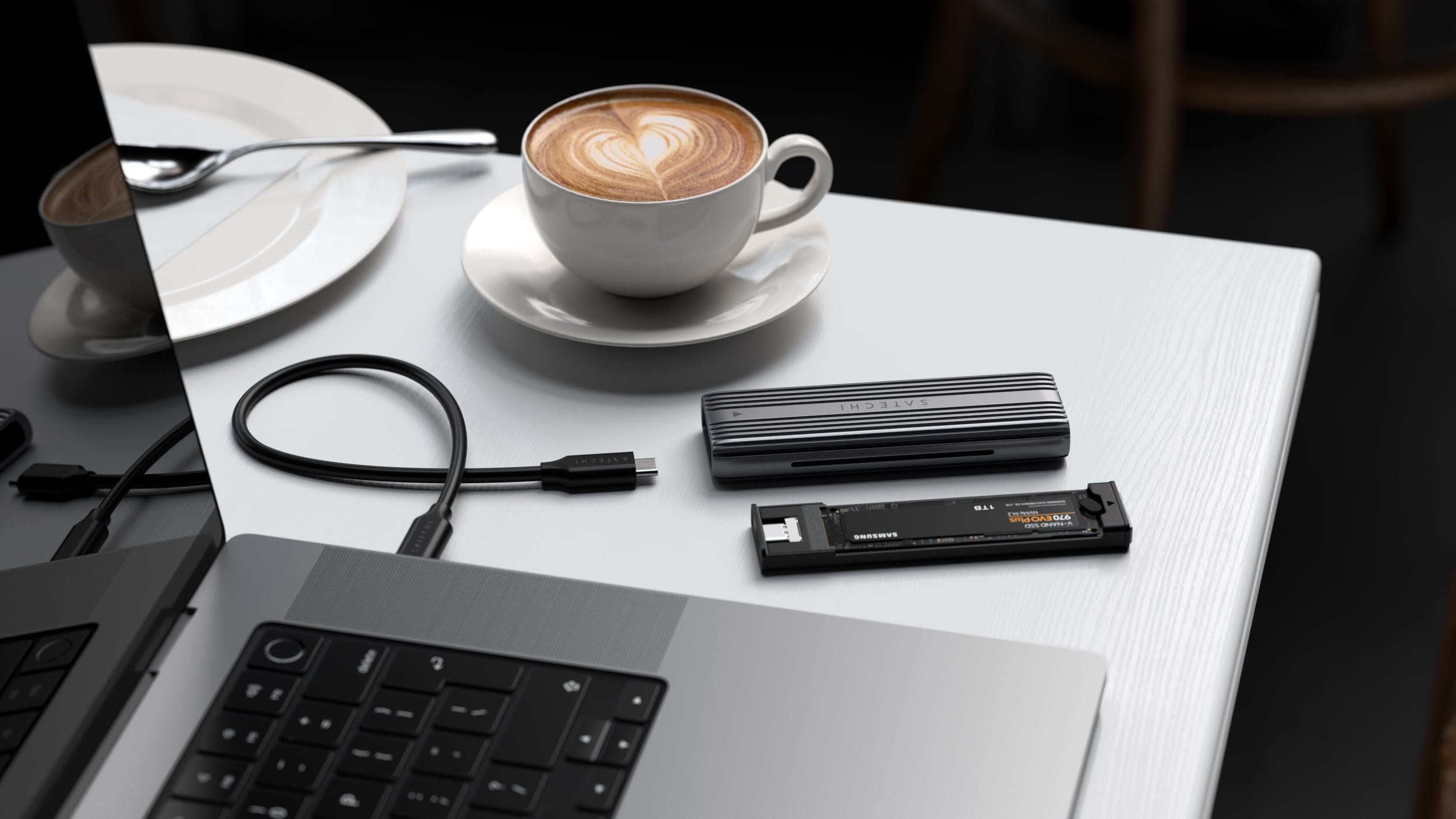
The Satechi USB-C Aluminum Tool-Free Enclosure allows M.2 PCIe NVMe and SATA solid state drives to be easily added to a Mac. Place the SSD in the rugged enclosure and it’s ready to plug into a laptop or desktop’s USB-C port.
The accessory launched Tuesday and is available to purchase now.
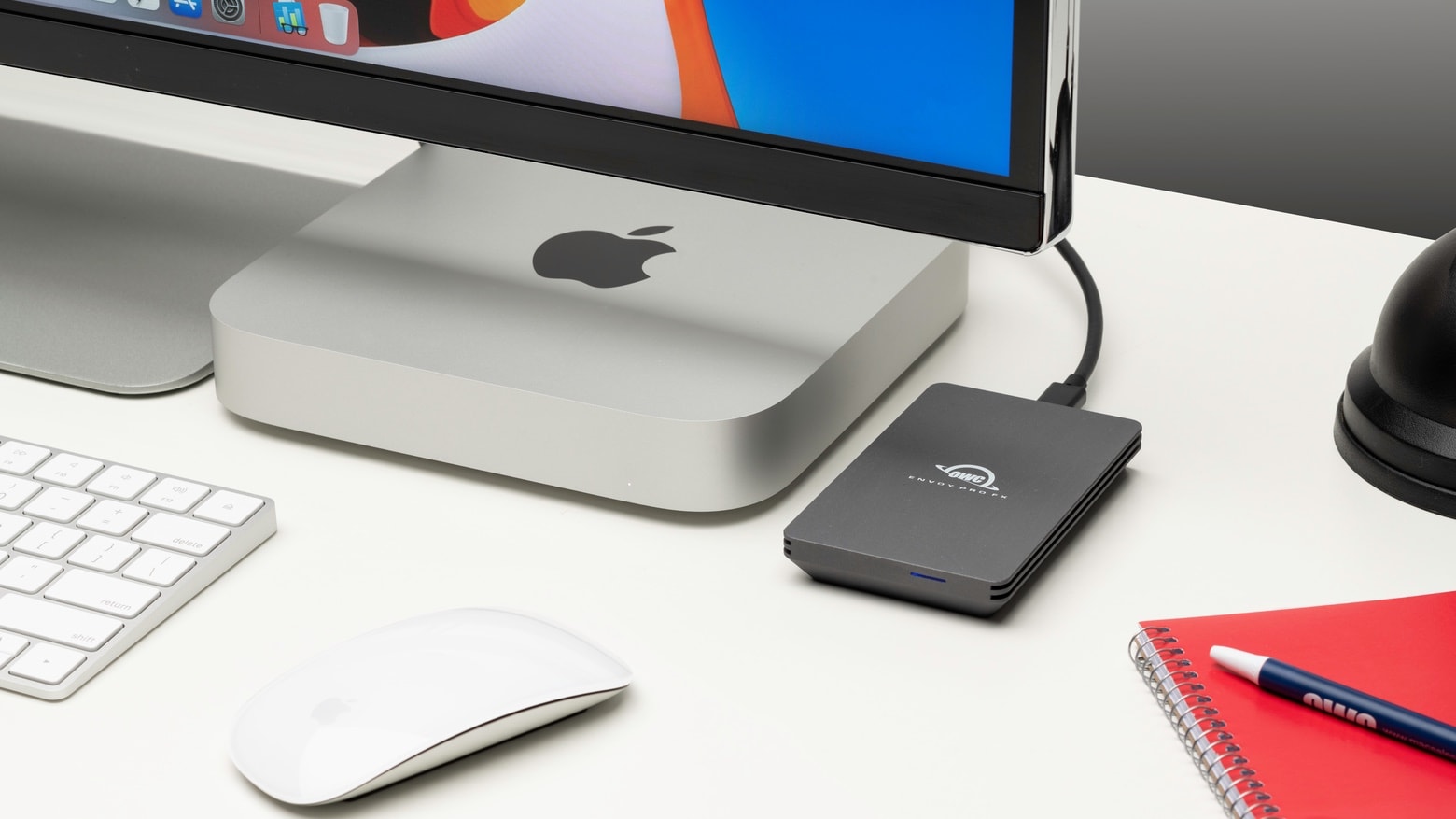
The OWC Envoy Pro FX is a very rugged external SSD that previously topped out at 2TB, but is now available with 4TB of storage capacity.
The solid state drive is dustproof, drop-proof, and waterproof. It’s compatible with Mac, iPad, and many other devices. Plus, it supports Thunderbolt as well as USB connections.
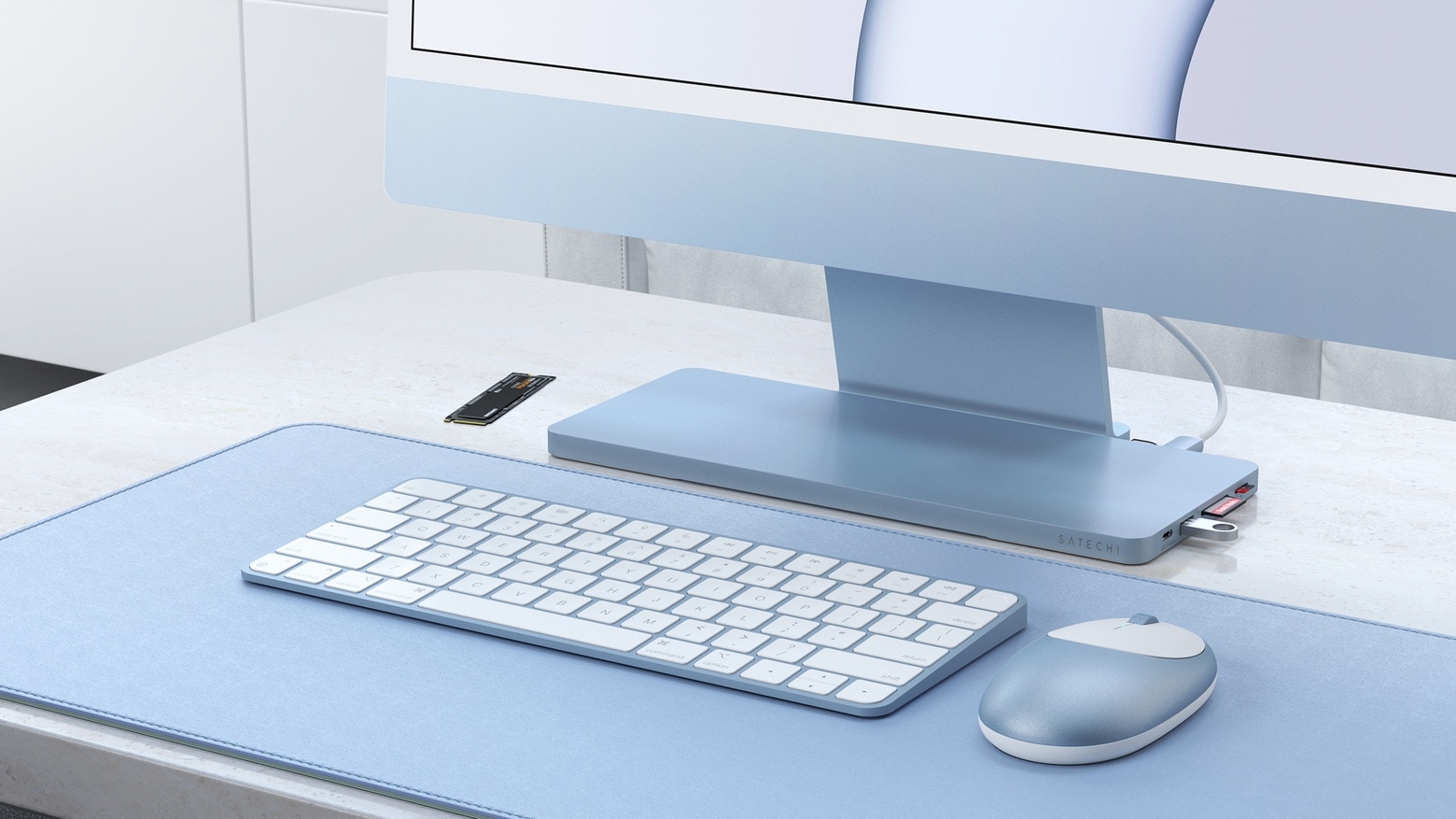
Satechi’s USB-C Slim Dock sits on the stand for the 24-inch iMac and adds six frequently-used ports. It also sports an enclosure for user-installed SSDs.
It launched Friday, and is available now for 20% off the usual price.
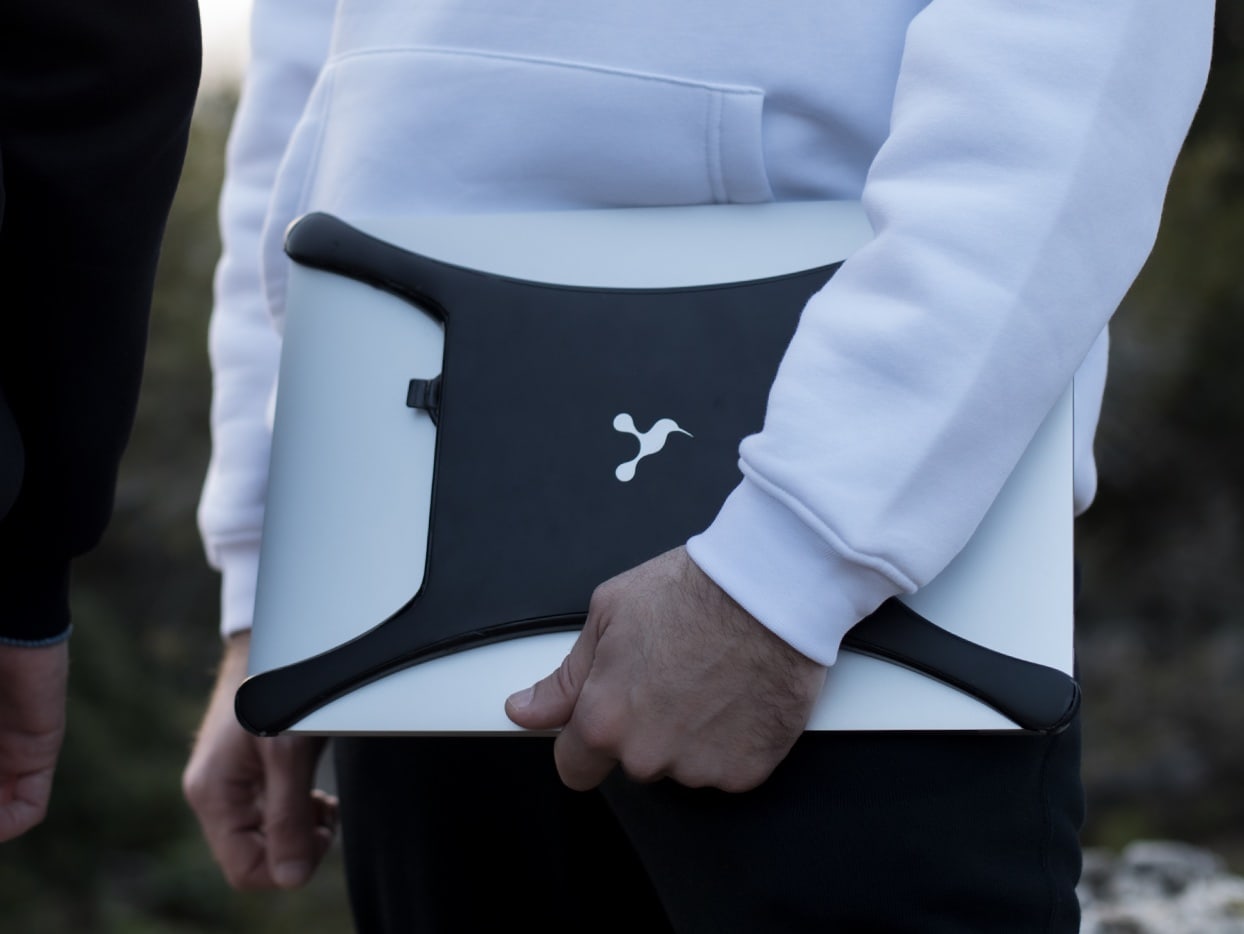
There are cases for MacBooks. And there are USB-C hubs. And external hard drives, too. Case X is all three of these. It clips to the top of the laptop, adding six extra ports and up to 4TB of additional storage.
Byrdbyte Creations’ product is still at the crowdfunding stage, though.
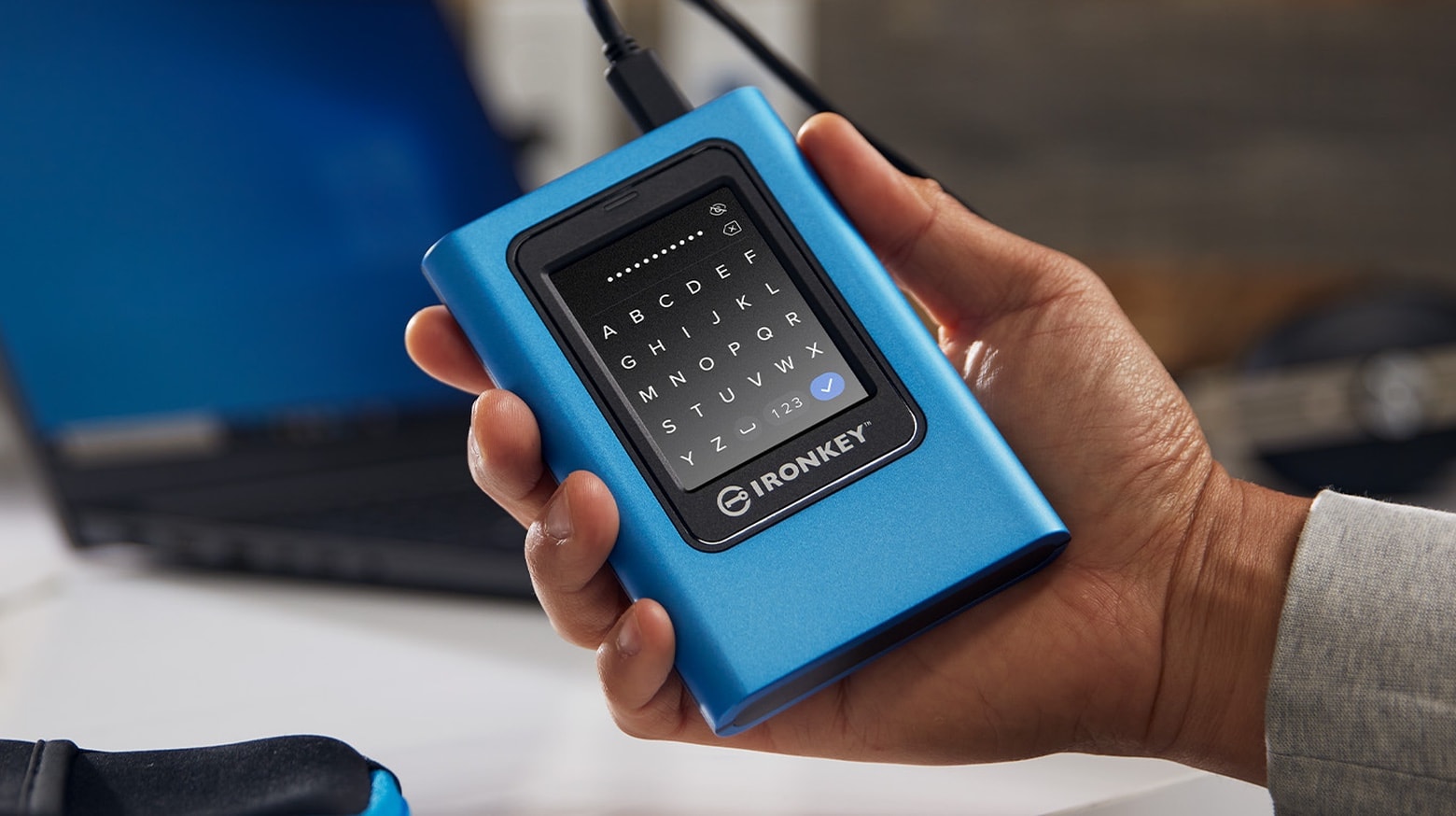
The Kingston IronKey Vault Privacy 80 External SSD includes a touchscreen and hardware encryption to protect user data. Unlock the XTS-AES 256-bit encryption by tapping in a password or numeric passcode onto the touchscreen.
It’s available in capacities up to 1920 GB.
The Samsung T7 Shield is a a credit-card size external SSD intended for outdoor content creators or travelers. It’s drop, water and dust resistant, and offers up to 2TB of capacity.
This new rugged version joins other SSDs in the Samsung T7 line.
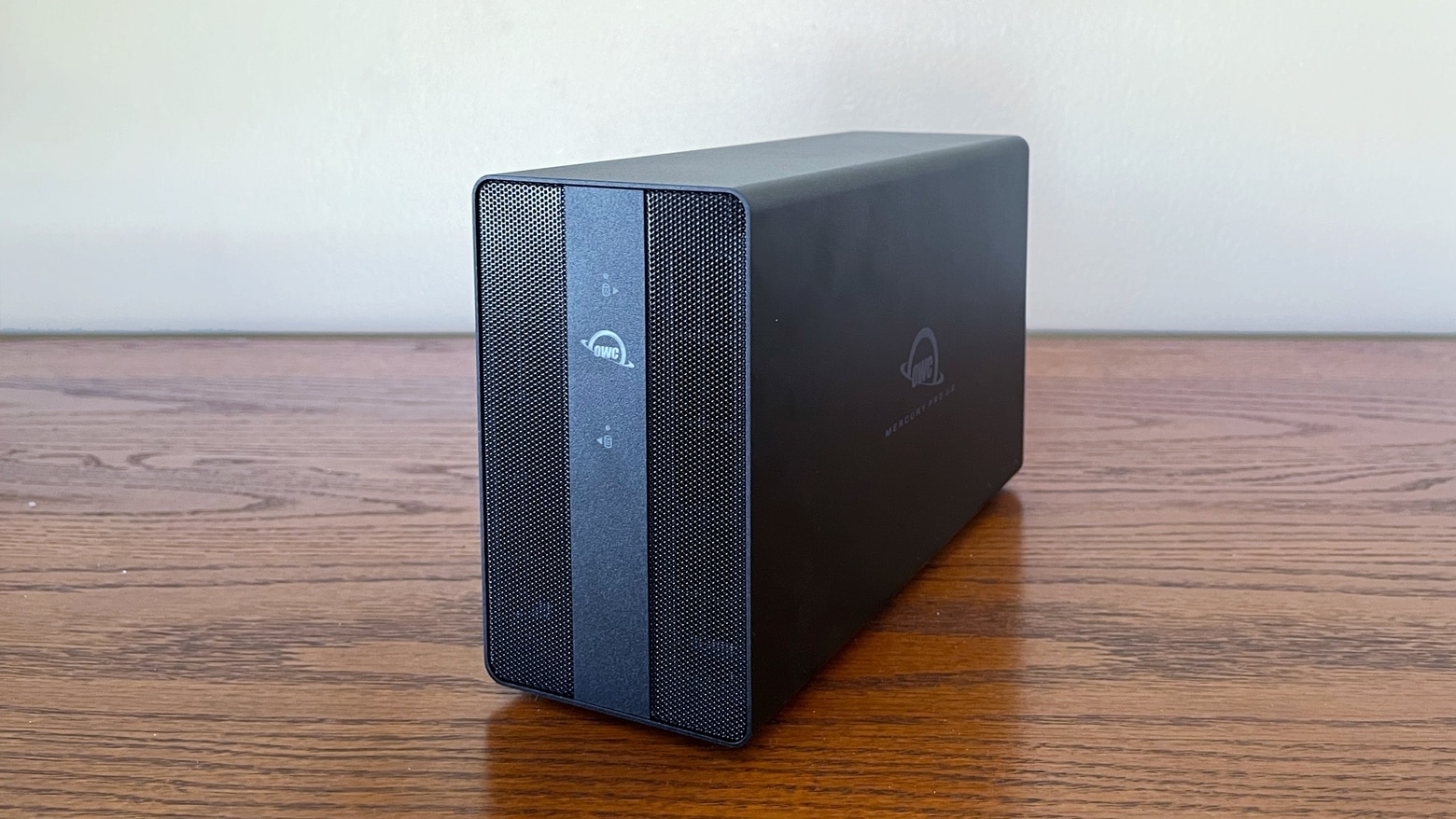
The OWC Mercury Pro U.2 Dual can handle up to eight U.2 SSDs. And it can be pre-configured with up to 64TB. That’s a lot of storage capacity. Or put in your own SSDs. And the external drive enclosure uses Thunderbolt for high-speed connections to your Mac. Plus there’s RAID support.
I put the drive holder through testing. Here’s what I found.
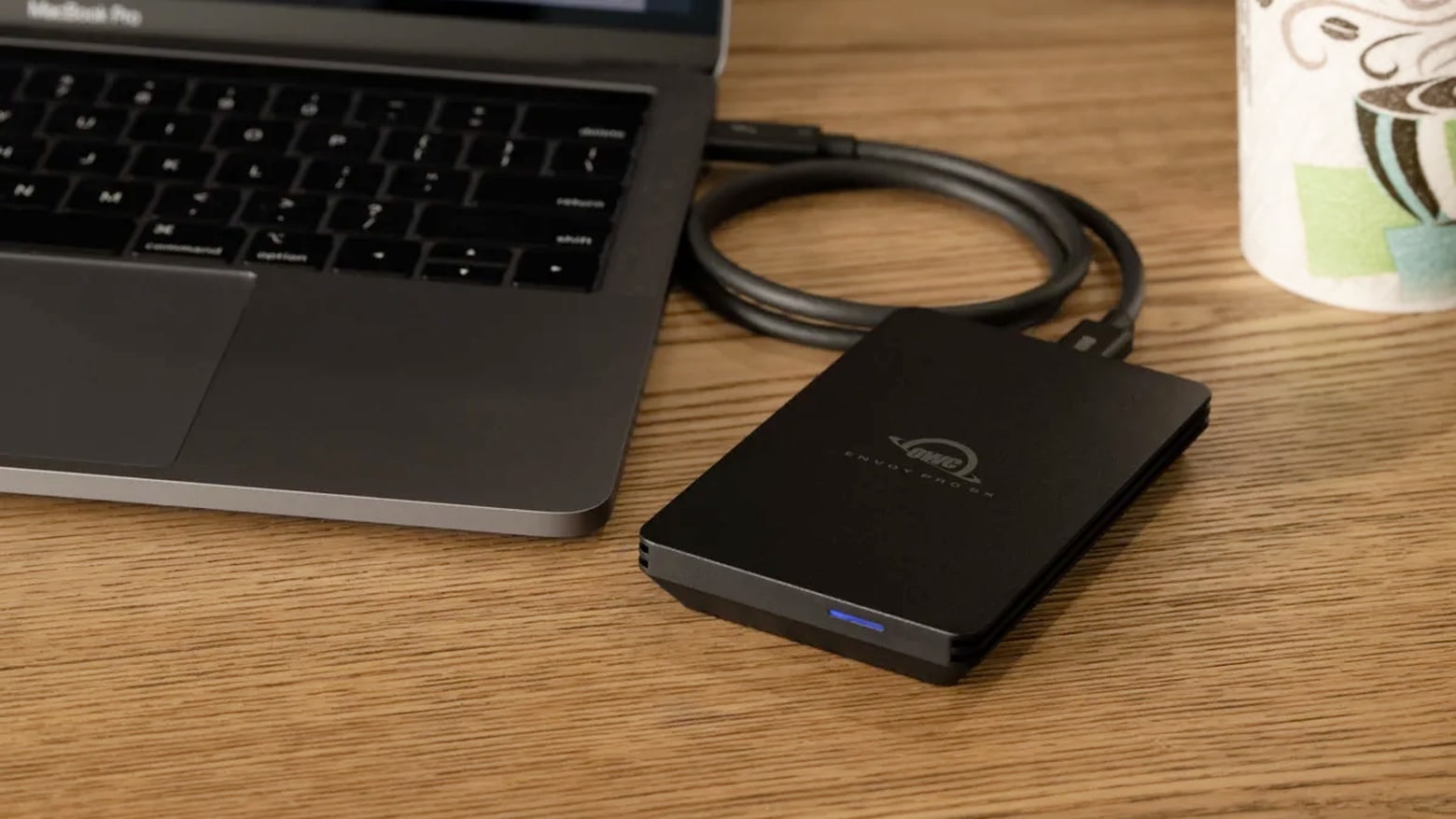
The OWC Envoy Pro SX uses Thunderbolt to provide the super fast data transfers that professionals need. And it’s drop-proof and waterproof so it can stand up to real life.
I put the 2 terabyte external SSD through testing. I’m impressed.
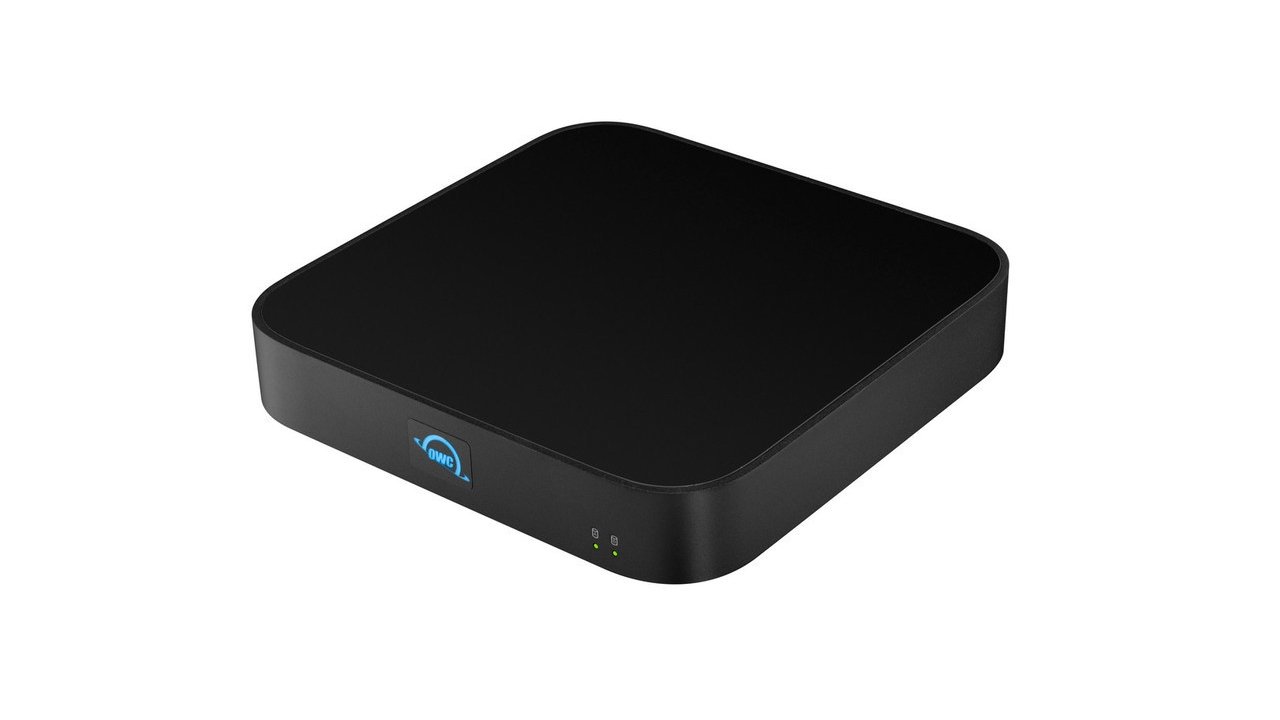
The new OWC miniStack STX hub stacks seamlessly with a Mac mini, adding storage capacity and a trio of Thunderbolt 4 ports. But it can be used to expand connectivity and add storage space to any Mac or iPad.
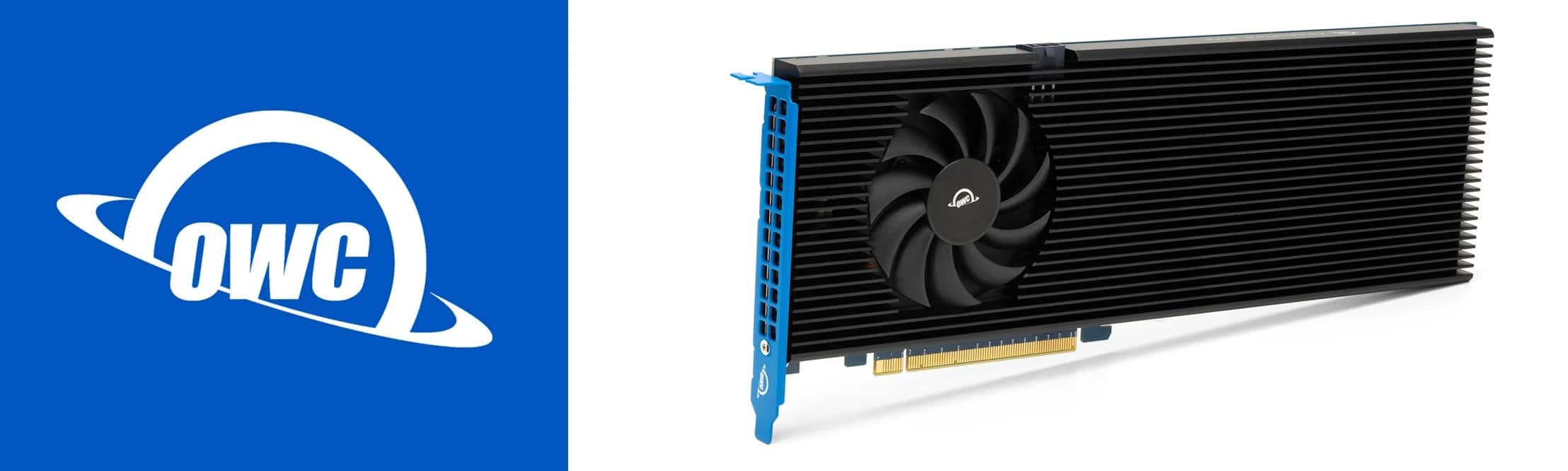
Memory and storage provider OWC rolled out its new Accelsior 8M2 PCIe solid state drive (SSD), calling it the “world’s fastest and highest capacity” storage system of its kind for your 2019 Mac Pro, or any Windows, Linux or PCIe expansion system.
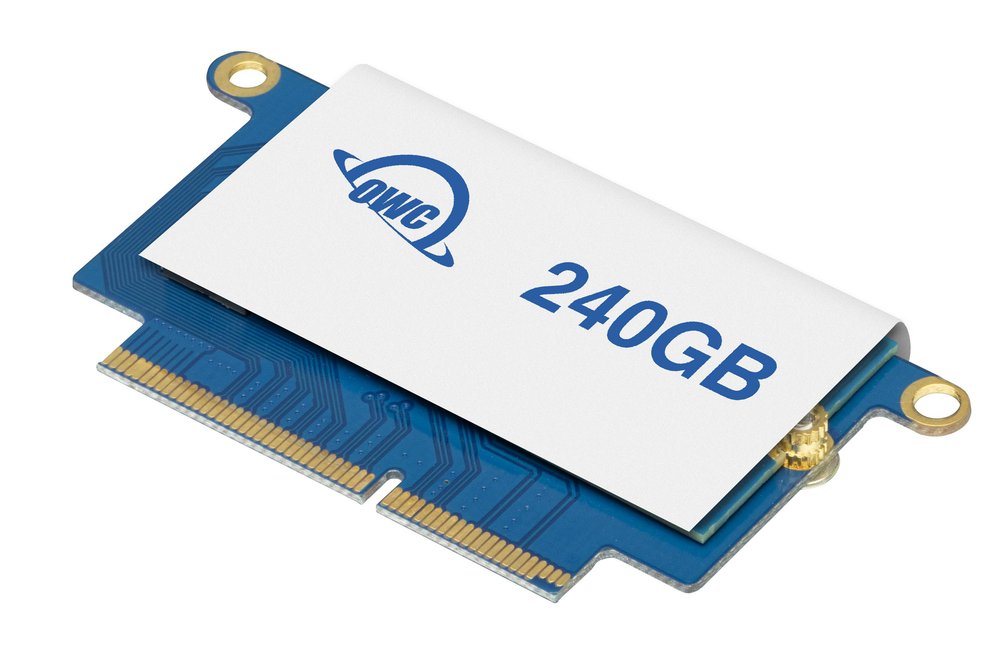
If you have a MacBook Pro of a certain age, you probably know what it’s like to run out of storage. These days, apps, macOS updates and big media files like videos require more space than ever before. But memory and storage provider OWC has your 2016-2017 13-inch MacBook Pro covered with its new Aura Pro NT NVMe solid state drive (SSD).
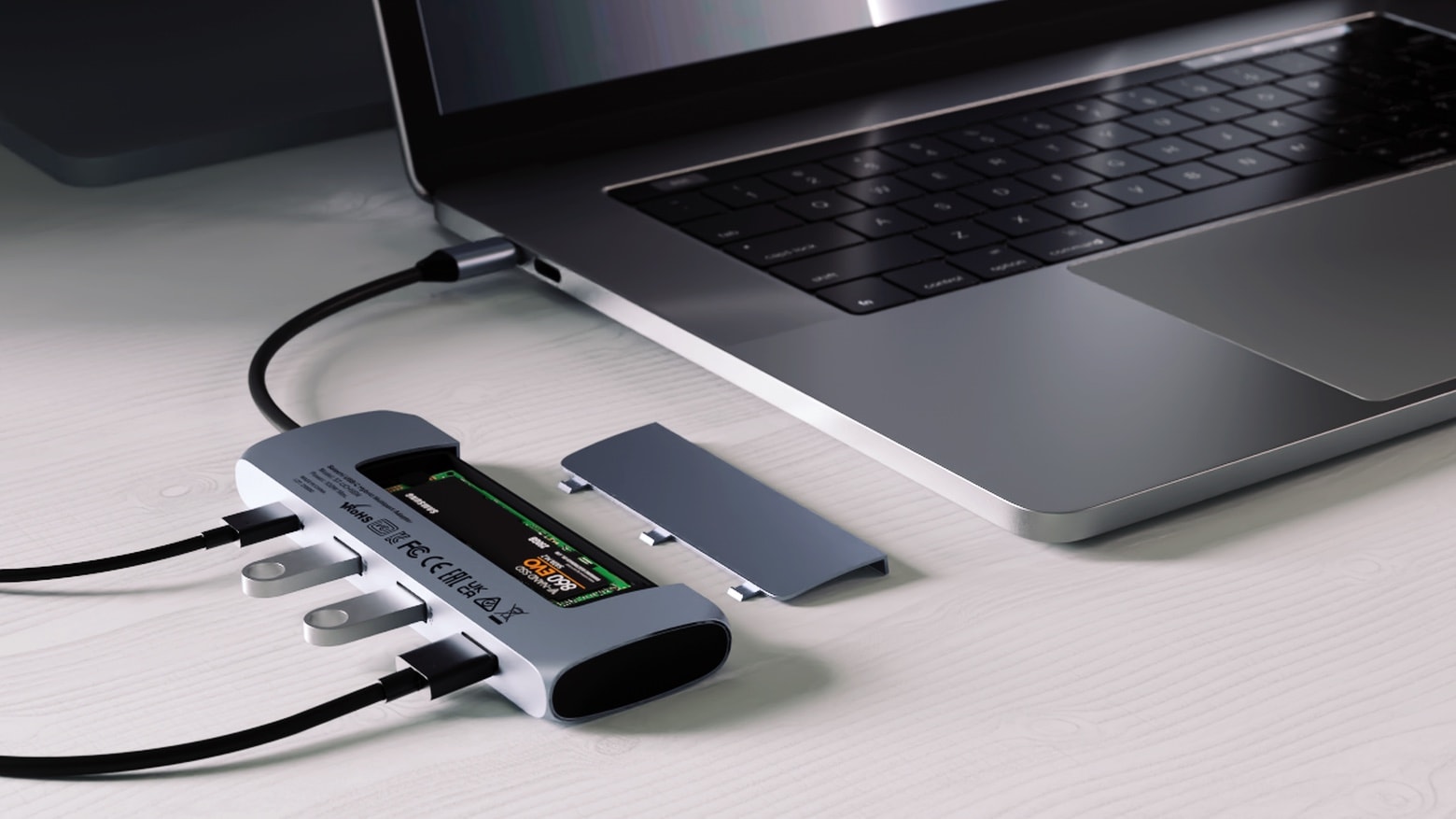
Because you can never have too much storage or too many ports, the just-launched Satechi USB-C Hybrid Multiport Adapter includes an SSD storage compartment as well as four additional ports.
The multiuse Mac or iPad accessory launched Friday.