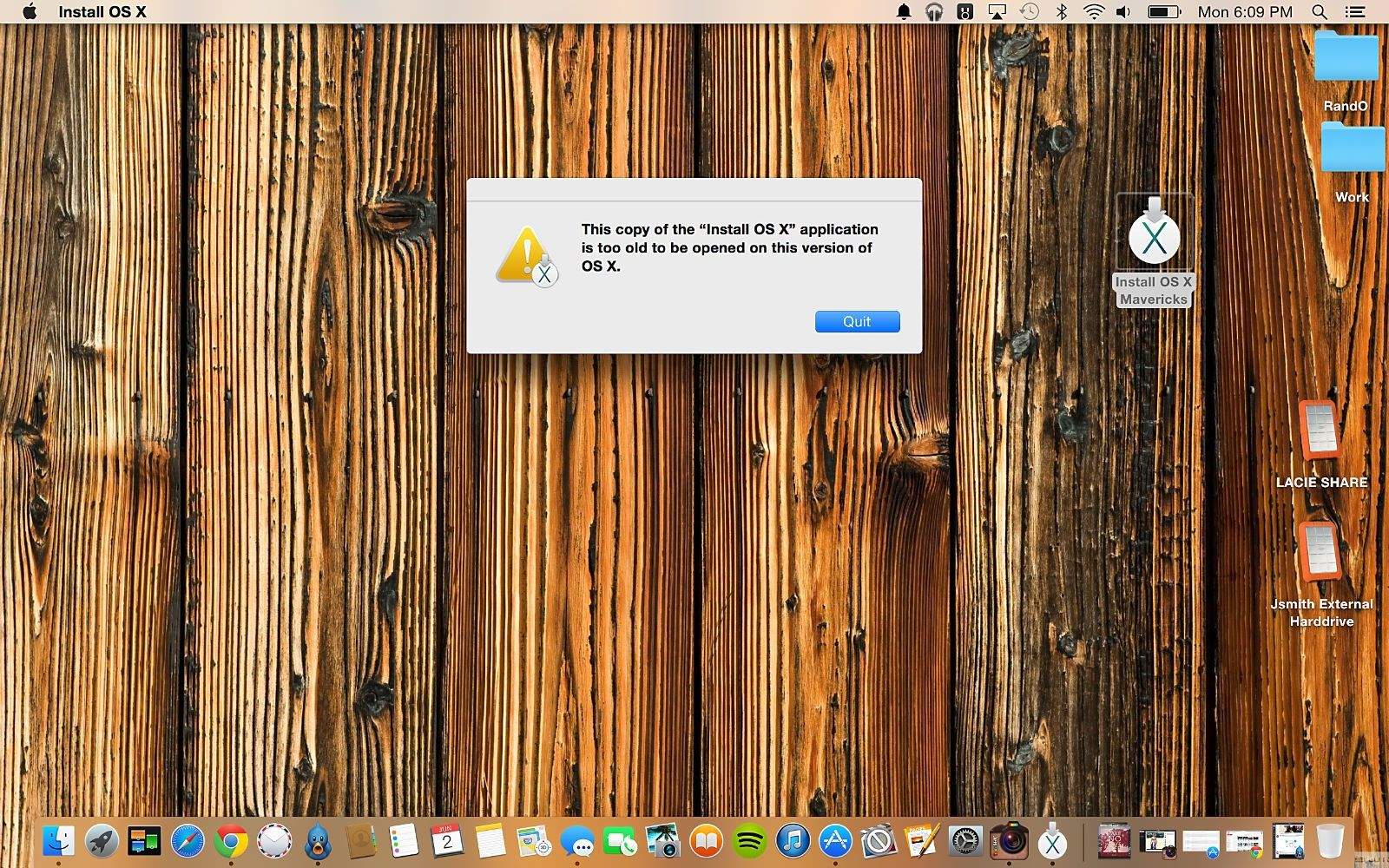
Don't let this happen to you. Screengrab and photos: Joshua Smith/Cult of Mac
An overwhelming sense of eagerness overtook me after Apple showed off OS X Yosemite at WWDC. The redesigned interface and accompanying features, like a spruced-up Spotlight and the ability to take phone calls on your Mac, made downloading the beta version too intriguing to pass up.
Little did I know that moments after finalizing the installation, I would encounter a massive problem that would send me on an emotional ride.
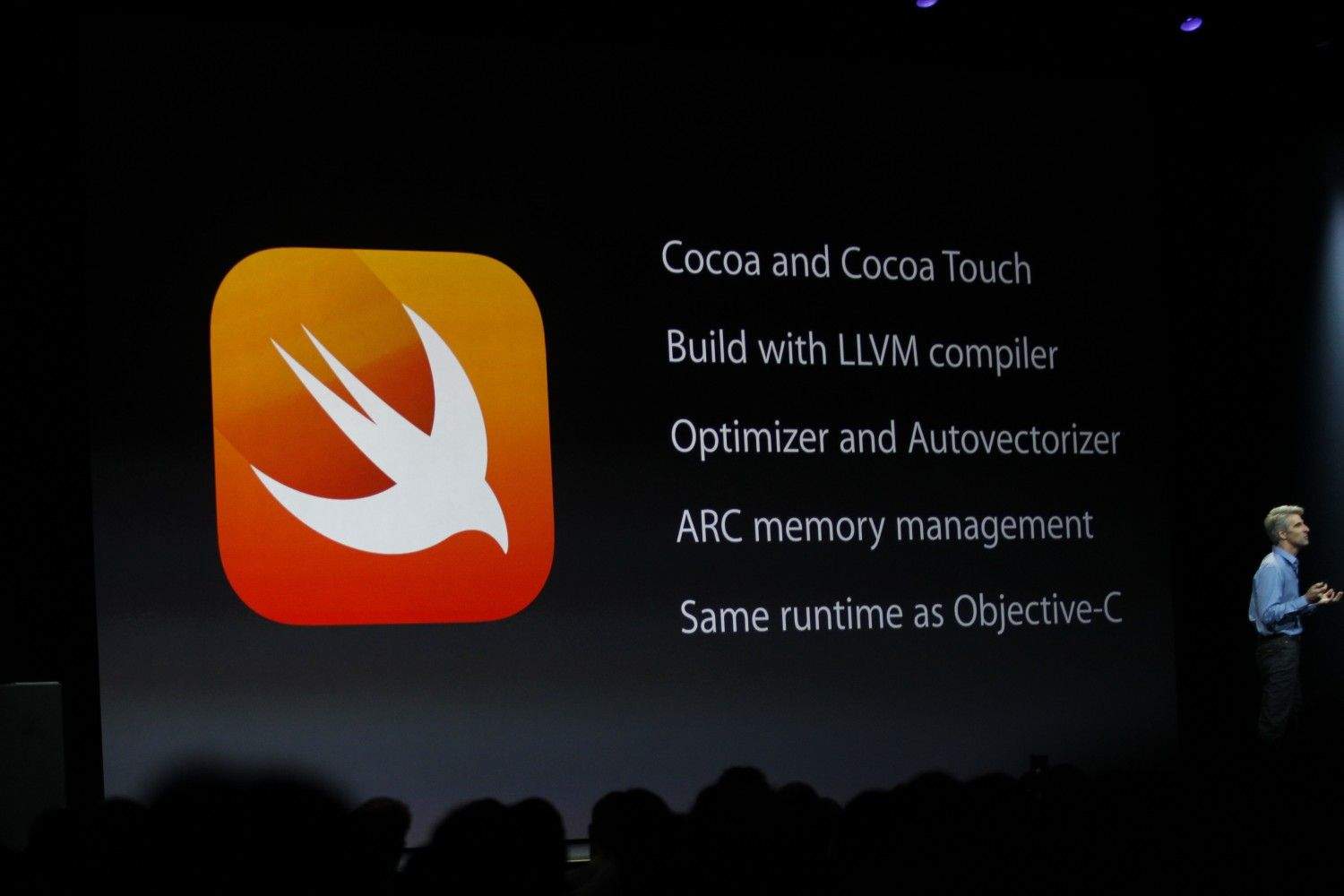
Apple’s new programming language Swift might be a hit with coders, but bringing it to developers wasn’t quite as speedy a process as its name implies.
Chris Lattner, director of Apple’s Developer Tools department, has updated his personal website with information relating to Swift — including some details of its development. According to Lattner, work on the language began back in July 2010. Lattner implemented much of the basic language structure himself, with only a few other people at Apple knowing of its existence. It was only when several other individuals began contributing to the project in 2011 that it started to gain momentum, leading to it becoming a major focus for the Apple Developer Tools group in July 2013.
At WWDC, Apple debuted its new Family Sharing feature, which allows up to six members of a household to share calendars and even iTunes purchases when using the same credit card — meaning the end of multiple iTunes accounts for different family members.
While Family Sharing allows users to set up their family as a unit able to share photos, calendars, locations, etc. more significant to developers is that it lets users share songs, books, movies, apps, and other purchases.
In a new TV ad for the iPhone 5s, Apple shines a spotlight on some popular fitness trackers. Called “Strength,” the minute-long spot features the old song “Chicken Fat” from President Kennedy’s Physical Fitness Program for schools in the 1960s.
Trackers like the Withings Health Mate, Misfit Shine, and Adidas miCoach Smart Ball are shown in use. Apple just announced its new HealthKit framework for iOS 8 at WWDC, so developers will be able to start feeding Apple’s new Health app data from the kinds of wearables shown in the commercial.
Today a report said that Apple is starting to move its TV ad making in-house. The latest iPad ads featuring the voices of Robin Williams and Bryan Cranston were made internally by Apple, while iPhone spots like the one above are still being made by the ad agency TWBA\Chiat\Day.
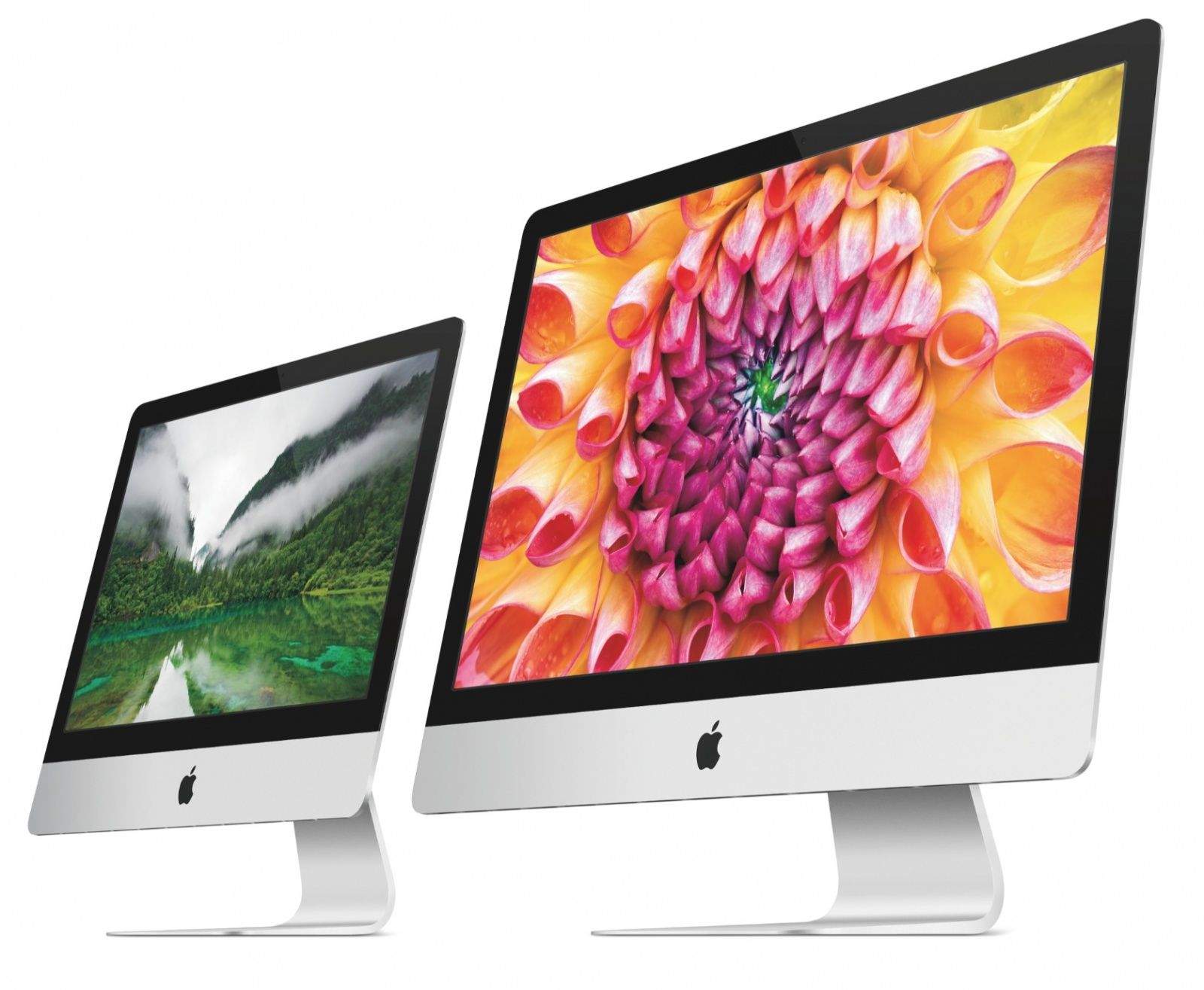
The Rumor: Retina iMacs really are on the way soon, according to some info in Apple's new Xcode 6 program.
The Verdict: Looks promising. WWDC came and went without a single hardware announcement, meaning Apple has gone over 8 months without a significant new product. Based on code found in the Yosemite beta, it looks like we won't have to wait much longer for sharper iMacs to land on our desks, thanks to a file that lists scaled-up resolutions for such a display. The structure of the list is identical to resolution listings for the Retina MacBook Pro, making this rumor feel more like a sure-thing now.
If you’ve been holding out for a Retina iMac, the wait may be almost over.
First spotted in the latest Mountain Lion developer beta, code has now been uncovered in OS X Yosemite that references new resolutions for what would be a Retina display-equipped iMac.
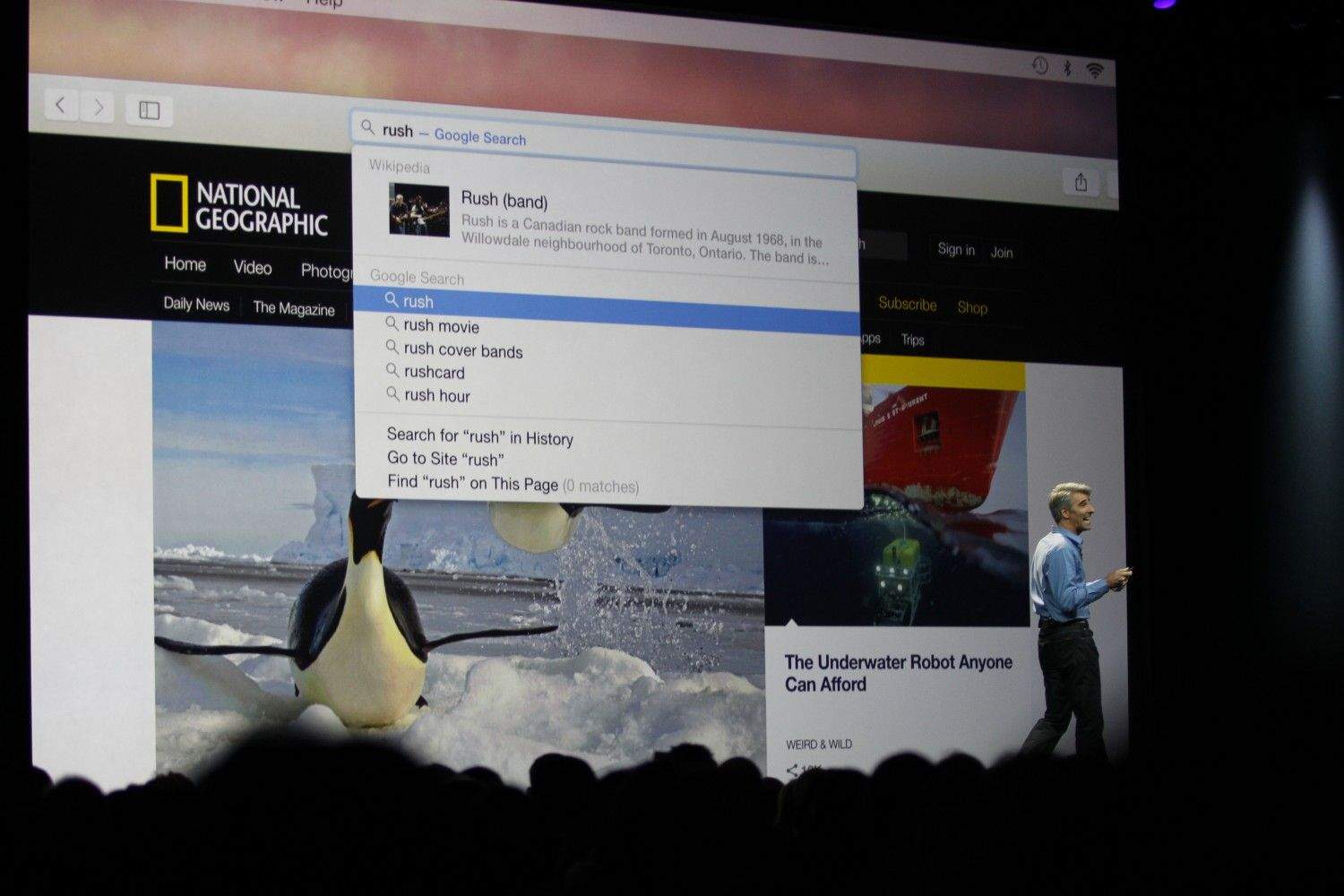
The new Spotlight search in Yosemite (photo: Roberto Baldwin/ The Next Web)
Apple and Google aren’t the good friends they used to be thanks to the rise of Android as the iPhone’s main competitor. Ever since Apple axed Google Maps in iOS 6, it has been clear that Google’s days in Apple’s software are numbered.
The hardest Google service for Apple to replace is undoubtedly search. Siri is slowly becoming its own search engine of sorts that draws from multiple services like Wolfram Alpha and Wikipedia, but Google has remained the standard for traditional web search.
In iOS 8 and OS X Yosemite, Google is still set as Safari’s default search engine. But with the introduction of more search partners in Apple’s new software, it’s hard to believe that Google search will enjoy its prominence for much longer.
Apple’s WWDC keynote just days ago brought us many new iOS 8 features to look forward to downloading this Fall. Thanks to an immediate downloadable beta version open for developers, many have found even more useful features and changes not mentioned on Apple’s big stage. In today’s video your host Joshua Smith introduces eight of his top hidden iOS 8 features.
On the back of the most eventful WWDC keynote in recent memory, and Eddy Cue claiming that Apple has its most exciting product pipeline in 25 years, there have been few better times to invest in AAPL shares. With that in mind, Apple has just given an overhaul to its Investor Relations minisite, giving it a long overdue spit shine.
The website features sections advising on Apple stock prices, financial information, SEC filings, and leadership and governance, alongside relevant press releases and financial news related. Notably the website’s graphical overhaul brings its into line with Apple’s current design preferences, with an abundance of thin fonts and white space.
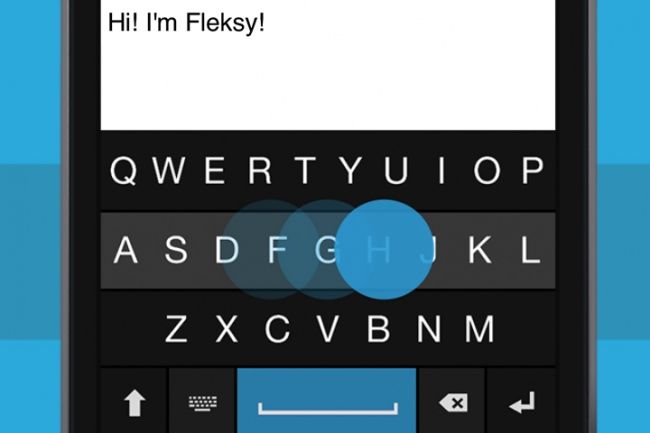
Third-party keyboards were only revealed two days ago for iOS 8 but it is taking developers no time at all to piece together some working betas amid the coding-fest at WWDC.
First up to the plate is Fleksy, who has already started teasing their upcoming keyboard for iOS 8, and if you’re lucky, they’ll might let you take it for a spin.
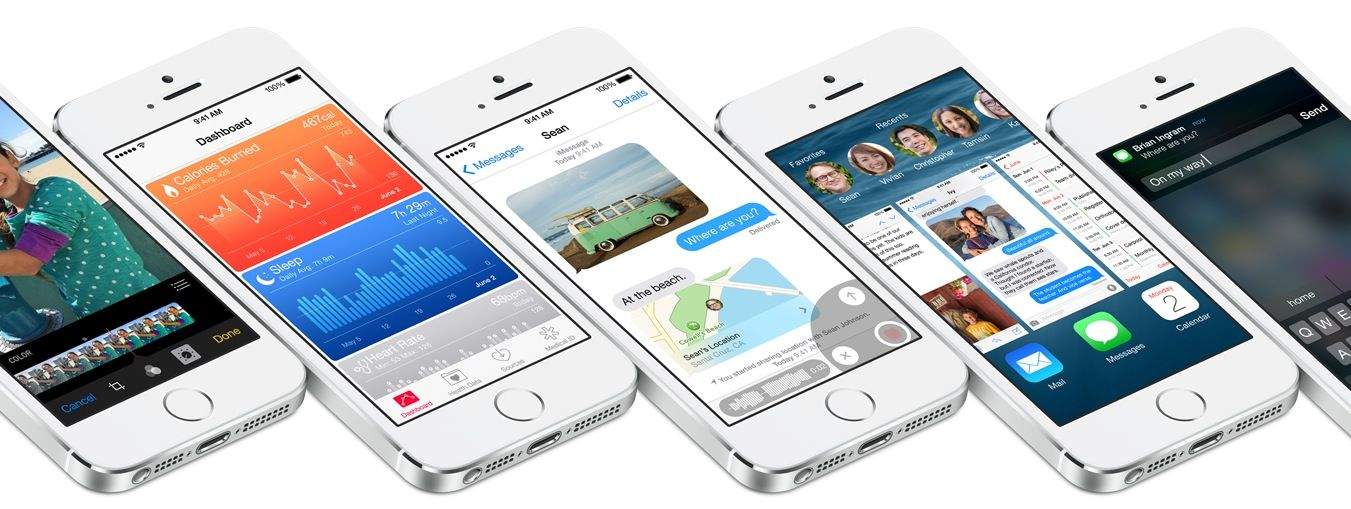
With iOS 8, Apple is bringing a multitude of exciting new features to iPhone and iPad. In some cases, Cupertino is playing catch-up as it tries to match what’s currently available in KitKat; in others, Apple’s next-generation mobile operating system is about to blast past the latest version of Android.
Android and iOS will secure a staggering 95 percent of smartphone market share between them in 2014, according to the latest research from IDC. While it’s strictly a two-horse race, Google’s platform is currently far out in front when it comes to number of users, with Android’s market share expected to reach 80.2 percent by the end of the year.
Google has a new Android update up its sleeve that will be announced this summer, but while Apple posts impressive upgrade percentages, Android fragmentation typically slows deployment of Google’s latest, greatest mobile OS.