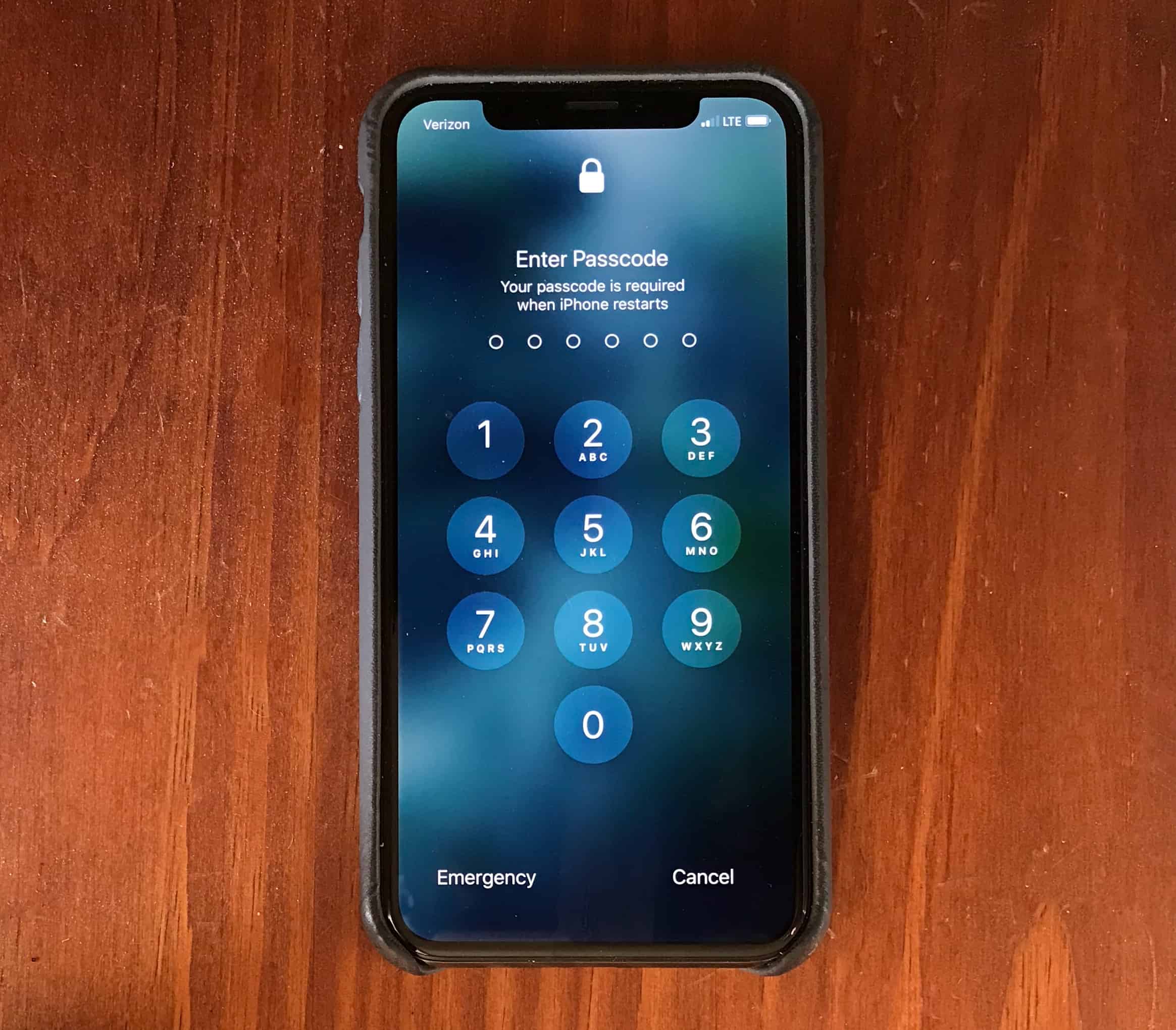
A Florida man died for refusing to turn his passcode over to his attackers. Graphic: Apple/Cult of Mac
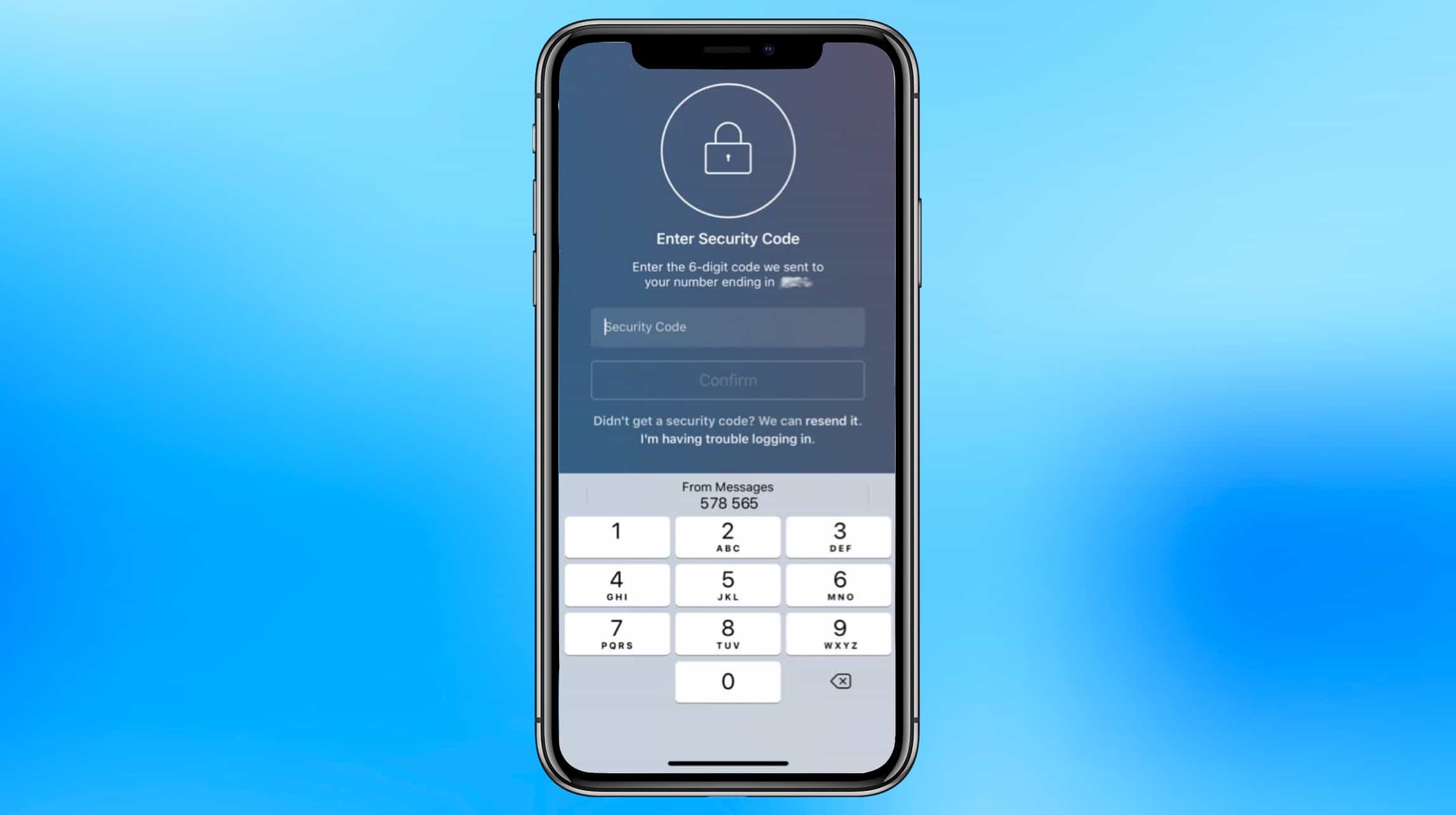
Apple believes strongly in protecting our privacy, and that even extends to helping us use strong passwords. Rather than letting us put in weak ones, iOS 12 extends password suggestions to third-party applications.
The next version of Apple’s phone and tablet operating system also makes two-factor authentication easier, and will warn users about weak passwords.
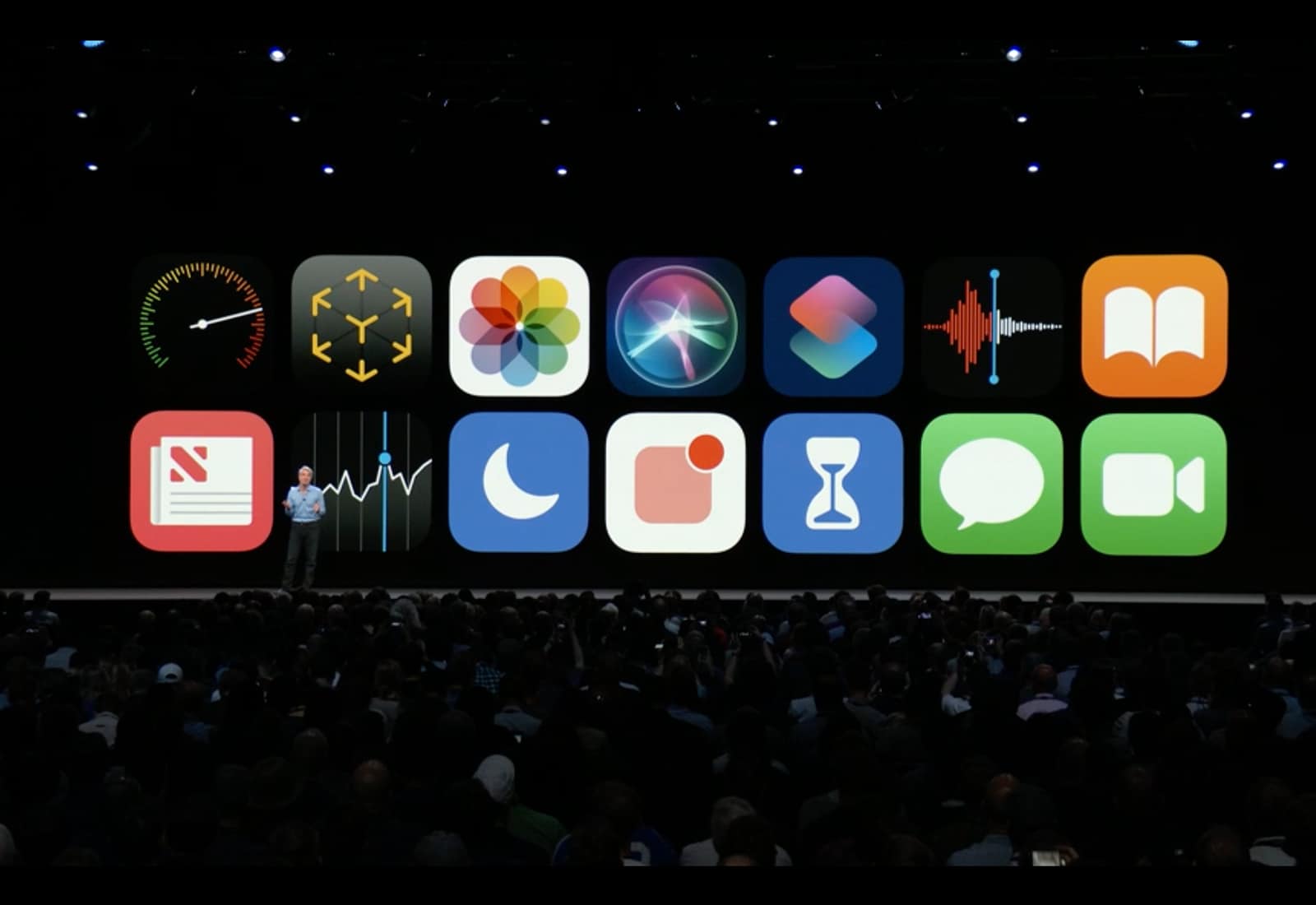
iOS 12 is shaping up to be one biggest software updates Apple’s ever released and it’s so stuffed with major and minor new additions there wasn’t time to go over a lot of them at the WWDC 2018 keynote.
We’ve been combing through the first iOS 12 beta looking for all the new goodies and have found some underrated new features that will totally change how you use your iPhone and iPad this fall.
These are the little iOS 12 features you need to know:
Adobe announced their new authoring tool for AR, called Project Aero. Photo: Adobe
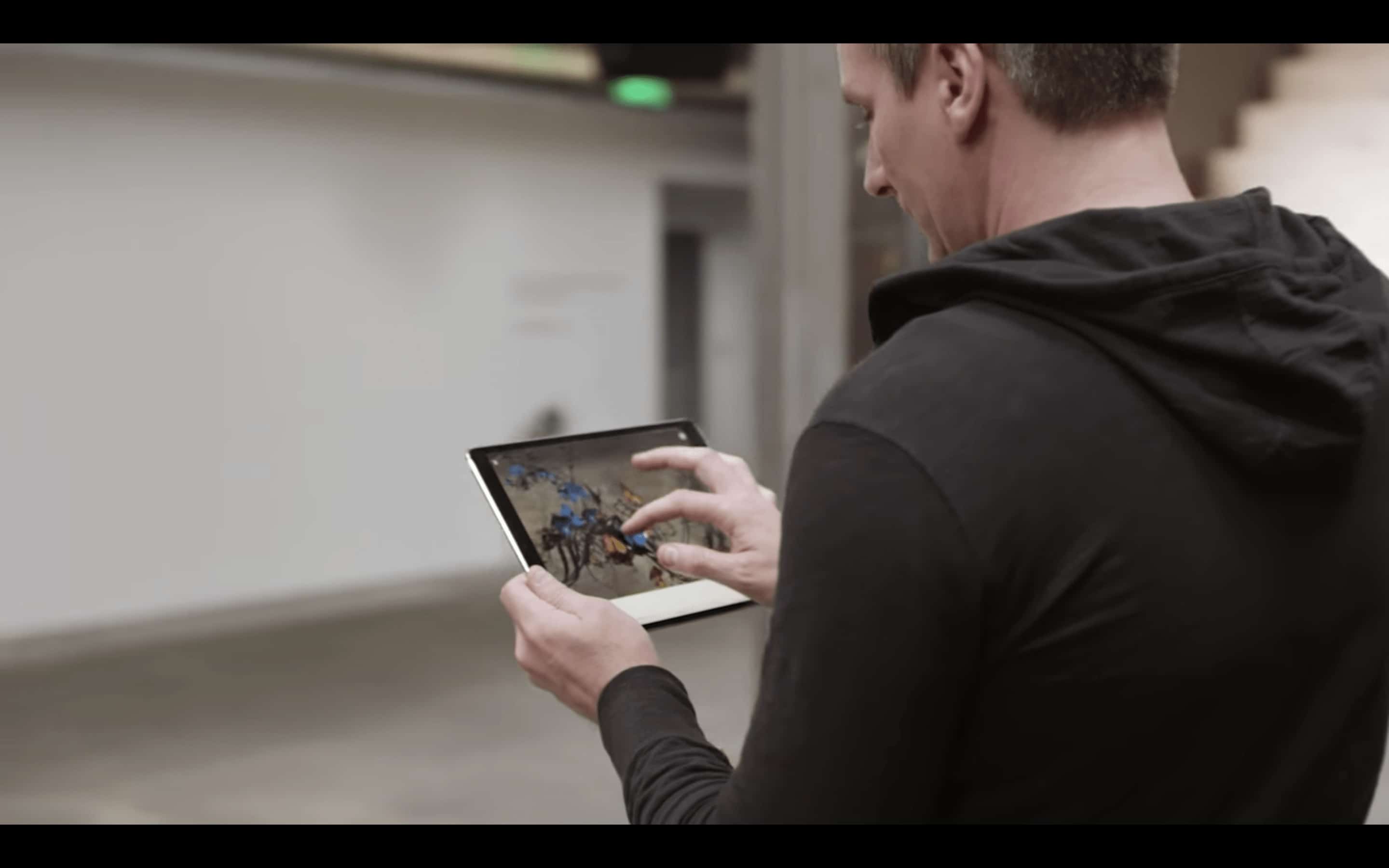
Hot off the heels of Apple’s announcement of ARKit 2.0, creative software giant Adobe revealed its own foray into augmented reality. Soon many more people should be able to create 3D, animated content that seems to float in the real world.
Some of Apple's iOS apps will be available inside macOS Mojave. Photo: Apple
Apple confirmed during its big WWDC keynote on Monday that iOS apps are coming to macOS.
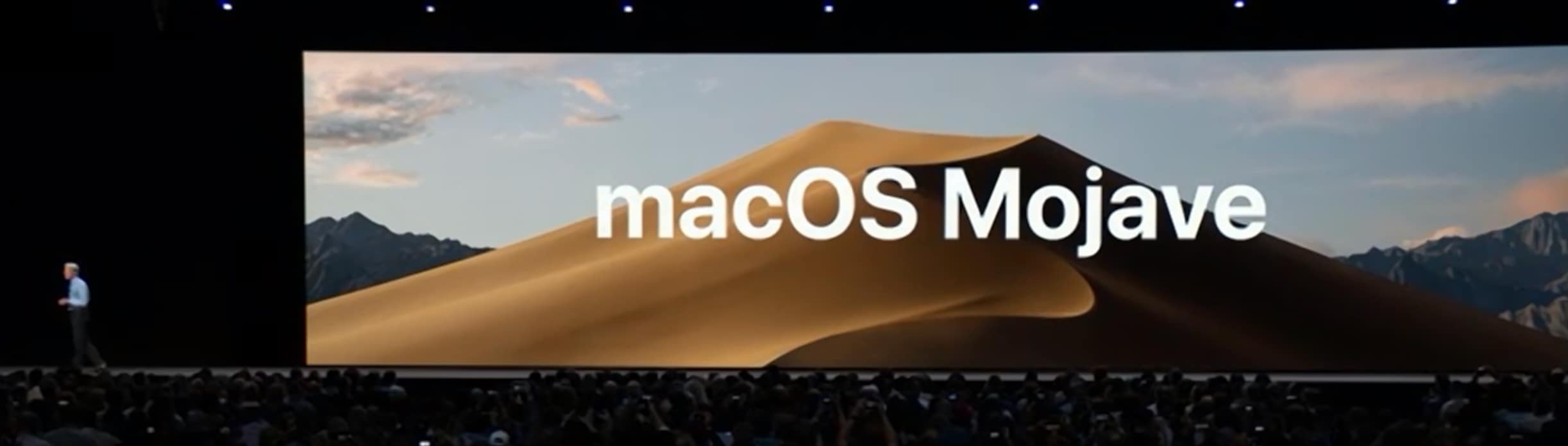
The company has spent two years developing the frameworks required to make the ports possible. Several of its own iPhone and iPad apps, including Apple News and Voice Memos, will be available inside macOS Mojave this fall.
In a new interview, Craig Federighi, Apple’s senior vice president of software engineering, reveals more about how iOS apps will work on a Mac. He also promises that they won’t make your Mac feel like a super-sized iPhone.
Time for bed. iOS 12 lets you choose who can disturb you. Photo: Apple
Maybe the most important new feature of iOS 12 is something that helps you to do less with your iPhone, not more.
If any other company had introduced Screen Time, the new system-wide toolset for limiting phone distractions, then it would (rightly) be dismissed as a gimmick, a sop to the increasing worries about phone addiction. But as is typical of Apple, Screen Time looks like it took a lot of work to get just right.
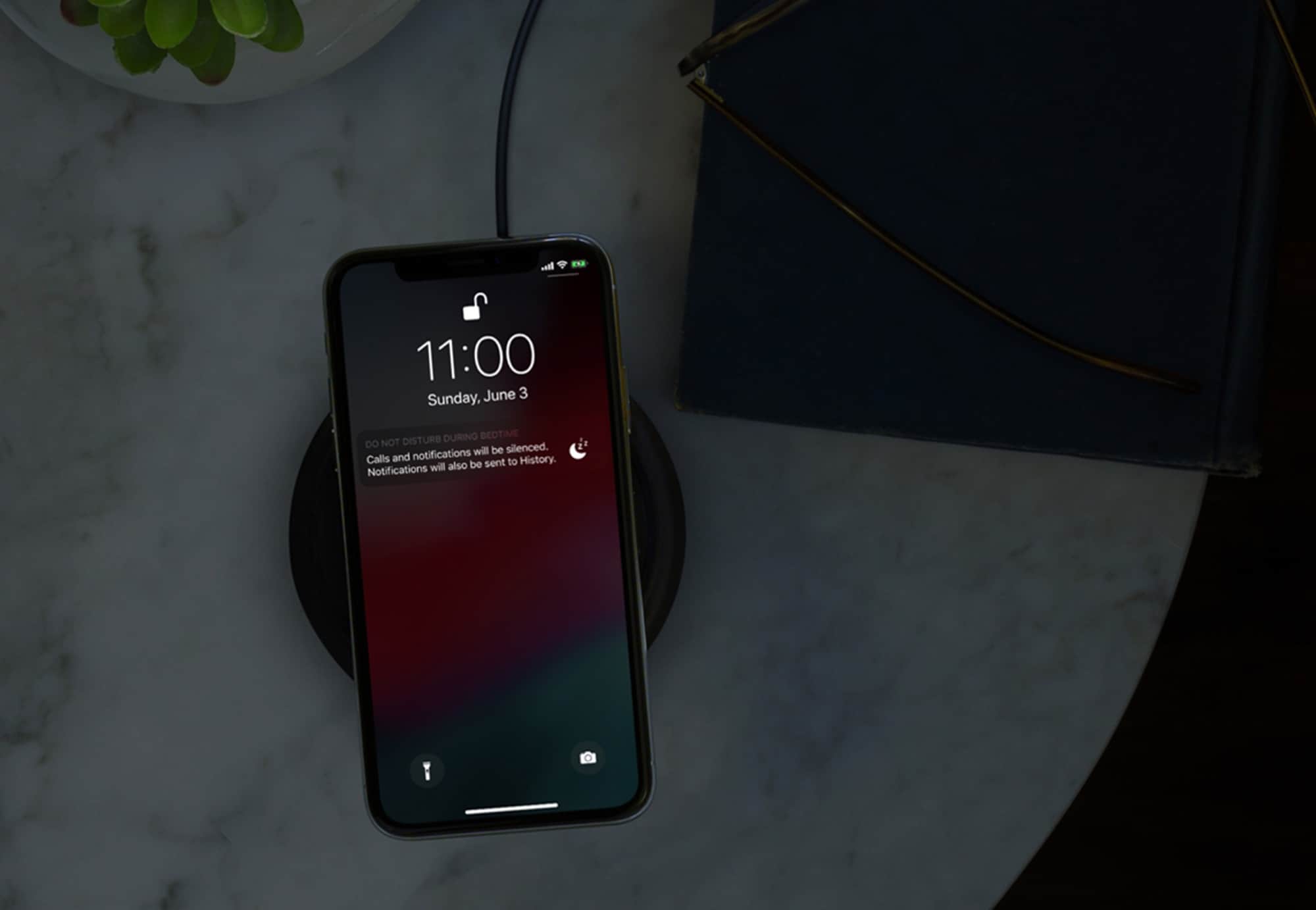
Screen Time may seem to be about combatting app addiction, and reducing the amount of time “wasted” on your iPhone. However, taken together with the new Do Not Disturb settings in iOS 12, it’s more about putting users back in control of their iPhones.
This iBook definitely won’t run macOS Mojave. Photo: Charlie Sorrel/Cult of Mac
These are the devices that can run iOS 12 and macOS Mojave
There’s good news and bad news for fans of keeping old hardware running. While iOS 12 will run fine on any device that currently runs iOS 11 — and may even make older hardware run faster — macOS 10.14 Mojave is dropping support for older Macs.
Let’s take a look at which machines will work with iOS 12 and macOS 10.14.
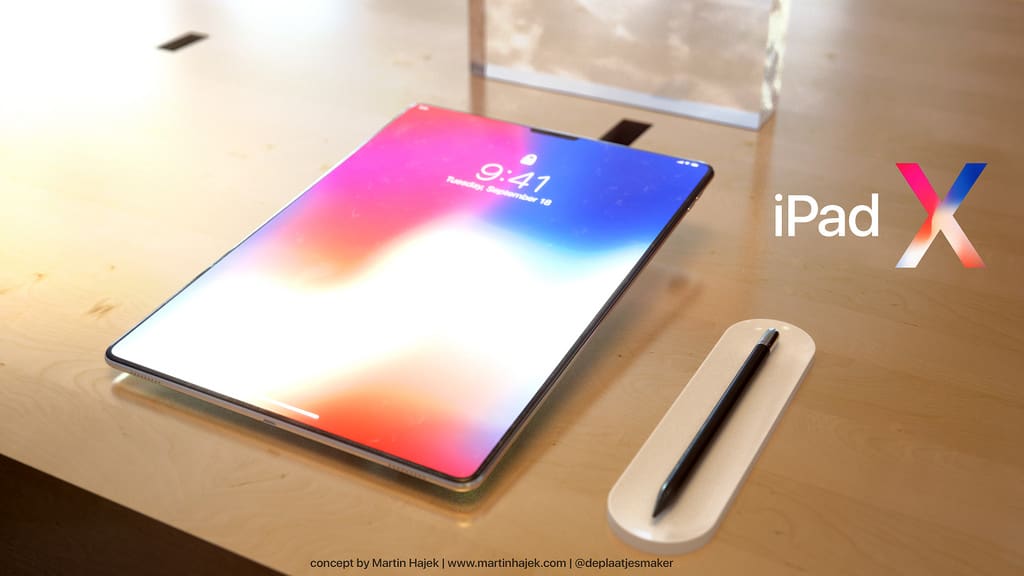
iOS 12 makes small but significant changes to the user interface on Apple tablets, paving the way for an edge-to-edge Super Retina HD display and Face ID.
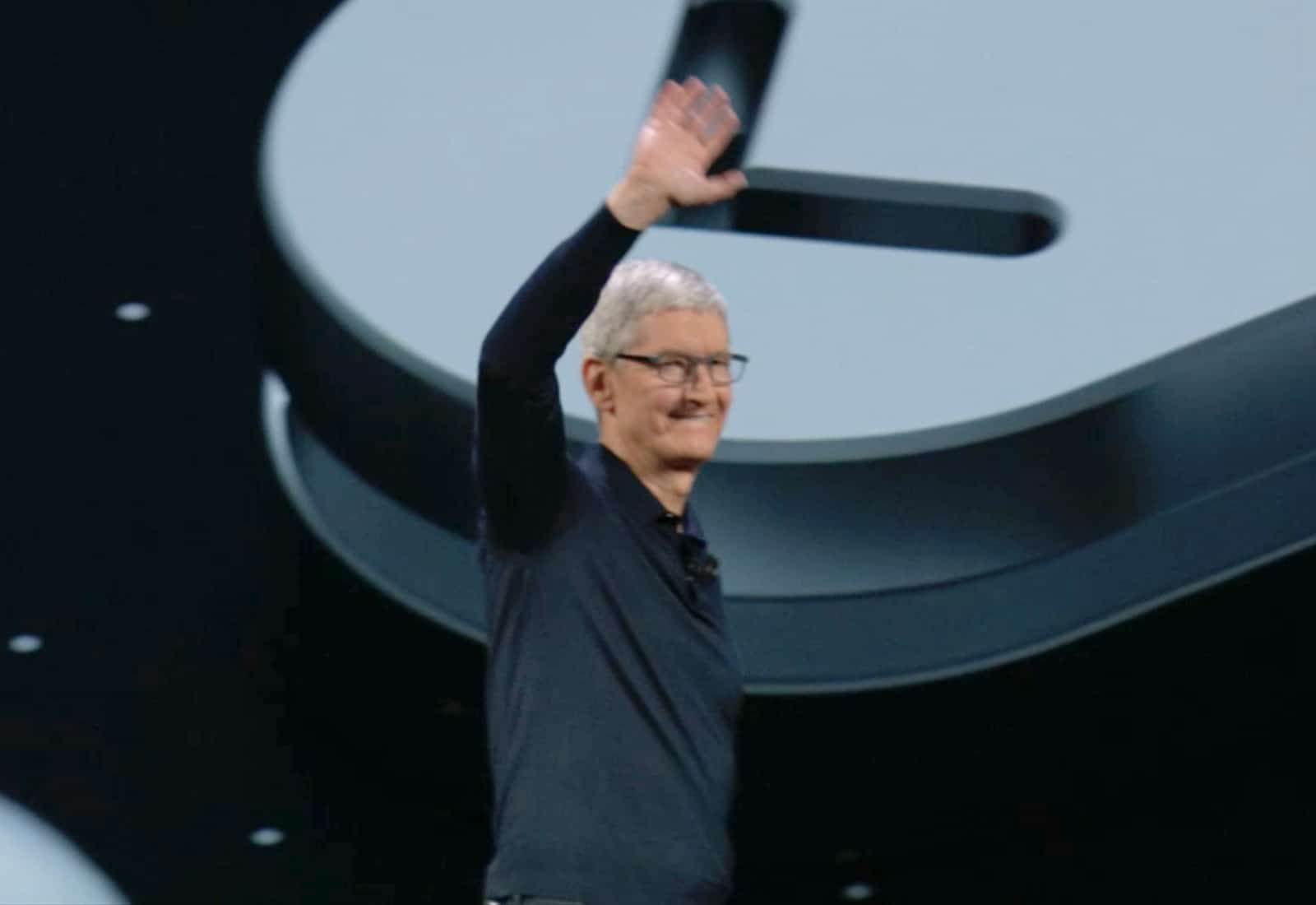
Tim Cook at yesterday's WWDC event. Screenshot: Apple
Following yesterday’s WWDC keynote, Tim Cook participated in an interview on CNN with Senior Technology Correspondent, Laurie Segall.
In a wide-ranging interview, Cook discussed everything from the threat of machines taking over to the “fundamental human right” of privacy to why he’s not interested in running for office. Here are the big takeaways:
Unlocking tools that quickly enter thousands of passcodes though the Lightning port can be blocked out with iOS 12. Photo: Ed Hardy/Cult of Mac
The just-released beta of iOS 12 can be set to partially deactivate the Lightning port after an iPhone hasn’t been used for an hour. This is a clear attempt to make useless the unlocking tools employed by law enforcement.
Police across the country are purchasing a tool called GrayKey. When hooked to an iPhone’s Lightningport, this swiftly enters thousands of passcodes until the correct one is reached. Deactivating the Lightning port would block its use.
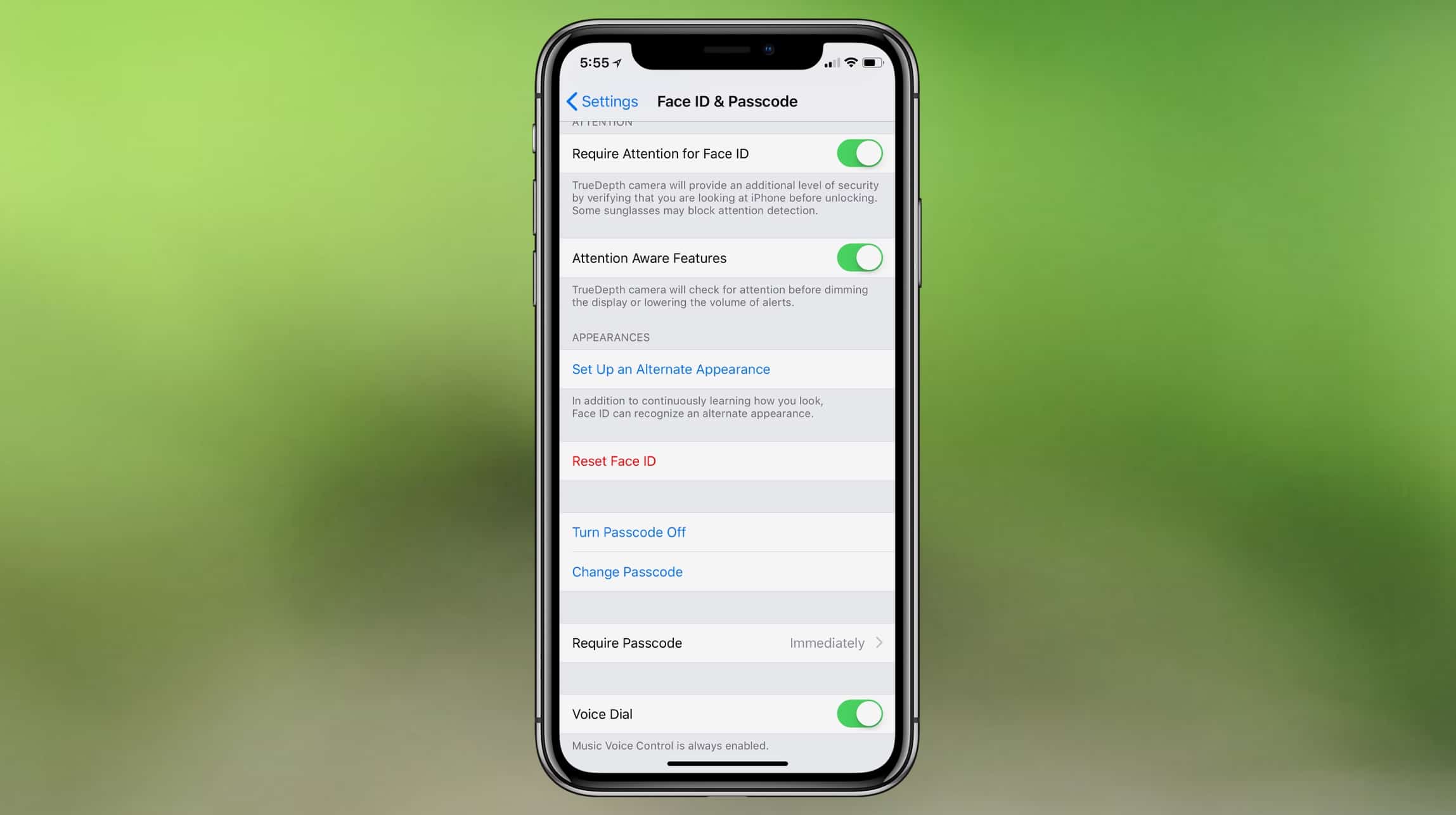
Face ID in iOS 12 can be trained to recognize an "alternate appearance," allowing multiple people to unlock an iPhone. Image: CultOfMac/9to5mac
The first iOS 12 developer beta debuted after today’s WWDC keynote. Intrepid souls who’ve already installed this early version on their iPhone X noticed that Face ID can be trained to recognize more than one person.
This removes one of the significant limitations of Apple’s new biometric security system.
 Apple believes strongly in protecting our privacy, and that even extends to helping us use strong passwords. Rather than letting us put in weak ones, iOS 12 extends password suggestions to third-party applications.