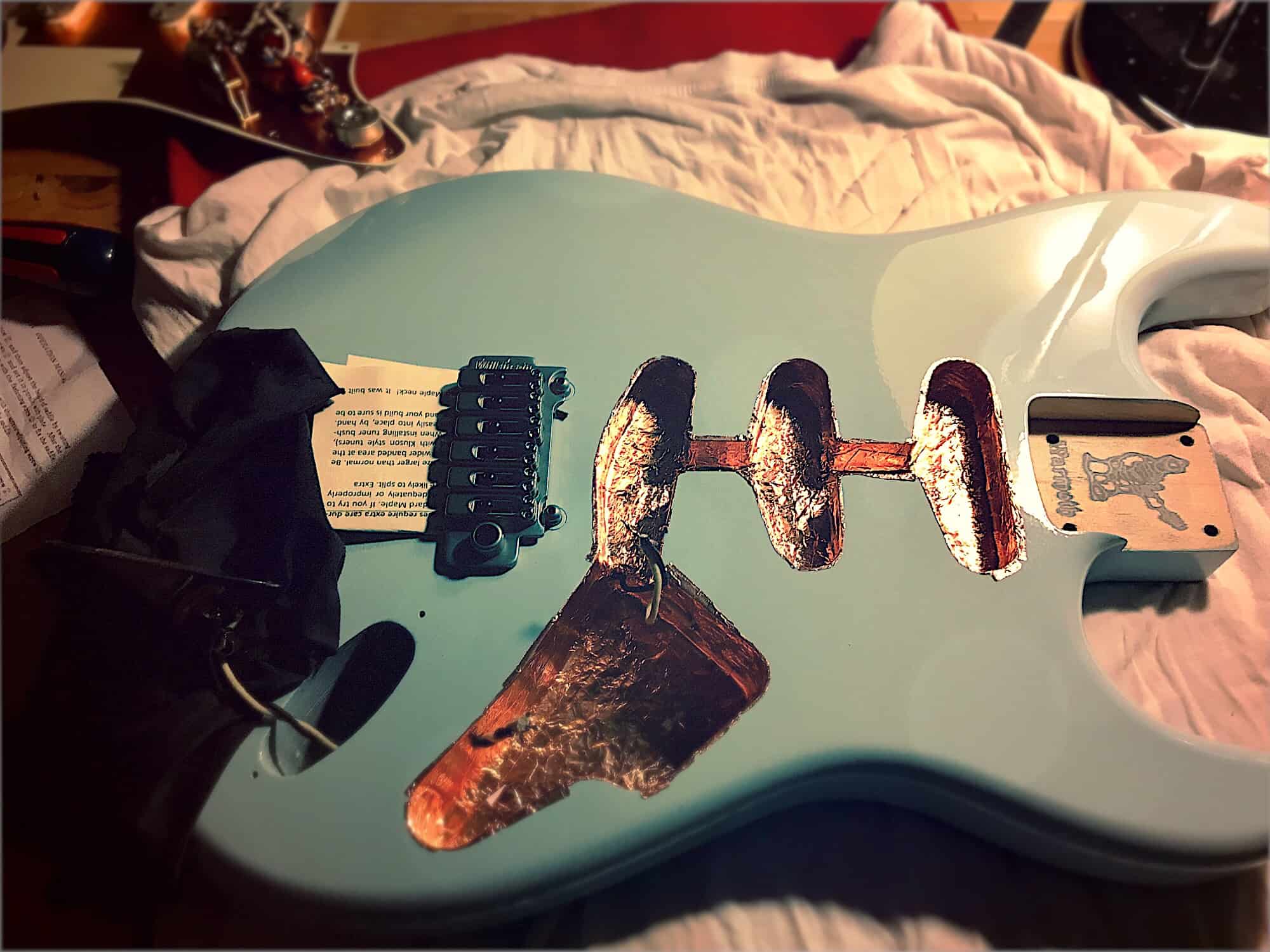
You don't have to build your own guitar, thank God. Photo: Charlie Sorrel/Cult of Mac
Learning a musical instrument is hard. Really hard. It takes a long time to make anything that sounds like music, and yet still people put in the long hours and the hard work to become great at their chosen instrument.
There’s no way around practicing, but there is. lot you can do to make the practice easier, more effective, and much more fun, and all you need is there on your iPhone or iPad.
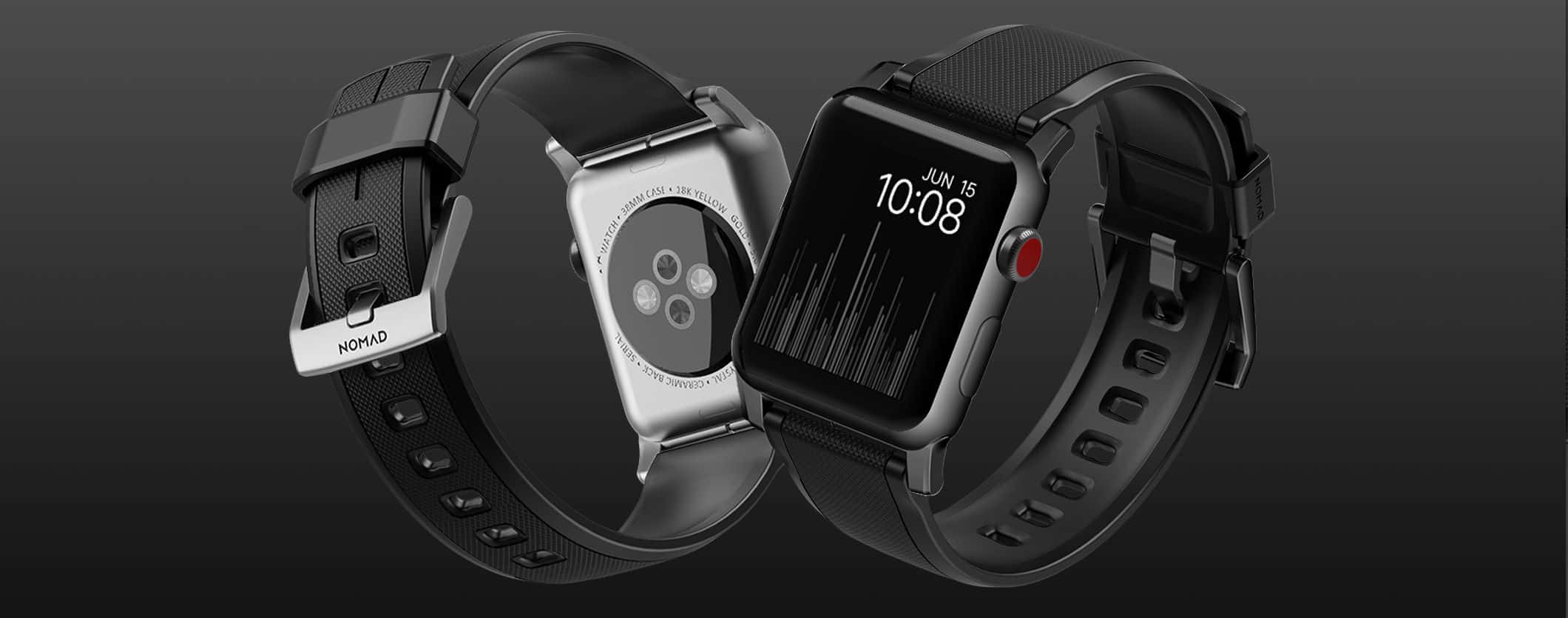
Check out that knurled pattern on the Nomad Rugged Strap, a stylish Apple Watch sports strap. Photo: Nomad
Best List: Nomad Rugged Strap for Apple Watch
Nomad, maker of minimalist, practical accessories for Apple Watch and iPhone, now offers a strap that is not only designed for active wearers, but is really good-looking as well. And, at 40 bucks, it’s a super-sporty and stylish alternative to the higher-priced Nike Sport Bands by Apple.
With the intention of creating a silicone strap designed to “withstand the stresses of all forms of sport and exercise,” Nomad has succeeded — the Rugged Strap is a strong, lightweight, sweat- and water-resistant band that is also-super comfortable on the wrist. The best part is that it will take you from a hard workout to a night out, and will look great in both situations.
Read on to learn more about this band, which is perfect for year-round sports junkies. And check it out in our Watch Store.
This week you can block all kinds of evil internet content with, make your music sound like it was recorded onto a crappy old cassette tape, translate any web-page right inside mobile Safari, and listen to the songs of bands that are playing live in your town. Yes, its time for your favorite Sunday read, the cult of Mac Apps of the Week roundup.
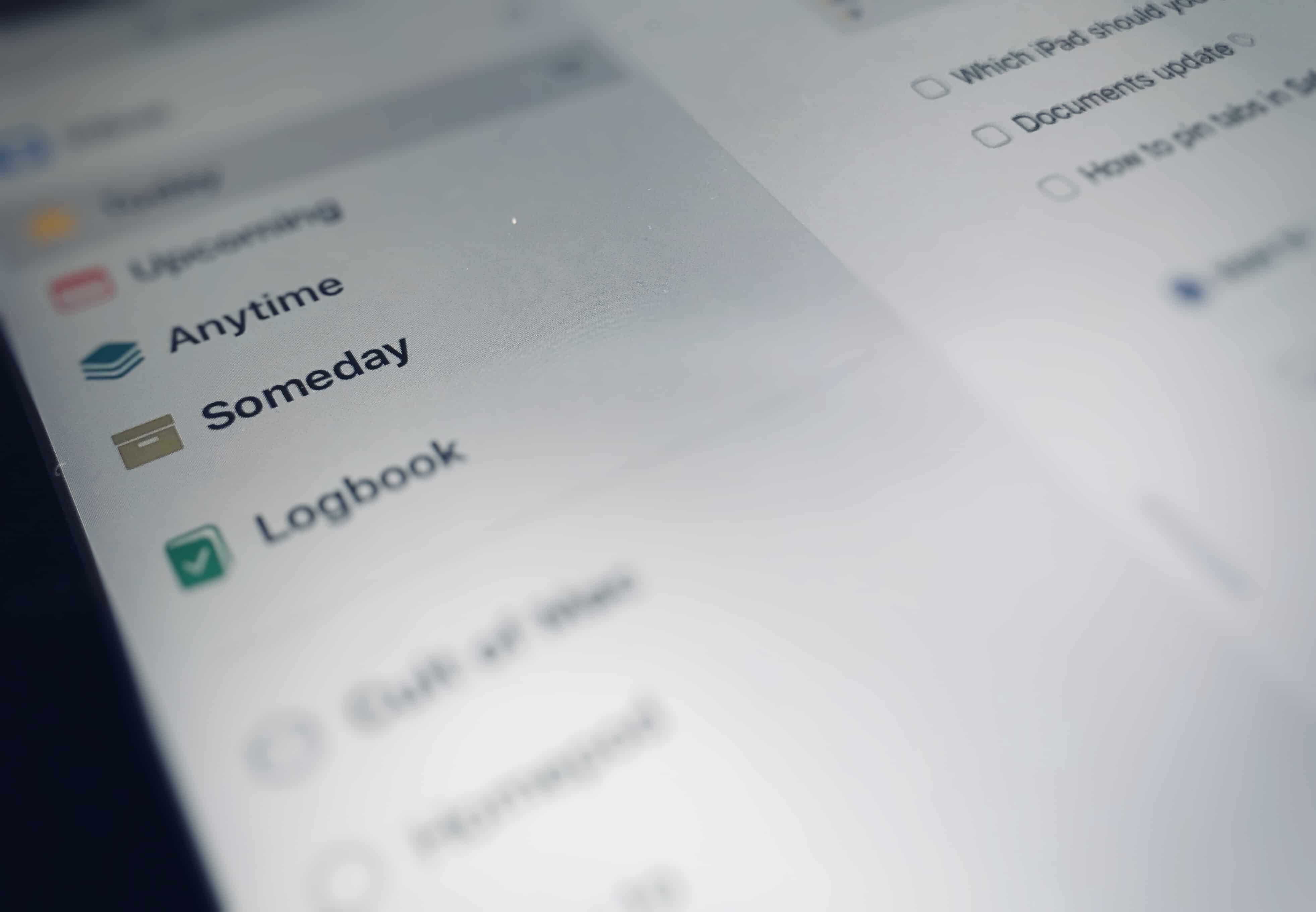
A deferred do-it-later list can transform your to do list. Photo: Charlie Sorrel/Cult of Mac
Todo lists are great for not forgetting to, you know, do stuff. But they can be tyrannical, stressing you out with an endless queue of tasks which need to be completed. Even if you are hyper-productive, and manage to get through most of your chores, your todo list can end up cluttered with lower-priority tasks that don’t need to be on it.
This, then, is where the do-it-later list comes in.
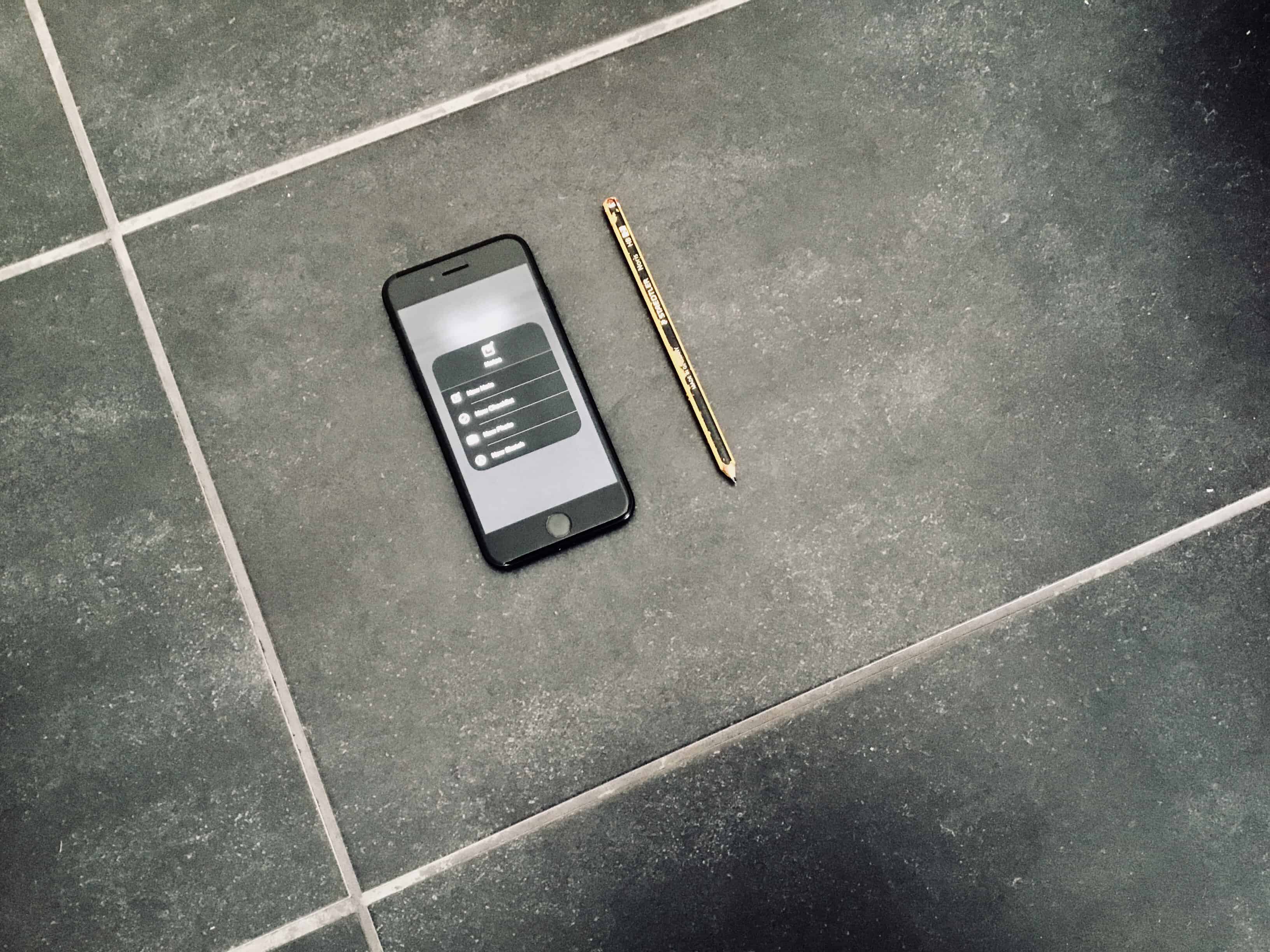
Lock-Screen Notes on iPhone. Photo: Charlie Sorrel/Cult of Mac
Lock-Screen Notes are one of the iPad’s best features. You can tap your Apple Pencil onto the unlocked iPad and immediately start writing or drawing on a note. It’s almost as instant as having a real pen and paper in front of you. But did you know that you can do the same thing with your iPhone? That right, you can create and add to notes right from the lock screen — no Apple Pencil required.
Is it time you took a break from YouTube? Photo: Charlie Sorrel/Cult of Mac
If you’re watching YouTube on your iPhone or Mac, then you can just tap a button to watch the video in proper full-screen, just you and a skateboarding dog, with nothing to distract you. But on the iPad, the same “full-screen” button just maximizes the video into the browser tab, with all the Safari chrome still surrounding it. And because it doesn’t use the native iOS video view, you can’t watch the video in Picture in Picture mode.
Happily, we can fix that. Today we’ll see how to make YouTube play its video in full screen on your iPad, with one tap, using a bookmarklet. If you’re experiencing videos not playing on iPhone, you might be encountering a recent YouTube bug—learn more about it here.
Safari is full of secret shortcuts, accessed by long-pressing on its various icons and buttons. One of the most useful uses the tabs button to quickly open and close multiple tabs, and more. Let’s take a look.
Try loading this bookmark in Safari. Photo: Charlie Sorrel/Cult of Mac
You probably already know how to save a bookmark on your iPhone or iPad, but you might not know just how many neat things you can do with them. You can customize your Safari home screen to show the bookmarks you want, but that’s just the beginning. Let’s find out how to really use bookmarks on your iPhone.
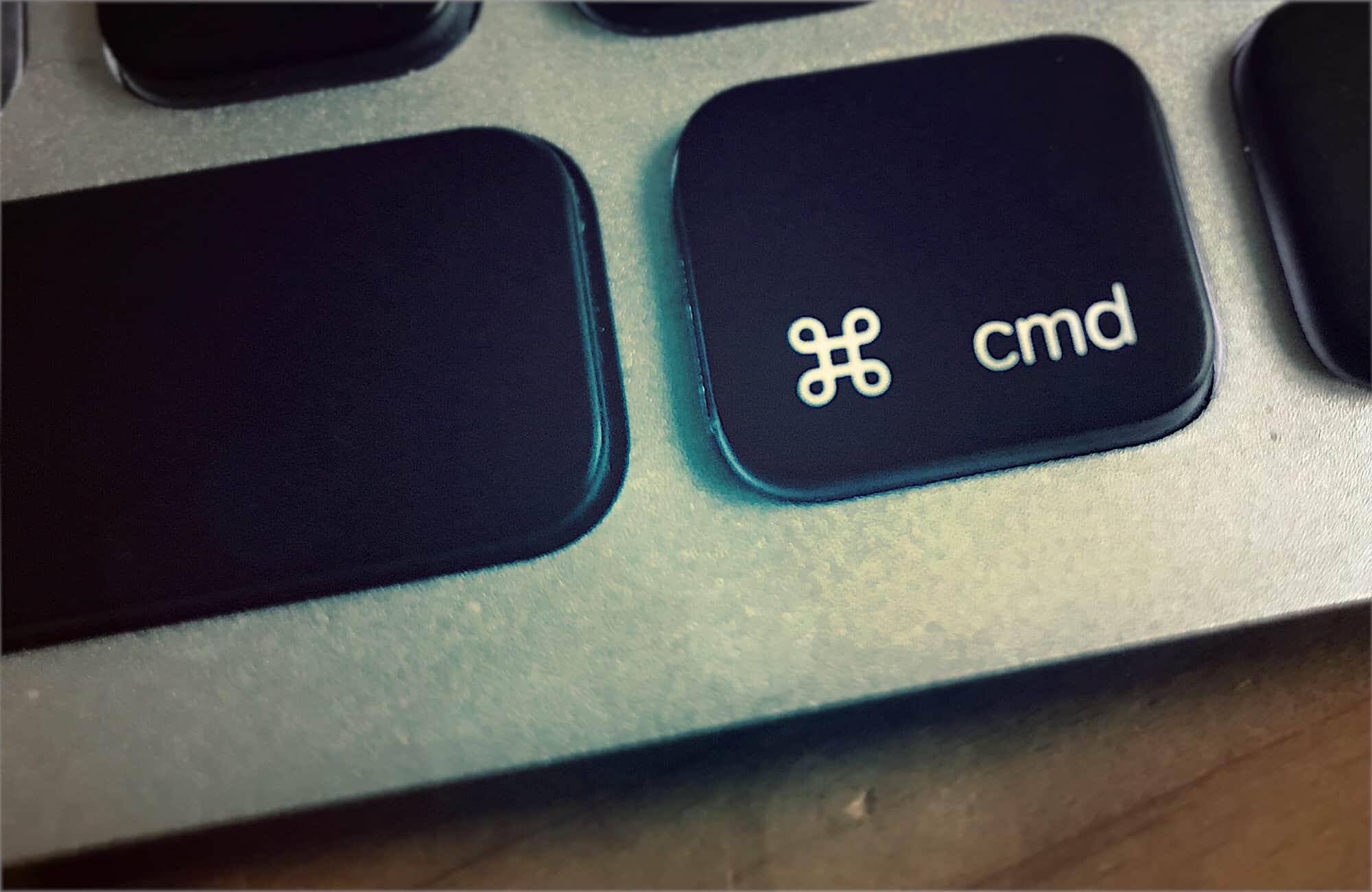
One of the iPad’s handiest features is its keyboard-shortcut cheatsheet. Whenever you have a USB or Bluetooth keyboard attached to your iPad, just hold down the Command key and wait for a second. An overlay will pop up showing you all the keyboard shortcuts available for the current app.
Did you ever wish you could do the same with the Mac? After all, you always have a keyboard connected the Mac, so a cheatsheet overlay should be even more useful. Then you need CheatSheet, an app that does exactly that.
Take back control of your Mac's media keys with BeardedSpice. Photo: Cult of Mac
Did you ever hit your macBook’s play/pause key to pause that YouTube video, only to have iTunes launch instead, and start playing that embarrassing tune from your last home workout session? Then you may be interested in a way to have your media keys control the site or app you want to control, instead of the app that Apple decides it will control. Luckily, there’s an app for that, called BeardedSpice.