Mobile menu toggle

Search results for: shortcuts

How to install iOS 12 public beta on your iPhone or iPad
By

The iOS 12 public beta could render your iPhone almost useless.
Photo: Charlie Sorrel/Cult of Mac

The iOS 12 public beta is available to download and install on any of your compatible devices. The public beta is essentially the same as the developer beta, only each build is released around a week after the developer version. So far, the develoer beta has been surprisingly stable, but its definitely not ready for regular day-to-day use (more on that in a moment). But if you’re feeling brave, or if you have a spare device you’d like to use to see what all the fuss is about, then installing the beta is easy.

Cult of Mac Magazine: 6 reasons you should switch to Safari and more!

By

cover

Photo: Ste Smith/Cult of Mac

In this week’s Cult of Mac Magazine: In iOS 12 and macOS Mojave, Safari gets solid improvements that will win you back from Chrome — especially if you value your privacy. But while safeguarding your privacy and security on the web fuels many of Safari’s great new features, there’s much more Safari goodness to anticipate.

You’ll find that story and more in this issue. Get your free subscription to Cult of Mac Magazine from iTunes. Or read on for this week’s top stories.

OMFG the Mac’s Calculator has always had a paper tape

By

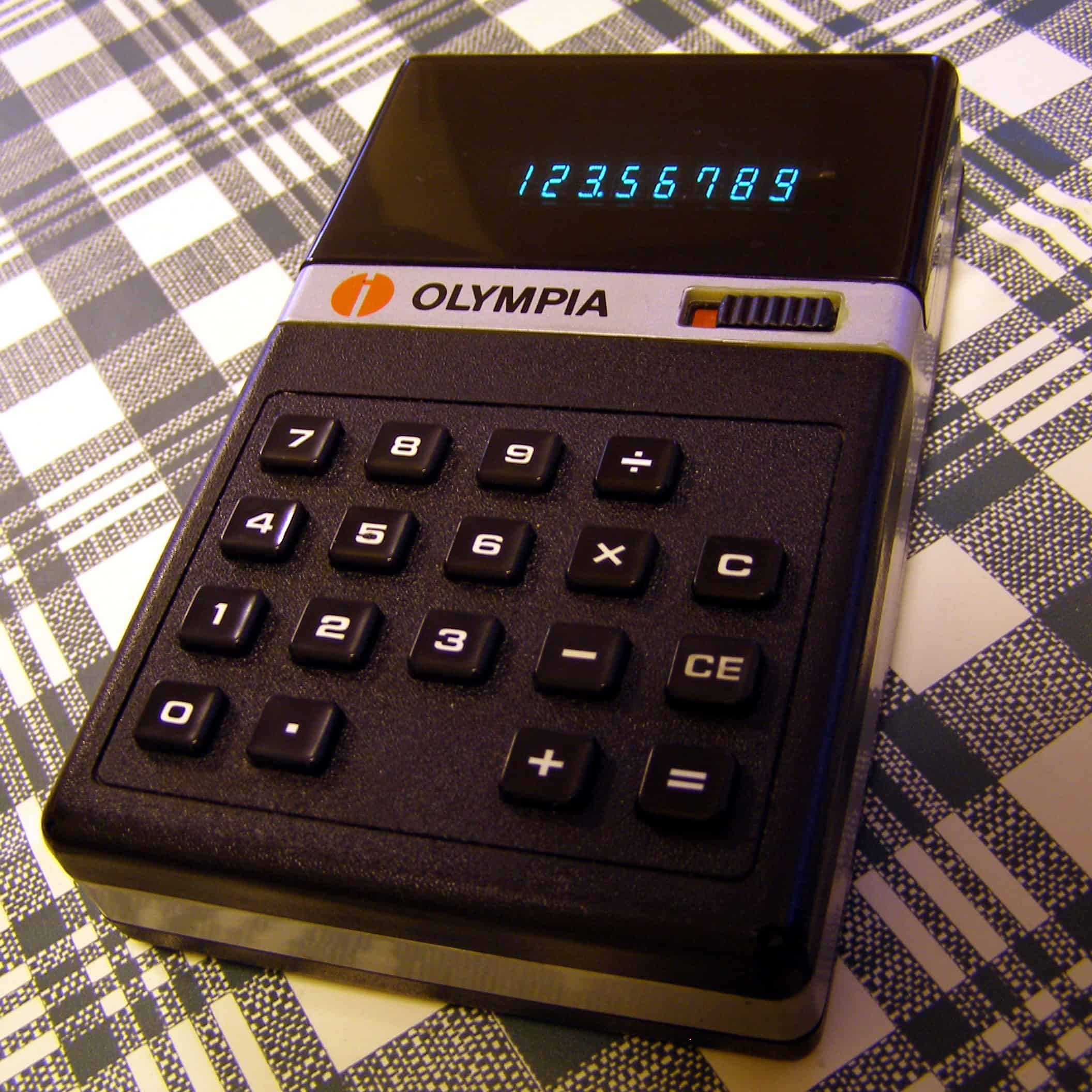
You are the operator of a pocket calculator. The Mac calculator paper tape function is a hidden hoot.
You are the operator of a pocket calculator.
Photo: Jim Champion/Flickr CC

If you don’t already know it, then this tip is about to blow your mind. It’s the paper roll for the Mac’s Calculator app, which has been a feature since, like, forever. You may have been using the Calculator since the very beginnings of Mac OS X, and yet you may still have never seen it.

There’s an old proverb: “The best time to plant a tree is twenty years ago. The second best time is today.” That totally applies to the Mac Calculator’s paper toll. Let’s check it out.

Get a hands-on look at watchOS 5’s new Apple Watch features

By

watchOS 5
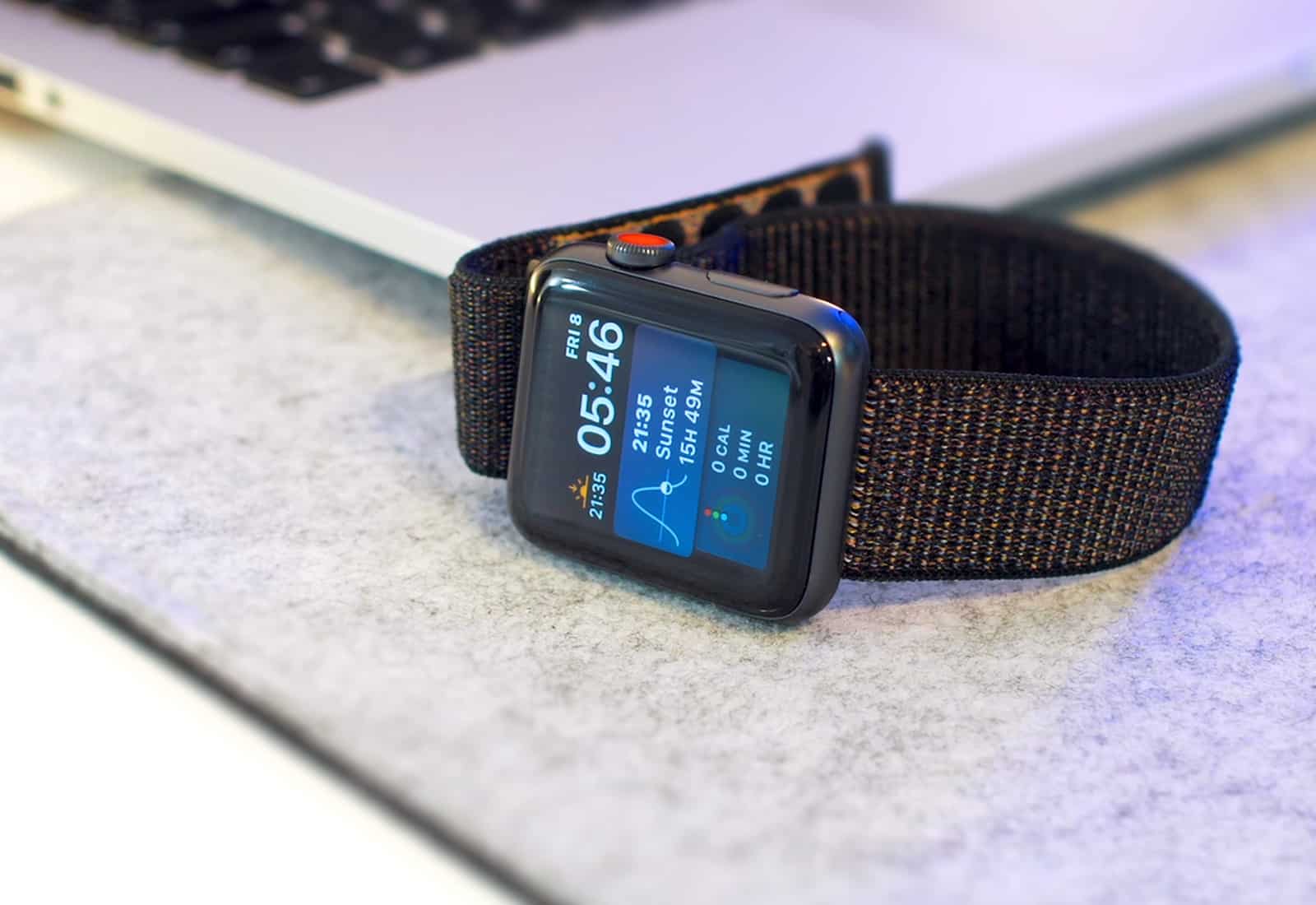
We've had time to play with the developer beta of watchOS 5, here's what's new.
Photo: Ste Smith/Cult of Mac

WWDC 2018 bug Cult of Mac Even if you already saw the WWDC 2018 keynote where Apple showed off watchOS 5, there are tons of features that got brushed over — and some did not get mentioned at all.

As is our duty, we installed the first developer beta of watchOS 5 and gave it a full run-through so we can show you all the new features in action. Check out the video below.

iOS 12 is scary good at learning your schedule

By

iOS 12
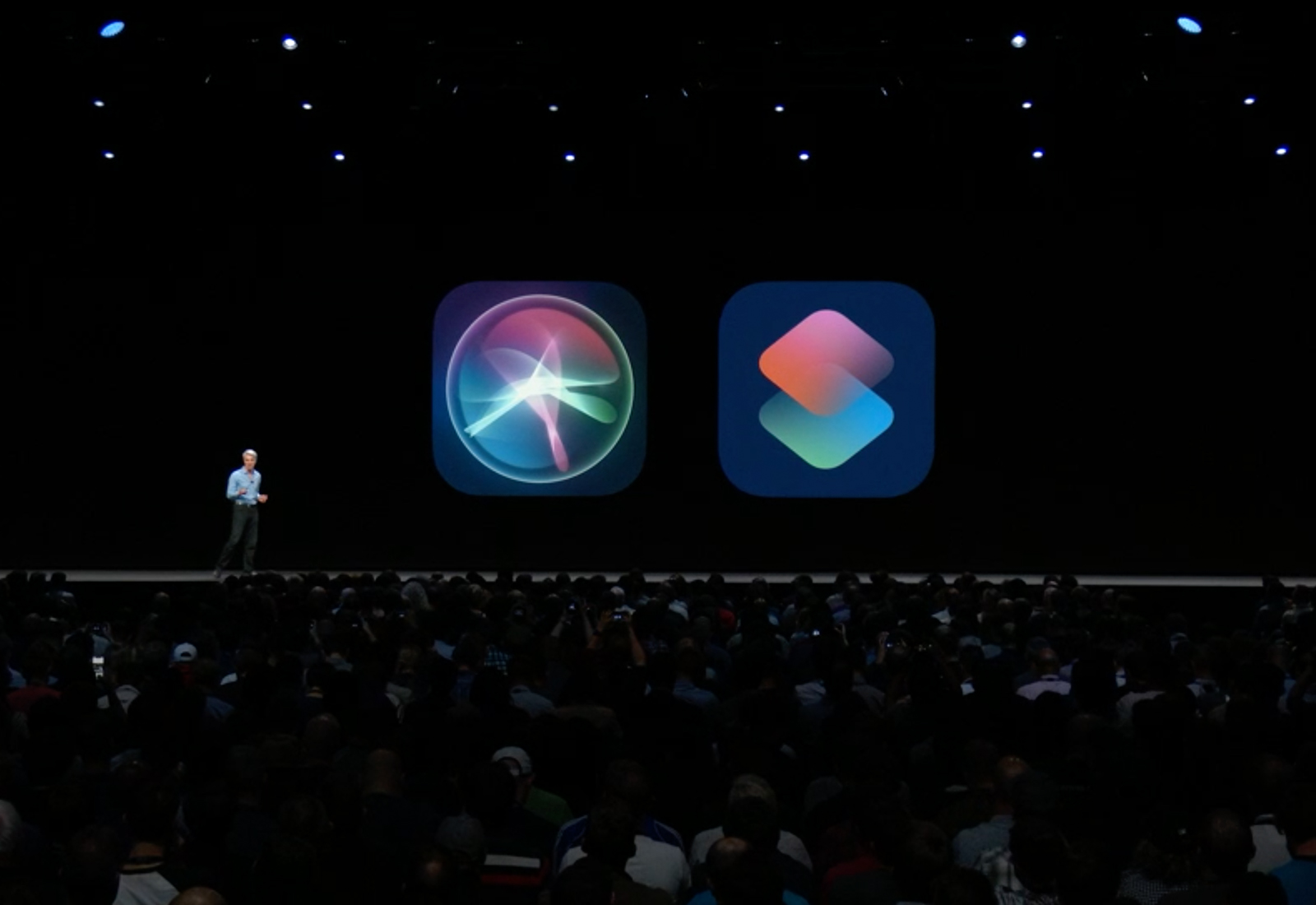
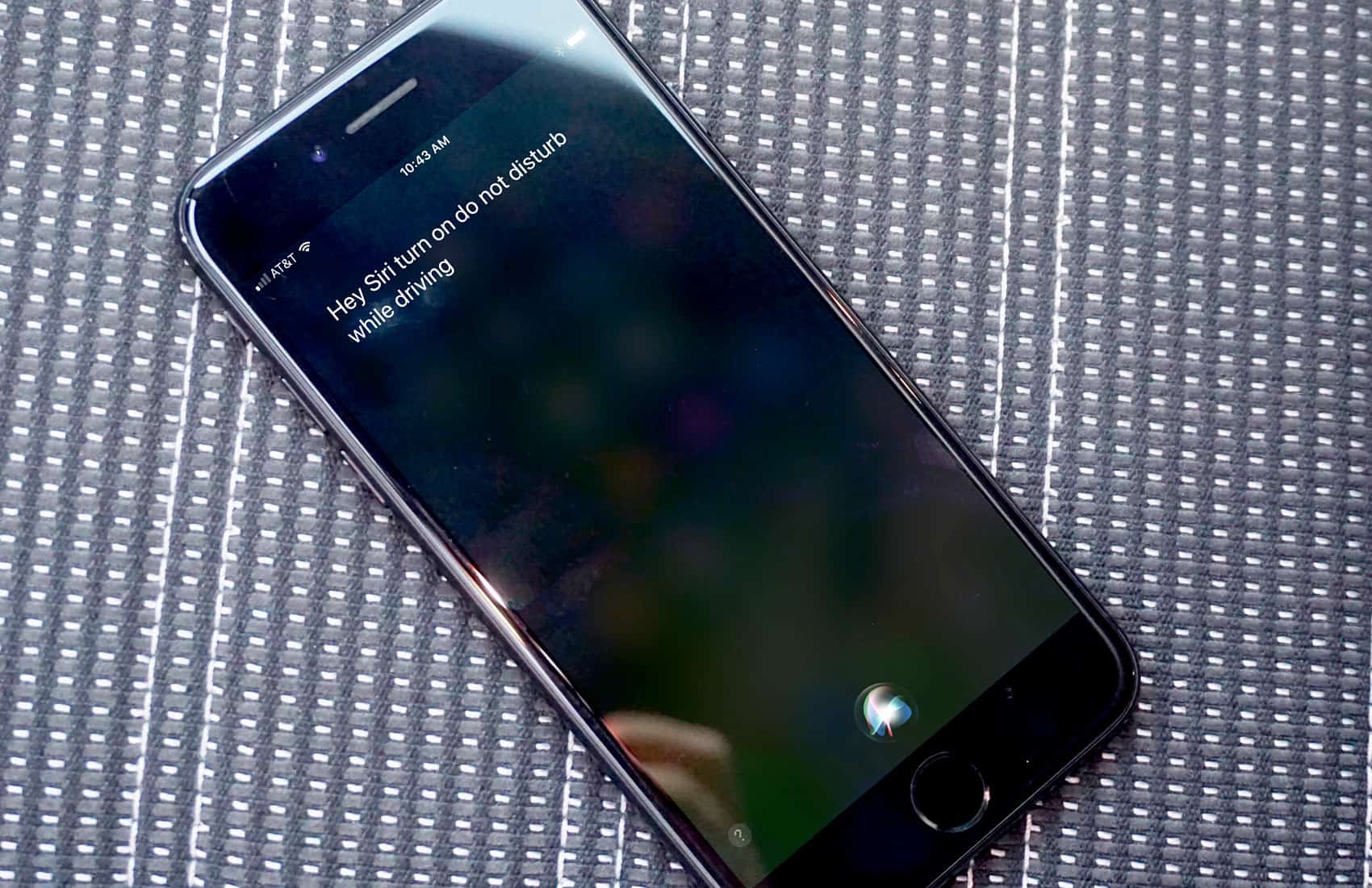
Siri Shortcuts in iOS 12 are super-useful.
Photo: Apple

Apple fans that have been complaining for years that Siri is dumb might be a little creeped out by how much better the digital assistant is in iOS 12.

With the new Siri suggestions Apple introduced this week, your iPhone will now be able to prompt you about events you haven’t even told it about. One developer posted his experience of Siri learning about a lunch just through iMessage.

Prepare to be impressed:

How to add Apple Music albums to your Home screen

By

Add any album to your iPhone's Home Screen.
Photo: Karl Baron/Flickr CC

Do you have an album or a playlist that you listen to over and over? Or maybe you have kids, and all they ever want to listen to is that Abba record you hate, again and again. And AGAIN. Are you sick of firing up Apple music and searching around for that record every time you want to play it? Well search no more! Today we’ll see how you can add any music to your home screen, and play it just by tapping an icon.

Theoretical improvements: The status of Siri in iOS 12

By

The iPhone's home button could be going away.
Siri should be a lot smarter.
Photo: Ste Smith/Cult of Mac

WWDC 2018 bug Cult of Mac In the battle of digital voice assistants, people often mock Siri for lagging behind competing products from Amazon and Google. During Monday’s WWDC 2018 keynote, Craig Federighi, Apple’s senior vice president of software engineering, glossed over those failings, calling Siri the “world’s most-used digital assistant.”

What he neglected to mention was the increasing frustration of Siri users expecting more from a voice assistant. From simple requests returning inaccurate results to the inability to performthat he compound actions, Siri was in desperate need of attention going into WWDC. But will the Siri upgrades in iOS 12 do the trick?

Speed through the WWDC 2018 keynote with sketchnotes

By

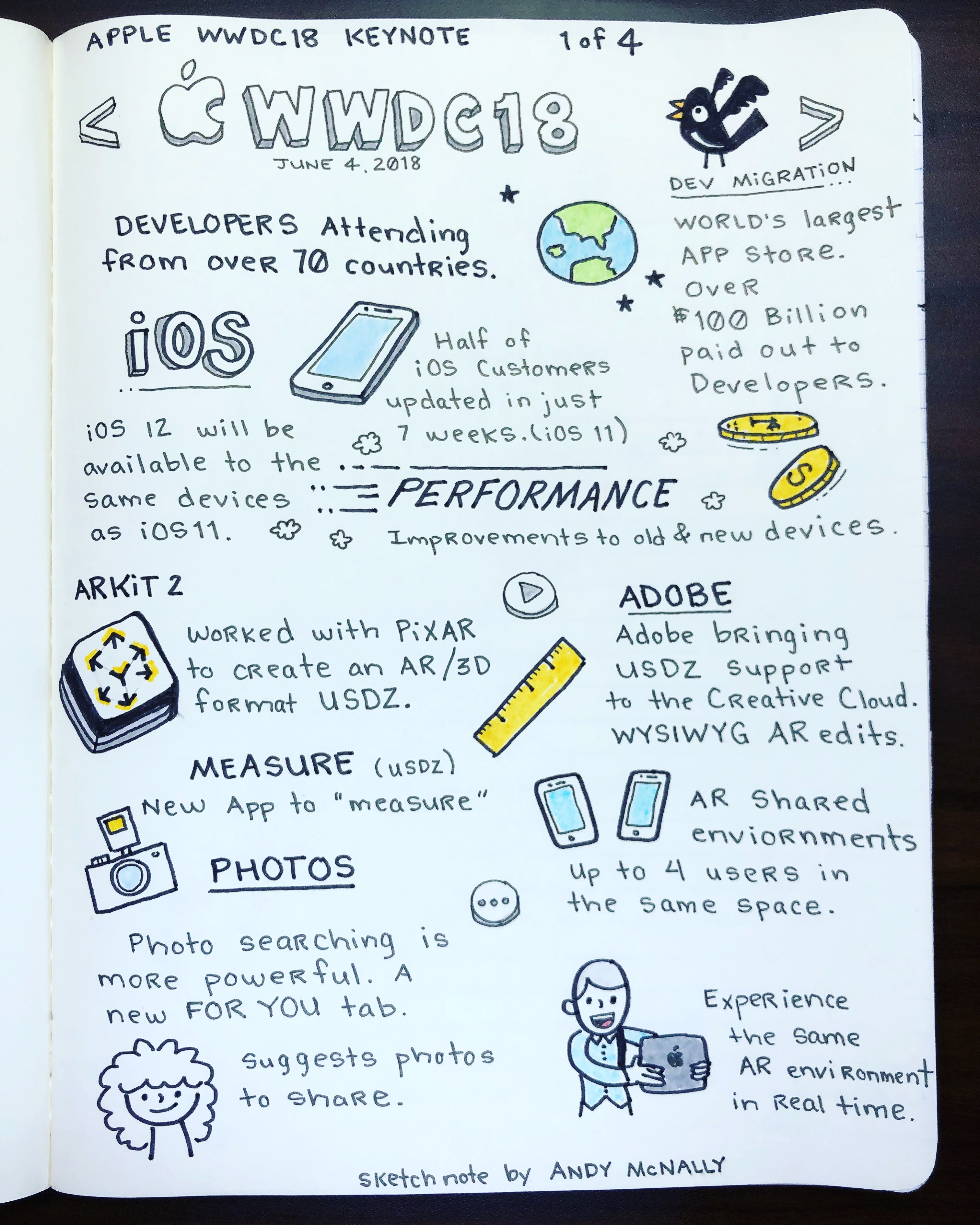
Apple WWDC 2018 keynote in sketchnotes, Part 1 of 4.
Sketchnotes deliver all the WWDC 2018 keynote highlights the easy, visual way.
Photo: Andy McNally/Cult of Mac

WWDC 2018 bug Cult of Mac It is always exciting to capture the WWDC keynote in sketchnotes, and this year I filled up four pages of my notebook with drawings showcasing the biggest new features coming in iOS 12, macOS Mojave and watchOS 5.

As seen in my first sketchnote, above, iOS 12 makes performance on both old and new devices a priority. ARKit 2 brings more augmented reality goodness to Apple devices, including the ability for up to four people to share the same AR space at the same time.

For a quick and easy recap of the rest of the WWDC 2018 keynote highlights — plus a bonus sketchnote that proved kind of prescient — check out the rest below.

All the important new stuff Apple revealed at WWDC 2018

By

WWDC 2018
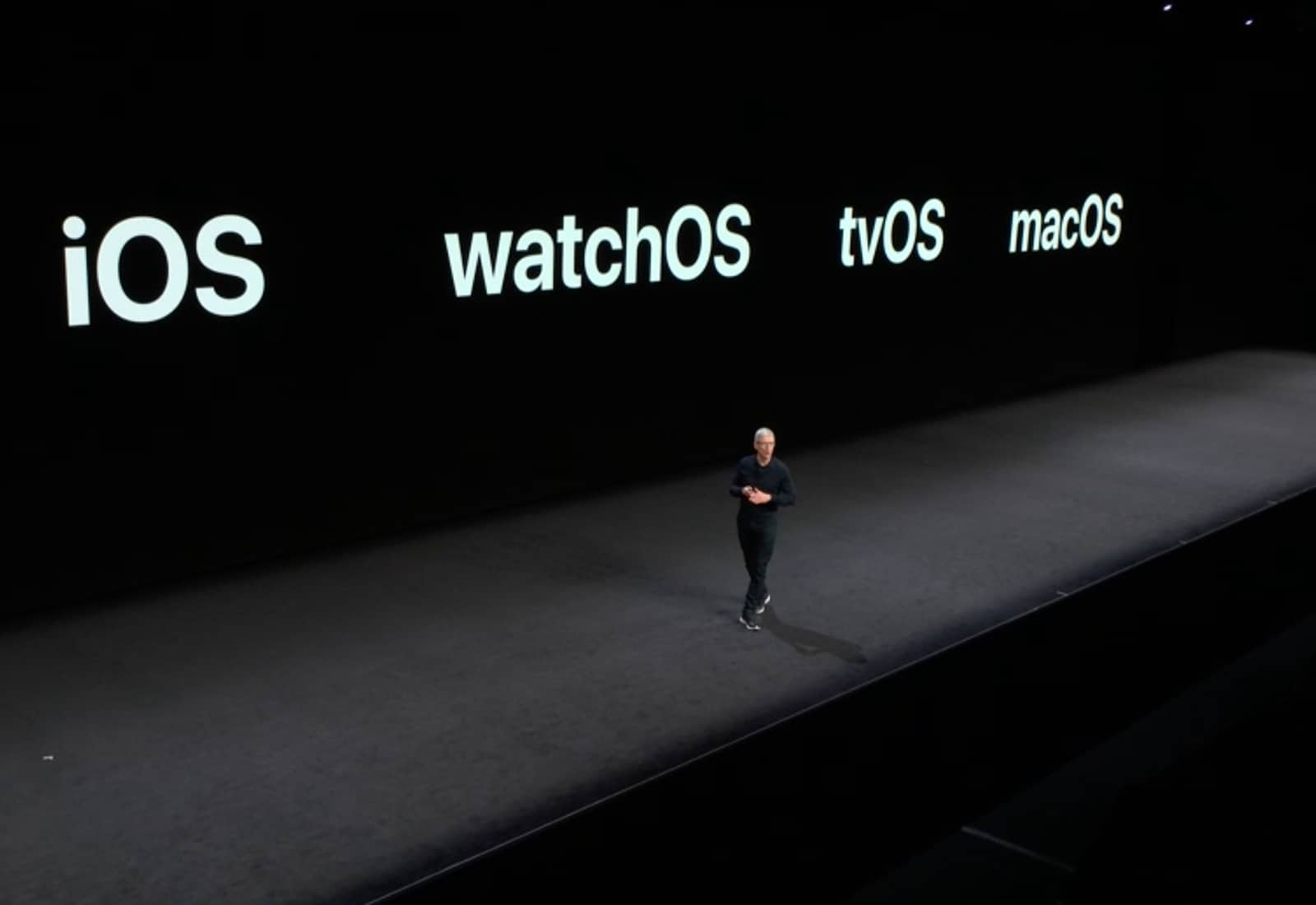
WWDC 2018 was packed with new software.
Photo: Apple

WWDC 2018 bug Cult of Mac Apple’s WWDC 2018 keynote lasted nearly 130 minutes and was jam-packed with new software goodies for developers and regular old Apple fanboys.

But if you were hoping to see some shiny new hardware unveiled at today’s event, you were in for some big disappointments. Apple is doubling down on its software game. And even though they didn’t have any new physical toys to show off, Tim Cook and company still managed to pull out some big surprises.

1 67 68 69 70 71 121