Mobile menu toggle

Search results for: shortcuts

watchOS 5 is ready to push Apple Watch into the future

By

apple watch
watchOS 5 makes Apple Watch more useful than ever.
Photo: Apple

WWDC 2018 bug Cult of Mac Apple is adding more ways for Apple Watch wearers to stay active and connected with watchOS 5, its biggest software update for its wearable in 2018.

Developers got an early preview of watchOS 5 today at WWDC 2018 and it’s packed with UI tweaks and a bevy of new features that make Apple Watch a better exercise companion and communication device.


Apple previews iOS 12 with ARKit 2.0, huge performance boost

By

iOS 12
iOS 12 rolls out to all this fall.
Photo: Apple

WWDC 2018 bug Cult of Mac We just got our very first glimpse at iOS 12 during Apple’s big keynote at WWDC.

The new update, which will be available for free this fall, includes ARKit 2.0 with new experiences and support for multiplayer games, grouped notifications, group FaceTime calls, and new apps.

iOS 12 also promises huge performance improvements across all compatible devices — especially older models that have struggled with previous releases.

How to add AirDrop to your Mac’s Dock

By

AirDrop is somehow conceptually related to balloons
AirDrop is somehow conceptually related to balloons.
Photo: Charlie Sorrel/Cult of Mac

AirDrop is a fantastic Apple feature. You can use it to share files of pretty much any size with anyone nearby, even in the middle of a desert with no Wi-Fi and no cellular. It Just Works, and once you get used to it, any other way of sharing files seems primitive.

Today, we’ll make AirDrop even easier to use on your Mac, by adding AirDrop shortcut to the Dock.

iOS 12 wish list: All the features we absolutely need

By

iOS 12 wish list
Here's everything we want from Apple's next major update.
Photo: Ste Smith/Cult of Mac

WWDC is right around the corner, which means we’re about to get our very first look at Apple’s next major update to iOS.

We’re expecting big things from iOS 12, including a whole host of improvements that will make our devices more stable, and plenty of welcome bug fixes. Apple will surely surprise us with some nice new features, too.

Here’s our lengthy wish list for this update, which includes a Home screen overhaul, a more powerful FaceTime, better multitasking, and more!

How to stop websites hijacking Safari

By

hijacked StopTheMadness
Take back control of Safari with StopTheMadness.
Photo: Daniel Rehn/Flickr CC

Did you ever visit a website and find that it had blocked the usual behavior of the Safari browser? Maybe it’s a banking site that won’t let you paste in your long password into its password field? Or maybe you discovered that YouTube disables Safari’s contextual (right-click) menus and replaces them with it’s own versions? Or maybe you can’t drag that image to the desktop, or copy text from the page?

The good news is that you can wrest control of your browser back from these malicious, control-freak sites. Let’s see how, using the StopTheMadness browser extension.

E3’s leather Apple Watch bands are made the old-fashioned way  

By

E3 supply co.
E3 Supply Co. Apple Watch bands come in a variety of finishes and colors. Made by hand in America.variety of finishes and colors. Made by hand in America.
Photo: E3 Supply Co.

Whether they are rebuilding vintage motorcycles or crafting Apple Watch bands, the folks at E3 Supply Co. do everything by hand. It’s not that they can’t afford fancy robots to get the job done — the small team of three prefers to do things this way.

Whether working from their shop in Brooklyn, New York, or from the mini leather workshop in the back of their customized 1977 Toyota Chinook, they do things the old-fashioned way. And now Cult of Mac is thrilled to offer E3 Supply’s handcrafted leather Apple Watch bands in our Watch Store.

Philips Hue update makes colorful lighting even easier

By

Philips Lights
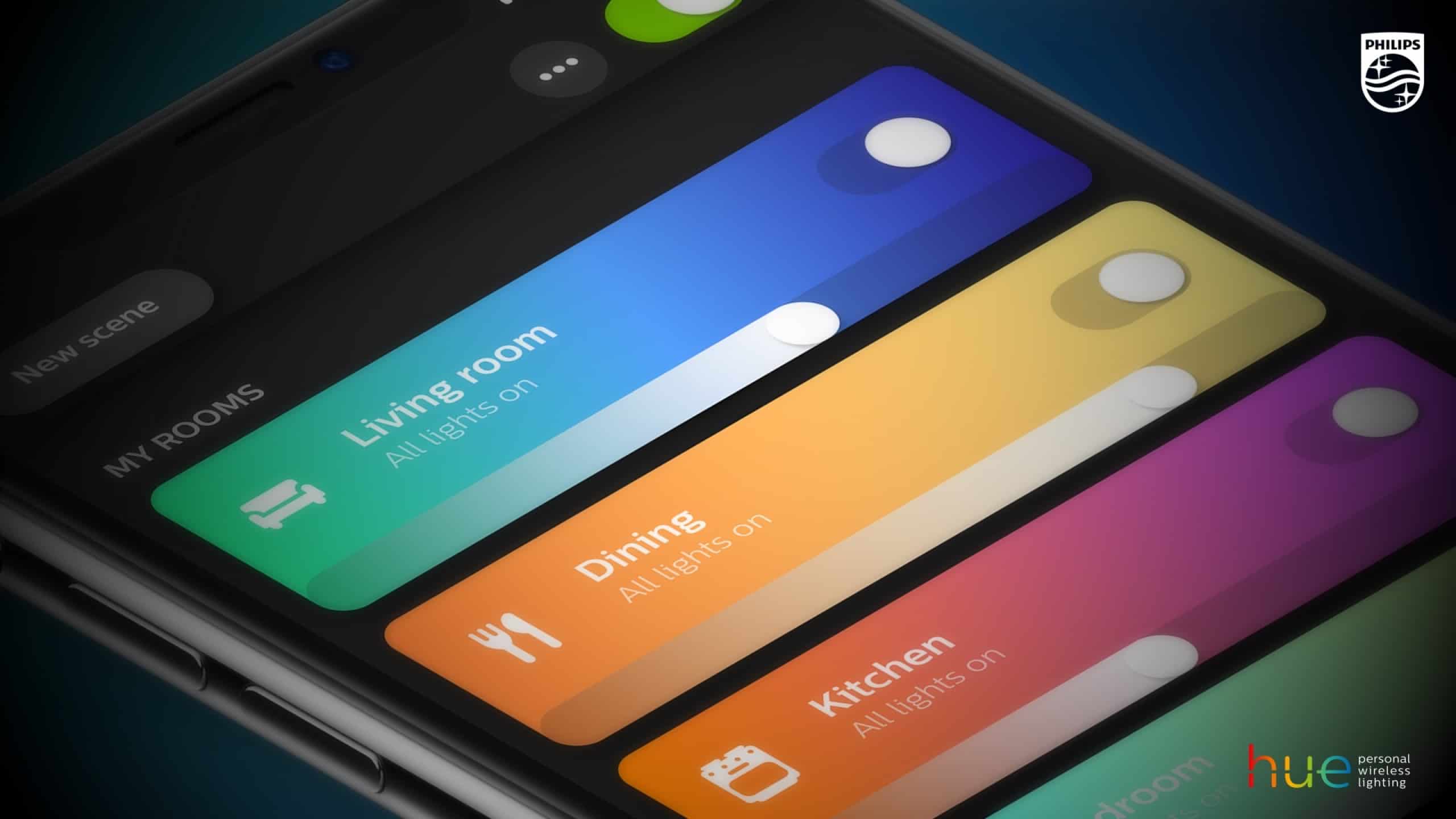
Controlling your lighting just got easier.
Photo: Philips

If you’ve got Philips Hue lighting in your home then you’ll want to make sure to upgrade to the latest version of the associated iOS app.

Making the company’s smart home lighting even smarter — both figuratively and literally — the app has received a visual overhaul, along with a number of nifty new features. And the gratefully received return of an old favorite.

Razer’s new mouse is built for budget gaming

By

Razer-Abyssus-Essential
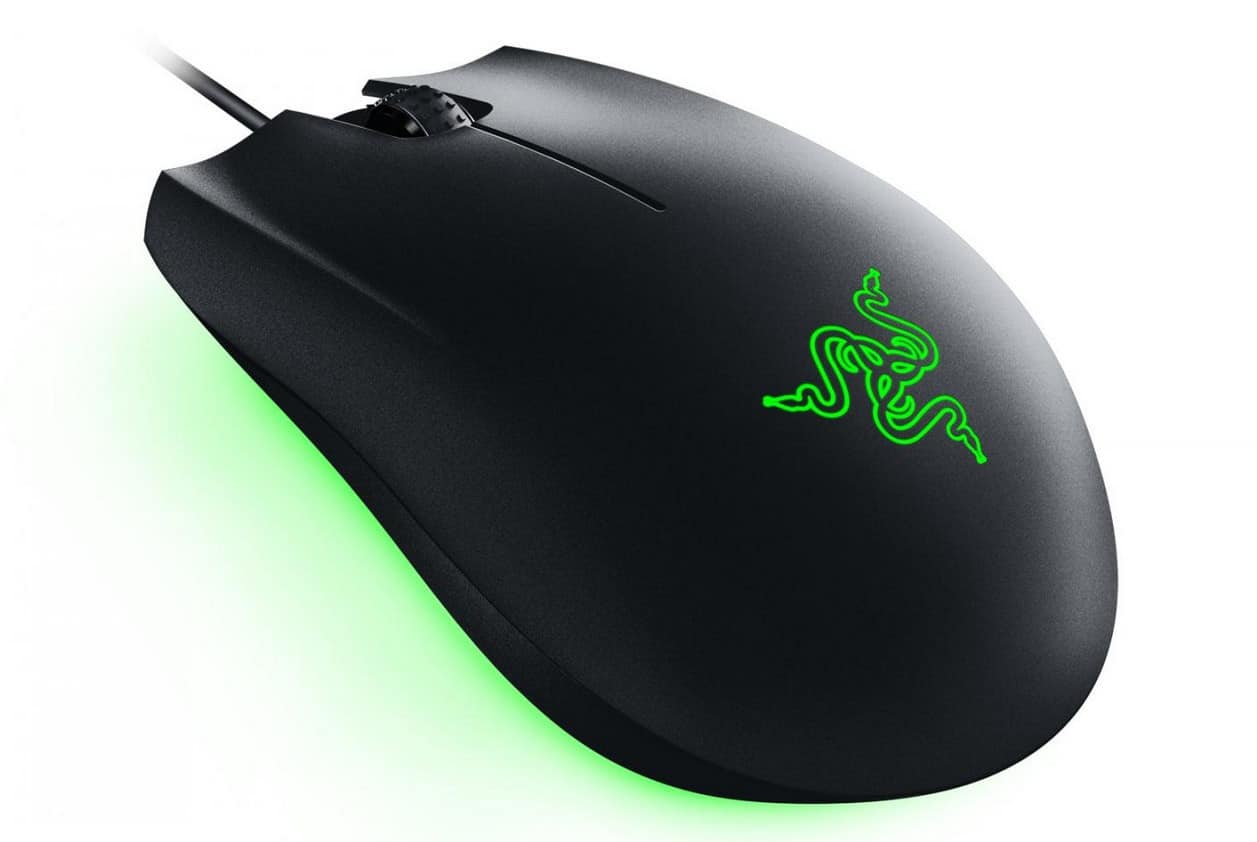
The Abyssus Essential won’t break the bank.
Photo: Razer

If you do a lot of gaming on your Mac or PC, a $10 mouse from Walmart isn’t going to cut it. But that doesn’t mean you have to break the bank on something super-fancy, either.

The Abyssus Essential, Razer’s newest mouse, has everything the average gamer needs — and it’s ideal for buyers on a budget.

How to master Split View on the Mac

By

Split View on the Mac
This is how they did Split View on the olden days.
Photo: Charlie Sorrel/Cult of Mac

Split view on the iPad is amazing. Two apps, side-by-side, open up all kinds of neat shortcuts. You can drag text, links, and pictures from Safari into notes apps, emails, Pages documents and so on. The Mac is less in need of such a mode, because screens are bigger, and you can already place two windows side-by-side, but on a little MacBook, where every 1/64th inch counts, Split View is a great feature. Here’s how to use it.

1 68 69 70 71 72 121