This week we clean up text with Text Case, fix up focus with Focos, ditch Instagram with Sunlit, and more.
Grab the best new photo, note-sketching and text-fixing apps you’ll see this week
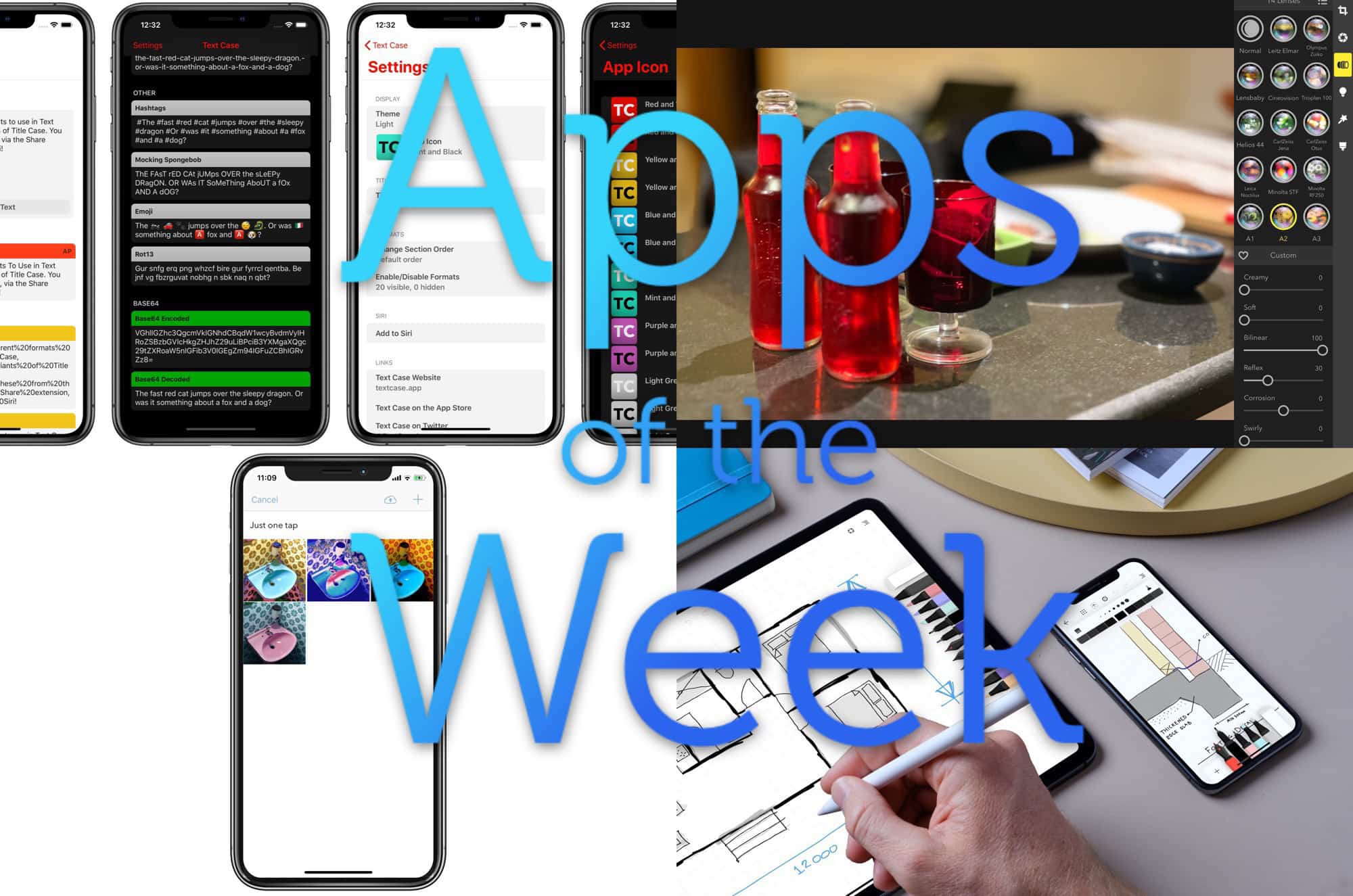
Photo: Cult of Mac

This week we clean up text with Text Case, fix up focus with Focos, ditch Instagram with Sunlit, and more.

Every morning, after I park my iPad in its desk stand, I start writing the same way: I play the same music playlist; I start the Focus app, which reminds me to take breaks; and I create a new Ulysses sheet to start typing in. And I do all of these almost without touching the screen.
You’d be surprised at how much you can do on the iPad with just the keyboard. Today we’re going to see some cool examples, plus a bonus Good Morning shortcut.
Earlier this week I wrote abut using Shortcuts to build a simple download manager for iOS. It works great, but there’s a better solution. It’s an app called Yoink, and it can be a download manager, and way more.
How do you translate a PDF? Maybe you scanned a page from a friend’s German cake recipes book. Or perhaps you’re living abroad and you have no idea what the police just made you sign. There are plenty of ways to translate PDFs and text, but most of them involve either A) Microsoft Word or B) uploading your private documents to a cloud service to be read.
Today we’ll see how to quickly scan a paper document, then translate its written text into English. You’ll be amazed at how fast it is.
It’s not easy to give up your iPhone. Even if you’ve already decided you want to switch to another handset, it’s going to be incredibly difficult to let go. Apple has you locked in. And for some iPhone owners, there is no way out.
That’s because it’s not just your iPhone that you’d be saying goodbye to. Many other apps and services you use every day — some without even thinking about it — make switching to another platform nearly impossible.
Here are all the ways Apple makes it hard to jump ship and switch to Android.
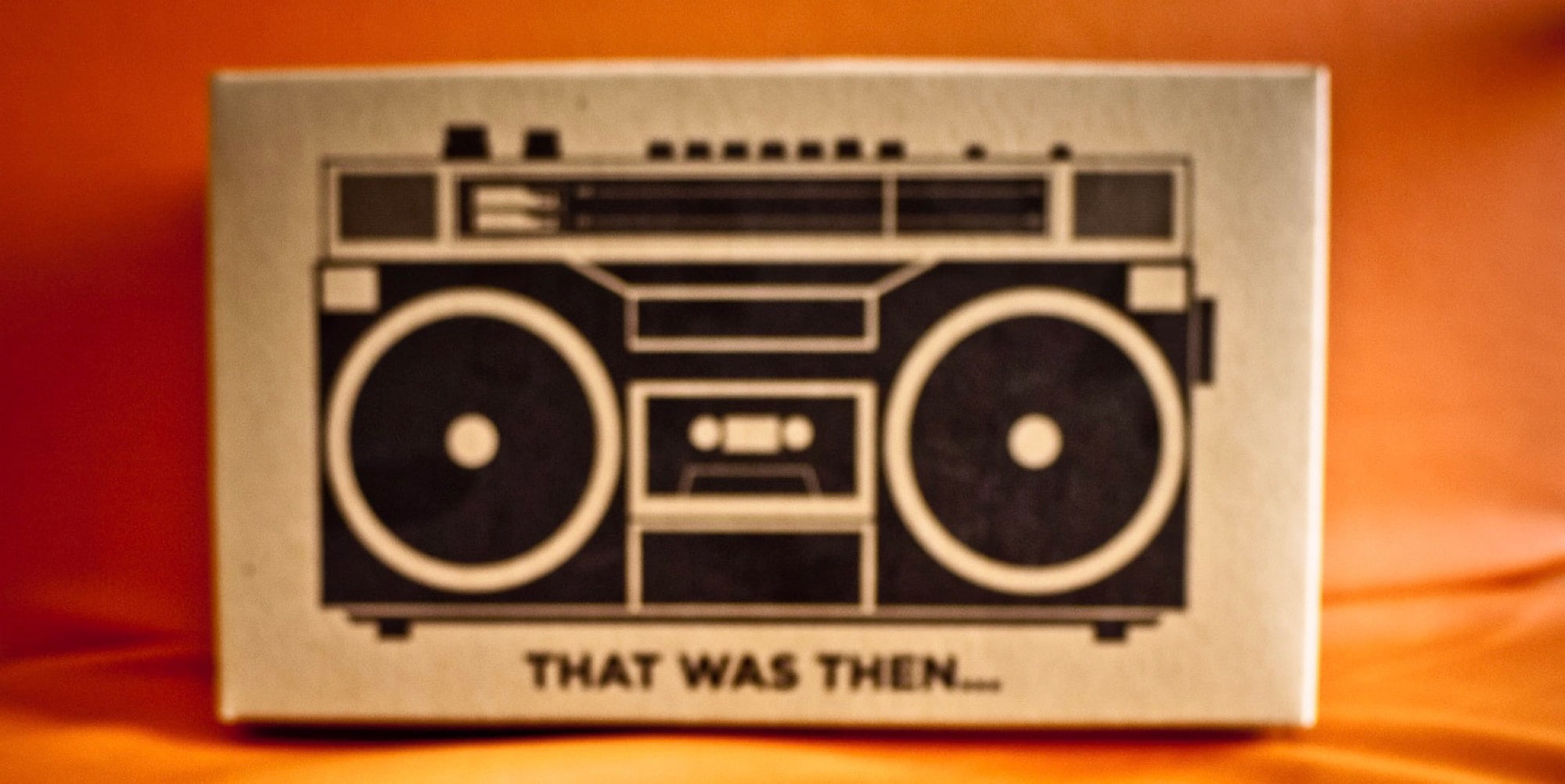
Yes, the radio.
Some phones, and some old iPods — the clip-on Nano, for example — have real radio receivers built in. They can pick up over-the-air AM and FM waves, and play them, just like you were in a car from the olden days. The iPhone and iPad, though, have never had working radio tuners. But thanks to internet streaming, it doesn’t matter. You can listen to live radio anywhere, using an app.
Today we’ll see one super-simple app that works a lot like an old radio, and another app that I don’t really like, but that does pretty much anything you could want in a radio-streaming app.

This week we blur the background in Skype, edit Photos on the iPad in Obscura, clean up our TV shows and movies with iFlicks 3, and check the forecast on our Apple Watches with Carrot Weather.
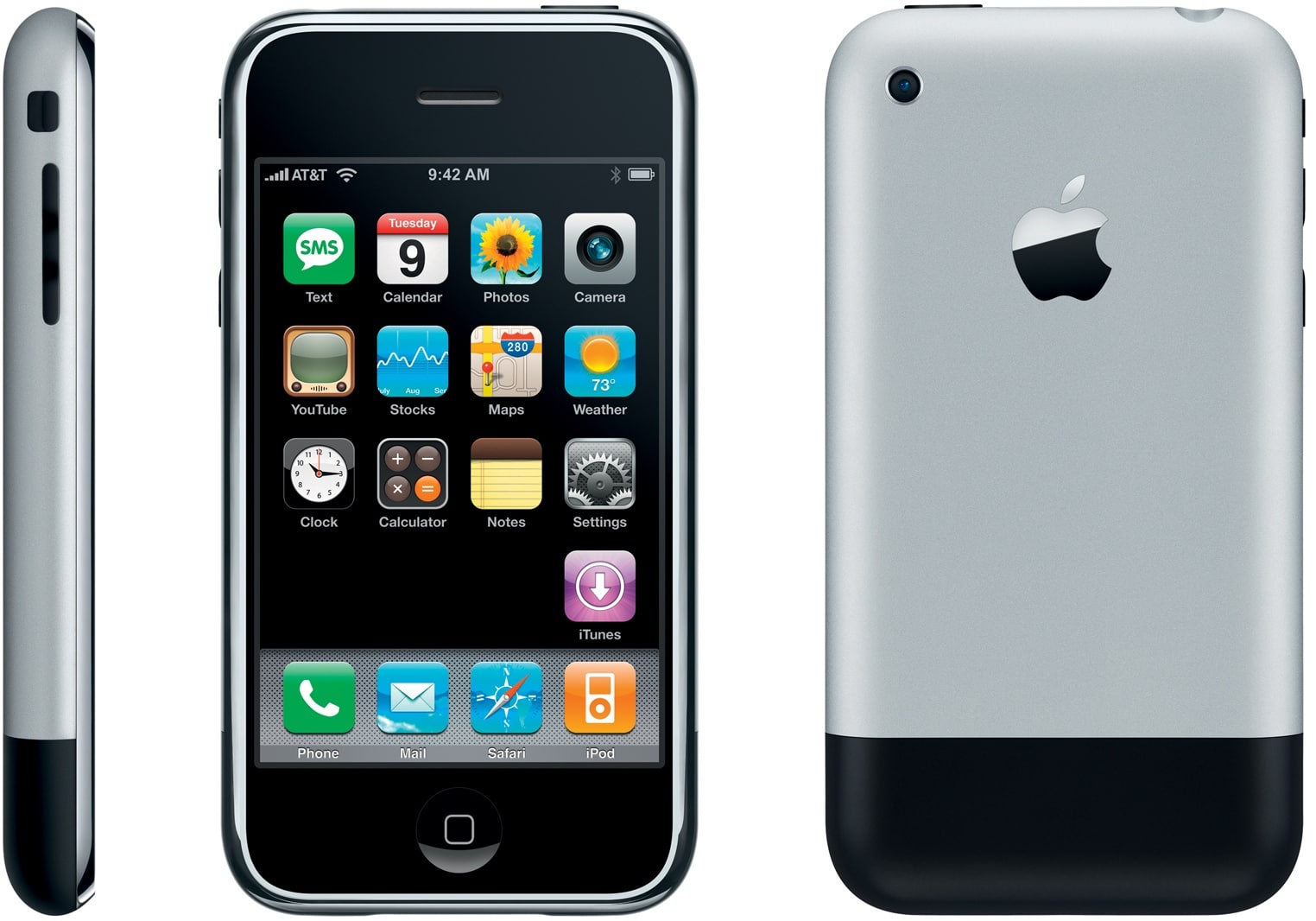
According to rumors, iOS 13 will bring a redesigned home screen to the iPad. It’s about time. The grid of apps might have worked fine on the iPhone before the App Store, but after nine years of using the expanded version on the iPad, the joke is starting to get old.
So, if Apple is finally ready to make a home screen worthy of the iPad, we have a few suggestions.
A few of us here at Cult of Mac work on iPads pretty much exclusively. Apple’s tablet proves more than capable of “real” work, but that doesn’t mean it’s perfect. Far from it, in fact. The iPad Pro 2018 is a fantastic machine that invites you to use it for everything. But that only makes the frustration worse.
Today I’d like to talk about what really drives me nuts about the iPad.

Whenever you click a link in a Google search, it replaces the URL of the site with a tracking URL. If you hover over a link with your mouse before you click it, Safari will show you the full URL of that link. It’s a great way to check where you’re about to get sent. Google plays along with this, showing you the proper URL for the link in question.
Only when you actually click on it, it swaps out that link, replacing it with its own tracking link.
Fortunately, there’s a way to block this sneaky, underhanded and totally unsurprising behavior.