Mobile menu toggle

Search results for: shortcuts

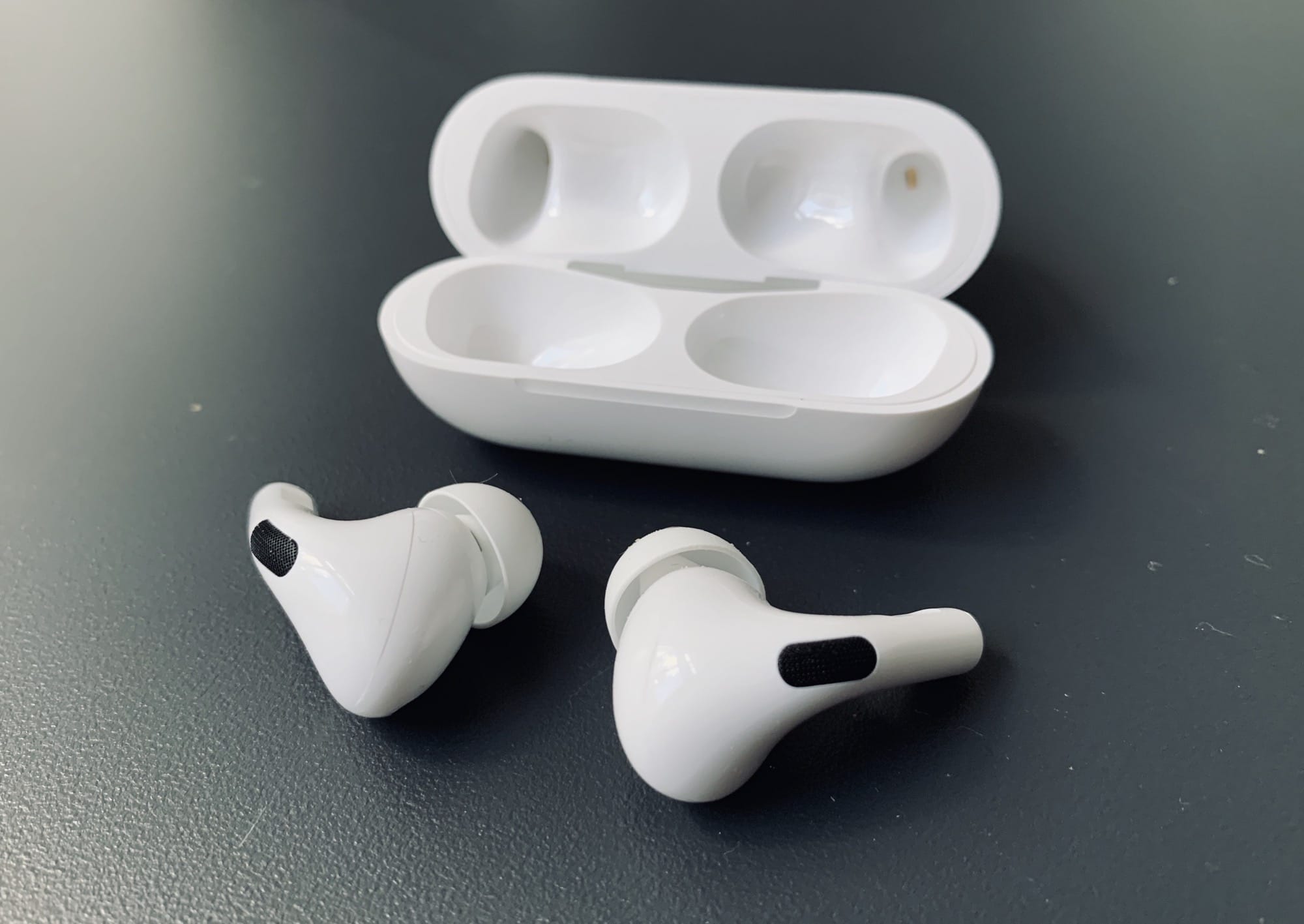
Use the ‘Two-Face Mullet Strategy’ with your Apple Watch

By

Two-Face Mullet Strategy
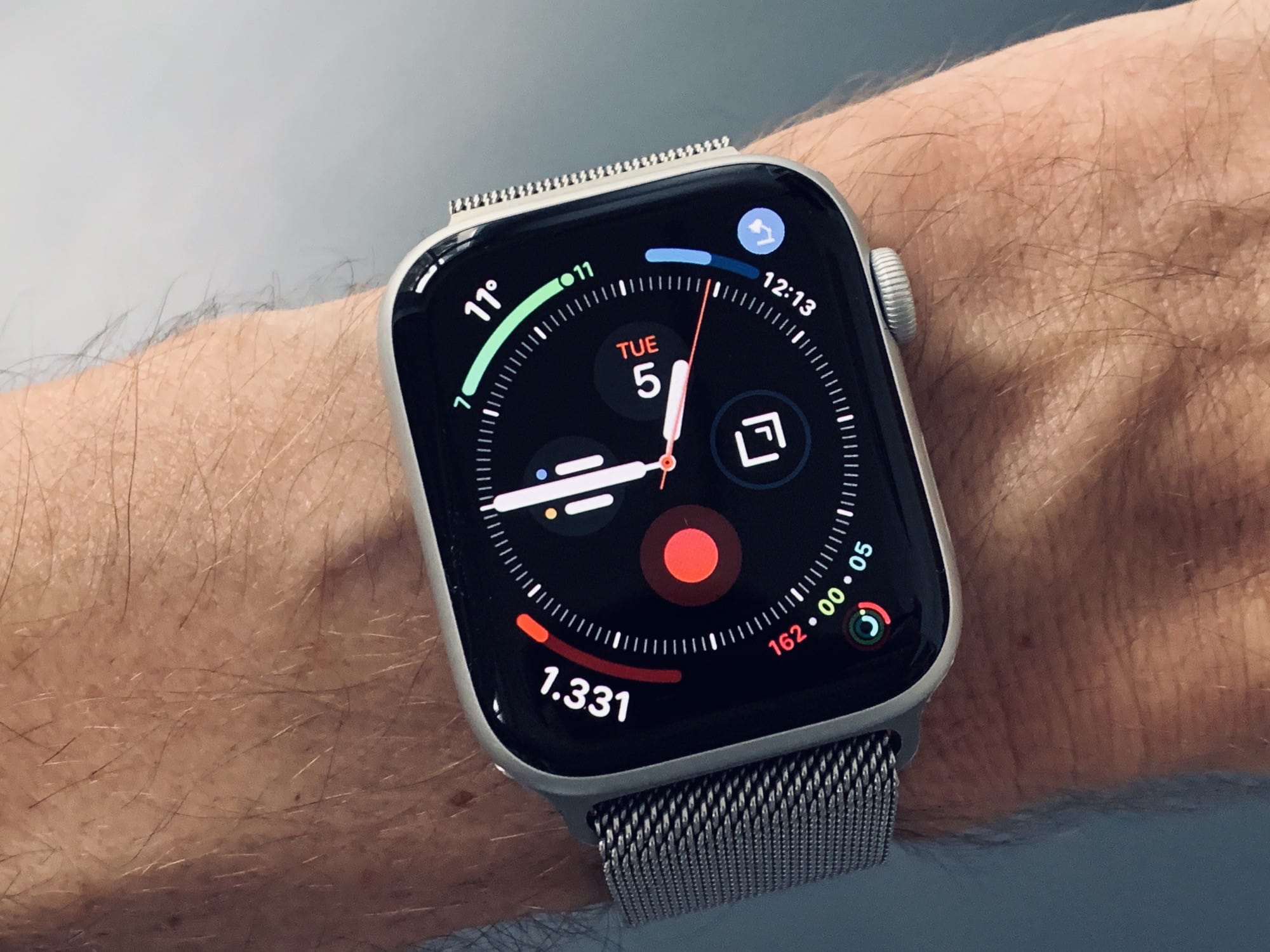
This overloaded face is balanced by a the minimal simplicity of its partner.
Photo: Charlie Sorrel/Cult of Mac

You can add almost endless faces to your Apple Watch, and switch between them with a simple swipe on the screen. Maybe you have a carefully-crafted fitness face, an elegant, complication-free evening face, plus faces for shopping, hiking, commuting, and so on. But is this really an optimum strategy?

After a months or so using the Apple Watch Series 5, I’ve settled on something way simpler, and probably good enough for 90% of Apple Watch use cases. I call it the “Two-Face Mullet Strategy,” and you’re going to love it.

Photoshop for iPad shows that Adobe totally still has it

By

30% of tablets sold last quarter were iPads
Photo: Charlie Sorrel/Cult of Mac

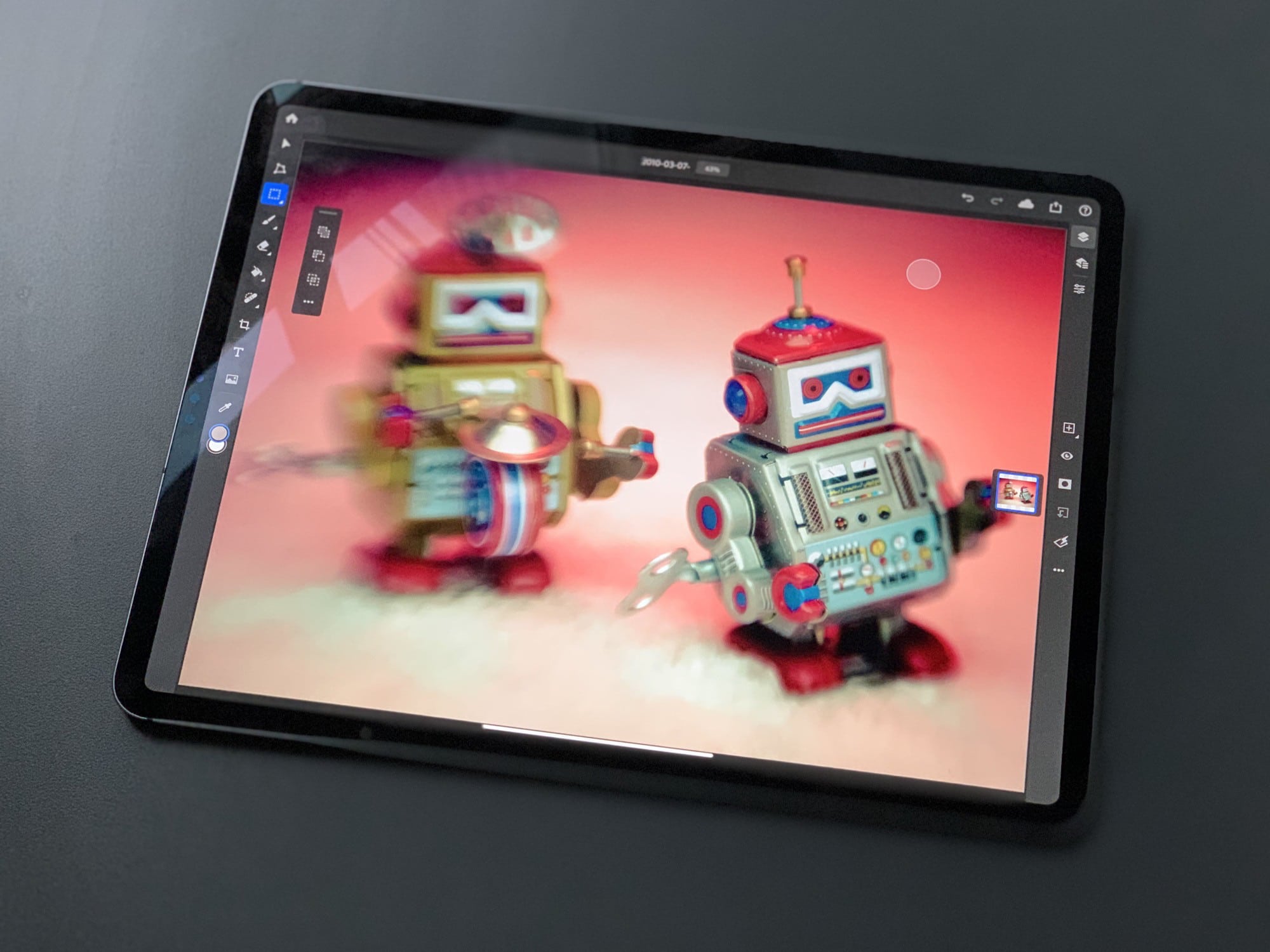
Adobe’s Photoshop is now available in the App Store, ready for you to try. You have to sign up for a $10 monthly subscription, even just to test it out, but there’s a one-month free trial included in the sub. With that out of the way, how is it? Extremely limited, but very promising.

If you’re familiar with Photoshop on the Mac or PC, then you will feel immediately at home. You will also feel immediately frustrated, because the app does almost nothing. We learned earlier this month that Photoshop for iOS would offer a cut-down feature set compared to the full desktop version. Still, this app is so basic that — if you want to actually get any work done — you should grab something like Affinity Photo instead.

But as an example of an iPad app, Photoshop is stellar. It’s easy to use, and yet most of the basics are there. And there’s a new UI innovation, called the Touch Shortcut, that should be in every app. Let’s take a look.

AirPods Pro controls: How to customize & more

By

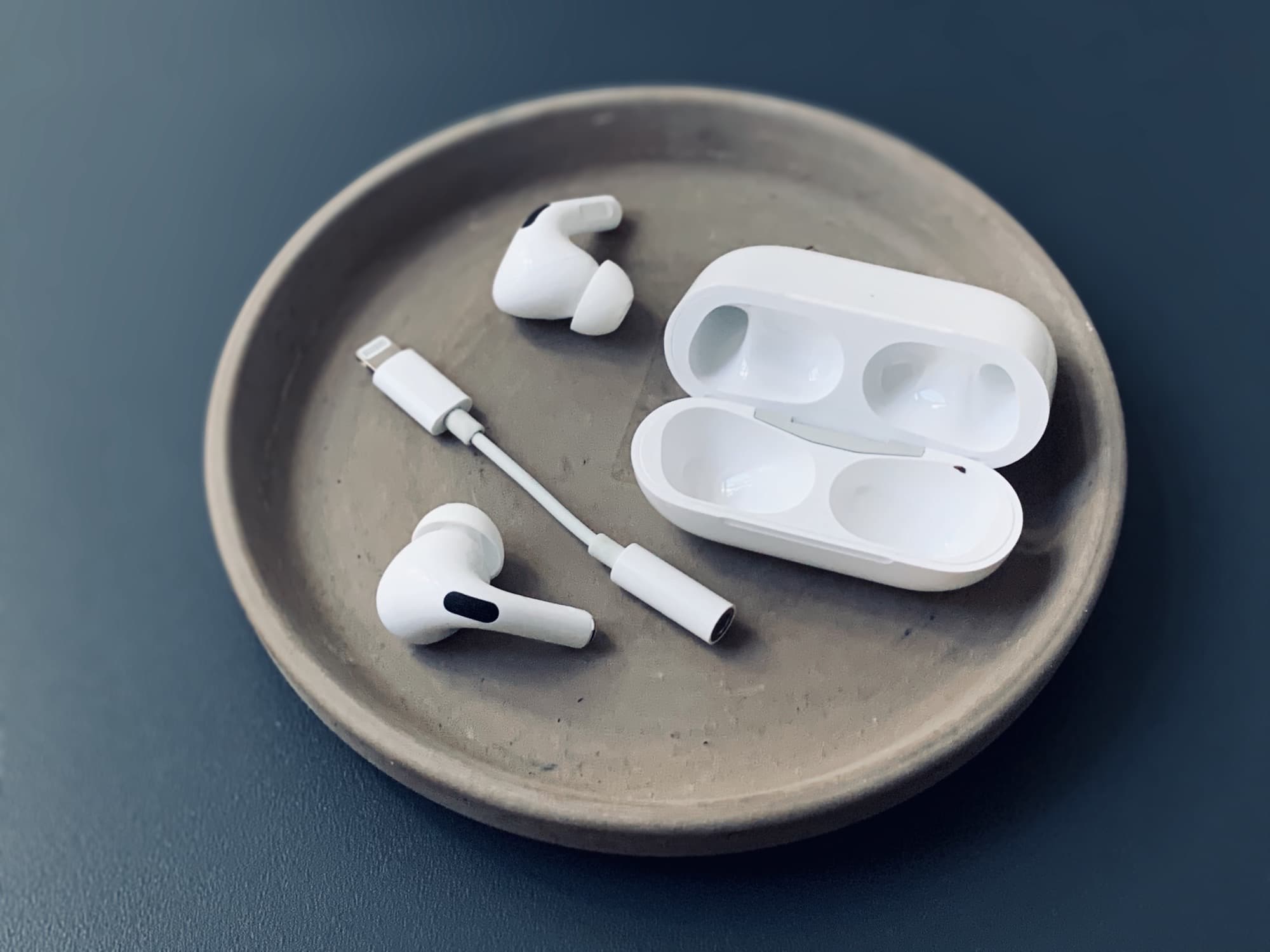
Apple's AirPods Pro, and a dongle for scale.
Control your AirPods Pro by squeezing the stems to play or pause music and noise cancellation.
Photo: Charlie Sorrel/Cult of Mac

Your AirPods Pro controls are cleverly incorporated in the earbuds’ stems. The stems are touch-sensitive, and various squeezes or strokes will play or pause music, adjust the volume, answer phone calls, launch Siri, change noise cancellation settings and more.

Here’s how AirPods Pro controls work, and how to customize their settings.

How to master the Apple Watch Dock

By

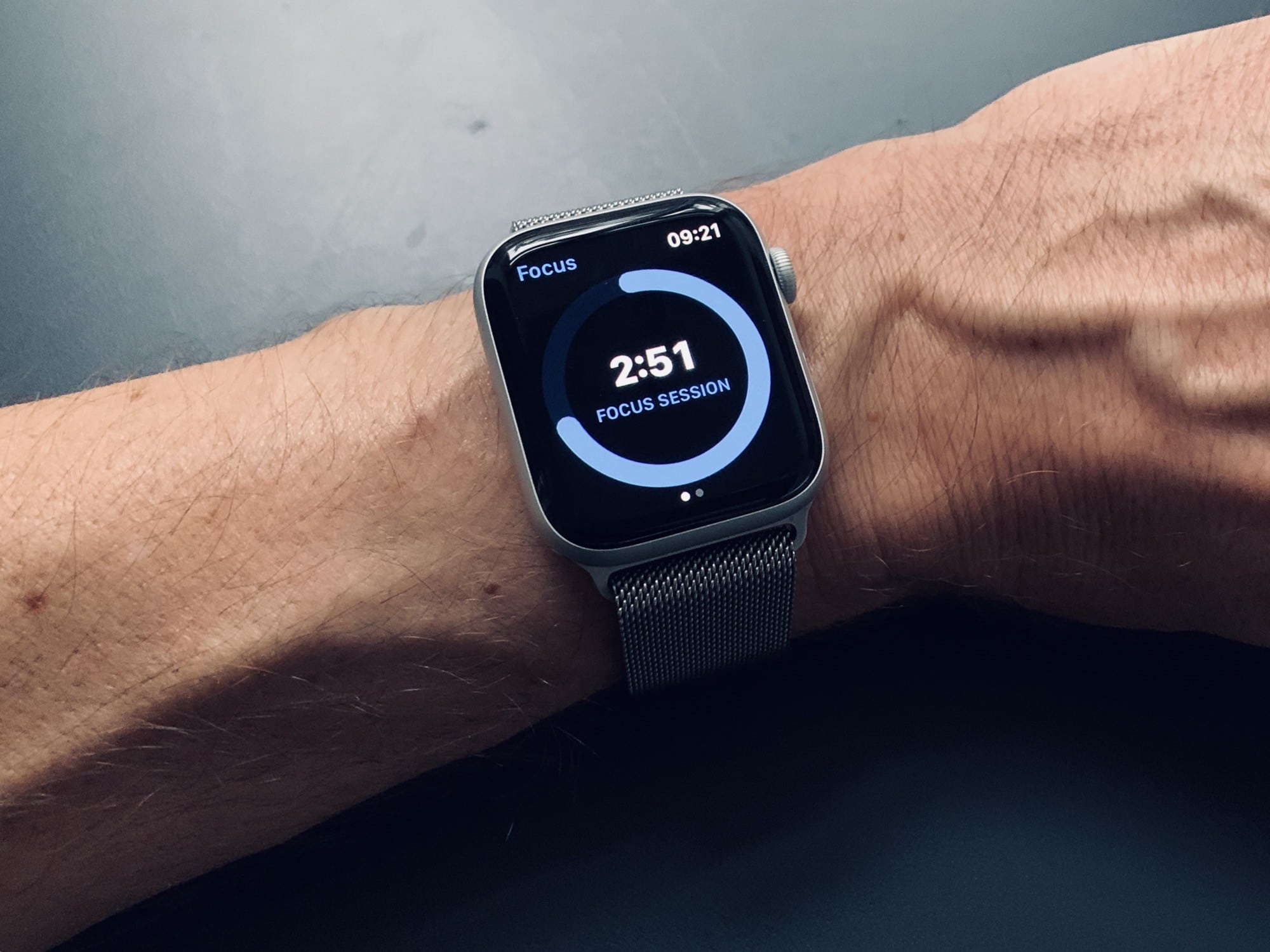
Apple Watch dock

Photo: Charlie Sorrel/Cult of Mac

There are two buttons on the Apple Watch. You can press the Digital Crown, and you can press the side button. If you press the side button when your watch is displaying its watch face, then you’ll pop up the Dock. But what, exactly, is the Apple Watch Dock?

Just like the docks on macOS and iOS, it provides quick access to your most-used apps. But the Apple Watch Dock doesn’t work like the docks on Apple’s other devices. Here’s how to use it — and how to customize it.

How to stop Siri from snooping on you

By

Stop siri snooping: LOL look how small Apple made the
LOL look how small Apple made the "Not Now" button.
Photo: Cult of Mac

iOS 13.2 adds controls for Apple’s unpopular Siri data collection program. Now, users can opt in to “Siri and Dictation Analytics,” which translates to letting your iPhone or iPad upload all your Siri interactions so Cupertino can improve the virtual assistant’s accuracy.

Previously, Apple disabled this program because of its unpopularity. Now, it’s back — but under your control.

How to combine Live Photos into a shareable video

By

live photo videos
Turn your Live Photos into videos.
Photo: Muhammad Haikal Sjukri/Unsplash

In iOS 13 and iPadOS, you can easily collect a bunch of Live Photos, and combine them into a single video. It’s great for sharing, or just making a cool remix of your clips. And this isn’t another one of those (awesome) posts where we use Shortcuts to do the dirty work. Making Live Photos videos is a new feature built into the Photos app.

Here’s how to use it.

iPad is catching up with Mac, but it will never be as easy to use [Opinion]

By

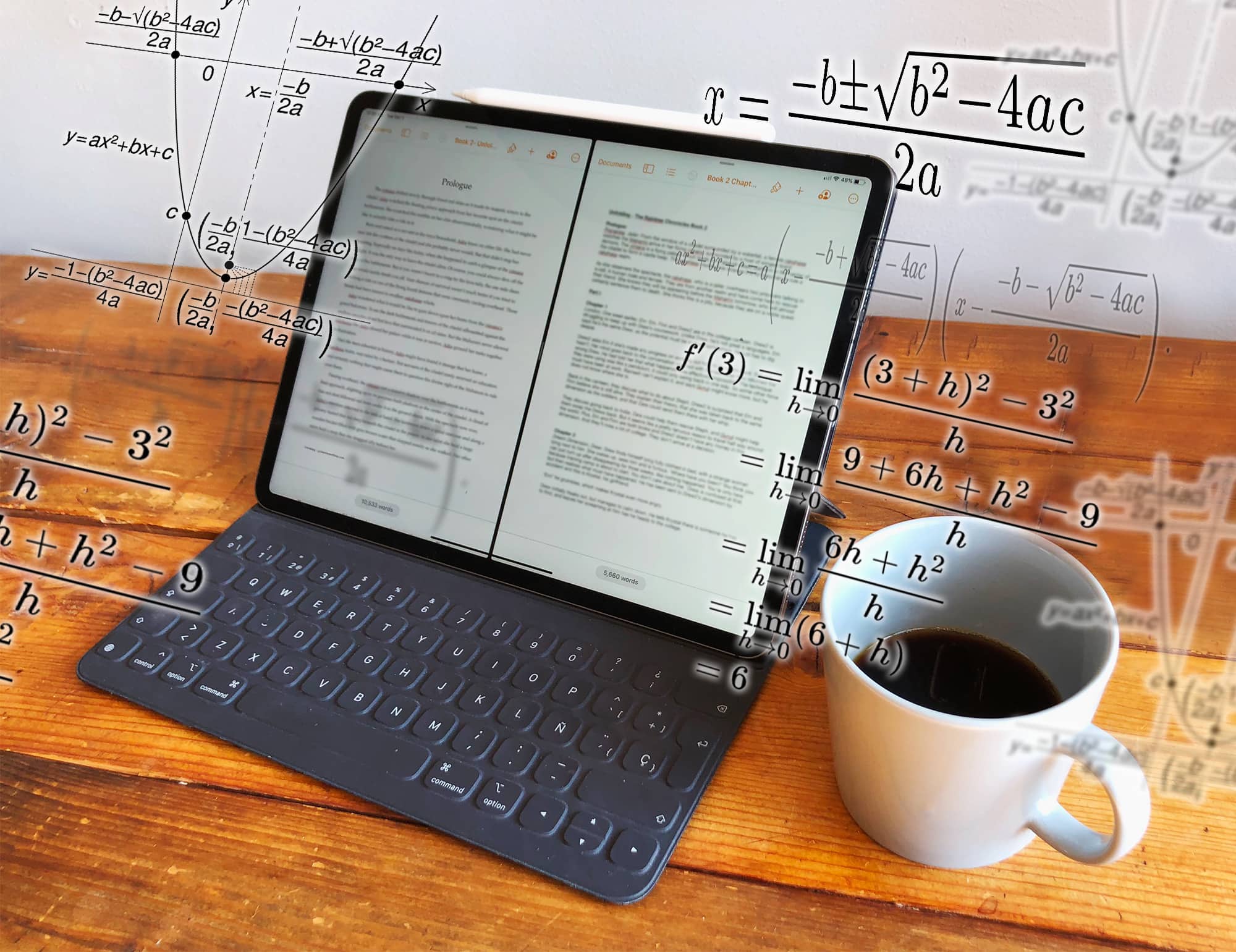
It’s not rocket science... oh wait, it is: Opening two files on an iPad.
Opening two files in the same app on an iPad requires rocket science.
Photo: Graham Bower/Cult of Mac

Thanks to the recently launched iPadOS, I can finally do simple things on my iPad that I’ve always been able to do on my Mac. Like opening multiple documents in the same app, or installing fonts.

Trouble is, while these things are easy to do on a Mac, they’re fiendishly difficult with an iPad.

In the early days, everyone celebrated the iPad for being easier and more intuitive to use than a Mac. But as Apple crams in more features, that is no longer true. iPad is still easier to use for simple things, but it is much harder and more cumbersome for performing advanced tasks.

iOS 13.1.2 is already out with big bug fixes

By

iPad Pro with iPadOS 13.1.2
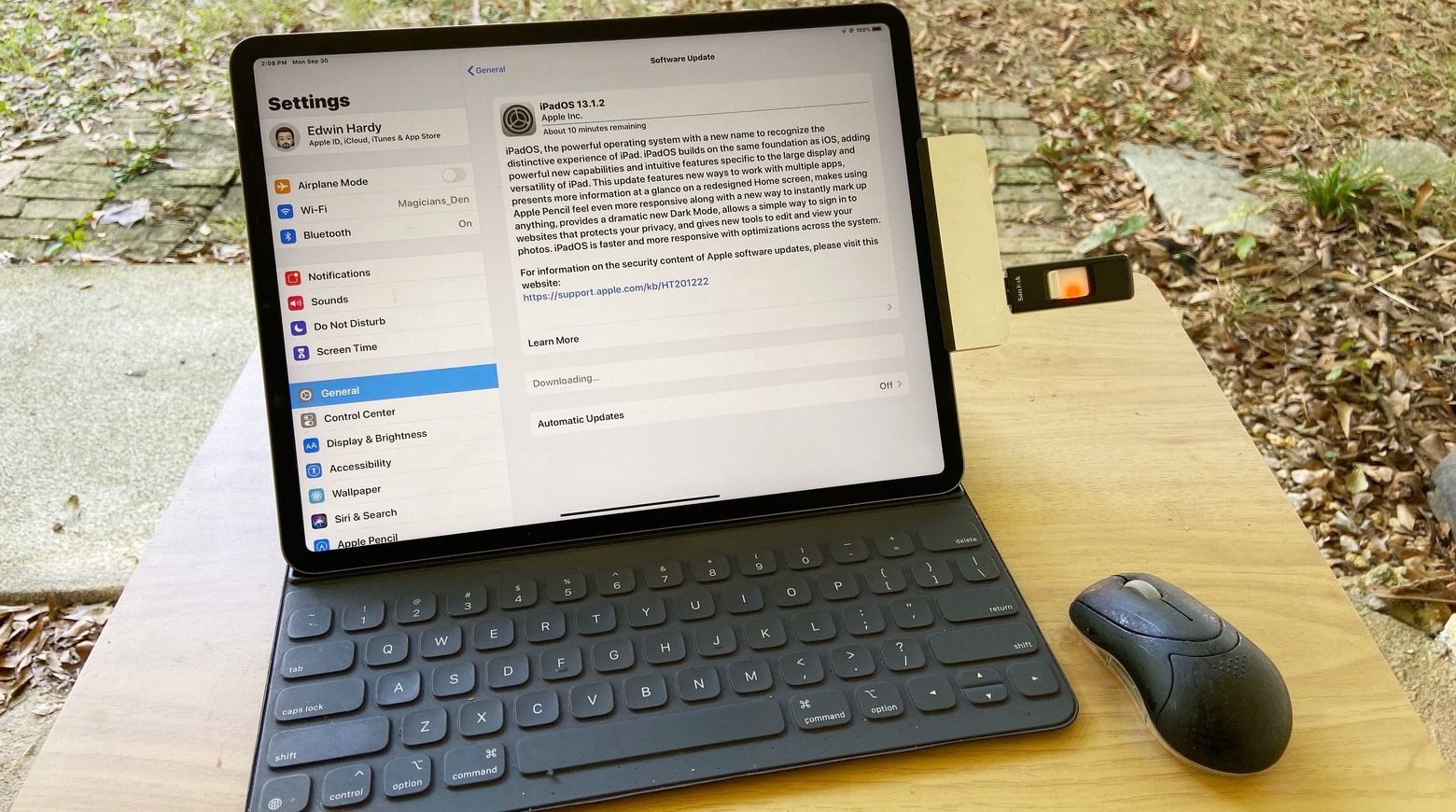
Apple is bombarding people with iPad and iPhone updates. Here’s iPadOS 13.1.2.
Photo: Ed Hardy/Cult of Mac

iOS 13 brought big changes and version 13.1 added some more, but Apple sure isn’t resting on its laurels — the company quickly rushed out iOS 13.1.2 and iPadOS 13.1.2. Anyone greedy for more new features is in for a disappointment, as this is entirely a bug-fix update.

This marks the fourth new iOS version in two weeks, and the third iPadOS version since Tuesday.

1 47 48 49 50 51 121