Mobile menu toggle

Search results for: shortcuts

How to stop accidentally switching off noise cancellation in AirPods Pro

By

AirPods Pro and Transparency Mode make for fine hearing aids.
Photo: Charlie Sorrel/Cult of Mac

If you have a pair of AirPods Pro, then you know all about noise cancellation. That’s kind of the whole point of Apple’s top-tier AirPods, from the noise-sealing silicone tips to the software Ear Tip Fit Test. You probably also know that you can deactivate noise cancellation, and even quick-switch modes by squeezing the shaft of one of the earbuds.

But what if you never want to disable the excellent active noise cancellation on your AirPods Pro? Maybe you keep accidentally deactivating the feature (like I do). Today we’ll see how to switch off the shaft-squeezing shortcuts — and how to access them from your iPhone’s lock screen instead.

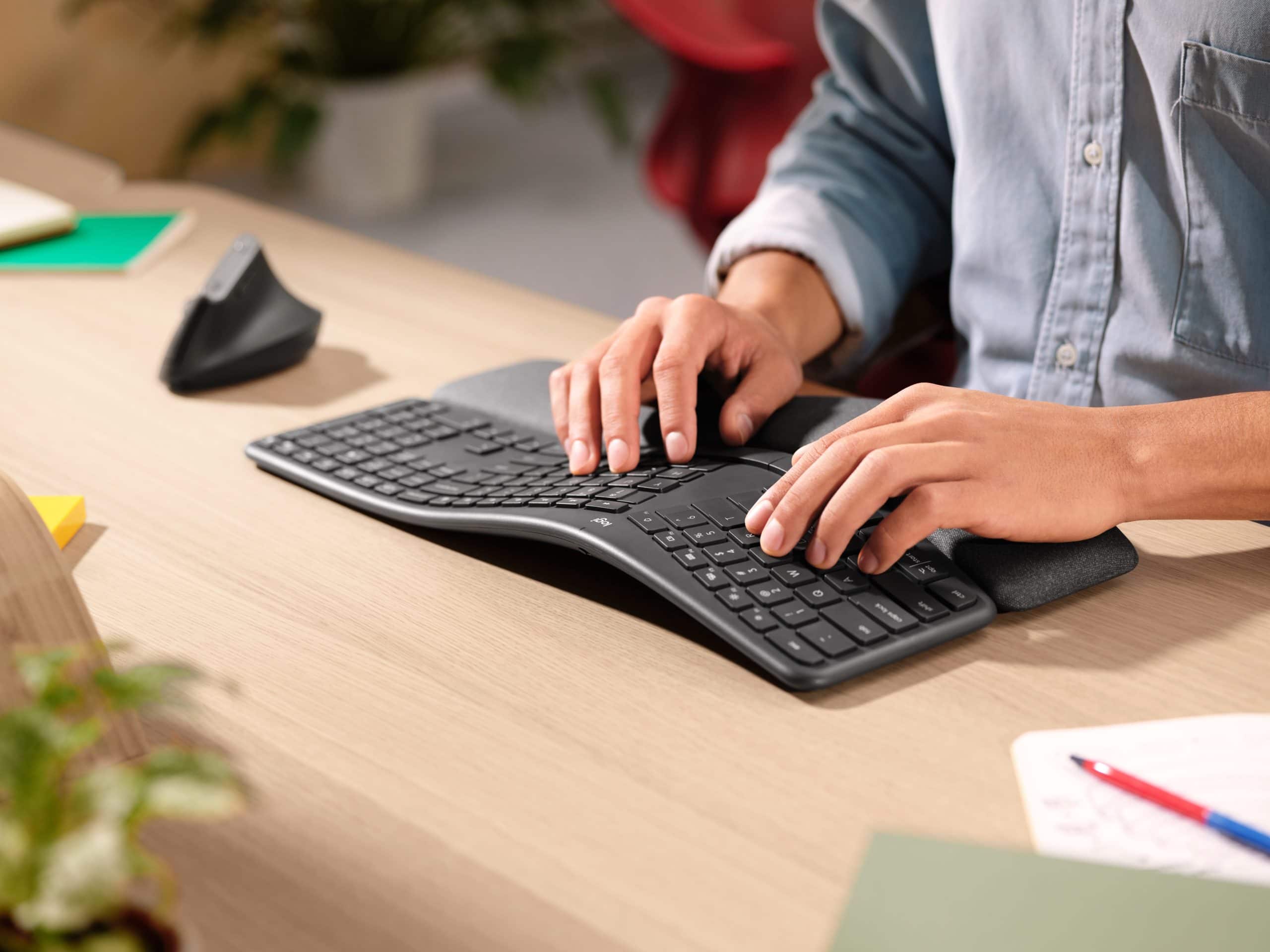
New Logitech ergonomic keyboard offers pillowy-soft comfort

By

With an ergonomic split design and a fancy wrist rest, the Logitech Ergo K860 keyboard delivers comfortable typing.
With an ergonomic split design and a fancy wrist rest, the Logitech Ergo K860 delivers comfortable typing.
Photo: Logitech

Logitech’s new ergonomic keyboard is designed to bring comfort to the heaviest of computer users. With cushy-yet-precise keys and a pillow-soft wrist rest, the just-announced Ergo K860 Ergonomic Split Keyboard puts comfort — and science! — front and center.

These tips make text-selection on iPhone and iPad far less frustrating

By

Text-selection on the iPad can feel pretty clunky.
Photo: Charlie Sorrel/Cult of Mac

iOS 13 (and iPadOS) fixed the frustrating text-selection tools on the iPhone and iPad, but only if you know how to use them. Selecting a single word or sentence is still way easier on a Mac, because you have a mouse and keyboard permanently attached. On the iPad, though, you can still find the text selection slipping and jumping like an oiled fish.

Use these iPhone and iPad text-selection tips to highlight words and paragraphs the easy way in iOS.

Twitter’s official Mac app picks up Touch Bar, Sidecar support

By

Twitter-Mac
Grab the latest version now.
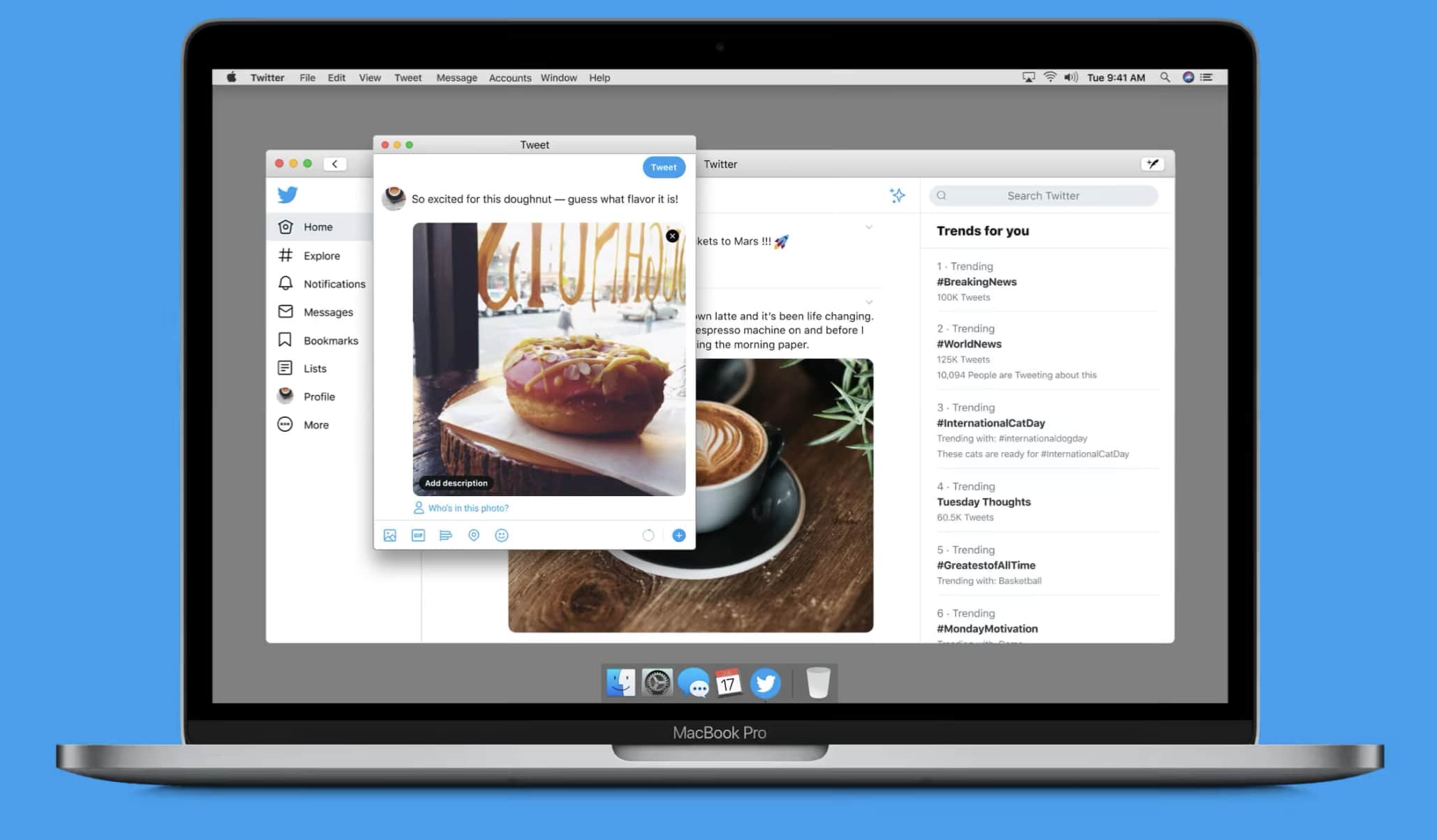
Photo: Twitter

Twitter today rolled out its latest client update for macOS, adding Touch Bar and Sidecar support for the first time.

The release comes just a few months after Twitter took advantage of improvements in macOS Catalina that allowed it to port its iPad app to the desktop.

How to “screenshot” music and videos on your iPhone

By

just-press-record
Just press record.
Photo: darkday/Flickr CC

On the iPhone and iPad, you can capture any image you see just by grabbing a screenshot. Pretty much everyone knows the power+home button, or power+volume-up button combo that snaps a screenshot and saves it to your photo library. You can even crop the image before saving it, to remove surrounding distractions. But what about video? Or music? Is it possible to take a “screenshot” of the music playing on your iPhone? Find out how to play music while recording video iPhone with this helpful guide. Or capture a YouTube video? Yes it is. In fact, you can even “screenshot” a video, and then extract the music from within. Here’s how: with screen recording.

Brydge’s newest keyboard brings a trackpad to 2018 iPad Pro

By

Brydge-Pro-Keyboard-iPad
The iPad Pro keyboard we've been waiting for.
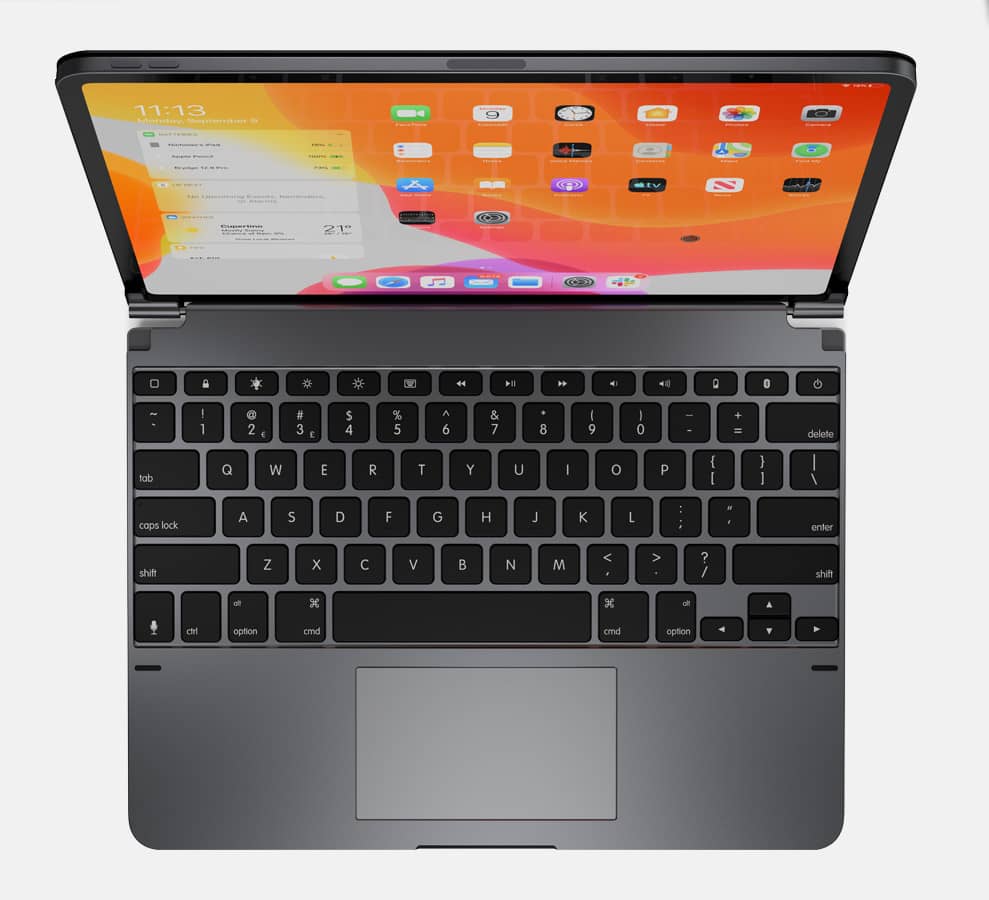
Photo: Brydge

Brydge just dropped its first keyboard with a built-in trackpad for the 2018 iPad Pro. And it’s everything we’ve been waiting for.

The Pro+ Keyboard is one of the first to take full advantage of mouse support in iPadOS. It also offers handy shortcuts that make it easy to access system features like the Dock and App Exposé.

There’s also a standalone iPad Pro trackpad for those who don’t need the keyboard.

How to hand off music from your iPhone when you arrive home

By

Libratone Zipp mini black white airplay 2 support
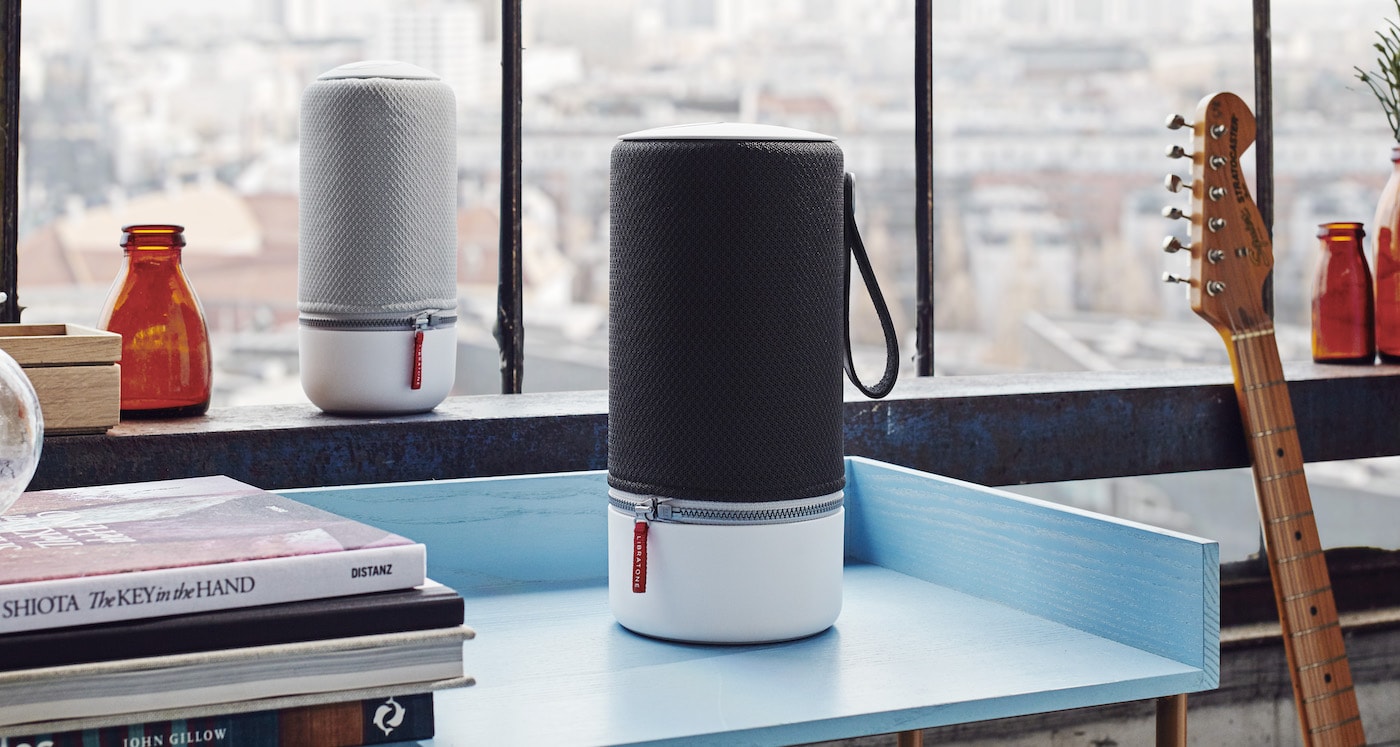
The Libratone ZIPP and ZIPP mini offer great sound quality, and now supports AirPlay 2
Photo: Connect to any AirPlay speaker, automatically.

Imagine arriving home, listening to music on your iPhone. You want to start that music playing on your home speakers instead, only you don’t want all the hassle of using Control Center, or the AirPlay panel, to do the connection manually.

If you own a HomePod, all you have to do is hold your iPhone near it, and playback will transfer. But what about regular AirPlay speakers? Can you hand off to those? Yes! You can. With a quick one-time setup, you can have the music or podcast app switch from your headphones, and play on any AirPlay speaker you have at home.

Bolster network security with Hexnode mobile device management

By

Hexnode cover image
Hexnode helps you get on top of mobile device management for better network security.
Images: Hexnode

This network security post is presented by Hexnode.

More than 40% of cyberattacks victimize small businesses, at an average cost of $200,000 per incident, experts say. And yet only 14% of companies are prepared to defend themselves with robust network security, according to Accenture. If your business isn’t addressing network vulnerabilities and mobile device management (MDM) with help from a provider like Hexnode, you could be in big trouble.

How to fix your parents’ messed-up computers this holiday season

By

abandoned parents computers
Don't let this be your Christmas.
Photo: Charlie Sorrel/Cult of Mac

Christmas time means packing up your daily troubles, forgetting work for a week, and heading home to… troubleshoot your parents’ broken computers and gadgets? Oh man, is it that time of year again already? That’s the problem with being the family’s only geek – you get handed all the geek jobs. However, you can turn this to your advantage, and make it a lot easier, by going in prepared. Check out our Holiday Troubleshooting Guide right here.

How to use Ableton Live or Logic Pro X on your iPad

By

Ableton Live on the iPad
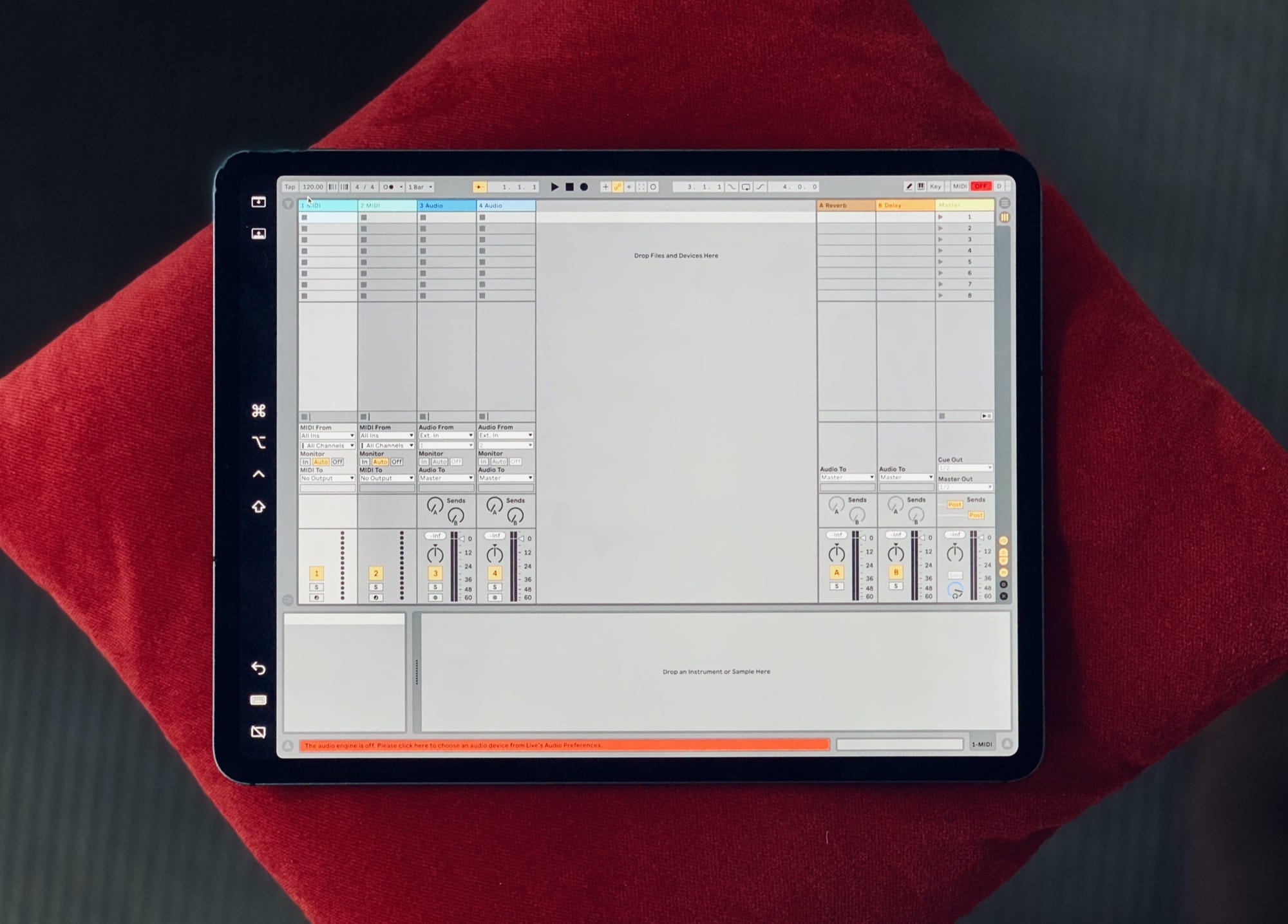
Yes, that's Ableton Live on the iPad.
Photo: Charlie Sorrel/Cult of Mac

Sidecar is the new iOS 13/macOS Catalina feature that lets you use an iPad as an extra display for your Mac. But it also lets you send any app off to your iPad. Then you can wander off and use that app on the iPad, pretty much independently, with the Apple Pencil.

This means you can use some high-level Mac music apps, like Logic Pro X and Ableton Live, on the iPad. There are a couple of catches, but it’s easy to use. In fact, Sidecar is so good that using Mac apps on the iPad like this is actually a viable, sensible option. It’s not just a neat trick that you’ll use once and then forget about.

1 45 46 47 48 49 121