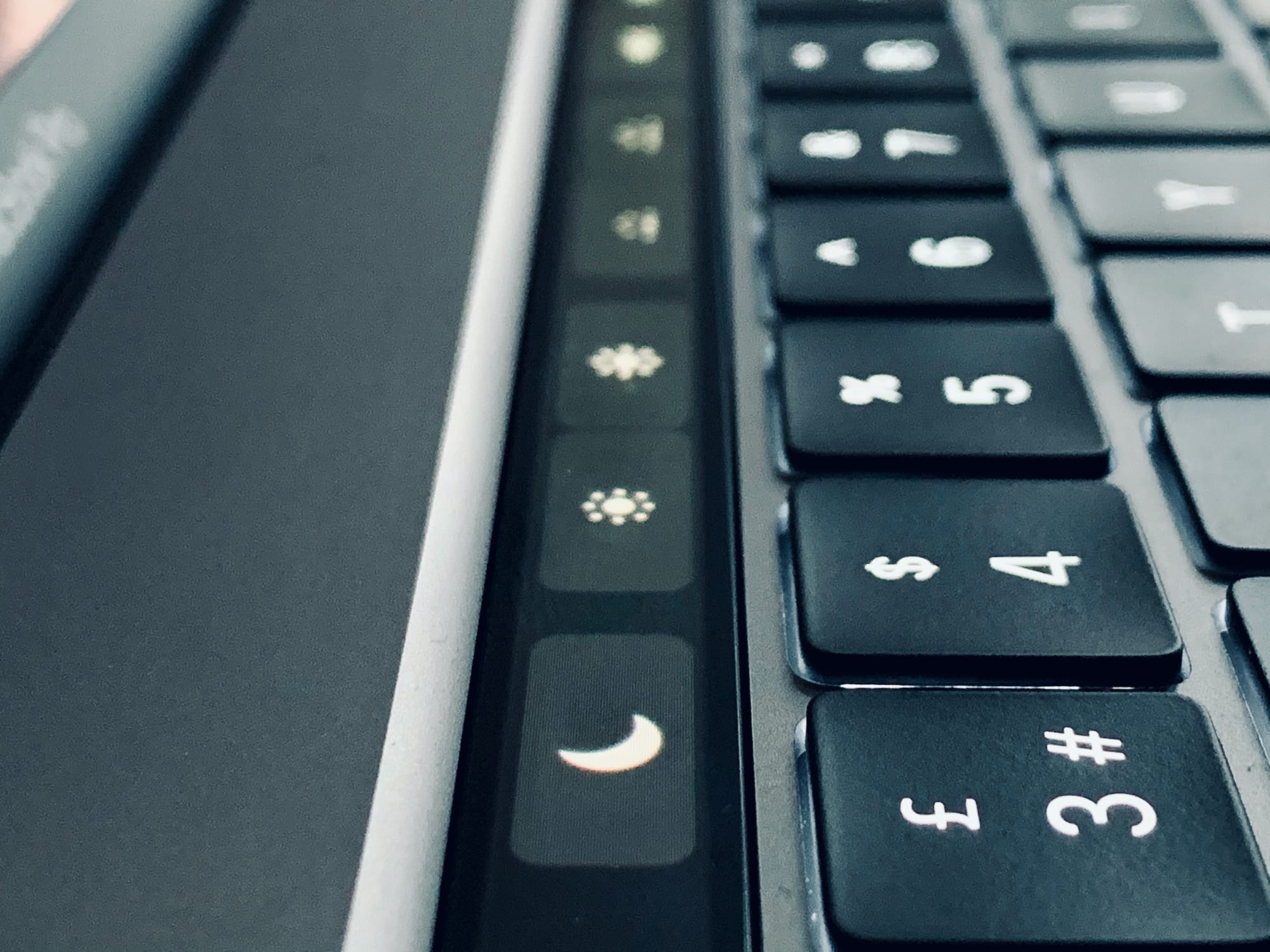
Option-tap these icons to open Preferences. Photo: Charlie Sorrel/Cult of Mac
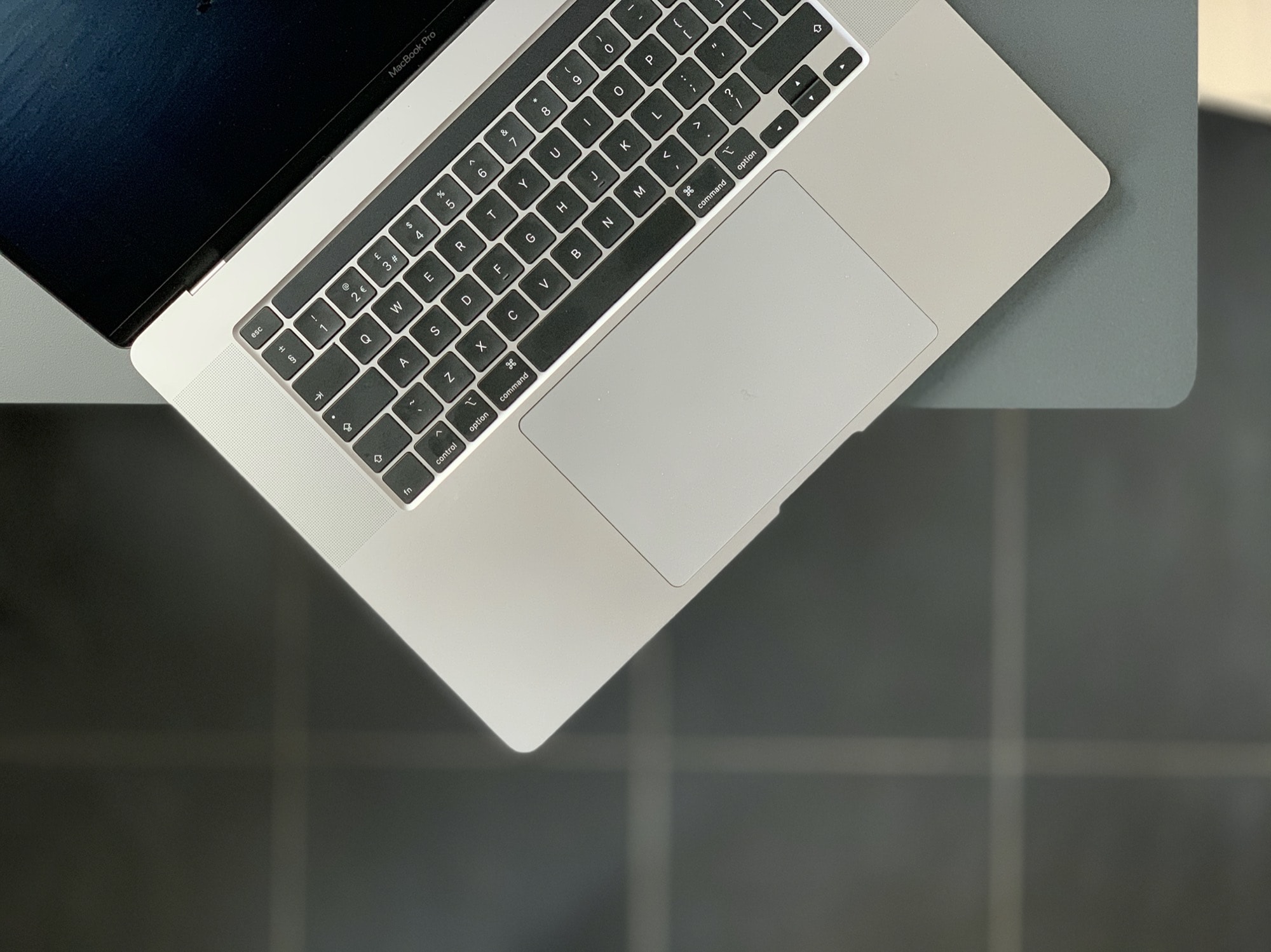
If you have a Mac with a Touch Bar, do this right now. Hold down the Option key (⌥), and tap the volume icon in the Touch Bar. For non-Touch Bar-using readers, this is what happened: The Mac’s Sound Preferences launched instantly.
This is such a typical Mac feature that it should be obvious. But when I shared this tip with fellow Touch Bar aficionado and Cult of Mac writer Graham Bower, he was all like, “Oh!” and, “That’s pretty neat!”
So, what other tricks can be done with the Option key and the Touch Bar?
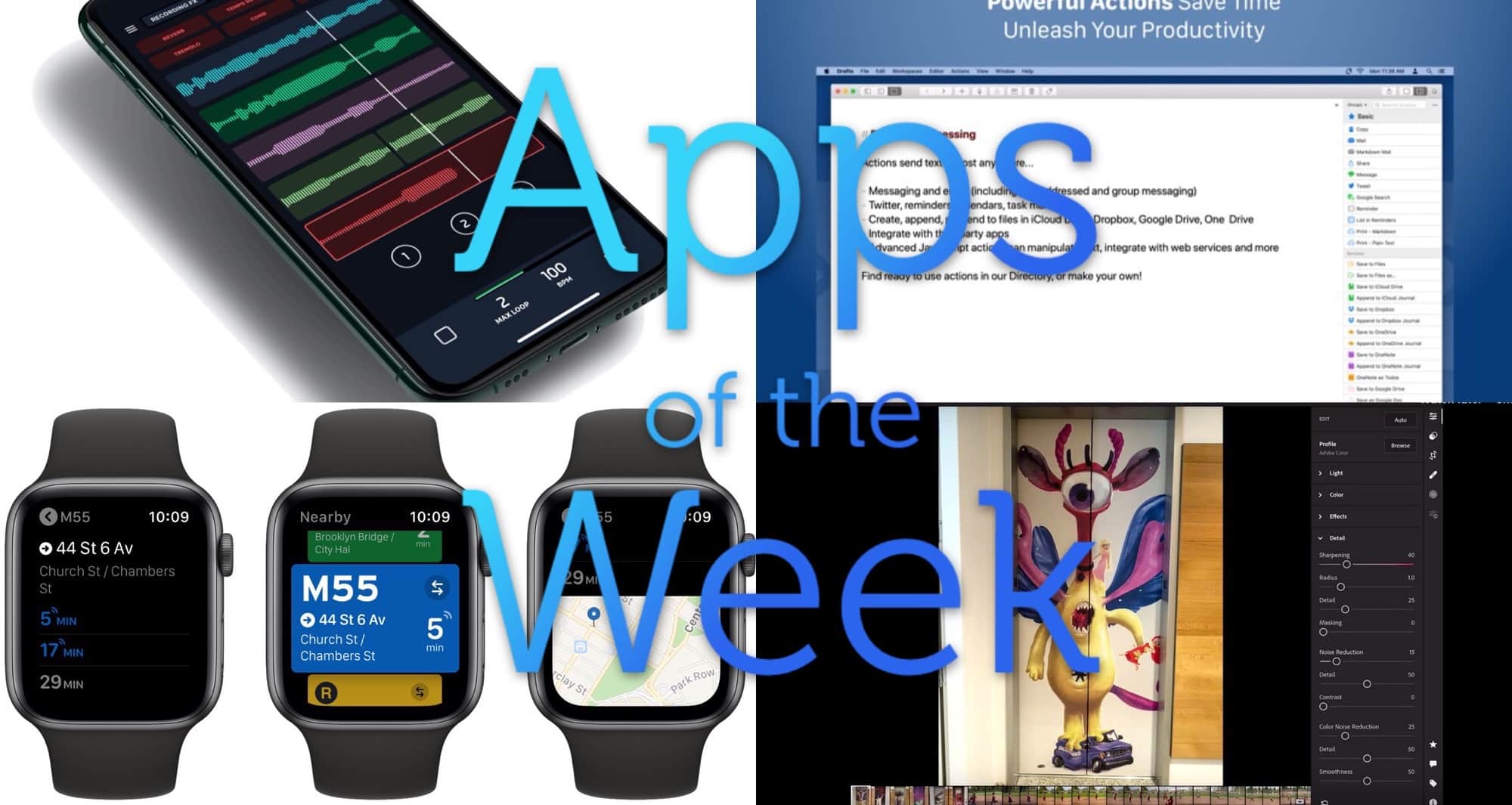
Loops, trams, actions and imports. Photo: Cult of Mac
This week we import photos from SD cards straight into Lightroom for iPad, make loops with L7 Looper, find the next bus or subway ride with Transit for Apple Watch, and more.
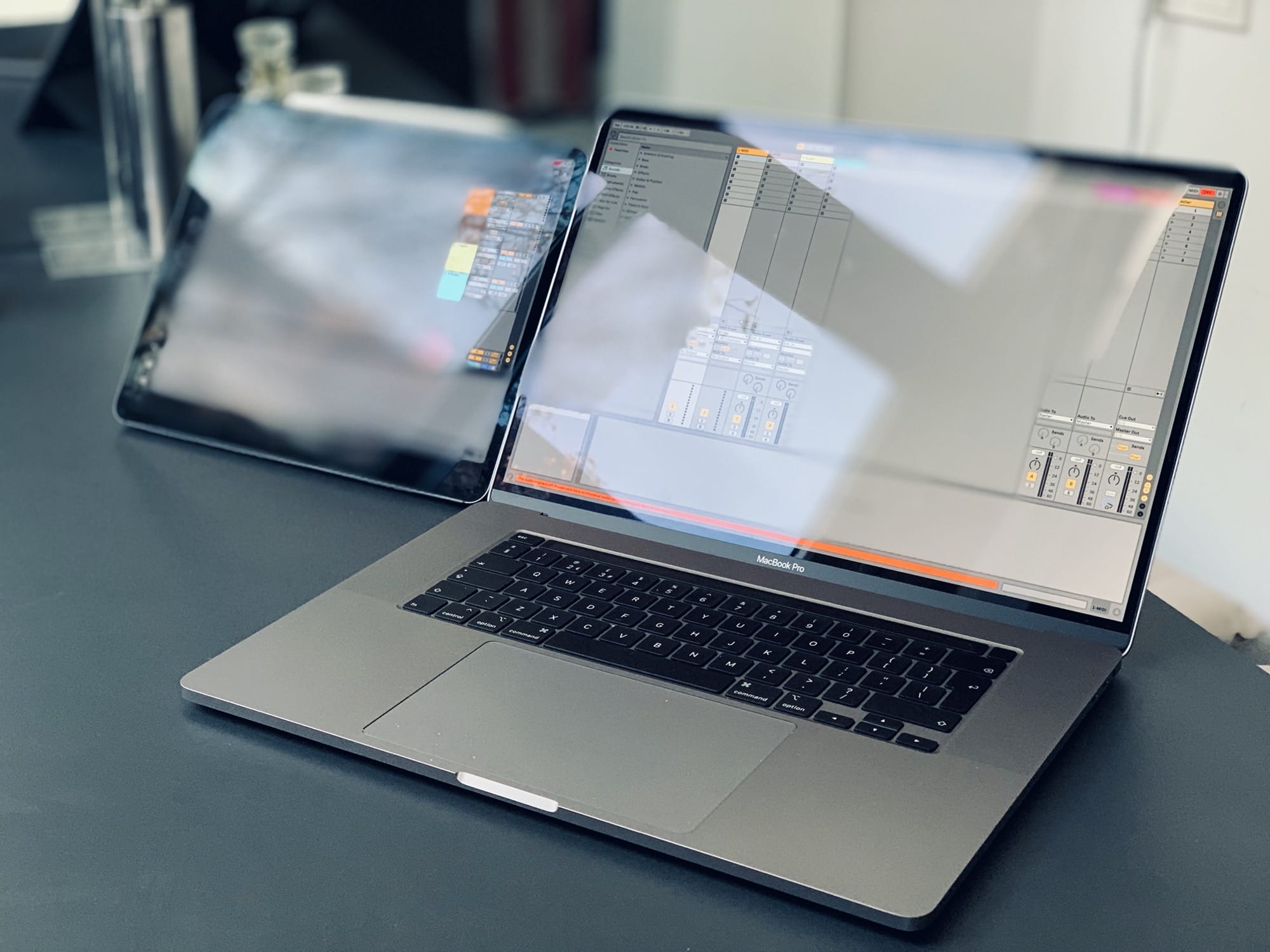
Ableton on Mac and iPad. Photo: Charlie Sorrel/Cult of Mac
We will never see a touchscreen Mac. Apple has made this clear over and over. Whenever one of its executives is asked about a touchscreen Mac in an interview, the answer is always the same: macOS is for trackpads, and iPadOS for is for touch. Combining them would compromise both.
I agree. While I do catch myself tapping the Mac’s screen from time to time, there’s no way I’d want the Mac redesigned for touch. For one thing, you’d lose all the accuracy of the mouse, because clicking targets would have to be big enough for your fingers. But it doesn’t matter, because Apple has already made a touch option for the Mac. It’s Sidecar, and it’s amazing.
Shopping for an iPad fan? Start here! Image: Killian Bell/Cult of Mac
Black Friday is upon us, which means it’s a great time to start your holiday shopping. Don’t worry if you don’t know what to buy — Cult of Mac is here to help you choose the best gifts for the iPad lover in your life.
You’ll find the best headphones, speakers, game controllers, and keyboards in our iPad gift guide for 2019. And there’s something to suit every budget.
So, when you’ve finished scoffing down that turkey, check out the roundup below.
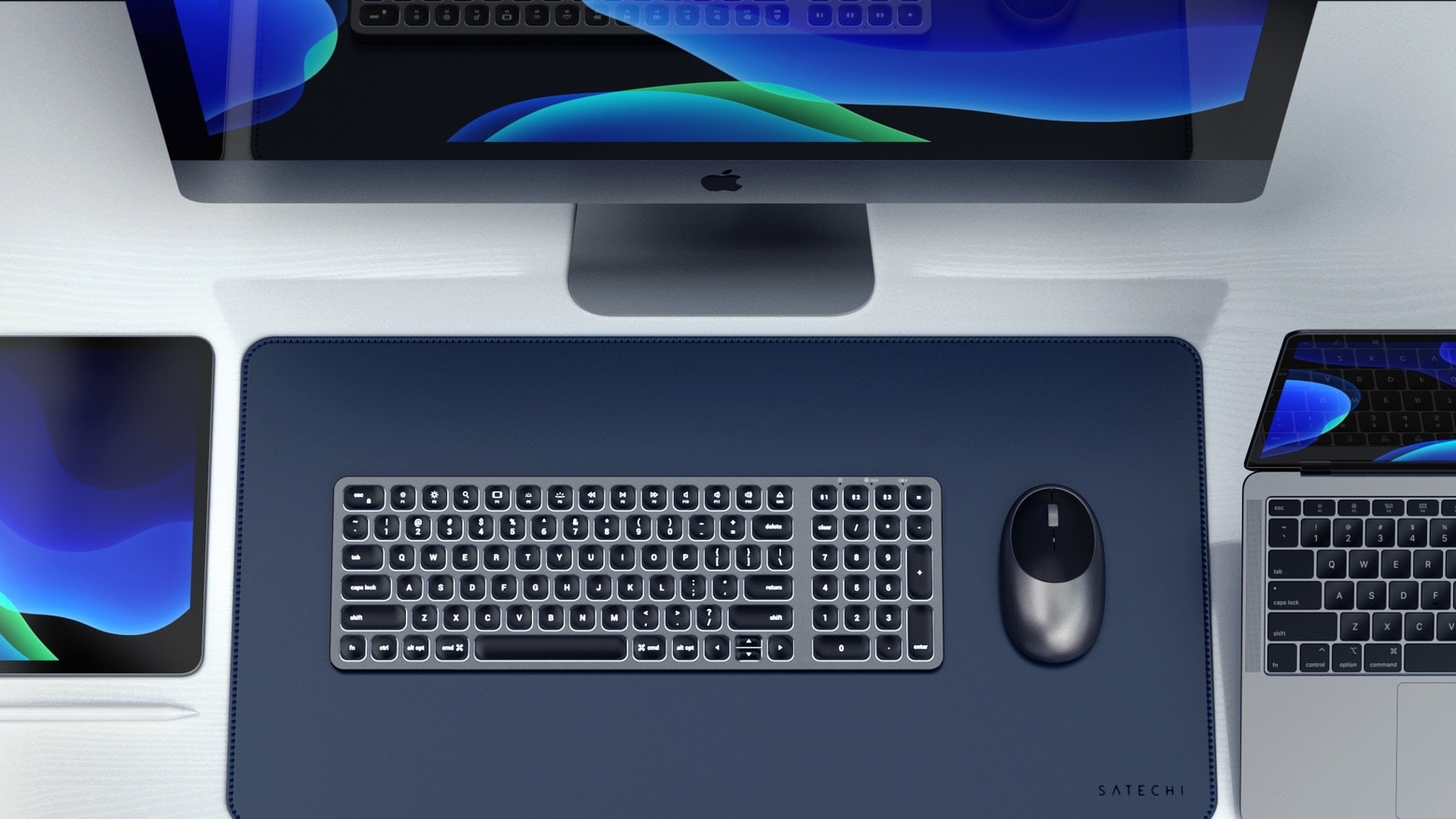
The Satechi Compact Backlit Bluetooth Keyboard leaves plenty of extra room on your desktop. Photo: Satechi
Don’t let the name fool you — the Satechi Compact Backlit Bluetooth Keyboard includes a full keypad and numberpad. Plus, it can be paired with three devices, and switch easily between them.
It's about time! Photo: Charlie Sorrel/Cult of Mac
There’s a great Steve Jobs story that somehow seems relevant in a 2019 MacBook Pro review. You probably know it, but I’ll tell it anyway. After the iPad launch, Jobs supposedly walked into a meeting with the Mac team, carrying an iPad. He woke up the iPad, which happened instantaneously. Then he woke up a Mac, which took a while to come out of sleep. Then he asked something like, “Why doesn’t this do that?”
Today, he might take the iPad Pro, and the brand new top-of-the-line MacBook Pro, start them both editing a few images, and wait for the fans to spin up on the Mac. While it cranks up to leaf-blower levels, he’d point at the silent iPad, and make some scathing quip.
The new 16-inch MacBook Pro is an incredible computer that’s let down by the red-hot Intel chips inside. Apple’s cool, fast, super-powerful A-series ARM chips can’t come to the Mac soon enough. Using this Intel machine after using an ARM-powered iPad for several years, the Mac feels like there’s something wrong with it. And yet, barely 24 hours into owning one, I absolutely love it.
There are a handful of webpages I keep referring back to, often reading the same parts over and over. They may be part of an instruction manual, or other reference material1. And sometimes, while researching an article, I want to highlight sections and phrases to find them more easily. Just like using a highlighter marker on a sheet of paper.
Until now, I’ve never found good way to do it. Apps required me to sign up for an account, or store my highlights on their servers, or pay a subscription. Or the app was just plain clunky. Then I found Highlighter for Safari.
Apple and Salesforce announced partnership last year. Photo: Apple
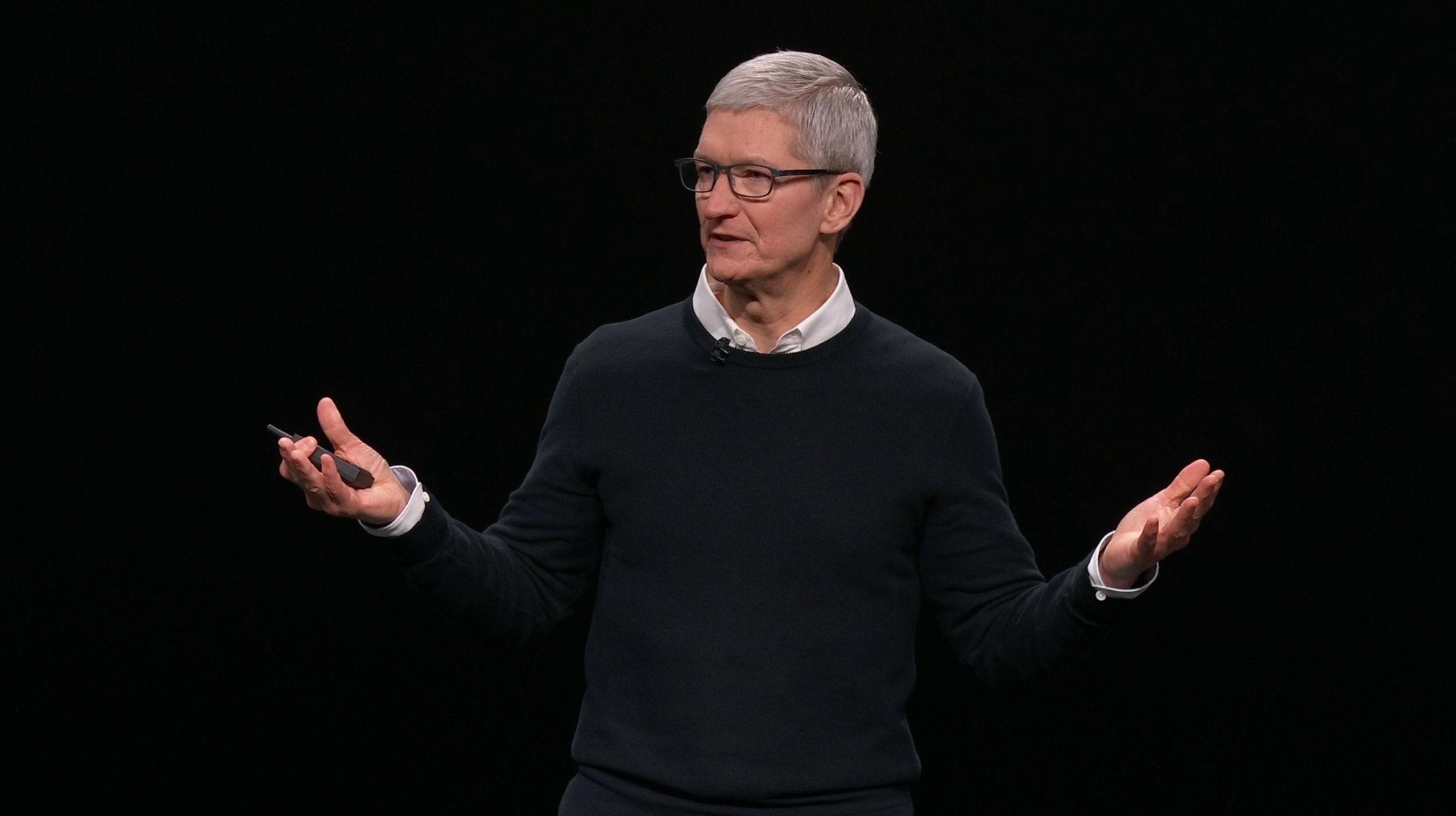
Tim Cook will join Salesforce founder Marc Benioff for a fireside chat at the Dreamforce 2019 conference in San Francisco. The event will take place at 1:30 p.m. PST at the Yerba Buena Theater.
Salesforce also today announced the launch of its two latest apps for iOS. The redesigned Salesforce Mobile App and new Trailhead Go learning app represent the first products coming from a strategic partnership between Apple and Salesforce, which began in 2018.
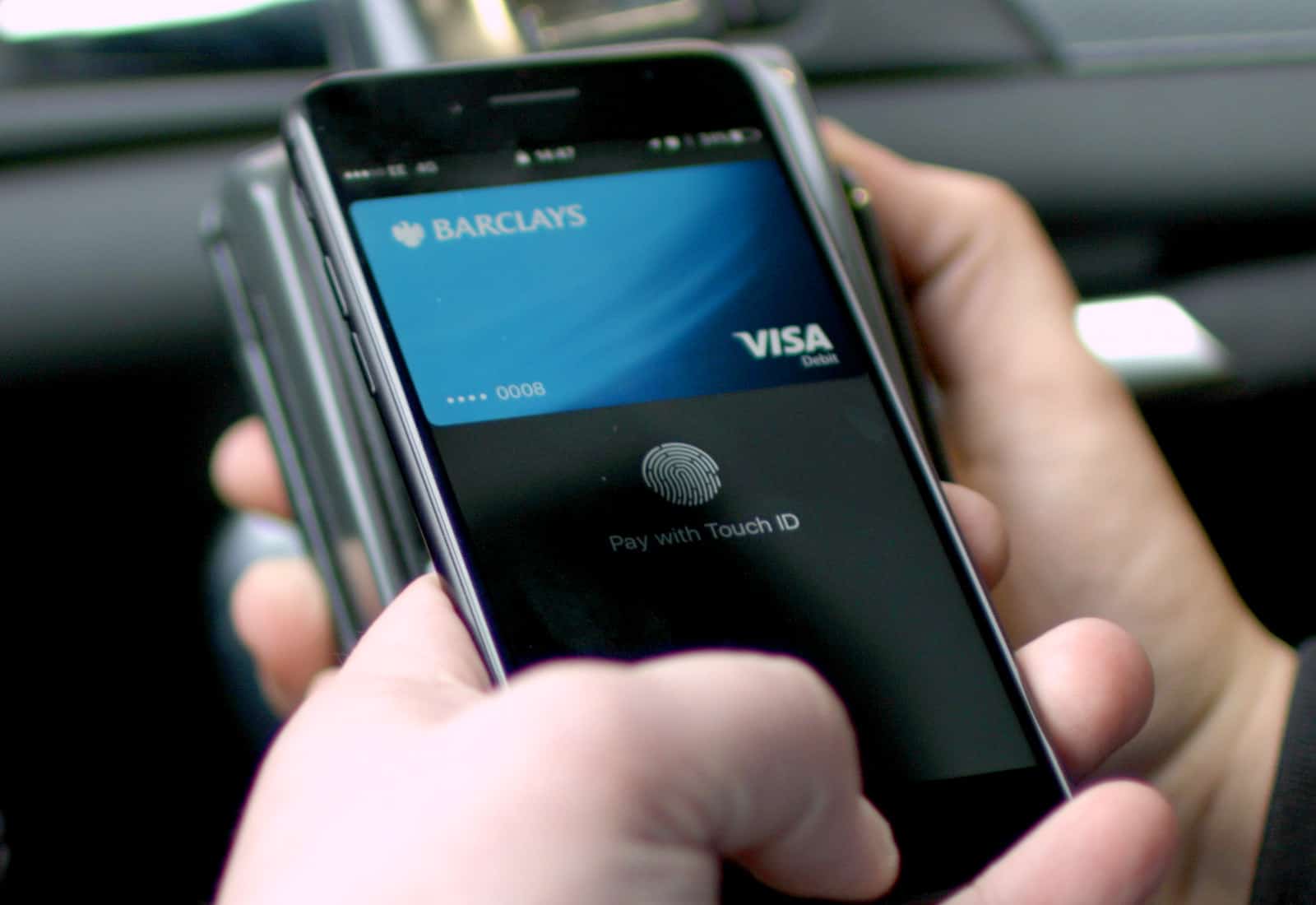
A new German law forces Apple to allow other mobile payment services to use NFC on iPhone.
Apple has allowed only Apple Pay to take advantage of the technology until now. But Germany has decided that it won’t stand for that anymore — despite Apple’s concerns.
Check out the columns on that! Photo: Charlie Sorrel/Cult of Mac
iOS 13 brought all kinds of neat new features to the Files app, aka the iOS Finder. But maybe the best of all these is the new column view, a very Mac-like view of all the files and folders stored on your iPad. It’s not just an easy-to-browse view, either. The Files app column view also introduces a preview panel with plenty of tricks of its own.