Mobile menu toggle

Search results for: shortcuts

This shortcut mutes iPhone audio when you enter Do Not Disturb

By

mute audio orange speaker
Quiet!
Photo: Oleg Laptev/Unsplash

The Do Not Disturb mode built into iOS is excellent. It hides incoming alerts, and generally stops you from being disturbed by outside forces. But it won’t save you from yourself. What if you accidentally click on a YouTube link or — more likely — that GIF you clicked in Tweetbot turns out to be a noisy video? The sudden racket will surely wake your spouse.

Today we’ll see how to make a shortcut that automatically silences your iPhone whenever it enters Do Not Disturb mode.

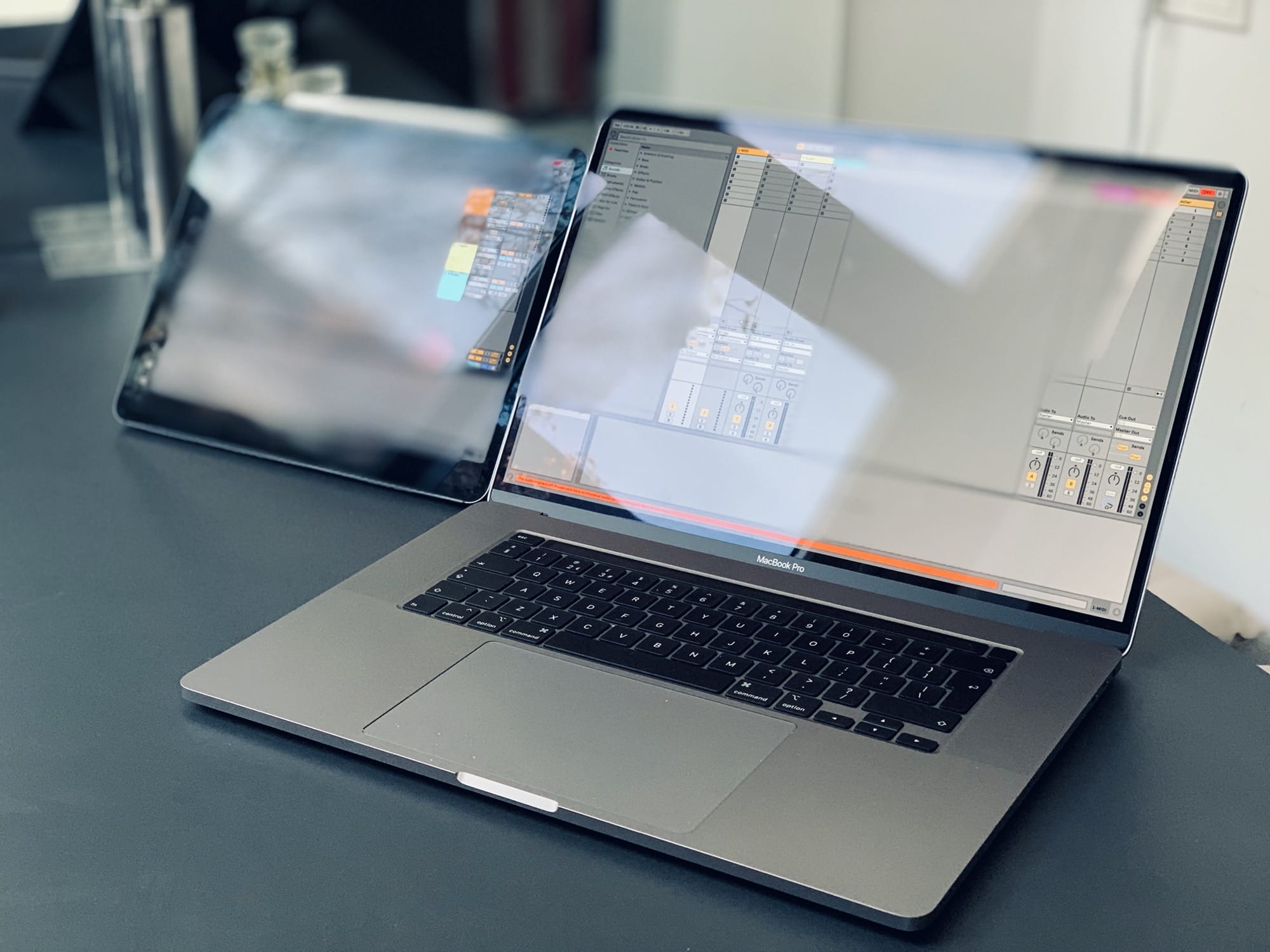
MacBook vs. iPad: Which one is right for you?

By

Ableton on Mac and iPad.
iPad vs. MacBook: Which platform is better for your needs?
Photo: Charlie Sorrel/Cult of Mac

Looking for a portable Apple computer? You have two choices — a MacBook or an iPad. Both excel at different things. The iPad is super-portable, silent and cool. The Mac is more flexible, offers more connections, and can run much more complex software.

It may be that you already know whether you need a Mac or an iPad. If you use apps that only run on the Mac, or if you need to hook up a lot of extra hardware, then a Mac is your only option. But if you desire the ultimate in portability, or you want to use a touchscreen or an awesome Apple Pencil stylus, you need an iPad.

If you’re on the fence, wondering which portable Apple computer best fits your needs, this article will help you decide. The MacBook vs. iPad battle is on …

Finally — a YouTube download shortcut for iOS that actually works

By

download youtube shortcut
In the olden days, we had to download videos through our eyes, and we couldn't even save them.
Photo: Sven Scheuermeier/Unsplash

I’ve made several attempts at creating/repurposing iOS shortcuts that download YouTube videos and save them for offline viewing. The problem is, most of the shortcuts broke after a while, or proved so unreliable that I gave up on them. And, judging by the responses I get via Twitter, you folks are also very interested in downloading YouTube videos.

Well, this weekend I finally found a way to make it work reliably. And because it uses a third-party service to locate the downloadable video link, it means that someone else is making sure that it all keeps working. Hopefully. For now. Fingers crossed.

iPadOS 13.4 lets you (finally) use a PC keyboard with your iPad

By

remap iPad keys
Finally, you can remap that stupid globe to an escape key.
Photo: Charlie Sorrel/Cult of Mac

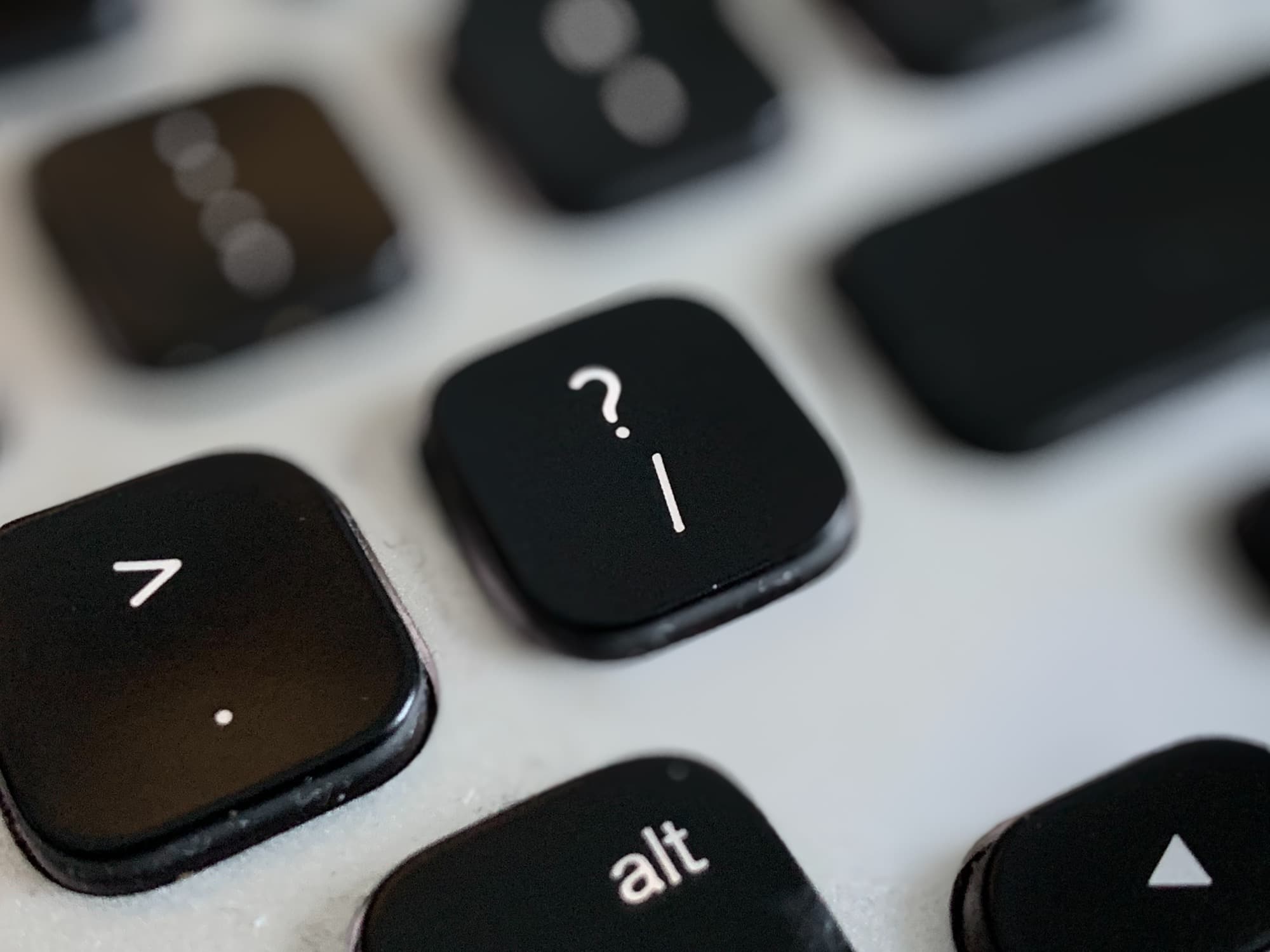
Using a keyboard with your iPad is a beautiful thing. It seems like every iOS update brings more and more keyboard shortcuts. But until now, you’ve been stuck using Mac-compatible keyboards only. If you hooked up a PC keyboard to your iPad, then the ⌘ and ⌥ keys would be the wrong way around.

On the Mac, thats always been easy to fix, thanks to a preference screen for switching these keys via software. And now, in iOS 13.4 beta, you can finally remaps modifier keys, too. And, yes, you can even remap the stupid globe icon on Apple’s Smart Folio Keyboard.

How to use Mac menus from the keyboard

By

help menu shortcut
Help!
Photo: Charlie Sorrel/Cult of Mac

There’s nothing a Mac nerd likes more than using keyboard shortcuts. Actually, there’s one thing — telling people about Mac keyboard shortcuts. Either way, you’re going to love this tip, which lets you access the menu bar menus of any and all Mac apps, using just the keyboard.

Hit the magic key combo, and you can quickly type to find any menu command by name.

This Siri shortcut scans and translates text on any photo, sign or menu

By

translate scan shortcut
What could this possibly mean?
Photo: Jon Tyson/Unsplash

I live in Germany, and even though my German is fine, I often get beaten by notices and signs. In my native England, signs and notices are snappy. They use few words, and often annoying slogans, to get the point across. In Germany, an A4 (legal-size) sheet of paper with densely spaced type is the norm. And that’s just from neighbors complaining about people leaving their strollers on the wrong side of the entrance hall.

So, I decided to do something about it. I wrote a Siri Shortcut that scans one of these German essays using the iPhone’s camera, translates it, and shows it to you. There are apps that can do something similar, but my shortcut is way better, for several reasons.

How to use Mac-like hot corners on the iPad

By

iPad hot corners
A corner.
Photo: Charlie Sorrel/Cult of Mac

On the Mac, hot corners are essential — and amazingly useful. You can put your display to sleep, trigger Mission Control and more, just by flicking the mouse to a screen corner. If you’re one of those people who likes to use a mouse with your iPad, you can utilize these same flick-to-activate gestures on the tablet. And there’s a bonus: Hot corners on the iPad are way, way more powerful than on the Mac.

I hated the iPad Pro Smart Folio Keyboard, but now I love it

By

Smart Keyboard Folio
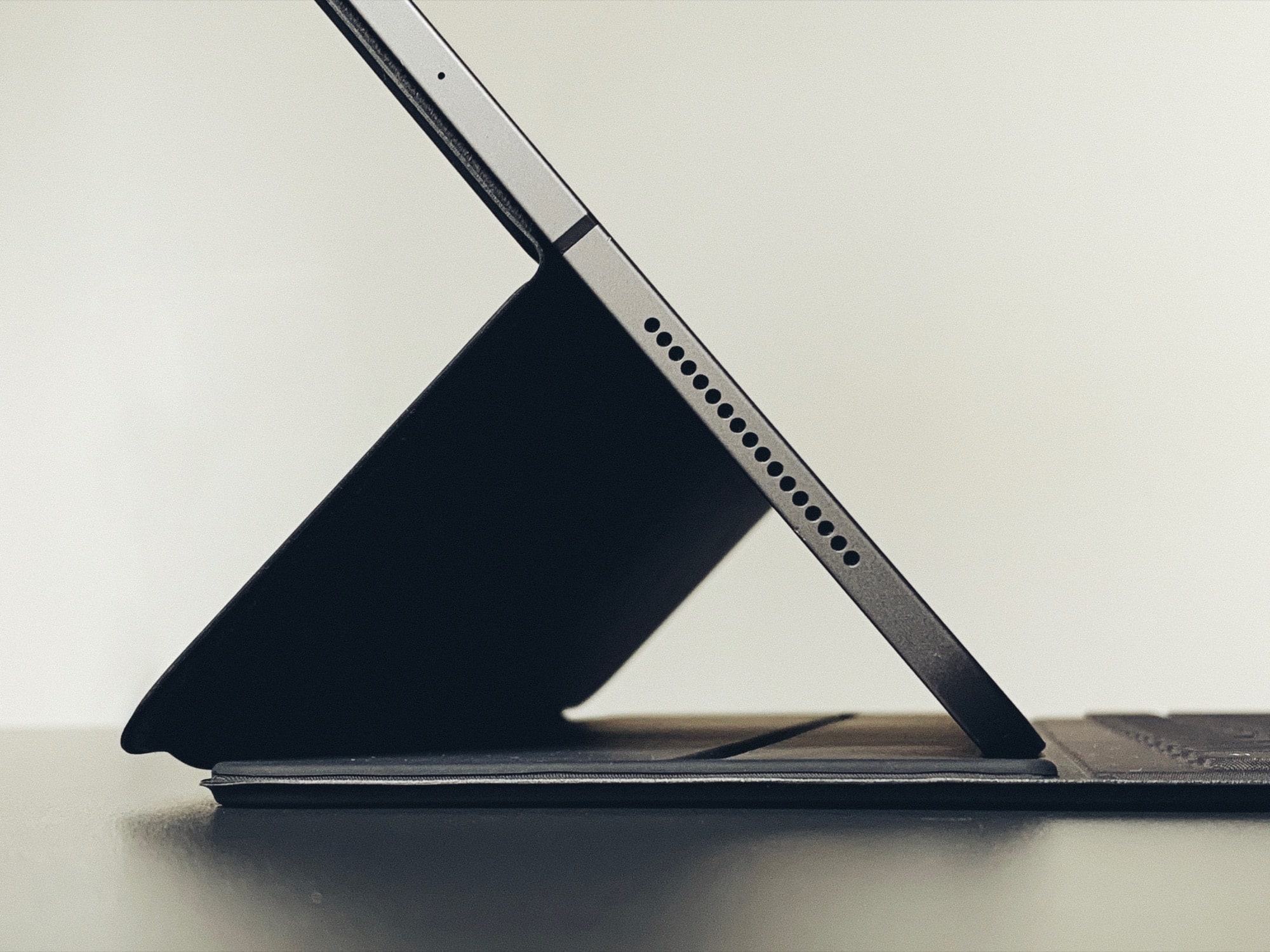
As a keyboard, the Smart Keyboard Folio makes a great stand.
Photo: Charlie Sorrel/Cult of Mac

I picked up the Smart Folio Keyboard for my iPad Pro a few weeks back, because I was traveling and needed to do some work on the go. I’ve avoided the expensive accessory in the past, because a regular Bluetooth keyboard is so much better — on paper anyway. Even the most basic Bluetooth keyboard offers far more essential features than Apple’s own keyboard case. But after trying the Apple keyboard, I like it a lot. The keys themselves are still awful, but the convenience factor is off the charts.

Transform your Mac’s trackpad with the 3-finger drag

By

Magic Trackpad foot
Clicking can be a drag.
Photo: Charlie Sorrel/Cult of Mac

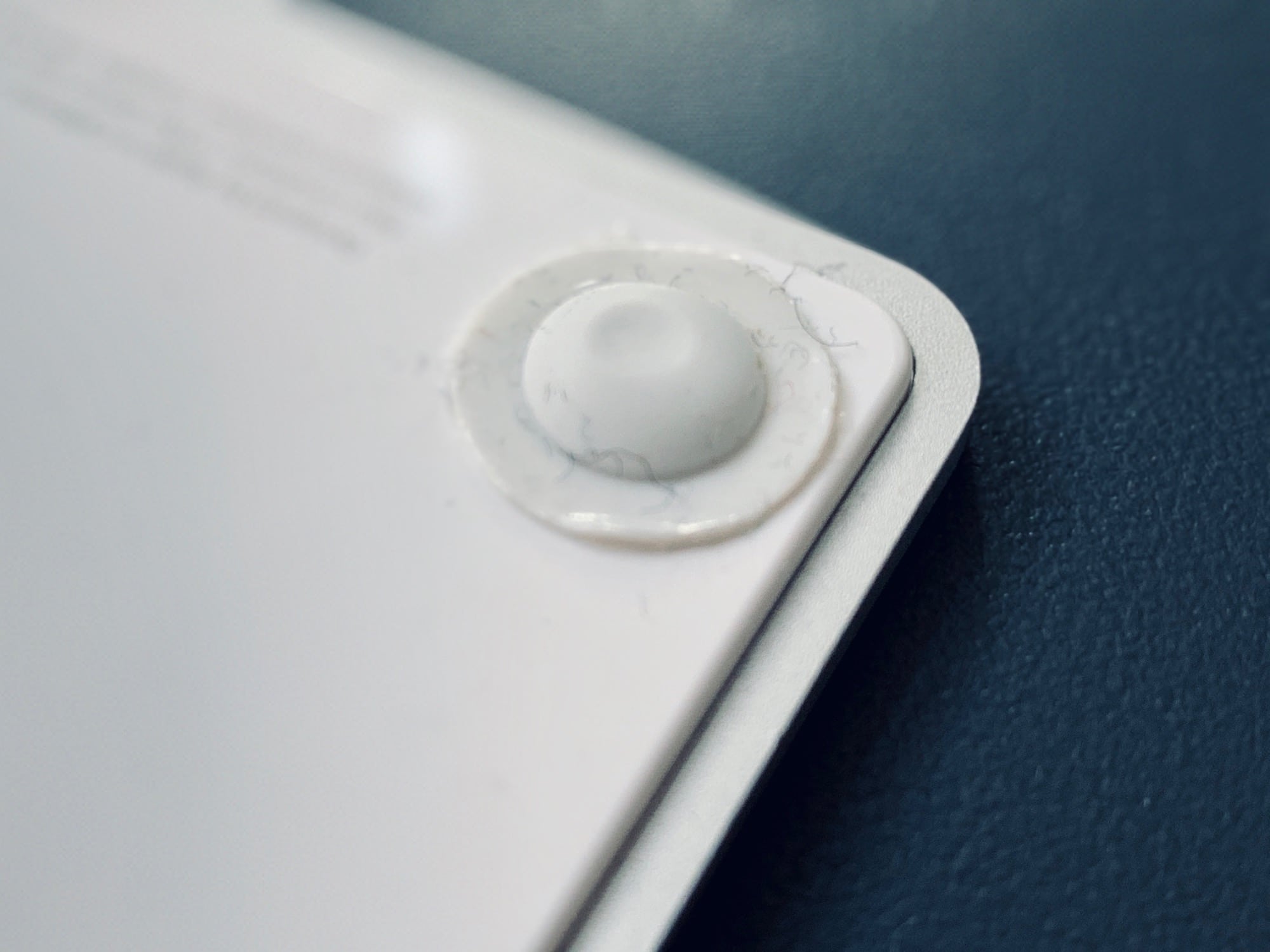
I prefer the Mac’s trackpad to a mouse in every way but one. It’s more comfortable, it relieves RSI, it can be used equally easily by the left or right hand, and it does scrolling and multitouch. But the one thing it’s terrible at is actually clicking. Specifically, clicking and dragging to move a window, or to make a selection. And I’m still using the original Magic Trackpad, the one that runs on AA batteries. It has physical switches in its feet, so clicking is a lot harder at its top edge.

Enter the three-finger drag. This Mac accessibility setting lets you tap with three fingers to simulate a click and drag. And it does a lot more than just making it easier to move windows around the screen.

This Command key shortcut will change how you use your Mac

By

command key
Take command.
Photo: Charlie Sorrel/Cult of Mac

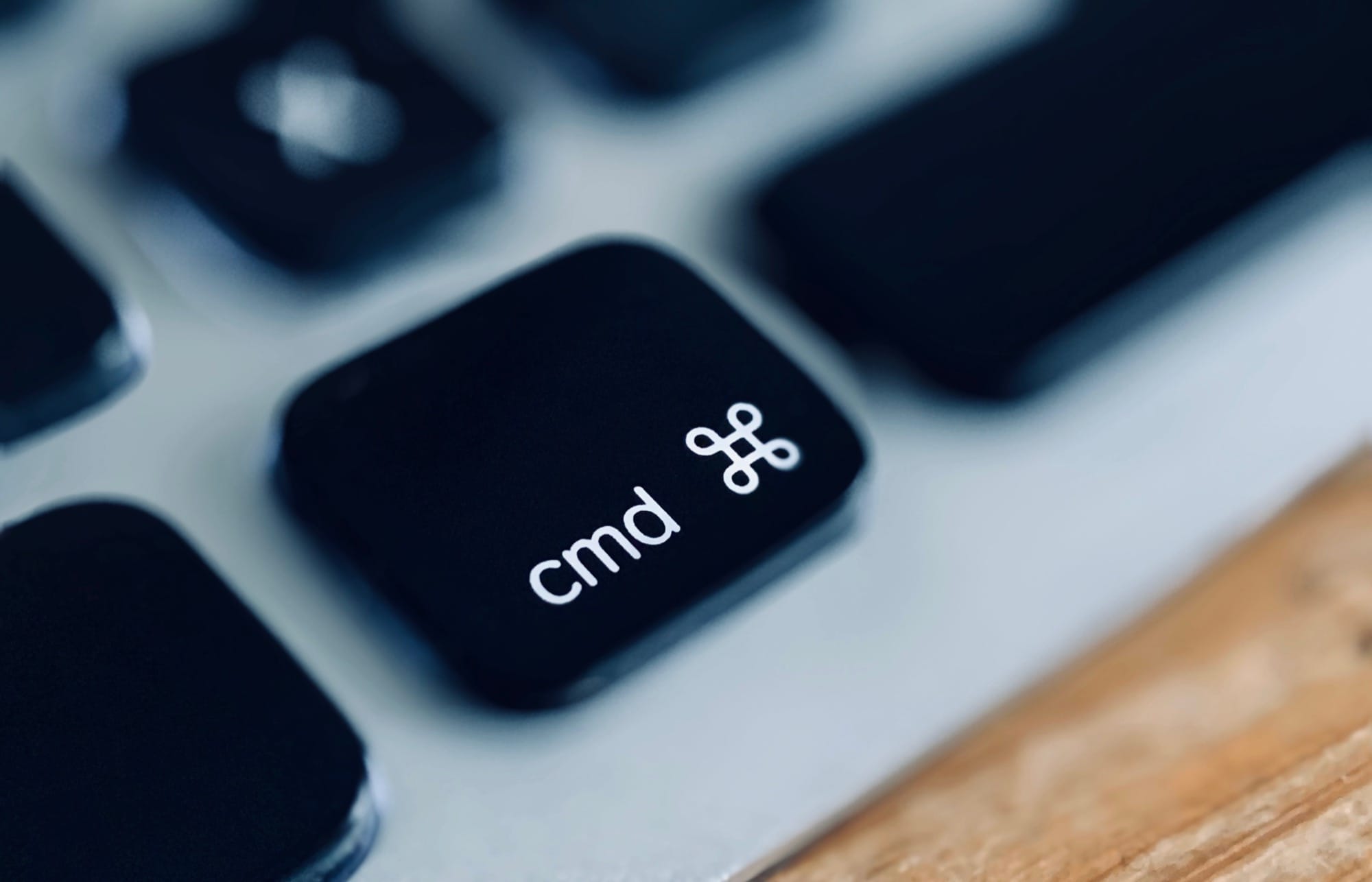
There are two kinds of Mac users. The sad, harried folks who don’t know how to use this easy, essential, life-changing Command key trick. And the happy, efficient, relaxed people who learned it years ago. If you’ve seen the movie Back to the Future, it’s like the difference between the two 2015 versions of George McFly, before and after Marty screws around with the 1950s. This trick will change your life.

Are you ready?

1 44 45 46 47 48 121