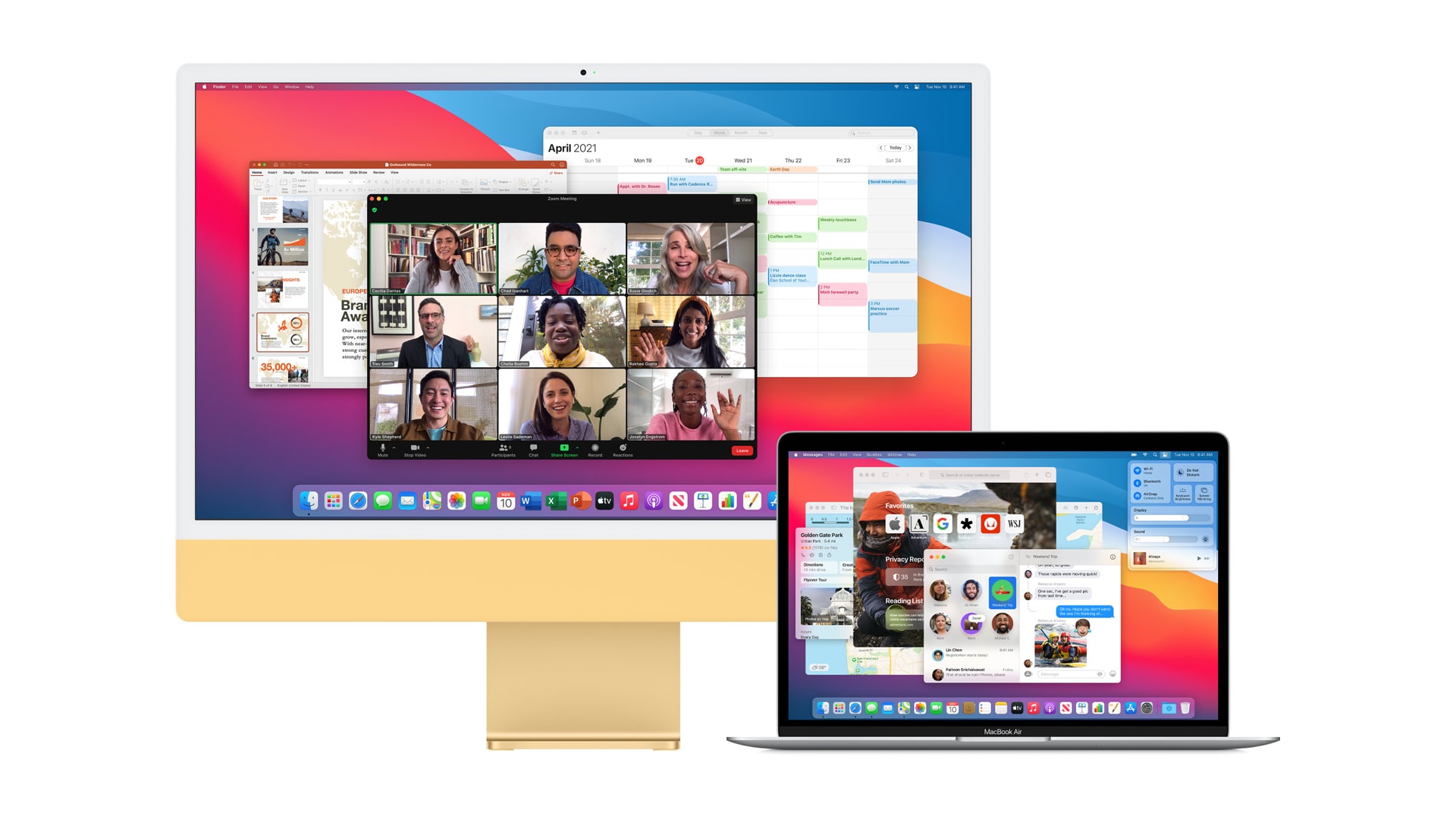
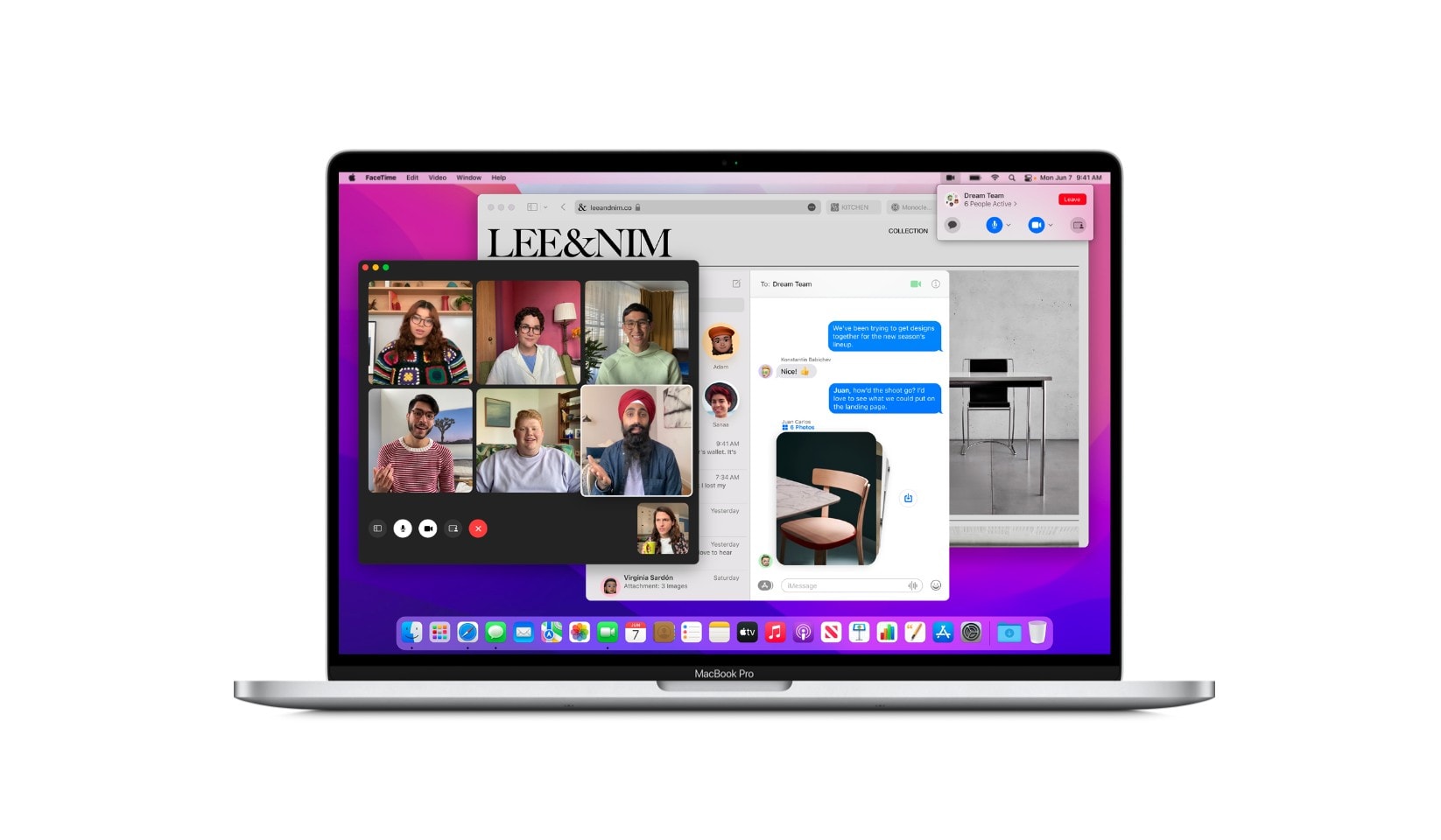
macOS Monterey gives newer Apple computers the ability to send content to a second Mac over AirPlay. You can also use the feature for screen mirroring, turning a spare machine into an external display.
What’s more, unlike on your TV, AirPlay in Monterey lets you connect two macOS devices with a USB cable, greatly reducing latency and removing the requirement for a wireless network.
Live Text is OCRiffic! Grab the text off anything then paste it into a note, email, etc. Screenshot: Apple
Live Text is perhaps the coolest feature in iOS 15, macOS Monterey and iPadOS 15. It pulls the words out of images and lets you paste them into notes, emails, etc.
I’ve tested this on both iPhone and iPad. Here’s why I find it so amazing.
Many of macOS Monterey’s most exciting new features will not be available on Mac models powered by Intel processors. Live Text, Portrait mode for FaceTime video calls and more all require Apple’s own M1 chip.
A quicker, easier way to wipe your Mac. Photo: Apple
Apple’s upcoming macOS Monterey update will make it easier for users to wipe all data from a Mac. A new “erase all contents and settings” option allows a system to be wiped without removing macOS.
Apple says the process — similar to that available on iPhone and iPad — is instant and secure, destroying all encryption keys.
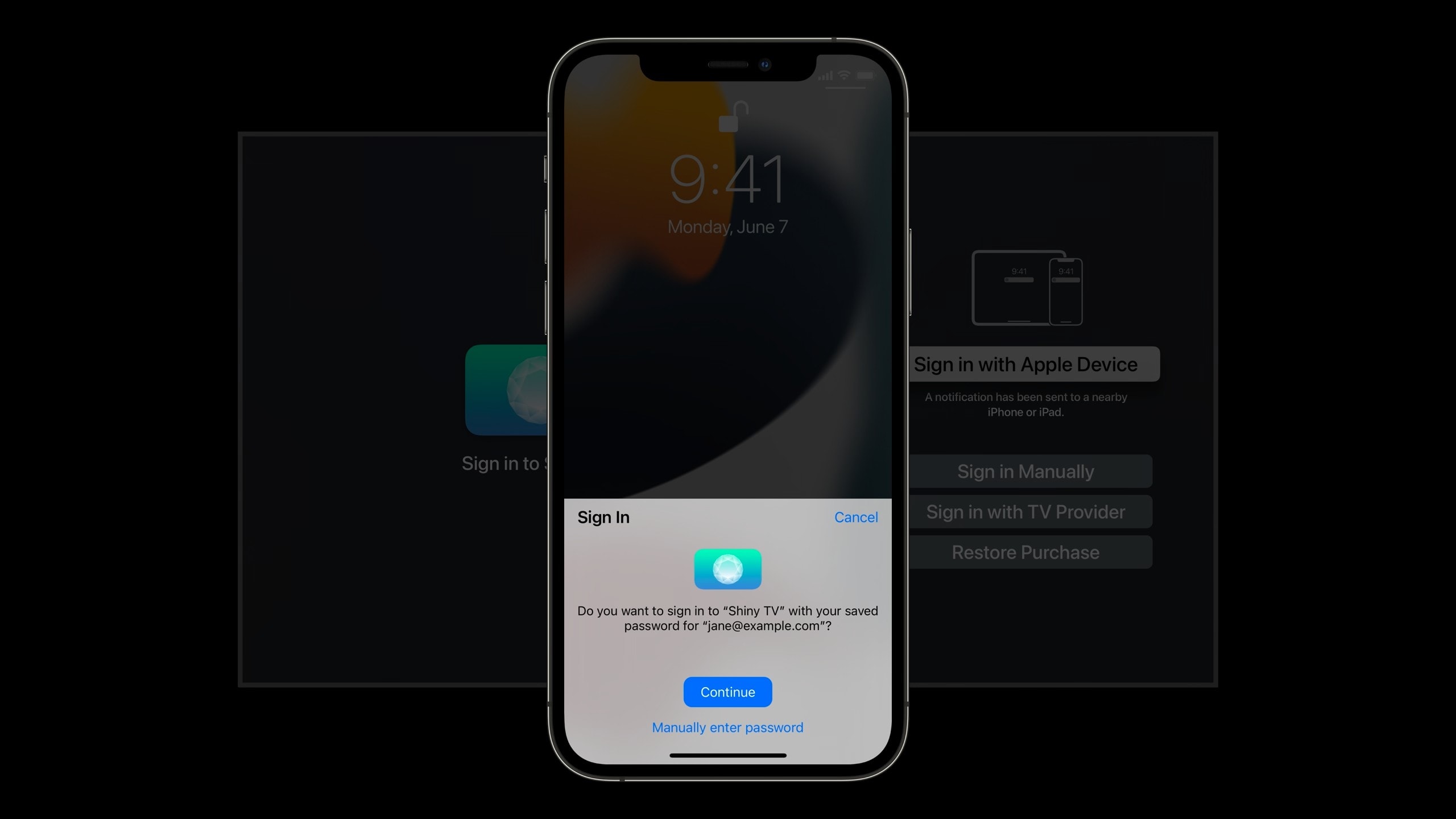
No need to struggle with the Siri Remote. Image: Apple
Signing into Apple TV apps will soon be easier than ever, thanks to the ability to use Face ID or Touch ID on your iPhone or iPad with tvOS 15.
The new “Sign in with Apple Device” feature will negate the need to enter usernames and passwords with Apple TV’s Siri Remote, significantly speeding up the sign in process. But there is a small catch.
Apple CEO Tim Cook wraps the WWDC21 keynote on June 7, 2021. Photo: Apple
Some new features really stood out when Apple revealed the next versions of all its operating systems during Monday’s Worldwide Developers Conference keynote. Users of iPhone, Mac and iPad, and Apple Watch, too, can look forward to welcome improvements this fall.
We picked out the best of these to make sure they don’t get overlooked.
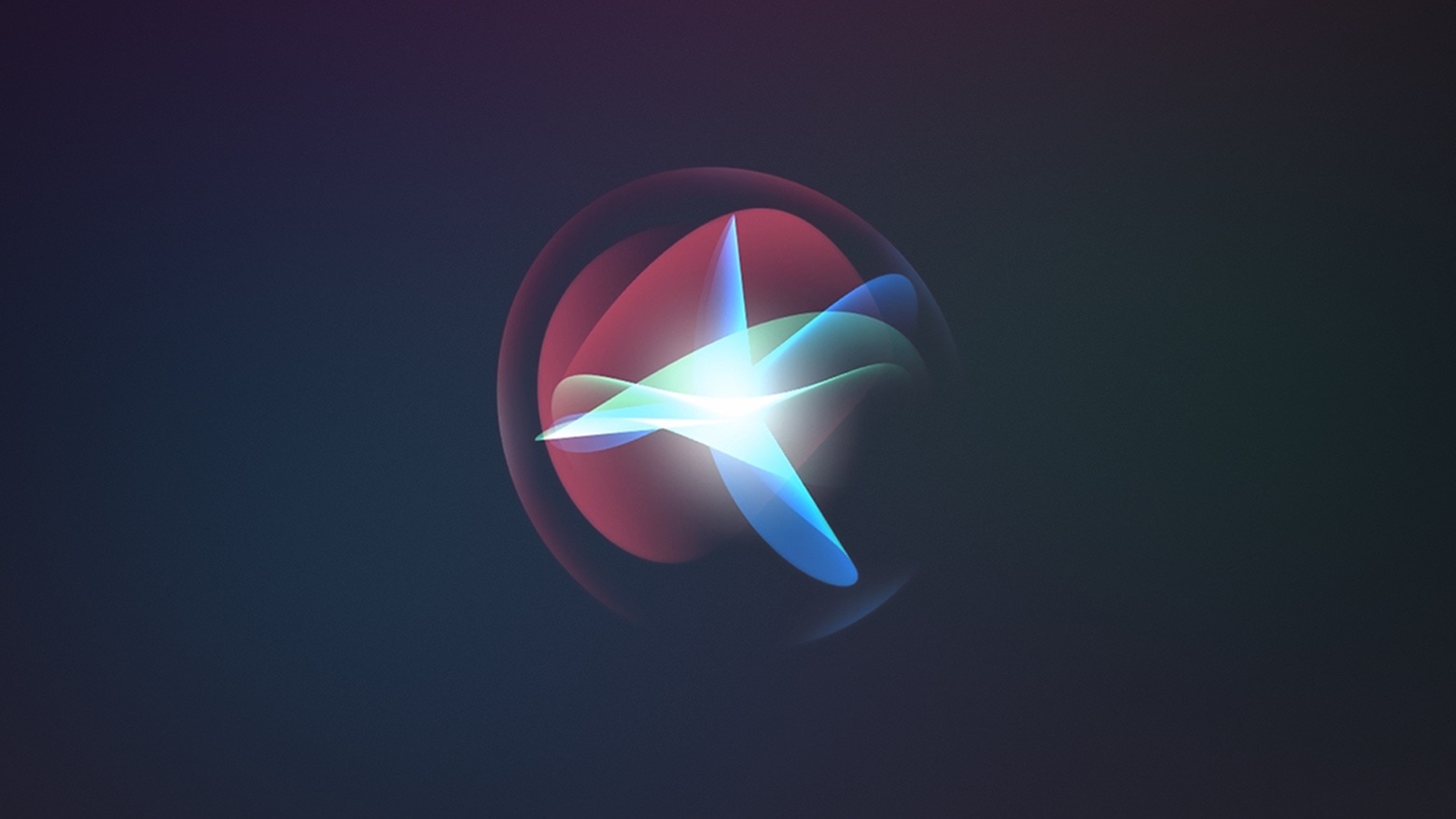
Siri will soon be able to handle many of your questions and requests offline. When Apple’s next-generation software updates roll out this fall, on-device speech recognition will negate the need for a data connection.
Apple is also opening Siri up to third parties, paving the way for its virtual assistant to be integrated into all manner of smart devices in the future.
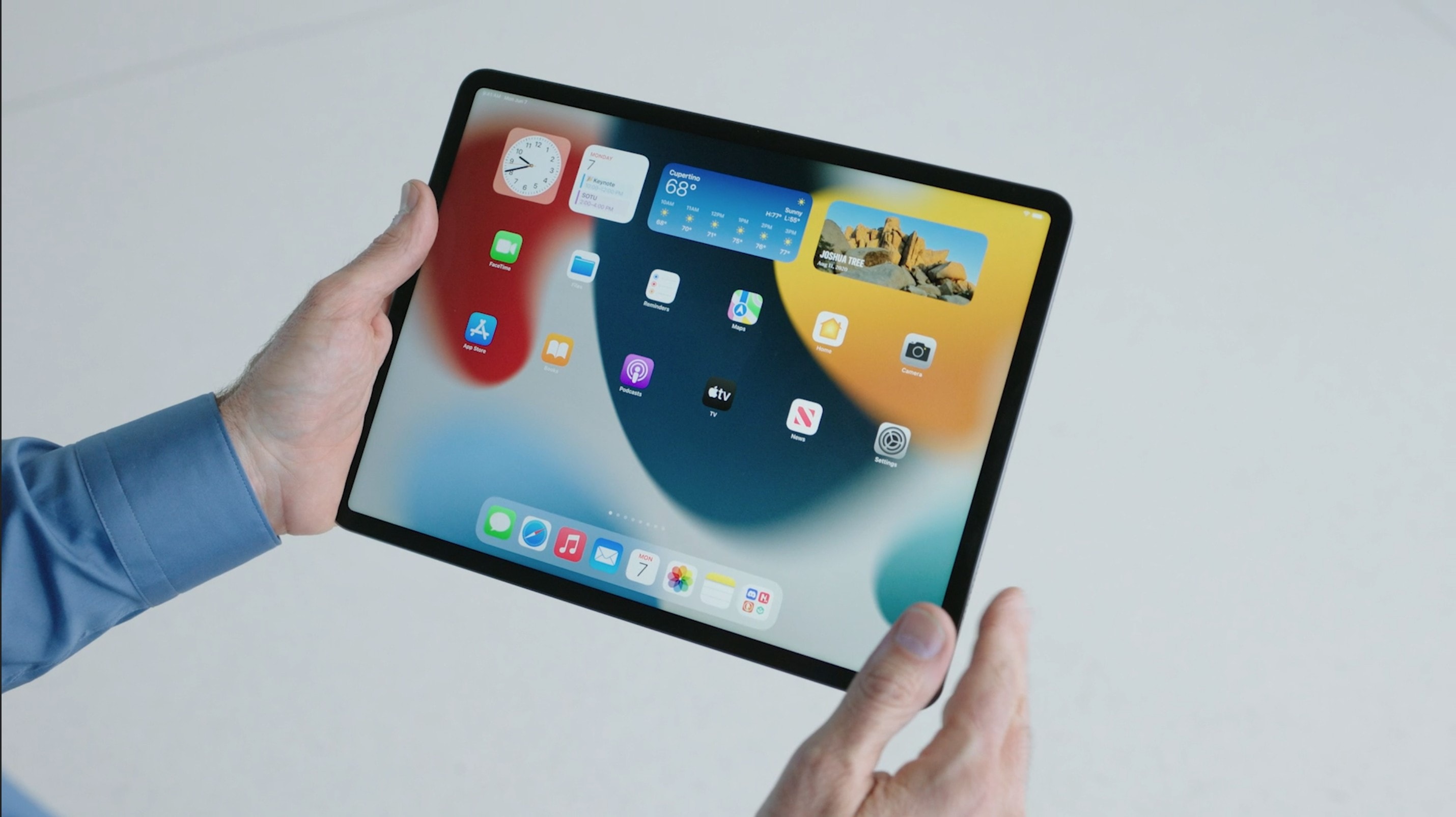
iPadOS gets widgets you can place anywhere — just like iPhone. Photo: Apple
Apple today gave iPad owners their first peek at iPadOS 15 with a revamped Home screen and more powerful multitasking. The update also introduces bolstered privacy controls and some welcome changes to notifications.
iPadOS 15 makes its public debut this fall alongside iOS 15 and other software updates for Mac, Apple Watch, and Apple TV. Developers can get their hands on the very first betas later today.
A new house calls for a first-time home office with an ultrawide monitor and plenty of toys. Photo: StevenJ95
Redditor StevenJ95 recently moved from an apartment to a house, allowing him to have a new home office. For the first time. He’s got room enough in there for his MacBook Pro, his Samsung curved ultrawide monitor and even his Tesla Model S, Cybertruck and Supercharger.
OK, those last three are two diecast model cars and a cute little desktop Tesla charger for phones and such. But he does have a real Tesla Model 3 — which he sensibly parks elsewhere — as well as a lot of enthusiasm for the brand, judging by how he decorates his setup.
A password manager like Dashlane can keep you from losing your business's good reputation. Photo: Dashlane
This business cybersecurity post is brought to you by Dashlane.
The hard work you put into building your business and managing your business’s reputation should not be compromised by an avoidable hack.
Cyberattacks on businesses and other entities may seem inevitable, but many are avoidable. Given the importance of reputation — which amounts to everything anyone and everyone thinks or feels about your operation — preventing cybersecurity breaches is crucial to defending the overall perception of your business’s trustworthiness to consumers, clients and investors.
Implementing use of a password manager likeDashlane for you and your employees, whether they work remotely or onsite, is among the easiest and most effective ways to protect your business’s reputation, explains J.D. Sherman, CEO of Dashlane. Its web and mobile app simplifies password management for people and businesses.