Mobile menu toggle

Search results for: mechanical keyboard

Cherry next-gen keyboard switches target battery efficiency
By

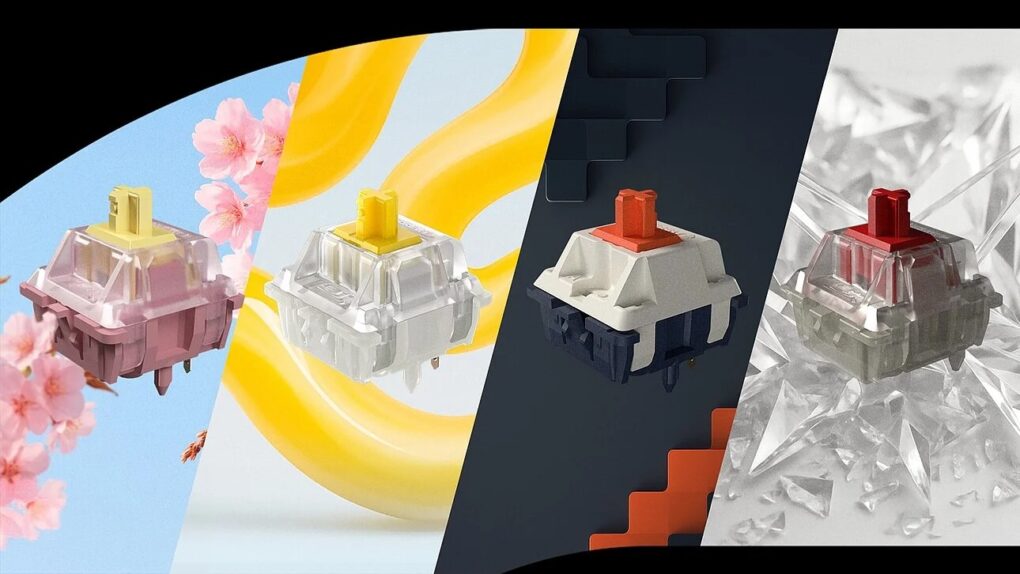
Cherry next-gen keyboard switches
Cherry unveiled four new keyboard switch products this week.
Photo: Cherry

Keyboard manufacturer Cherry makes a significant push into smart switch technology with four new products debuting at Computex 2025 this week. The new switches for keyboards offer particular appeal to Apple users who prioritize wireless connectivity and battery efficiency in their peripherals.

Try these crazy ways to get Touch ID with or without Magic Keyboard [Setups]

By

Magic Keyboard Touch ID
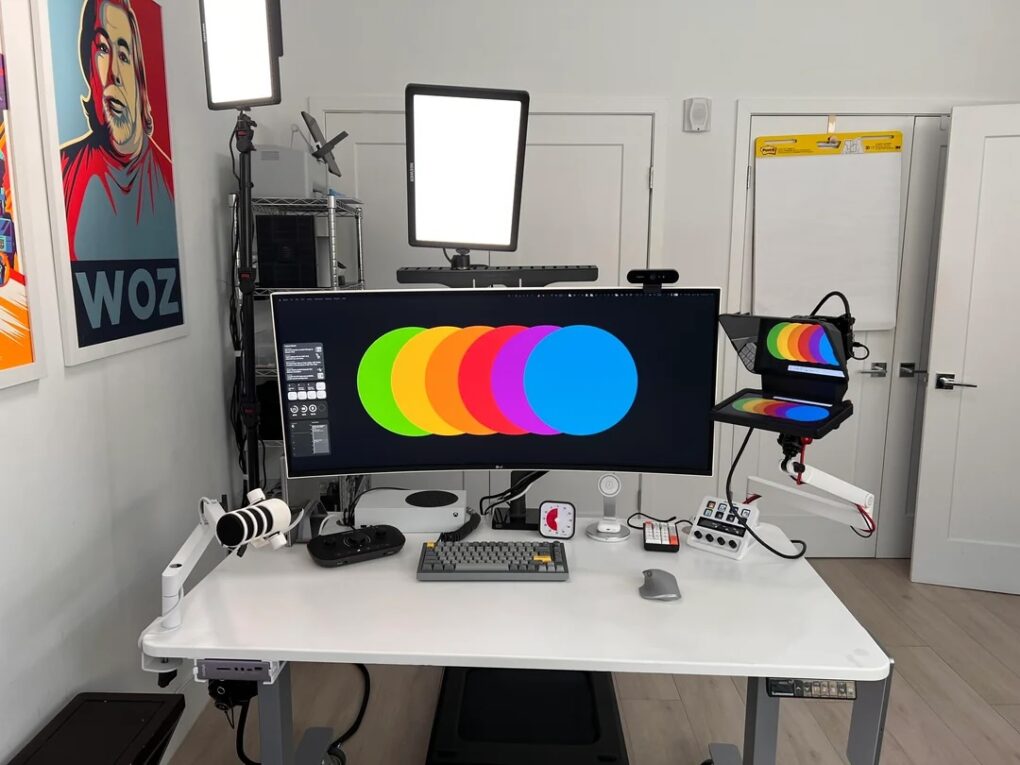
In this setup, the user Velcros a Magic Keyboard to the side of the desk on the right -- just so they can reach the Touch ID button.
Photo: [email protected]

It’s easy to get addicted to using Touch ID whenever you need to gain password-restricted access to anything. But not everyone is a big fan of Magic Keyboard with Touch ID (not the function, the keeb itself). Today’s MacBook Pro setup user found an odd but practical solution. They use a Keychron Q1 mechanical keyboard as a daily driver and Velcro a Magic Keyboard with Touch ID to the edge of the desk so they can reach the Touch ID button.

New Apple Magic Keyboard is still a high price to pay for Touch ID [Review] ★★★☆☆

By

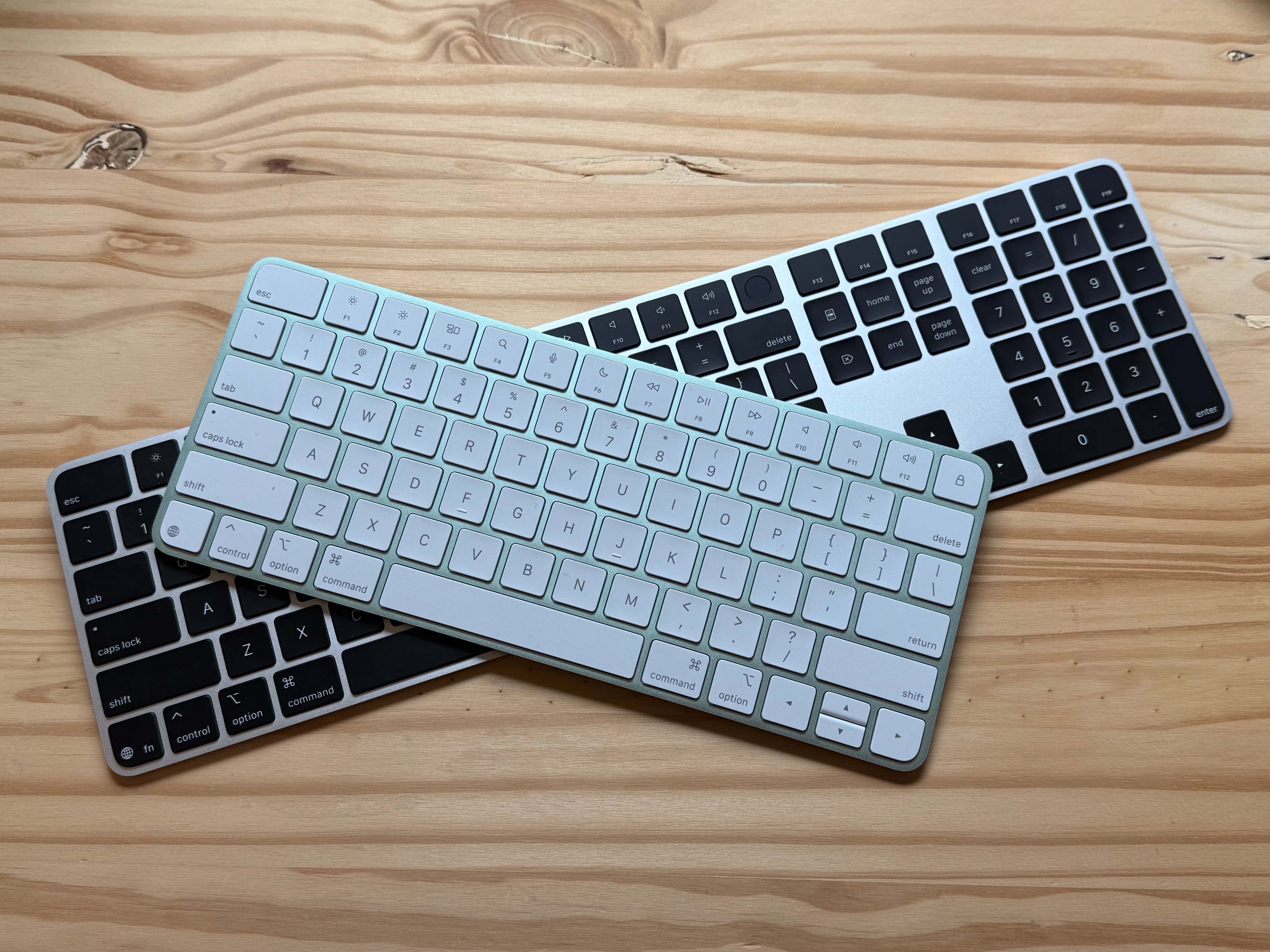
Green compact Magic Keyboard stacked on top of Black full-size Magic Keyboard.★★★☆☆
The new Magic Keyboards.
Photo: D. Griffin Jones/Cult of Mac

The new Apple Magic Keyboard, updated with USB-C, is a fine option if you want Touch ID and if you like laptop-style membrane keyboards. It’s not my preferred typing experience. It also, unfortunately, only comes in a limited number of colors and only two sizes.

It’s the stock keyboard that comes if you order an iMac. It’s also available if you want an external keyboard on your Mac mini, Mac Studio or a desktop-docked MacBook.

The Magic Keyboard is the only way to get Touch ID on the Mac, which is a pretty excellent experience. You just have to pay the rather high price for it — and the even greater sacrifice of giving up on a clicky mechanical keyboard.

Keep reading or watch our latest video.

Hall effect magnetic keyboards: The next big thing for Mac gamers?

By

NuPhy Field75 HE Keyboard
The NuPhy Field75 HE Keyboard packs Hall effect magnetic switches under those key caps.
Photo: NuPhy

As a Mac user, you’re no stranger to cutting-edge technology, like the hottest new mechanical keyboards. But have you heard about Hall effect keyboards, which are gaining popularity, especially among gamers? Let’s dive into why people turn to these specialized magnetic mechanical keyboards and what they could mean for your Mac gaming setup. They’re not actually new, but more of them have hit the market lately. And a lot of people think they offer big advantages.

‘1 billion keyboards in 1?’ Yes, that’s the claim.

By

Glorious GMMK 3 keyboard
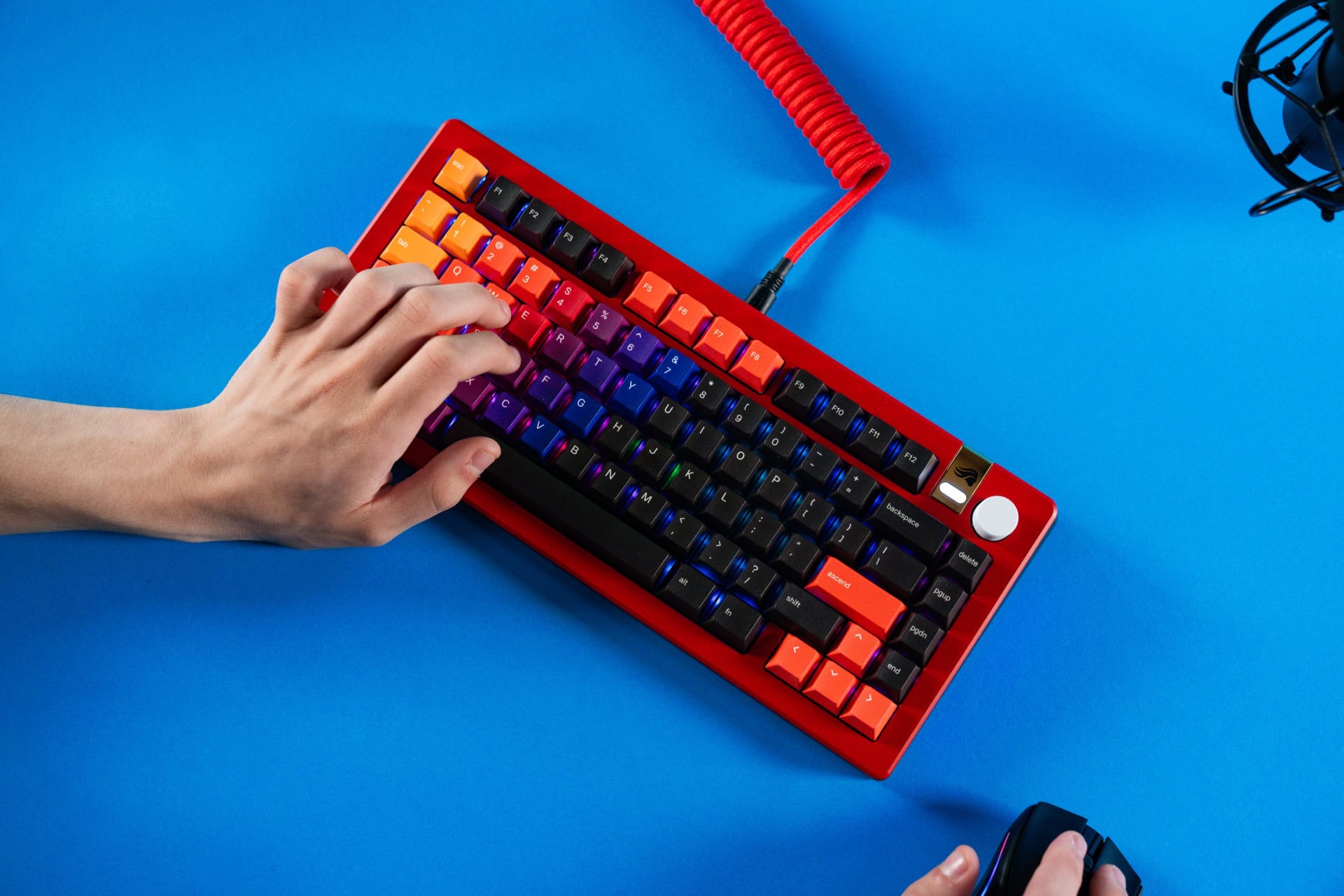
Now that's a cool-looking keyboard. And it could have either mechanical or Hall effect magnetic switches.
Photo: Glorious Gaming

The new Glorious GMMK 3 keyboard is “1 billion keyboards in 1” because it supposedly packs more than a billion possible hardware configurations, giving gamers and typists alike “unparalleled” control over aesthetics, typing experience and performance, Glorious Gaming said Tuesday.

Would you dare try this radically split keyboard? [Setups]

By

split keyboard setup
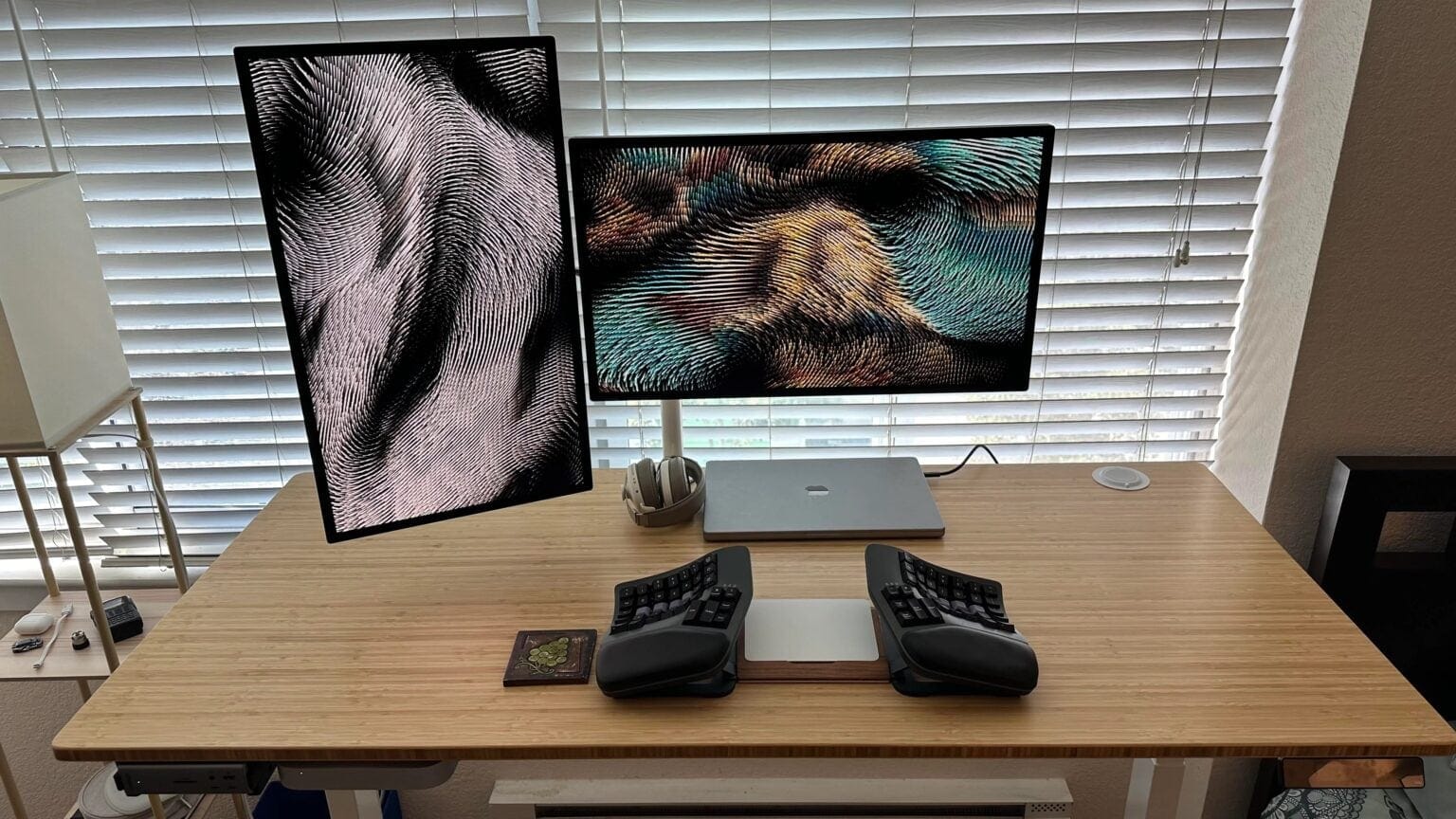
Just imagine typing on that split keyboard.
Photo: [email protected]

Classic keyboard designs continue to reign supreme in computer setups, but a split keyboard makes for a more ergonomically healthy choice. Some split keebs look just a little different than a regular keyboard. But some, like the one in today’s M2 Mac mini setup, look almost alien. This one has two completely separate halves that the user places on either side of a Magic Trackpad 2.

Quirky compact keyboard doesn’t sacrifice practicality [Review] ★★★★☆

By

Wombat Willow Pro keyboard on desk★★★★☆
It has a fun, playful color scheme.
Photo: D. Griffin Jones/Cult of Mac

The Willow Wombat Pro is a great keyboard without much compromise. It’s mechanical, with comfortable key switches to type on all day, but it’s not loud. It’s narrow, but it still has all 102 keys, with an unusual key layout. It’s thin, but it’s not flimsy: It’s sturdy and well-made.

The whimsical yellow color scheme will also add a flash of color and flair to your Mac setup. Buy it now on Amazon or keep reading below.

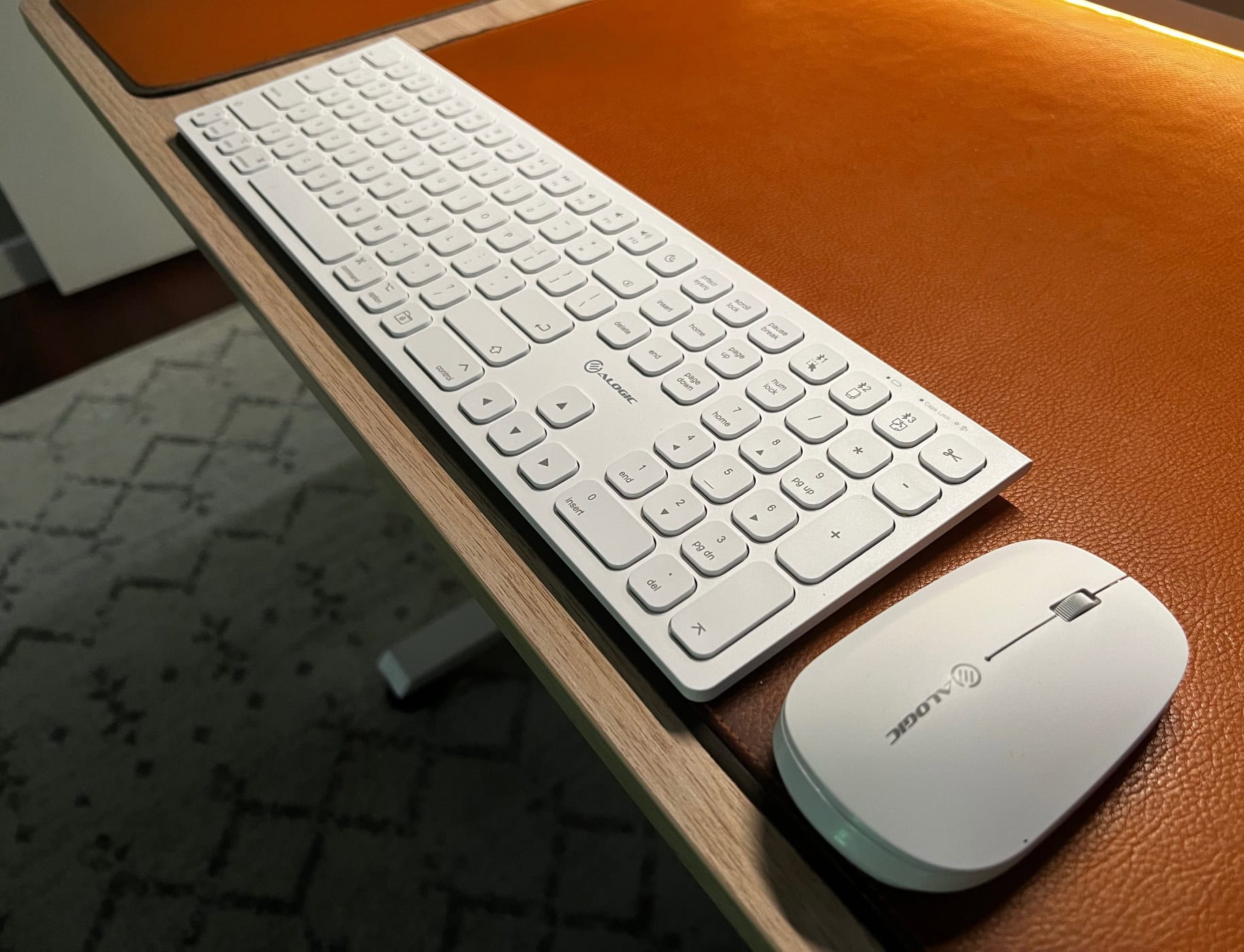
Alogic’s new Echelon keyboard and mouse make a dynamic duo [Review] ★★★★☆

By

Alogic Echelon keyboard and mouse★★★★☆
The new Alogic Echelon keyboard and mouse get the job done with understated style.
Photo: David Snow/Cult of Mac

Alogic rolled out its new Echelon wireless keyboard and mouse last week, offering a pair of sleek, solid, affordable and eminently practical input devices for Mac users. I swapped out a couple of Logitech devices to try Alogic’s, and I’m not missing Logi’s gear so far. In a word, you could call the Echelon input devices “minimalist.” But they have all the features you need, and then some.

Keychron brings new ultra-slim keyboard options for Mac users

By

Keychron ultra-slim keyboards -- B6 Pro
This full-sized wireless keyboard goes for $45.
Photo: Keychron

For years Keychron made its bones on good mechanical keyboards. Now it’s jumping into the scissor-switch game with a pair of Keychron ultra-slim keyboards that are direct Magic Keyboard competitors.

They looks the part, include solid features and beat Apple on price by a mile.

1 6 7 8 9 10 48