Mobile menu toggle

Search results for: mechanical keyboard

Use classic Mac keyboards and mice with these adapters [Review]

By

Extended Keyboard II and ADB Mouse II connected to my MacBook Pro and Cinema Display
You can use classic Mac keyboards and mice with a modern machine thanks to clever adapters and apps.
Photo: D. Griffin Jones/Cult of Mac

Apple’s modern keyboards are perfectly adequate but pretty unremarkable. They are anything but fun. But thanks to the wide selection of modern USB adapters from TinkerBOY, you can liven up your setup with long-lost keyboards and mice of yore.

You can use the legendary Apple Extended Keyboard II, with its unique key switches that make typing an almost ecstatic experience. You can get an adapter for the original Macintosh Mouse, for clicking and dragging like it’s 1984.

I get a fair share of products for review at Cult of Mac but none had me excitedly checking the mailbox every day like these. Read on for my experience using TinkerBOY’s keyboard and mouse adapters with a modern Mac.

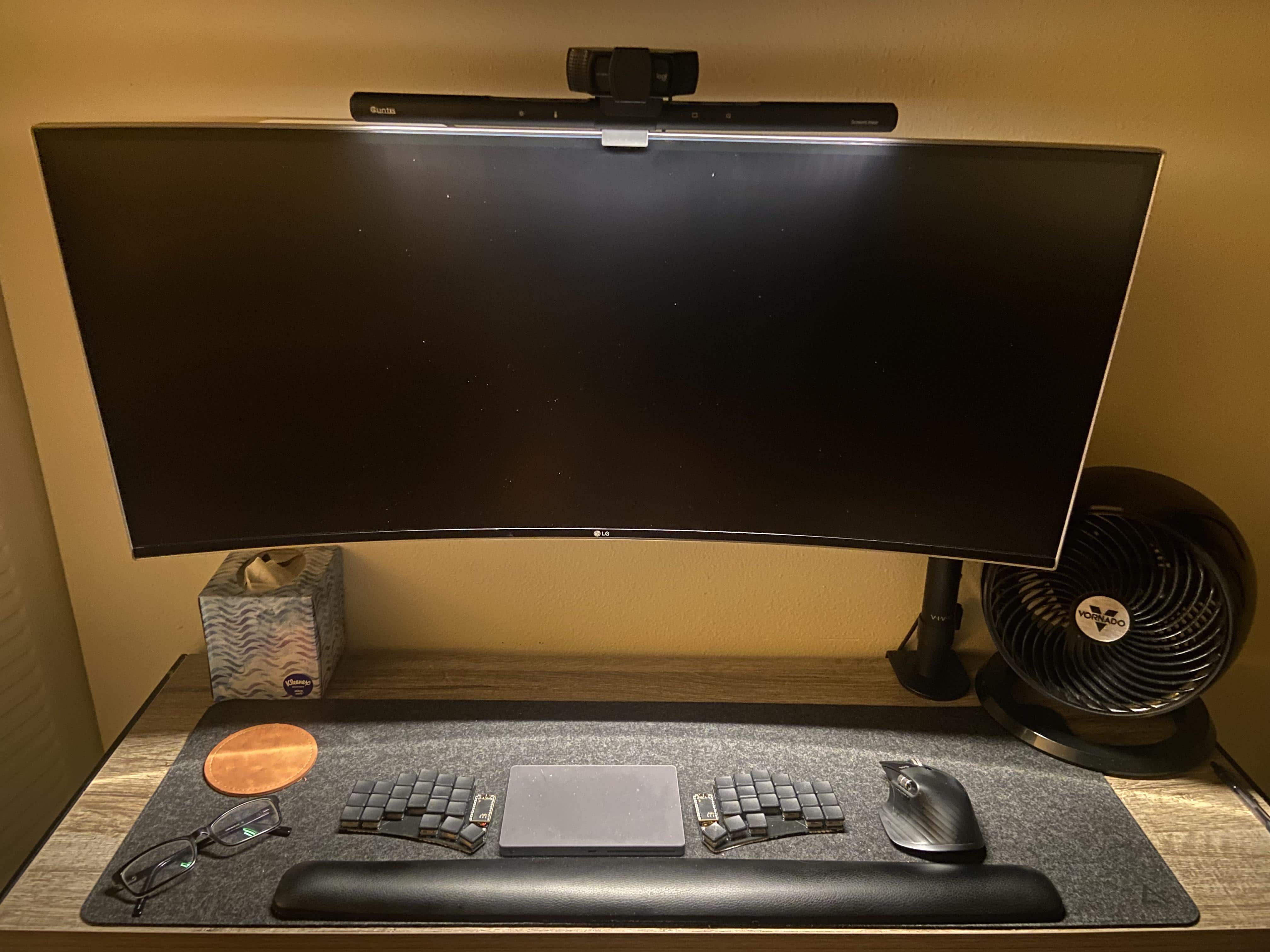
‘Look, ma, no Mac mini’ (but yes, crazy keyboard and backward trackpad) [Setups]

By

The Mac mini is mounted behind the monitor. And, yeah, the Magic Trackpad in the middle of the split keyboard is backwards on purpose.
Photo: [email protected]

Sometimes you see one thing that seems quietly radical about a computer setup, only to find out it’s full of even weirder tweaks.

Today’s featured setup is a good example. It hides a Mac mini behind a display. But in front of the display, a wildly split mechanical keyboard surrounds a Magic Trackpad turned backward — on purpose!

The best keyboard Apple ever made, but smaller? [Review] ★★★★☆

By

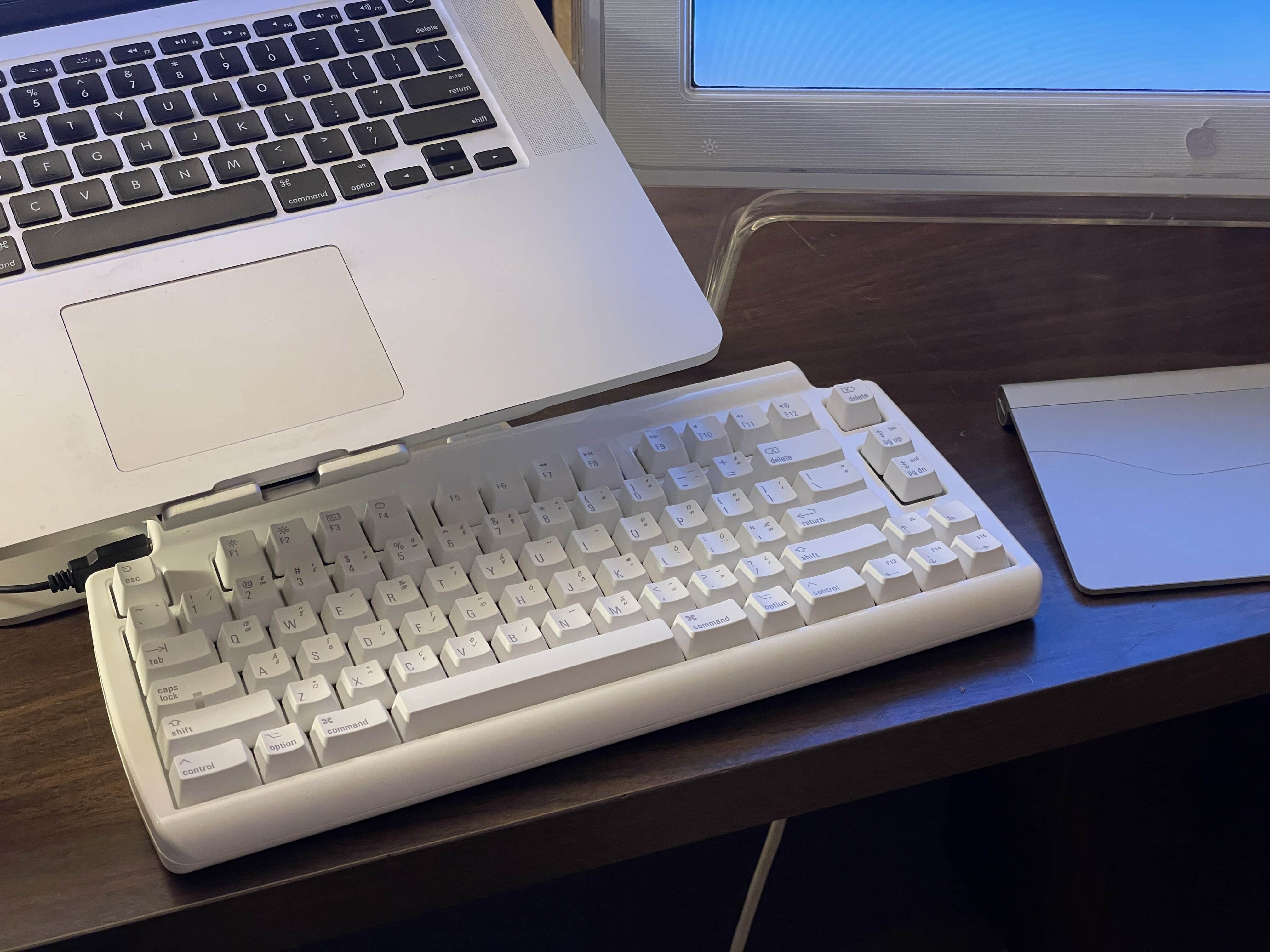
The Matias keyboard on my desk. The Mac sits on the mStand next to an Apple Cinema Display and Magic Trackpad.★★★★☆
The Matias keyboard is the spiritual successor to the greatest keyboard of all time, the Apple Extended Keyboard II.
Photo: D. Griffin Jones/Cult of Mac

In its entire 46-year history, Apple has made only one truly great keyboard: the Apple Extended Keyboard II. Dating from 1987, the Apple Extended Keyboard II has been dubbed “the greatest computer keyboard of all time.

For me, the Extended Keyboard is the ultimate Goldilocks keyboard: it offers the perfect amount of travel, feel and sound. Alas, it was discontinued in 1994 and Apple hasn’t made a mechanical keyboard — with switches and springs beneath each key — since.

But fear not. The Matias Mini Tactile Pro keyboard is the Extended Keyboard’s spiritual successor: a modern mechanical keyboard in a mini package that plays nice with modern Macs.

But is it any good?

Epic OLED smart TV and pro audio gear distract from wrong-color keyboard [Setups]

By

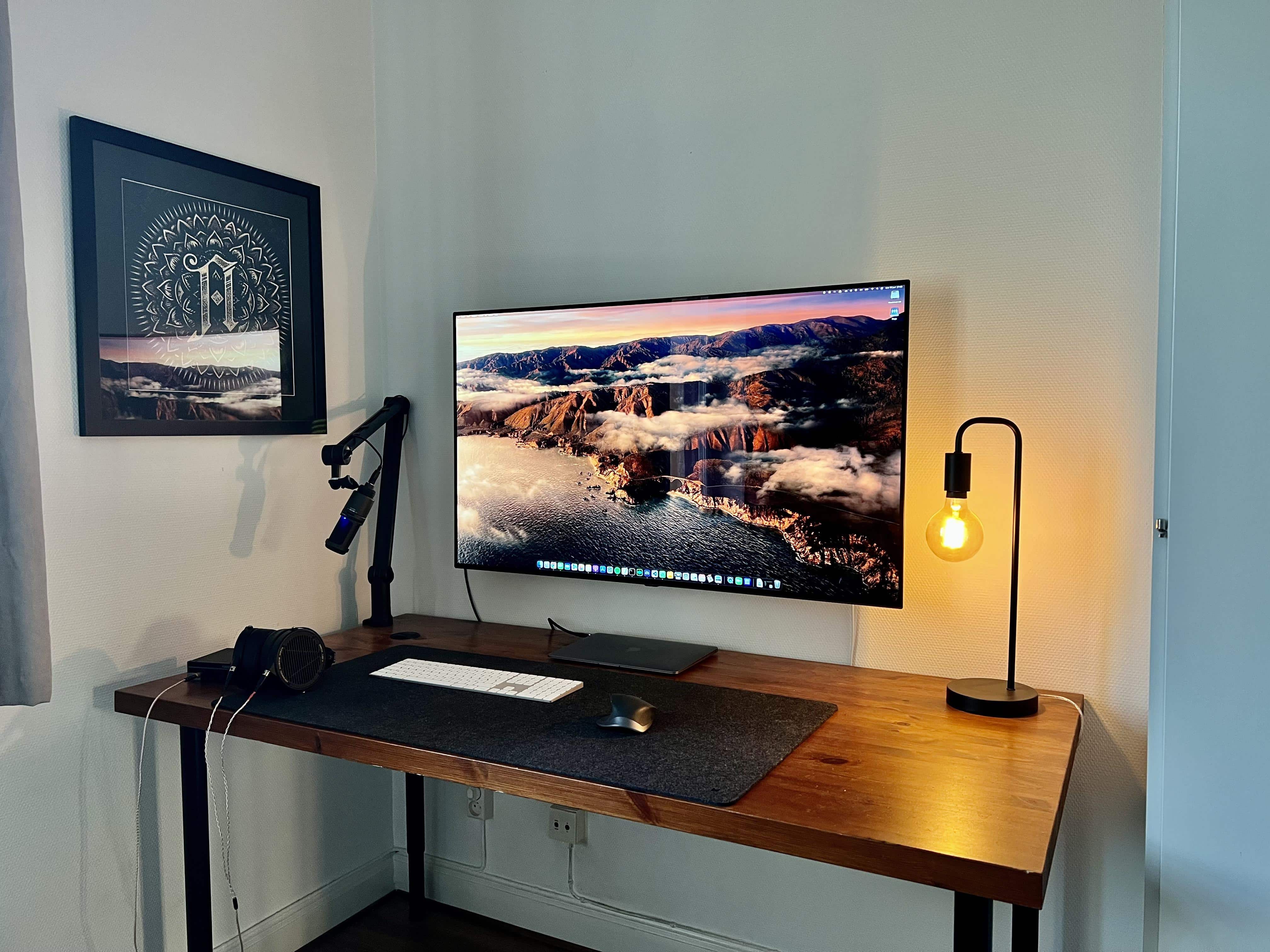
Would you have gone with a darker-colored keyboard? Which one?
Photo: [email protected]

Will you rue the day you choose the wrong color peripherals? Will you ask strangers on social media to help you fix the problem? The owner of today’s striking M1 MacBook Air-based computer setup did just that.

But if you ask us, they could just take solace in the setup’s strengths. Those include an epic OLED smart TV and some top-shelf, professional-level audio gear, plus a cool Edison desk lamp.

But we’ll share some good advice we saw about the keyboard issue. Read more below.

Razer’s tiny new keyboard could be a must for gamers

By

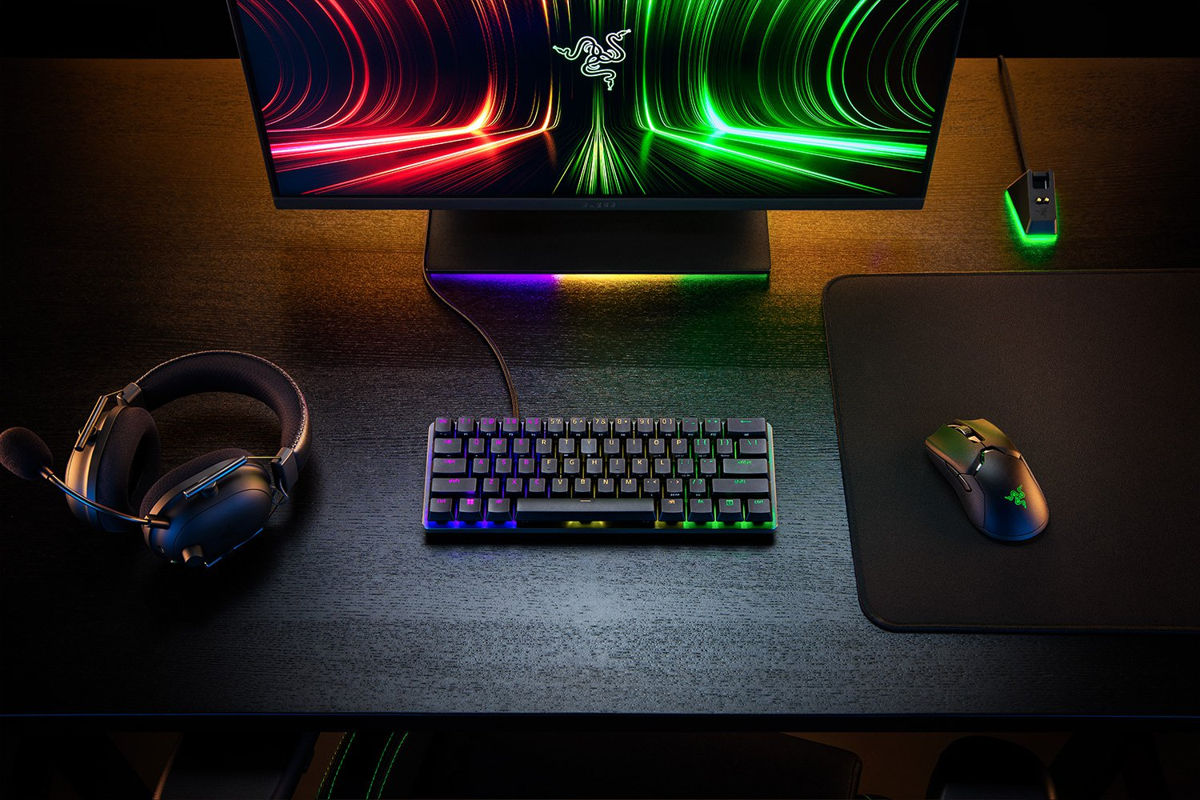
Razer's new Huntsman Mini has analog optical switches you can customize like crazy.
Photo: Razer

Gaming giant Razer rolled out a tiny new mechanical keyboard Friday that could be a boon for gamers. It’s a new-and-improved version of the first 60% keyboard released by a major brand. And it’s the first one to use Razer’s proprietary, super-sensitive “analog optical switches” that can be customized in multiple ways just by the force used to press the key.

It’s the updated Razer Huntsman Mini Analog. And if you’re a competitive gamer, you might want to get it before your opponents do.

Would you go without an external keyboard and mouse? [Setups]

By

Would you make do with neither an external keyboard nor a mouse?
Photo: [email protected]

With the new M1 Pro and M1 Max MacBook Pro models selling like hotcakes, a lot of people are wondering how to incorporate their new laptops into their computer setups. Is it enough just to use the laptop, or should it be used with an external keyboard, mouse or trackpad, as well as an external monitor? If you’re setting up your Mac and find that Bluetooth is off, you may need to know how to turn Bluetooth on Mac without mouse or keyboard.

Apple mulls MacBook with pop-up keyboard

By

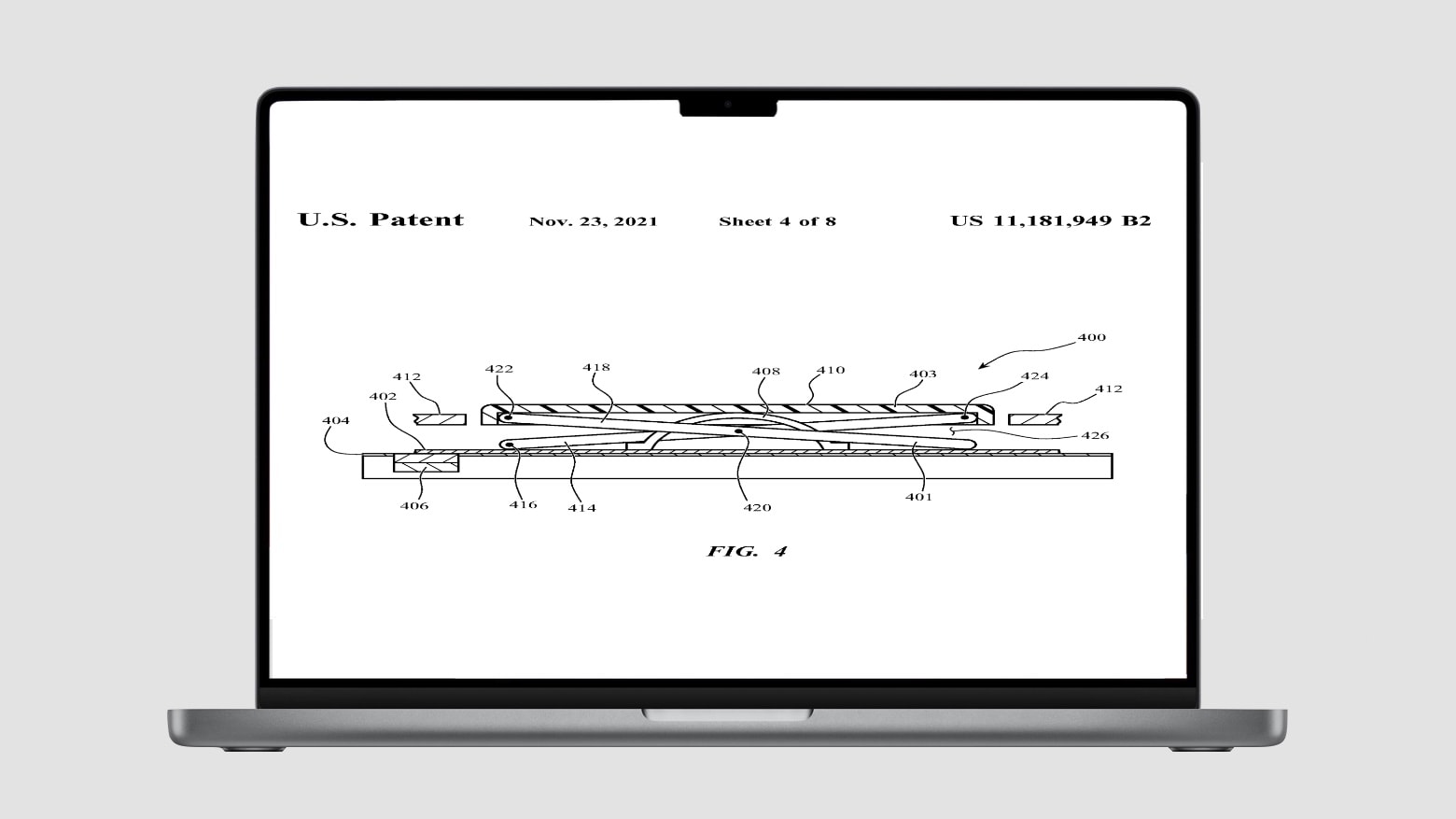
Apple mulls MacBook with pop-up keyboard
This concept drawing gives a side view of the mechanism that could be used in a MacBook with a pop-up keyboard.
Photo: Apple/Cult of Mac

Suppose the keyboard of your MacBook rose up slightly and pivoted toward you when you opened the lid. That’s the idea described by a patent Apple was just awarded.

The concept has ergonomic benefits but also adds moving parts.

Keeping it weird with a ‘dual-display laptop’ and an ortholinear keyboard [Setups]

By

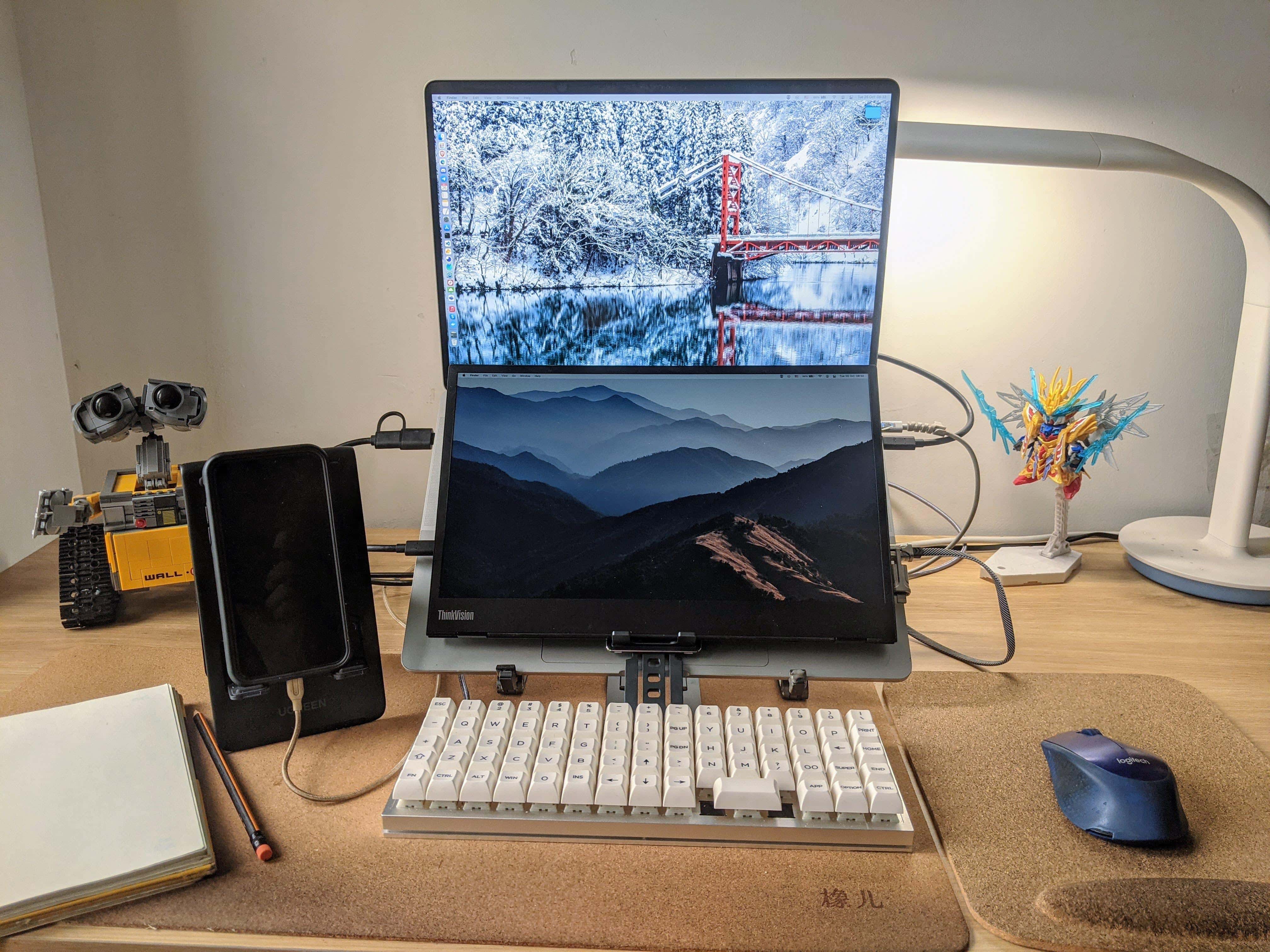
A portable monitor is mounted over the MacBook Pro's keyboard and an ortholinear-layout keyboard is the main input device.
Photo: [email protected]

We see a lot of dual- and multi-display workstations here at Setups Central, but we can’t recall seeing a “dual-display laptop” or a “laptop monitor stack.” Those are terms we made up for a second portable display mounted under a laptop’s screen and on top of its keyboard, as in today’s featured setup.

Love Keychron keyboards? Behold the company’s first mouse!

By

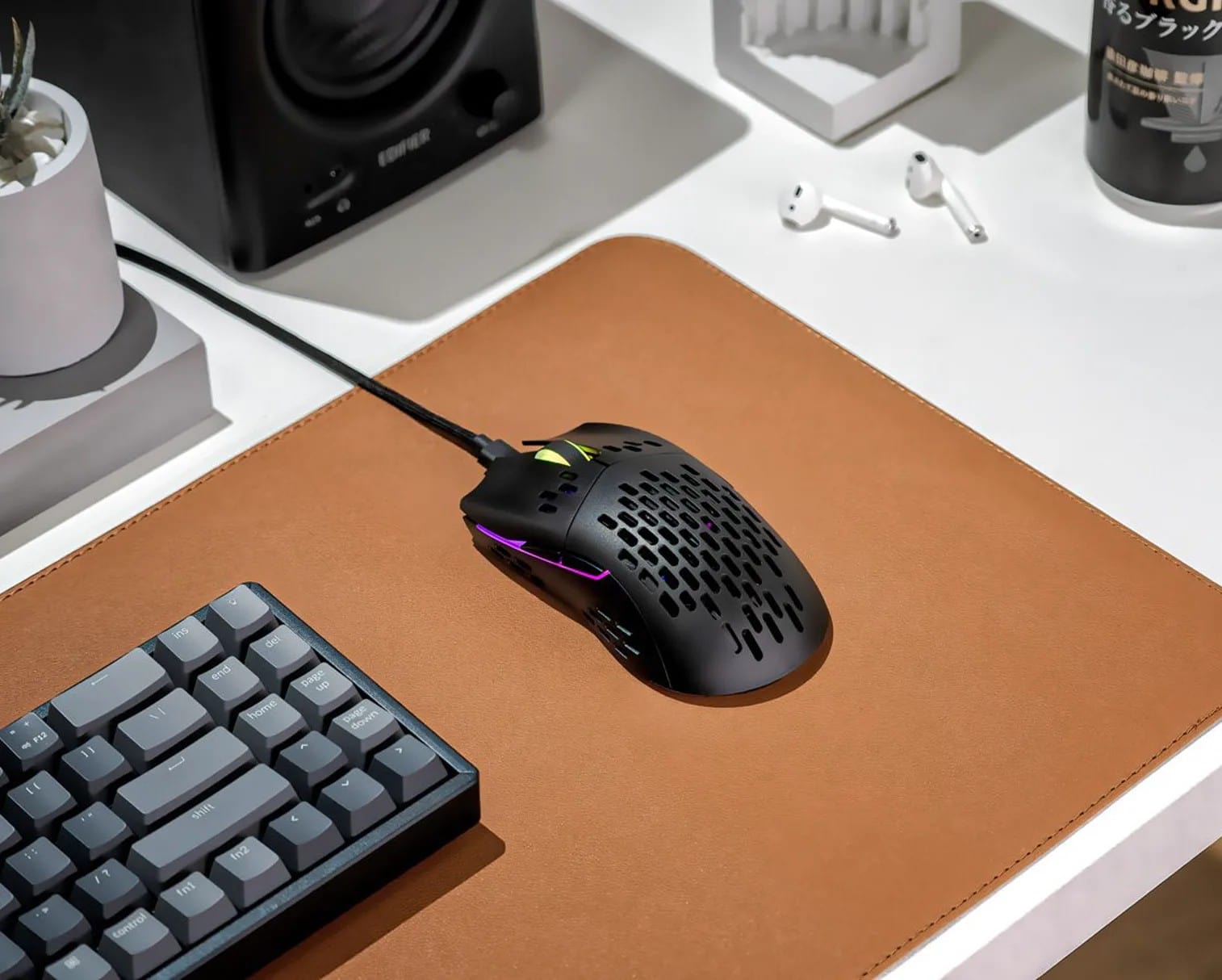
The new Keychron M1 Mouse is billed as slim, lightweight and customizable.
Photo: Keychron

Over the past several years, Keychron has gained justifiable fame for its affordable mechanical keyboards, which appeal to a variety of users. Now it plans to release its first mouse, the M1 (not to be confused with Apple’s world-beating Silicon chipset).

Keychron said its M1 mouse comes with the “strongest, most competitive grade” sensor chip available — as well as a raft of RGB light effects.

Logitech Pop keyboard and mouse make depressing desks more colorful

By

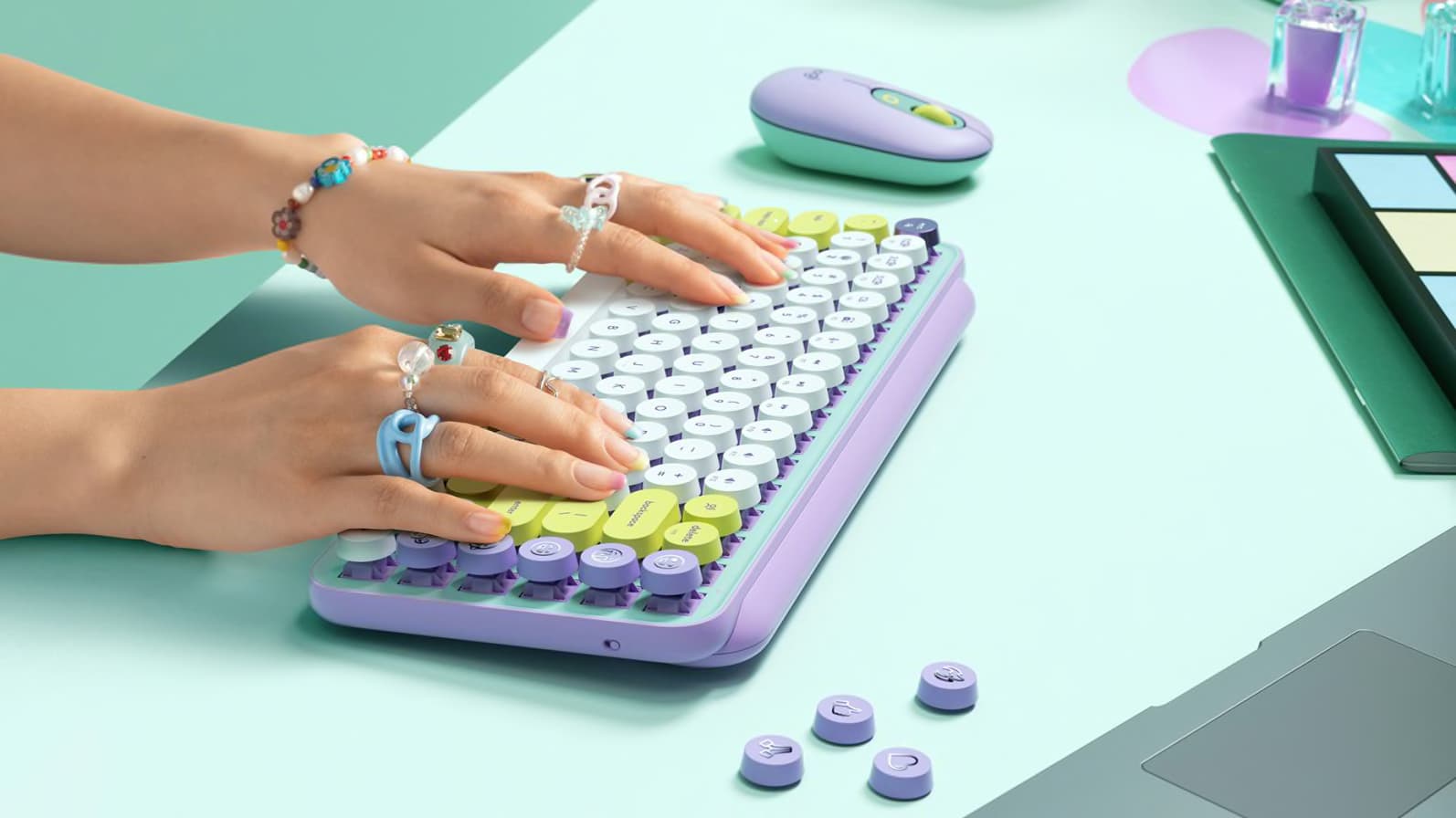
Logitech Pop keyboard and mouse
Available this month.
Photo: Logitech

Logitech’s new Pop collection hopes to make dark, drab desks a thing of the past. Both its Pop Keys keyboard, which features real mechanical keys, and the Pop Mouse sport quirky designs with bright and colorful finishes.

Prices start at $39.99, and they work great with Apple devices, including Mac and iPad. You can order yours this month.

1 8 9 10 11 12 48