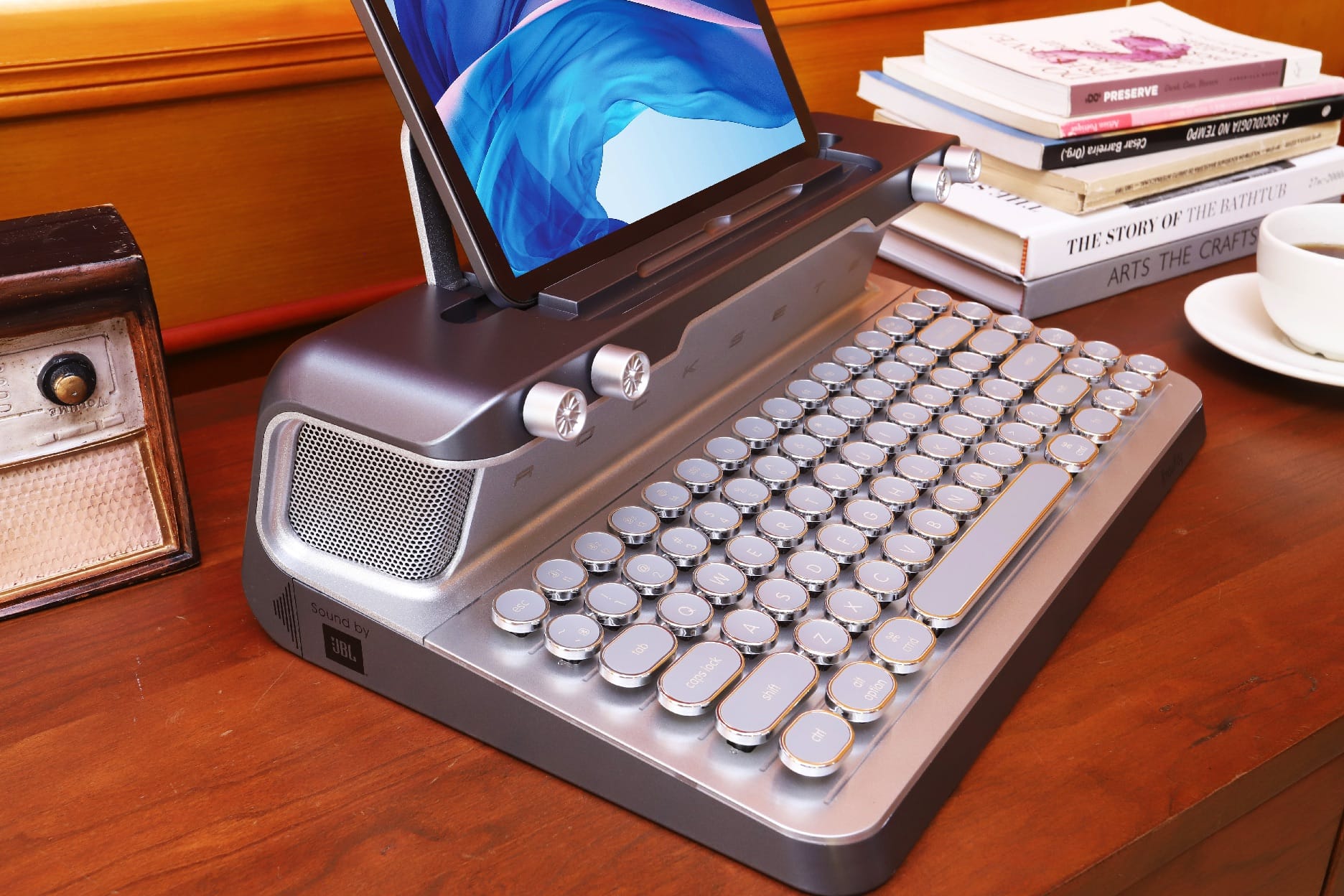
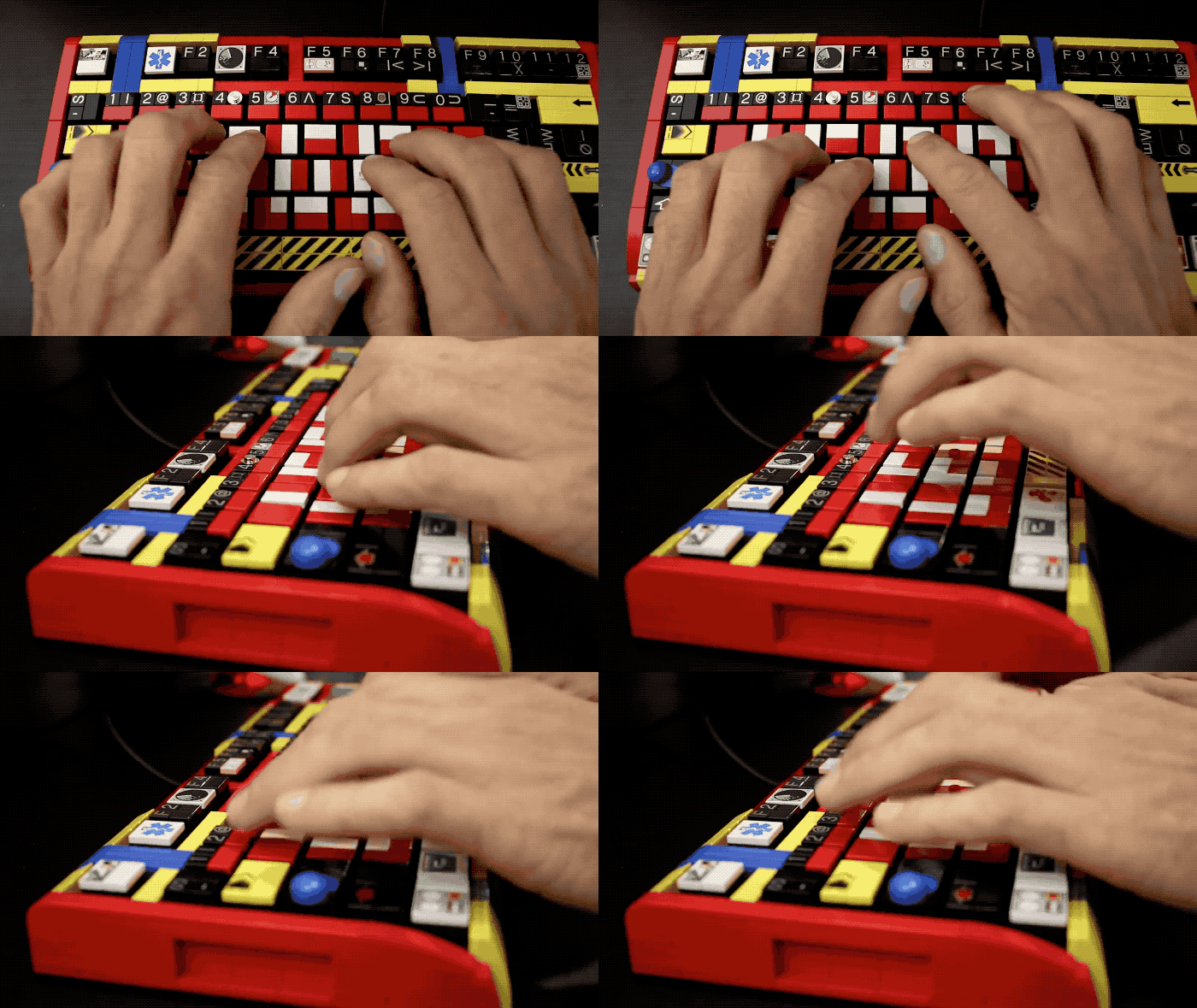
This keyboard is quite the attention-getter. Photo: KnewKey
A retro-style mechanical keyboard with built-in speaker is the definition of a niche product. But, as far as niches go, I dug it. Even if I’m not entirely ready to ditch my iMac’s Magic Keyboard just yet.
Here’s what I made of my time typing on KnewKey’s Rocksete.
Clickety-clacky, there's no going back Photo: Charlie Sorrel/Cult of Mac
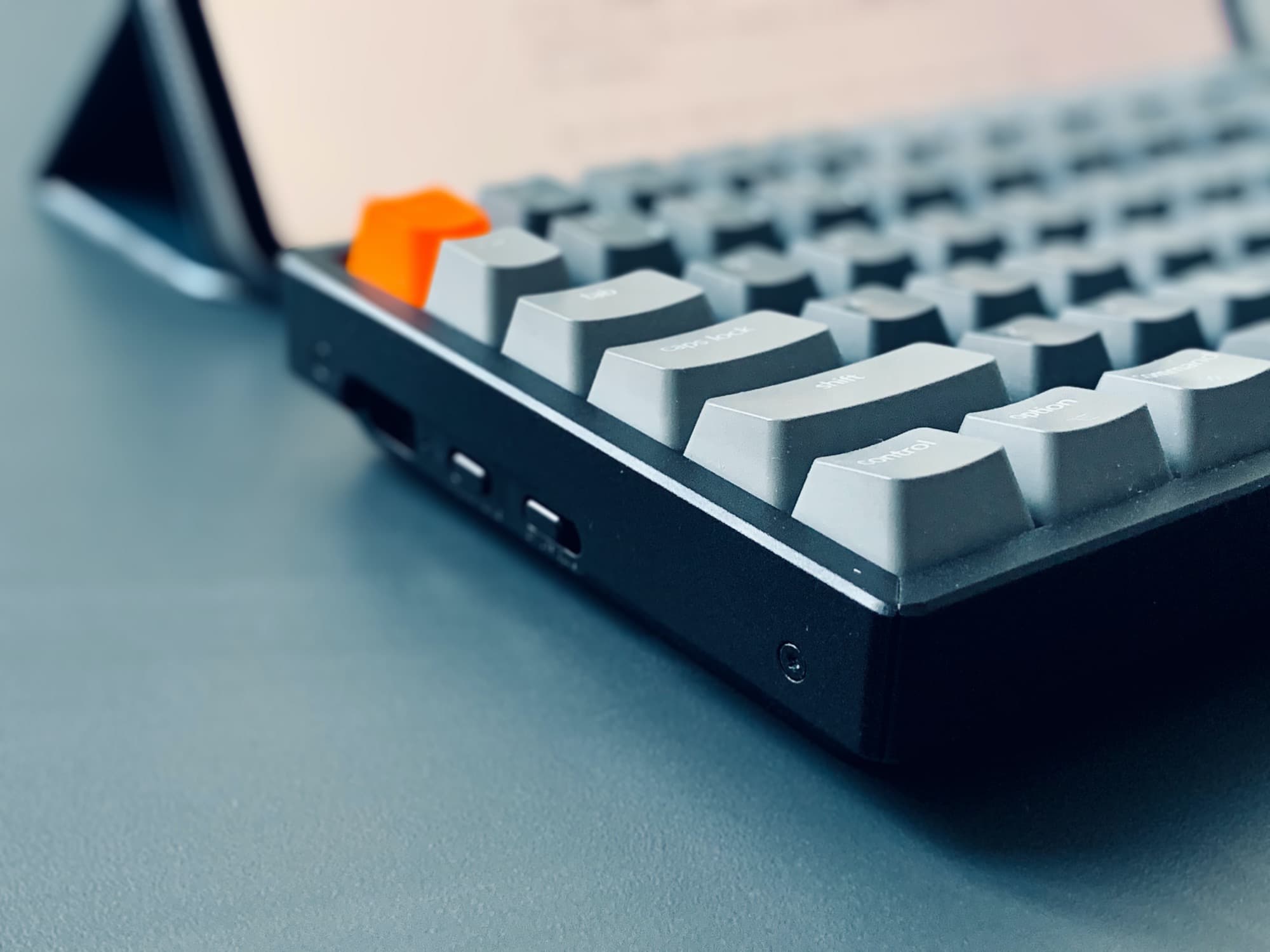
You probably need a keyboard. If you have an iMac, then you already have the one Apple included the box. If you have an iPad or a MacBook, then you should have that thing up on a stand at eye level, with a keyboard and mouse/trackpad attached so you don’t kill your neck/back/wrists. And if you want a clicky keyboard that works great with all three, then pretty much your best (and only) option is the Keychron K2, a beautiful, solid little device that can work with just about any device you have.
The Keychron K1 is a thing of beauty. Photo: Keychron
Mac lovers looking for relief from Apple’s new butterfly keyboards may have found a new hero in the Keychron K1, which is supposedly the world’s slimmest mechanical keyboard ever.
The Keychron K1 looks like a hybrid of Apple’s Magic Keyboard crossed with a modern mechanical keyboard. It’s so small you can carry it anywhere and it looks so good you won’t be embarrassed to be hauling around your beloved keyboard.
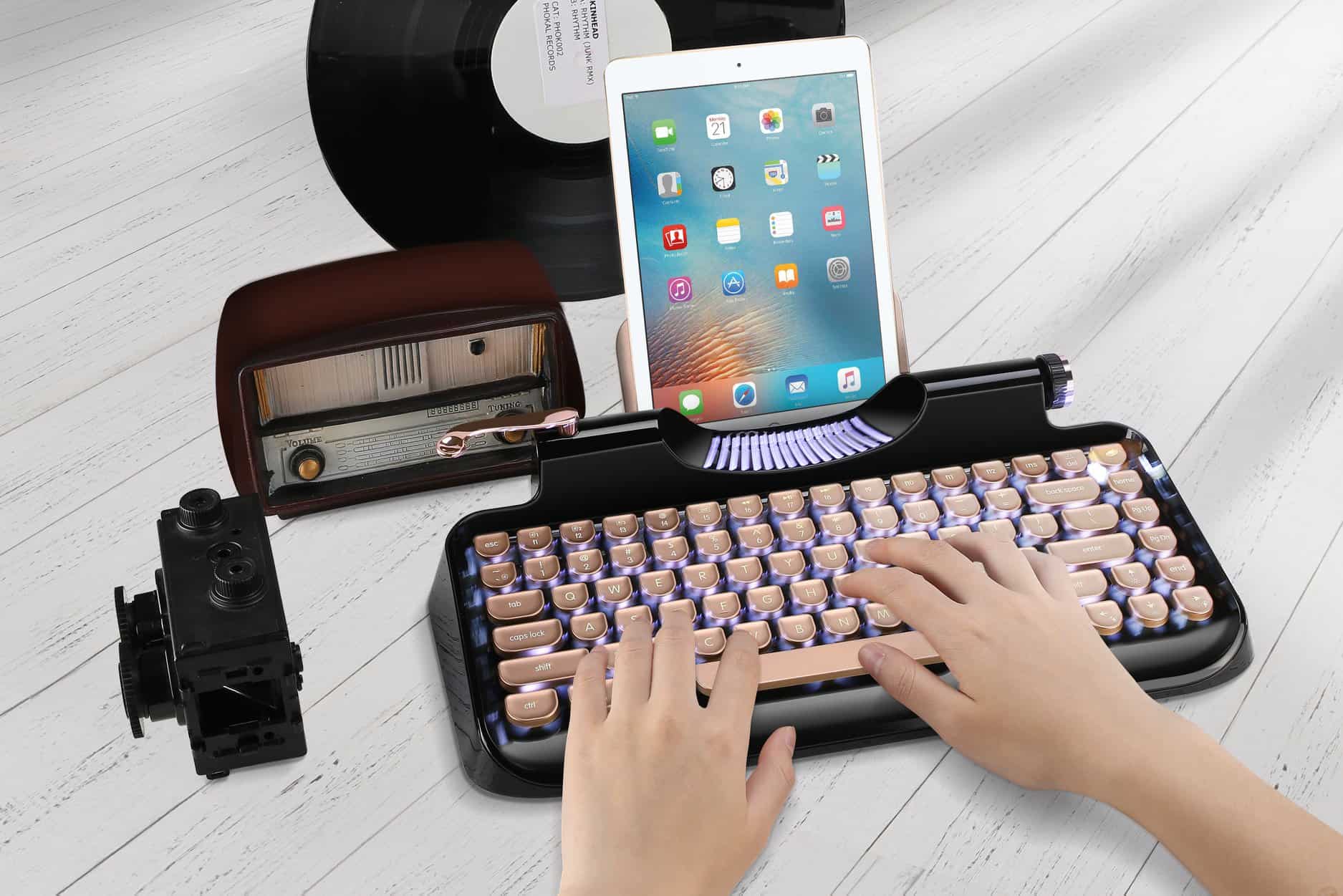
Typing on your iPad is about to get a whole lot louder. Photo: Rymek
Not garnering enough attention tapping away at your unfinished novel on your iPad in your local Starbucks? That will certainly change if you invest in Rymek’s latest keyboard accessory.
Designed to replicate the look and feel of a vintage typewriter, Rymek’s iPad-compatible mechanical keyboard will let you bash out the words between sips of whisky, while pretending you’re Mad Men‘s Don Draper.
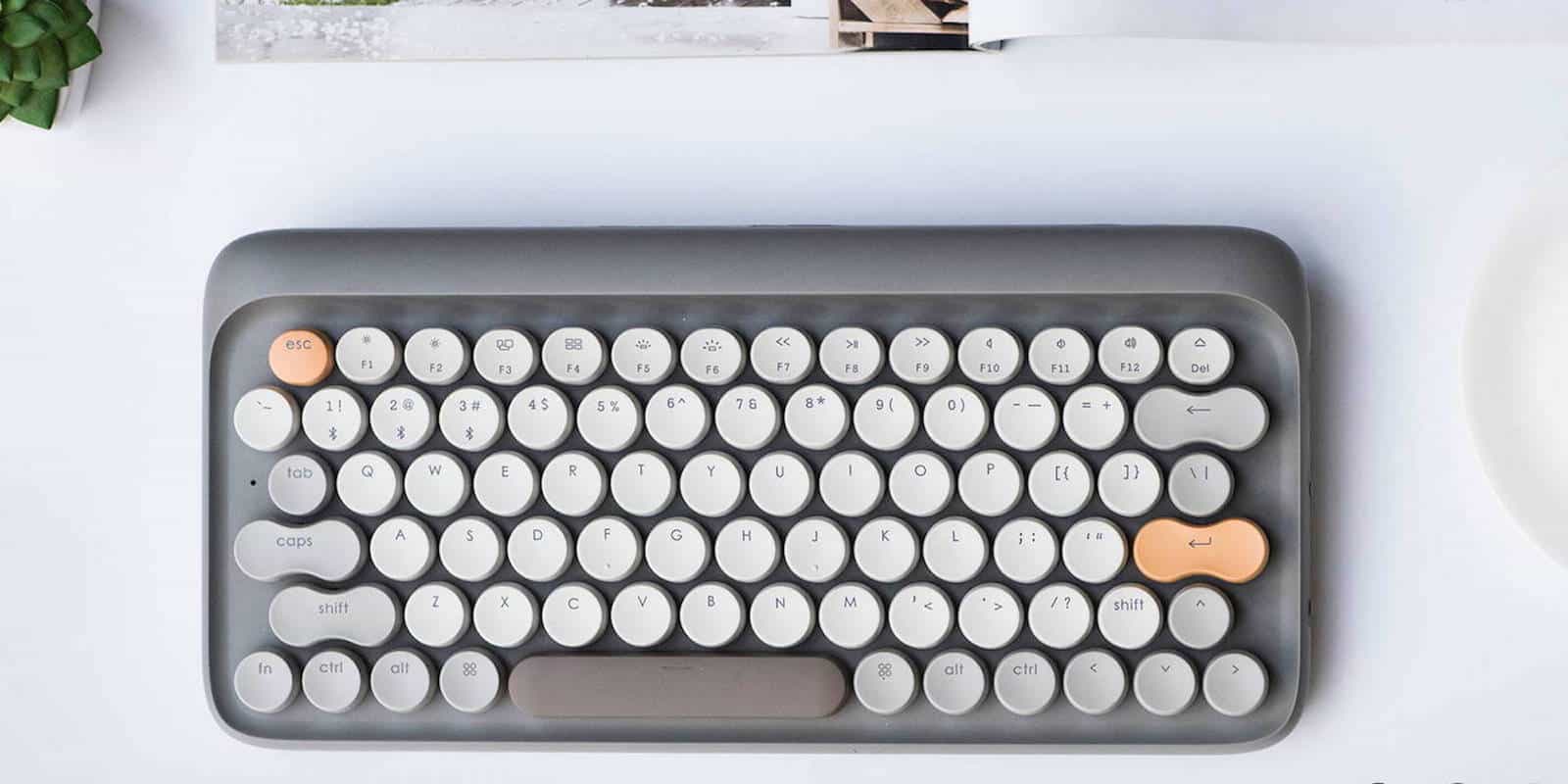
This mechanical keyboard merges tactile typing with hip design. Photo: Cult of Mac Deals
When touchscreens and wafer-thin keyboards are the norm, the feeling of putting your fingers to work on an old typewriter is surprisingly satisfying. Heck, even an old chunky keyboard can bring a tactile sensation to digital work that seems rare today.
If you love Legos and the clicky feeling of using a mechanical keyboard then prepare to meet the keyboard of your dreams.
Lego master builder Jason Allemann revealed his latest creation today that transforms an old school mechanical keyboard into a fully customizable Lego creation. The Lego keyboard uses a Cooler Master Quick Fire Rapid keyboard as a base and replaces the frame and keys using 3D printed Cherry MX Lego compatible keycaps.
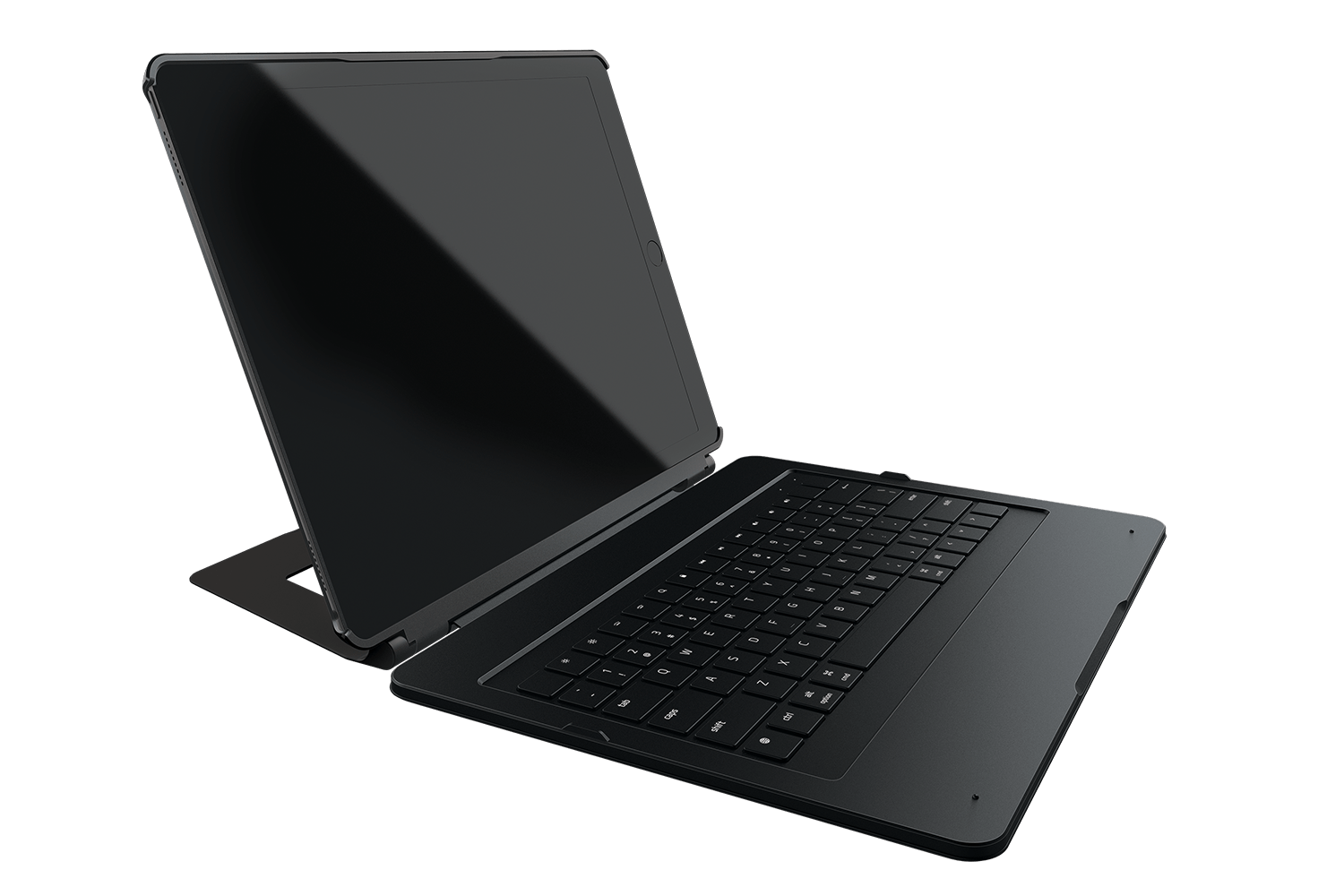
The world's first mechanical keyboard case for iPad. Photo: Razer
Razer, the company famous for its awesome gaming notebooks and accessories, today launched a seriously cool keyboard case for the 12.9-inch iPad Pro. Not only does it look good, but it’s the world’s first mechanical keyboard for a mobile device. It’s also going to cost you.
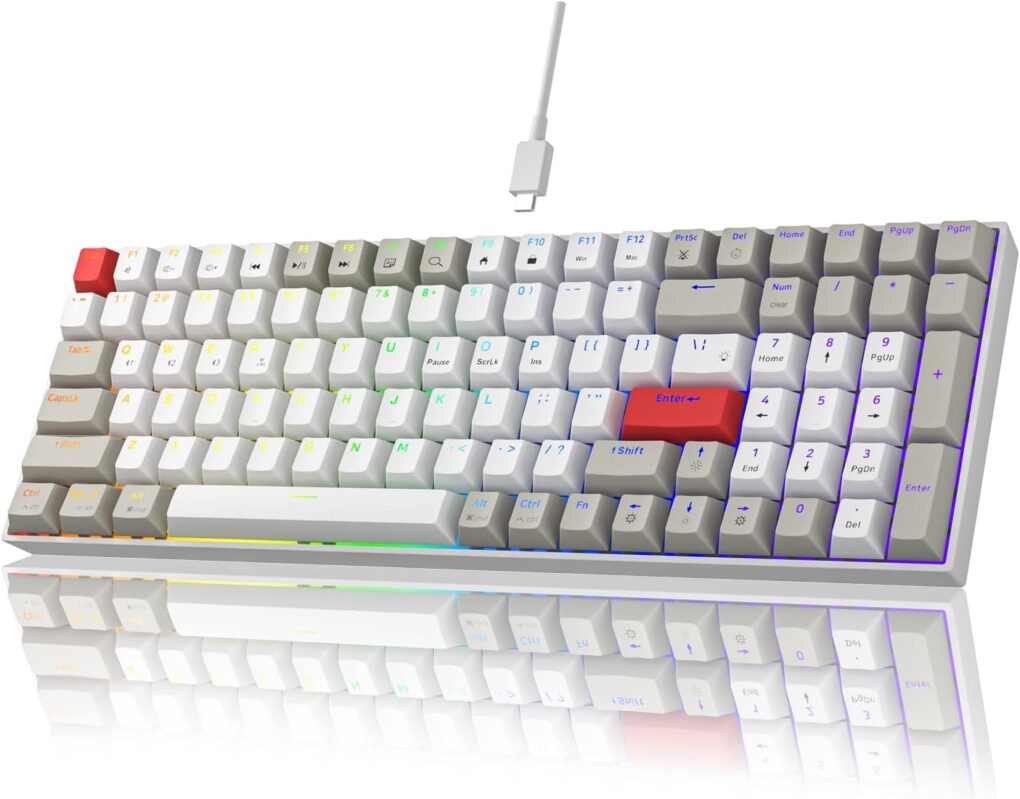
This mechanical keyboard for gaming will run you only about $40. Photo: Newmen
For people who have only used membrane keyboards in office and at home, whether Magic Keyboard or similar wares from the likes of Logitech, mechanical keyboards can be a tempting world to check out — especially for gamers (because mechanical keystrokes hit at the same time won’t cancel each other out). And mech-keeb customization can be fun. But where to start? Today’s MacBook Pro and gaming PC setup puts forward an excellent candidate for an affordable mechanical keyboard.
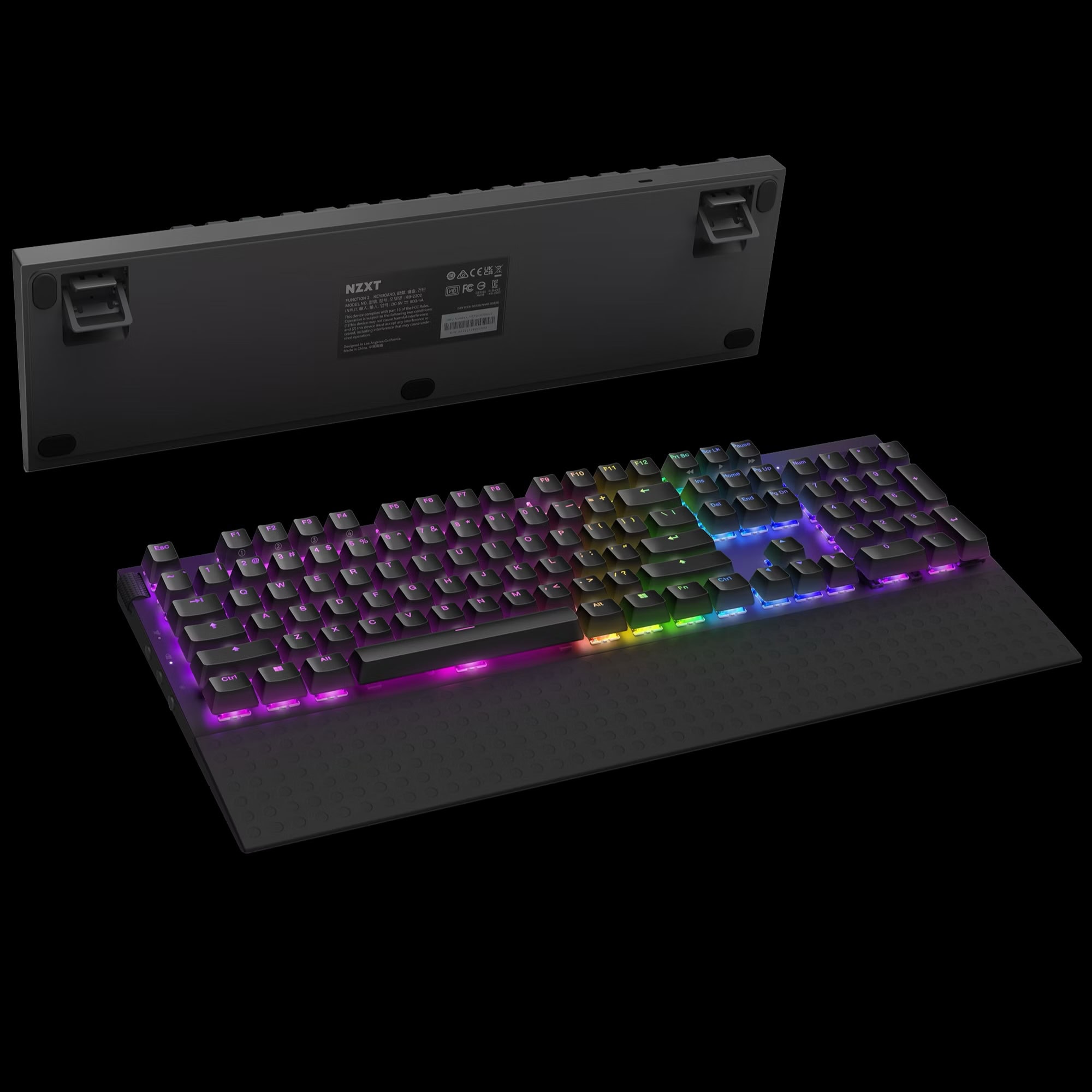
This wired mechanical gaming keyboard from NZXT is hot-swappable. Photo: NZXT
For those unfamiliar with NZXT, it’s a company based in Los Angeles that makes high-performance gaming PCs and the gear that goes with them. Today’s M1 Mac mini setup relies on a raft of NZXT devices, including a NZXT Function keyboard. It’s a customizable mechanical keeb designed for gamers with some pretty high-level functionality.