Mobile menu toggle

Search results for: mechanical keyboard

Mechanical Mac keyboard packs useful features into small package [Review] ★★★★

By

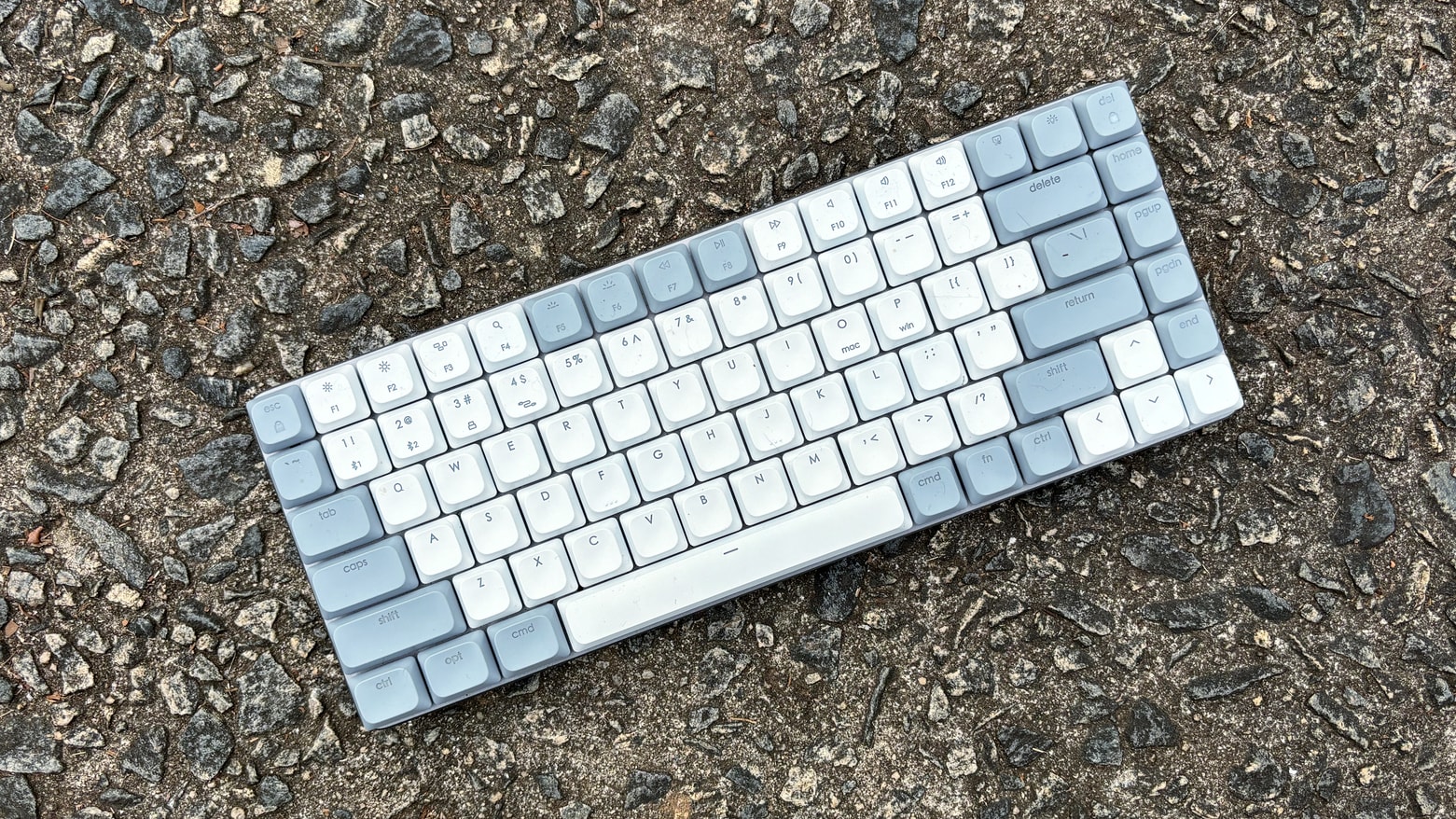
Satechi SM1 Slim Mechanical Backlit Bluetooth Keyboard review★★★★
Satechi SM1 offers mac users a compact mechanical keyboard with multiple connectivity options.
Photo: Ed Hardy/Cult of Mac

The Satechi SM1 Slim Mechanical Backlit Bluetooth Keyboard offers a 75% layout with low-profile brown switches so it’s easy to type on while not taking up much room on your desk. This mechanical keyboard for Mac can connect with up to four computers, including your iPad and iPhone, plus Windows machines. And it uses a variety of connectivity methods: Bluetooth, wired and more.

I’ve used it for several weeks now in my home office. I found a lot to like.

New Keychron mechanical gaming keyboard supercharges customization

By

Keychron Q1 HE mechanical keyboard
Special switches make the new keyboard super responsive and customizable.
Photo: Keychron

Keychron launched a crowdfunding campaign December 5 for its new Q1 HE, calling it the first 75% layout wireless QMK custom keyboard with Hall Effect Gateron 2.0 magnetic switches, the company said.

The company noted the switch provides advantages to gamers with its extreme responsiveness and expanded customizability.

Logitech mechanical mini keyboard makes superb Mac companion [Review] ★★★★☆

By

Logitech mechanical mini keyboard makes superb Mac companion [Review]★★★★☆
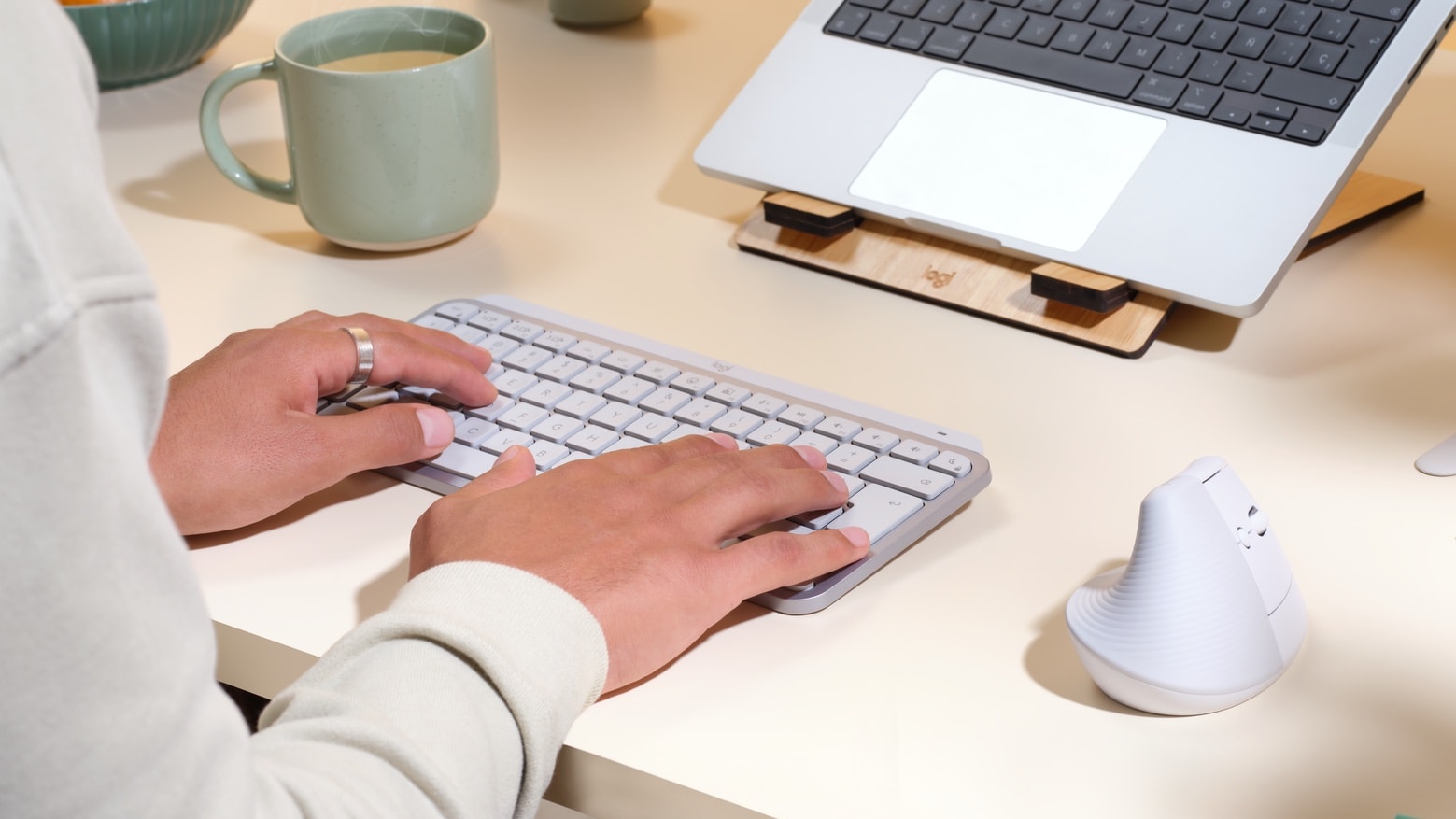
Mac users looking for a small mechanical, keyboard should consider this one from Logitech.
Photo: Ed Hardy/Cult of Mac

The Logitech MX Mechanical Mini is a keyboard optimized for Mac. It features low-profile mechanical switches and backlighting, and can be paired with up to three computers

I’ve been using the Bluetooth keyboard in my home office for weeks. Here’s why I’ve come to love it.

New Logitech mechanical mini keyboard is designed for Mac

By

New Logitech mechanical keyboard is designed for Mac
The MX Mechanical Mini keyboard and Lift mouse are part of Logitech's new "Designed for Mac" collection.
Photo: Logitech

Logitech just launched its first mechanical keyboard optimized for Mac. The MX Mechanical Mini features low-profile switches and backlighting.

It’s joined by the MX Master 3S mouse and the Lift mouse in Logitech’s new “Designed for Mac” collection.

This mechanical wireless keyboard combines the best of new and old [Deals]

By

Get the feel of a classic mechanical keyboard under your fingers again.
Photo: Cult of Mac Deals

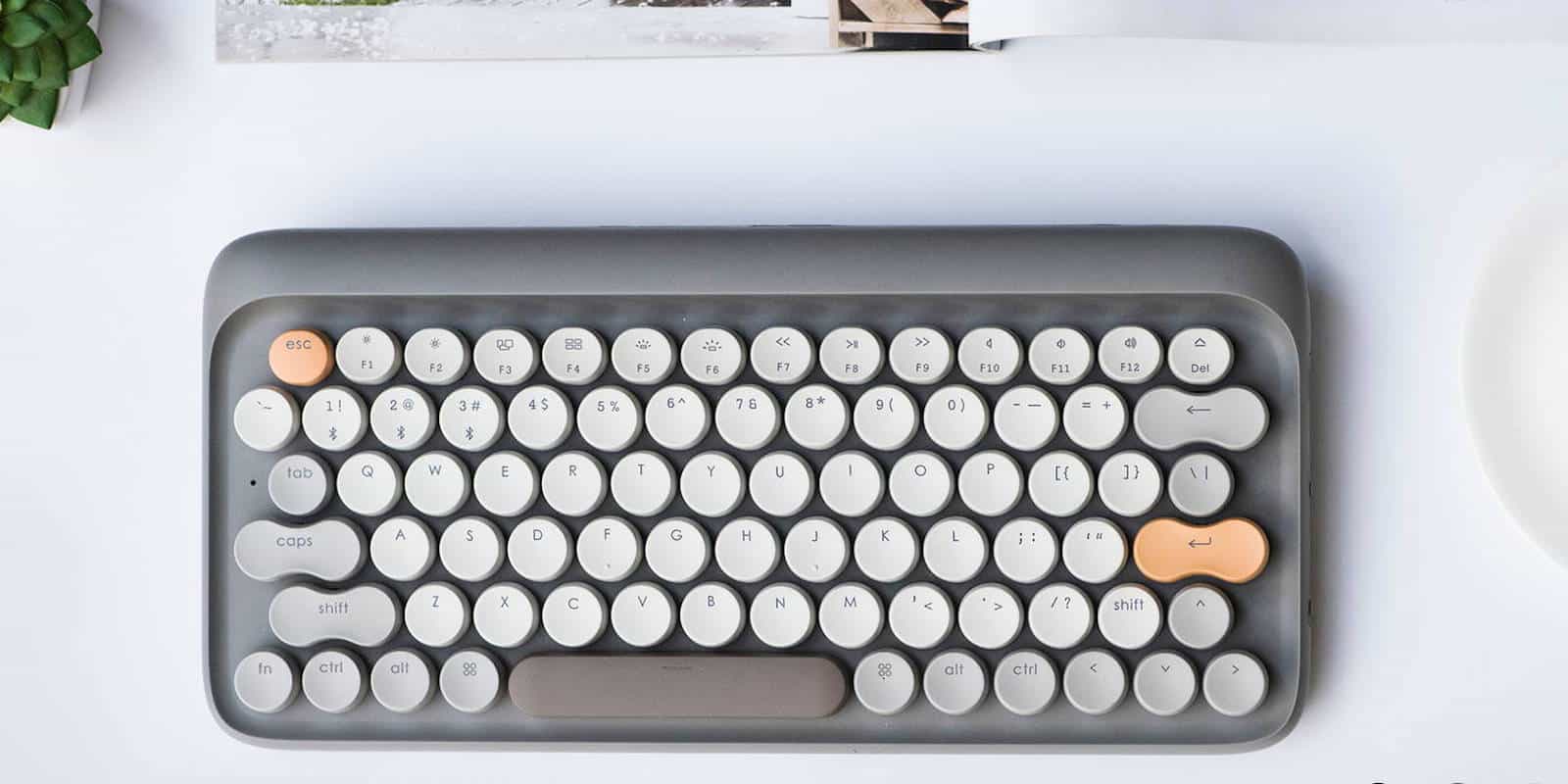
Keyboards have come a long way, but not always in a better direction. Get your hands on a clackety old mechanical keyboard and you may wonder why soft keys became a thing. And the look of old keyboards, especially typewriters, are masterclasses in classy design.

CODE Keyboard Is Mechanical, Customizable, Awesome

By

code-34-right

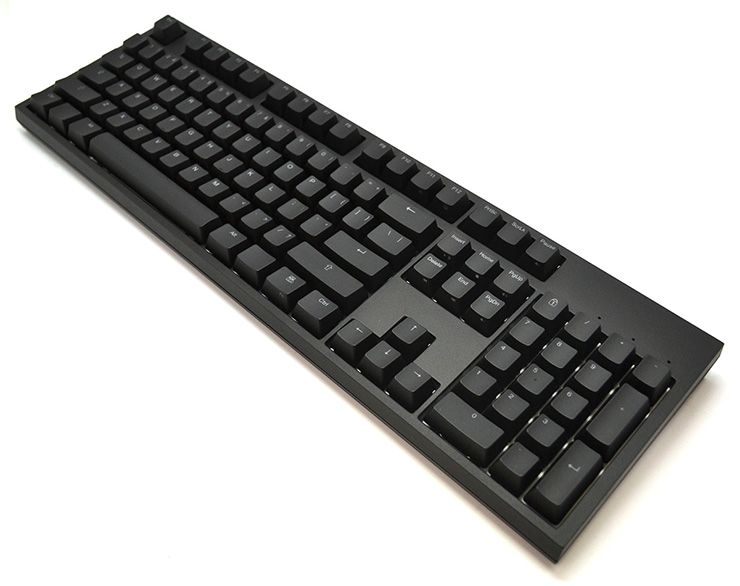
Jeff Atwood (of Stack Overflow fame) decided that he needed a new keyboard for his coding adventures. So instead of just firing up the Amazon app and starting from there, he decided to make his own. And now you can buy it, too. It’s the CODE mechanical keyboard, and you can use it to clack away to yourself, silently and in the dark.

KBtalKing Pro, A Clackety Mechanical Bluetooth Keyboard For All Your Mobile Devices

By

wpid-Photo-09072012-1704.jpg
Try taking this chunky Bluetooth keyboard on the road with you.


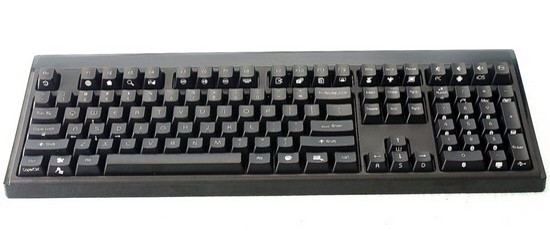
Oh man, I can totally see myself taking this mechanical Bluetooth keyboard to the local bar and clackety clacking out a few posts every morning. It’s called the KBtalKing Pro and it is a rather clever little beast, a pro keyboard which is designed to work with – and switch seamlessly between – up to ten of your devices.

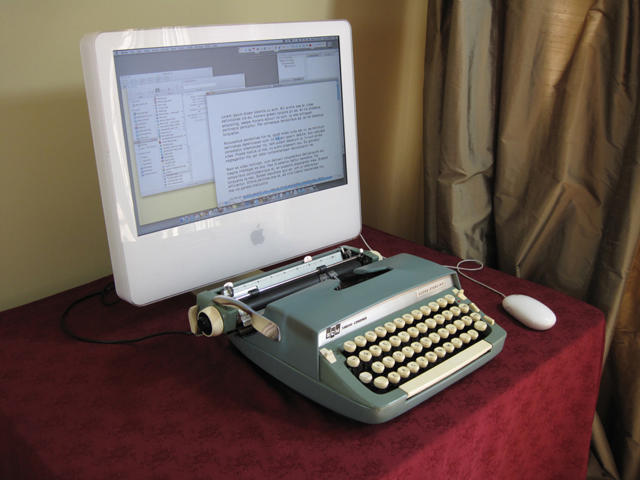
Turn An Old Typewriter Into An Awesome Mechanical Mac Keyboard

By

post-57172-image-aa26660e71b4fdac7147c0f9ee2accb2-jpg

Miss the meaty mechanical kerchunk of slapping down your old Macintosh Plus Keyboard? Feel as if the Apple Wireless Keyboard’s soft and barely yielding keys barely convey the shaking gravity of your prose? Instructables has you covered, with an excellent guide on how to convert an old typewriter into a USB keyboard capable of being used with any Mac, bringing back to your computer the mighty hammering of the Underwoods of old.

Just don’t expect the project to be easy: according to Instructables contributor Jack Zylkin, the modification will take anywhere between five to ten hours to complete.

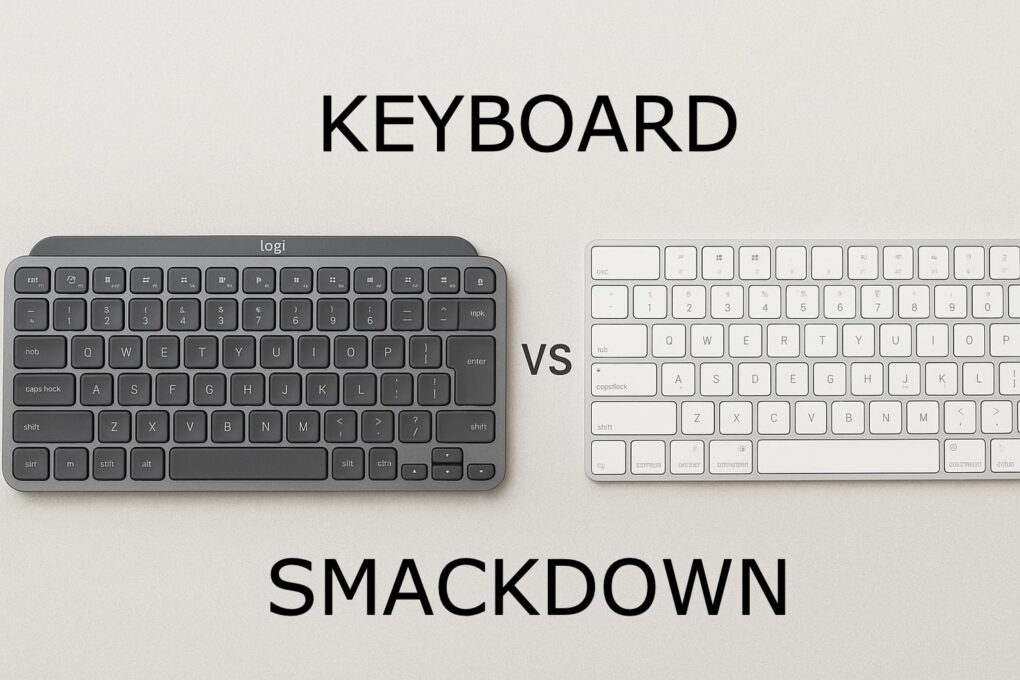
Logitech MX Keys Mini vs. Apple Magic Keyboard: Which to choose?

By

Logitech MX Keys Mini vs Apple Magic Keyboard
See which of these highly productive keeb suits you best.
Photo: chatGPT/Cult of Mac

It’s the ultimate battle of the small Mac keyboards: Logitech MX Keys Mini vs. Apple Magic Keyboard. Choosing between these two premium compact keyboards is tough, and the decisions you make can significantly impact your daily typing experience and productivity.

They’ve both become top contenders for professionals and tech enthusiasts alike. And while they’re similar, they’re not the same.

Find out which is better for you in our head-to-head comparison. 

Severance fans can now reserve Lumon’s iconic MDR keyboard

By

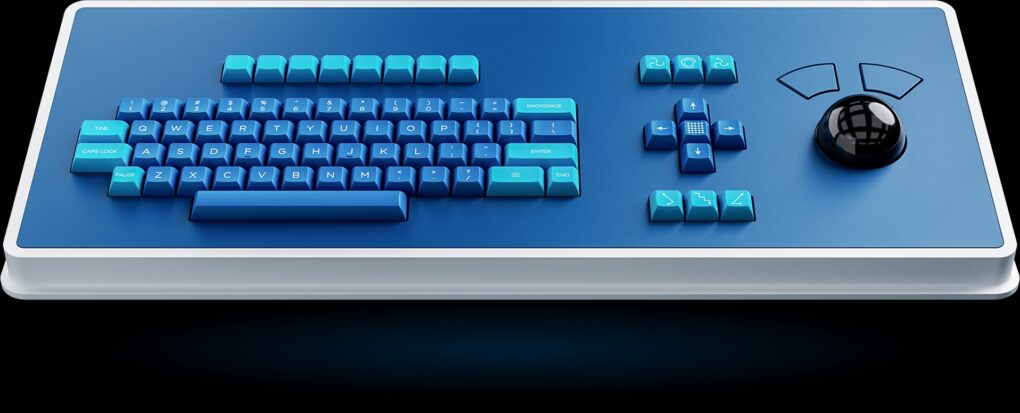
Severance MDR Dasher Keyboard
Be the cool kid on the block with Atomic Keyboards' MDR Dasher Keyboard from Severance.
Photo: Atomic Keyboards

Severance, the dystopian workplace thriller that captivates Apple TV+ subscribers, makes the leap from screen to desk with a meticulously crafted replica of the show’s distinctive keyboard. Atomic Keyboards announced recently that its MDR Dasher Keyboard — inspired by the mysterious input device used by Mark S., Helly R., Dylan G., and Irving B. in Lumon Industries’ sterile offices — now heads to Kickstarter with reservations open for just $10.

Just remember, the retro keeb is three keyboards in one, but it features no Escape, Option or Control keys. And it’s steep pricing might make you lose hope altogether.

1 5 6 7 8 9 48