Mobile menu toggle

Search results for: SSD

2019 MacBook Air vs. MacBook Pro: Which is right for you?

By

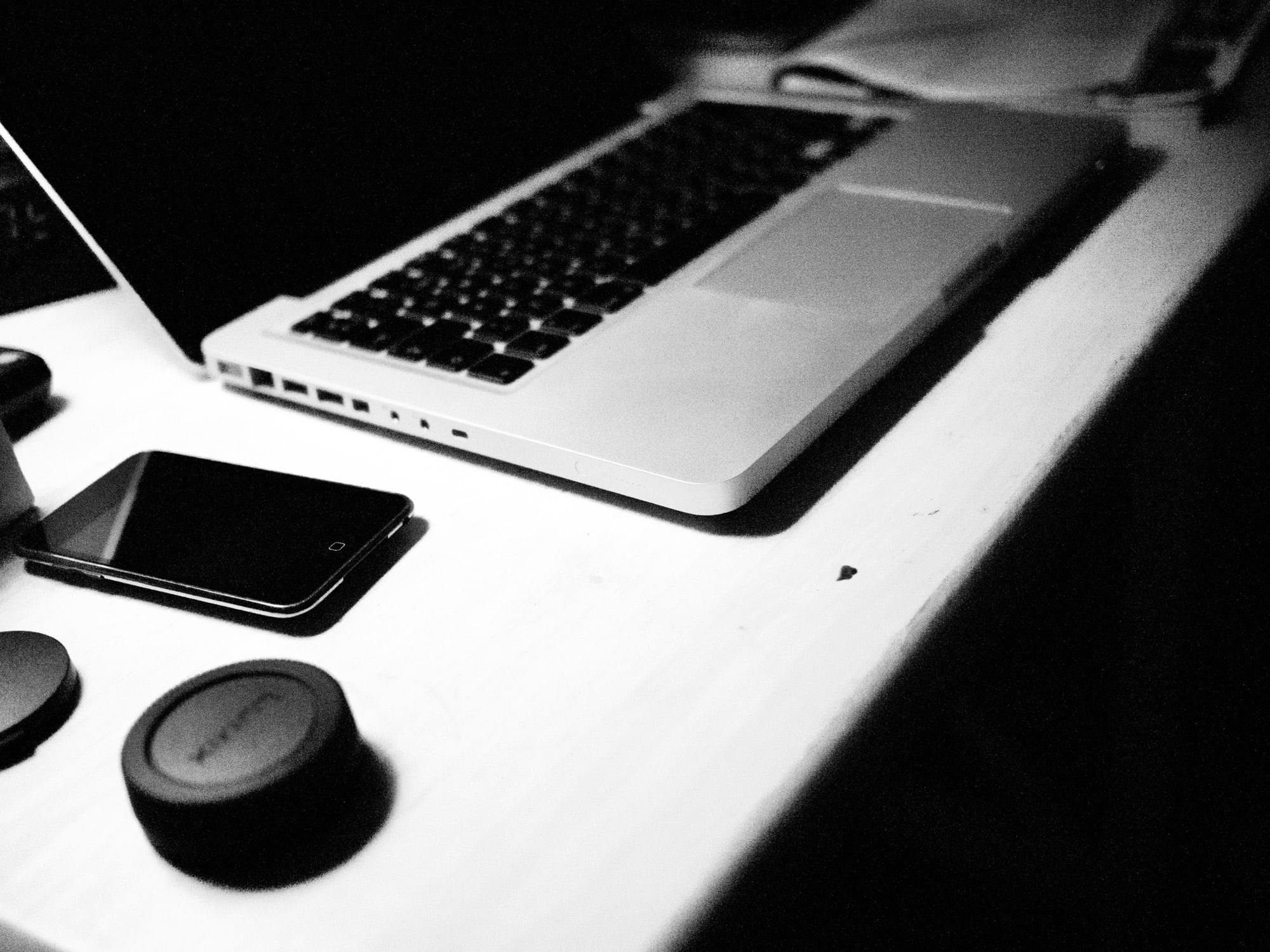
MacBook on desk
Look at all those ports!
Photo: Charlie Sorrel/Cult of Mac

Apple’s current laptop lineup is the simplest it’s been in a while. It consists of the 13-inch MacBook Air, and two sizes of MacBook Pro, which are almost identical apart from size.

If you want a 15-inch Apple notebook, then the choice is easy. But if you want a 13-incher, which should you pick? That’s what we’ll look at today, pitching the 13-inch MacBook Air against the 13-inch MacBook Pro.

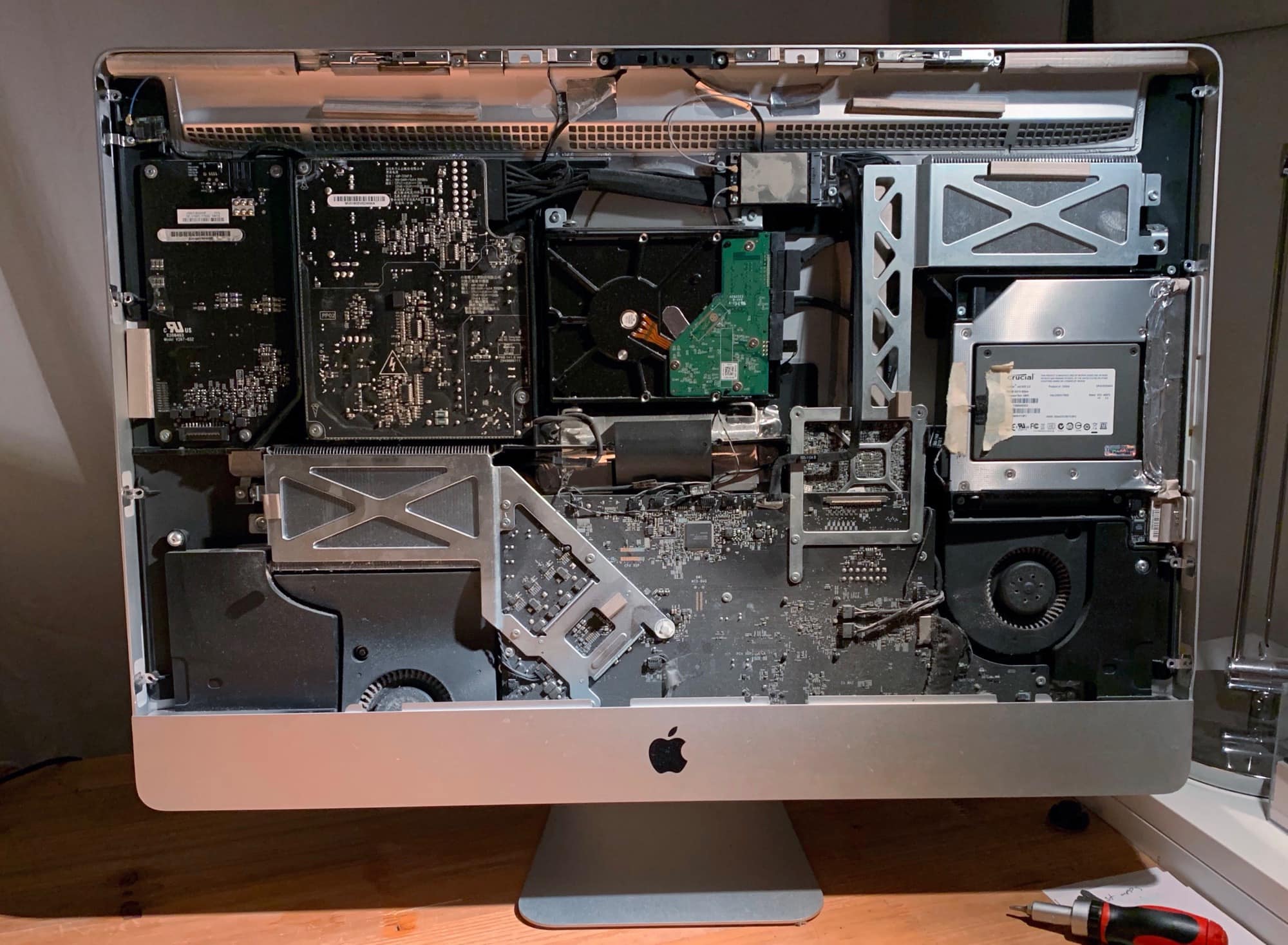
How I kept my iMac running for a decade

By

Believe it or not, this old iMac still has a lot of life left in it.
Photo: Charlie Sorrel/Cult of Mac

Yesterday, I wrote about the massive conceptual difference between Mac and iPad, and mentioned that I still use a 2010 iMac. Today, I thought I’d explain how I managed to keep it going for so long.

Spoiler: It was pretty easy, although it required some simple home surgery from time to time. The only sad part is that the current lineup of iMacs almost certainly won’t last as long, at least not without professional attention.

Here’s how I kept my Mac running for a decade.

Minix’s amazing USB-C hub is also a 240GB hard drive [Review]

By

Minix Neo Storage review
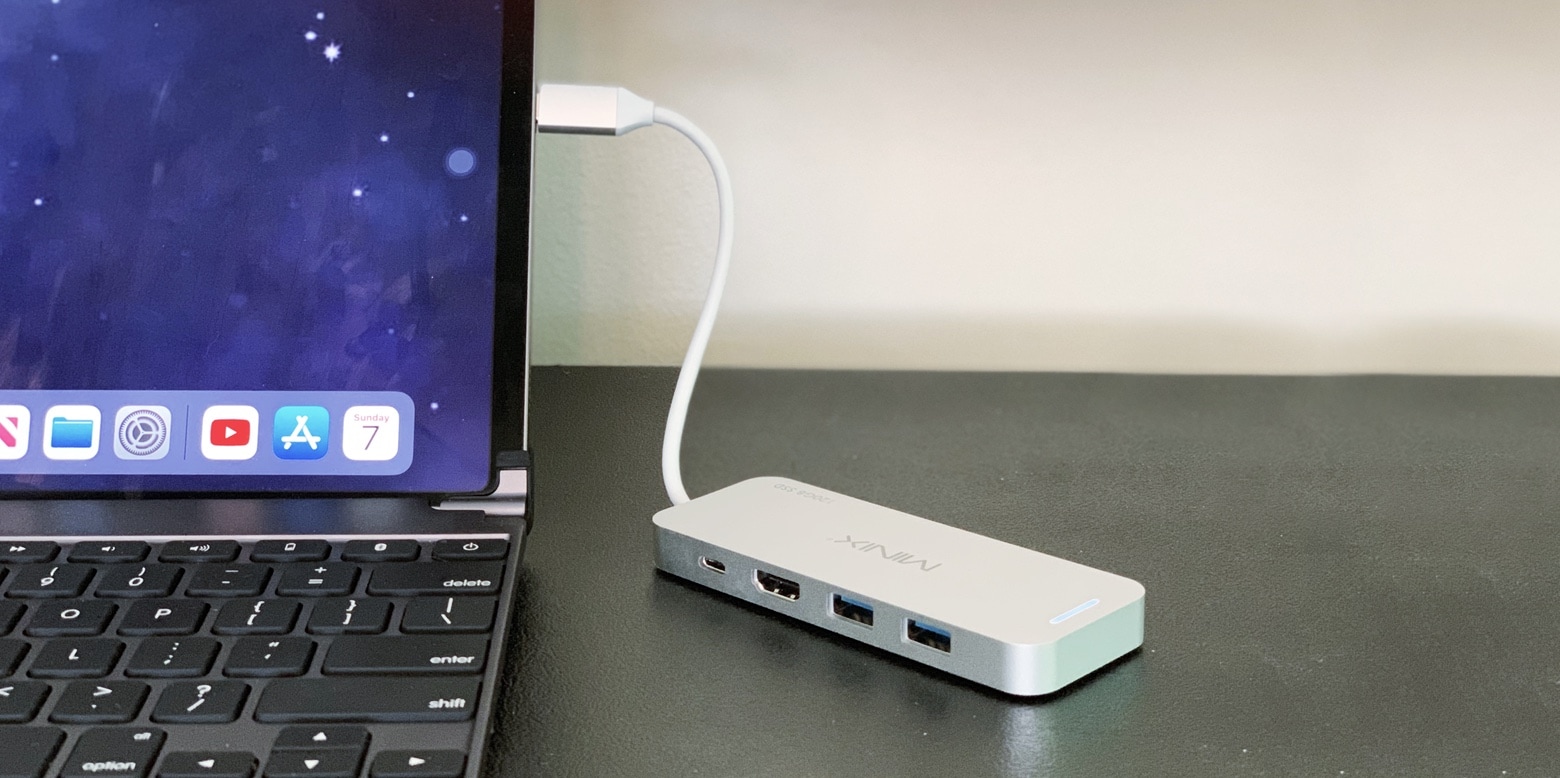
Minix Neo Storage is both a 4-port USB hub and an external SSD drive.
Photo: Ed Hardy/Cult of Mac

The Minix Neo Storage is one of those inventions so clever they make you ask, “Why didn’t someone think of this before?” It combines into one small package two accessories many people carry around: an external hard drive with up to 240GB of capacity and a 4-port USB hub.

We tested it with both a MacBook Pro and an iPad Pro. We’re sharing our real-world experience.

Every USB device I’ve plugged into an iOS 13 iPad so far

By

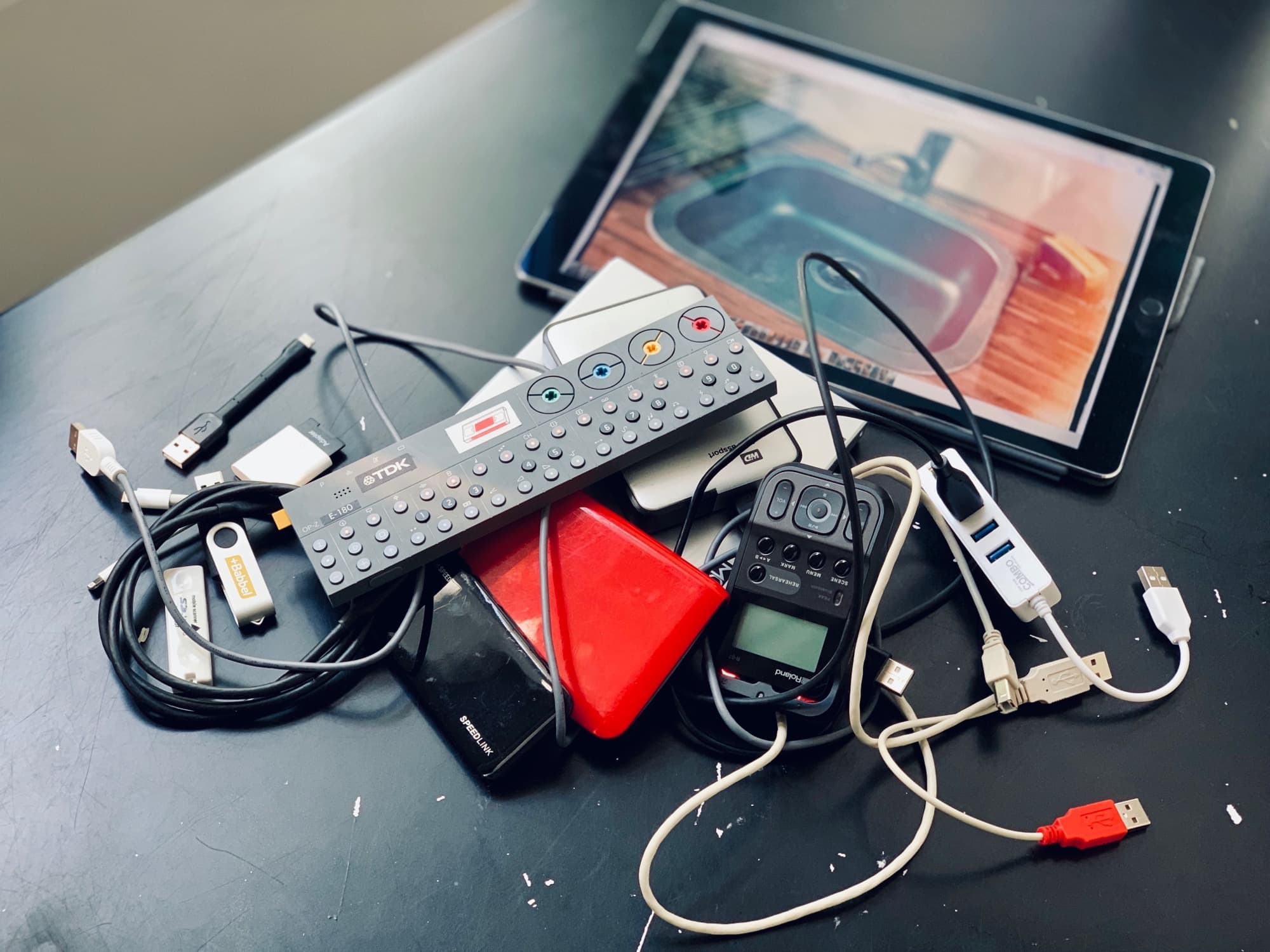
Pile of usb junk
Now you can plug in almost everything, including the kitchen sink
Photo: Charlie Sorrel/Cult of Mac

The USB port on your iPad has gotten a massive update in iOS 13/iPadOS. You can now plug in pretty much everything except a printer, and have it Just Work™. We already know this from Apple’s own PR and WWDC announcements. But what exactly does work when you plug it in? I decided to try it. I took my old test iPad (a 1st-generation iPad Pro) on a tour around various friends’ homes, and plugged stuff in. Here’s what happened.

How to prepare your Mac for macOS Catalina public beta

By

Catalina looks pretty good, but should you install the public beta already?
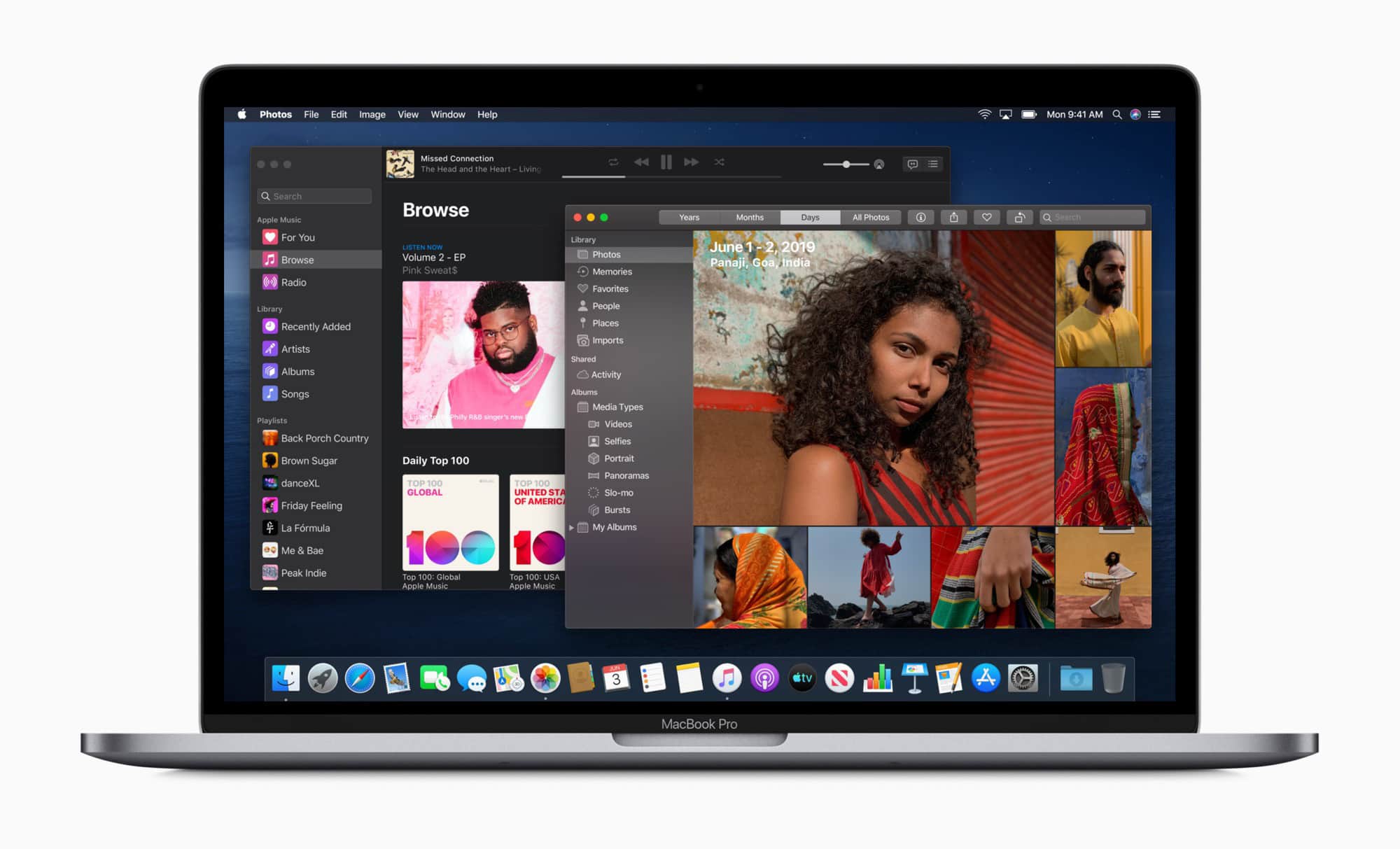
macOS Catalina is coming soon.
Photo: Apple

The macOS Catalina public beta is here, so if you’re feeling brave, you can go ahead and install it on your Mac. But should you bother? Is early access to Project Catalyst apps, Voice Control, the Photos app redesign, Sidecar and Screen Time worth the risks?

Probably not. Or not yet, at least. But if you want to go ahead and install macOS Catalina on your Mac, here are a few tips and warnings.

Tiny USB-C hub doubles as a hard drive

By

Minix Neo Storage USB-C SSD
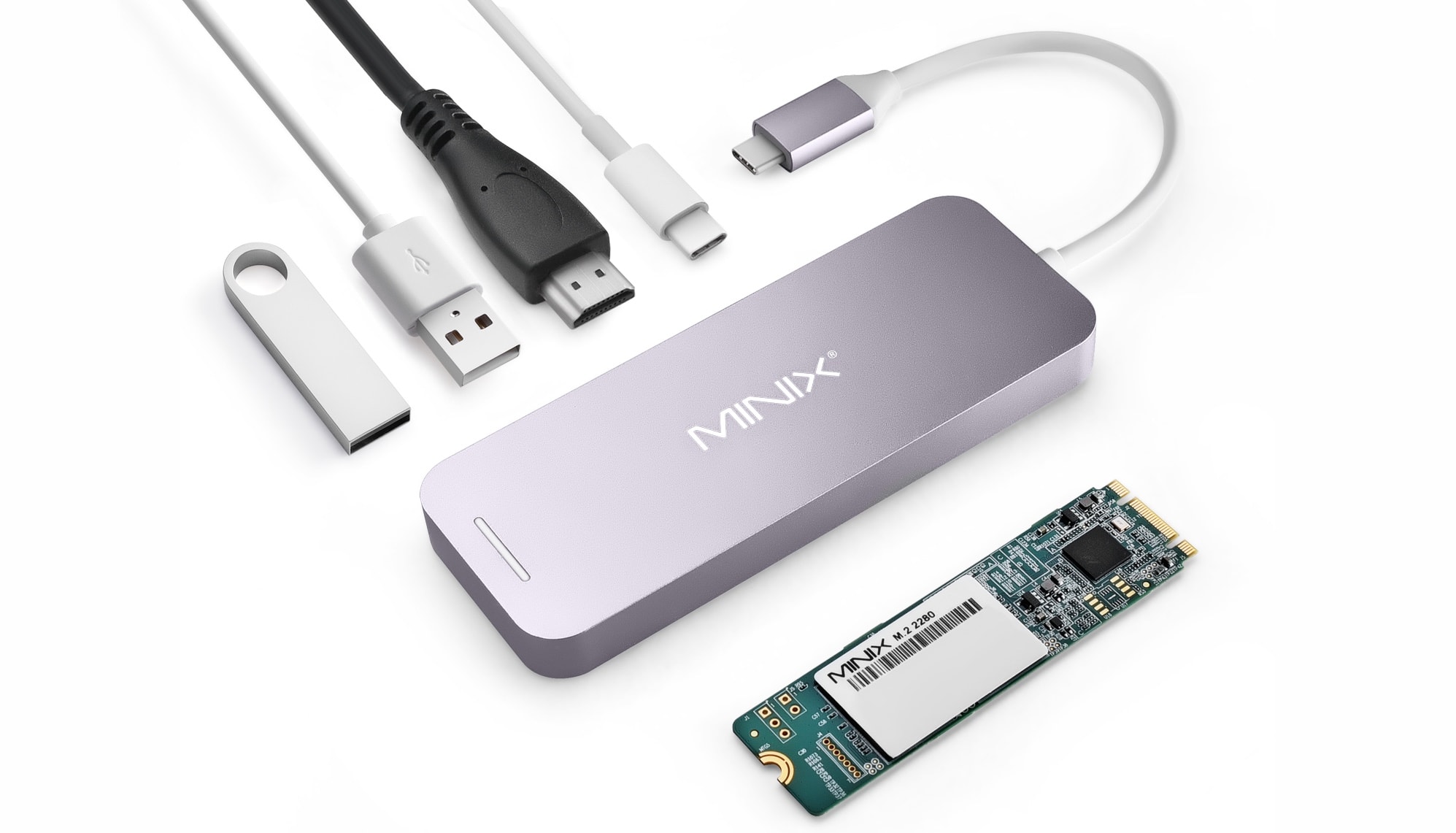
Minix Neo Storage is a USB-C hub that’s also a 240GB SSD.
Photo: Minix

There’s a innovative option for people who want to make the most of the limited number of USB-C ports on their MacBook or iPad Pro: the Minix Neo Storage is a 4-port hub that also includes up to 240GB of built-in storage. And the price for all this is under $100.

UPDATE: Cult of Mac has published a Minix Neo Storage review.

Tim Cook has staggering 92% approval rate from Apple employees

By

Tim Cook still hid a few surprises up his sleeve for the iPhone X event.
With these kind of approval rates, Cook should run for politics.
Photo: Apple

Tim Cook is one of America’s top CEOs based on financial performance. But he’s also a CEO picked out as one of Glassdoor’s “employee’s choices” of chief exec.

Glassdoor, for those unfamiliar with it, is a website which allows employees to anonymously review companies and their management.

Everything you need to know about external hard drives and iPadOS

By

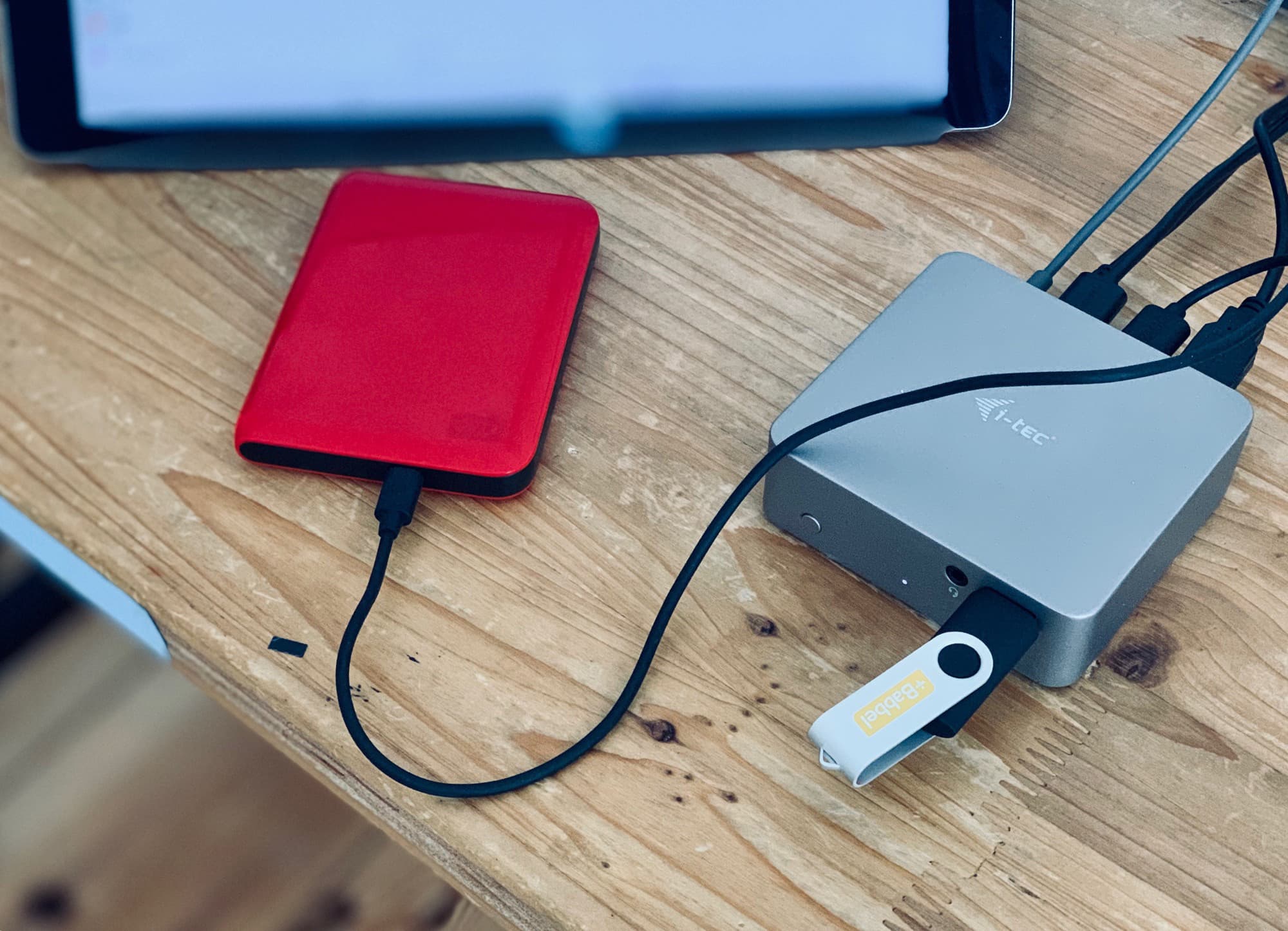
Hook up any and all USB storage devices to your iPad.
Photo: Charlie Sorrel/Cult of Mac

External storage support is one of the best new features in iPadOS 13. Even if you opted for the maximum iPad Pro storage capacity, you may often want to grab some movies from a hard drive, or save some songs and photos to a thumb drive to hand to a friend.

But how exactly does external storage work in iOS? Can you drag files between connected volumes? Can you even mount more than one drive at once? What about FAT32? Or HFS Plus? And do you have to eject them? Let’s find out.

Give your old MacBook a serious boost the cheap and easy way

By

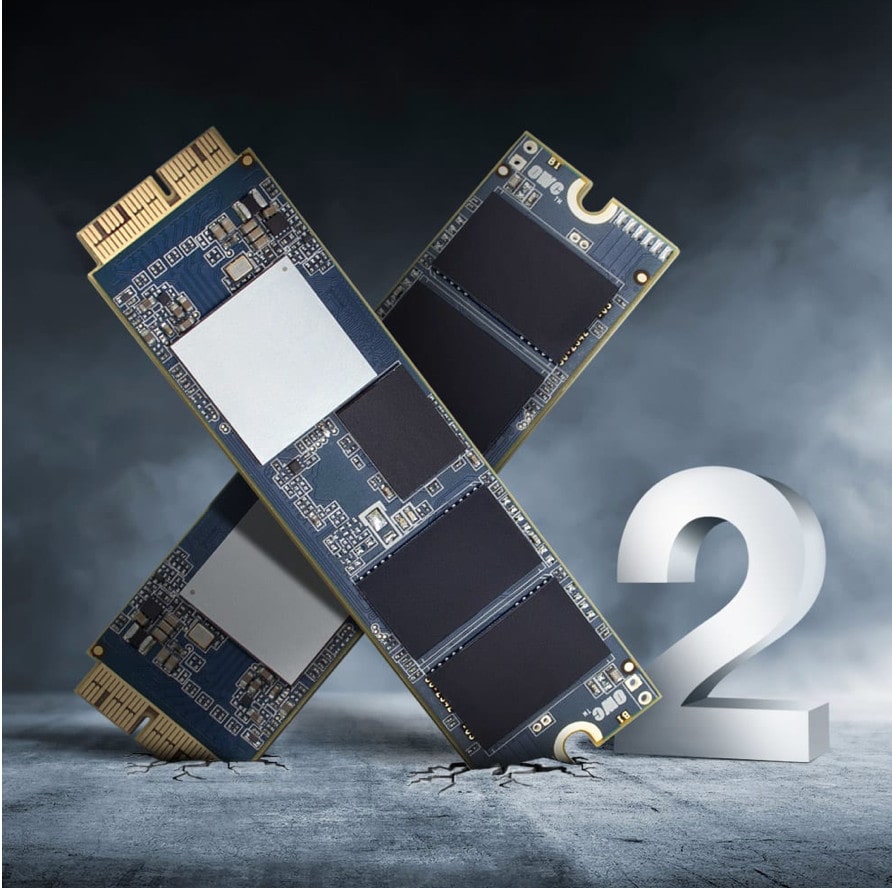
The Aura Pro X2 offers an easy and affordable way to upgrade your 2013 or older Mac to the latest SSD specs.
Photo: OWC

This post is presented by OWC.

New Macs are reliably cutting-edge when they first hit shelves. But as time goes by, Cupertino’s products, like any other, move toward obsolescence. Luckily, boosting your Mac’s performance — and extending its useful life — can be a cinch.