Mobile menu toggle

Search results for: SSD

The MacBook is a disaster. Can Apple fix it?

By

Macbook problems
The Mac is in serious trouble. Can Apple fix things before it’s too late?
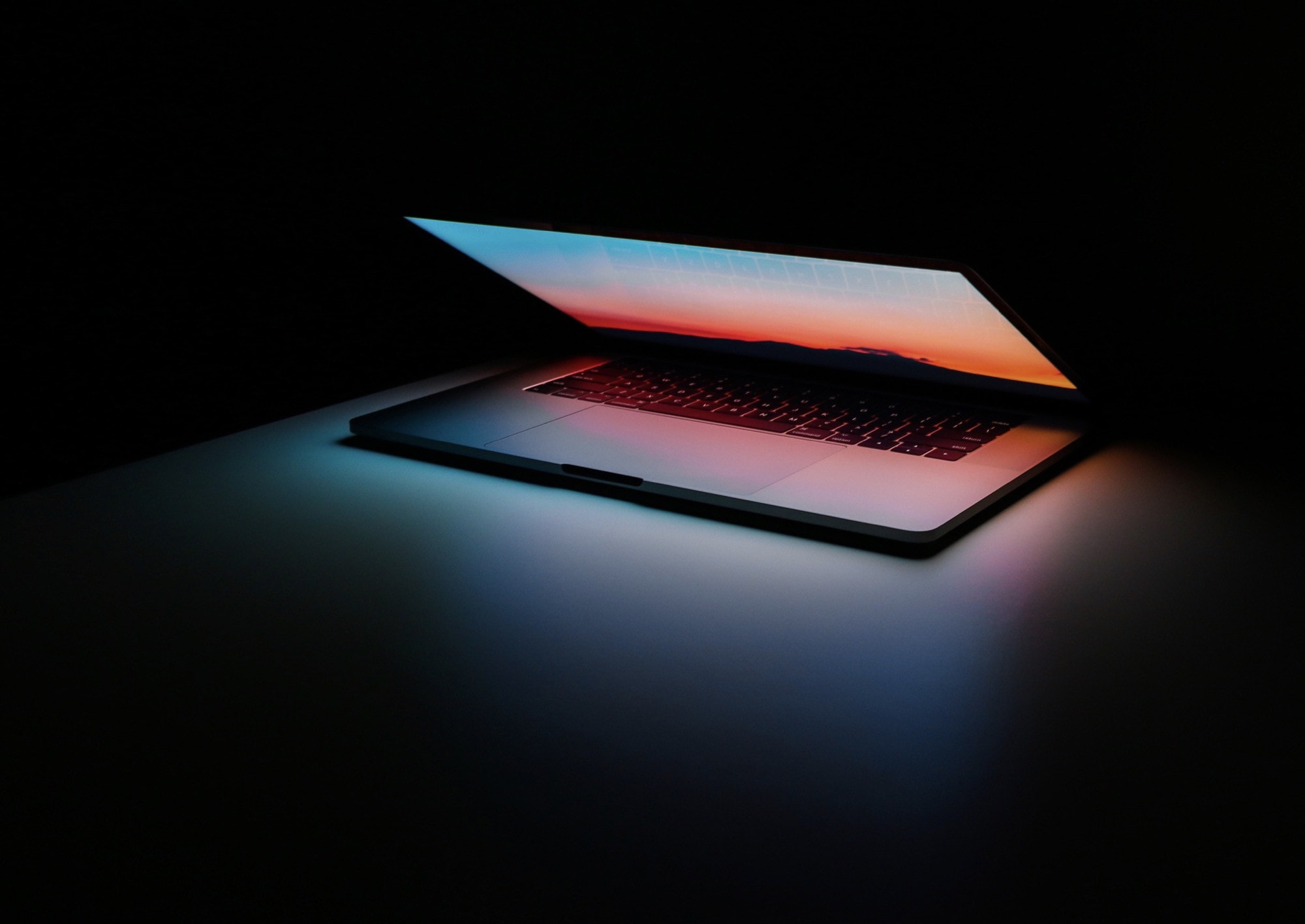
Photo: Ales Nesetril/Unsplash

Despite the endless disappointments with iPadOS 13, there’s still no way I’d switch to a MacBook right now. MacBooks (and MacBook Pros) were always the gold (or aluminum?) standard for laptops — reliable, well-designed and long-lasting. Reviewers would even recommend that PC users buy a Mac and install Windows on it via Boot Camp. But today, MacBooks problems abound.

Apple’s laptops are a sorry bunch. And it’s not just the troublesome butterfly keyboard. Every week, I read tweets and blog posts about freelancers and employees of big companies alike losing valuable time as their MacBooks go back for repair for the third or fourth time. So what is happening? What are the biggest problems with today’s MacBooks? And can these MacBook problems be fixed?

Save $700+ on 5K iMac and MacBook Pro [Deals & Steals]

By

Oct-31-19
Some of these are Lightning Deals, so you'll need to act fast!
Photos: Apple, Amazon

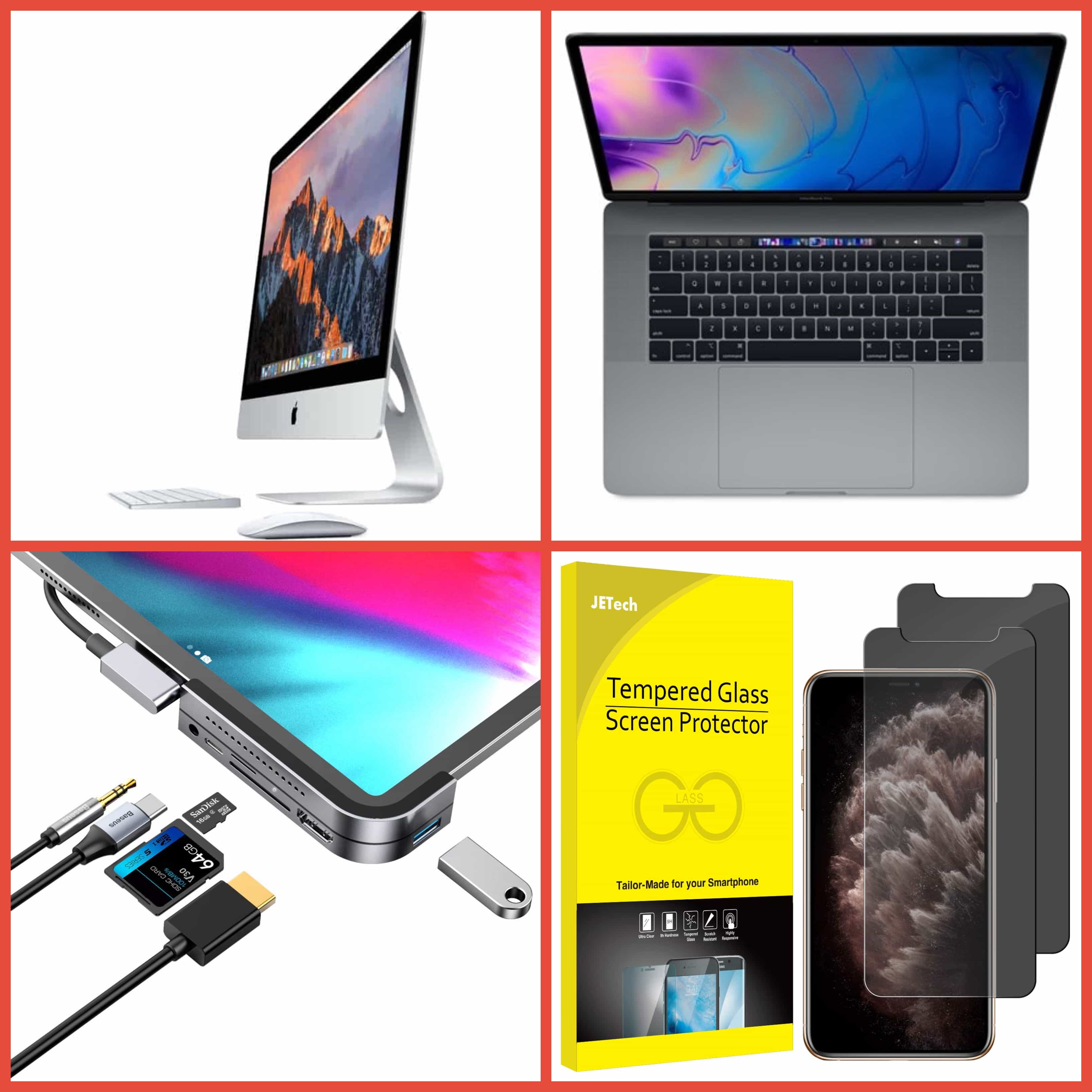
Amazon is blowing out refurbished 15-inch MacBook Pro units today only. You can save up to $709 on mid-2018 models with beefy specifications. And there’s a whopping $700 off a 27-inch iMac with Retina 5K display.

There’s even more to enjoy in today’s Deals & Steals roundup. You can bag a stellar USB-C hub for iPad Pro at 41% off its usual price if you act fast, and pick up a two-pack of anti-spy screen protectors for iPhone 11 Pro for under $8.

Plus, there are sweet savings to be had on Case-Mate accessories for iPhone, Apple Watch, and AirPods.

This post contains affiliate links. Cult of Mac may earn a commission when you use our links to buy items.

Satechi makes one of Apple’s favorite USB-C multiport adapters [Review]

By

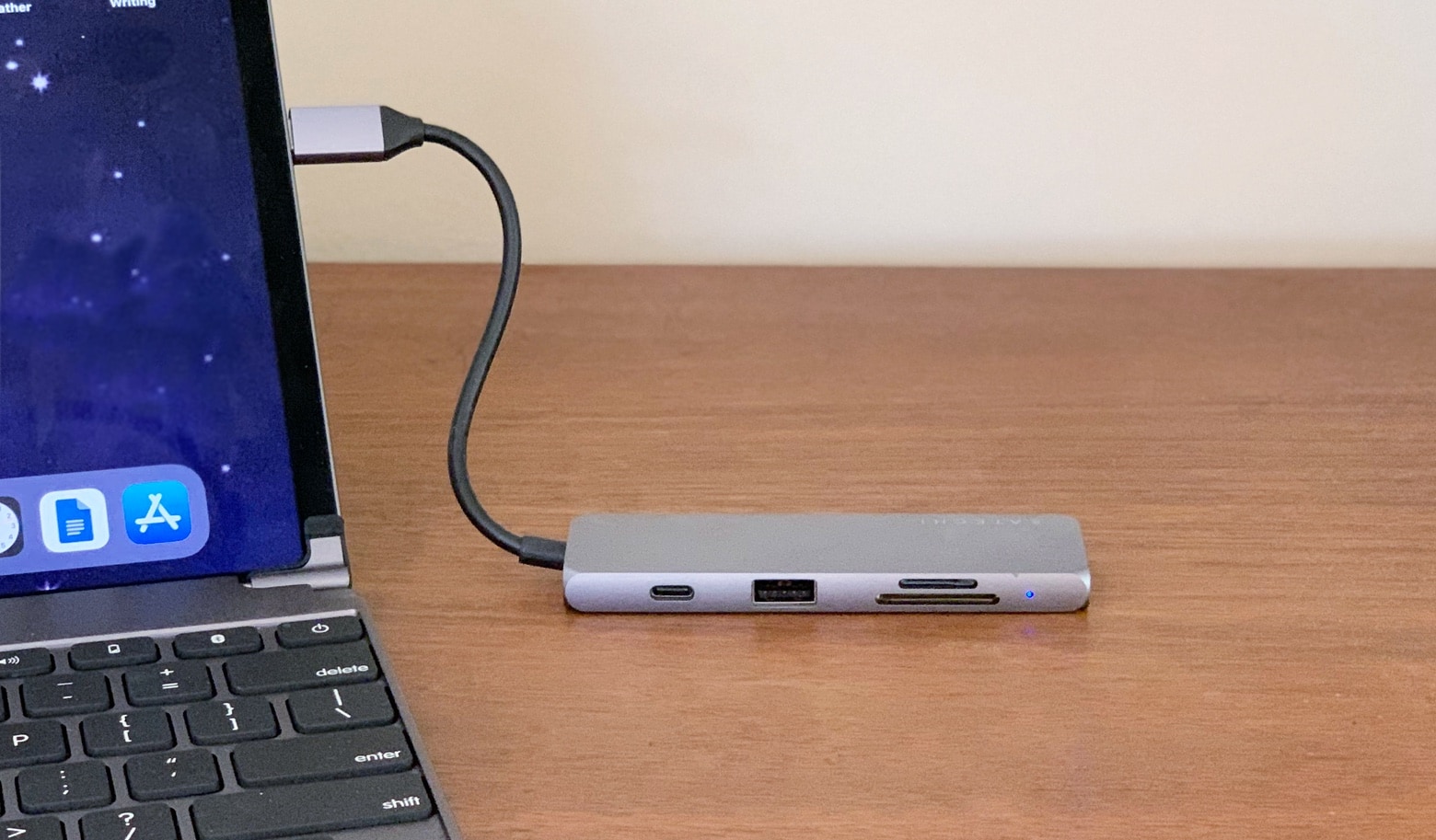
Satechi Aluminum USB-C Multiport Pro Adapter review
Add plugs for many types of accessories to your Mac or iPad Pro with this Satechi adapter.
Photo: Ed Hardy/Cult of Mac

The Apple Store has just two USB-C hubs with multiple types of ports, and one of them is made by Satechi. This offers USB-A and HDMI ports, as well as dual memory card readers, but so do many other accessories. What makes the Aluminum USB-C Multiport Pro Adapter so good that Apple picked it from all the other USB-C hubs on the market?

Read our review to find out.

Secure-erasing your Mac’s disks is no longer secure, Apple says

By

secure erase
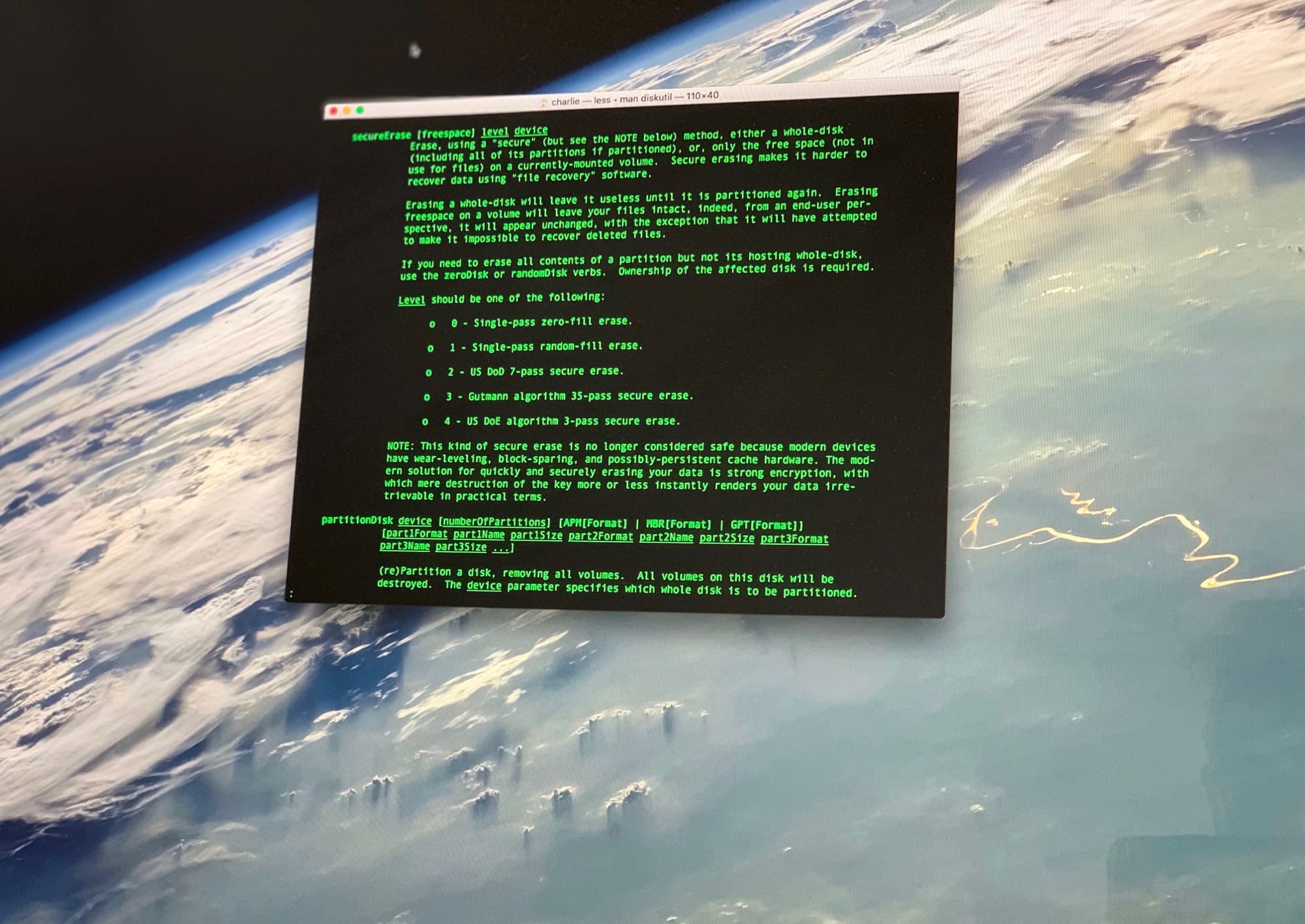
Encrypting your disk is way safer than trying to 'secure' erase it.
Photo: Charlie Sorrel/Cult of Mac

In the olden days, when you wanted to replace your hard drive with a bigger one, you’d run a “secure erase” on it to completely remove any personal data. This would write zeros to the entire disk, overwriting anything already there.

But now, thanks to advances in storage tech, this no longer does the trick. (Not that you can change your own Mac SSDs now anyway.) The new secure-erase, says Apple, is to just encrypt your disk.

HyperDrive 9-in-1 multi-port hub is surprisingly slender [Review]

By

Sanho HyperDrive Power 9-in-1 USB-C Hub
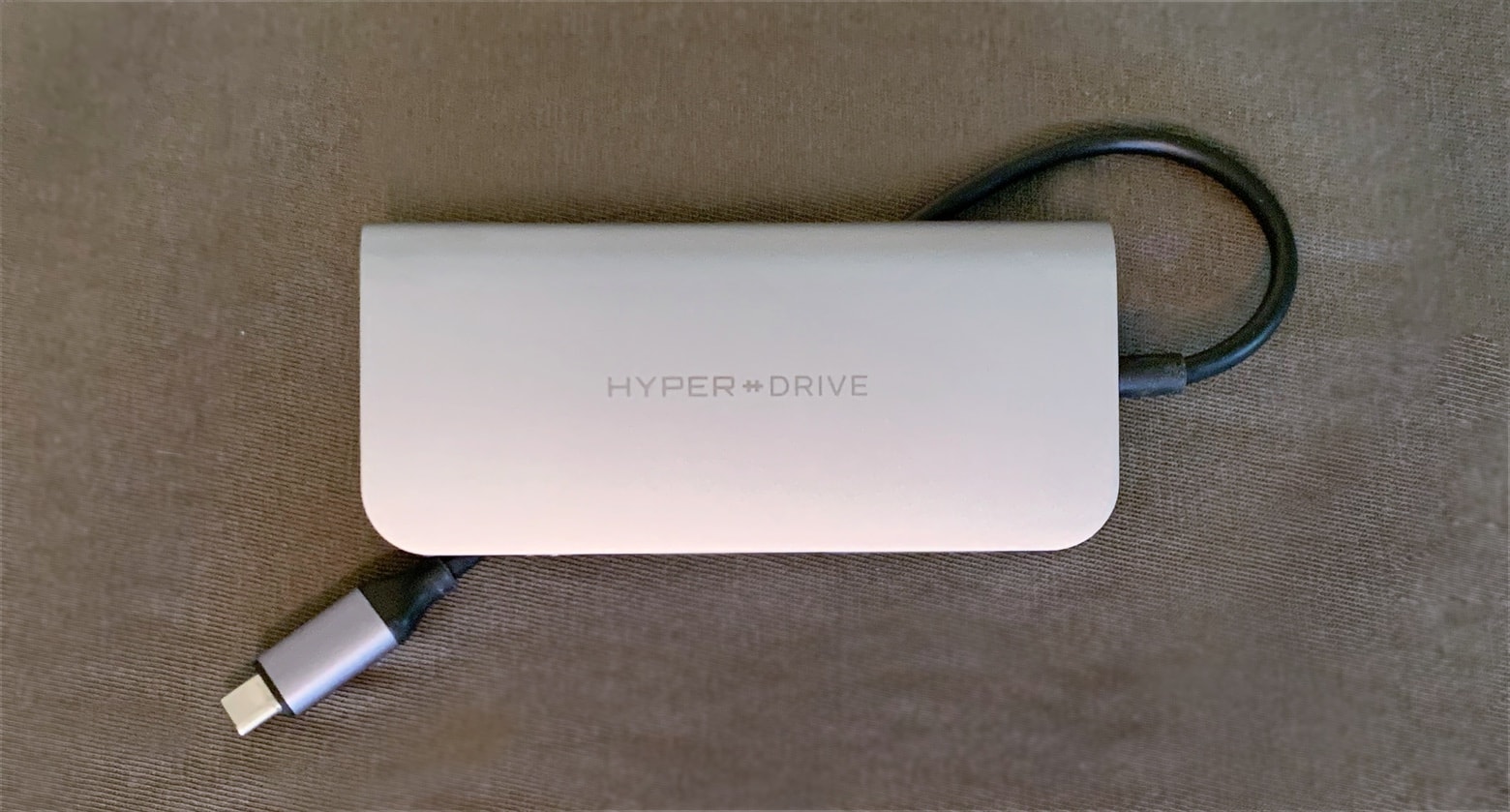
The HyperDrive Power has an extra-long USB-C cable so iPad Pro users can take advantage of its many ports.
Photo: Ed Hardy/Cult of Mac

USB-C hubs with a profusion of ports are hot now, but Sanho’s HyperDrive Power is far sleeker than any of its rivals. And it doesn’t sacrifice connectivity options for its svelte profile, offering a trio of USB-A ports, dual memory card readers, HDMI, a headphone jack and even Ethernet.

Our review involved testing all nine ports, which took a while. Read on to see if the HyperDrive Power deserves a place in your gear bag.

5 essential data analyst skills (and how to learn them)

By

Ready to land one of those high-paying data analyst jobs? Learn data analysis skills with these education bundles.
Ready to land one of those high-paying data analyst jobs?
Photo: Cult of Mac Deals

If you’re reading this, you’re likely well aware of the fact that data analysts are in high demand. With more companies gathering staggering amounts of information — and scrambling to leverage it in their operations — data-savvy professionals are needed to make sense of it all.

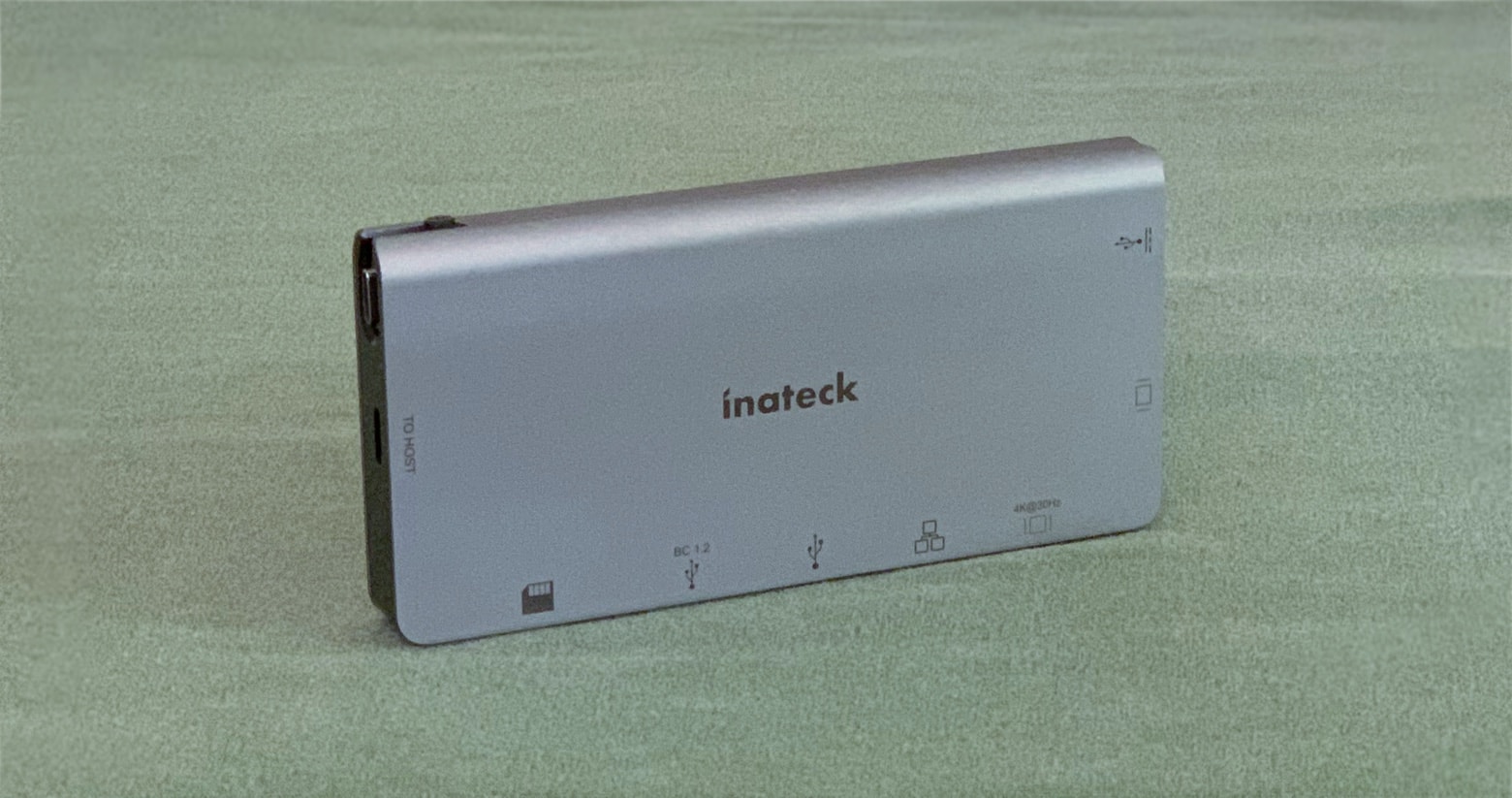
Inateck’s USB-C hub brings back ports you forgot you need [Review]

By

Inateck 8-in-1 USB-C Hub
This 8-port hub lets you hook your Mac or iPad Pro up to almost anything.
Photo: Ed Hardy/Cult of Mac

The designers of Inateck’s latest USB-C hub obviously believe that too much is never enough. It has eight ports, including the typical USB-A and HDMI ones but also some real legacy ports, including Ethernet and even VGA. There’s also a built-in removable USB-C cable for use on the go.

There’s a lot to test here, but I put this full-featured hub through its paces. Plug into my review to see what I learned.

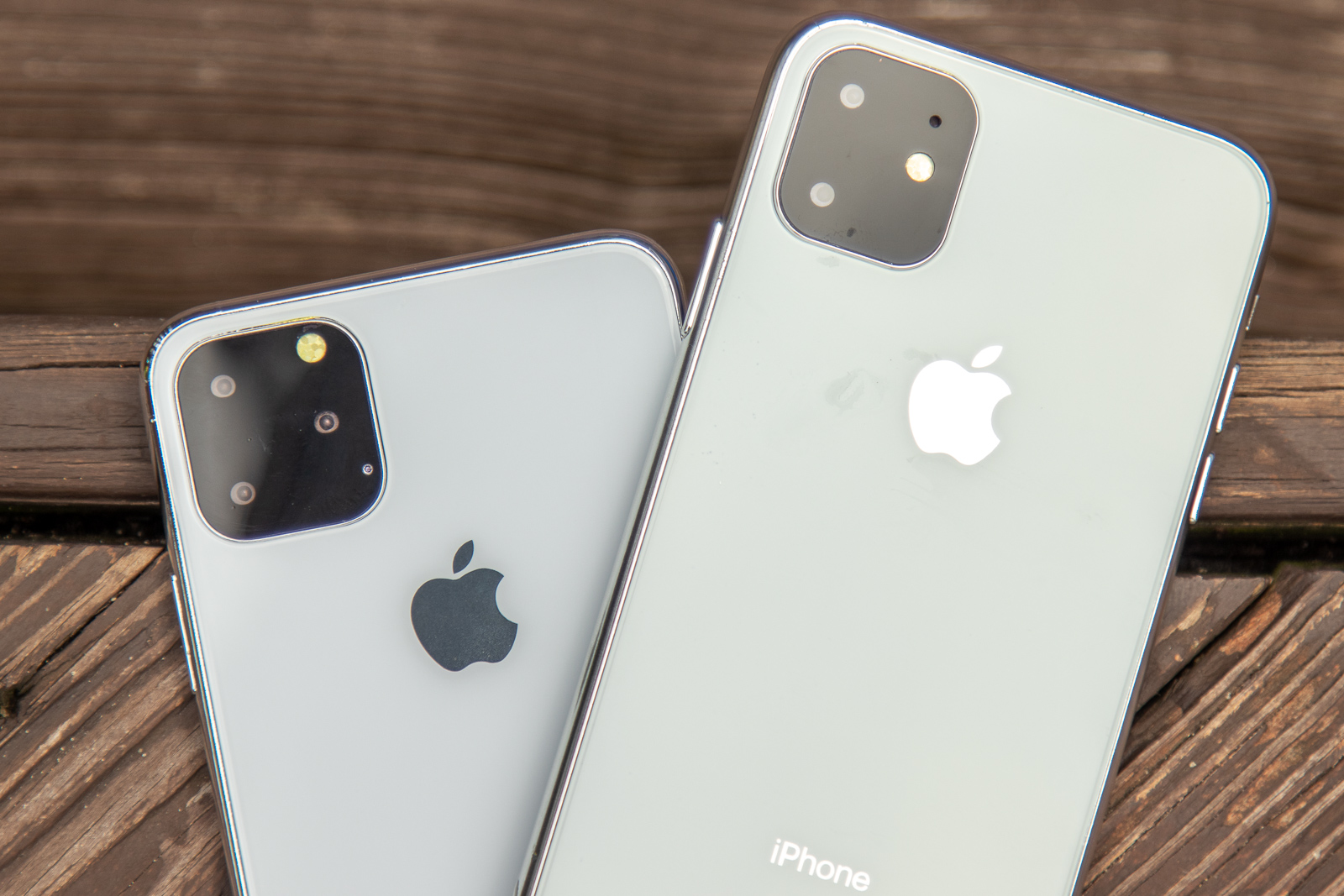
4 reasons iPhone 11 might cost less than iPhone XS [Opinion]

By

The camera bump is about to get bumpier in the iPhone XI.
A lower launch price for the iPhone 11 and 11 Max is possible.
Photo: Ian Fuchs/Cult of Mac

Updated Sept. 10: Apple has taken the wraps off the 2019 iPhone models. As hoped, the replacement for the iPhone XR costs $50 less. However, the iPhone 11 Pro and 11 Pro Max are priced the same as last year’s models.


There are solid reasons to be optimistic that Apple will actually drop the price of the flagship 2019 iPhone models. Recent moves by the company signal a willingness to lower the cost of its other computers, and information leaking out about the replacement for the iPhone XS series indicates that it will be cheaper to make.

Most importantly, the company needs to respond to the plethora of evidence that it charges more than most people are willing to pay for even high-end handsets.

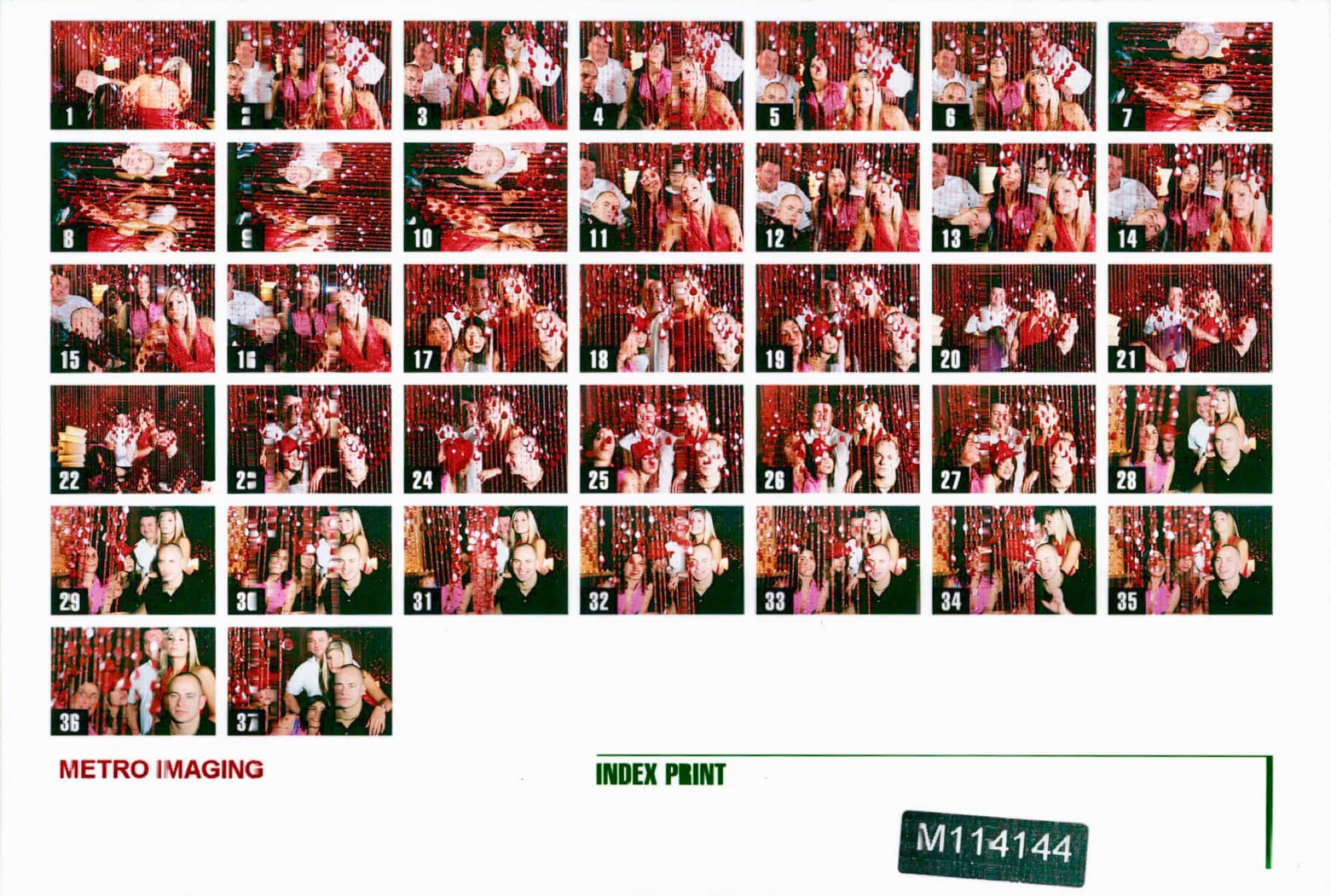
How to stop your Photos library from taking over your Mac

By

Film Contact sheet
Don't let your photos take over your whole SSD.
Photo: Charlie Sorrel/Cult of Mac

The Photos app on the Mac has two options for storing your photos. You can tell it to keep the full-size originals of everything, or you can have it self-manage, keeping your master library in iCloud and storing a mixture of full-resolution and low-res versions locally to save space.

The trouble is, even when you choose the “Optimize Mac Storage” option, the Photos app’s storage can metastasize and take over your whole drive. Today we’ll see how to cap this storage, giving Photos a hard limit on how much space it can use. For instance, if you have a MacBook with a 128GB SSD, you could choose to only use 30GB for Photos — and it will never, ever use more.

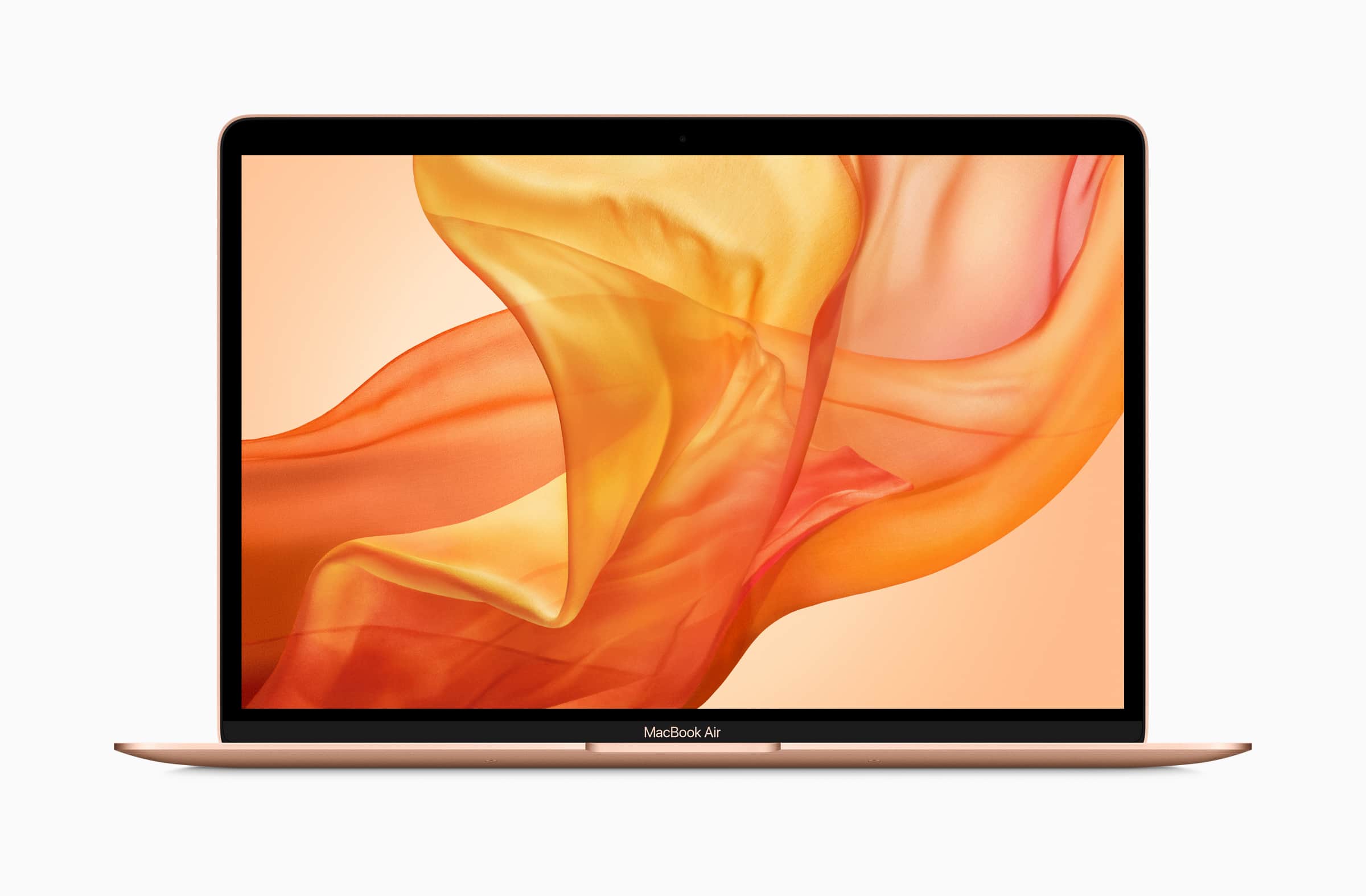
Newest MacBook Air packs slower storage than 2018 model

By

MacBook Air 2018
Bag one before they're all gone.
Photo: Apple

Apple’s newest MacBook Air costs $100 less than the previous model — but how was that saving made?

It turns out Apple may have cut corners on storage to shave money off the notebook’s price tag. Tests have found new machine packs slower storage than the 2018 MacBook Air.