Improve your Mac experience with these accessories. Photo: Rajesh Pandey/CultOfMac
Apple makes the best desktop PCs and laptops. But I cannot say the same for its accessories. While I have been using Macs for more than a decade, I rely on these five Mac accessories made by third parties to enhance my experience.
The list ranges from a wireless keyboard to an ergonomic mouse to headphones that will amaze you with their noise cancellation. Read about my five favorite Mac accessories below.
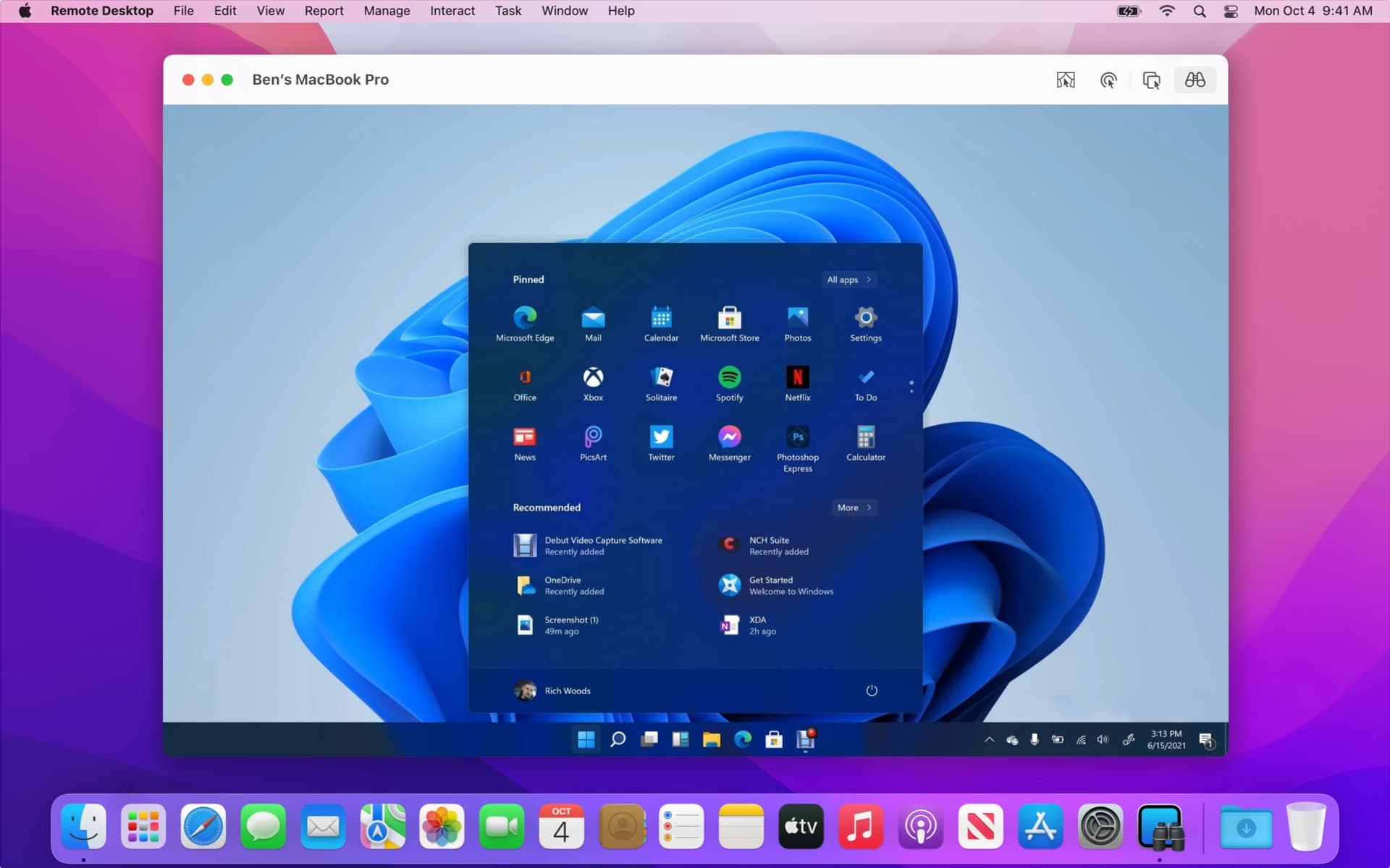
Connect to a Windows 11 PC from Remote Desktop on your Mac. Screenshot: Apple/Microsoft
How can you run Microsoft Windows on a Mac these days? Fifteen years ago, the answer was simple: Just install Windows using Boot Camp. Today, you have loads of other options — even though Boot Camp itself does not work on Macs with Apple silicon processors.
You can use a virtual machine, pay to access Windows in the cloud from a web browser, use special software to get access to a couple of essential apps or simply Remote Desktop in to a PC. Which path forward is right for you? I’ll run through them all.
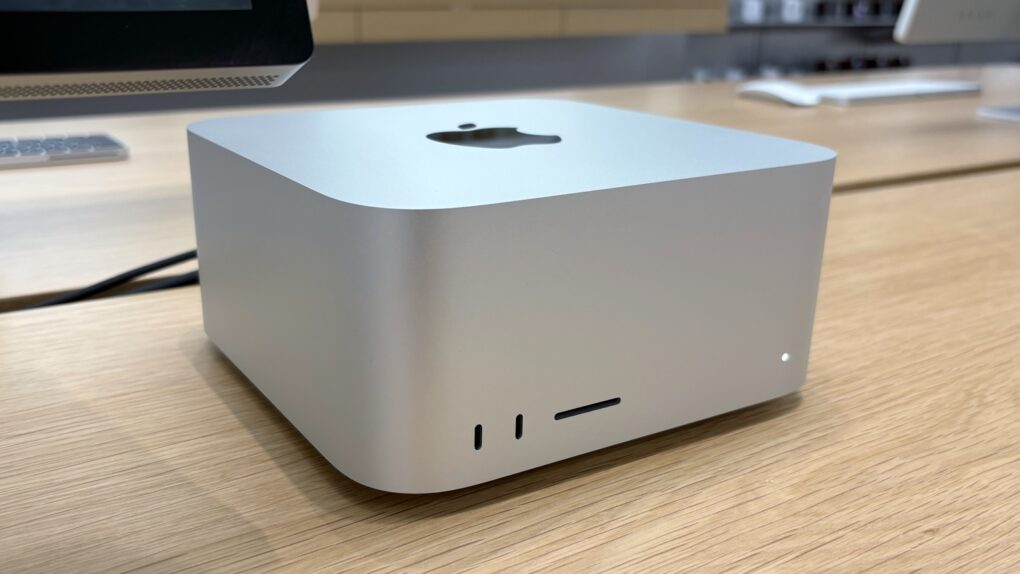
Apple is perceived as a laggard in the AI race — despite that, Apple has developed the single best computer for AI research. The new Mac Studio with an M3 Ultra chip, which supports up to 512GB of unified memory, is the easiest and cheapest way to run powerful, cutting-edge LLMs on your own hardware.
The latest DeepSeek v3 model, which sent shockwaves through the AI space for its comparable performance to ChatGPT, can run entirely on a single Mac, Apple AI researchers revealed Monday.
It’s a machine that fits comfortably on your desk, rather than a server farm; it costs the same as a used Honda Civic, not a new Lamborghini.
How did this happen? Most remarkably of all — by sheer coincidence. Here’s why the Apple silicon architecture makes for the best AI hardware, a use case Apple didn’t mean to design it for.
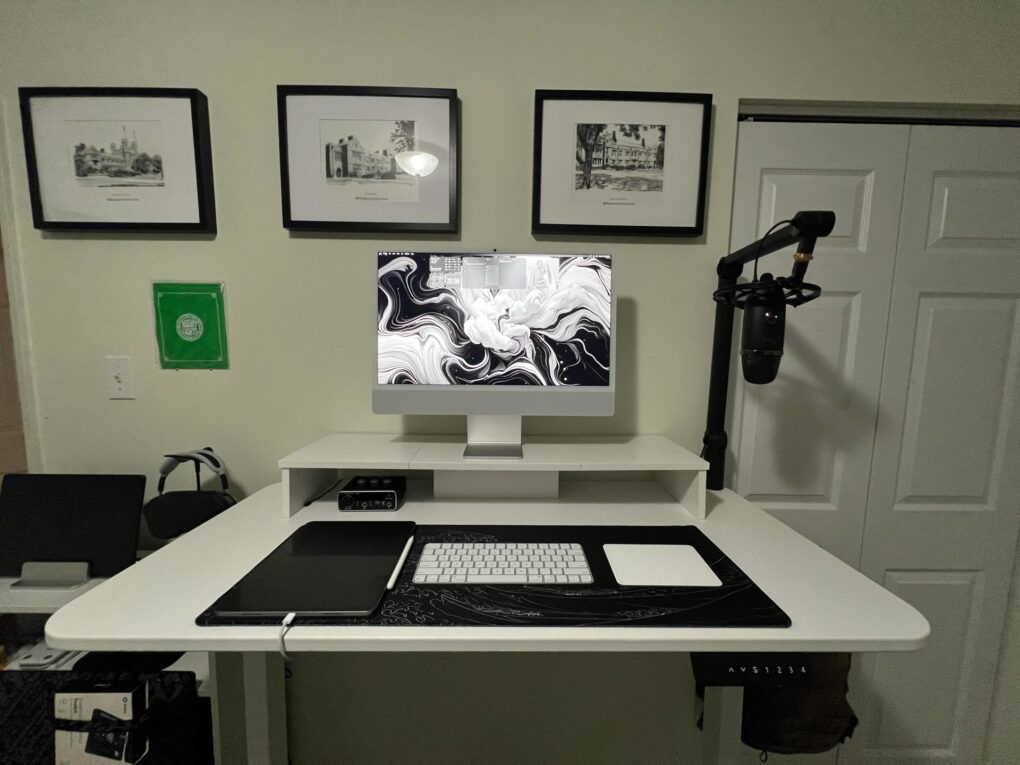
As the user points out, an iMac setup is a clean setup because so many components are included in the desktop computer. Photo: [email protected]
When I came across today’s M4 iMac setup on the interwebs, I realized how rarely they come up in Cult of Mac‘s setups coverage. Out of 616 articles I’ve written about setups to date — over more than 4 years — this is only the 11th one to feature an iMac (plus a few others from before I took over the setups beat). And that small number doesn’t come from any hatred of iMacs on my part. It’s just that users seem to flaunt them much less on social media than other hardware. And they’re not top sellers for Apple.
This guide will tell you if it’s worth an upgrade. Image: Apple/D. Griffin Jones/Cult of Mac
Is it worth it to buy the new Mac Studio with an M3 Ultra or M4 Max? Apple’s latest desktop Macs are the most powerful ever — and that’s not hyperbole. And updates to the Mac Studio don’t come by too often.
If you have an old pro Mac with an Intel chip, it’s a no-brainer. It’s definitely time to move on — no matter which model you have. However, if you’re already on a Mac Studio, you may not need to update quite yet.
★★★★☆
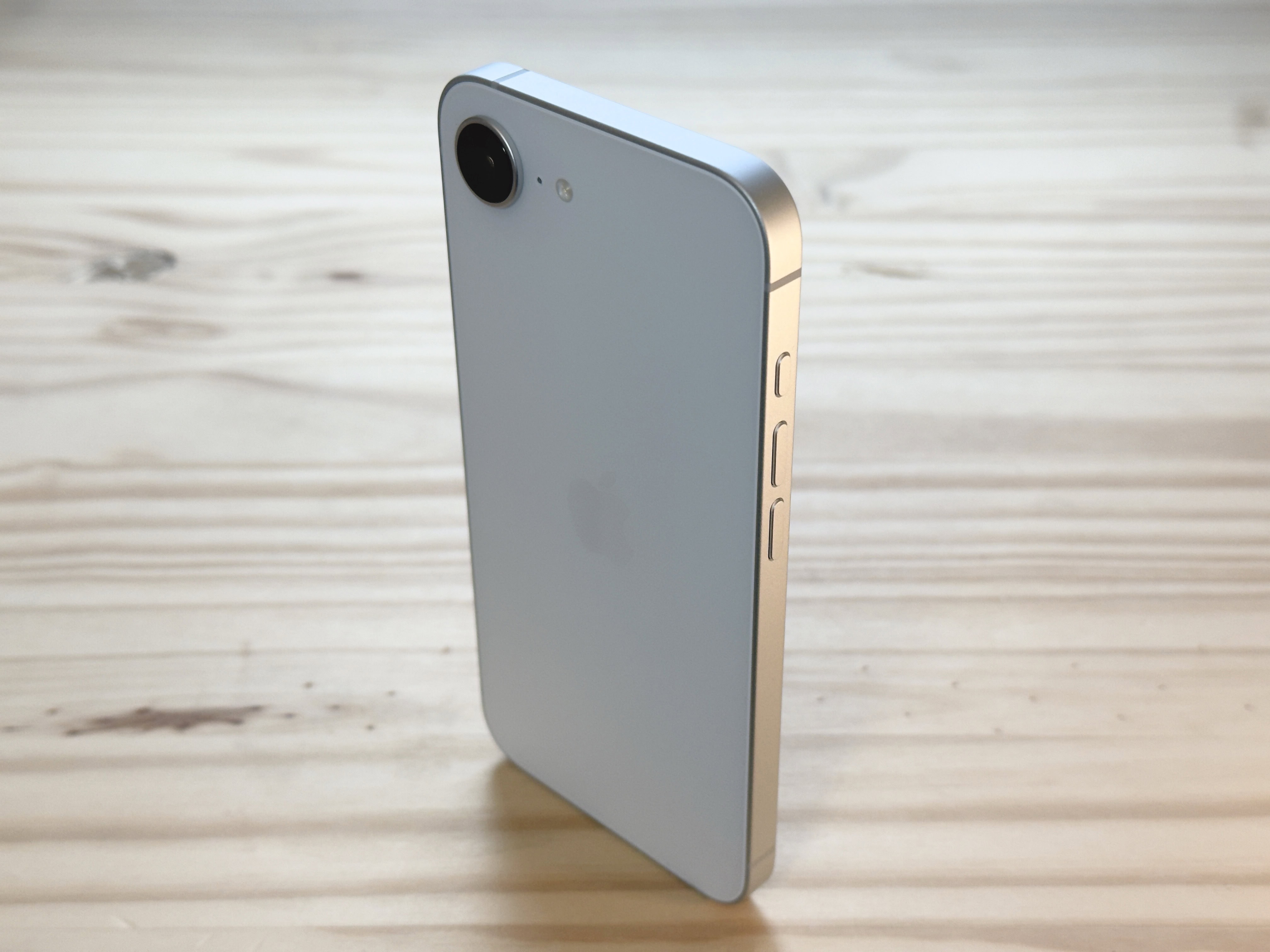
The iPhone 16e's design revisits beautiful minimalism. Photo: D. Griffin Jones/Cult of Mac
The iPhone 16e might lack some of the iPhone’s most premium features, but I can’t help but love it. While testing it for my iPhone 16e review, the phone’s light weight and clean rear design made me happy every time I picked it up, in a way I haven’t felt since my iPhone 5s. And its updated guts make it a perfectly serviceable daily driver that’ll stay fast and responsive for years to come.
It isn’t as cheap as the iPhone SE it replaces in Apple’s lineup. And while it largely resembles the iPhone 14 and 15, it’s missing MagSafe, one of the iPhone’s best features for many years now.
I downgraded from my personal iPhone 16 Pro to the iPhone 16e for the review, to put it through its paces — and came out impressed. Keep reading or watch the video below.
★★★★☆
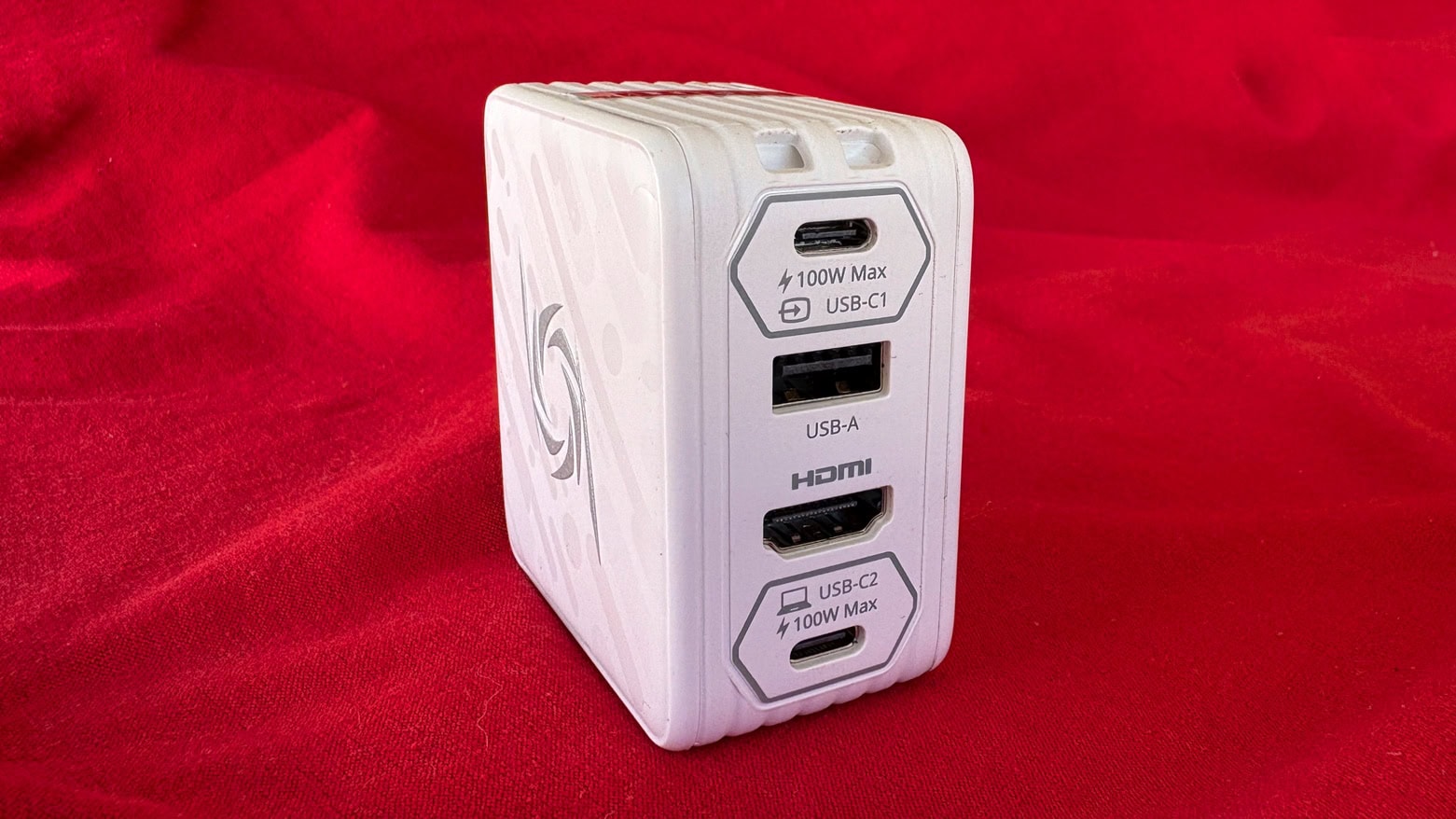
Don’t carry a separate wall charger and hub when the AVerMedia Elite Go GC313Pro is both. Photo: Ed Hardy/Cult of Mac
Plug the AVerMedia Elite Go GC313Pro into a wall socket to charge your Mac or iPad, and then (surprise!) plug an HDMI monitor and USB accessories into it, too. It’s both a charger and a hub in one package, handy for any traveler. Plus, it can charge three devices at once — also great for travelers.
As a bonus feature, the gizmo is also a video capture card. But (spoiler alert) how useful this is for Apple users is questionable.
I tested the various functions of the 4-in-1 charging hub and came away impressed… mostly.
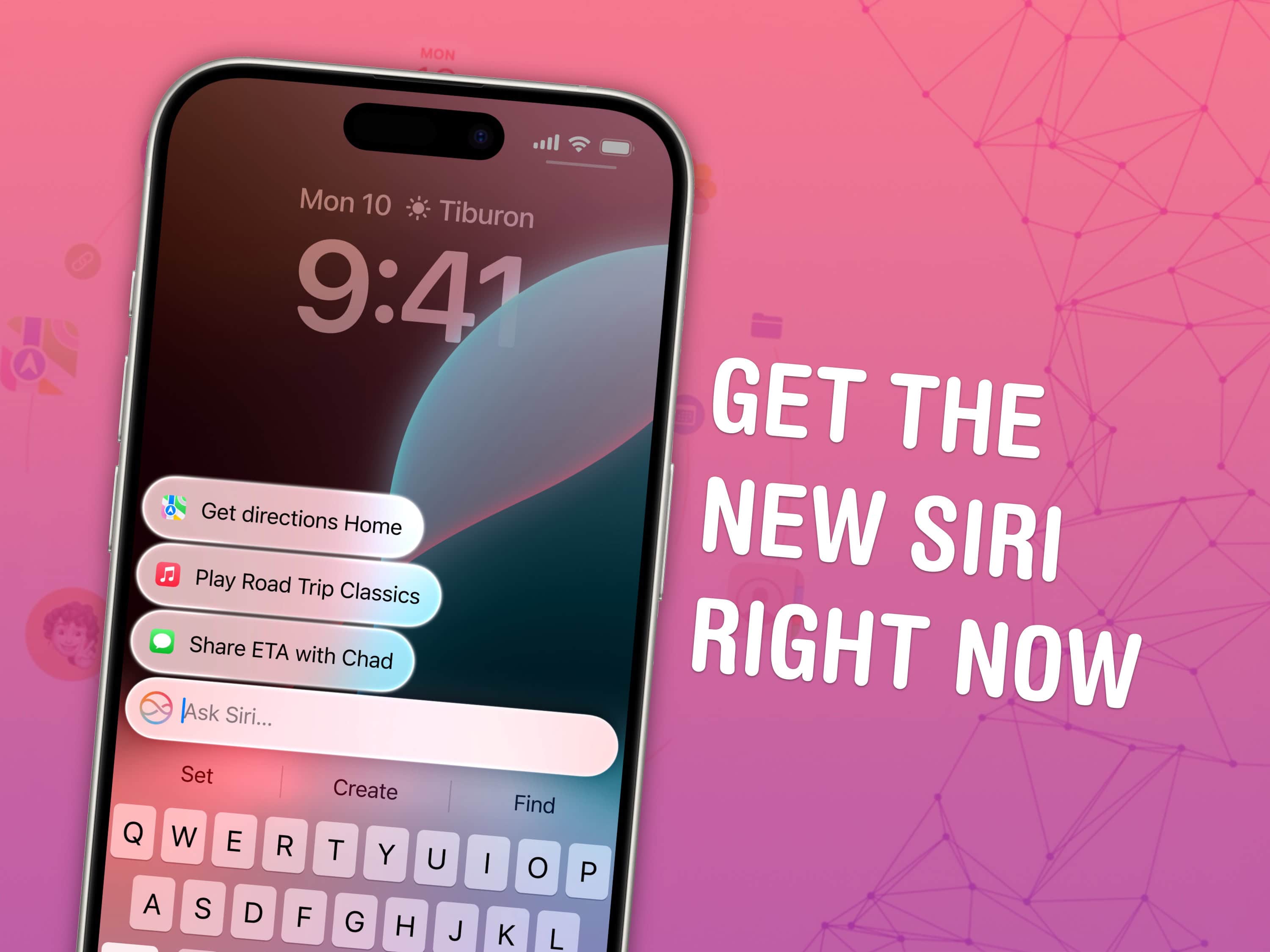
Get the Apple Intelligence features early. Image: Apple/D. Griffin Jones/Cult of Mac
You can get Apple Intelligence right now on your iPhone, iPad, Mac and Vision Pro. All you have to do is update to the latest developer beta release. You’ll get access to Visual Intelligence, Image Playground, Genmoji and more.
The developer beta of iOS 18.4 enables Apple Intelligence in the European Union for the first time. visionOS 2.4 brings the featureset to the Vision Pro.
Apple Intelligence is compatible with the iPhone 15 Pro and the new iPhone 16 lineup. Unfortunately, older devices (or even the iPhone 15) don’t have enough RAM to support Apple’s Foundation models. Luckily, you can also try it out if you have an iPad or Mac with an M-series or A17 Pro chip.
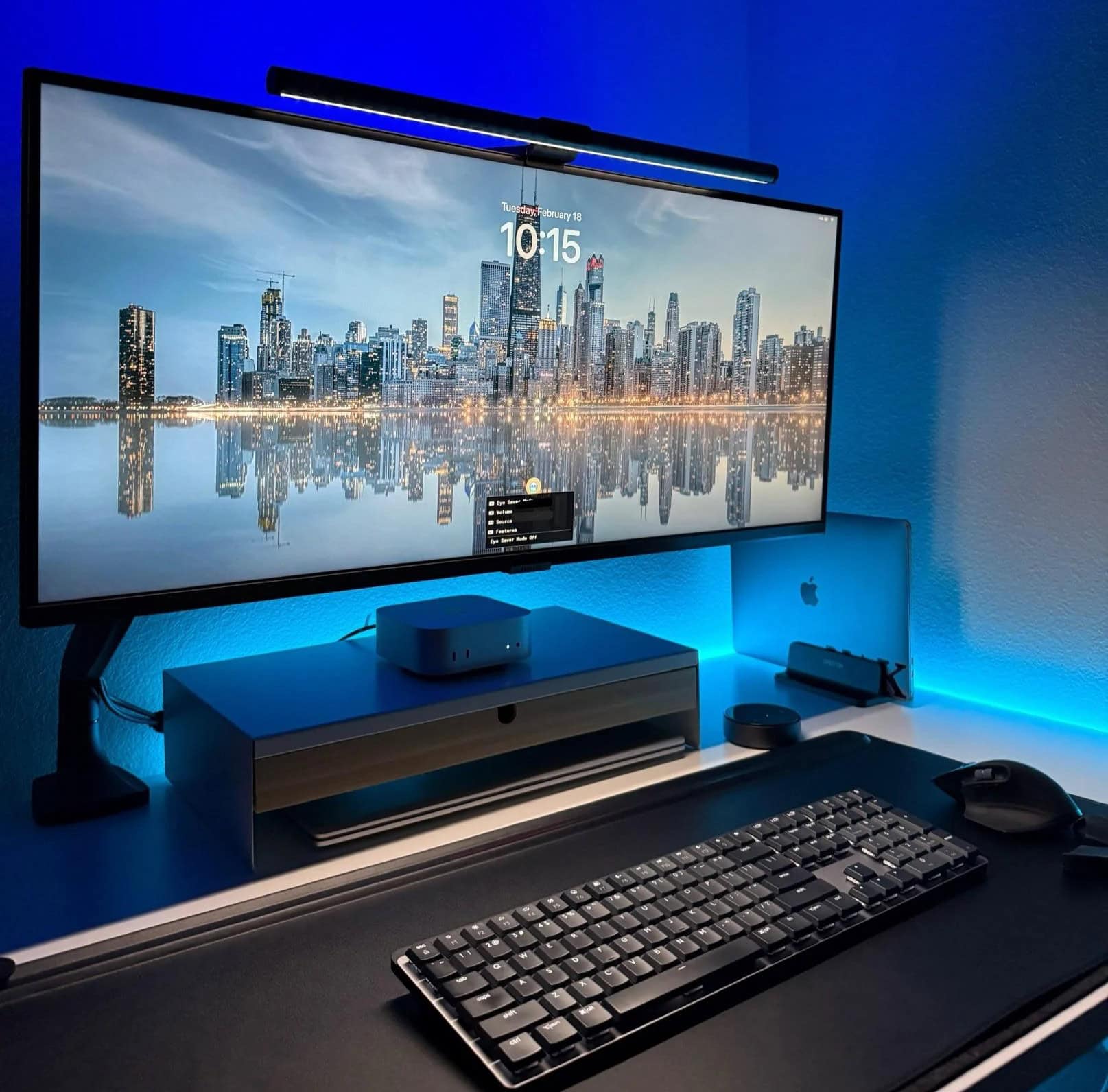
The user loves using his M4 Mac mini with the Samsung ultra-wide 4K display. Photo: [email protected]
In the world of computer setups, I see lots of people with two displays, loads of people with one ultra-wide display and tons of people arguing over which is best. Today’s M4 Mac mini user loves his Samsung ultra-wide monitor, which is one I haven’t seen often. But it looks like a keeper for both Mac and PC setups. And it’s deeply discounted right now.
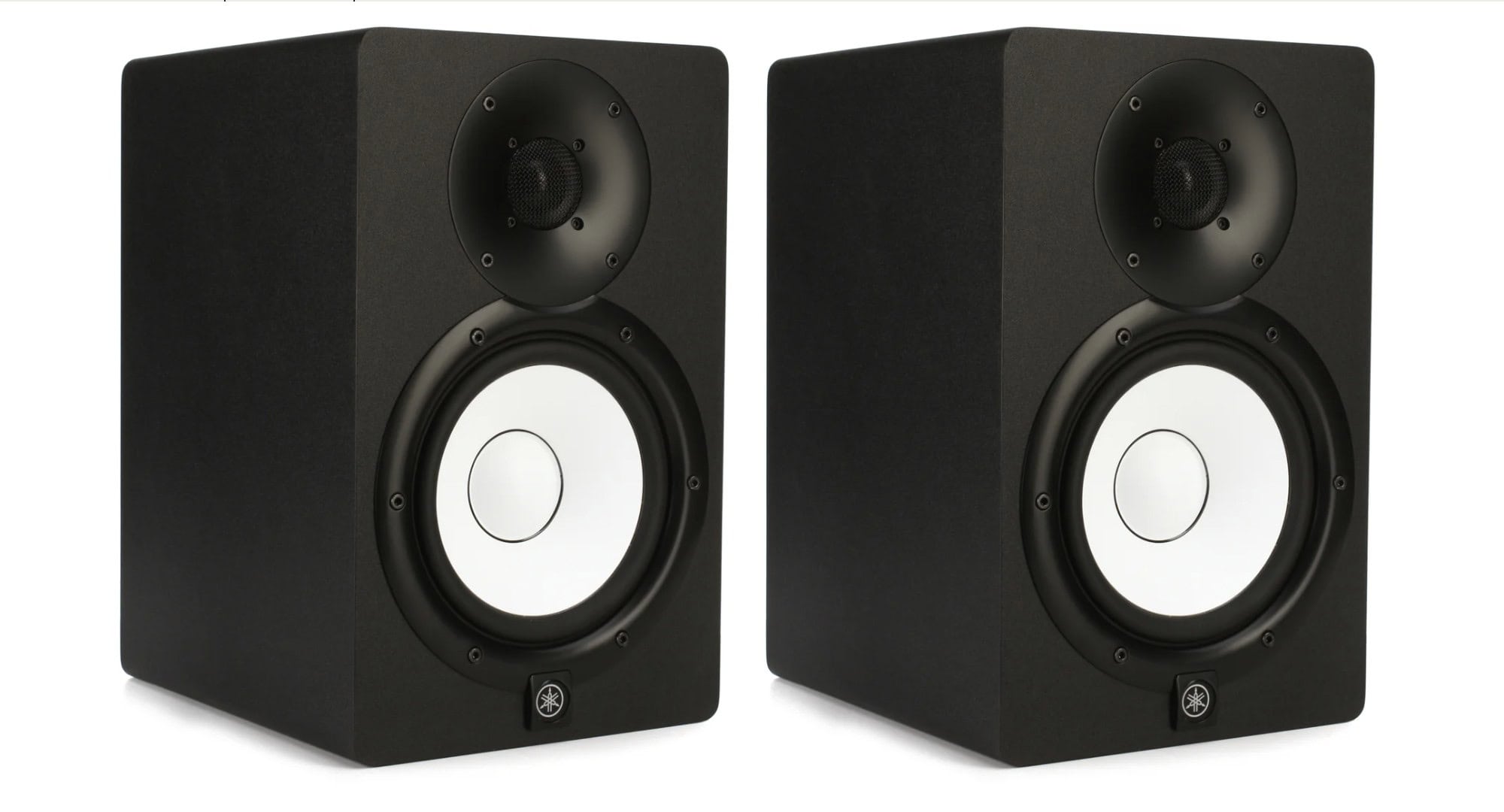
Yamaha HS7 studio monitor speakers far outstrip the small speaker inside a Mac mini. Photo: Yamaha
Today’s Mac mini setup really pumps up the clear audio with Yamaha studio monitor speakers, suitable for the user’s music production. They mount the speakers on stands, which is great. But they mount them sideways, which is … odd. And despite having those, they love their HomePod mini for most uses.