Mobile menu toggle

Search results for: M1 MacBook Air

Apple C1 is ‘most power-efficient modem ever on an iPhone’

By

Apple C1 chip in an iPhone 16e
The Apple C1 chip is the company’s first in-house cellular modem.
Image: Apple

The new Apple C1 modem that powers the cellular connectivity of the iPhone 16e is the company’s first cellular modem designed in-house.

The C1 offers “fast and reliable connectivity, and it’s the most power-efficient modem ever in an iPhone,” said Kaiann Drance, Apple’s vice president of worldwide iPhone product marketing, in a launch video released Wednesday. Thanks to its efficiency — and an optimized internal design that allows for a bigger battery — the iPhone 16e offers an “unprecedented level of battery life in a 6.1 inch iPhone,” she added.

The Apple C1 integrates 4G, 5G, satellite and GPS radios in one chip. The C1 represents a brand-new direction for Apple silicon, alongside the company’s processors and other wireless chips. Recent Ookla speed tests suggest that the C1 modem holds its own against the Qualcomm chip in the iPhone 16, as detailed in this comparison.

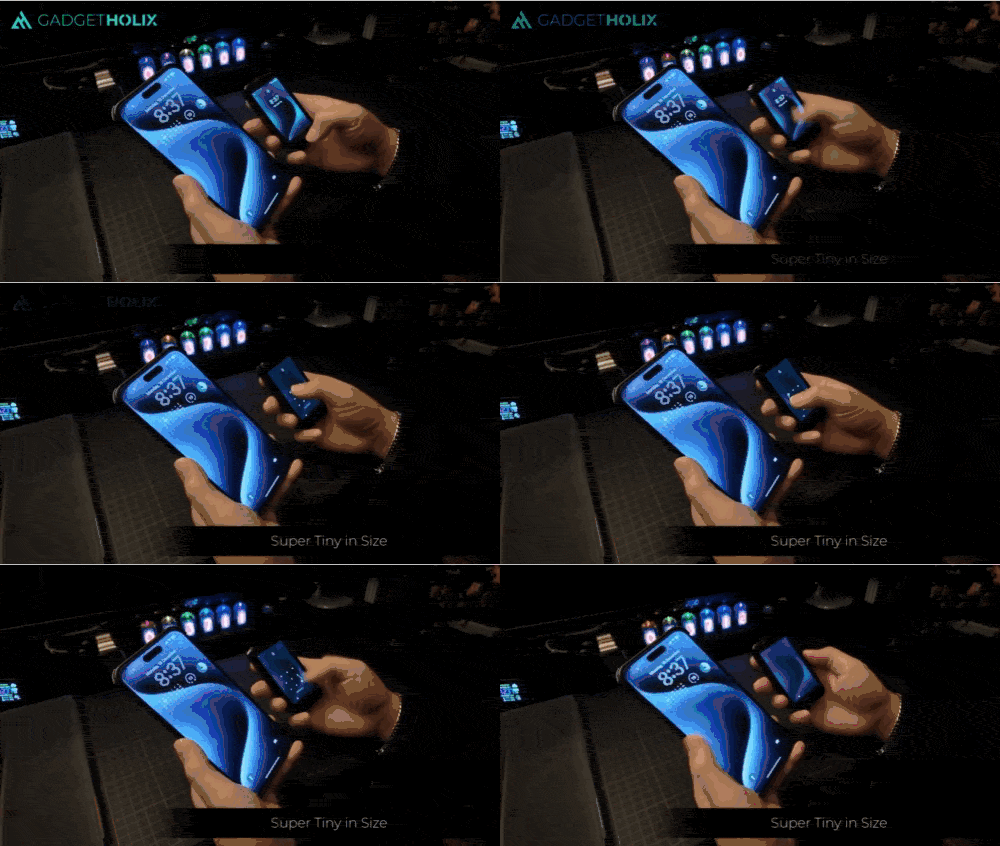
Price drop: $100 smartphone is smaller than a credit card

By

Unlocking the NanoPhone mini smartphone.
The NanoPhone is one of the smallest smartphones you can buy.
Photo: Cult of Mac Deals

Fed up with gigantic smartphones? If even the iPhone mini seemed oversized to you, maybe you’ll appreciate an incredibly small smartphone like the NanoPhone. Smaller than a credit card, this mini smartphone proves ideal for those moments when you need something extraordinarily compact, featherweight and fuss-free.

Whether you’re traveling light, hitting the gym or just getting tired of lugging around a bulky device, the NanoPhone is your streamlined solution to staying connected without the extra weight. And you can get this teensy smartphone for a small price: just $99.97 (marked down from $199.99).

Chrome vs. Safari on Mac: Why Google’s browser wins for me

By

Chrome vs Safari on Mac
Safari is great, but Chrome is my browser of choice on a Mac.
Graphics: Rajesh Pandey/Cult of Mac

Safari on the Mac feels a lot faster to use than Google Chrome. It is also more battery efficient and takes fewer resources. Yet, I prefer using Google Chrome on my MacBook.

Despite its faults, Google Chrome trumps Safari in many key aspects. There’s a reason why Google’s browser is the most popular choice worldwide.

Not all multiport Thunderbolt 4 docks cost a fortune [Setups]

By

cheap Thunderbolt 4 dock
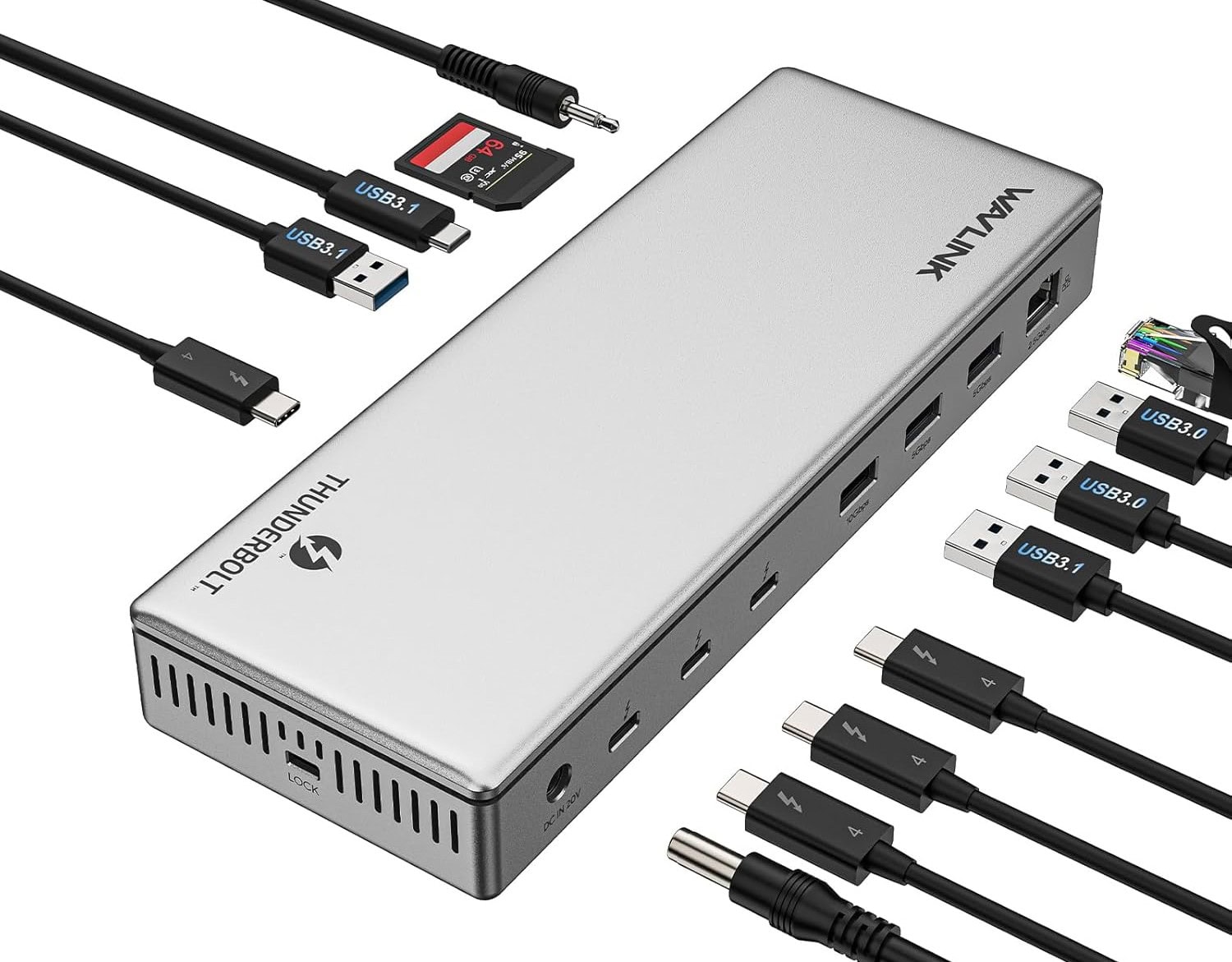
With the WavLink dock's 13 ports, you might run out of perhipherals to plug into it.
Photo: WavLink

As your Mac computer setup grows with newly added peripherals and capabilities, keeping it all connected and powered becomes a greater challenge. Enter multiport Thunderbolt 4 hubs. They offer high-speed data transfer, great options for high-resolution external displays and power for connected devices. Today’s featured MacBook Pro setup with dual displays and more takes great advantage of a cheap Thunderbolt 4 dock — the 13-port WavLink Thunderbolt 4 Docking Station. On sale currently, it goes for just $170.

Orb-like desktop speakers boost Mac mini’s sound [Setups]

By

Creative Pebble Pro
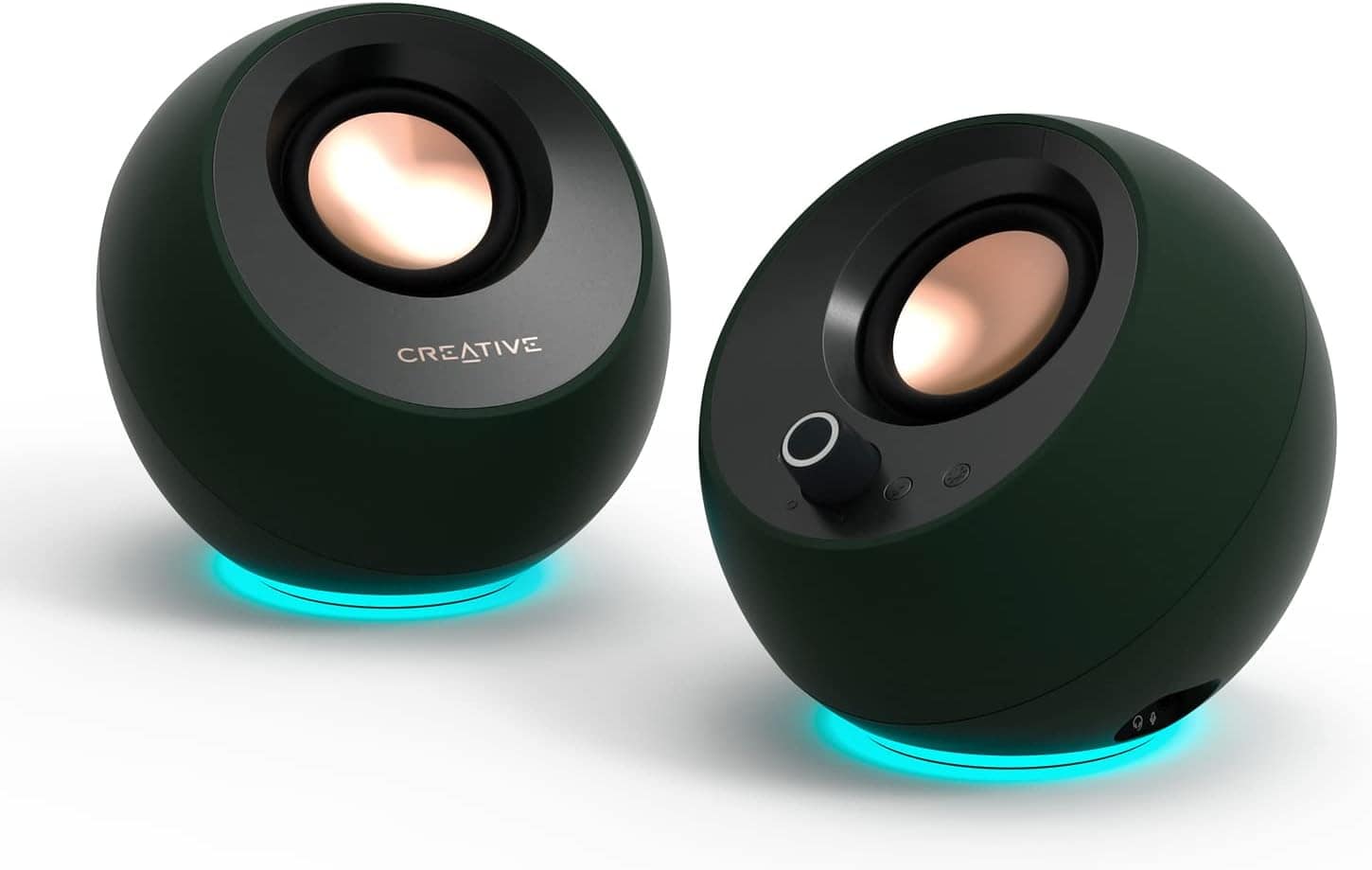
The round little speakers are tilted at an ideal angle for use on a desk.
Photo: Creative

As good as some speakers built into computers and monitors sound these days, it still often pays to use external speakers on the desktop. Today’s setup features a powerful M4 Pro Mac mini — with an improved built-in speaker, no less — but the user still opts for Creative Pebble Pro speakers in the computer setup.

What to expect from the Mac in 2025

By

New Macs in 2025
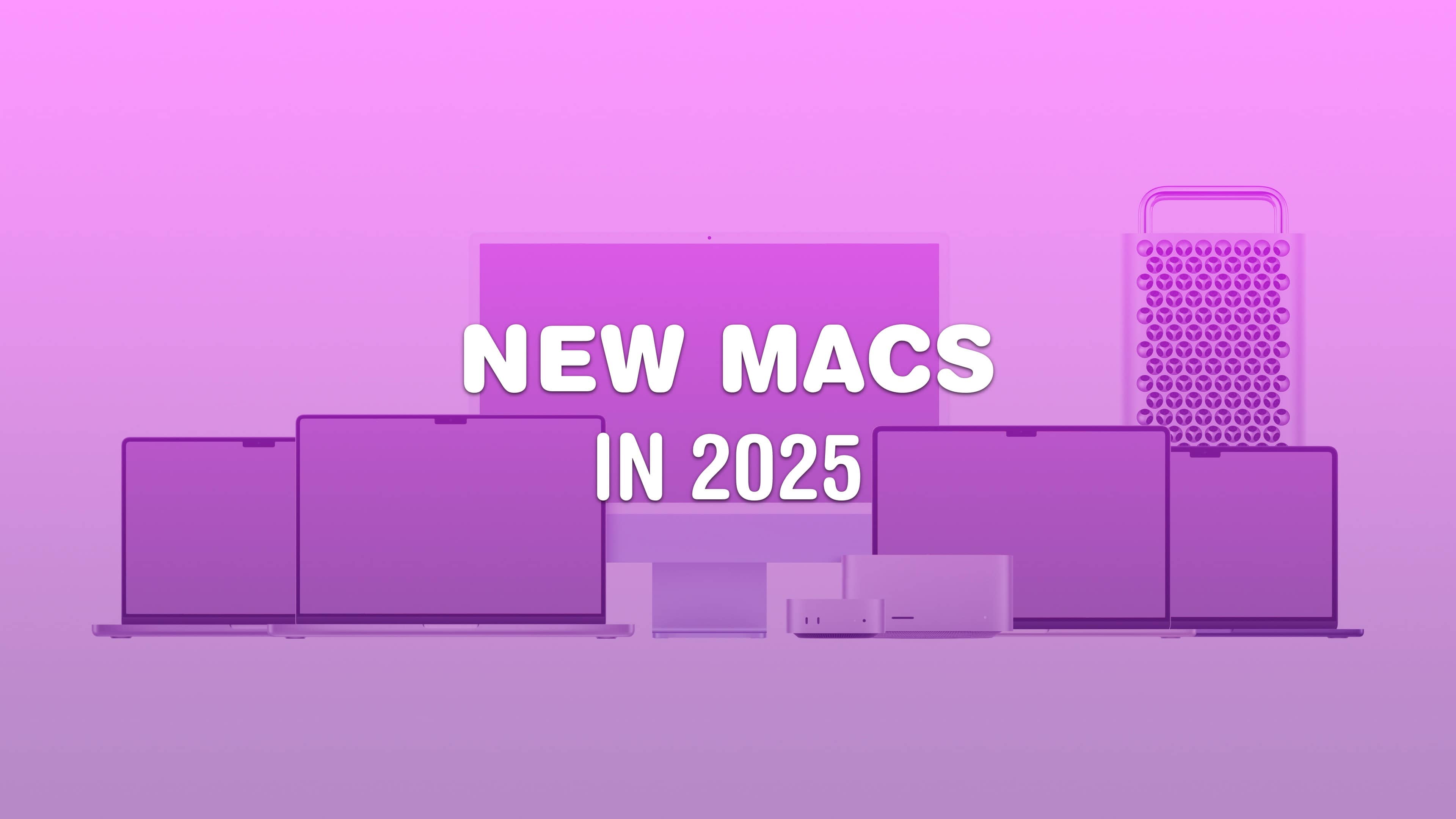
A lot of Macs are coming next year.
Image: Apple/D. Griffin Jones/Cult of Mac

What does Apple have planned for the Mac in 2025? For the last couple of years, Apple’s been killing it with its desktop and laptop computers. The chips scream, the industrial design has never been better, and the Mac lineup is undoubtedly the best in Apple’s history. Just look at the amazing new Mac mini.

But can Apple keep up the pace next year?

Keep it all connected with this speedy Thunderbolt 4 hub [Setups]

By

Thunderbolt 4 dock
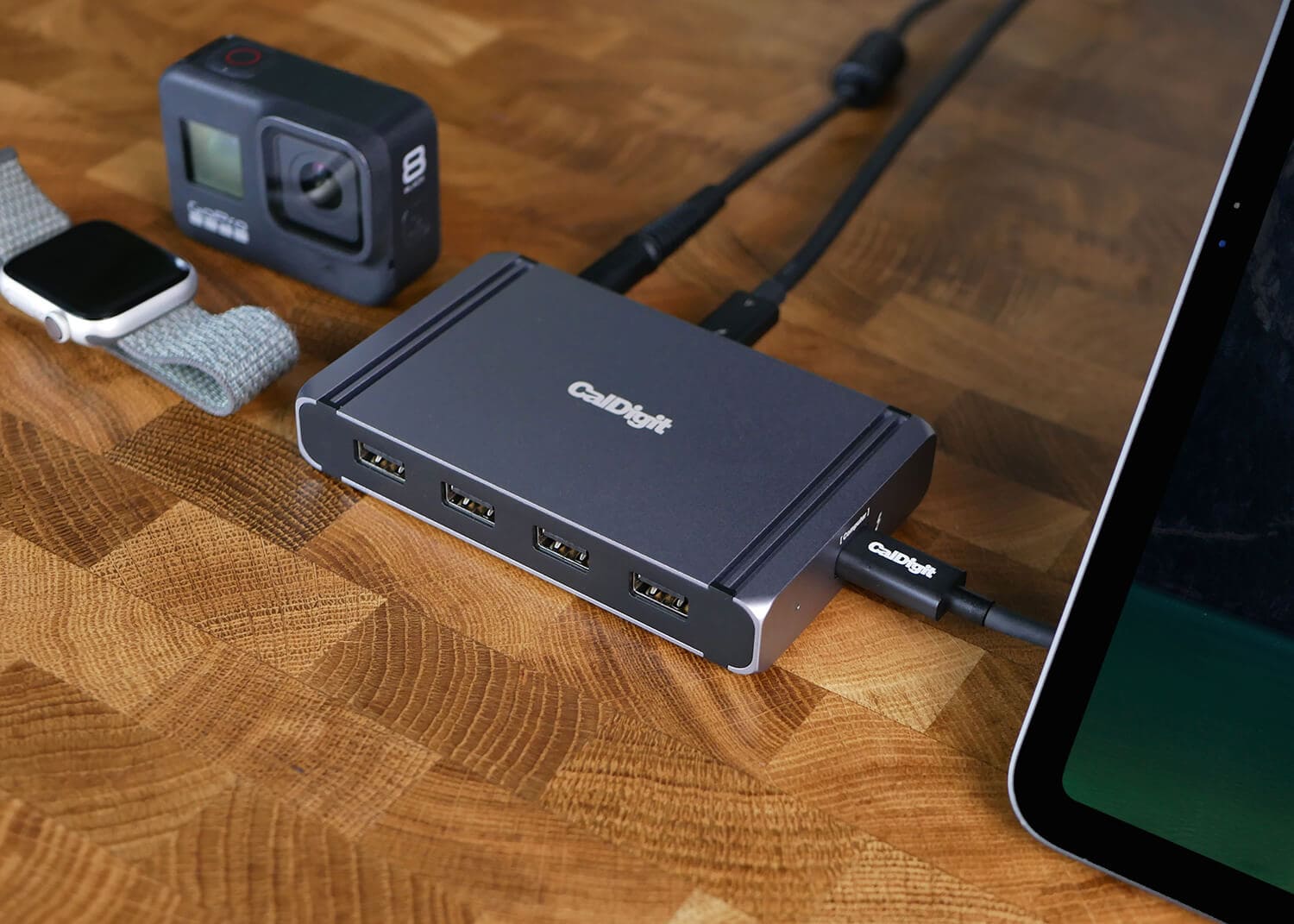
CalDigit makes reliable docks for Thunderbolt connectivity like the Element shown in this product shot from the company.
Photo: CalDigit

When you run a ton of peripherals with your Mac, how do keep it all connected and running smoothly? Well, today’s featured M4 Pro Mac mini user drives a pair of 4K external displays, runs a power hub and input devices, and keeps backups on portable storage devices. And they keep it connected without a hitch using the well-regarded CalDigit Thunderbolt 4 hub named “Element.”

Keep handy backups with portable storage options [Setups]

By

portable storage
Keeping your files in the cloud and on portable storage devices is a good idea
Photo: [email protected]

Today’s featured M4 Pro Mac mini user drives a pair of 4K external displays with the tiny new powerhouse desktop. And they keep an array of budget peripherals, including data and power hubs and solid input devices. And in addition, for physical backup, they like portable storage solutions in addition to cloud backup — in this case, fairly affordable hard drives from Samsung and La Cie (and the Samsung is deeply discounted right now — see below).

When a desk lamp trumps a monitor light bar [Setups]

By

architect desk lamp
Ever heard of an architect desk lamp? Well, it goes by other names and it might be a better choice than a monitor light bar.
Photo: [email protected]

Monitor light bars are commonplace in computer setups for good reason. They often do a better job of cutting monitor glare and lighting up desks than overhead lights or simple desk lamps. But what if a desk lamp worked more like a monitor light bar? That’s what so-called architect desk lamps do. They’re often called double-headed LED lights. Attached to their own stand or clamped arm, they can arch right over a display, providing tons of light, control options and physical flexibility.

M4 Pro Mac mini supercharges new budget workstation [Setups]

By

M4 Pro Mac mini
This user went from an M1 Mac mini to an M4 Pro Mac mini. That's a big upgrade.
Photo: [email protected]

Not everyone would consider a well-equipped M4 Pro Mac mini driving a pair of 4K external displays a “budget” computer setup, but today’s user does. After suffering a job loss, they replaced an M1 Mac mini with the tiny new powerhouse and a nice array of peripherals, including data and power hubs and solid input devices.

1 54 55 56 57 58 99