Mobile menu toggle

Search results for: M1 MacBook Air

Make your setup shine with these great deals on Logitech gear
By

Amazon Prime Big Deal Days Logitech
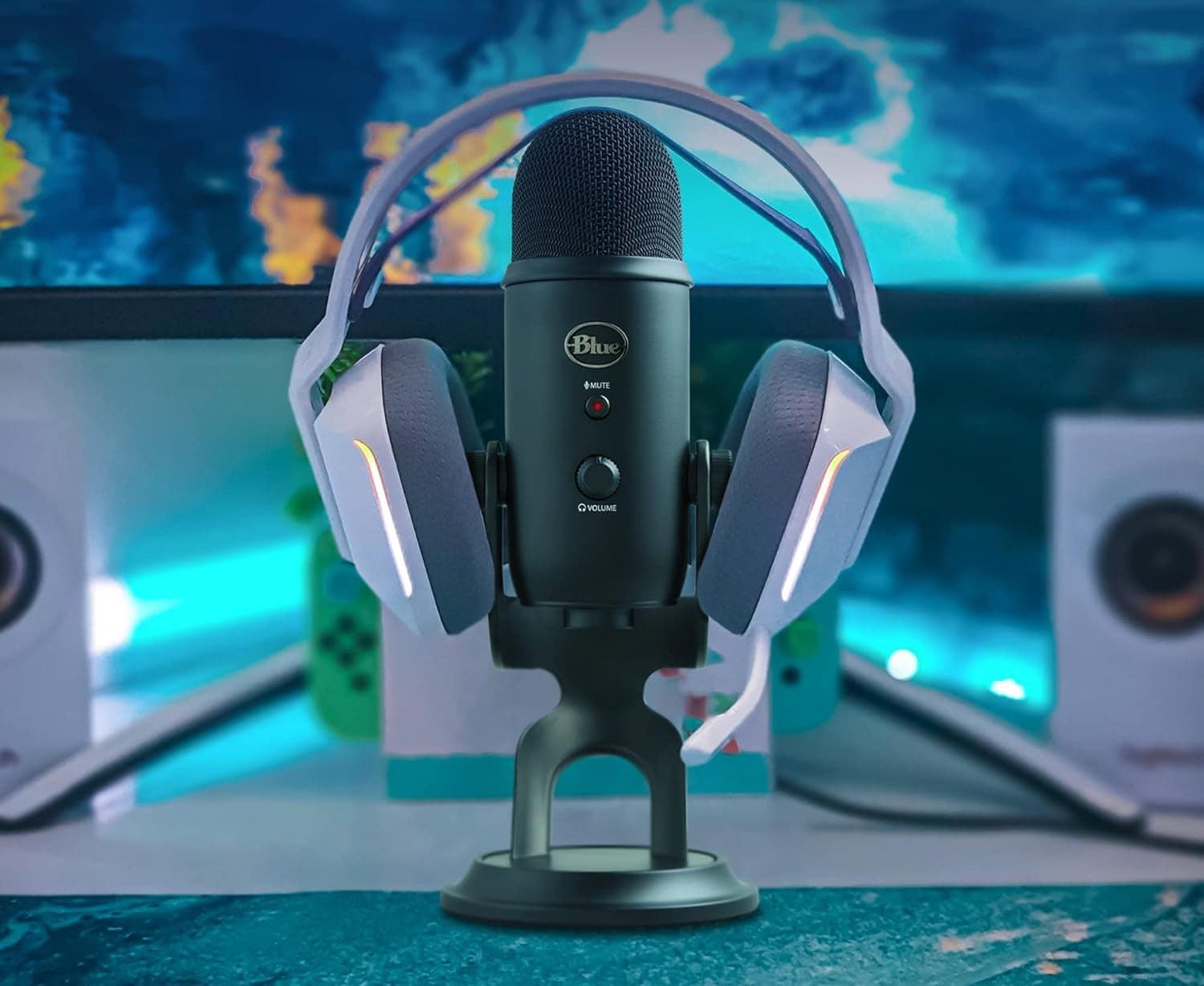
Now a Logitech product, the Blue Yeti USB microphone stands tall among streamers' favorites.
Photo: Logitech

Many a Mac computer setup relies on Logitech peripherals and accessories — some of the best gear in the business. Whether you need a reliable keyboard, a blazing fast gaming mouse, a shortcuts console, a powerful webcam or a great USB microphone, our guide to five great Logitech sale items from Amazon Prime Big Deal Days can help. 

This is when iOS 26, iPadOS 26, watchOS 26 and macOS Tahoe arrive

By

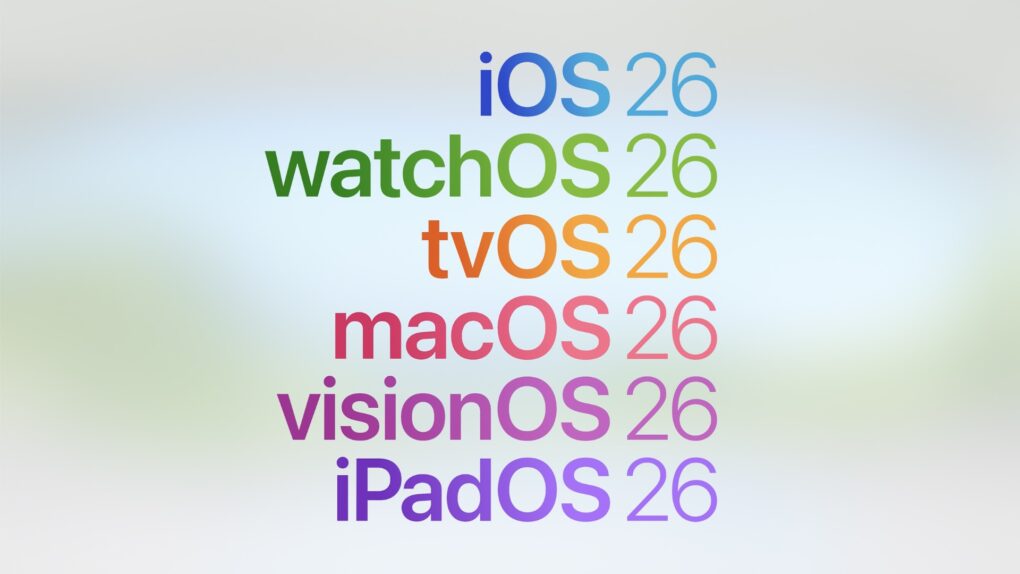
iOS 26, iPadOS 26, macOS 26 naming scheme
Liquid Glass is coming to your iPhone, iPad and Mac next week.
Image: Apple

Apple Awe Dropping Event: Following months of beta testing since WWDC25, Apple is finally ready to release iOS 26, iPadOS 26 and macOS Tahoe to the public. These operating systems finally have a release date.

The updates will start rolling out as early as September 15, just a week after Apple’s Awe Dropping event.

Top 12 drool-worthy dual Studio Display setups

By

best dual Studio Display setups
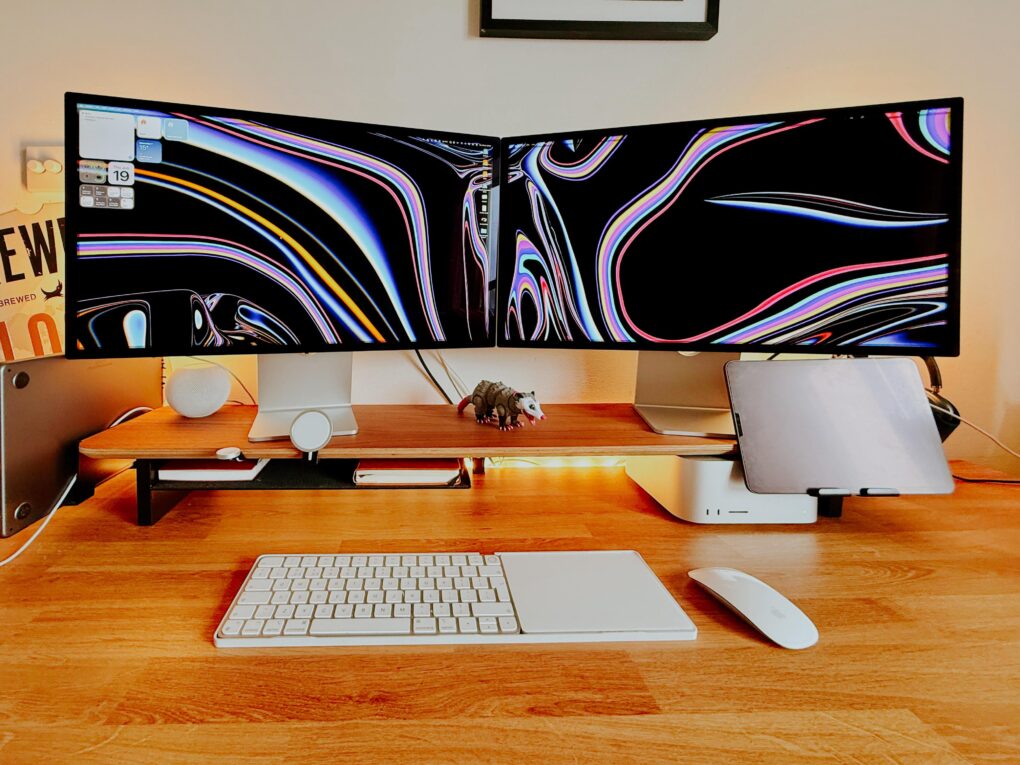
Two angled Studio Displays and a powerful Mac Studio? Yes, please.
Photo: [email protected]

Few items in computer setups flaunted online induce more envy than Apple displays, particularly the one many people find almost financially within reach — the 27-inch 5K resolution Studio Display. (And let’s just stop frightening our wallets with any talk at all of the vaunted Pro Display XDR, starting at $5,000). So what’s even better than one amazingly vibrant, color-accurate Studio Display? Well, two of them, of course. We found 12 setups that might make you green with envy — the best dual Studio Display setups.

Double the fun: 10 best dual-monitor setups

By

Asus displays
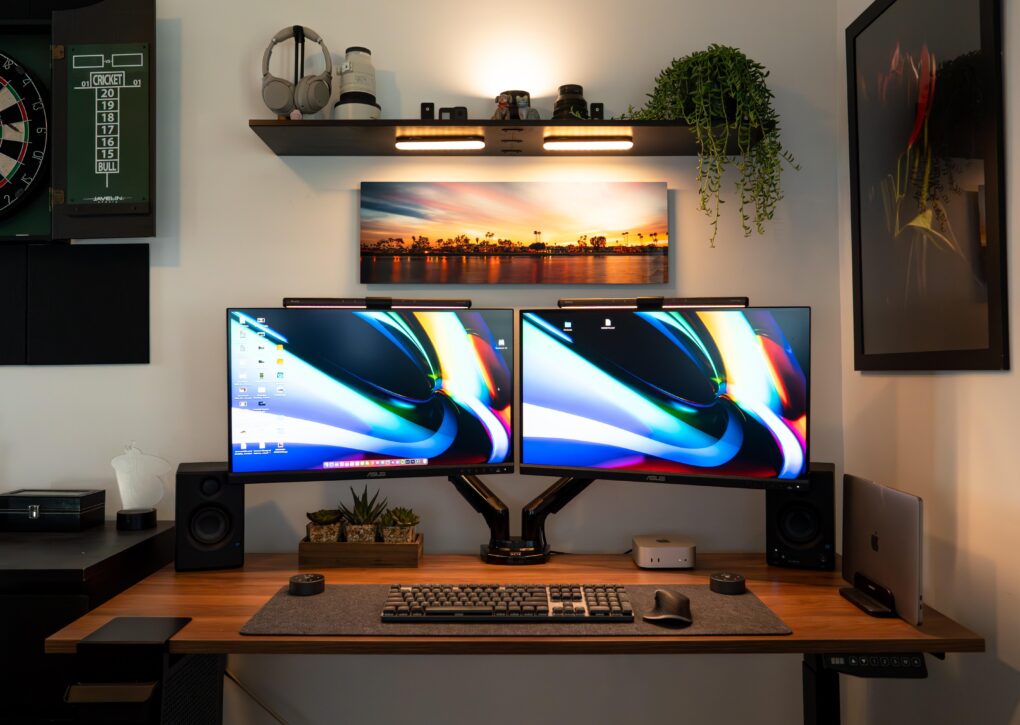
The good-looking and symmetrical setup features a pair of Asus displays nicely mounted on arms.
Photo: [email protected]

Some people take an orthodox view of external computer displays and opt for just one with proper windows management. For the rest of us, the best dual-monitor setup we can afford is the best way to go for plenty of screen real estate without going overboard. Check out some of the greatest two-display rigs from setups coverage over the past few years below.

Screenfest: Top 15 multidisplay computer setups

By

best multi monitor setup
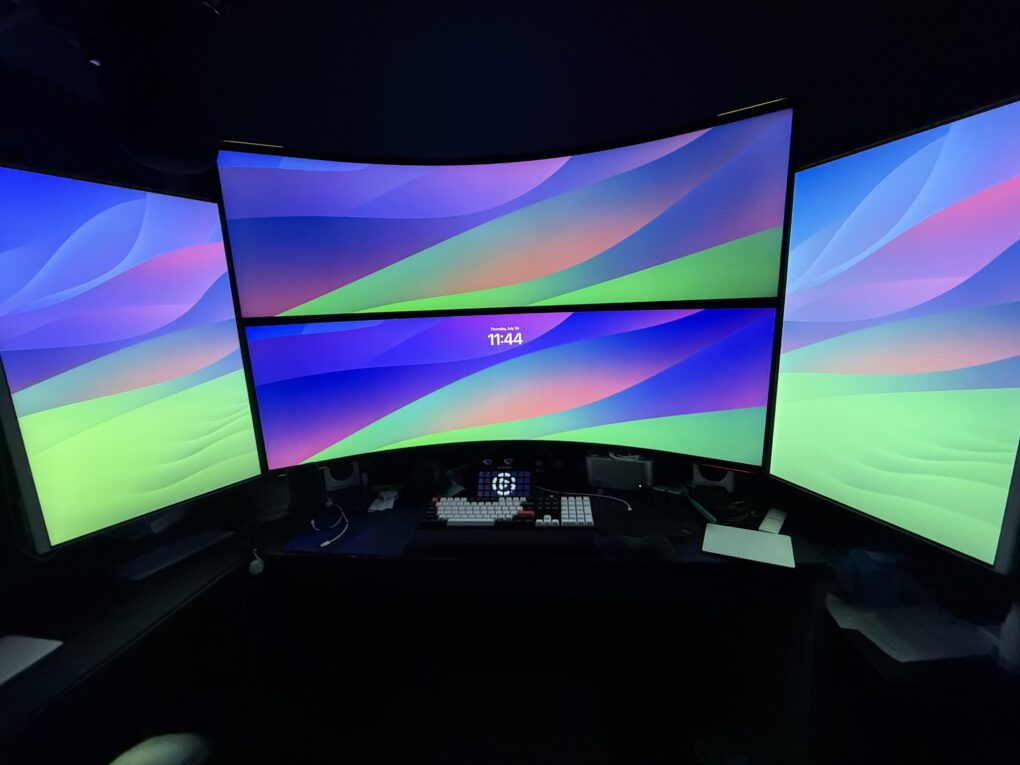
Here are some of the greatest multi-display setup workstations out there, plus some of the gear they rely on.
Photo: [email protected]

A big trend in recent years in Cult of Mac‘s setups coverage has been ever-increasing displays — either bigger ones, more of them or both. Sometimes it seems like an arms race to create the most NASA-Mission-Control wall of screens ever. But sometimes it’s not about size, but variety and convenience, including portable monitors and device screens. Take a look at our best-multi-monitor-setup workstations below, along with top displays and other gear that makes them tick.

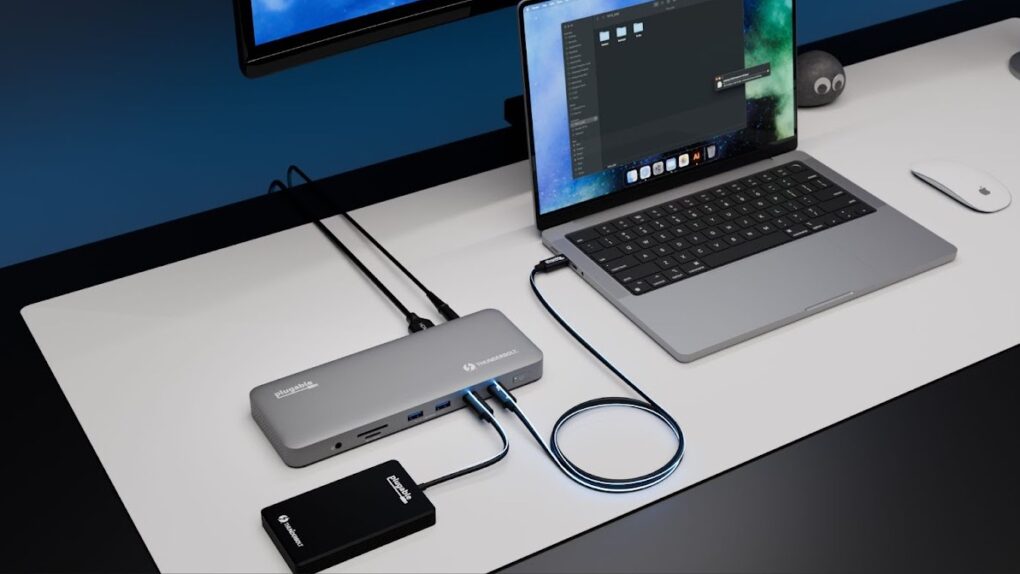
Plugable’s new Thunderbolt 4 dock is designed for Mac

By

Plugable TBT-UDM
The Plugable TBT-UDM fits with Mac setups while adding 13 ports.
Photo: Plugable

Plugable created the TBT-UDM Thunderbolt 4 dock with Apple users in mind. It offers more than a dozen ports — including dual 4K HDMI — in an aluminum chassis intended to blend into Mac setups.

Just as importantly, it launched Tuesday at a price lower than usual for a Thunderbolt dock.

6 cool things you can do with an old Mac

By

6 Things To Do With An Old Mac
What can you use it for? Quite a lot, actually.
Image: D. Griffin Jones/Cult of Mac

There are lots of things you can do with an old Mac. No one will fault you for upgrading to Apple’s latest and greatest, but your old Mac can still find a job to do, too.

It used to be that when your old iMac kicked the can, you hollowed it out and made an aquarium or a desk lamp. These days, Macs have a much longer shelf life. The right model can give you years upon years of loyal service. (Not to mention, modern Macs are too thin to house a fish.)

Here are the six best things you can do with an old Mac. Watch our latest video or keep reading below.

Today in Apple history: The last iBook laptop goes on sale

By

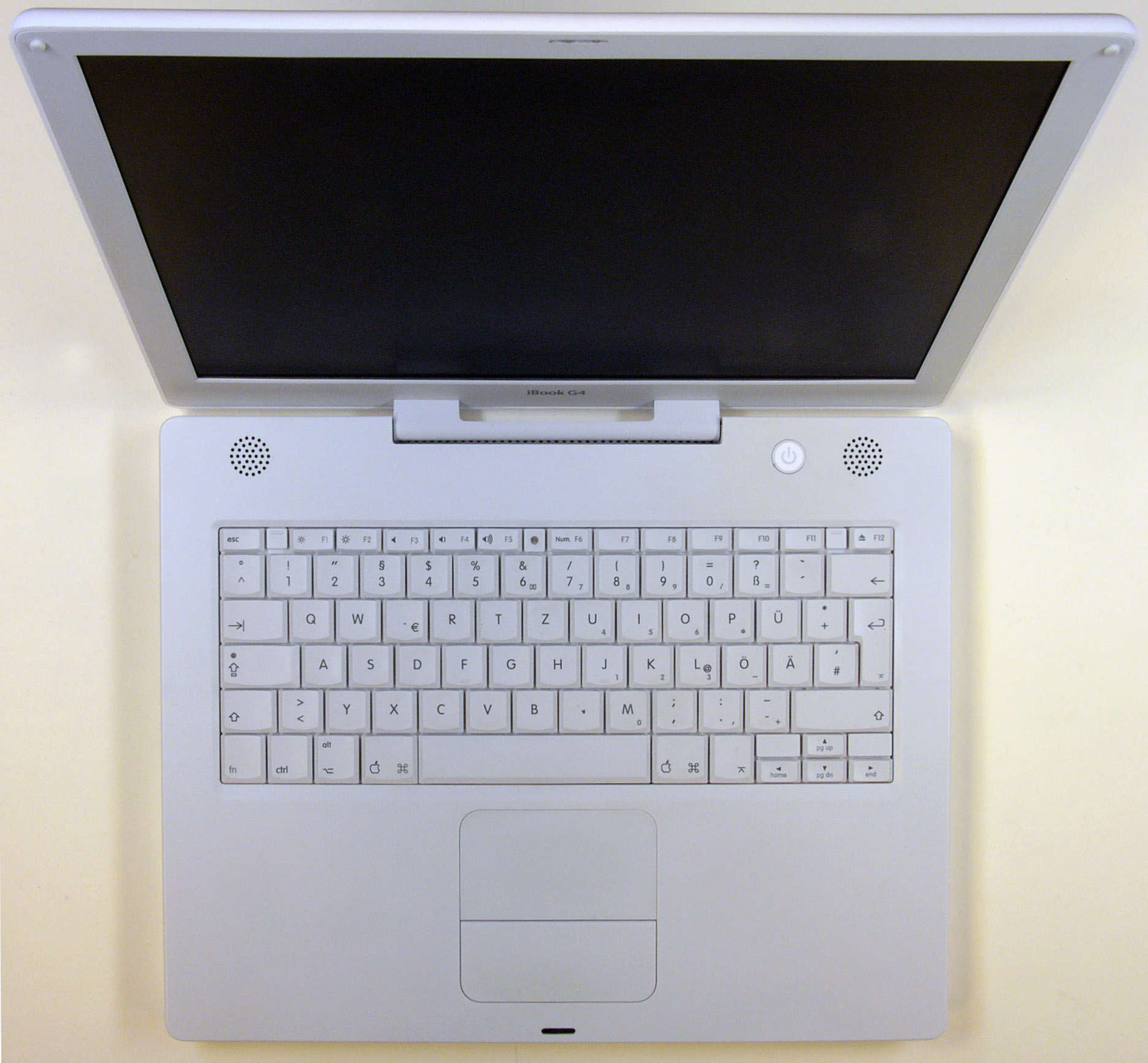
Rugged and pearly white, the iBook G4 becomes the last of its line.
Rugged and pearly white, the iBook G4 was the last of its line.
Photo: Hannes Grobe/Wikipedia CC

July 26: Today in Apple history: White iBook G4, the last laptop in the popular lineup, goes on sale July 26, 2005: Apple debuts the opaque white iBook G4, the last of its laptops to launch under the iBook name.

The portable computer adds Apple’s scrolling trackpad for the first time. It also incorporates Bluetooth 2.0 as a standard feature, and becomes the last Apple laptop with a PowerPC chip.

Best tech gifts for travelers

By

gifts for travelers
Sure, you can give them a no-brainer gift like an AirTag, but that's just the tip of the iceberg.
Photo: Grok/Cult of Mac

Tech travel accessories have become essential companions for modern travelers who rely on their Apple and other devices for everything from navigation to entertainment. Ever found yourself with a dead iPhone in a foreign country or frantically searching for your AirPods before boarding a flight? These scenarios can quickly stress-bomb an exciting trip. Peruse our guide to learn about the best tech gifts for travelers (whether that’s you or someone else in your life!)

Watch me go for world record number of input devices [Setups]

By

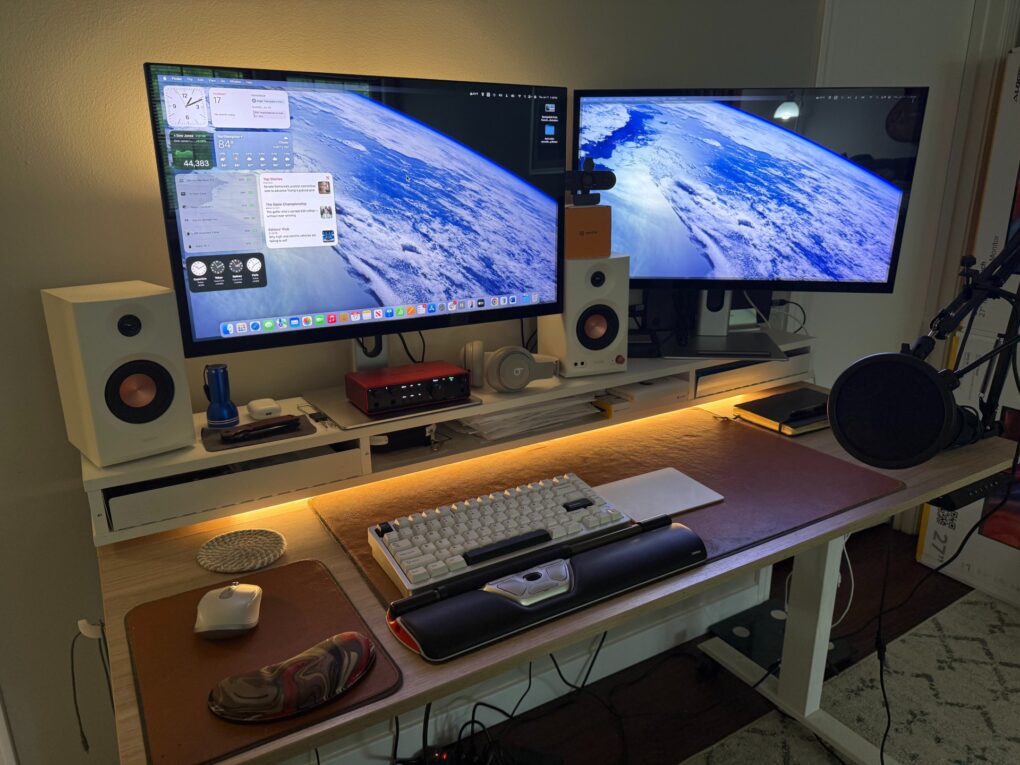
ergonomic workstation
My setup now bristles with four separate input devices and a new webcam.
Photo: David Snow/Cult of Mac

Guess what, it’s time for another installment of Dave’s Setup Upgrades. Only about six weeks after I last wrote about my own computer setup instead of everybody else’s, here I go again. An M4 Pro MacBook Pro driving a pair of 5K touchscreen displays remains the core of my rig. But I’ve gone a little nuts lately with computer input devices as I strive for a more ergonomic workstation. I’m up to four, with backups for most, and that’s got to be some kind of record.

And I added a webcam because my current external displays don’t pack one. And my laptop, with its only-pretty-good webcam, sits hidden away on a vertical stand. I don’t want to have to pull it out for video calls.

1 51 52 53 54 55 99