Mobile menu toggle

Search results for: Apple One

Feel the rhythm (literally) with Music Haptics on iPhone

By

Feel The Beat In Your Hand
Add another level to your music.
Image: D. Griffin Jones/Cult of Mac

The new Music Haptics accessibility feature in iOS 18 adds another dimension to audio: vibration. Taking advantage of the incredible precision of the iPhone’s Taptic Engine, the feature brings to life a specially recorded track of rhythmic vibrations and buzzing patterns timed to certain Apple Music songs.

Switch it on, and you can hold your iPhone in your hands and feel your music in a whole new way. Keep reading to see how the feature works (or watch our video that explains it all).


Powerbeats Pro 2 vs. AirPods Pro 2: Which premium Apple earbuds should you choose?

By

Powerbeats Pro 2 vs. AirPods Pro 2
When it comes to Apple's top noise-canceling earbuds, it's an easy choice for some and a tough choice for others.
Photo: Apple/Cult of Mac

Apple’s audio lineup recently expanded with the arrival of Beats Powerbeats Pro 2 earbuds, creating an interesting competition with the established AirPods Pro 2. Both high-end wireless earbuds share Apple’s technology backbone but target different segments of the market. So in a Beats Powerbeats Pro 2 vs. AirPods Pro 2 comparison, which should you choose?

Let’s compare these premium options across design, features, performance and value to help you determine which is right for your lifestyle.

Enable iPhone ‘guest mode’ before handing it to someone else

By

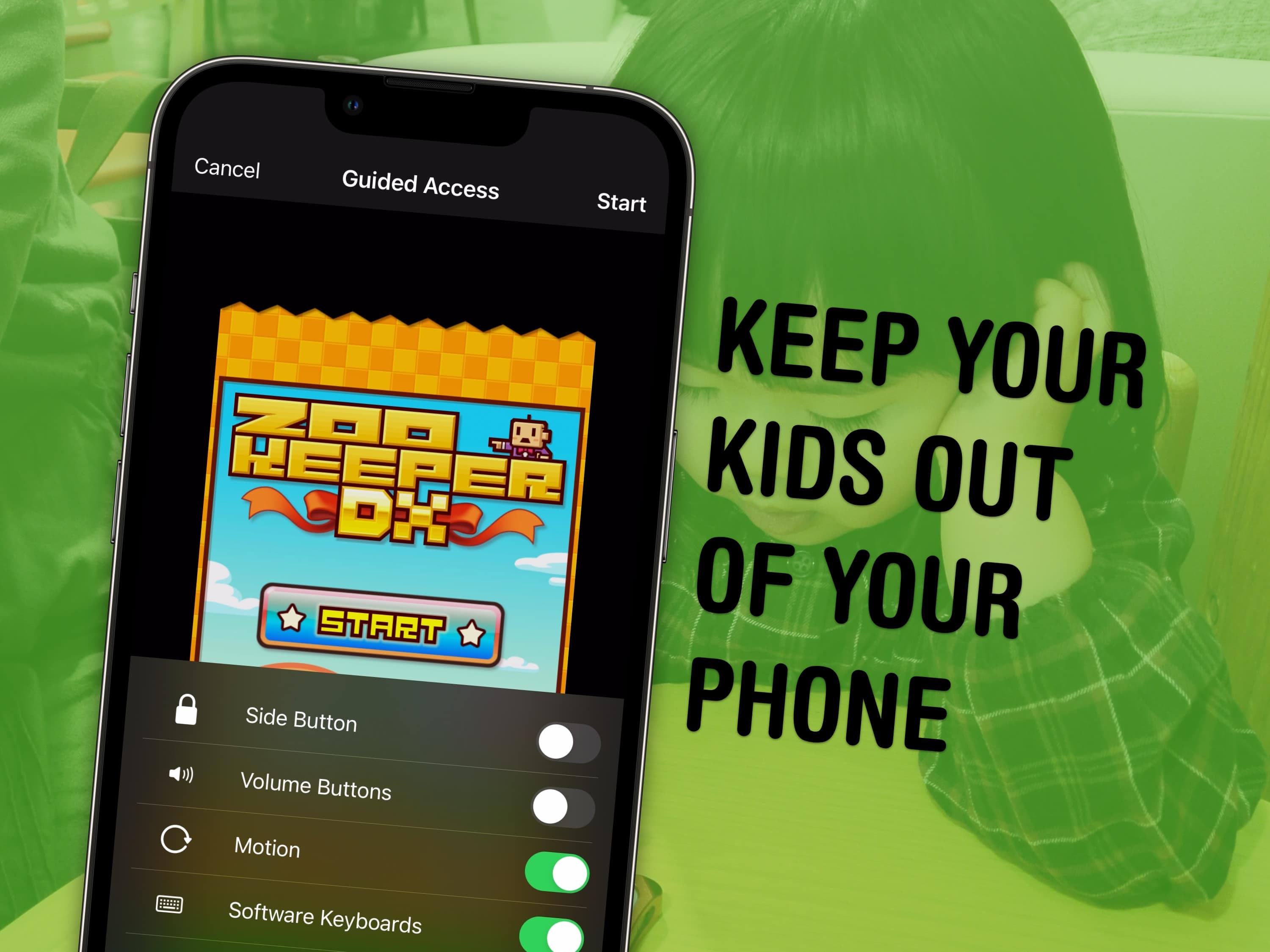
Keep your kids out of your phone
Lock your kids into a game (like Zookeeper) when they have your phone.
Image: MIKI Yoshihito/Wikimedia Commons/D. Griffin Jones/Cult of Mac

You can use a feature called Guided Access to lock down your iPhone to a single app before you hand it to a kid or someone else. You might want to let your offspring play a game, or pass your phone around for controlling music, or hand it off to show someone a video … but you probably don’t want them going rogue and reading your texts or calling your mom.

In Accessibility settings, you can enable Guided Access to limit your iPhone to a single app before you hand it off. It’s a kind of quick and dirty “guest mode.”

This will help you keep your phone — and your privacy — safe. You can even disable features like the volume buttons and set up time limits.

This one USB-C gadget simultaneously charges 10 devices

By

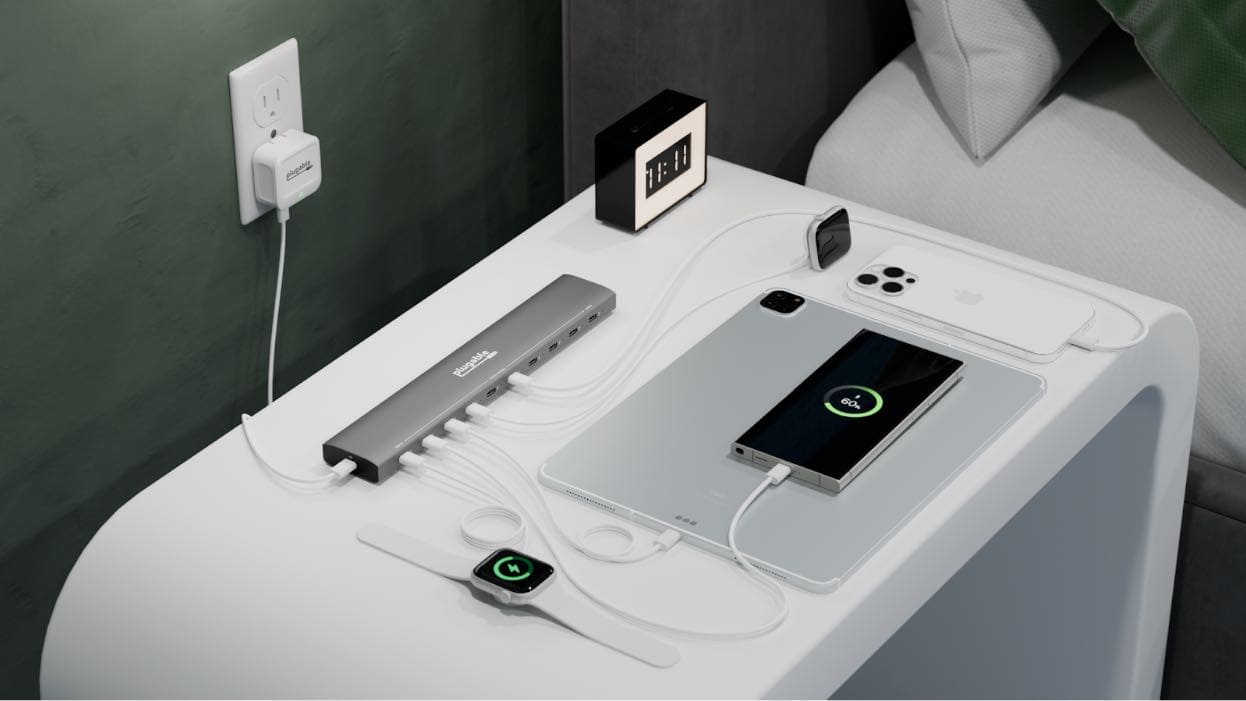
Plugable PS-10CC 10-port USB-C charger
Plugable PS-10CC turns one power supply into ten USB-C ports.
Photo: Plugable

Got a load of computers and devices that need power every day? The Plugable PS-10CC 10-port USB-C charger might be just what you’ve been looking for.

It can handle a family’s entire collection of MacBooks, iPhones, iPads and Apple Watches. Or charge up all the phones needed by an office at once.

Today in Apple history: Massive layoffs clear out Apple’s ‘bozo explosion’

By

logo
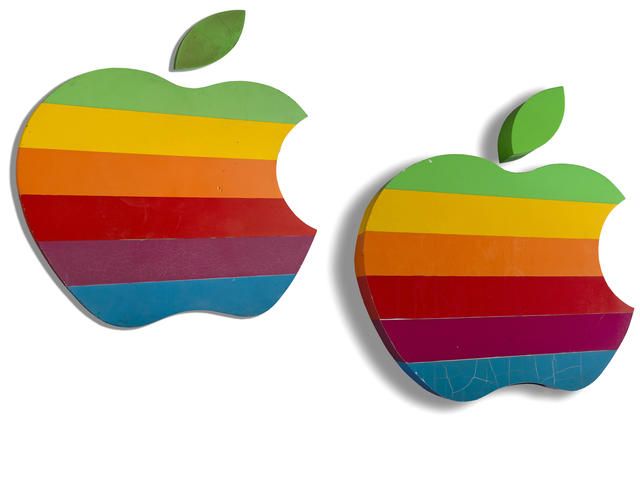
This was one of the worst (and one of the most significant) days in Apple history.
Photo: Bonhams

February 25 Today in Apple history: Apple layoffs: Black Wednesday clears out the 'bozo explosion' February 25, 1981: Apple CEO Michael Scott oversees a mass firing of employees, then holds a massive party. The Apple layoffs follow a hiring boom that led to what Scott called a “bozo explosion” at the company. They also stand as an early sign that the fun startup culture of Apple’s early days are gone forever.
“I used to say that when being CEO at Apple wasn’t fun anymore, I’d quit,” he tells a crowd of Apple staffers. “But now I’ve changed my mind — when being CEO isn’t fun anymore, I’ll just fire people until it is fun again.”

For many people at Apple, the day is the worst in company history.

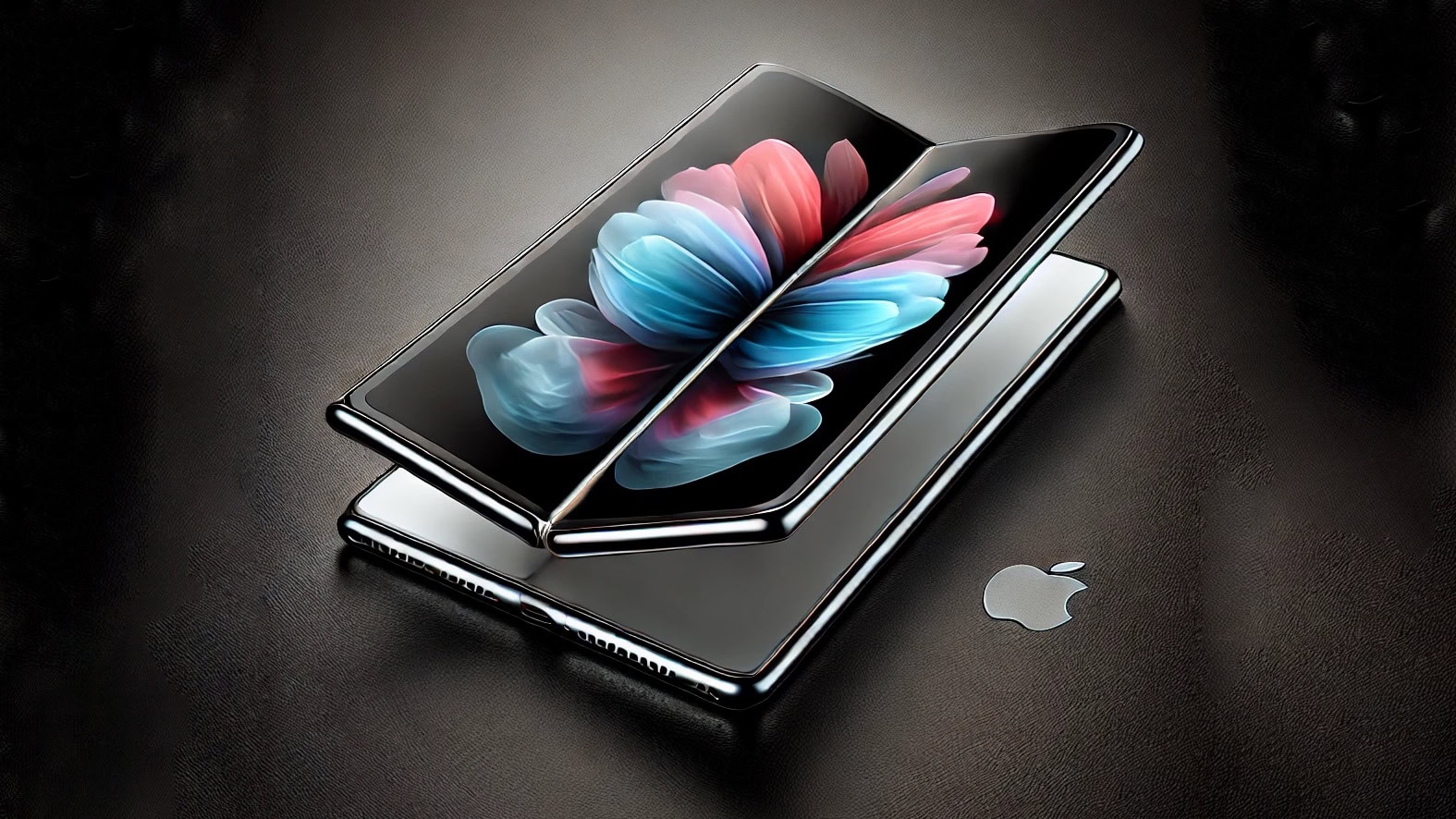
Folding iPhone won’t suffer from unsightly screen crease

By

Folding iPhone concept
Apple moves ahead with the long-awaited folding iPhone.
AI concept: ChatGPT/Cult of Mac

Apple’s display supplier reportedly solved the biggest technical challenge slowing the acceptance of foldable phones: the ugly screen crease where the display bends.

With that hurdle cleared, production of components for the slim, folding iPhone supposedly will begin later this year.

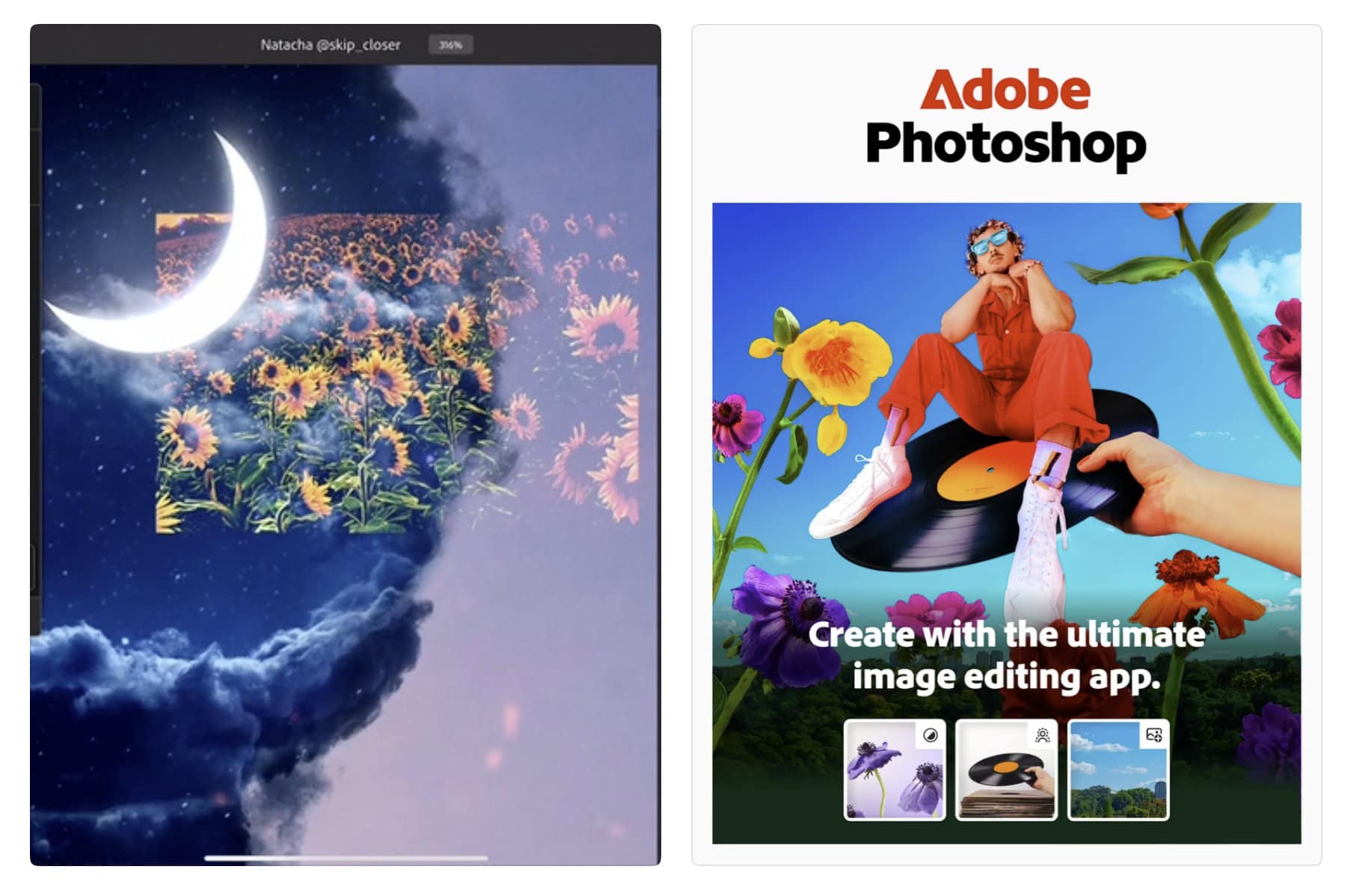
Finally: Adobe Photoshop comes to iPhone

By

Adobe Photoshop on iPhone
Get ready for photo editing on the fly.
Photo: Adobe

In a big development for mobile creativity, you can finally get Adobe Photoshop on iPhone. Adobe officially launched a new version of the powerful photo editing suite for iPhone Tuesday, bringing it to Apple’s most popular device.

The release comes five years after Photoshop debuted on iPad, giving iPhone photographers and digital artists access to professional-grade editing tools on the go. If you’re working on the go, having a usb c power adapter like this 10-port USB-C charger can help keep your devices powered.

Always squinting? There’s more than one way to zoom in on your Mac screen.

By

What Does That Say?
Sometimes it can be hard reading your screen.
Image: D. Griffin Jones/Cult of Mac

It’s easy to zoom in on your Mac screen and get a closer look at your display. If the text is just too small to read, or perhaps you’re making some graphics and you need pixel-perfect alignment, a simple tweak to your Mac settings is all you need.

Using your Mac’s zoom feature, you can hit a keyboard shortcut or use a multitouch gesture on your trackpad to zoom in on your screen. I’ll show you how to use this handy feature. Plus, I’ll cover Hover Text and Display Scaling, two more features that help you embiggen the words on your Mac screen.

Today in Apple history: Happy birthday, Steve Jobs!

By

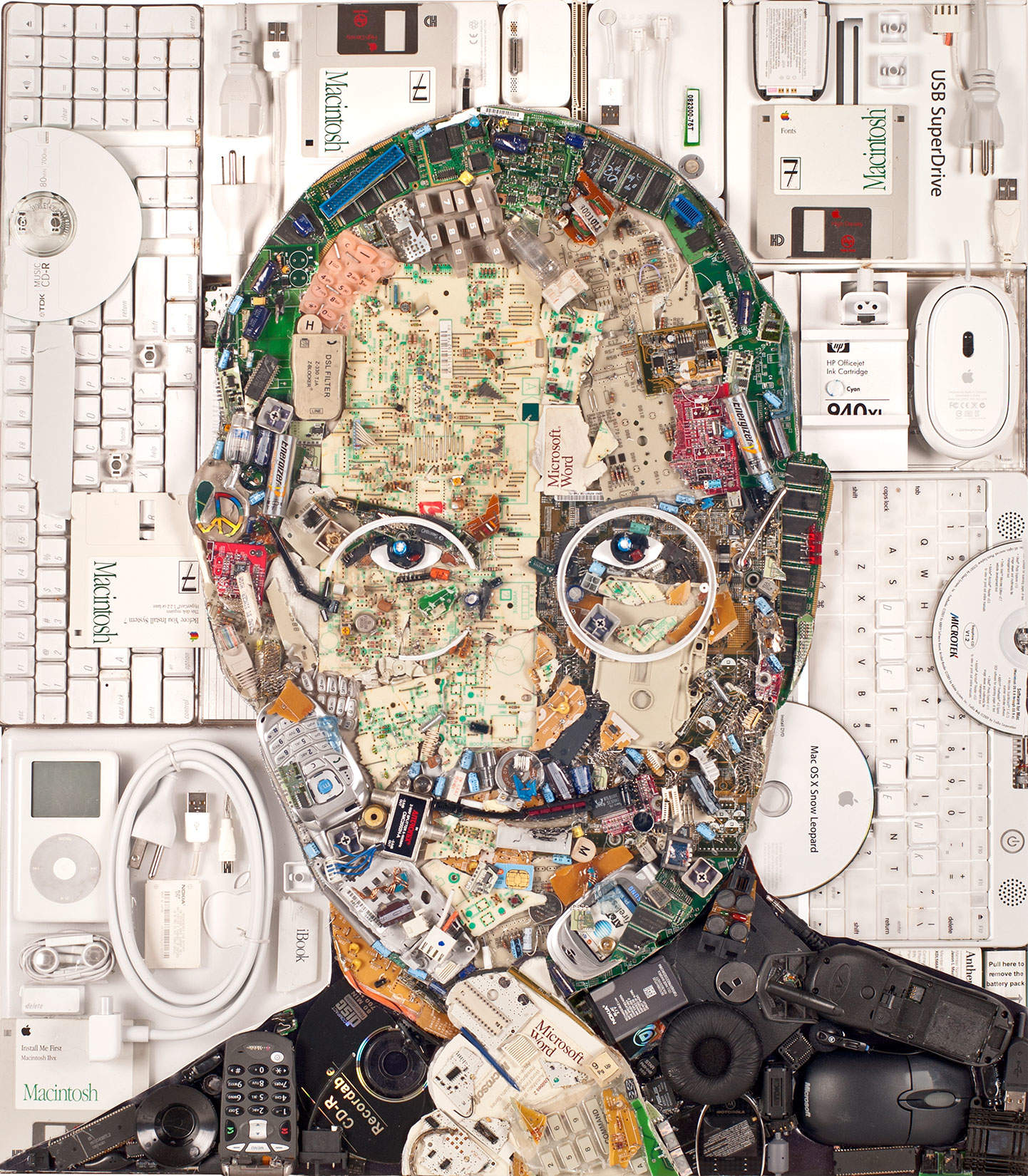
Steve Jobs-inspired art
Steve Jobs was born on this day in 1955.
Photo: Jason Mercier

February 24: Today in Apple history: Steve Jobs birthday February 24, 1955: Steve Jobs is born in San Francisco. He will go on to co-found Apple and become one of the most important figures in the history of consumer technology. He’s also probably a big part of why you’re reading this website right now.

Happy birthday, Steve! Let’s take a moment to reflect on your innovation, artistry and overall brilliance.

iPhone 17 Pro models might sport huge camera humps

By

iPhone 17 Pro rumors
That’s a sizable camera hump, no doubt about it.
Concept: Ed Hardy/Cult of Mac

A CAD drawing purportedly showing the entire iPhone 17 line leaked out Sunday, possibly giving the world its best look yet at Apple’s entire 2025 handset lineup. The standout in the image is the super-size camera humps on the two iPhone 17 Pro models.

If the drawings prove accurate, the iPhone 17 will receive less of a design change. The rumored iPhone 17 Air also puts in an appearance in the leaked drawing.

And if you’re wondering how to get better camera quality on iPhone, the upcoming iPhone 17 Pro’s video upgrades could redefine mobile photography and potentially make traditional cameras obsolete. Read more here.