Mobile menu toggle

Search results for: Apple One

How to use iCloud Drive the right way

By

Hacker who tried to extort Apple for $100k is spared prison
With these handy tips (and warnings), you'll master iCloud Drive in no time. Photo: Jim Merithew/Cult of Mac
Photo: Jim Merithew/Cult of Mac

If you haven’t been scared off cloud services by the Fappening or past horrors like MobileMe, you might want to try iCloud Drive, Apple’s answer to Dropbox and Google Drive. It’s a pretty great concept, an extension of the Apple philosophy from way back – documents are identified by the apps they were created by. Before, though, you needed to export a file from a drawing app to use it with a painting app. With iCloud Drive, you’ll be able to move from one app to another much more easily.

Before you begin, make sure you’ve read and understand the warning about using iCloud Drive if you haven’t yet installed OS X Yosemite on your Mac. If you haven’t installed the Yosemite public beta, apps on your iOS 8 devices will be unable to share data with companion apps on your Mac. Consider yourself warned.

If you choose to enable iCloud Drive on your iOS 8 device, and you have an OS X Yosemite beta installed on your Mac, here’s how to use it the right way.

How to master Messages in iOS 8

By

Photo: Rob LeFebvre/Cult of Mac
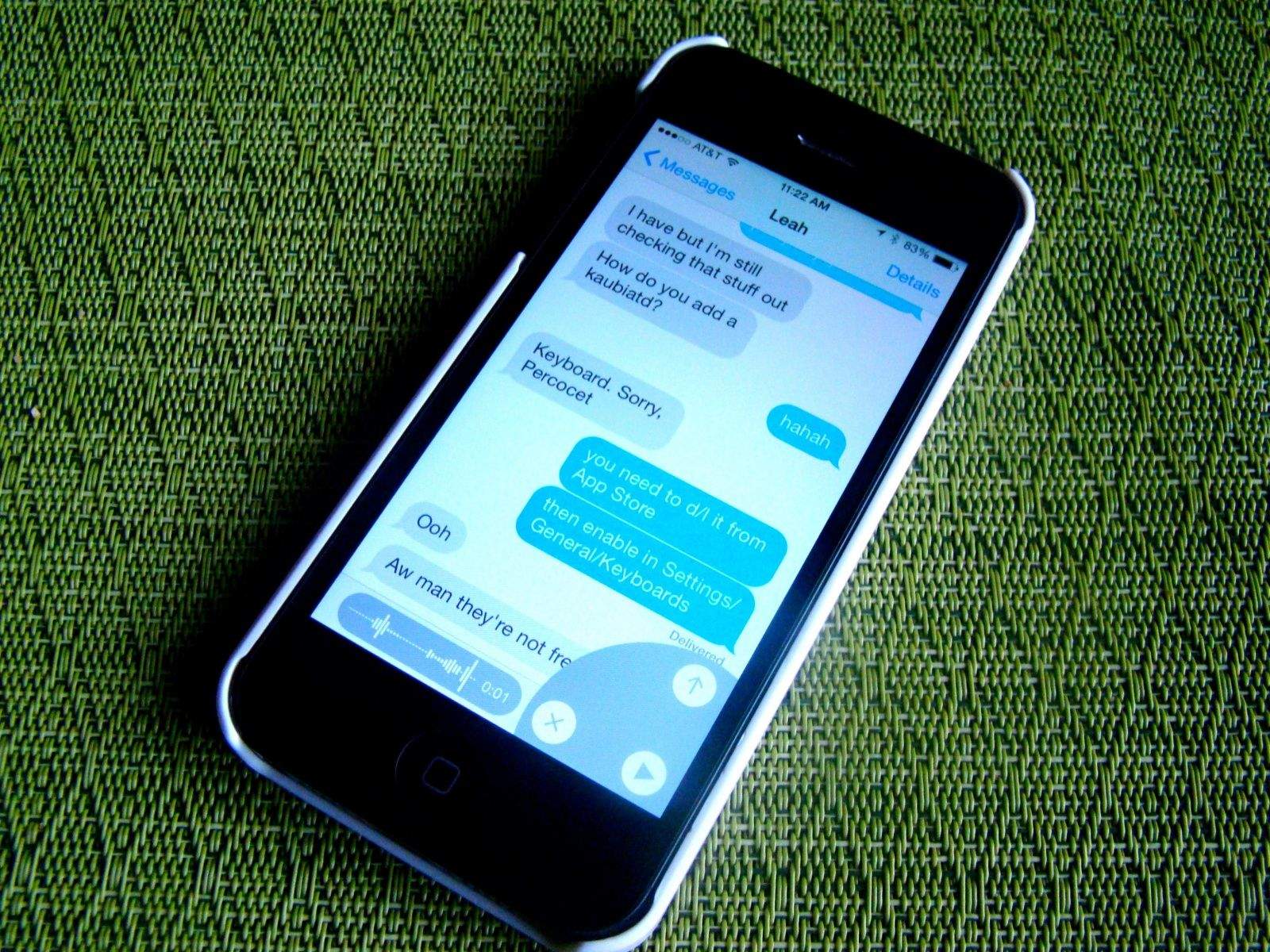
Tons of new features make iOS 8's Messages app more powerful than ever. Photo: Rob LeFebvre/Cult of Mac

I’ve pretty much become a full-time texter these days, using Apple’s Messages app on my Mac and iPhone to send iMessages (to friends and contacts who use iOS or OS X) as well as regular text messages (to people outside the Apple ecosystem).

iOS 8 brings great new changes to the mobile version of the Messages app, some of which might not be immediately apparent. Here’s a look at the new features and how best to use them.

Fanless 12-inch MacBook with reversible USB allegedly coming mid-2015

By

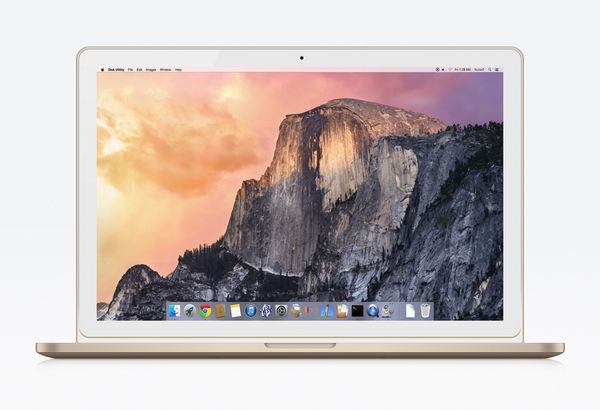
A mockup of a gold MacBook by @byfuzedesigns

One of the less frequent—yet just as persistent—rumors in the Apple universe is the notion of 12-inch MacBook Air with a completely redesigned exterior.

Much like how Apple has gone back to the rounded design of the original iPhone with the 6 and 6 Plus, reports have claimed that this new MacBook will feature a fanless, clamshell-like design in the three main iPhone colors: Space Grey, Silver, and Gold. Now more details about the unannounced laptop have emerged.

The father of the iPod, Tony Fadell, mourns the death of the iPod Classic

By

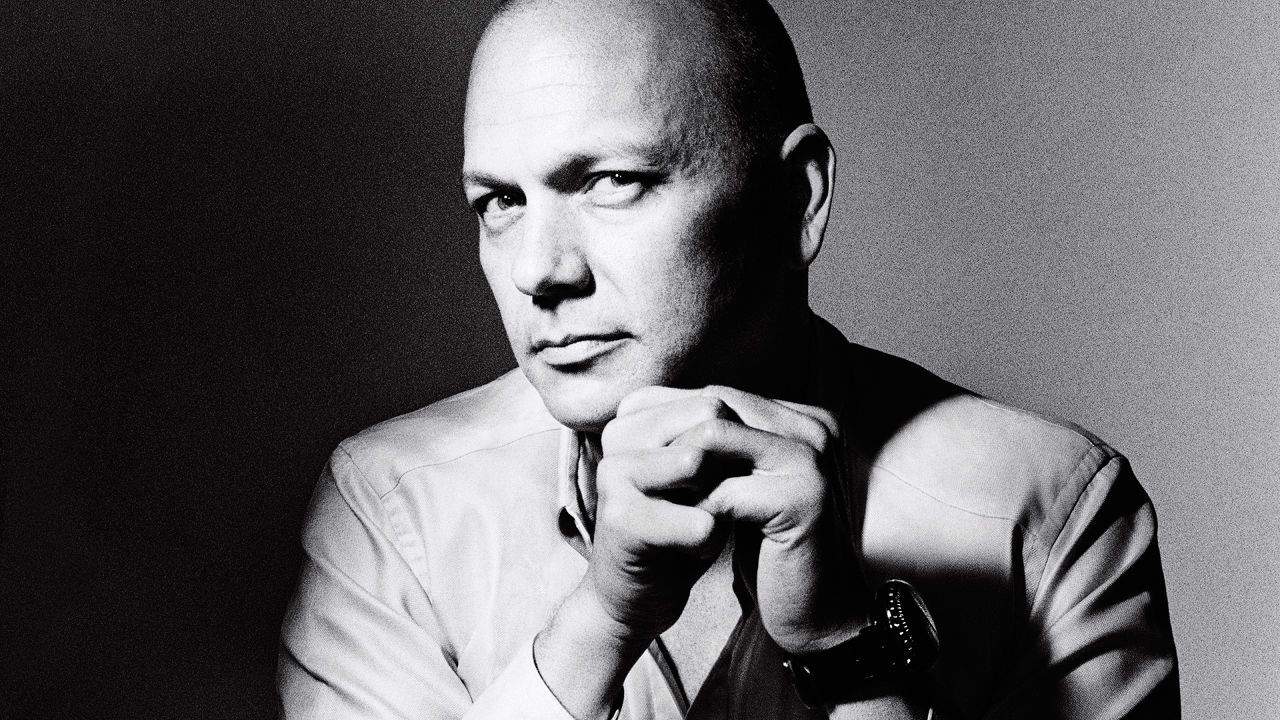
Tony Fadell, the father of the iPod, says Apple saw the death of the iPod coming.

In 2004, at the height of the original iPod’s success, Apple started asking itself internally what would eventually kill the iPod. Whatever it was, Cupertino wanted to make sure they stayed ahead of the curve.

What did Apple think would doom the iPod? According to ex-iPod-chief Tony Fadell, Cupertino called it correctly: Music streaming would eventually kill the iPod. But Apple didn’t call it streaming, or even music in the cloud. They called it the “celestial music jukebox.”

Regret updating to iOS 8? You can still downgrade

By

iOS-8-vs-iOS-7-1024x904

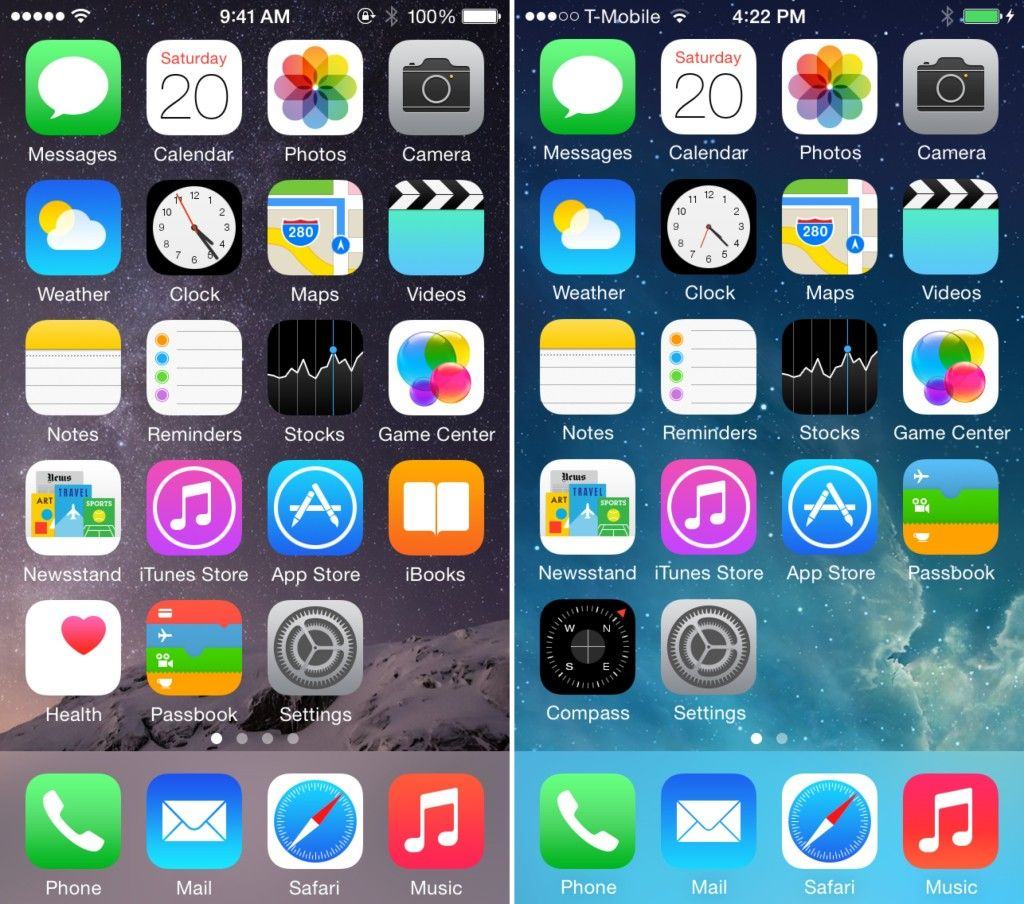
Do you hate iOS 8? Maybe you’re an iPhone 4s owner who made the mistake of believing Apple when they said that iOS 8 supported your device, or maybe you’re just a luddite who hates change!

Either way, you’re in luck: If you regret your upgrade, you’ve got a rare opportunity to turn the clock back. You can downgrade your device from iOS 8 to iOS 7.1.2, if you act fast.

Tim Cook talks sustainability at today’s Climate Week NYC event

By

Tim Cook has pushed the green agenda during his time as Apple CEO.

Tim Cook is set to take to the stage today as part of the opening ceremony of environmental event, Climate Week NYC, in New York.

The event is focused on driving change in business practices relating to the environment — particularly in terms of lowering carbon emissions.

Cook is one of several speakers who will appear at the event, alongside the Secretary-General of the United Nations, the President of World Bank, and executives from IKEA and Bloomberg.

iCloud Drive comes to Windows before the Mac

By

iCloud-Drive-Windows

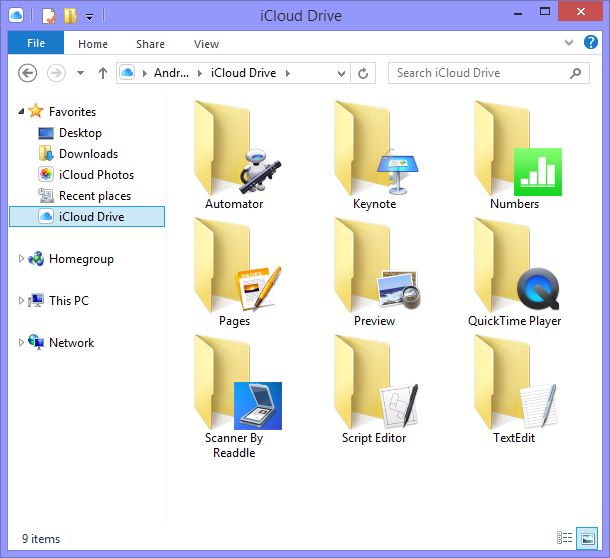
Steve Jobs once said that iTunes on Windows was like giving someone ice water in hell. Now Windows users are getting the latest version of iCloud before the Mac faithful.

Apple has already rolled out iCloud Drive, its new cloud filesystem for iOS 8 and OS X Yosemite, on Windows. Mac users won’t get iCloud Drive until Yosemite’s rumored launch in October.

How to use iOS 8 like a boss

By

How much is your smartphone spying on you? Photo: Jim Merithew/Cult of Mac
Make the most of iOS 8 with these tips and tricks. Photo: Jim Merithew/Cult of Mac

You don’t need a new iPhone to enjoy the awesome power of iOS 8. Loaded with new features and built-in apps, Apple’s latest mobile OS is its most powerful yet.

As intuitive as it is, there are plenty of tips and tricks that will help you truly get the most out of iOS 8 — even starting before you pull the trigger on the free upgrade. Just in case you don’t feel like reading all 182 pages of Apple’s official iOS 8 user guide, here’s a roundup of Cult of Mac’s most helpful iOS 8 tips and tricks. (We will update this post as we dive deeper into iOS 8 in coming weeks.)

Richard Branson claims to have invented iPod and iTunes as April Fool’s joke

By

Was a joke by Richard Branson responsible for helping turn around Apple's fortunes? (Credit: Virgin)

There are always going to be debates about who came up with an idea as transformative to Apple’s business as the iTunes and the iPod, but here’s one you may not have heard before: Richard Branson.

In a new interview with the i paper, the Virgin head honcho claims the concept behind Apple’s turnaround duo of inventions was originally made by him as a joke — only for Steve Jobs to take it seriously, and later go on to put it into action.

CARROT Fit’s new punishments make for an hilariously cruel fitness app

By

Photo: CARROT Fit
Photo: CARROT Fit

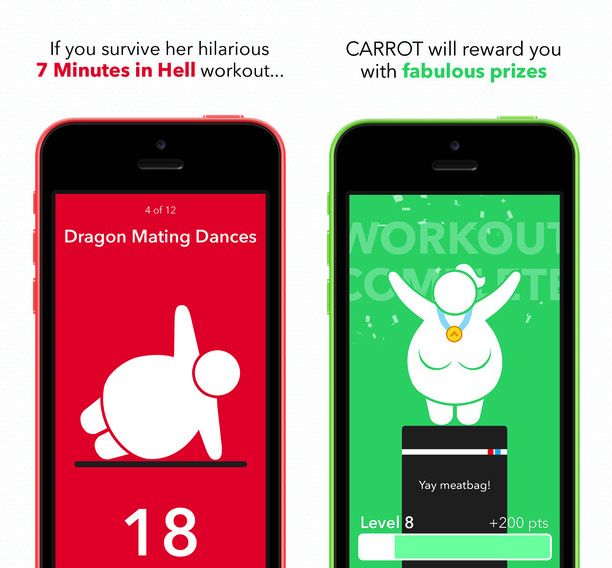
With both iOS 8 and the iPhone 6 family of devices finally out, developer Brian Mueller has released an upgrade for his excellent CARROT Fit app, adding “a shiny new update to go with your shiny new operating system.”

For those who don’t know, CARROT Fit is an hilarious take on the fitness app: a little bit like 2001: A Space Odyssey‘s H.A.L. meets Full Metal Jacket‘s memorable drill sergeant Gunnery Sergeant Hartman. Welcoming you with a message of “Greetings, tubby human,” CARROT Fit is a snappily sadistic AI that will threaten, inspire, ridicule and bribe you into getting in shape over the course of a 7-minute workout.

It’s a surprising amount of fun, and today’s update adds news punishment in the form of ads and “random squirrel attacks.” There’s also iPhone 6 optimization, iPad support, and Dropbox data sync thanks to Apple’s new privacy requirements.