Mobile menu toggle

Search results for: Apple One

How to switch to iOS 8’s iCloud Photo Library right now

By

IMG_0781


[UPDATE: Lots of readers report that the new option to activate iCloud Photo Library isn’t showing up on their devices. I’m looking into it. So far I know that the GM version — the one I used to write this guide —  and the final version are identical, build number 12A365. My guess is that Apple turned off the beta already]

iCloud Photo Library is rad. The idea is that all your full-res photos (including RAW photos) reside on Apple’s servers, and you access them from all your devices.

That’s a change from Photo Stream as it is now, which stores only the last 1,000 photos you took, not your whole collection. Apple has also introduced new tiers of iCloud storage pricing to cope with all your photos (and videos). This is now live, and I signed up for the 200GB option ($4 per month) to test it out.

Let’s take a look.

iOS 8 early adoption is significantly slower than iOS 7 and even iOS 6

By

adoption8v7-6

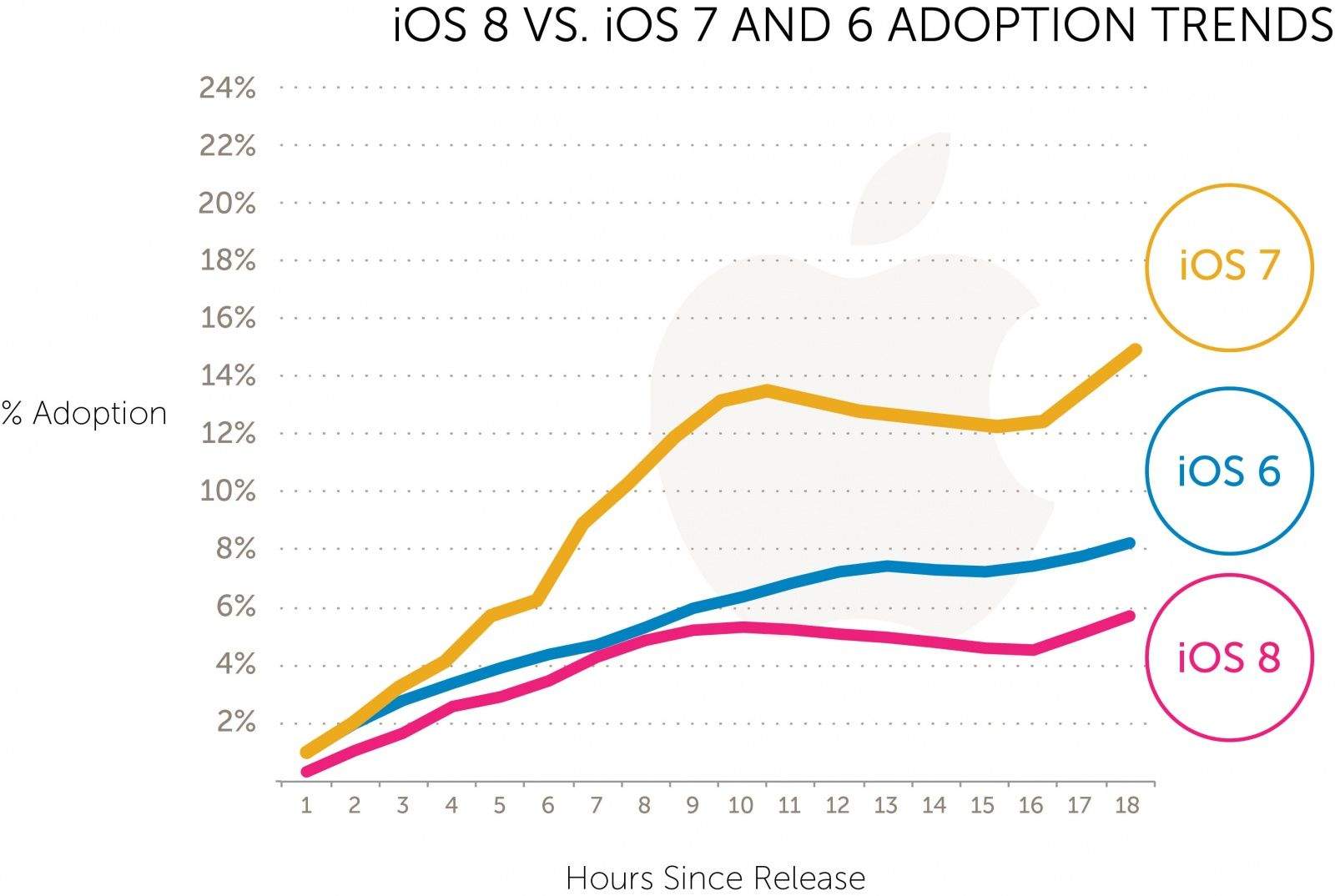
iOS 8 was released just 24 hours ago in what Apple is calling the biggest iOS release ever, but if early adoption numbers are any indication, customers might not feel the same way.

Users are upgrading to iOS 8 at a much slower rate than iOS 7, according to Tapjoy’s data from its app network of 200 million unique iOS users. Not only is iOS 8 lagging behind iOS 7, it’s being adopted even slower than iOS 6 was.

WWDC’s amazing Zen Garden Metal demo is out for iOS 8

By

screen520x924

Back at this year’s WWDC, Epic Games’ Tim Sweeney got up and demoed Epic Zen Garden, an impressive upcoming iOS 8 game which used Apple’s new Metal technology to great effect.

Leap forward a few months, and the free game has finally arrived on iOS — bringing console-quality graphics to users with the latest iPhones, courtesy of Metal and the Unreal Engine 4.

Did we mention it might be the most impressive zen garden game yet?

iOS 8 gives the Photos app superpowers

By

library_gallery4

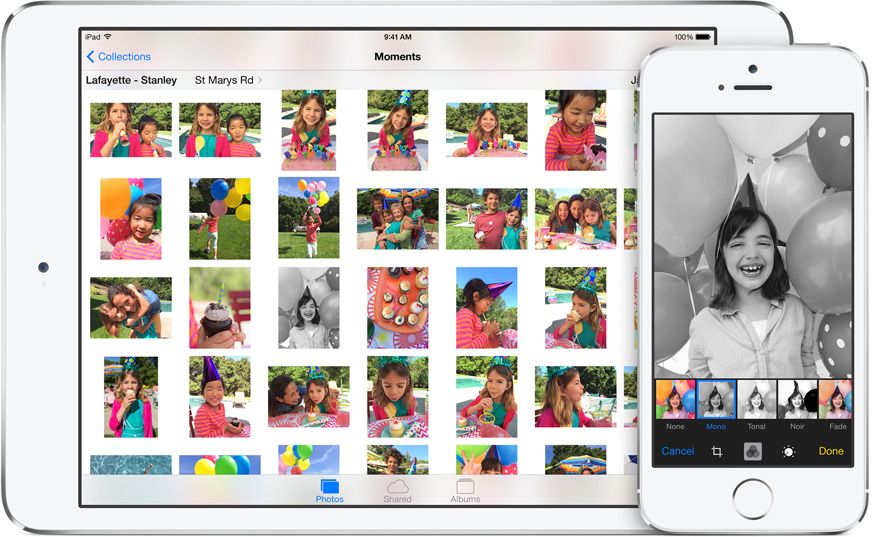
Photos on iOS 8 are so good that you will be able to ditch a whole home-screen folder’s worth of editing and organizing apps. That’s not an exaggeration: Apple’s new mobile OS packs in so many great new features that – even without the extending abilities of iOS 8’s new plug-ins – you can do pretty much any edit right there in the photos app.

The camera, too, has gotten an upgrade, and – maybe the most important for some – so has the iCloud Photo Stream, which will now give access to all your photos, from any device, whenever you want.

Sounds pretty good huh?

iMovie’s iOS 8 extension lets you edit your movies in the Photos app

By

wpid-IMG_7169.jpg

iMovie for iOS 8 is straight-up amazing, and I say that before I’ve even bothered using the app. And not because I’m a typical tech writer who “reviews” things based on rewrite of a press release, but because you don’t even need to open iMovie to use it.

Why? Because it has an extension that lets you edit your videos, right inside the Photos app.

First look: Why you’ll love upgrading to iOS 8

By

post-296484-image-34bdb51ec284e85f326581a9716c2281-jpg

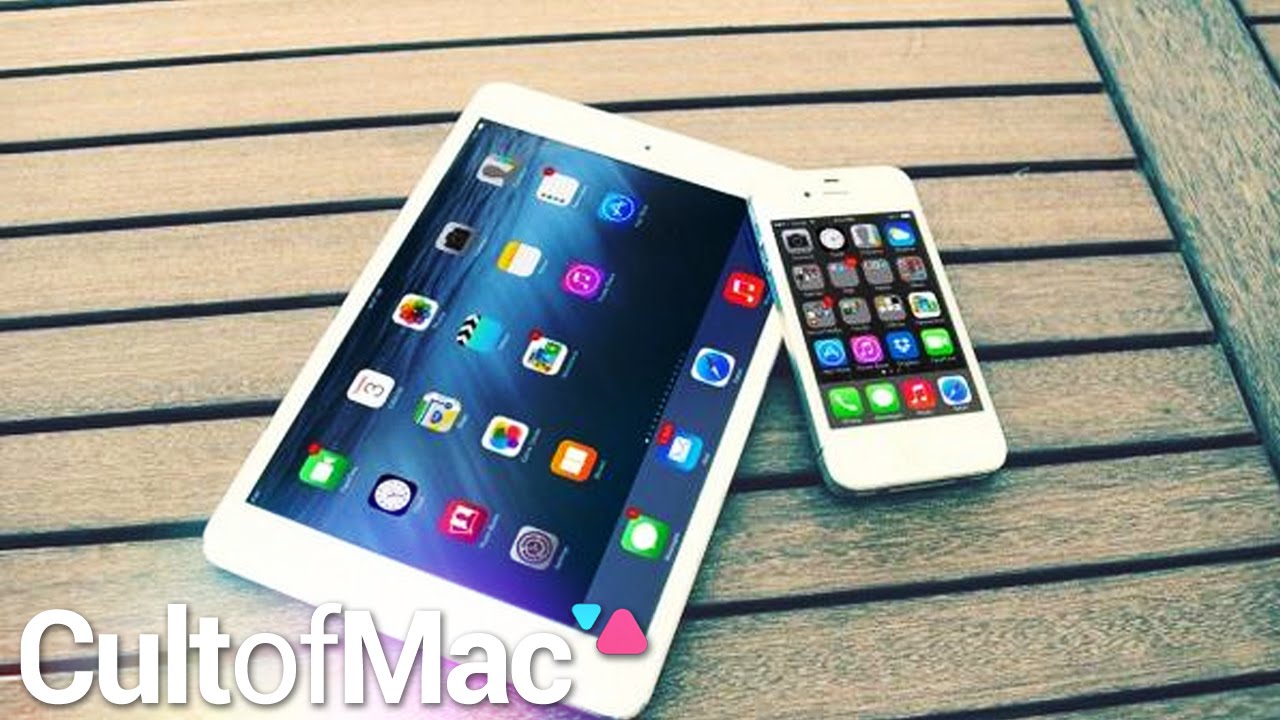
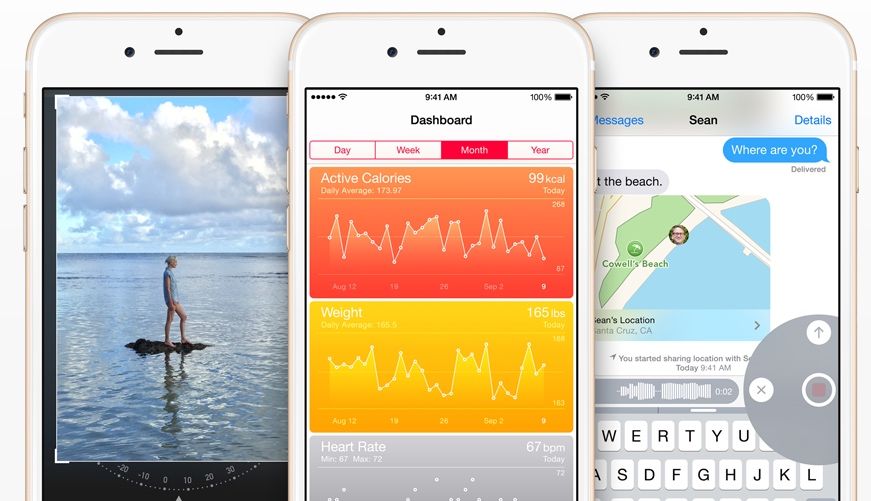
After months of waiting, iOS 8 has finally been released for everyone to download and enjoy. The next generation for Apple’s mobile operating system brings plenty of new features. With an upgraded camera app, a new and intuitive health app and much more, this is sure to be an update you won’t want to forego.

In today’s Cult of Mac video, we give you a quick look at what iOS 8 has to offer. Install the new software and take advantage of a number of useful tweaks and enhancements.

Jony Ive now owns Steve Jobs’ private jet

By

Steve Jobs's private Gulfstream jet on the runway at TK. Photo: Rich Snyder.

Don’t expect to bump into Apple’s design guru on your next coach flight. When Jony Ive hits the skies he flies private.

In fact, according to an Apple profile by Business Week, Sir Jony Ive cuts through clouds in the very same Gulfstream jet owned by Steve Jobs during his last years at Apple.

The best apps for taking advantage of iOS 8

By

AH iOS 8 Best Apps

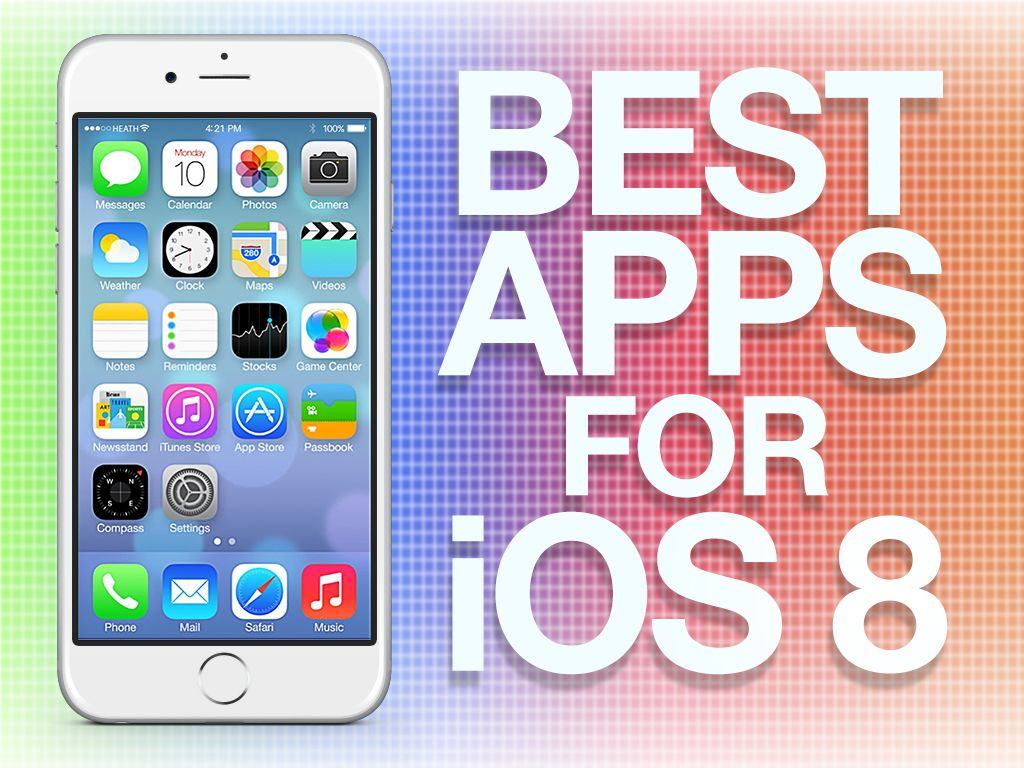
iOS 8 introduces a ton of new features and enhancements, including new ways for third-party developers to integrate their apps throughout the iOS experience. With a feature called Extensibility, apps can hook into other apps and areas like Notification Center to enhance their usability and functionality. Third-party keyboards are now possible too, and there are several great ones to choose from already.

Some of the best apps in the App Store are already updated for iOS 8 with new features, and others will be live in the store shortly. Here are Cult of Mac’s best apps that take advantage of what iOS 8 has to offer:

18 hidden iOS 8 features you probably didn’t know about

By

iOS8

iOS 8 is the biggest release from Apple ever, with hundreds of new APIs and features that will completely change the way you use your iPhone. Features like Handoff, Health and Messages will be huge draws for customers looking for something new from iOS, but Apple’s engineers have also crammed dozens of new little features throughout the mobile OS.

Improved camera tools, battery statistics, new Safari tricks and more are included in today’s gigantic update, but you need to know where to look to find the true gems. Here’s a rundown of 18 incredible iOS 8 features you probably didn’t know about.

PSA: Why you shouldn’t upgrade to iCloud Drive on iOS 8 yet

By

Screen Shot 2014-09-17 at 12.31.19 PM

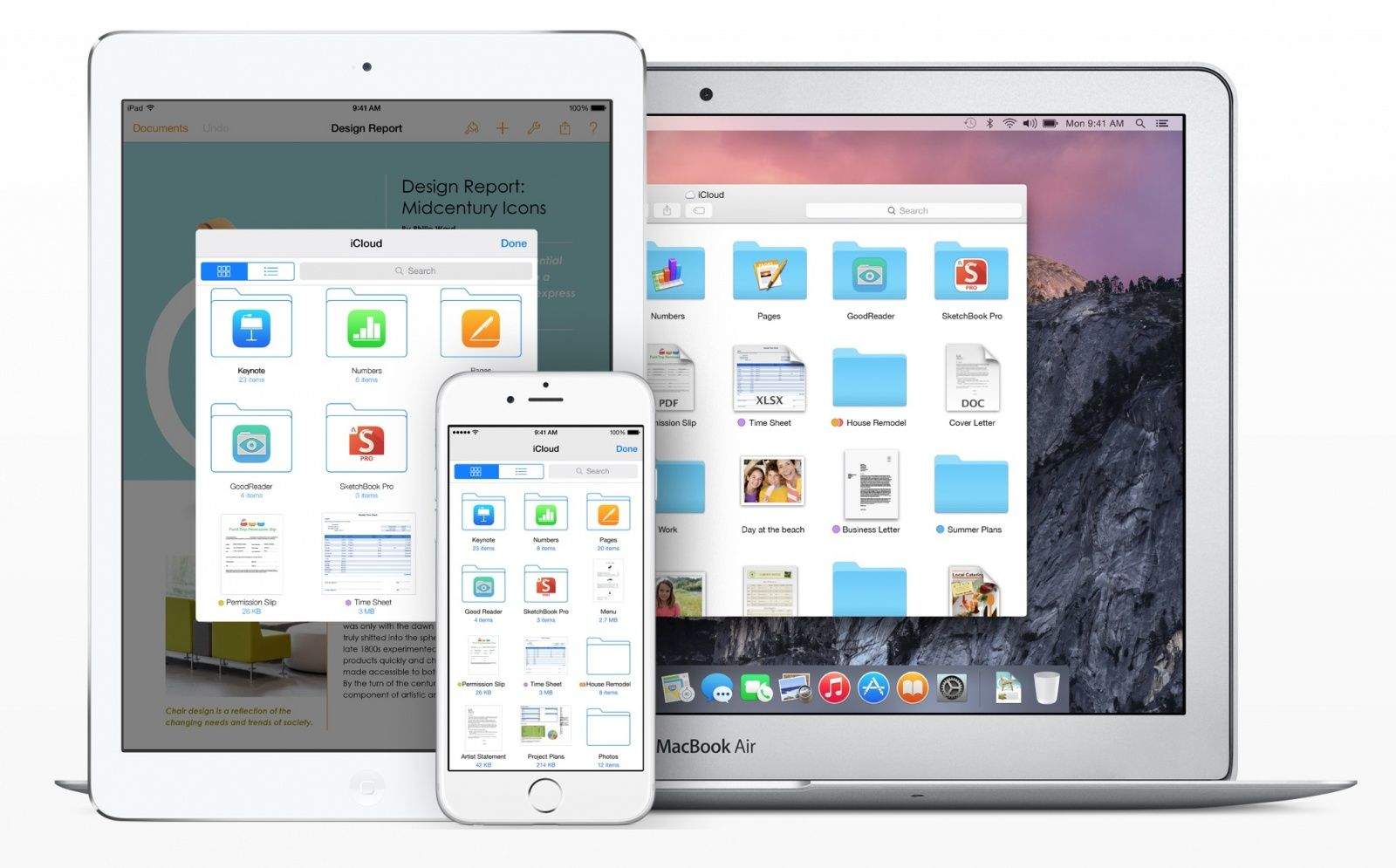
One of the many new features in iOS 8 is iCloud Drive, which is basically Apple’s take on Dropbox. Unlike how iCloud has functioned in the past, iCloud Drive acts as the hub for all of the files stored by your apps in the cloud.

It’s a great idea, but most people should avoid enabling it during the iOS 8 installation process today.