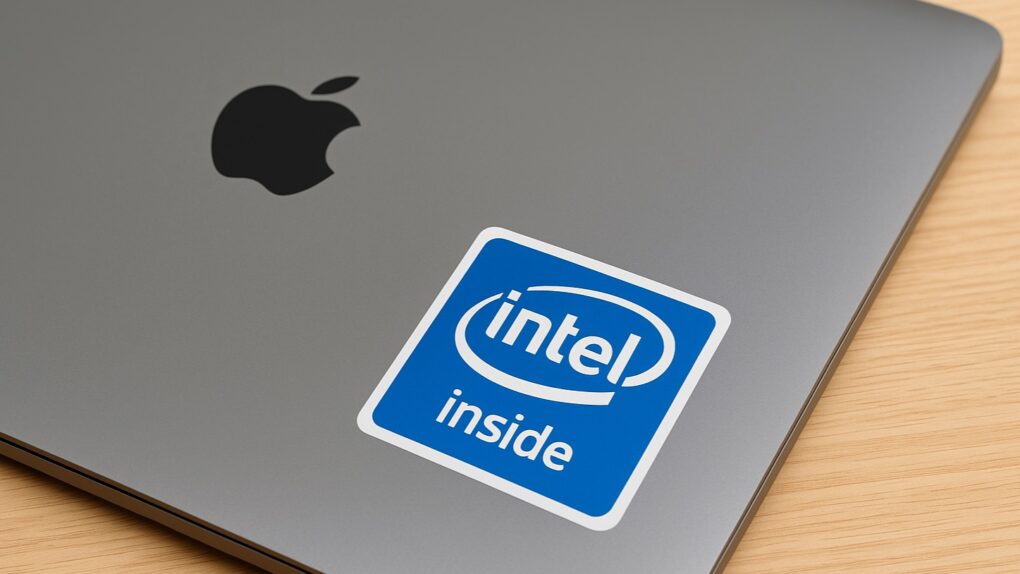
Should Apple have licensed Mac OS back in the early 1990s? Photo: Thomas Hawk/Flickr CC
December 4, 1992: Apple engineers demonstrate a “proof of concept” of the Mac operating system running on an Intel computer. More than a decade before Macs will switch to Intel processors, getting Mac OS to run on PCs is an astonishing feat.
It’s part of an aborted plan to make Apple’s software available on other manufacturers’ hardware. Apple ultimately chickens out, fearing (probably correctly) that such a move would hurt Macintosh sales.
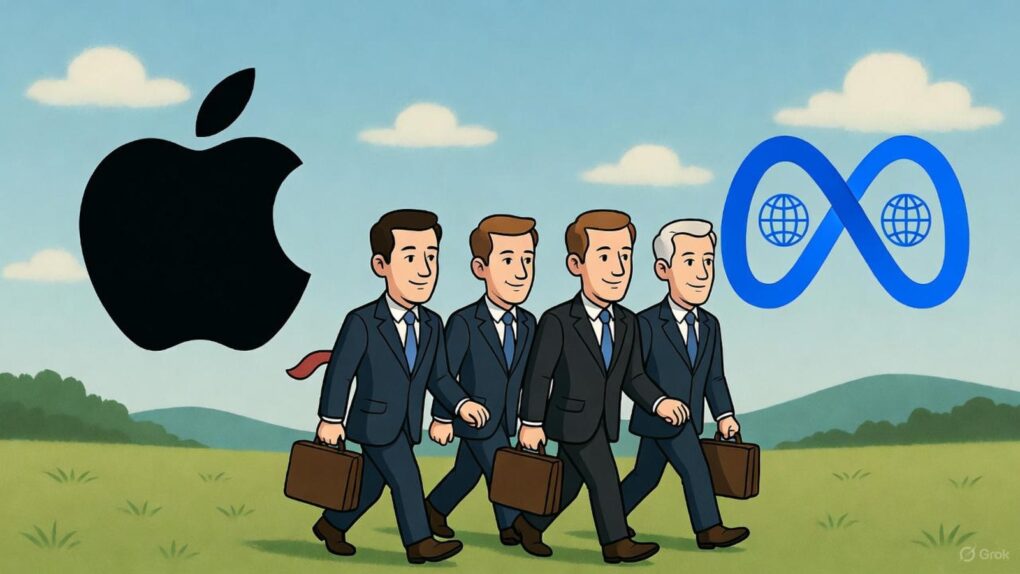
Four top executives migrated from Apple to Meta in 2025 -- part of a larger exodus. AI image: Grok/Cult of Mac
In 2025 an unprecedented talent exodus decimated Apple’s leadership ranks, with Meta Platforms emerging as the primary beneficiary of the iPhone maker’s retention struggles. The social media giant has successfully lured away four high-profile executives from Apple’s artificial intelligence and design divisions, raising serious questions about the Cupertino company’s competitive position in the rapidly evolving AI landscape. Find out more about the top executives left Apple for Meta below.
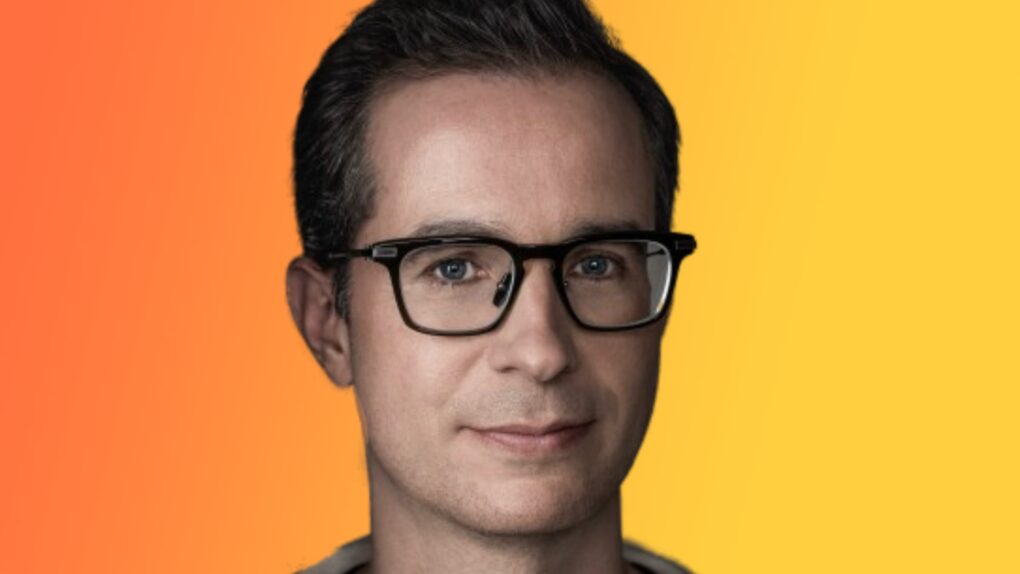
Stephen Lemay will step into the shoes of the departing Alan Dye as Apple's new lead UI designer. Photo: LinkedIn
Meet Steve Lemay, the new head of user interface design at Apple — the highest-profile software design job at the giant company, and possibly the world.
Unfortunately for Lemay, who has worked at Apple since 1999, he shares the same first name as the late Steve Jobs, who nicknamed him “Margaret” — a name that reportedly stuck.
Aside from being called “Margaret” internally at Apple, Lemay has a long and stellar design record at the company. He’s helped shape everything from OS X to visionOS. He is named on hundreds of patents and helped develop one of Apple’s most highly celebrated UI tricks.
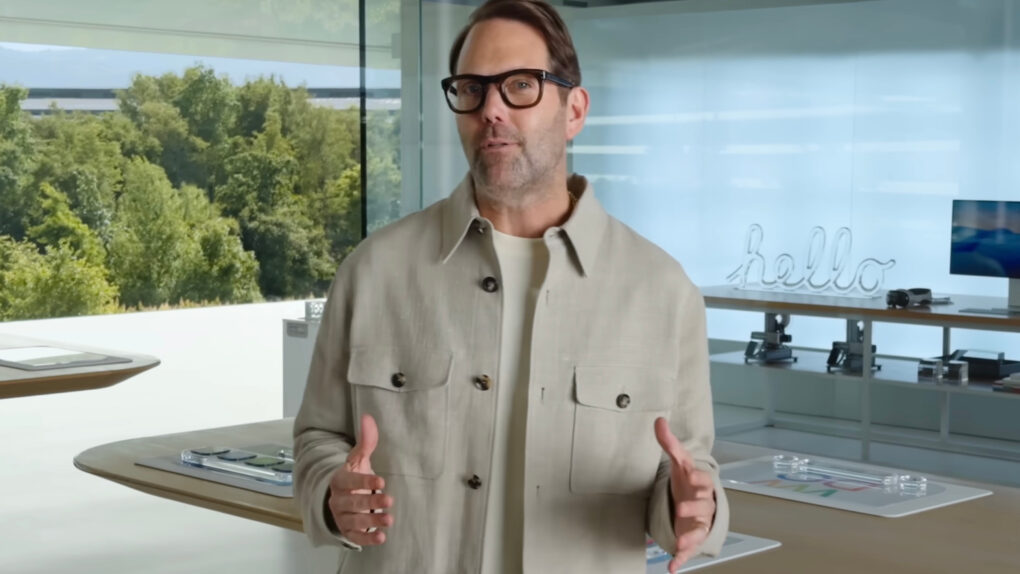
Alan Dye, former Apple VP Human Interface who quit to join Meta. Photo: Apple
Apple’s set to lose yet another top executive as Alan Dye, the company’s head of user-interface design, departs for Meta Platforms, according to a new report Wednesday. While some view this as a coup for Meta, others seem tickled pink to see Dye head for the exit.
This major news instantly inspired Liquid Glass-fueled snark over whether Dye’s departure is really such a big loss for the iPhone giant.
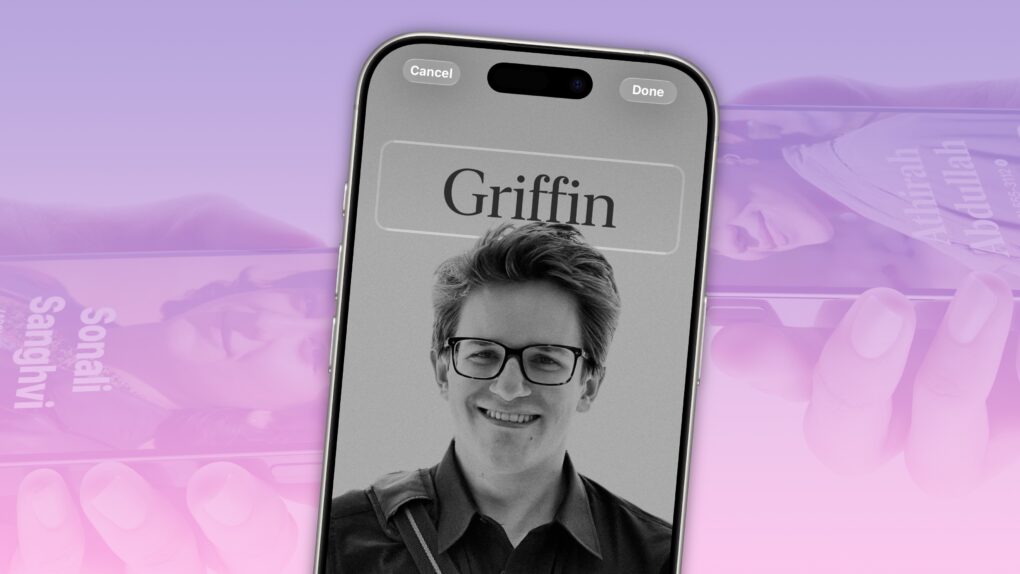
How to make a killer contact poster. Image: D. Griffin Jones/Cult of Mac
Contact Posters let you customize how your Apple contact card looks to other people when you call them. If they have your contact info in their address book, your customized Contact Poster will appear on their iPhone’s screen.
Done right, Contact Posters look great — way better than the old thumbnail images that preceded them. Plus, it’s really easy to turn an ordinary picture into a gorgeous-looking Contact Poster that makes a real impact.
And once you set one up, everyone with your matching phone number and/or Apple Account will see your chosen contact picture and personalized Contact Poster.
★★★★☆
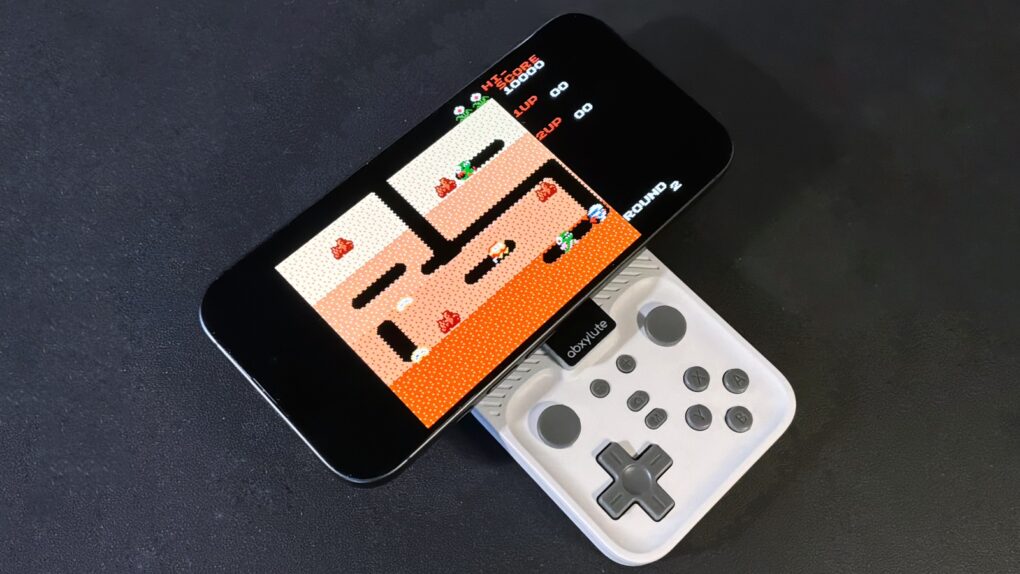
Your iPhone is always ready to have fun with the Abxylute M4 game controller. Photo: Ed Hardy/Cult of Mac
The Abxylute M4 game controller is genuinely pocket-size, but clip it to your iPhone and you’ll have all the buttons and sticks you want to play retro and modern games.
It clings to your iPhone’s MagSafe connector, plus it includes a stand for detached gaming.
I enjoyed testing out the pint-size game controller with my iPhone 17, as long as I accepted the reasons for its necessary limitations. The affordable price helped a lot, too.
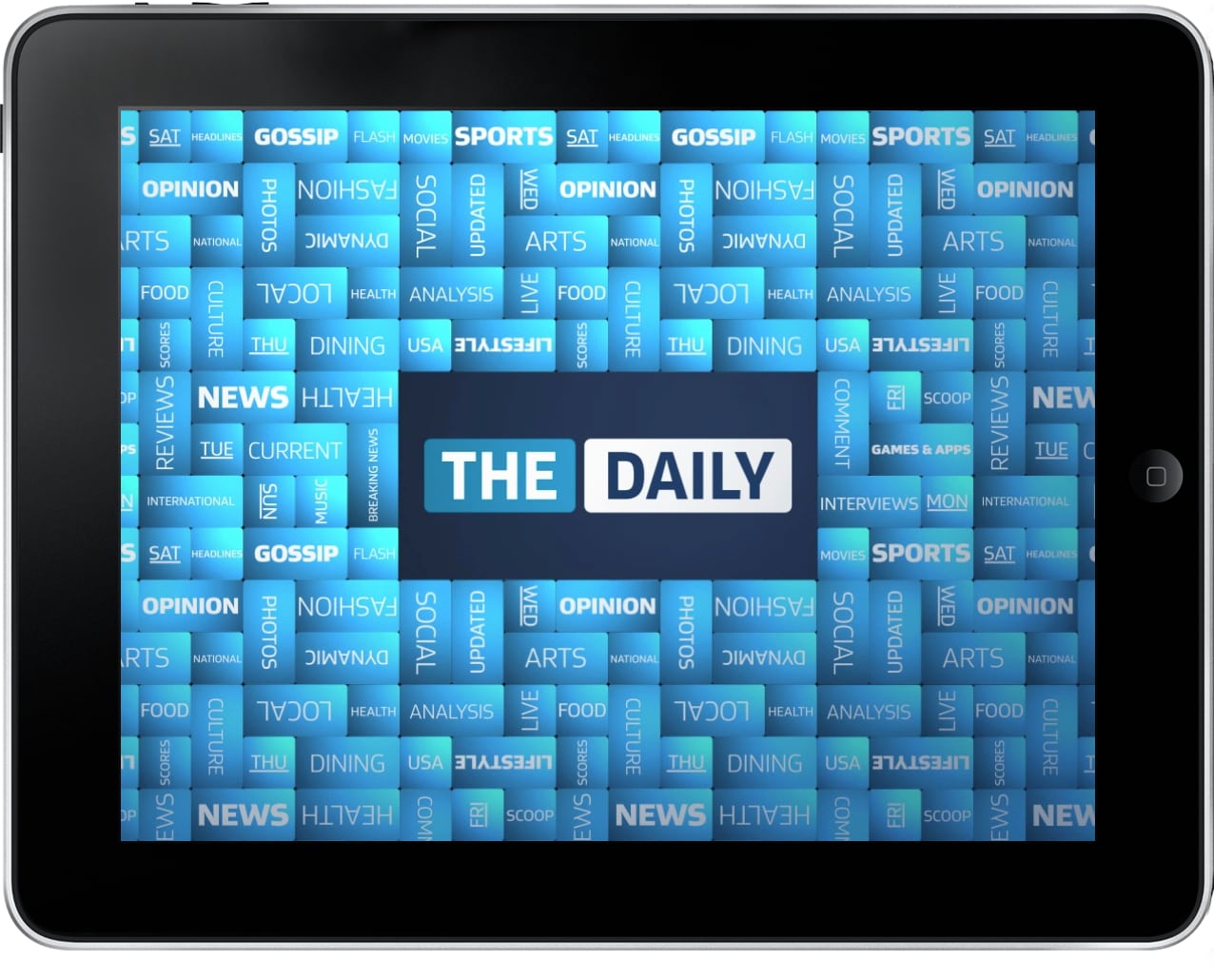
News Corp's experiment with an iPad "newspaper" came to an ugly end. Image: The Daily
December 3, 2012: News Corp pulls the plug on The Daily, the world’s first iPad-only newspaper, less than two years after launching the publication.
While the writing has been on the wall for some time, the closure is a blow for those who view the iPad as the savior of the traditional publishing industry.
Apple and Intel are patching things up. Here's why. Image: ChatGPT
Your next Mac might run on an Intel processor, which is a gigantic surprise, considering Apple dropped the chipmaker years ago in favor of Taiwan Semiconductor Manufacturing Company.
But there’s a standout reason why Apple needs Intel — and it might not be what you think.
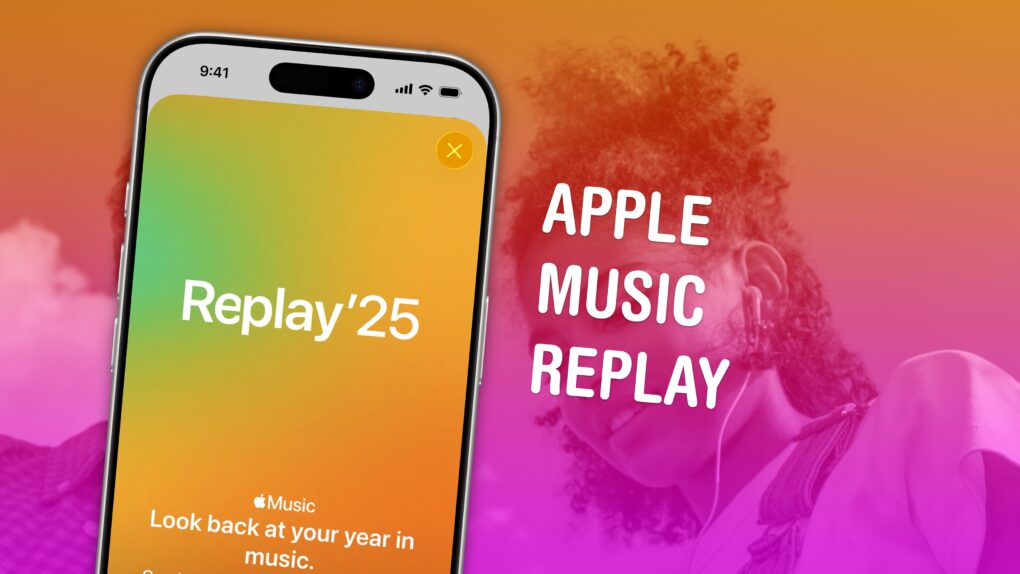
Find your top songs of the year. Image: D. Griffin Jones/Cult of Mac
Apple Music Replay is a great way to find your music stats for the past year: the most played songs, artists and albums in the last 12 months. Similar to Spotify Wrapped and the like, your annualApple Music Replay is a fun way to see what tracks you listened to most.
Fun fact: Apple usually publicizes Apple Music Replay in December, but it’s actually updated weekly and available throughout the whole year! You can check in whenever you want to see how your year is shaping up.
We’ll show you how to find it and how to share your top music of the year to your friends and social media.
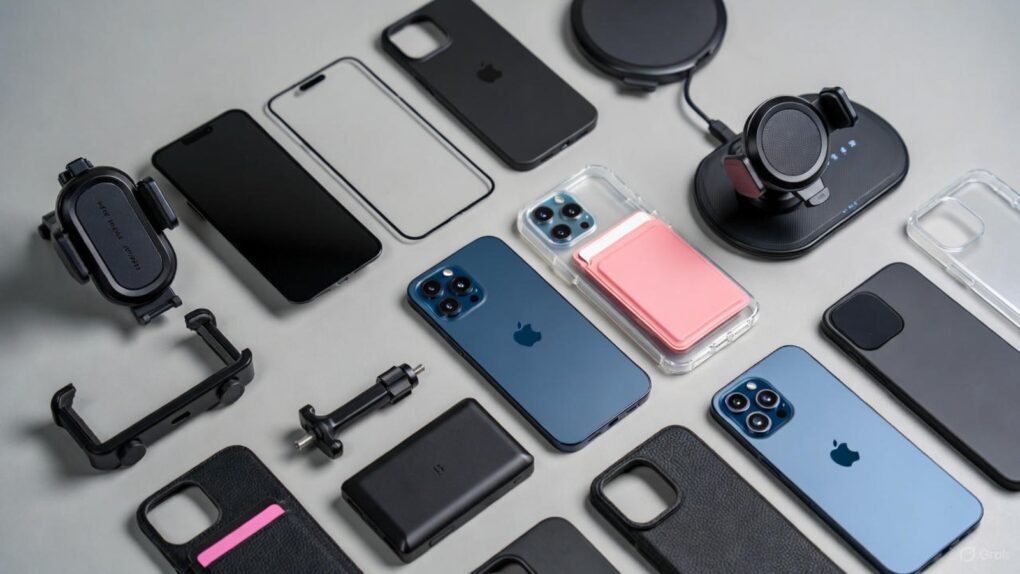
Make the most of iPhone 17 Pro Max. AI image: Grok
iPhone 17 Pro Max is Apple’s most advanced smartphone to date, featuring the powerful A19 Pro chip, an innovative vapor chamber cooling system and the best battery life ever in an iPhone. With its stunning 6.9-inch Super Retina XDR display protected by Ceramic Shield 2 and revolutionary camera capabilities, this device is engineered for excellence. However, even the most sophisticated technology benefits from the right accessories to unlock its full potential — so check out our 10 must-have iPhone 17 Pro Max accessories below.
Whether you’re a creative professional pushing the boundaries of mobile photography, a power user who demands all-day productivity, or simply someone who wants to protect and enhance their significant investment, the right accessories can transform your iPhone 17 Pro Max experience. From tough-as-nails screen protectors to wireless chargers that deliver blazing-fast 25W speeds, and from professional-grade camera lenses to ultra-slim power banks that slip into your pocket, today’s accessory ecosystem offers unprecedented versatility.
 December 4, 1992: Apple engineers demonstrate a “proof of concept” of the Mac operating system running on an Intel computer. More than a decade before Macs will switch to Intel processors, getting Mac OS to run on PCs is an astonishing feat.
 December 3, 2012: News Corp pulls the plug on The Daily, the world’s first iPad-only newspaper, less than two years after launching the publication.