Mobile menu toggle

Search results for: Apple One

Avoid road hazards and slowdowns with Waze [50 Essential iOS Apps #22]

By

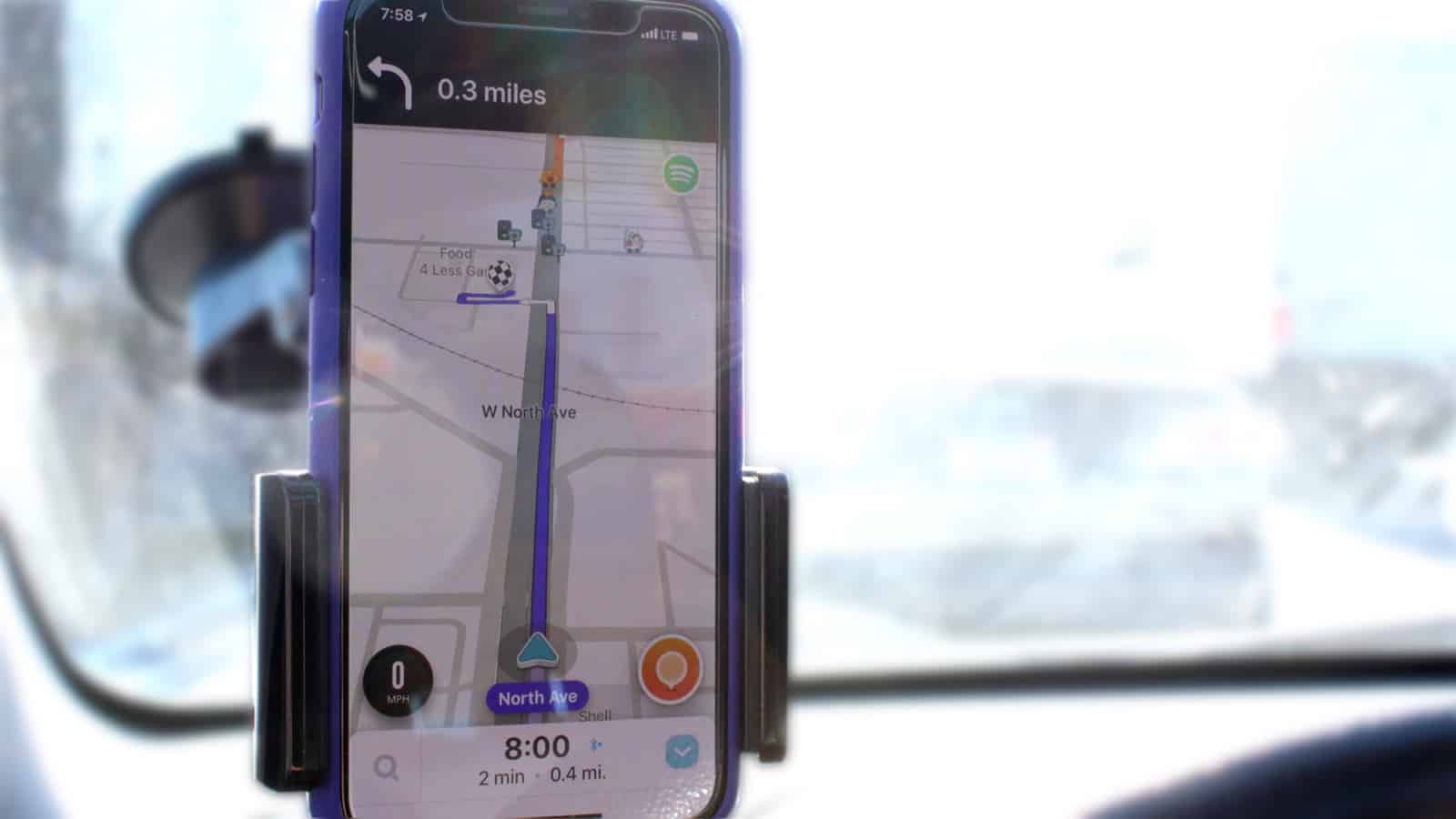
Waze on iPhone in a car GPS mount
Waze provides clear turn-by-turn navigation and alerts you to potential hazards.
Photo: Ian Fuchs/Cult of Mac

50 Essential iOS Apps: Waze map and navigation All across the country (and the world), people depend on cars to get from place to place. Unfortunately, not knowing where traffic is slow, or where a police officer is hiding, can cause serious delays. The Waze navigation app takes out the guesswork.

It tells drivers where traffic, construction or the 5-0 might turn a drive into a total bummer. Better yet, the navigation app’s huge user base means real-time data that lets you change course to avoid slowdowns.

We have the wireless charger you’re looking for [Deals]

By

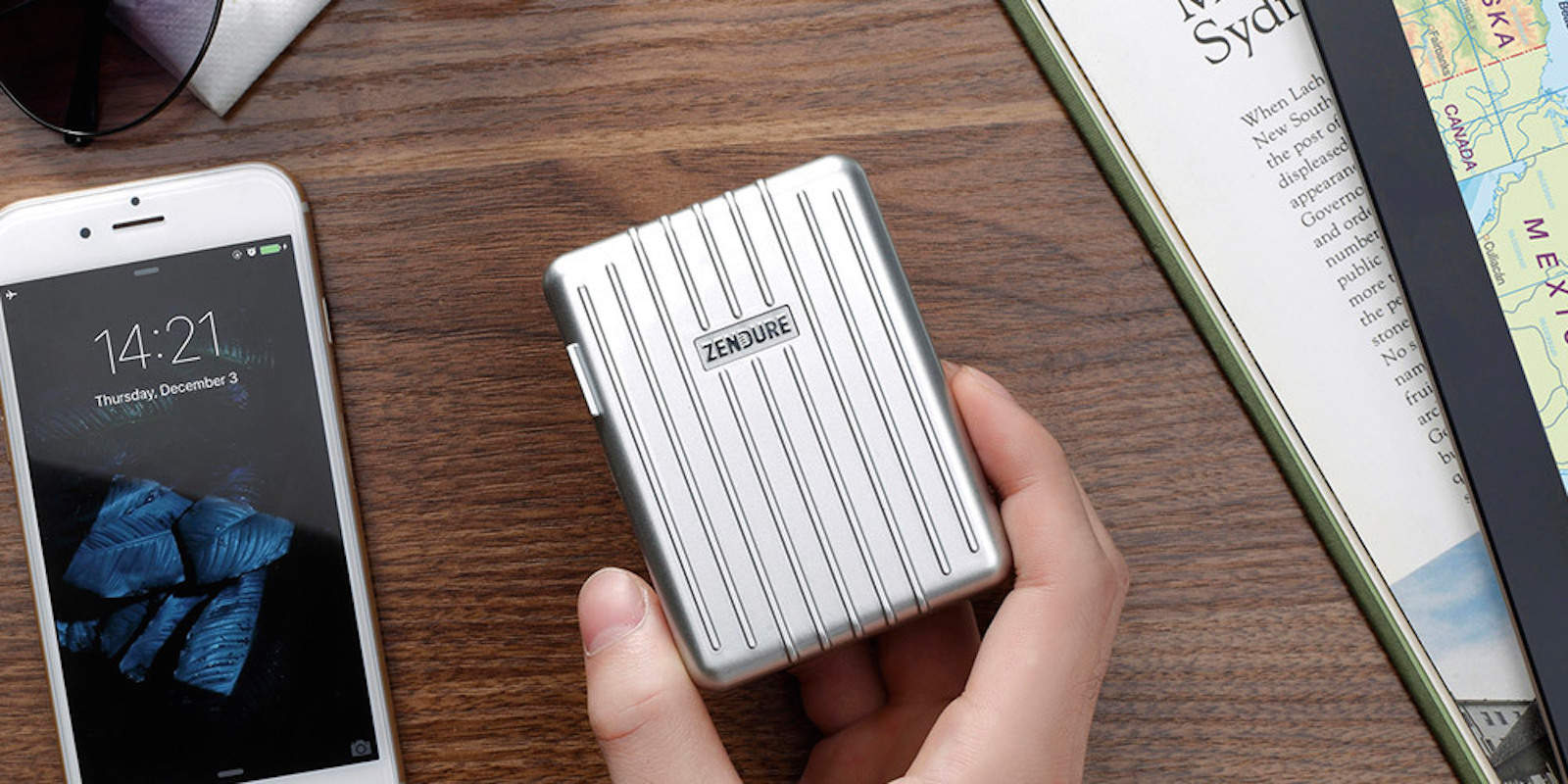
CoM - Zendure 40W Max A-Series 4-Port USB Wall Charger
Liberate your iPhone with these wireless charging solutions.
Photo: Cult of Mac Deals

Wires are out, wireless charging is in. Now pretty much every new phone can juice up without being plugged in, which is as convenient as it is cool. There are many options out there, so we’ve rounded up awesome deals on six different wireless charging solutions. Each is discounted by half off or more, read on for more details:

Conan hilariously skewers iOS 12’s Screen Time feature

By

Conan
No distractions here!
Photo: Conan

At Monday’s WWDC keynote event, Apple introduced its new Screen Time initiatives which will help users keep tabs on just how much they use their iPhones. It’s something that people have been pushing for a while, and it’s absolutely the right move on Apple’s part.

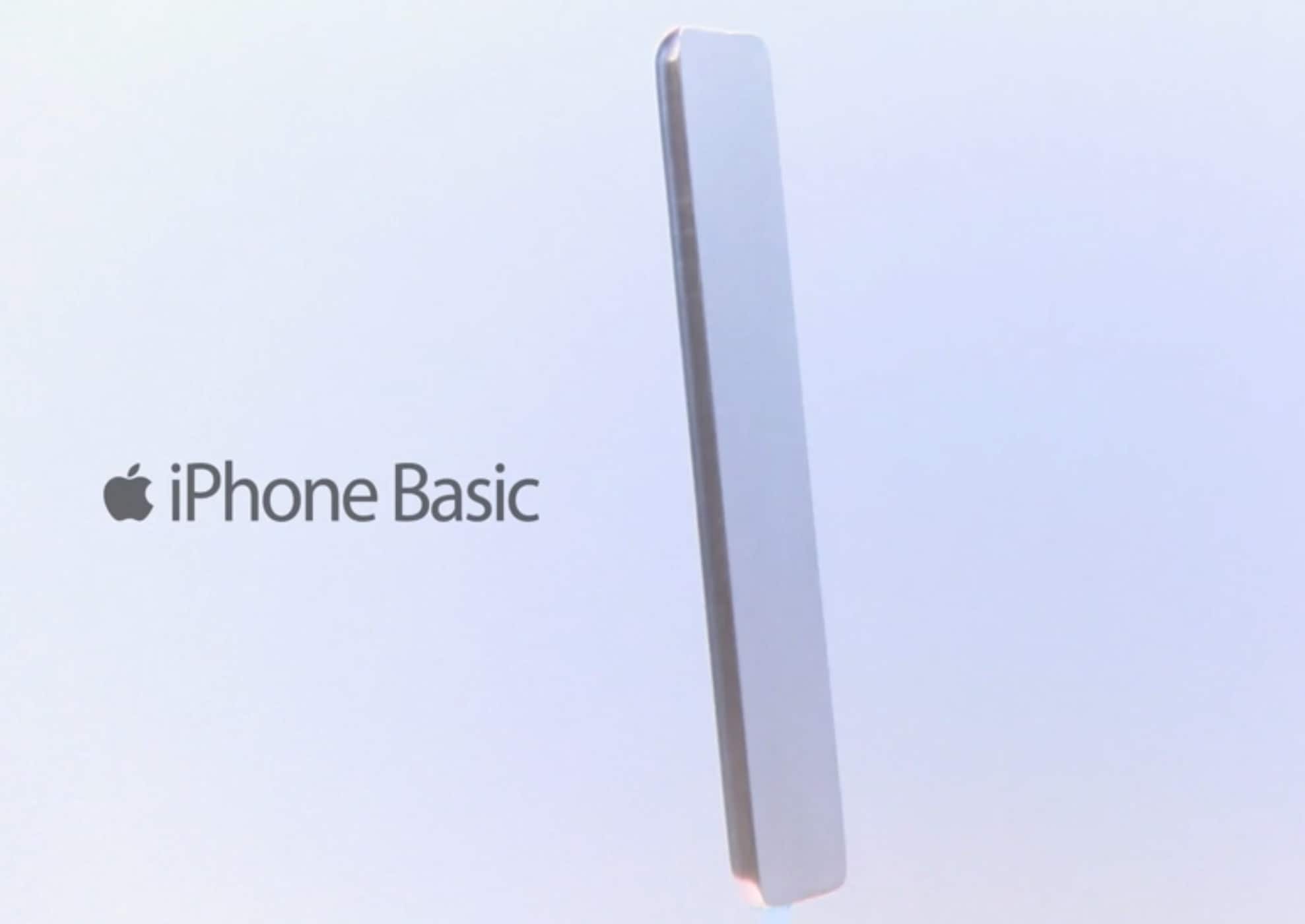
But that doesn’t mean it can’t be the source of humor. In a new skit, late night talkshow host Conan O’Brien skewers the concept with his idea for an iPhone Basic — with no screen, no buttons, and basically nothing that could distract you from living in the real world. Check it out below.

iOS 12 makes secure passwords a snap

By

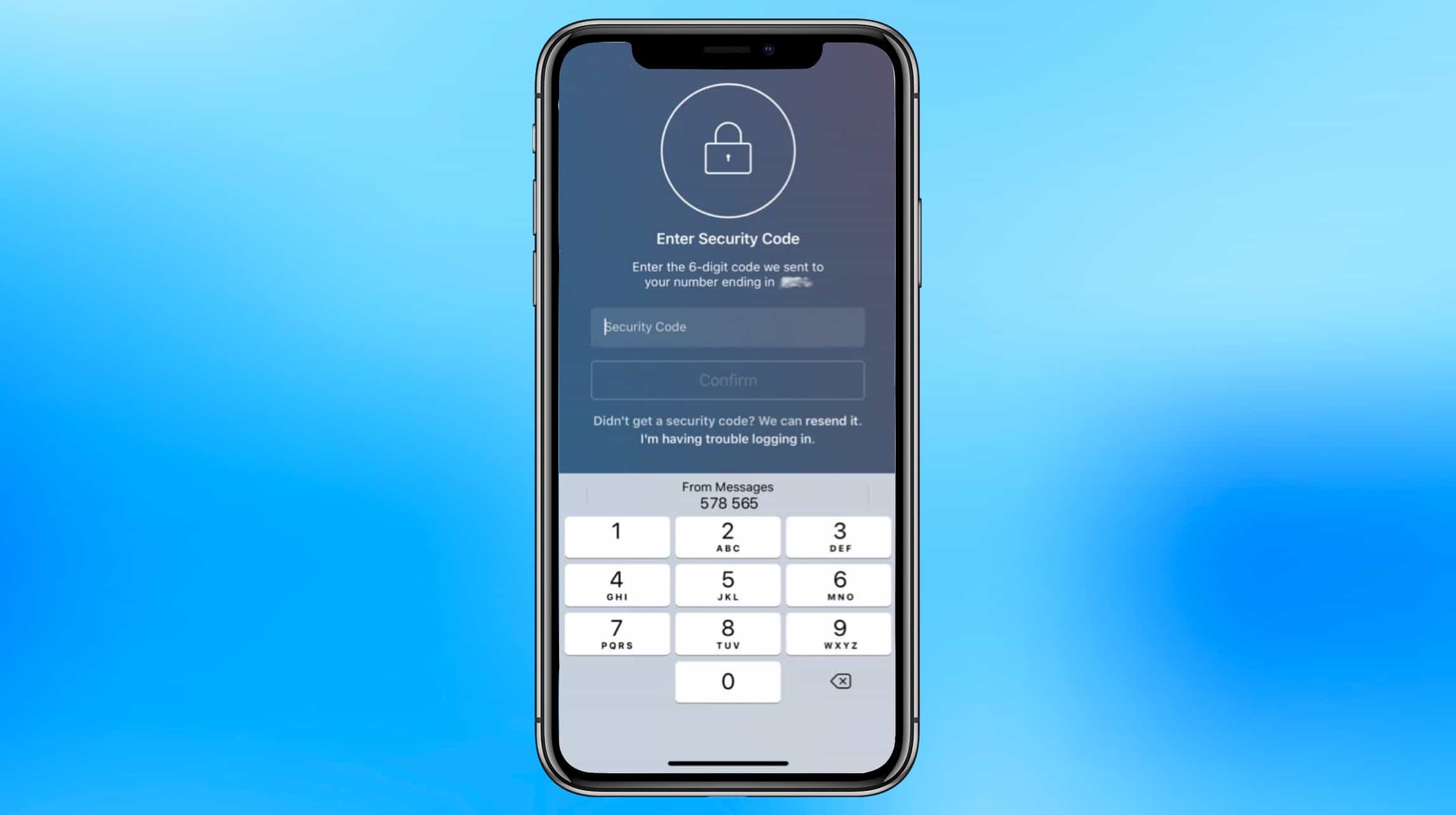
iOS 12 makes two-factor authentication easy.
A Florida man died for refusing to turn his passcode over to his attackers.
Graphic: Apple/Cult of Mac

WWDC 2018 bug Cult of MacApple believes strongly in protecting our privacy, and that even extends to helping us use strong passwords. Rather than letting us put in weak ones, iOS 12 extends password suggestions to third-party applications.

The next version of Apple’s phone and tablet operating system also makes two-factor authentication easier, and will warn users about weak passwords.

Why a dedicated password manager beats your browser every time

By

Dashlane password manager vs web browser: Don't rely on your web browser to keep track of your passwords.
Pro tip: Don't rely on your web browser to keep track of your passwords.
Photo: FirmBee/Pixabay CC

This post is presented by Dashlane.

Doing anything online means remembering a slew of passwords. That’s why we’re strong advocates of using a password manager like Dashlane. But why use a password manager when your web browser offers to keep track of passwords for you?

The short answer is that, in today’s age of security and privacy concerns, password management is about a lot more than convenience.

How iOS 12’s smartest features put users firmly back in control

By

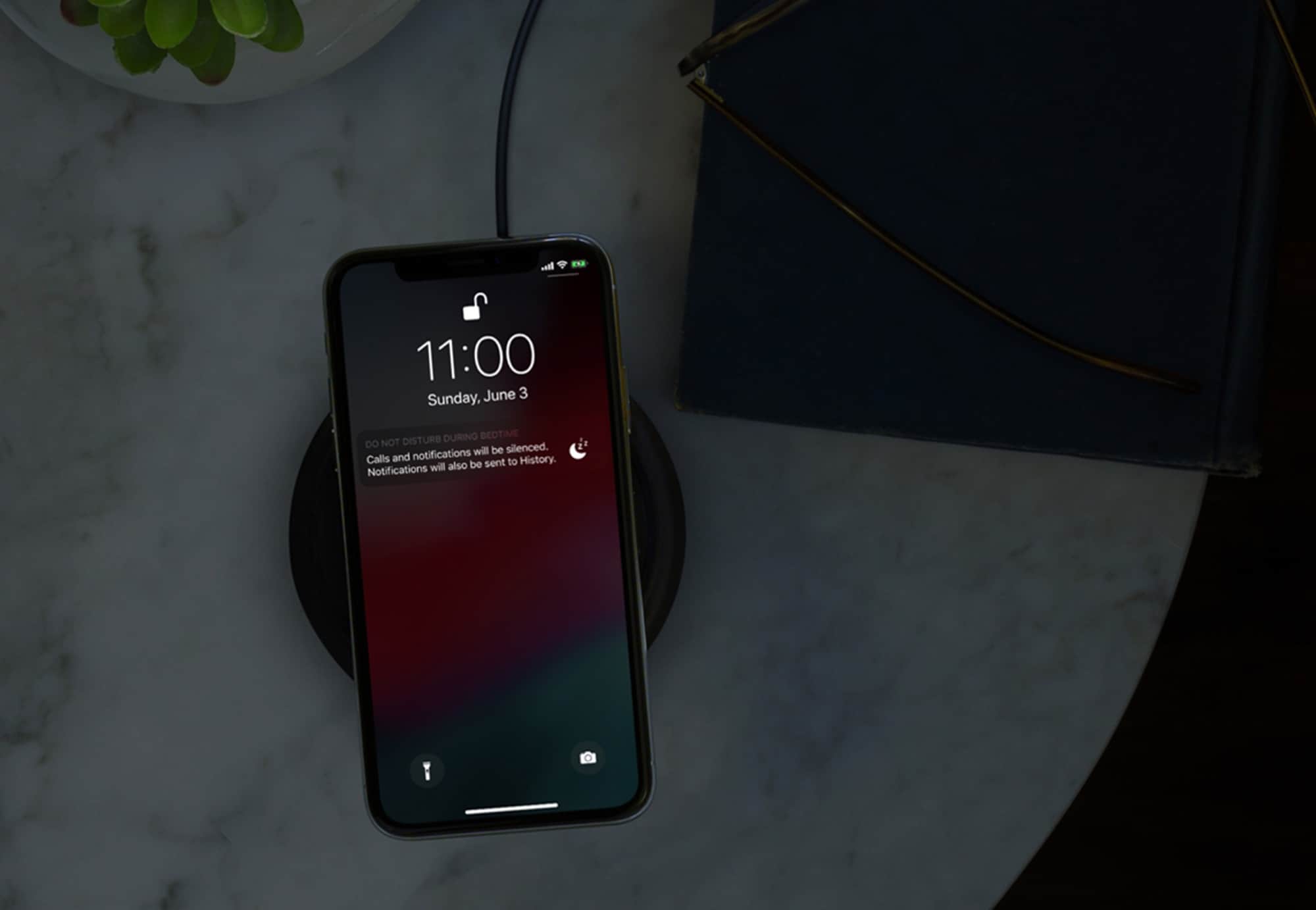
Time for bed screen time downtime
Time for bed. iOS 12 lets you choose who can disturb you.
Photo: Apple

WWDC 2018 bug Cult of Mac Maybe the most important new feature of iOS 12 is something that helps you to do less with your iPhone, not more.

If any other company had introduced Screen Time, the new system-wide toolset for limiting phone distractions, then it would (rightly) be dismissed as a gimmick, a sop to the increasing worries about phone addiction. But as is typical of Apple, Screen Time looks like it took a lot of work to get just right.

Screen Time may seem to be about combatting app addiction, and reducing the amount of time “wasted” on your iPhone. However, taken together with the new Do Not Disturb settings in iOS 12, it’s more about putting users back in control of their iPhones.

Will your devices run iOS 12 or macOS Mojave?

By

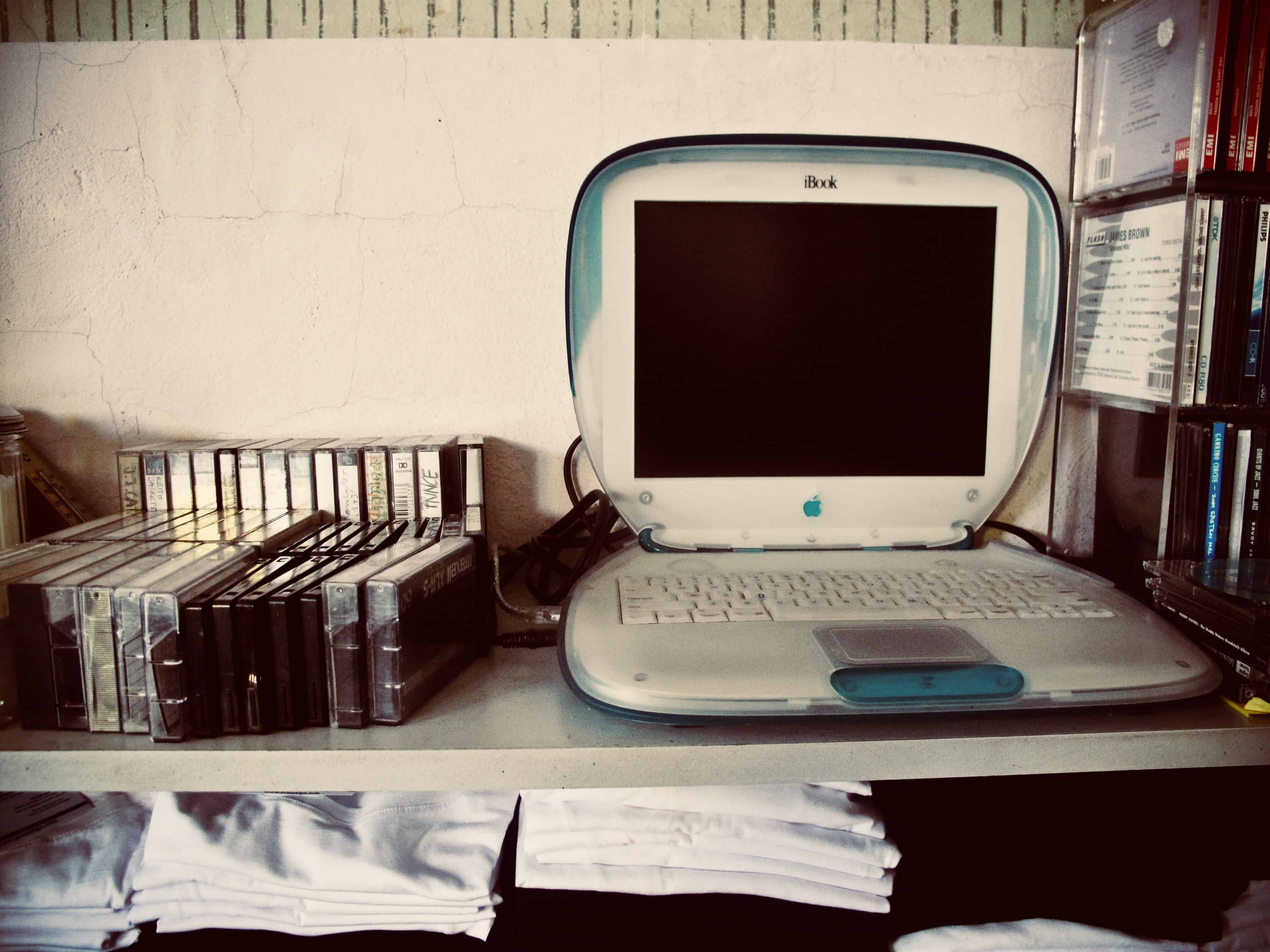
IBook macOS compatible
This iBook definitely won’t run macOS Mojave.
Photo: Charlie Sorrel/Cult of Mac

These are the devices that can run iOS 12 and macOS Mojave

There’s good news and bad news for fans of keeping old hardware running. While iOS 12 will run fine on any device that currently runs iOS 11 — and may even make older hardware run faster — macOS 10.14 Mojave is dropping support for older Macs.

Let’s take a look at which machines will work with iOS 12 and macOS 10.14.

What WWDC’s ‘sneak peek’ at project Marzipan could mean for the Mac

By

WWDC 2018
The answer is complicated.
Photo: Apple

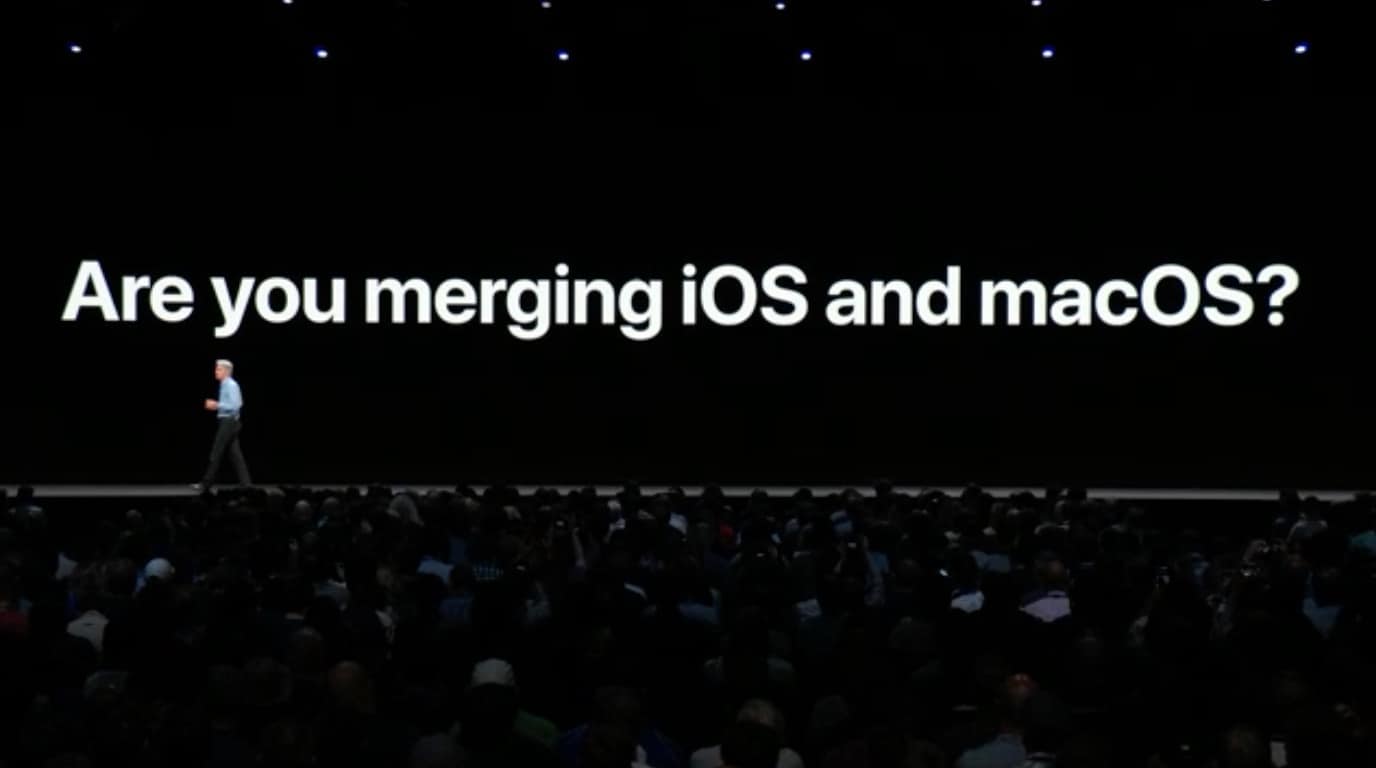
WWDC 2018 bug Cult of Mac Near the end of Monday’s WWDC 2018 keynote, Apple’s Senior Vice President of Software Engineering Craig Federighi addressed a question that’s been circulating in the tech press for a while: Are Mac and iOS merging?

His answer was direct and unequivocal: “No.”

Then he delivered a “sneak peek” of Apple’s long-rumored cross-platform project codenamed “Marzipan.” In line with the past six months of rumors, the idea of the framework is to allow UIKit-based iOS apps to run natively on Mac. While that probably sounds exciting to Mac owners, it could yield an unwelcome unintended consequence. It could trigger a “lost year” for Mac apps.