Tim Cook with a 2018 WWDC scholarship winner. Screencap: Apple
The winners of scholarships to Apple’s worldwide developers conference got a special bonus: the opportunity to meet CEO Tim Cook.
These students used their coding skills to demonstrate that they belong at this year’s WWDC. In return they receive free admission, free lodging, and help with travel expenses if needed.
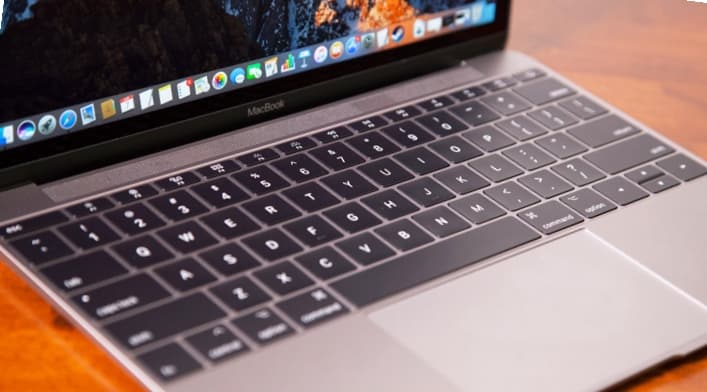
Another lawsuit accuses Apple of knowingly using a defective MacBook Pro butterfly keyboard in laptops like this one, Photo: Apple
Thinking perhaps that third time’s the charm, another lawsuit has been filed claiming that the keyboard used in the MacBook Pro is defective. Like the two prior ones filed last month, this seeks to become a class action.
All of these suits claim that the keys in Apple’s laptop can become permanently jammed, and a very expensive fix requires replacing the entire keyboard and other components.
This week we get productive, with colorful new features in the Ulysses word processor app, amazing new keyboard controls in Things for iOS, and more. Check out our awesome apps of the week.
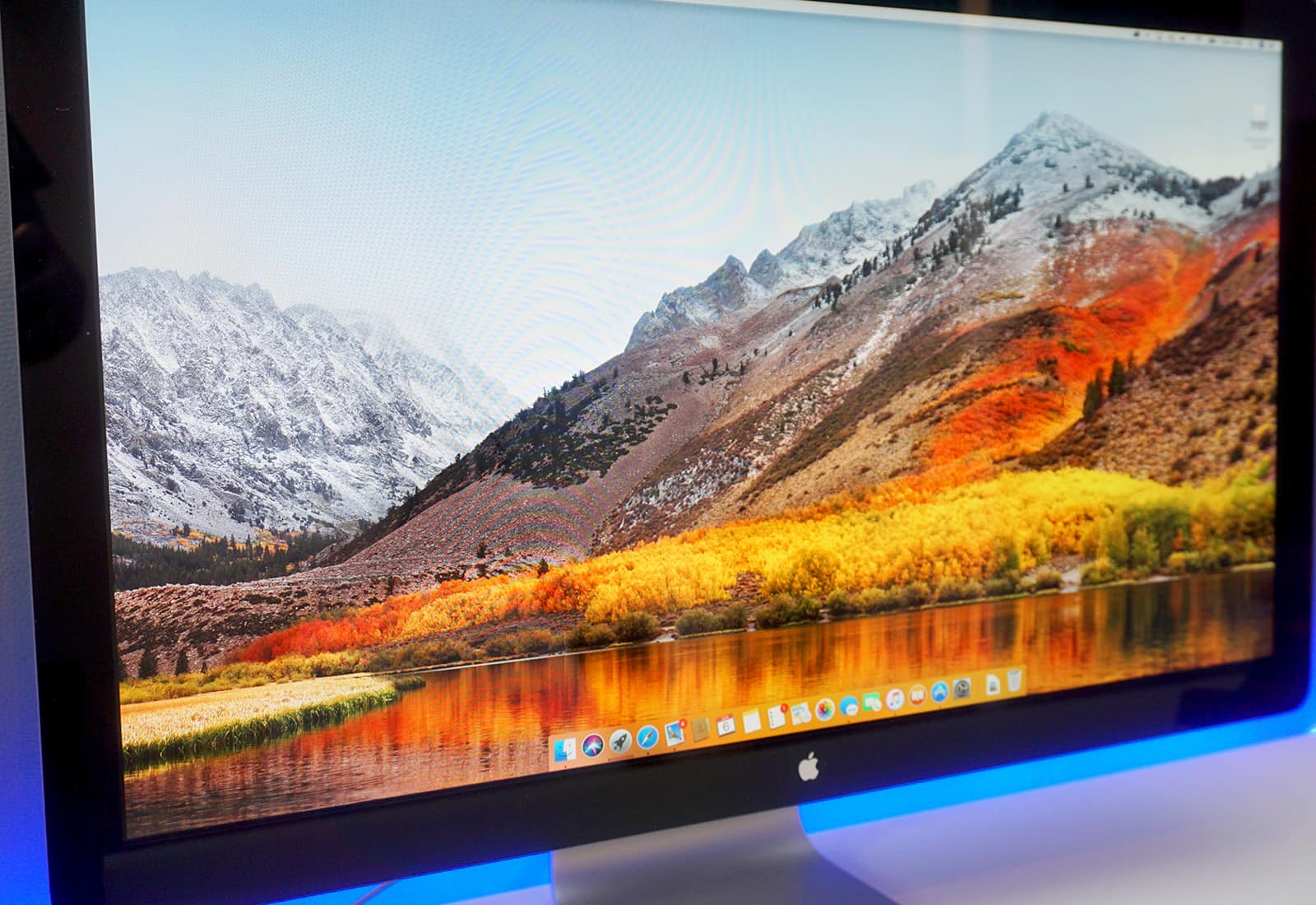
We've rounded up some of the coolest Mac apps at the lowest prices. Photo: Cult of Mac Deals
Your Mac’s a mighty machine, but it needs great apps to be at its best. So we’ve rounded up some of the top titles at the lowest prices, from a powerful mind-mapping program to a ‘Netflix for Mac apps’, a powerful iOS manager and more. Everything in this list is discounted by a third or more, read on for more details:
A macOS update adds support for Messages in iCloud. Photo: Ste Smith/Cult of Mac
Apple released macOS 10.13.5 today, an update that brings the long-awaited Messages in iCloud feature to Mac users.
The new feature, which Apple rolled out to iPhones and iPads earlier this week in iOS 11.4, should free up space on your Mac. More importantly, it will finally allow you to sync iMessages with all your Apple devices via the cloud.
But don't let the emojis do all the work. Photo: Cult of Mac
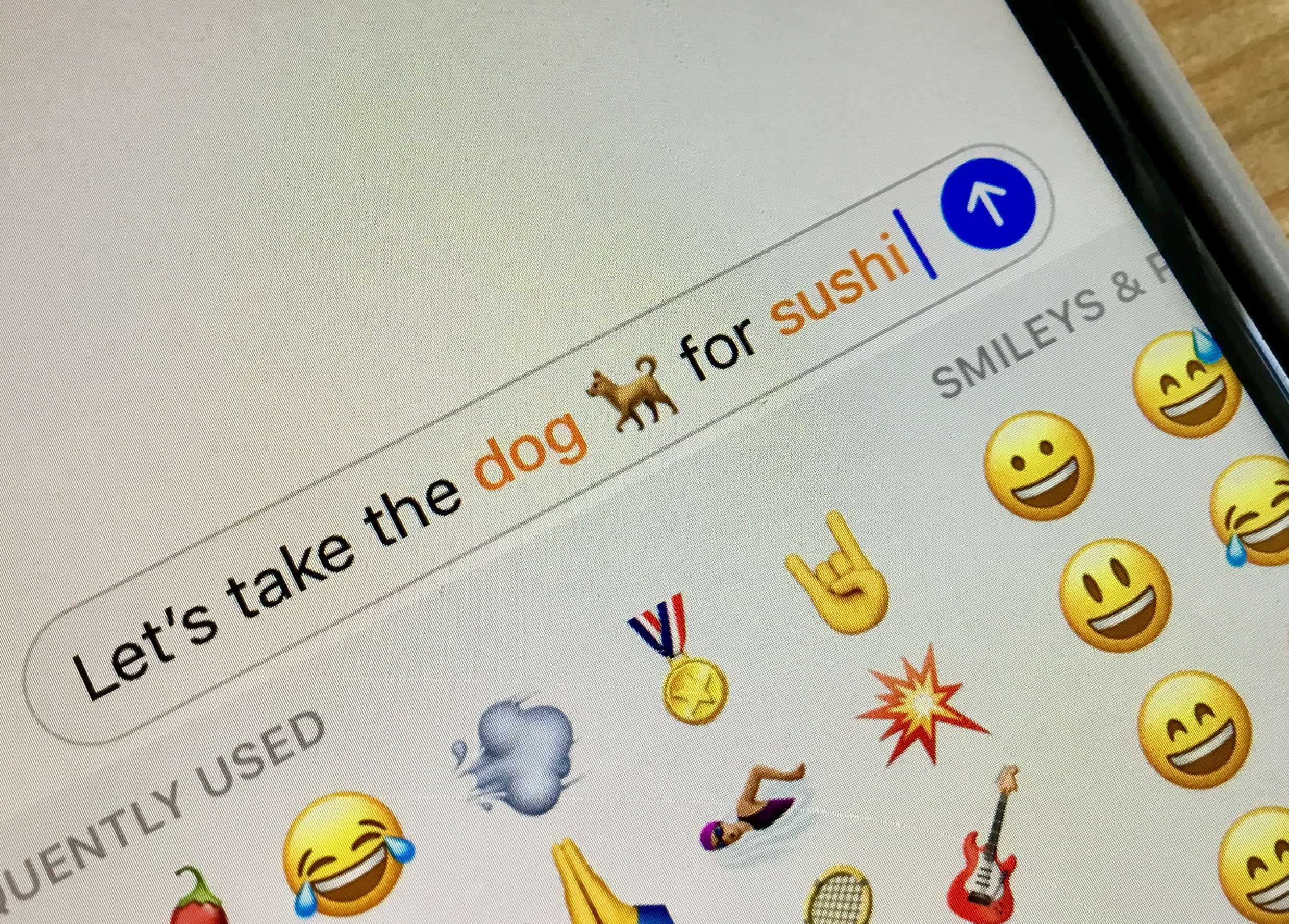
Apple hasn’t even previewed iOS 12 yet and we’re already talking about iOS 13, thanks to a bunch of new emoji. Emojipedia has revealed the list of character candidates for 2019, which includes a bunch of new expressions, animals, and more.
Google Photos is the photo and video backup app we all wish Apple would give us. Photo: Ian Fuchs/Cult of Mac
Photos and videos are some of our most important mementos, helping us recount our fondest memories. The thought of losing those keepsakes shouldn’t be something that keeps you up at night.
With Google Photos, every photo and video on your iOS device can be safely backed up to the cloud, accessible even if your iPhone or iPad goes up in flames. Even better, Google Photos can help you free up space on your iOS device, so there’s always room to take more pictures.
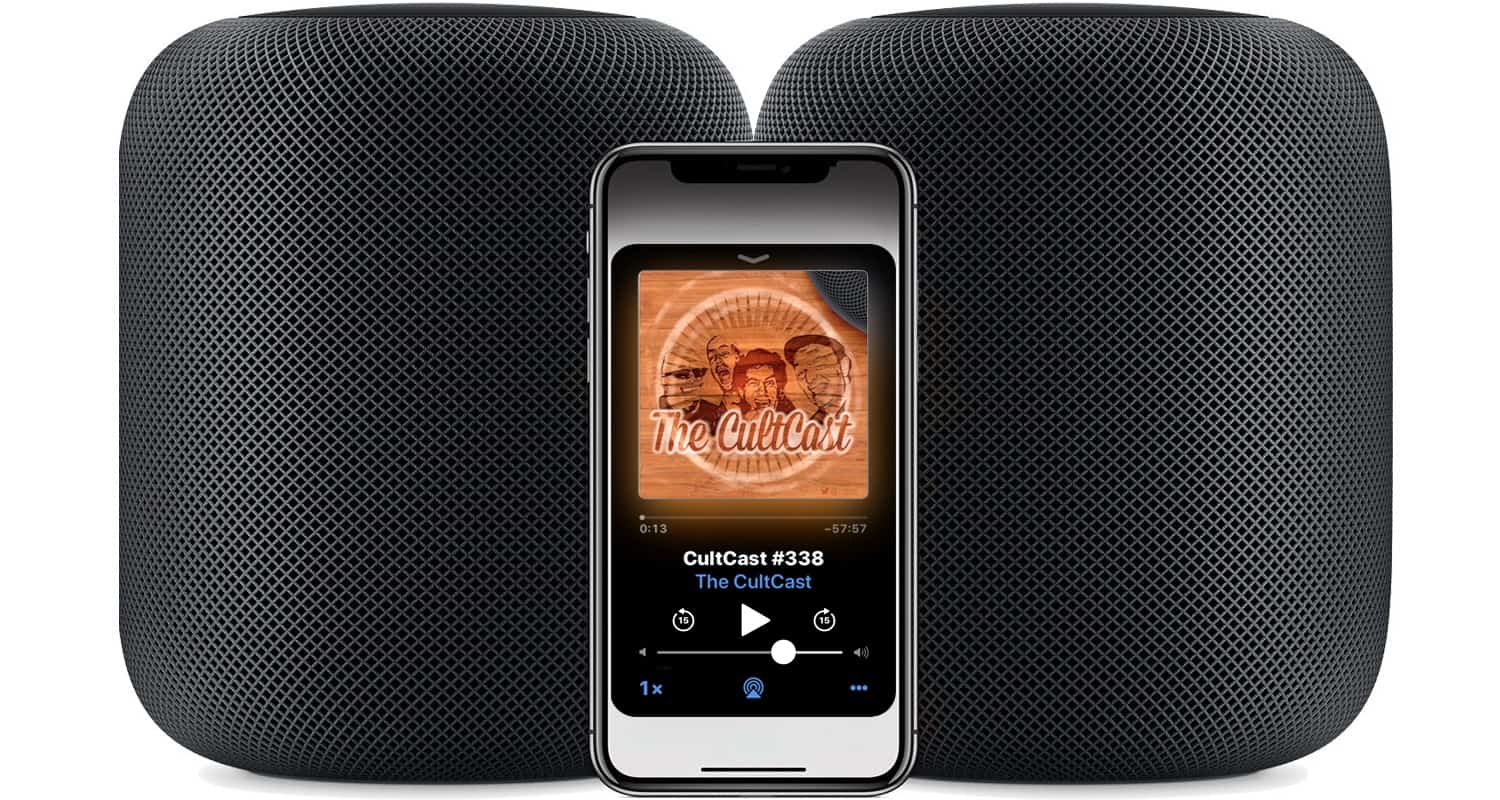
For the first time in a long time, Apple is keeping its keynote surprises secret. Image: The CultCast
It’s been a tight ship over there at Apple, so for the first time in a long time, we know almost nothing about what will be announced at an Apple Keynote. But we think there’s a good case for new hardware come Monday, and on this week’s CultCast, we’ll tell you why. Plus, we’ll tell you everything we think we know about iOS 12, and stick around for our ears-on, gaping-jaw review of stereo HomePods.
Our thanks to Udemy for supporting this episode. Whether you’re looking to learn something new or just sharpen your skills, Udemy has over 65,000 courses starting at just 11.99.
Visit Ude.my/CULTCAST or download the Udemy app to learn anytime, anywhere.
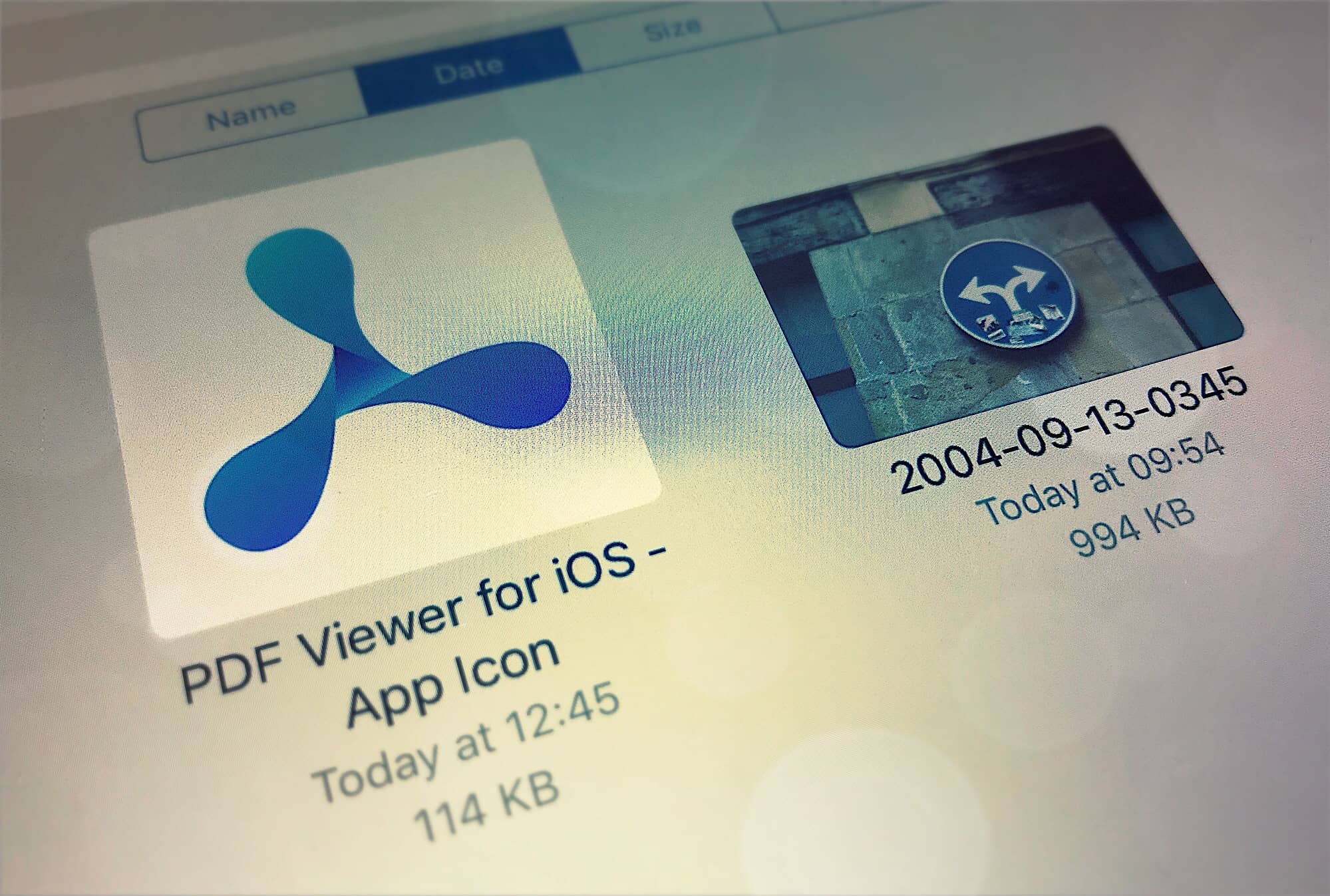
PDF Viewer uses iOS 11's Files browser to do its work. Photo: Charlie Sorrel/Cult of Mac
A month or so back I was searching for a PDF app that would use the native Files browser on the iPad, but add features not available in Files app’s built-in PDF viewer. The result of that search was PDF Viewer, an app that is almost impossible to find on Google, but which is simple enough to be perfect for many people.
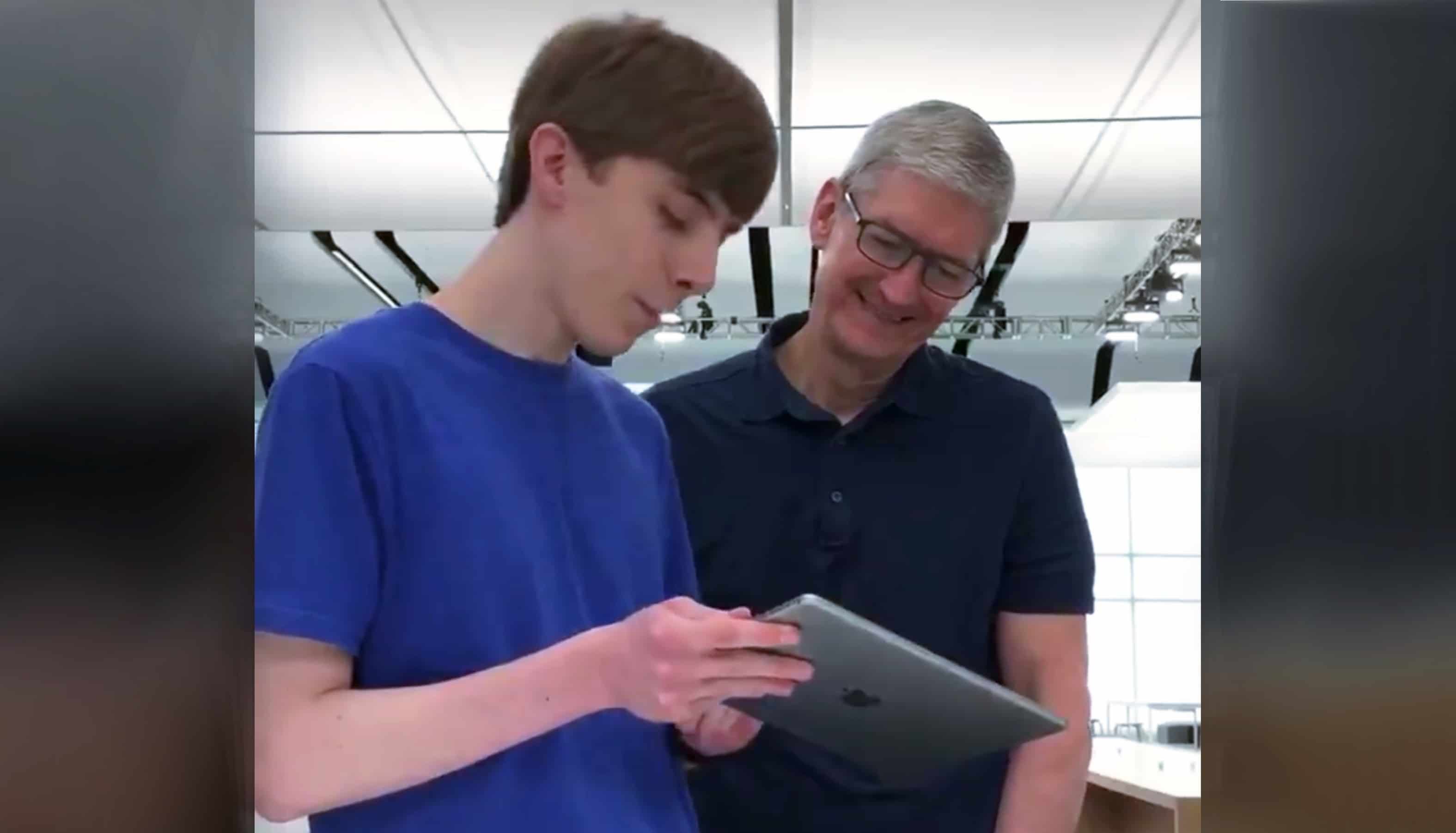
 The winners of scholarships to Apple’s worldwide developers conference got a special bonus: the opportunity to meet CEO Tim Cook.