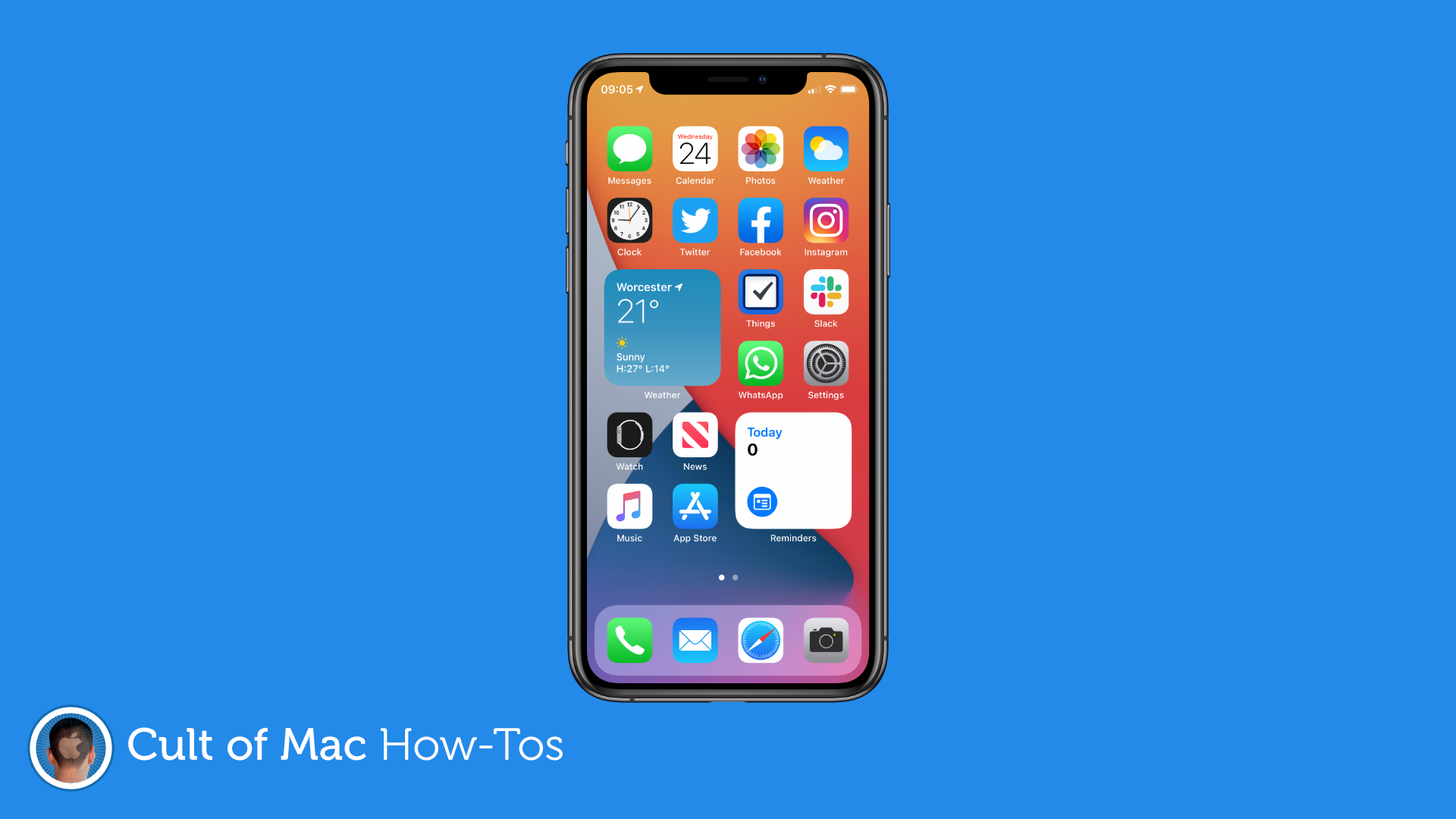
If you caved and installed the iOS 14 or iPadOS 14 betas on your iPhone and iPad, and now you’re running into problems, you’ll be pleased to know you can downgrade to iOS 13.
It’s a relatively simple process that shouldn’t take you long, and as long as you’ve backed up, you won’t lose too much data data. We’ll walk you through the process in this step-by-step guide.