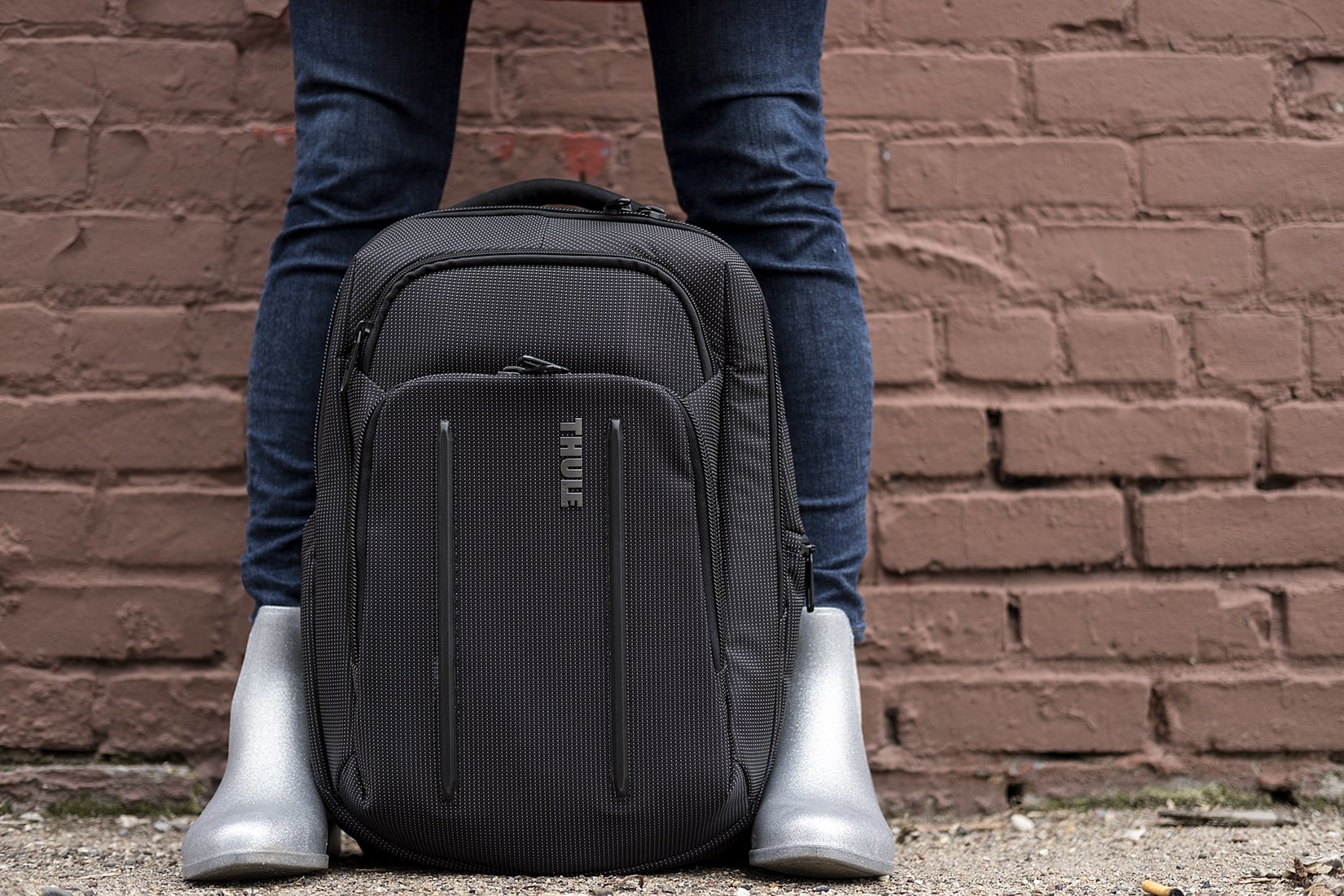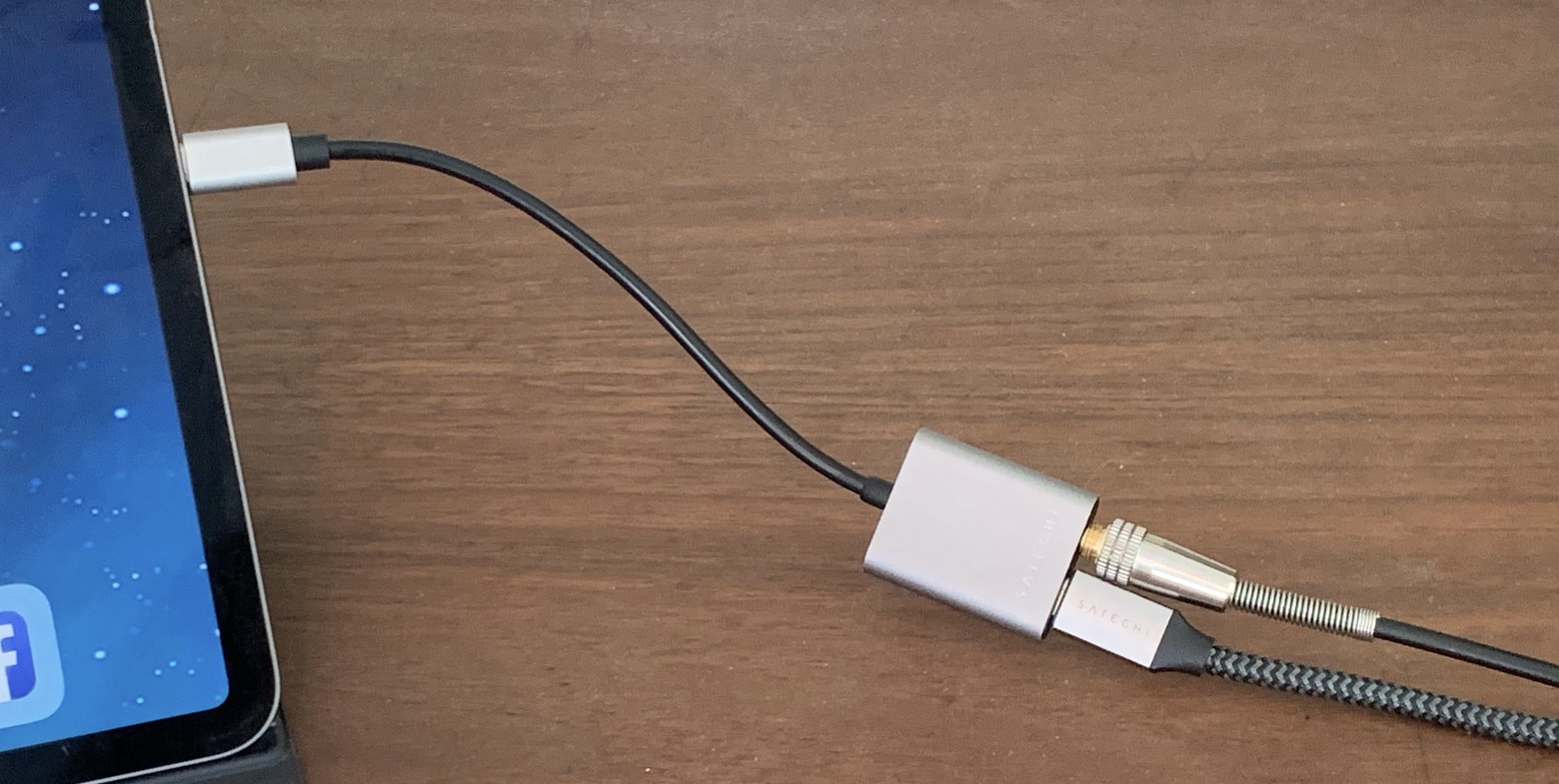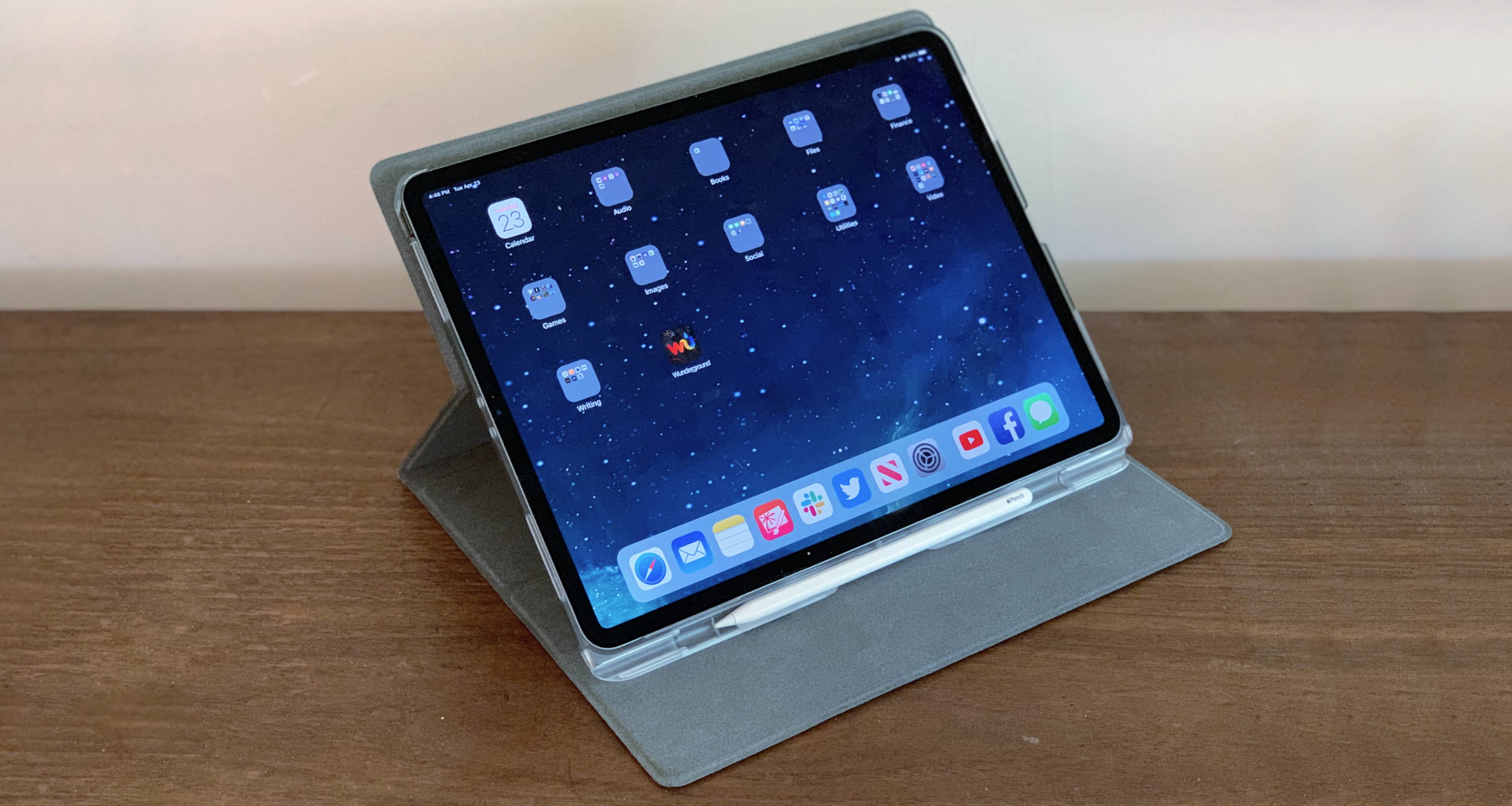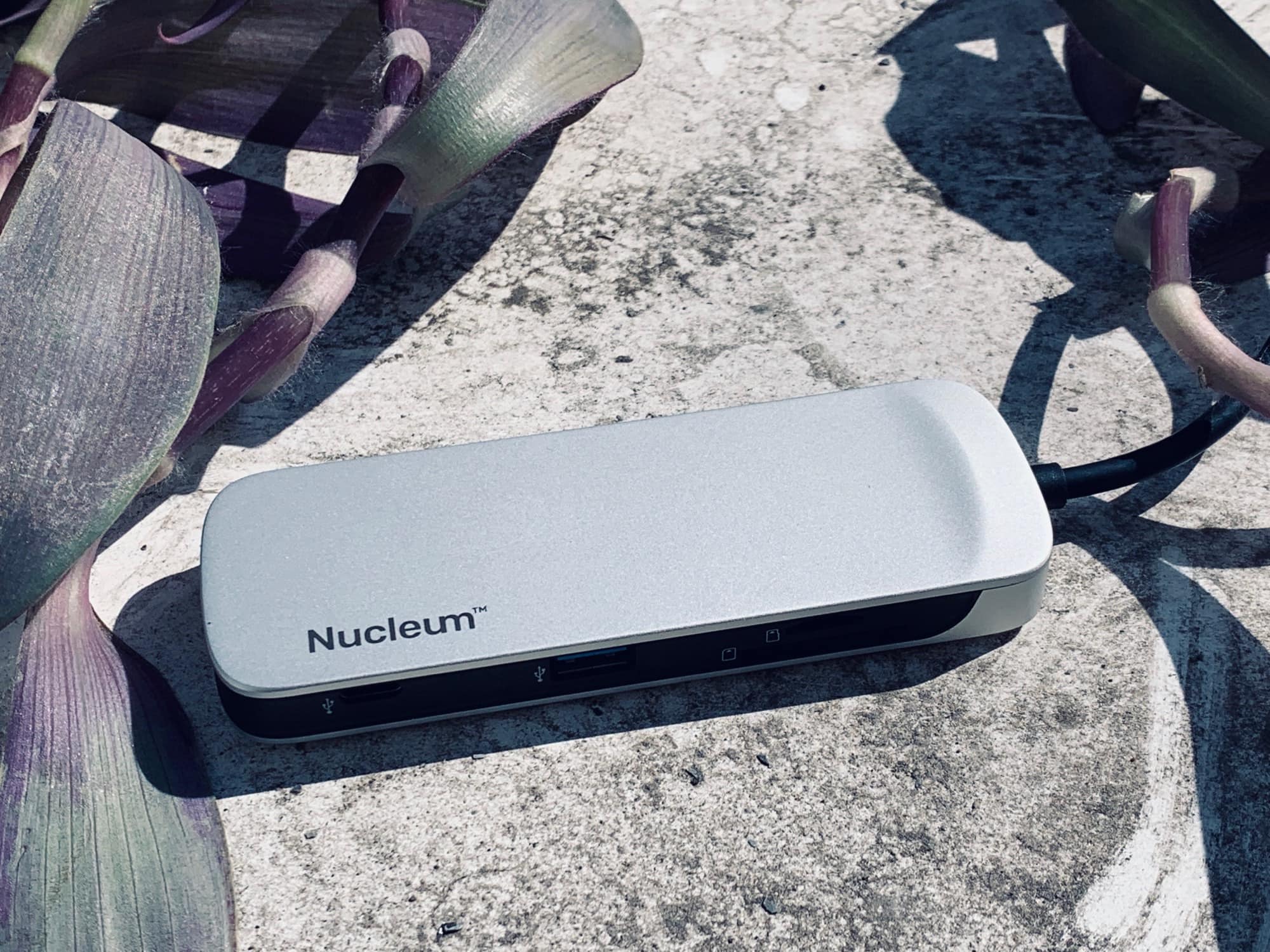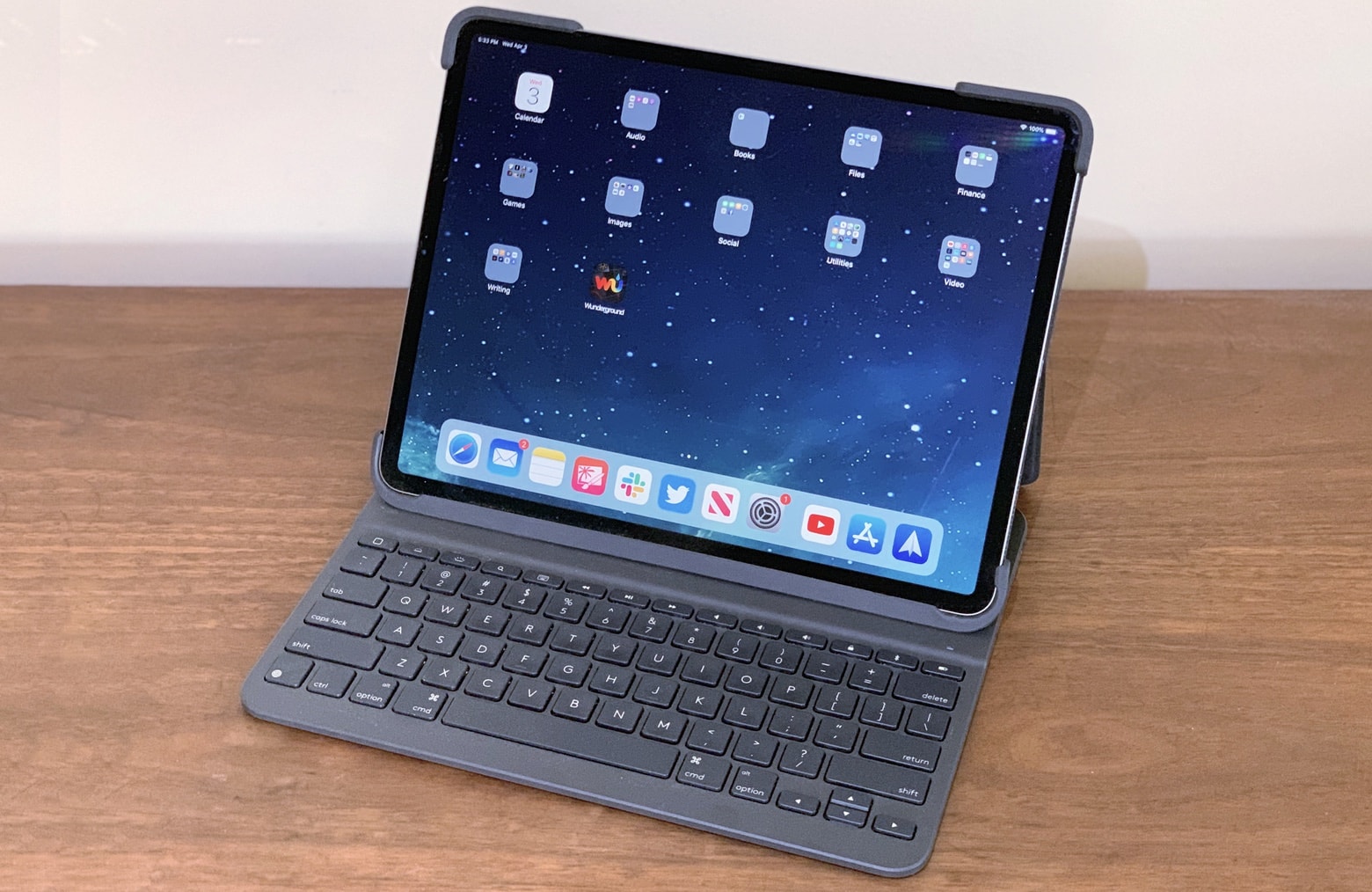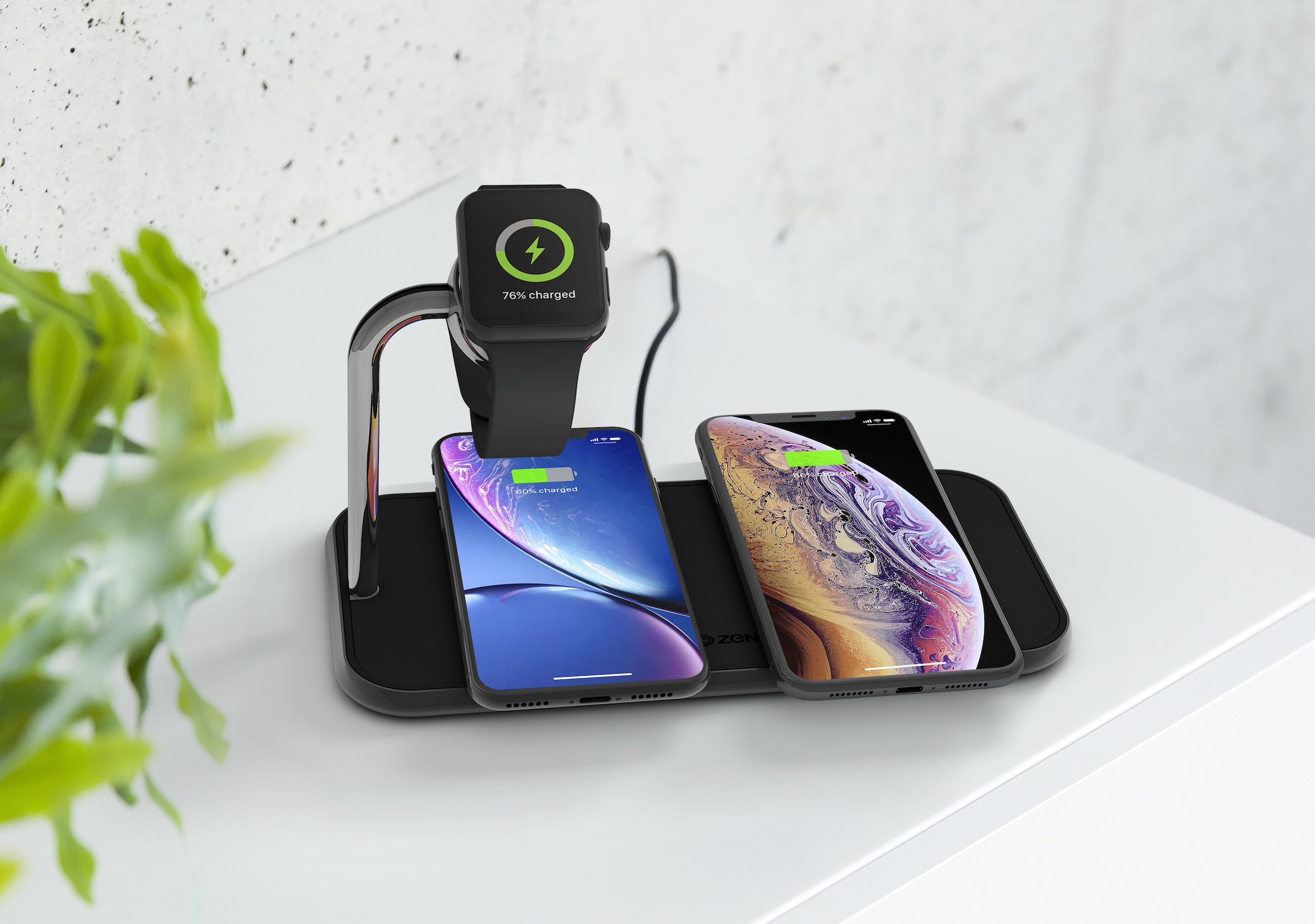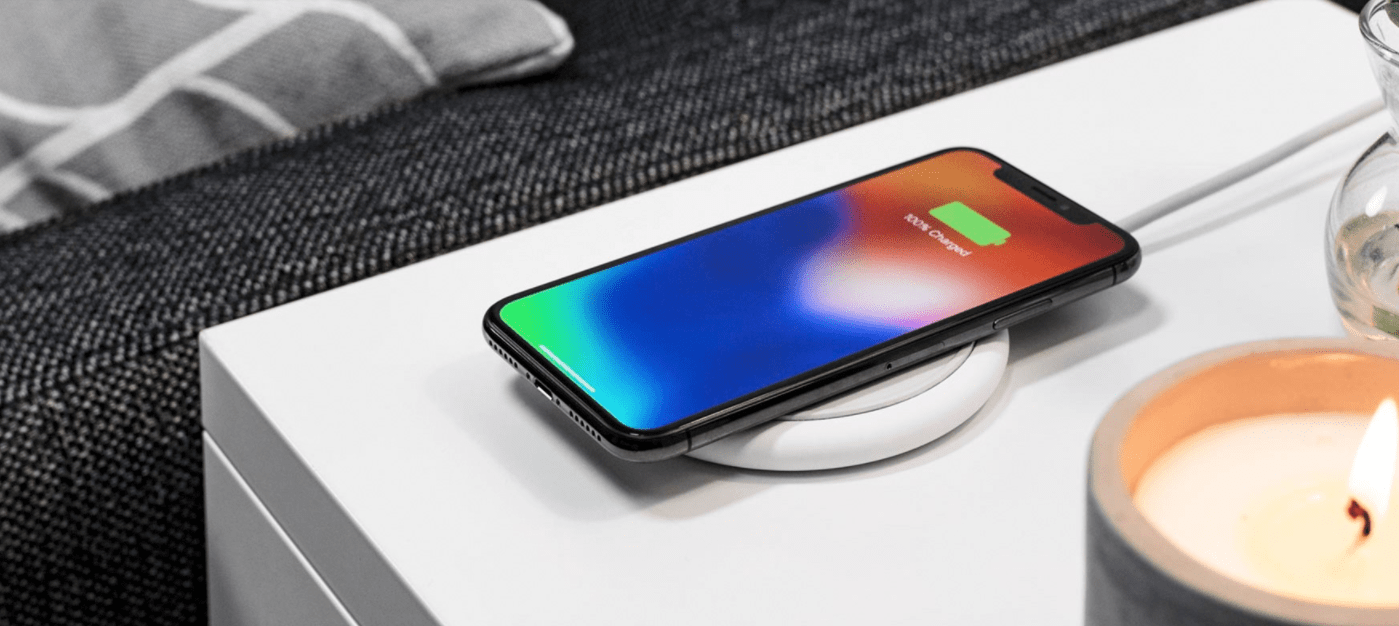
The Yohann Wood MacBook Stand is artful and sturdy. Photo: David Pierini/Cult of Mac
In German, the boy’s name “Yohann” means “gift of god.” The same could be said about the Yohann MacBook stand, a sculptural walnut base divine in both look and function.
You may want to say a little prayer when you place your MacBook Pro on this elevating perch for the first time, though. You will wonder how this thing can support your rather expensive machine.
Apple’s on their hardware “A” game with the new iPad Pro Photo: Ian Fuchs/Cult of Mac
The new iPad Pro is arguably the most powerful, most familiar, most versatile, and most fun computer you can get today. Yes, you read that correctly. I said computer.
For the past week, I’ve been testing out Apple’s latest 12.9” iPad Pro. I’ve used it around the house, and at work, in the kitchen, and in bed, at the coffee shop and on the couch – and it’s been great. I actually look forward to using it, and it has replaced both my MacBook and my iPhone for a lot of my most common situations.
Make no mistake. This cord has been tagged. Photo: David Pierini/Cult of Mac
Buoy Tags, in a nutshell, are labels for cables. Apparently, some of us could use them.
I didn’t know this until my little box of Buoy Tags arrived. But once I saw the little clip-on tags, I could see how they might solve a common problem in households with multiple devices, or in communal offices where everyone plugs into power strips.
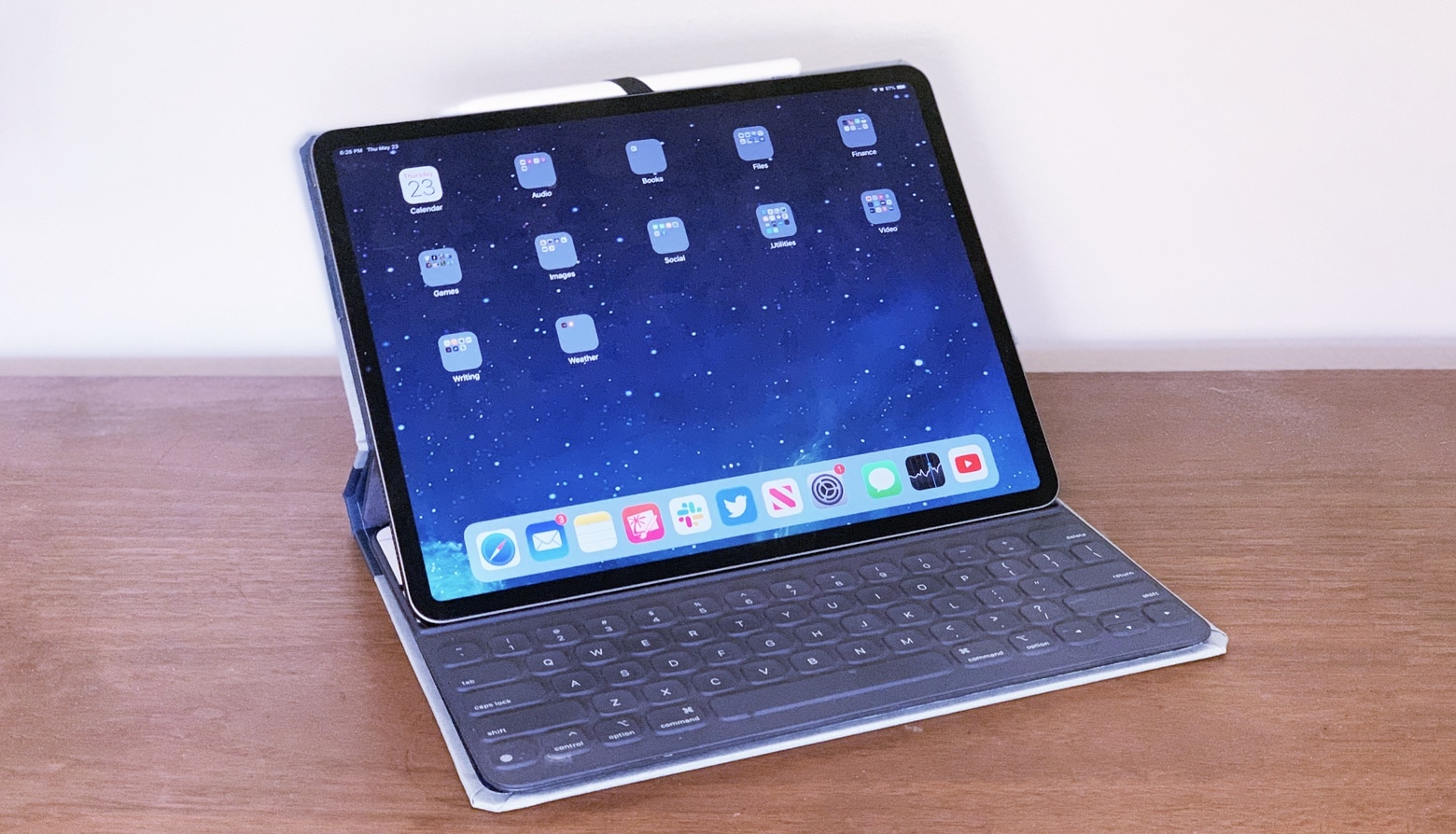
The new iPad Pro is Apple’s best ever portable computer. Photo: Andrea Nepori
Since I got an new 2018 iPad Pro on launch day last week, I’ve used it exclusively. I haven’t touched my aging, decrepit Mac all week. I’ve used the iPad for work, and for play, so I’ve given it a pretty good workout. The short review is: It’s fantastic, and better in almost every way.
The long review? There are still plenty of annoyances.
The Smart Folio Cover also eliminates the camera bump. Photo: Charlie Sorrel/Cult of Mac
If you buy a new iPad on launch day, and you want a cover or case, you’ll probably have to buy one from Apple. The first-party covers are great, but the prices are absurd. After using a Smart Cover on my old 1st-gen 12.9-inch iPad Pro for a few years, I swore to myself that I’d wait it out this time, until good third-party cases went on sale, instead of wasting cash on a Smart Folio Cover.
But, after just a couple of hours with the new iPad Pro, I realized there was no way to carry it in my bag without a case. So I put it back in its box, walked to the Apple Store, and gave Apple another 120 euros (or $136 at current exchange rates). Was it worth it?
The Smart Keyboard Folio turns the 2018 iPad Pro into a notebook. Photo: Andrea Nepori
Anyone planning to use a 2018 iPad Pro for business probably needs an add-on keyboard. Apple’s own offering in this category is the Smart Keyboard Folio, which wraps tightly around this new tablet, both protecting it and providing the text input method so many of us depend on.
Because it’s made by Apple, nearly everyone who buys an iPad Pro considers getting this accessory, but the price will give you reason to pause.
We put one through extensive testing to help you decide if it’s right for you.
Is the 2018 iPad Pro or a MacBook a better option for you? Photo: Leander Kahney/Cult of Mac
The dividing line between MacBook and iPad Pro gets narrower every year. The new iPad Pro models added a USB-C port, further reducing the differences. This is a good opportunity to consider which is the right choice for your next computer.
There’s a tremendous amount of overlap in what tablets and notebooks do. But each is better than the other at some things. For many people, a MacBook is still the best option. But for others, an iPad Pro is a better way to go. Read on for suggestions on how to decide.
The new 2018 iPad Pro is a lust object you probably don’t need. Photo: Charlie Sorrel/Cult of Mac
Every 2018 iPad Pro review I’ve read seems to be written by someone who doesn’t use the iPad like a pro. Most of the reviewers focus on using Apple’s new tablet they way most people do: reading the internet, doing some mail and watching lots of video.
Which is a shame, because there’s a lot to like in this iPad for “power” users, aka folks whose everyday carry is an iPad. People like me. The iPad has been my most-used device for years. I do everything on it. (Everything, ironically, except writing articles — but that’s because my ancient 27-inch iMac still works fine, and I like to use a trackpad for editing text.)
Rather than reviewing the iPad Pro from the point of view of a “normal,” I’m going to talk about this gorgeous new device like someone who uses an iPad for work every day.
Apple packed a lot of power inside the new Mac mini's space gray case. Photo: Apple
The Mac mini is back! It’s no longer the ultra-affordable entry to macOS it once was. But it’s still the cheapest Apple computer you can buy — and there’s a good reason for the price hike.
This year’s upgrade (the first since 2014) makes it the fastest and most impressive Mac mini yet. Intel’s latest chips, coupled with faster RAM, ample storage options and all the ports you need are squeezed inside its tiny shell.
The original ultraportable is back with a bang. Photo: Apple
The long-awaited MacBook Air update sports an all-new design and more powerful internals, but early reviews indicate there’s still room for improvement.
It’s also the most expensive MacBook Air to date. So, should you spend $1,199 on it when it lands in stores this week? Here’s what the first 2018 MacBook Air reviews have to say.
According to early reviews, you should absolutely rush out to get a new iPad Pro when the tablets go on sale Wednesday.
The iPad Pro was already the best tablet money could buy. And yet, Apple somehow made it even better with an improved design, an edge-to-edge Liquid Retina display, and an A12X Bionic chip that delivers unbeatable performance.
Don’t just take our word for it. See what the reviewers are saying below.
mophie Powerstation XXL was designed especially for devices with Lighting ports. Photo: mophie
Travelers who don’t want to worry about finding electrical sockets for their iPhone or iPad should look no farther than the mophie Powerstation XXL. This external battery is relatively portable but still packs enough power to fully recharge an iPhone XS Max more than four times.
Even better, this accessory gets its power through a Lightning port, and it can charge three devices at once. We put the Powerstation XXL through a complete set of tests and bring you the results.
Tarah Pro sports earbuds are up to almost any adventure. Photo: Jaybird
Tarah Pro earbuds, the latest wireless sports headphones from Jaybird, take adventure audio to new extremes. With smart new features and an astonishing 14 hours of battery life, these sweat-proof earbuds can go the distance — even if you’re a marathoner.
If you’re a fitness fanatic who constantly crushes your Activity goals during epic outdoor adventures, these might be the perfect Bluetooth earbuds for you.
With a great screen, cameras, battery life and Face ID, the iPhone XR is a nifty smartphone. Photo: Kristal Chan/Cult of Mac
The iPhone XR is typical Apple. It’s an entry-level phone with a bunch of premium features. Jony Ive just cannot cut corners, even if he wanted to. This is no plasticky, cut-rate phone built to meet a price point. It’s a primo phone with primo features (and a primo price tag, TBH). It just happens to be the cheapest new iPhone in Apple’s lineup.
The XR delivers everything customers care about: a big, beautiful screen; great cameras; long battery life; and Face ID.
The iPhone XR is arguably Apple’s most interesting smartphone of 2018 because of this slightly odd bundle of budget/premium features. It’s arguably a $1,200 phone in a $750 package.
The iPhone XS' new bokeh tool is just the beginning. Photo: Charlie Sorrel/Cult of Mac
The iPhone XS camera is pretty incredible. The device uses its two rear cameras, plus the A12 chip’s Neural Engine, to record such an accurate 3D map of the scene that you can adjust the background blur with a slider. But that depth map is useful for more than just blurring backgrounds. It can be used by other apps to:
Add realistic lights to a scene.
Choose any subject to be in focus, not just the one you picked when shooting.
Add custom background blurs.
Remove and replace backgrounds, like movie green-screen effects.
The iPhone XS is the gold standard for iOS cameras, but the XR manages some excellent tricks of its own. Despite having only one rear camera, the XR can still recognise people, and then use AI and the super-powerful A12 Neural Engine to separate out the person form the background. While this portrait matte isn’t as detailed as an iPhone XS depth map, it can in theory still be used to do many of the same tricks.
Today we’ll look at the best depth apps for the new iPhone XS, XR, and XS Max.
Linea Go manages to shrink the iPad version and keep it easy and fun to use. Photo: The Iconfactory
Linea Go is the little sister of Linea, perhaps the best pick-up-and-go drawing app on the iPad. And unlike the iPad, where there are a ton of really top-end drawing and painting apps, the iPhone has far fewer, especially if you just want a great way to lay down a quick sketch.
If nothing else, Linea Go shows just how great it would be if the Apple Pencil worked with the iPhone.
You should really consider the iPhone XR. Photo: Apple
The first iPhone XR reviews are out just a few days before the handset makes its official debut, and one thing’s clear: This is one of Apple’s best smartphones to date.
Despite being a more affordable alternative to the iPhone XS, the iPhone XR is just as good in many areas, and even better in a few others. It makes some sacrifices to be more affordable, but it certainly lives up to the promises where it counts.
The Mujjo Full Leather Wallet Case for the iPhone XS Max looks great from any angle. Photo: Mujjo
There are quite a few iPhone cases that can also function as wallets and Mujjo makes the best we’ve tried. There are other options that provide more features but this one gets all the basics just right.
Read on for our review of the Mujjo Full Leather Wallet Case for the iPhone XS series.
USB-C battery packs, chargers, hard drives, cables and hubs will future-proof newer Macs. Photo: Anker
USB Type C — it’s no longer a novelty but an emerging connectivity standard for Apple products. As a newer, more powerful variation of the same USB we all know and love (well, kinda), USB-C features higher power and faster data transfer than its predecessors via a smaller connector.
While older USB Type A and B were a great gift for Mac users — few mourned the passing of ADB and SCSI — USB is often finicky. Just plugging in an old-school USB cable can prove challenging, since you must position the connector just so for it to slide smoothly into the port. That often means several tries to achieve the proper angle and orientation.
Those obstacles disappear with USB-C because, in addition to its smaller size, it is designed to be reversible — with no up or down orientation, just like a Lightning cable — and the cables can have the same type of connector on both ends.
A 2018 Tile Pro can be used for years now that the battery can be swapped out. Photo: Tile
For much too long, the best key finder had a significant flaw. A Tile Pro or Tile Mate helps you keep track of your keys, the remote, or other items, but each only lasts a year. Then you have to buy another one because the battery can’t be replaced. That finally changes in the new 2018 version. Plus they have a greater range.
We tested the latest versions of the regular and Pro versions of the Tile tracker to see if they live up to their promises.
The Apple Watch Series 4 made a vacation to Disney World more convenient. Photo: Ian Fuchs/Cult of Mac
In 2015, I purchased my wife a stainless steel Apple Watch (series 0) for her birthday. Since then, she’s used it to track hundreds of workouts, reply to thousands of texts, and triage countless notifications. She’s also told me nearly every day for the past year that she hates it and it never works right.
While that might be a bit of an exaggeration, she has a point. The original Apple Watch is slow and unresponsive. Plus, some features have become frustratingly unreliable (looking at you, Siri).
This year, we decided to upgrade her Apple Watch in time for our family vacation to Disney World. It was the perfect opportunity to test Apple’s magical wrist communicator at the most magical place on Earth.
I knew it couldn't last, but we had a great time together. Photo: Ste Smith/Cult of Mac
For the first time in 11 years, I did not get Apple’s latest iPhone delivered to my door on launch day. I’ve been using an iPhone X since last November and I was still happy with it; I certainly didn’t see the need to drop another $999 on what seemed like a slightly better device.
But then I got the chance to use an iPhone XS Max.
I had the handset for just over a week, and I loved every second I spent with it. I was wrong to not upgrade this year, and it killed me to return the device to its rightful owner.
The best and most useful apps for iPhone and iPad Photo: Ste Smith/Cult of Mac
With our 50 Essential iOS Apps series, the goal was to help you find some of the best apps for iPhone and iPad. Picking the finest offerings from the more than 2.2 million iOS apps in Apple’s App Store proved challenging. But we highlighted apps that offer excellent features or make life easier in various ways.
To wrap up the series, we’ve sorted the apps by category to make the list easier to browse. We’re also showcasing Cult of Mac readers’ alternatives to our picks.
(You’ll find reader faves linked at the end of this post. That’s especially helpful since one of our must-have apps is about to die an unceremonious death.)
Would you trust fitness advice from Apple Intelligence? Photo: Graham Bower/Cult of Mac
Apple Watch is pretty awesome at doing a lot of things. But mapping workouts isn’t one of them. At least, not until now. Back in 2016, I was pretty disappointed with the maps I got from my Apple Watch Series 2 (the first model that came with built-in GPS). When I tested it at my local running track, the maps it generated looked like random scribbles.
Fast-forward to today, and things look a whole lot better. Last week, I repeated that test with a shiny new Apple Watch Series 4 and got some very interesting results.
The iPhone XS Max is 25 percent larger than any previous iOS handset. So how is it as an iPad mini replacement? Photo: Ed Hardy/Cult of Mac
Apple stopped updating the iPad mini a few years ago because sales dropped off at the release of the first iPhone Plus model. Seems lots of people prefer a large-ish smartphone to a small tablet, even if the iPad is bigger than the iPhone.
And now there’s the iPhone XS Max, Apple’s biggest smartphone ever. So we explored using one as a replacement for an iPad mini 4.