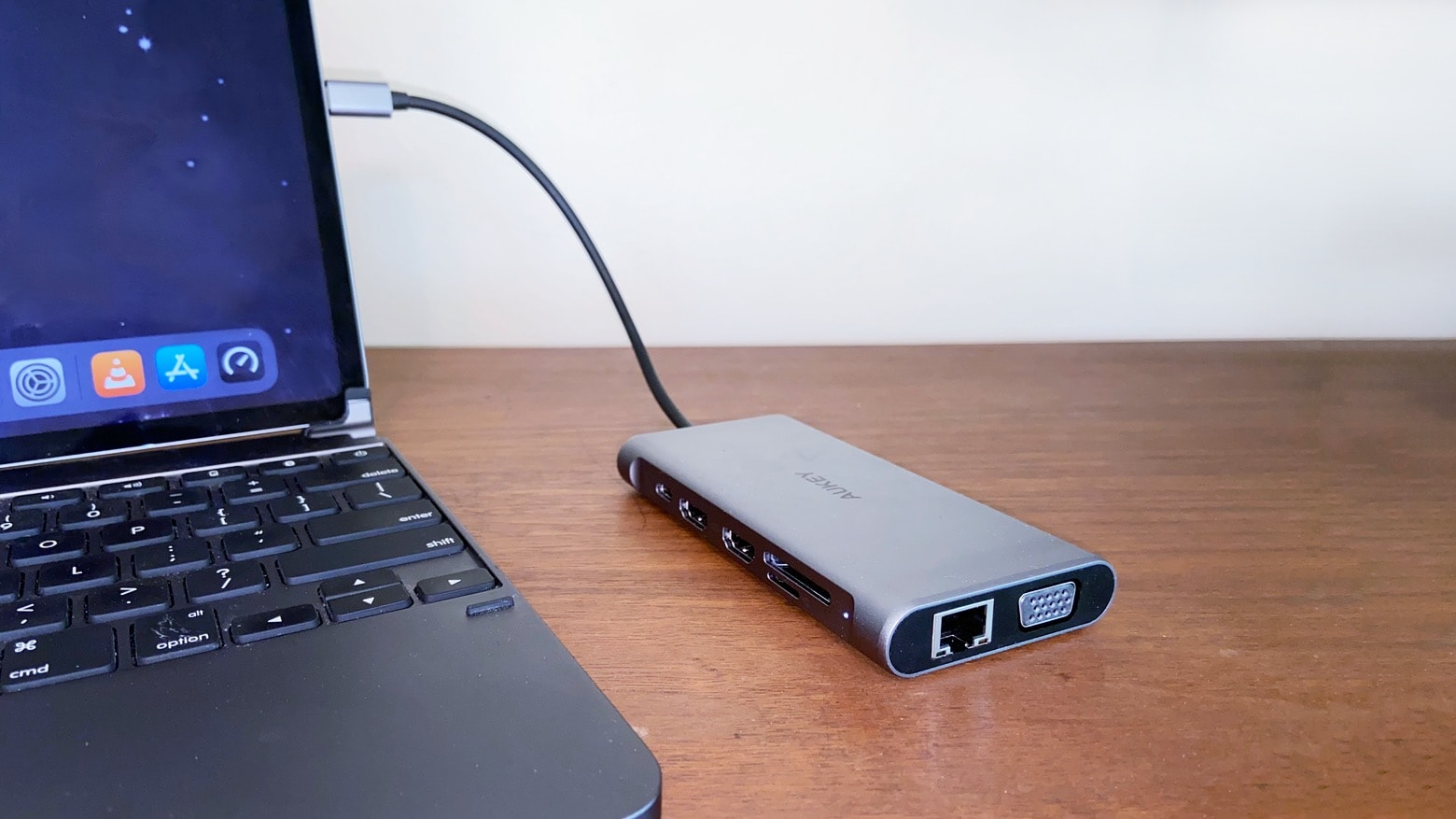
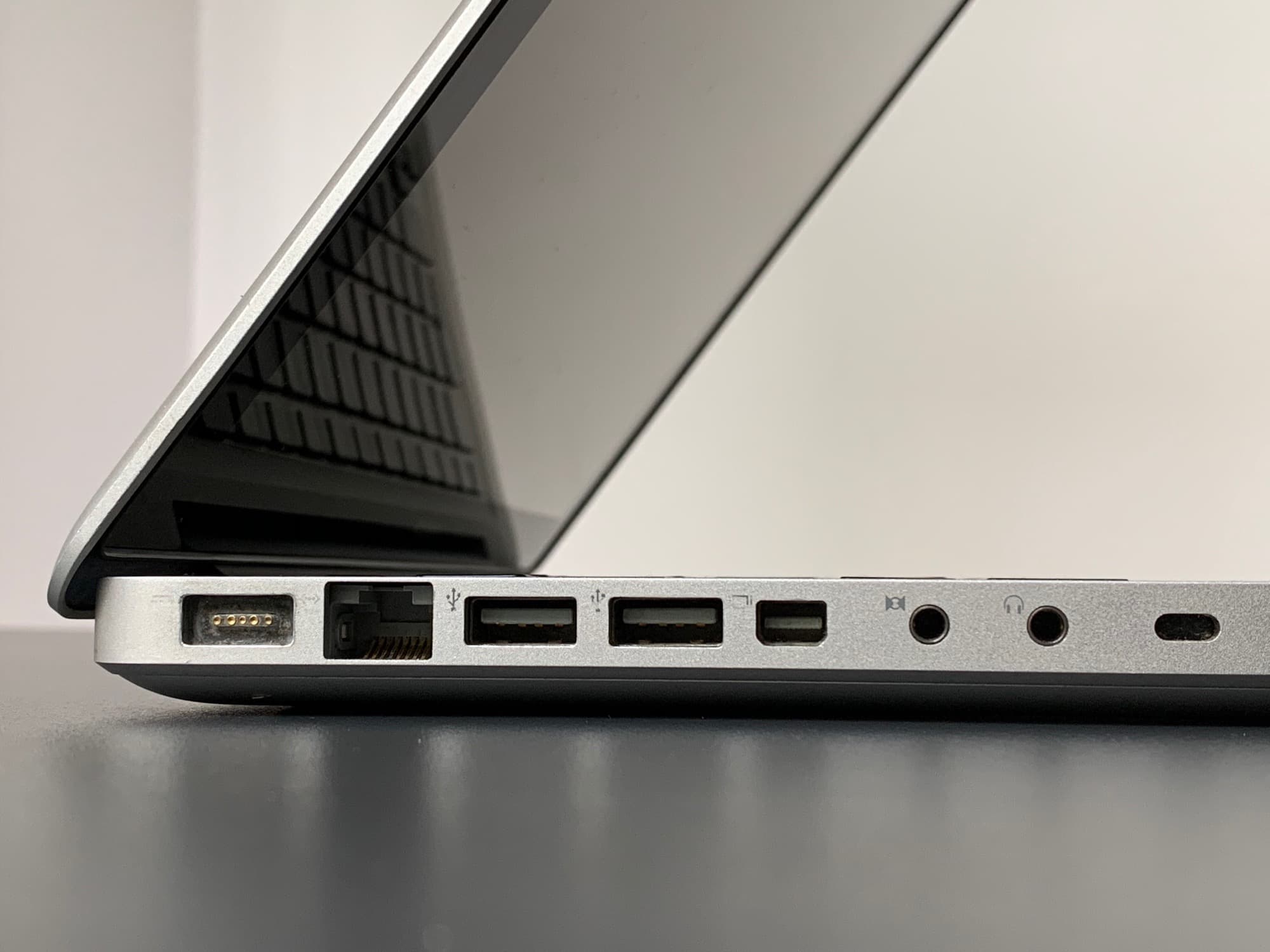
The Aukey CB-C78 12-in-1 USB-C Hub includes points for multiple monitors plus several USB accessories, and that’s just scratching the surface. Photo: Ed Hardy/Cult of Mac
The Aukey CB-C78 USB-C hub connects your Mac to two HDMI monitors, four USB-A accessories, Ethernet and much more… all at once. With no less than a dozen ports, you can be confident that you’ll be able to connect to anything and everything you need.
I extensively tested the Aukey CB-C78 12-in-1 Hub to be sure it lived up to the promises.
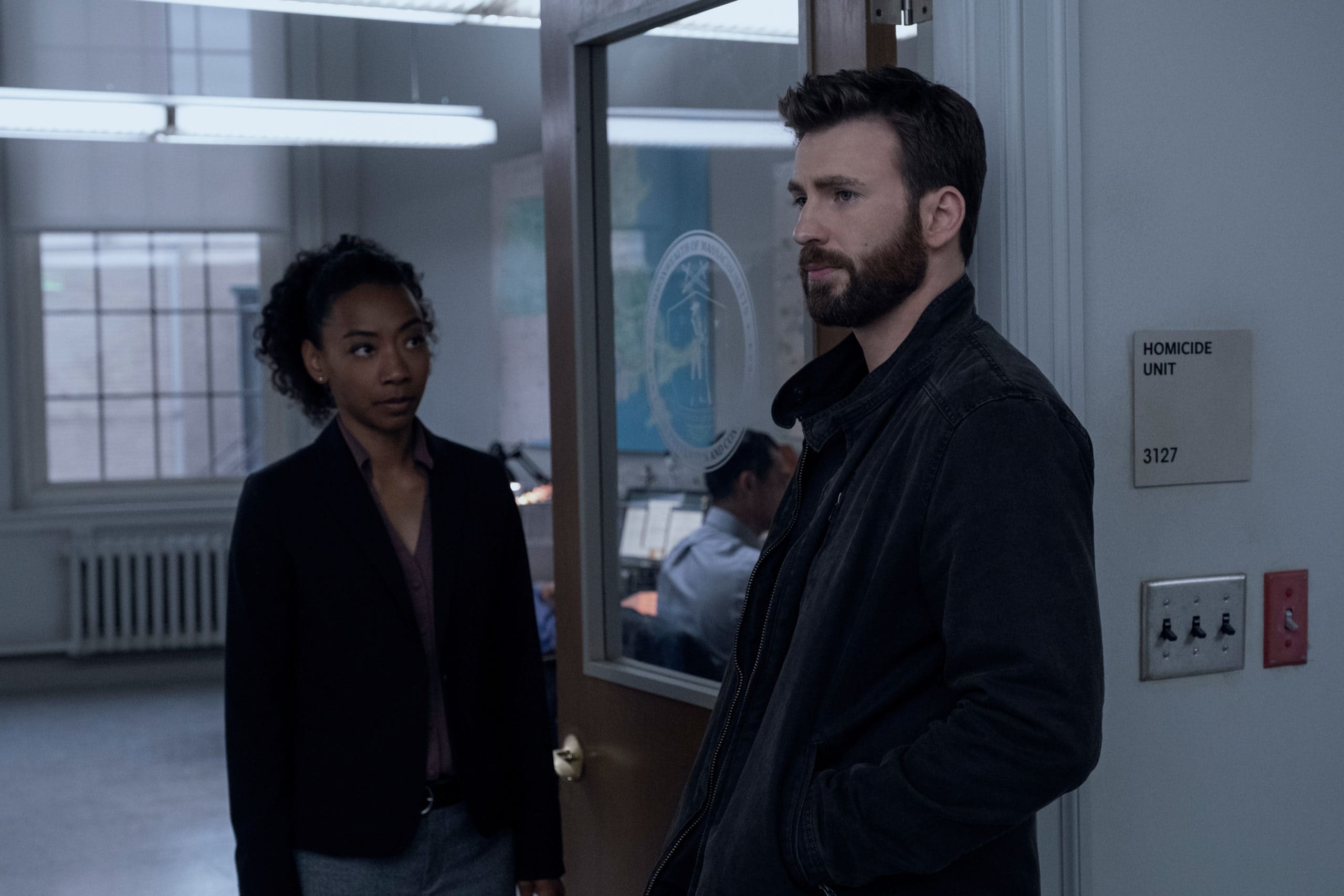
Betty Gabriel and Chris Evans anchor uniformly strong crime drama Defending Jacob. Photo: Apple TV+
Apple TV+ crime drama Defending Jacob nears its climax in Episode 6. The writers crank up the tension and the danger in ways that finally take the series out of the ordinary and into the more obviously fictional and generic.
Thankfully, director Morten Tyldum knows how to handle a flagrant crime show incident without it seeming more overblown than the series can handle. (Spoiler alert: Some key plot details will follow.)
The Handmaid's Tale centers on Offred (played by Elisabeth Moss). Photo: George Kraychyk/Hulu
If you thought life during COVID-19 lockdown seems awful, trust me — it’s got nothing on Gilead. That’s the fictional setting of The Handmaid’s Tale, a riveting dystopian TV show that’s racked up awards for Hulu since its 2017 debut on the streaming service.
I’ve burned my way through the first season, and I can’t take my eyes off this terrifying vision of a perverted future.
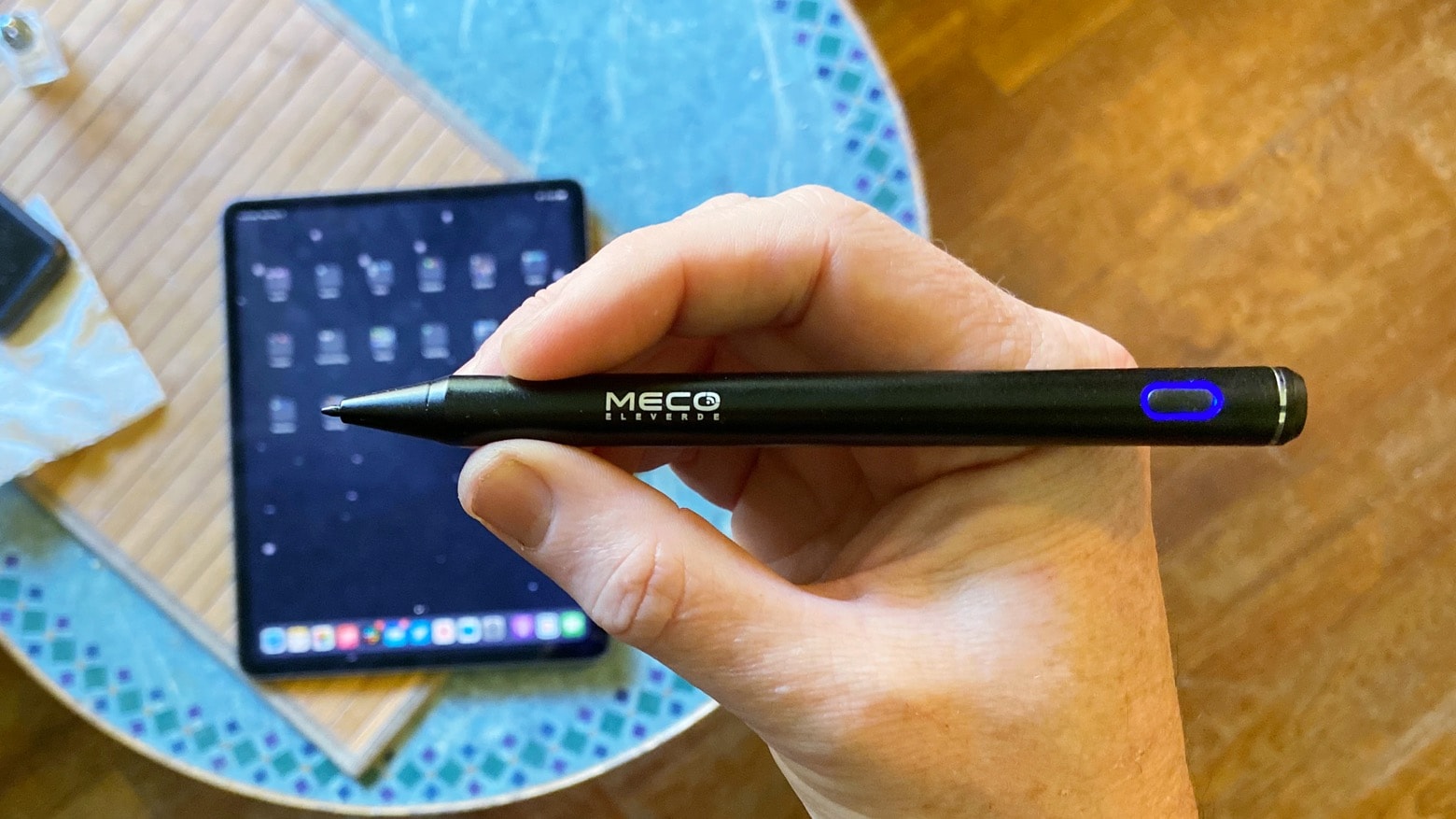
Meco Stylus Pen costs far less than many rivals, and might be the only stylus you need for your iPad. Photo: Ed Hardy/Cult of Mac
The Meco Stylus Pen is an affordable alternative to Apple Pencil. It’s well suited for taking handwritten notes on a range of iPad models, and offers palm rejection. And while it doesn’t have the features artists need, it offers a long battery life and is simple to connect to your iPad.
I tested this budget active stylus by taking notes and sketching out ideas. Here’s how it stood up to real-world use.
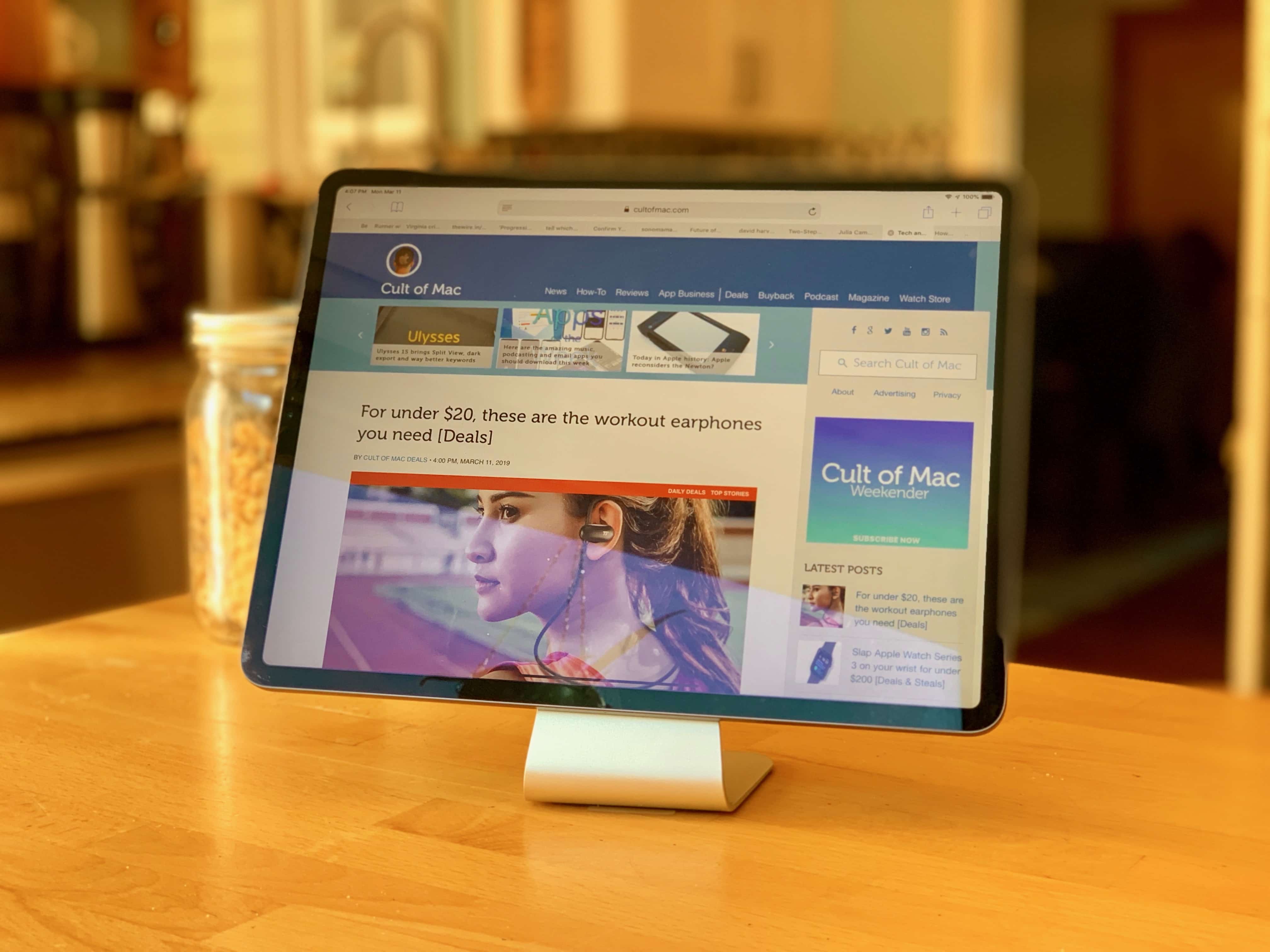
Slope is a stunner! Photo: Leander Kahney/Cult of Mac
Now that iPadOS supports mice and trackpads, it’s a better time than ever to turn your iPad into a mini iMac. To do that, you need the Slope: a nice-looking stand that props up your iPad at the perfect angle for working. Just slide a keyboard and trackpad underneath, and you have something that resembles Apple’s new Magic Keyboard, but at a fraction of the price.
Made from anodized aluminum, the Slope looks good in the kitchen, on your desk or at bedside. It keeps your iPad out of the muck when cooking, or at the perfect angle for watching videos.
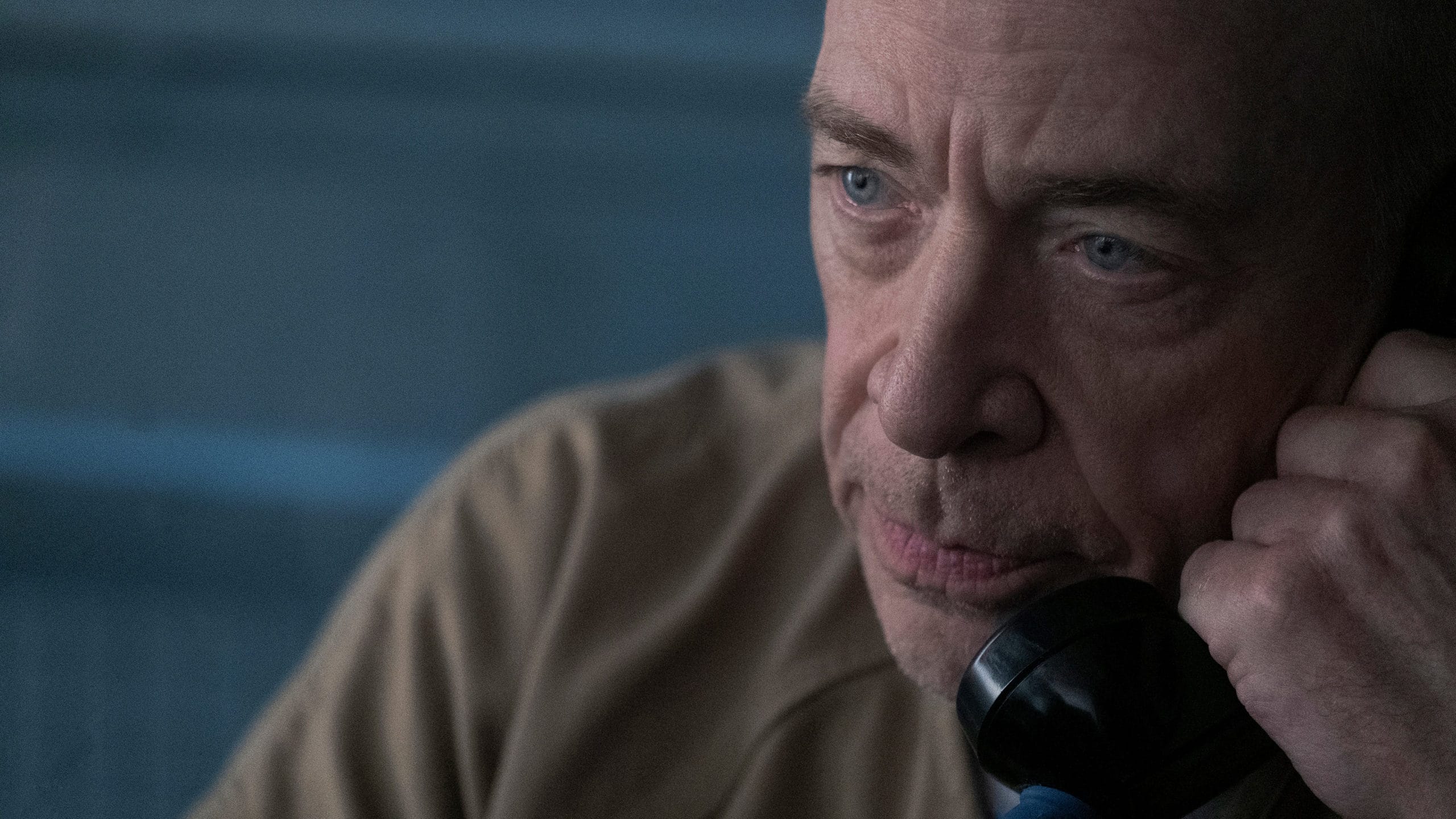
J.K. Simmons takes us to an unsettling new place in this week's episode. Photo: Apple TV+
Things start to get unbearably tense and inhumane as pressure builds on the Barber family in Defending Jacob’s fifth episode, “Visitors.” The show takes a number of risks that may pay rich dividends in future episodes — as long as the showrunners remember not to flinch.
New guest stars — including veteran actor J.K. Simmons — and old vendettas surface in Friday’s new episode. And the Barbers head toward what might turn out to be a moral dead end if they want to stop their son, Jacob, from going to prison. Can we say climax?
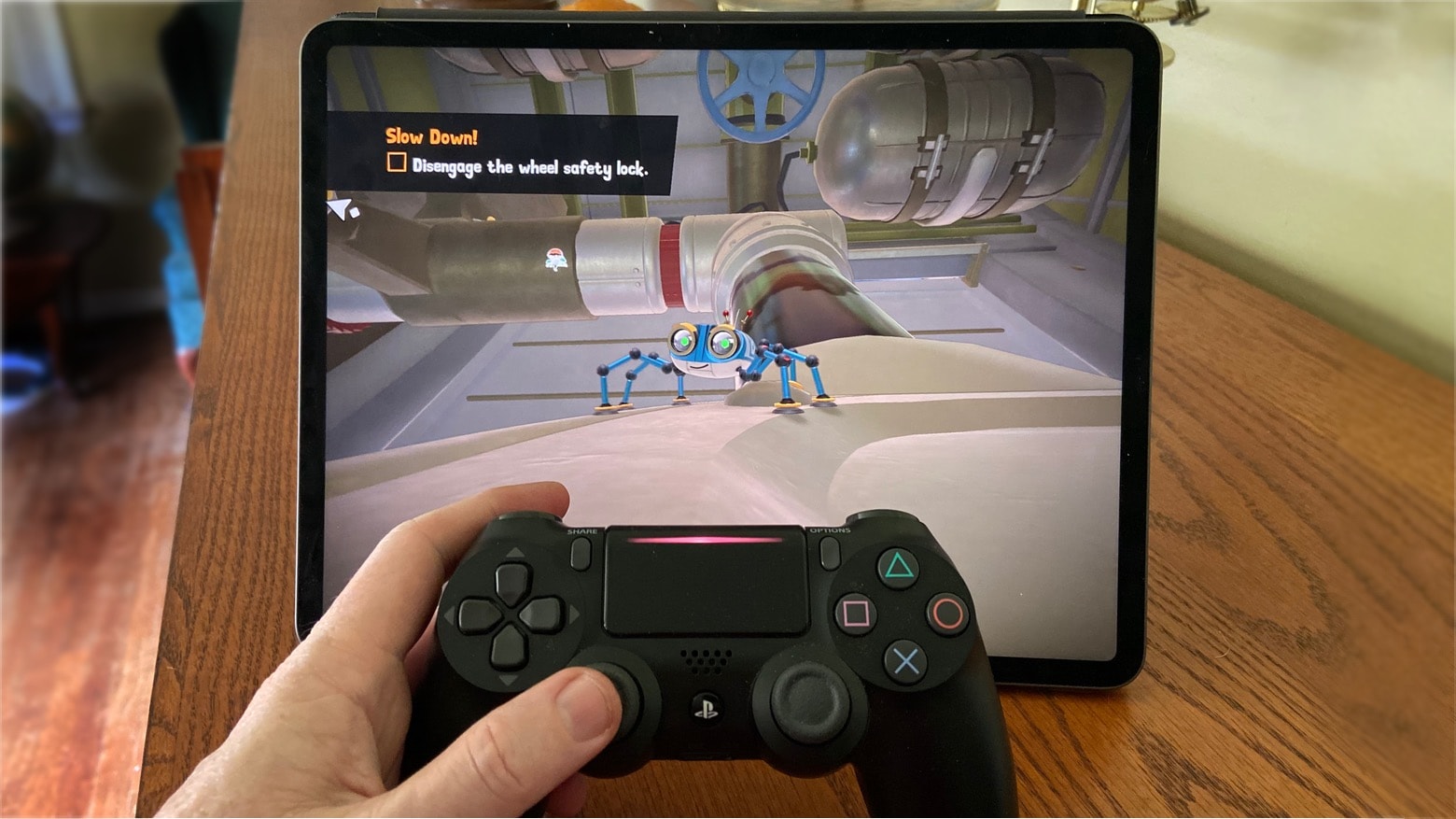
This spunky little guy is the star of Spyder, one of the best games on Apple Arcade. Photo: Ed Hardy/Cult of Mac
There’s never been a better time to try Apple Arcade, the subscription gaming service that serves up unlimited access to more than 100 iPhone, iPad and Apple TV titles for only $4.99 a month.
With exclusive games — and a total lack of the annoying ads and in-app purchases that mar many “free” iOS games — it offers some real advantages. But it wouldn’t be a bargain if there were no fun games. Fortunately, there are plenty. Here are some of the best you’ll find on Apple Arcade.
Apple TV+'s Defending Jacob stays strong in its fourth episode. Photo: Apple TV+
In its fourth episode, stellar Apple TV+ show Defending Jacob shows every member of the Barber family starting to crack as young Jacob moves closer to his murder trial. As the characters head toward revelations and uncomfortable conclusions, they start to stall for time in irresponsible, sometimes dangerous ways.
As the situation unfolds, their relationships with each other start to fray.
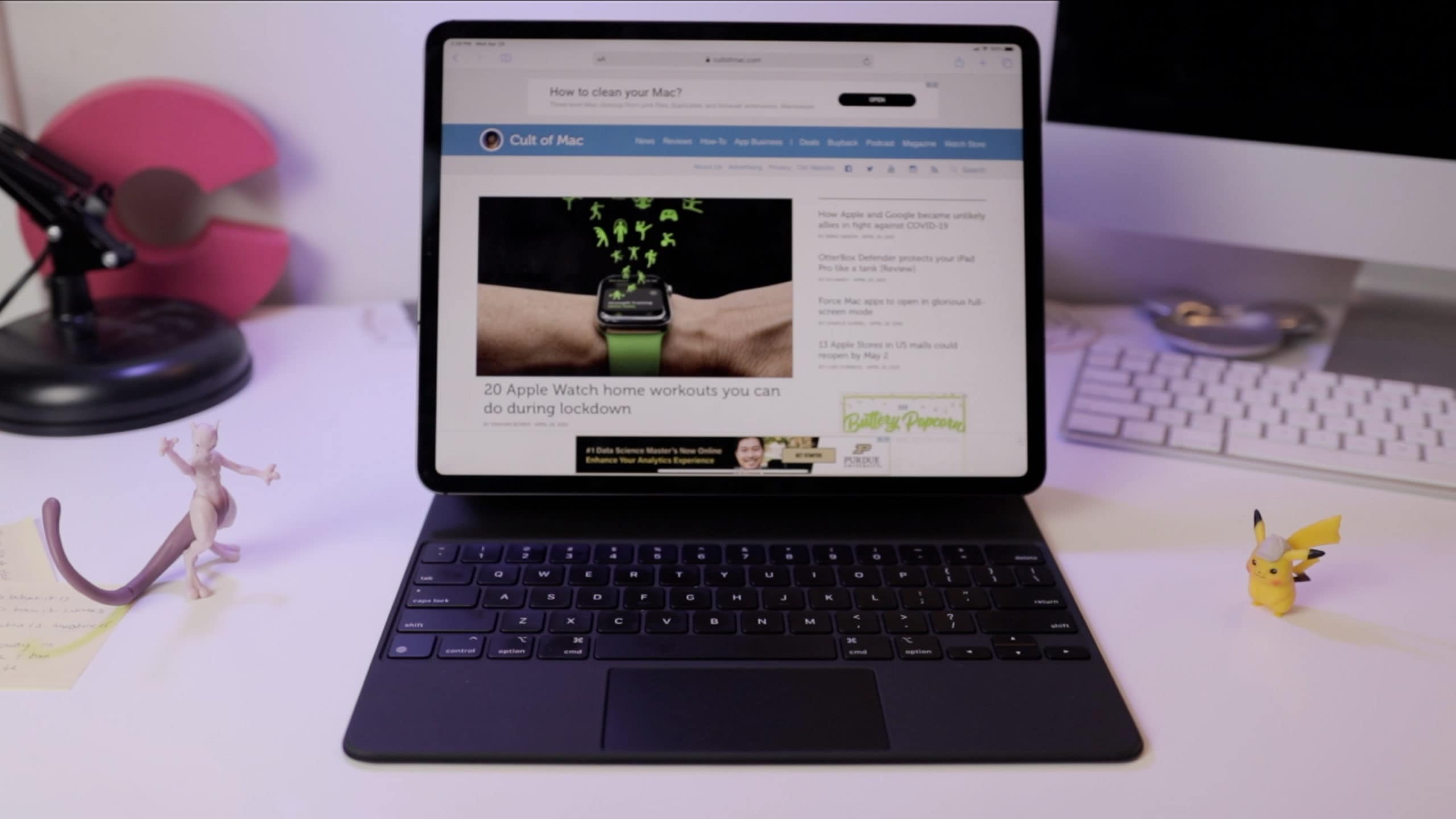
The Magic Keyboard finally makes the iPad Pro a full-on laptop. Photo: Ian Fuchs/Cult of Mac
It should come as no surprise that the iPad is one of our favorite devices here at Cult of Mac. Ever since the introduction of the 2018 iPad Pro models and iPadOS 13, Apple’s tablet has made huge strides in being more capable and powerful for tons of things I do. So, needless to say, when I saw the Magic Keyboard, I had high hopes.
One critical factor for the iPad to be a useful tool for me has been a good keyboard experience. Even more important is the ability to shift from typing on the keyboard to interacting with the touchscreen when I want to go mobile around the house or office.
Now, with the Magic Keyboard, Apple offers a new option for the iPad Pro. The new case lets you effortlessly jump between keyboard and tablet mode whenever you want. Or you can forget about the touchscreen entirely, turning the iPad into more of a laptop than ever before.
Rafe Spall and Esther Smith are not trying hard enough in new series Trying. Photo: Apple TV+
Even during quarantine, you’d really need to not value your time to look beyond the failures of imagination at the heart of Trying. The new Apple TV+ sitcom, created by Andy Wolton and starring Rafe Spall and Esther Smith as a couple who discover they can’t conceive, is sitcom 101.
There isn’t anything inherently wrong with the premise, but neither is there much to recommend it. Wolton and company seem content to do the bare minimum.
Look and weep, modern MacBook owners. Photo: Charlie Sorrel/Cult of Mac
This is Apple’s 2008 aluminum unibody MacBook, model A1278. It replaced the white polycarbonate MacBook, but was itself replaced by, or rather rebranded as, the MacBook Pro, which was more or less the same computer1.
Apple introduced this magnificent MacBook on October 14, 2008, and produced them until June 8, 2009. And it was one of Apple’s best notebooks ever. It had a fantastic keyboard, and many comfy extras that today’s skinny MacBook owners can only dream about, from a battery indicator light to an almost hot-swappable hard drive (or SSD).
It’s so good that it’s still viable today as a daily driver, with the added bonus that its weight will help keep you fit during lockdown. How do I know? Because I have one right here, and I use it for music recording and production. I’m also using it to write this article. I thought, as my last post for Cult of Mac, that I’d review the 2008 unibody MacBook as if it were new. Let’s go.
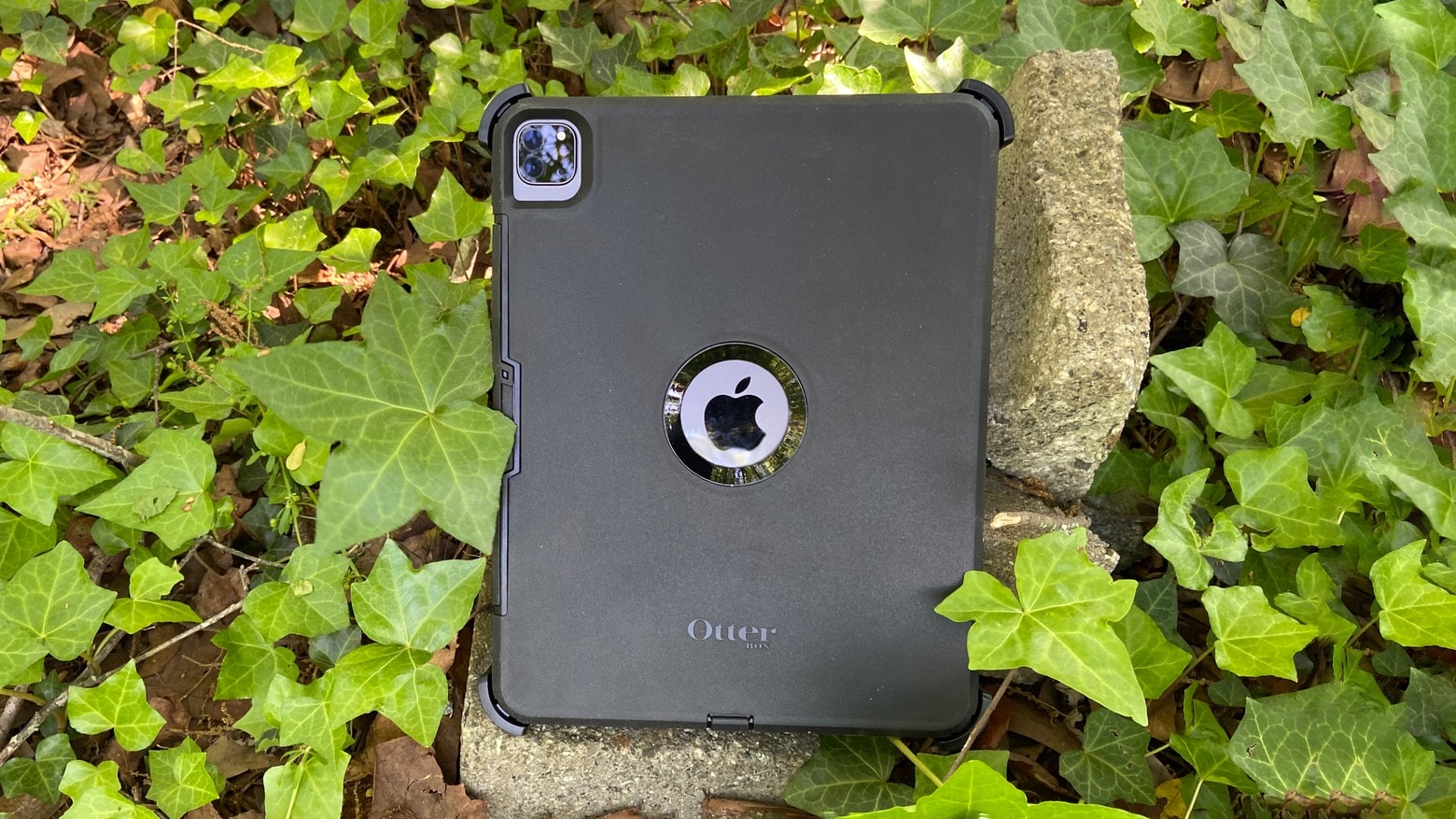
If you use your tablet outside more than in an office, you really need to consider the OtterBox Defender for 2020 iPad Pro. Photo: Ed Hardy/Cult of Mac
iPad Pros used in the field require hard-core protection, and there’s no better option than the OtterBox Defender. The case wraps the tablet in layer upon layer of plastic to cushion it from serious accidents. There’s even a built-in screen protector.
I encased my 2020 iPad Pro in the latest version of the OtterBox Defender to do some real-world testing. Here’s what I found out.
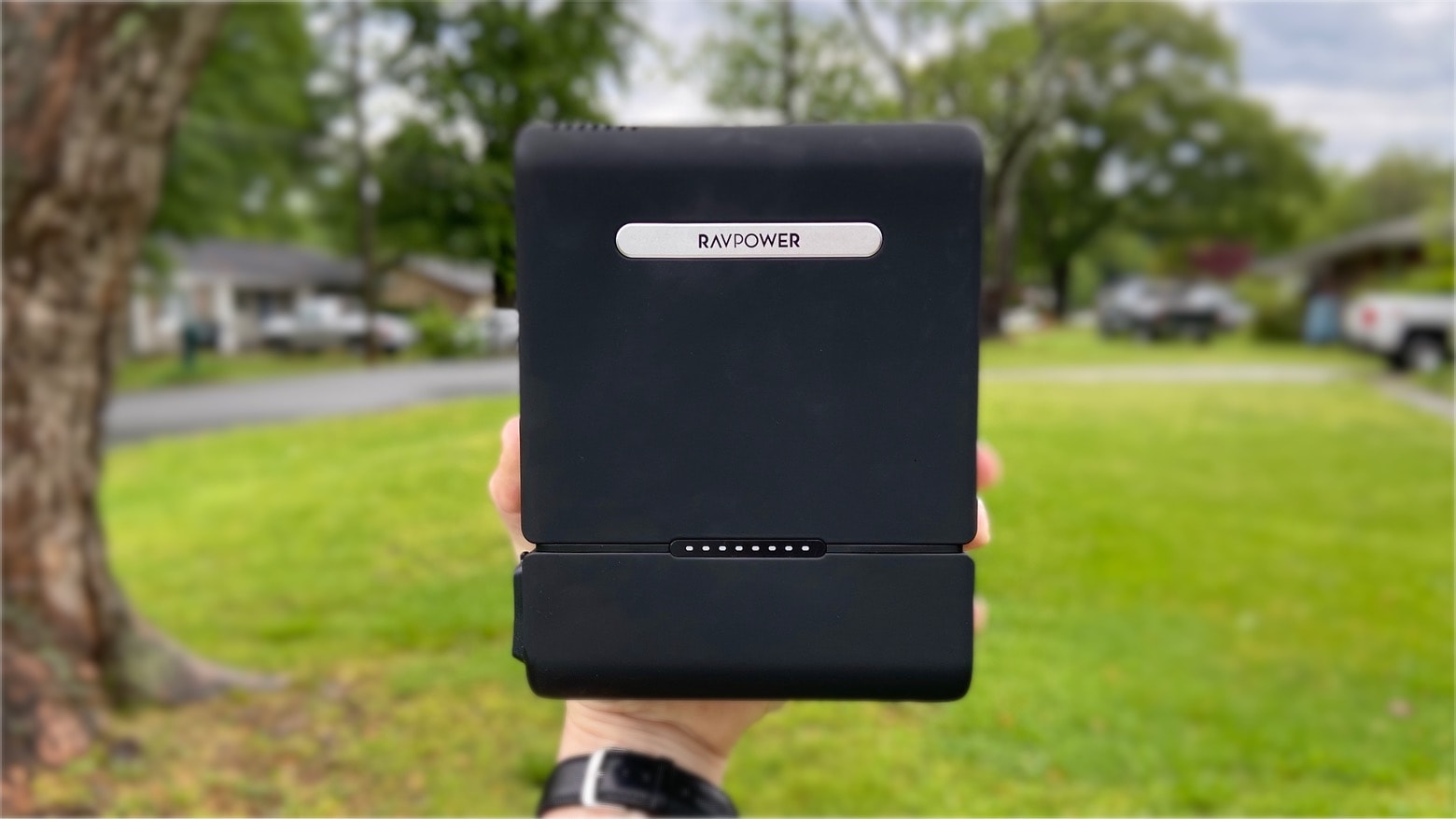
It’s a bit bulky, but the RAVPower RP-PB055 can recharge an iPhone 11 more than 5 times. Photo: Ed Hardy/Cult of Mac
Power banks designed for phones don’t do much for laptops and tablets. But the RavPower RP-PB055 AC Power Bank packs a whopping 30,000mAh, and more than doubles a MacBook’s time between recharges. Even better, it includes a standard wall socket so it can run DVD players, lamps, fans … whatever you need.
I tested it not only with Apple products but with other electronics, too. Read on to see how this uber-size power bank held up.
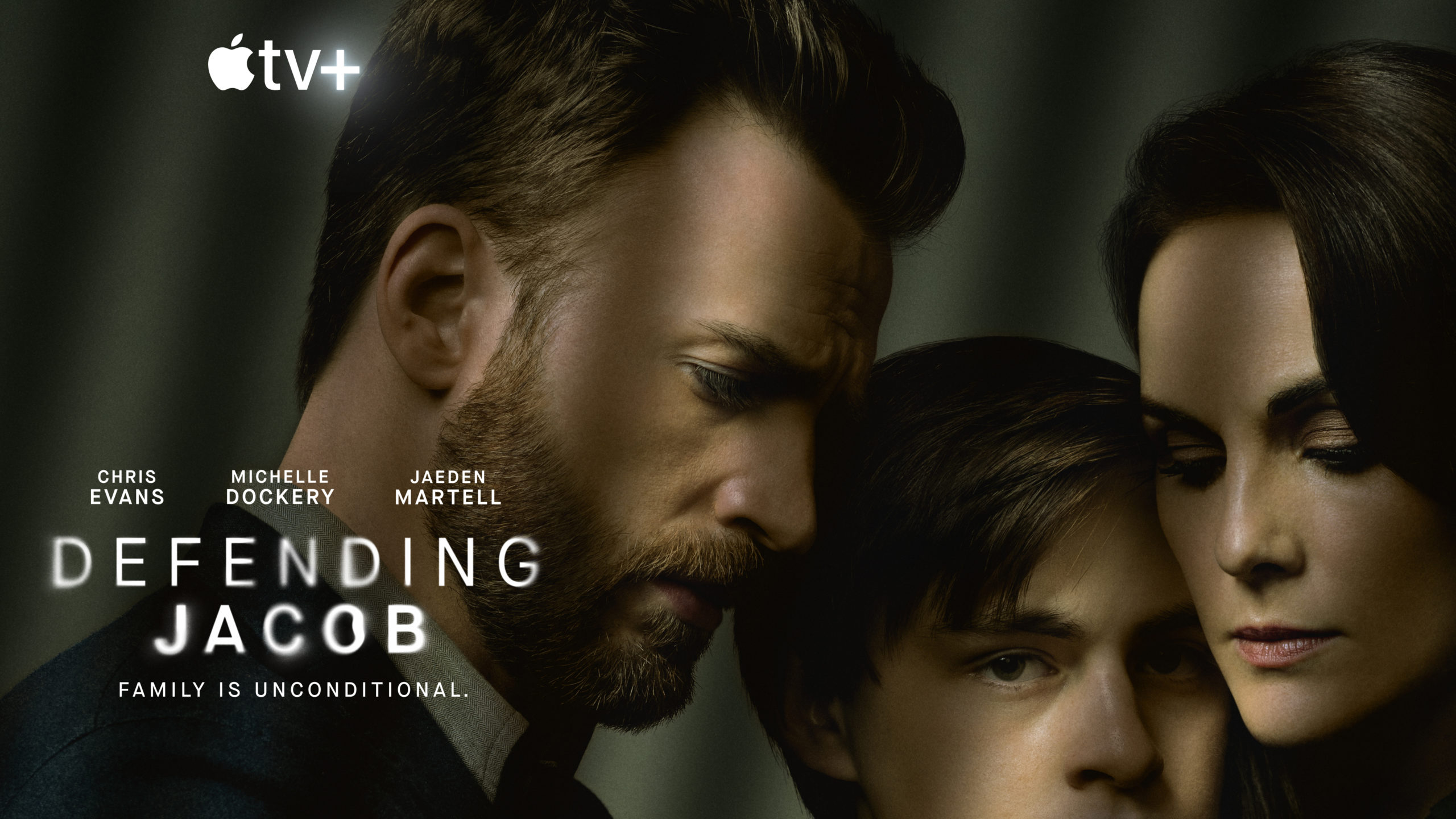
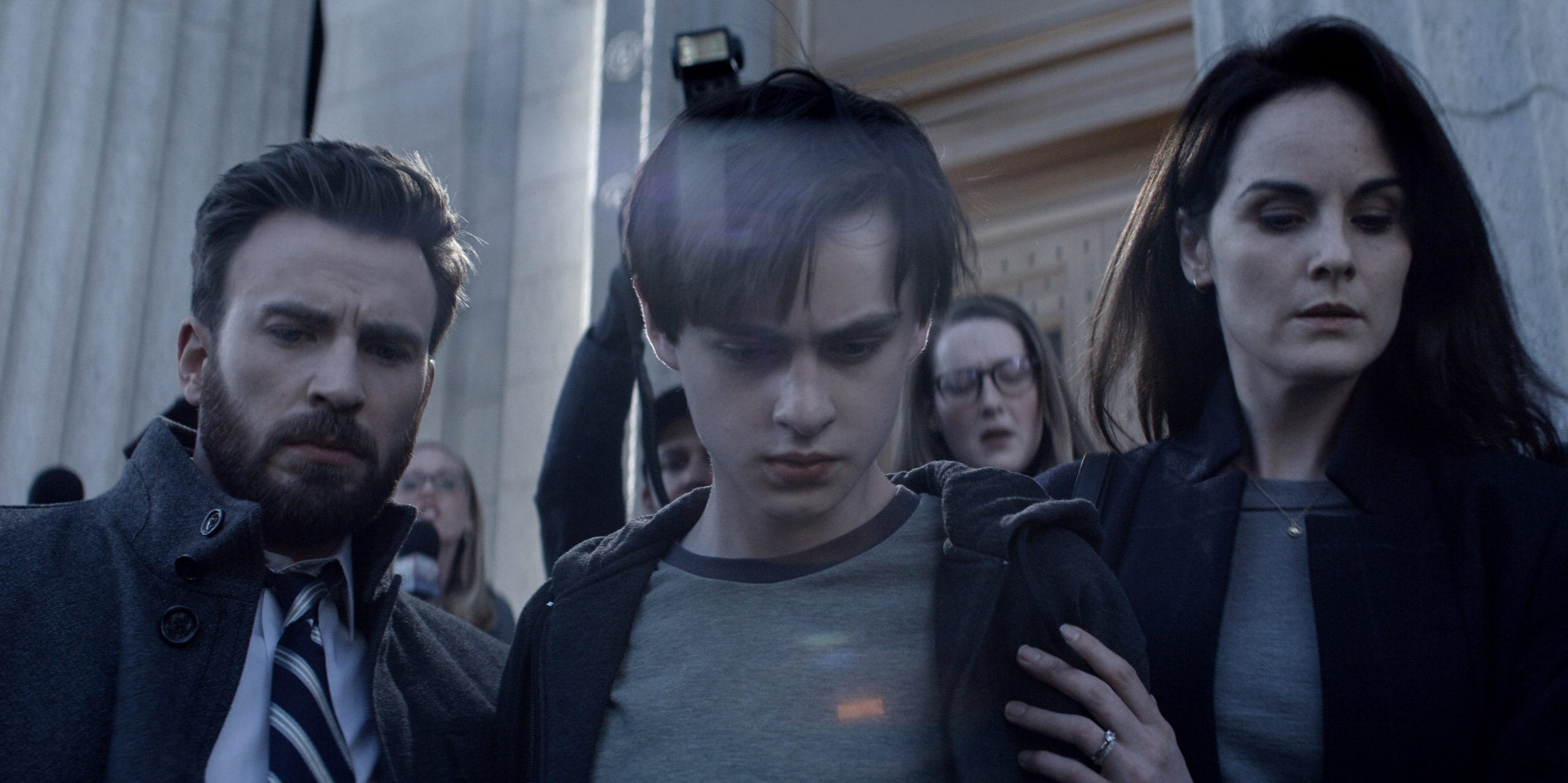
Chris Evans, Jaeden Martell and Michelle Dockery portray a family fighting suspicion in Defending Jacob. Photo: Apple TV+
With a hot cast and a true-crime sheen, Defending Jacob is one of the most highly anticipated Apple TV+ series so far. It’s based on a best-selling novel. It’s helmed by an Oscar-nominated director. And the first three episodes arrived Friday, primed for a literally captive audience seeking its latest obsession.
Apple calls its fledgling streaming service “the new home for the world’s most creative storytellers.” And for the first time, Apple TV+ has delivered a show that lives up to the hype — at least judging by the first three episodes.
Beastie Boys turned hip-hop on its head, and a new doc captures the magic. Photo: Apple TV+
Beastie Boys Story, director Spike Jonze’s endearing Apple TV+ documentary about the first white rap phenoms, proves as powerful as it is screamingly funny.
Jonze, a confidant and collaborator of the group since the Beasties’ experimental mid-career, exhibits an easy candor with his subjects. That familiarity allows all of them to open up, which is important when it comes to discussing their failures and losses.
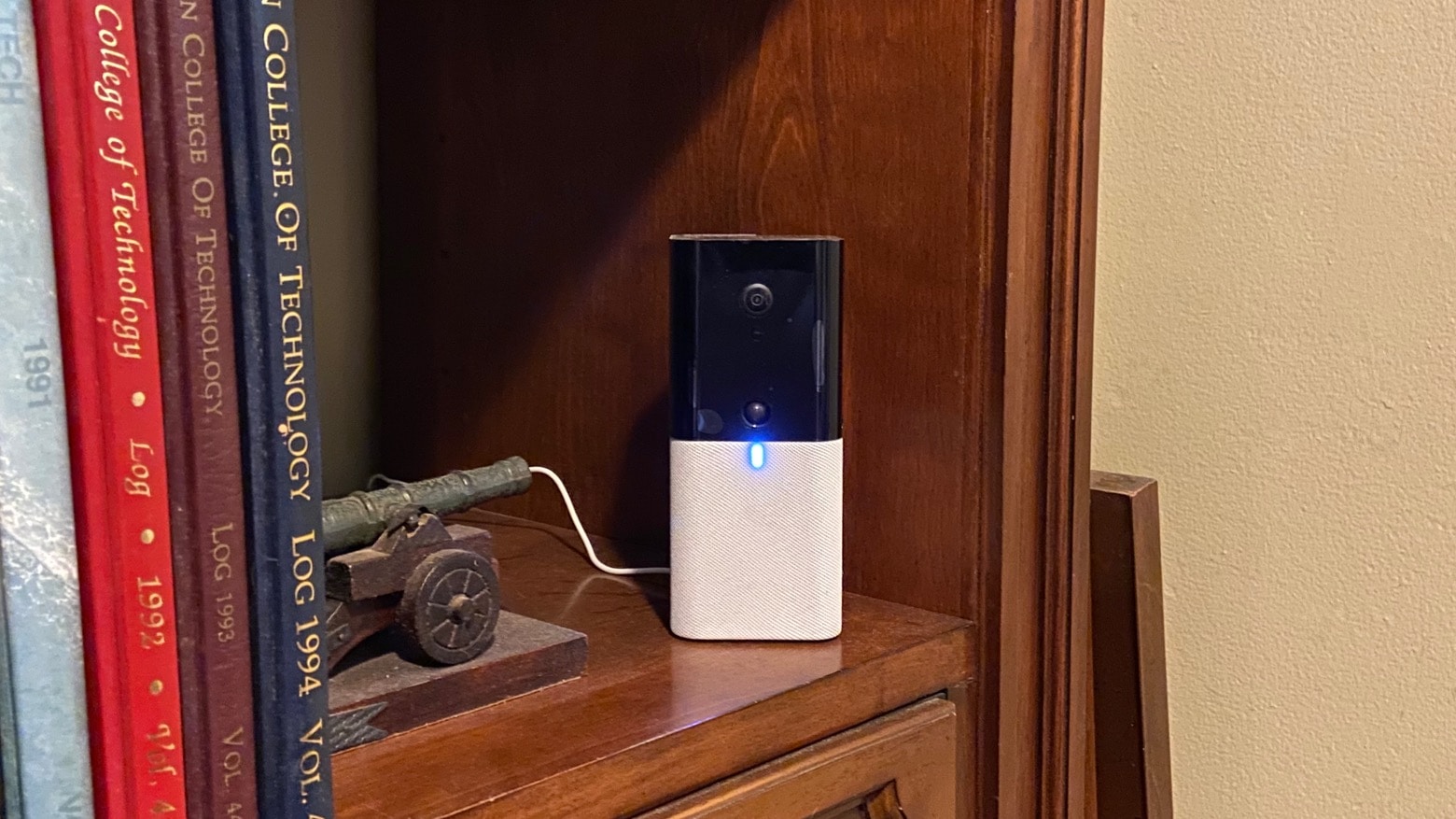
Abode Iota includes a camera, motion sensor and supports HomeKit home automation. Photo: Ed Hardy/Cult of Mac
Abode Iota is a do-it-yourself security system that’s one of the very few with support for Apple’s HomeKit home-automation platform. That means it’s a breeze to control from your iPhone. It includes a camera, motion detector and windows/door sensor. Additional sensors can be added.
I installed the Iota Starter Kit and have extensively tested it. Read on to see whether it’s the right solution to secure your home or business.
If you’re looking for some situation-appropriate fiction to read during the COVID-19 lockdown, then what could be better than a good old post-apocalyptic novel?
Some people will want to avoid all mention of pandemics and other worldwide disasters. But if your idea of catharsis comes through mental inoculation, then you should check out this list. I’ve read a ton of dystopian fiction over the years, and below are some of my favorites. A few are from recent years, and one is a bona fide classic, but all of them are great.
Apple's new architecture docuseries is half-inspiring, half-insufferable. Photo: Apple TV+
Home, the new Apple TV+ docuseries about unconventional structures designed by unorthodox architects, is — surprise, surprise — as much a mixed a bag as anything else on the streaming service.
The nine-episode series, available to watch Friday, provides a window into homes and the ethos, hardship and breakthroughs that lead to their creation. It would be an understatement to say that some episodes prove more interesting than others.
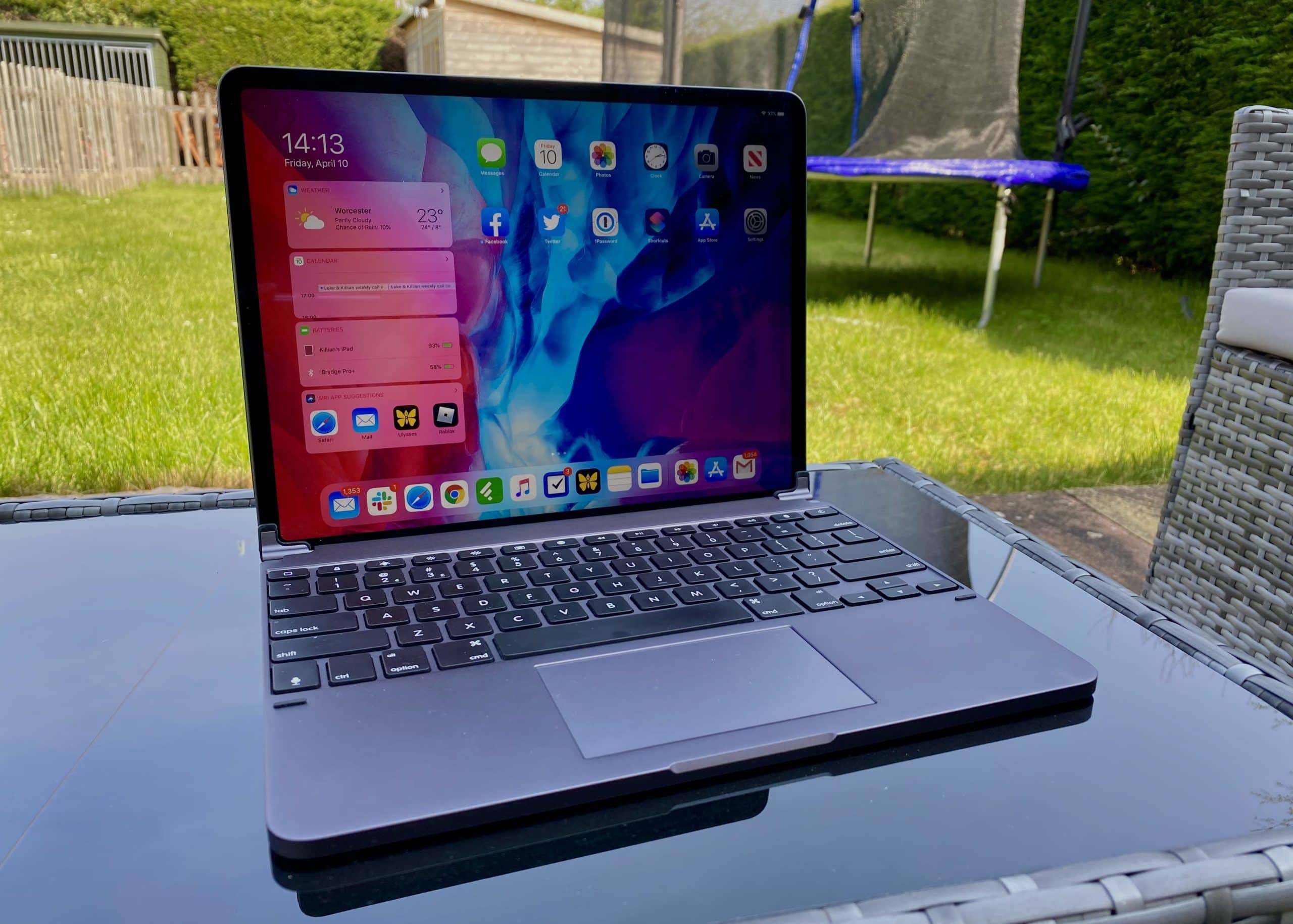
One of the best keyboards money can buy for iPad Pro now comes with a built-in trackpad. The Brydge Pro+ is one of the first to truly embrace mouse support in iPadOS. And it costs a lot less than Apple’s official Magic Keyboard, which won’t debut until May.
Like almost every other Brydge keyboard I’ve used, this one delivers a terrific typing experience that you can rely on every day. It feels superbly comfortable, and it’s brilliantly designed. It makes your iPad feel like a MacBook in the most elegant way possible.
Despite all that — and my appreciation for Brydge as a company — it’s really hard for me to recommend the Pro+. It gets so many things right, but completely misses the mark where it really matters. Here’s my full Brydge Pro+ review after several weeks of use.
UPDATE: February 25, 2021: Brydge is currently preparing a big firmware update for the Pro+ that promises to eliminate its trackpad issues for good by adding native multitouch gestures. That means the Pro+ will soon offer exactly the same functionality as Apple’s own Magic Keyboard.
We have yet been able to test that firmware update, but we have heard that it lives up to Brydge’s promises. Bear that in mind before reading the rest of our original review below.
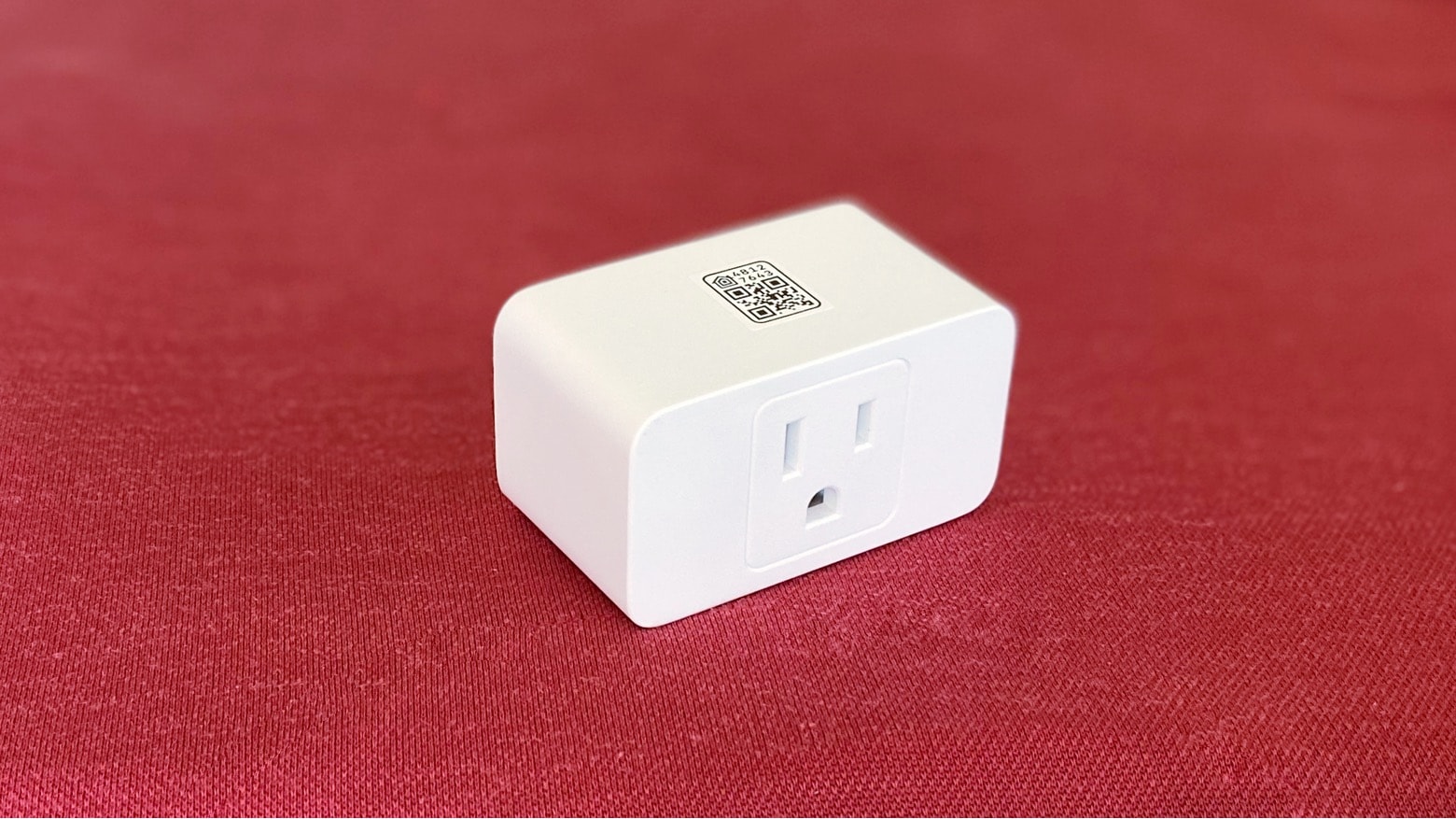
Insert the Meross Smart WiFi Plug Mini into a wall socket and you can control it from anywhere in the world. Photo: Ed Hardy/Cult of Mac
The Meross Smart WiFi Plug Mini is an inexpensive and easy-to-install way to get started in home automation. This smart plug lets you control a lamp, fan or other appliance without needing to touch it. Support for Apple’s HomeKit and Amazon Alexa means voice commands, or automated schedules, are all that’s necessary.
I tested a pair of these accessories for a week, and can report on how they perform in daily use.
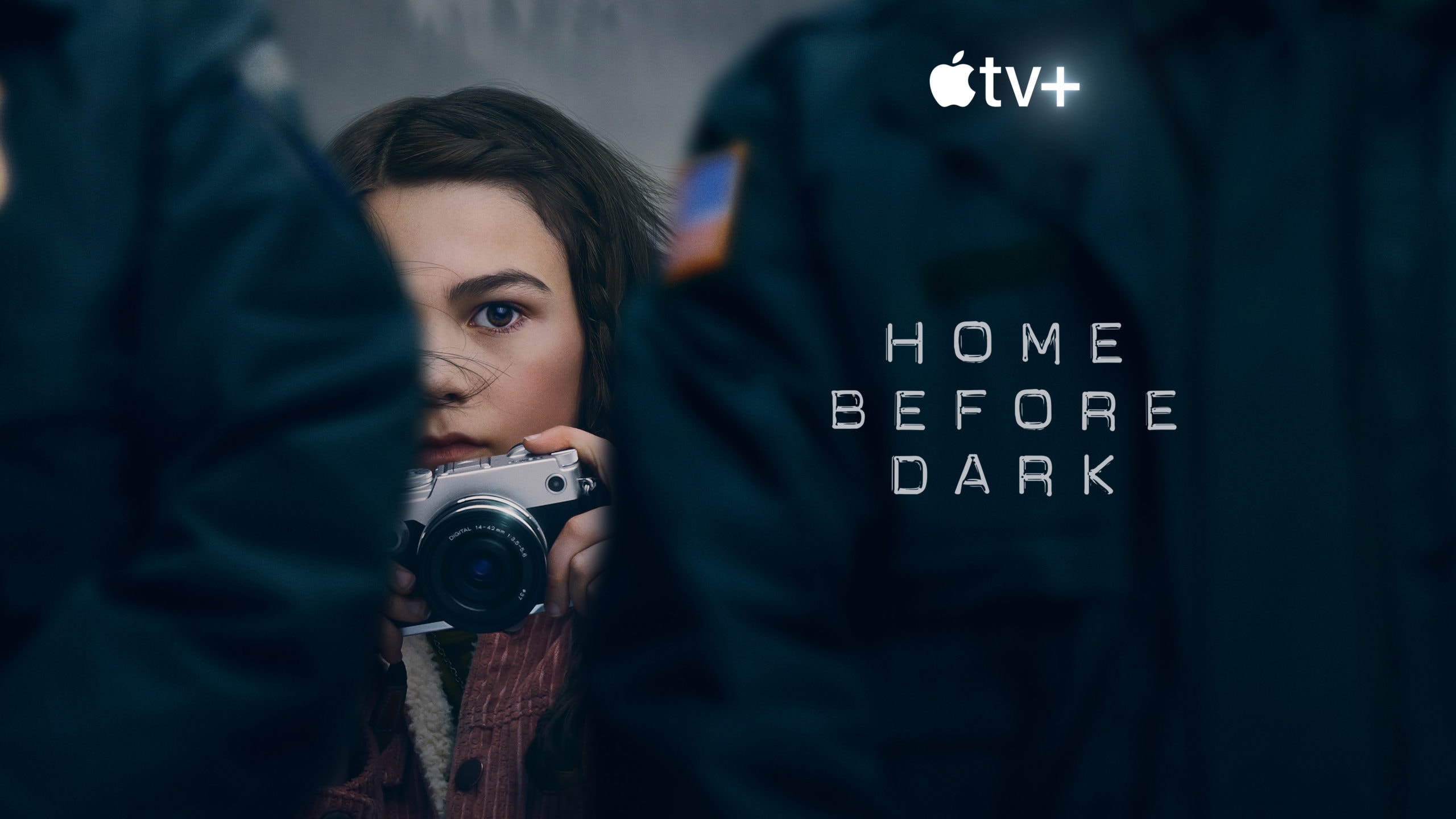
Apple's flawed but engrossing Home Before Dark makes a strong enough case that a second season is a good idea. Photo: Apple TV+
True-ish crime show Home Before Dark, about an intrepid cub reporter who’s always late to class, is the latest Apple TV+ streaming option available to quarantined Americans. Is it any good?
Here’s a quick guide to the pleasures of the show.
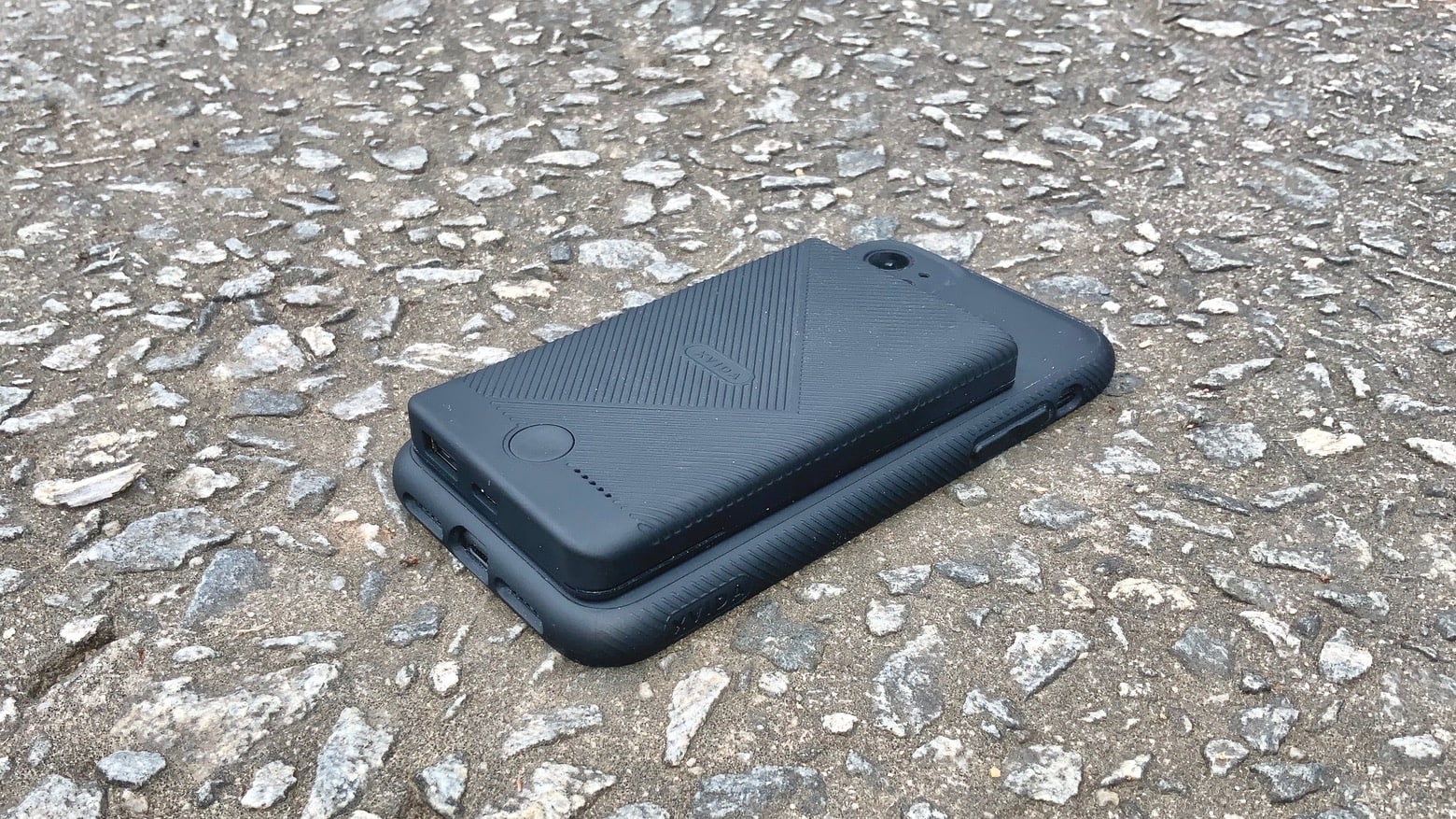
Combine the Xvida Magnetic Wireless Charging Portable Battery Pack with the Charging Case to make an iPhone battery case. Photo: Ed Hardy/Cult of Mac
The Magnetic Wireless Charging Case from Xvida protects your iPhone from drops and blows, but that’s just the start. Magnets set into its back allow it to easily attach to a range of other accessories made by this company. That includes a wireless charger that adds hours of use to the handset.
I’ve tested both the Xvida Magnetic Wireless Charger Portable Battery Pack and the protective case that it pairs with to see how they stand up to real-world use.
Satechi Charging Dock for Apple Watch is about the same size as Apple’s wearable. Photo: Ed Hardy/Cult of Mac
The Satechi USB-C Magnetic Charging Dock for the Apple Watch is more portable than Apple’s own. And because it uses USB-C, it’s easier to use with a MacBook or iPad Pro — just plug it straight in.
I put the Satechi USB-C Magnetic Charging Dock for Apple Watch through a battery of tests. Here’s how it stood up.
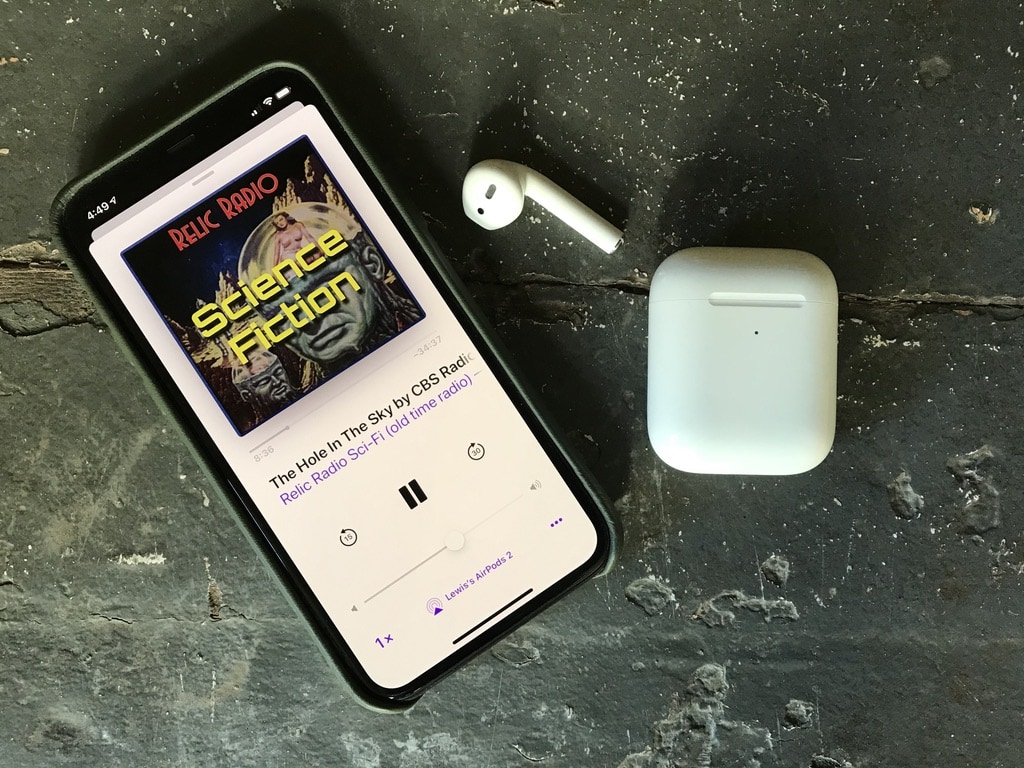
Vintage radio podcasts are perfect for taking your mind off the coronavirus pandemic. Photo: Lewis Wallace/Cult of Mac
The nonstop onslaught of coronavirus news is making me a little crazy. Headlines asides, COVID-19-related content even infects the stream of shows in my Podcasts app. To ease my coronapanic, lately I’ve been binging on something a lot more relaxing: vintage radio podcasts from Relic Radio.
Served up through a variety of free podcasts, these old-time radio dramas really help take my mind off the rapidly unfolding COVID-19 horror show.
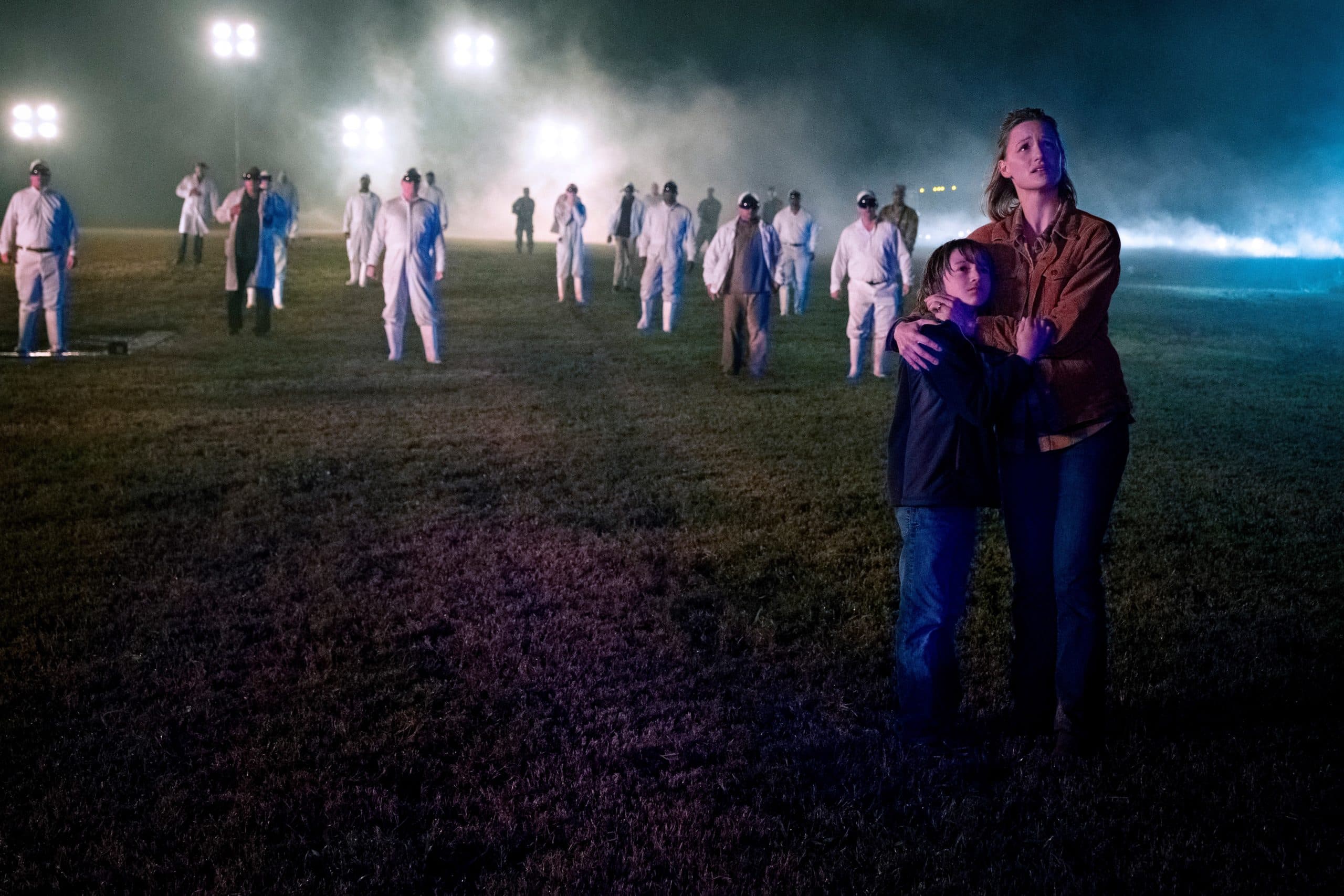
Kerry Bishé closes out the first season of the new Amazing Stories Photo: Apple TV+
Amazing Stories’ season finale “The Rift” serves as a case study into the rebooted show’s highs and lows. With its five-episode run complete, the ways in which the Apple TV+ anthology series succeeded — and the ways it failed to cohere — become more obvious than ever.
“The Rift” was directed by Mark Mylod and written by Don Handfield and Richard Rayner (co-creators of History Channel’s Knightfall). However, the episode takes more cues from executive producer Steven Spielberg than nearly any of the preceding entries, to both its detriment and its occasional benefit. The real MVP of the piece, however, is the perpetually underrated Kerry Bishé.