Apple Watch SE 3 rumors Image: Ed Hardy/Cult of Mac
Apple’s third-gen Apple Watch SE may not launch anytime soon, with the device running into “serious jeopardy.” Rumors have indicated Apple will switch to a plastic casing with the next Apple Watch SE refresh.
However, this move might have backfired, with the company’s design and operations team not happy with the outcome.
Which new Air is best? D. Griffin Jones puts the latest MacBook Air and iPad Air to the test. Image: Cult of Mac
This week on Cult of Mac’s podcast: Griffin goes deep on the M3 iPad Air and the M4 MacBook Air, which he recently reviewed from his unique perspective as a Mac mini fanatic. He loved them both, but which one rules the day? And can either of them come close to his desktop dynamo?
Also on The CultCast:
Erfon digs into the M3 Ultra benchmarks.
There’s a shakeup in Siri land! Can the new boss fix Apple’s virtual assistant and/or deliver Siri’s promised AI upgrade?
Surprise, surprise — Apple is working on a new monitor.
iOS 19 might turn AirPods into real-time translators, which sounds like a killer feature for travelers.
Listen to this week’s episode of The CultCast in the Podcasts app or your favorite podcast app. (Be sure to subscribe and leave us a review if you like it!) Or watch the video live stream, embedded below.
Are you excited about an Apple Watch with camera? Photo: David Snow/Cult of Mac
Apple reportedly wants to put cameras in future Apple Watch versions. This will enable the wearable to “see the outside world and use AI to deliver relevant information.”
However, Apple needs a few more generations to turn the Apple Watch with cameras into a reality.
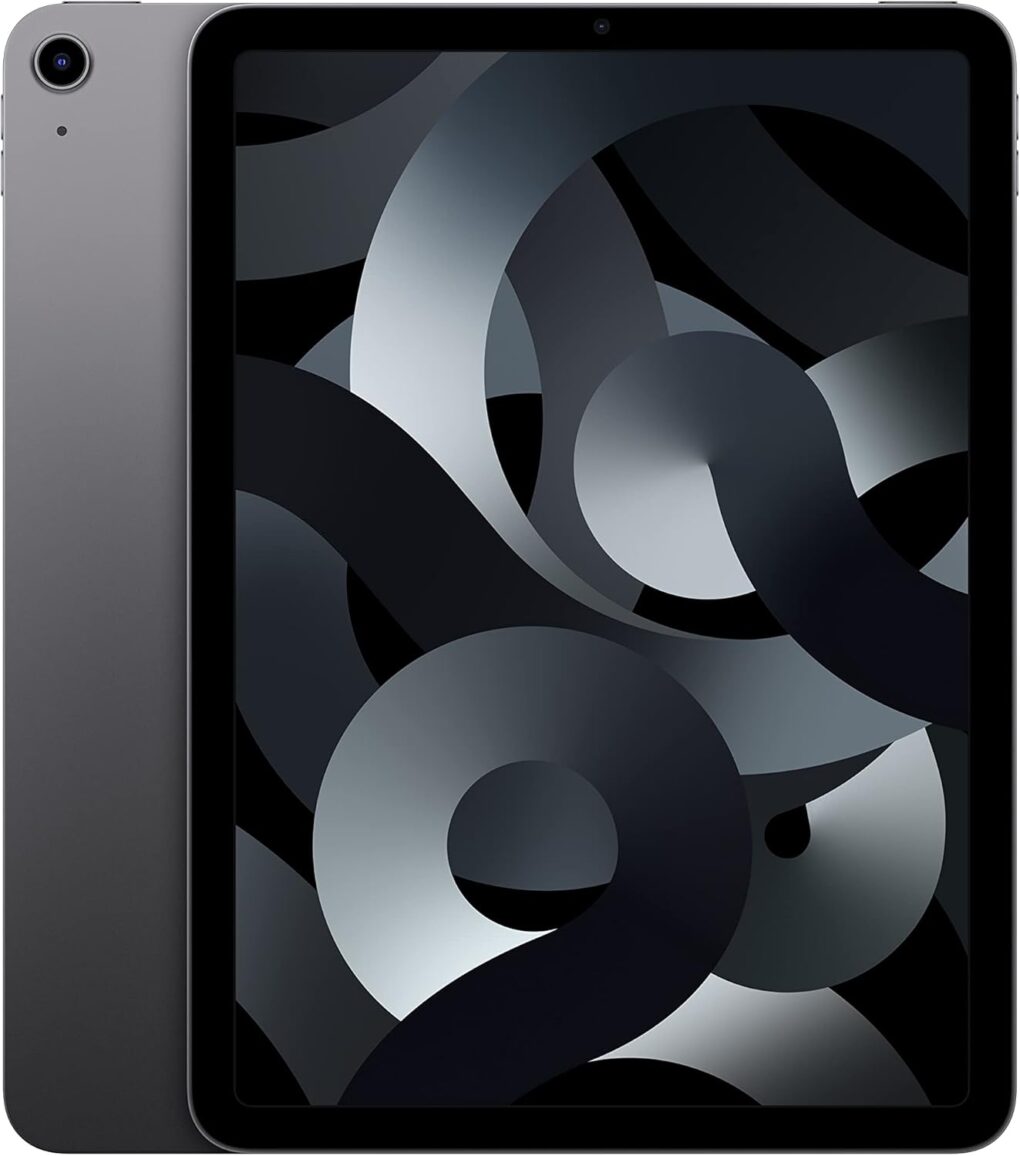
This iPad Air refurb is possibly the best iPad deal to be had right now. Photo: Apple
This iPad Air refurb is possibly the best iPad deal you can get right now. With Apple’s M1 chip inside, this iPad Air is capable of serious work and entertainment — and it supports Apple Intelligence, which even the latest (and similarly priced) iPad 11 won’t do.
Thanks to its modern features and design, you get premium Apple performance at a fraction of the cost. Instead of dropping $599 on a brand-new iPad Air, you can grab this grade-A iPad Air refurb for just $369.99. You get the same cool Apple design — with way less of a hit to your bank account.
Get piano lessons and a keyboard to practice on, all at a discounted price! Photo: Cult of Mac Deals
Want to learn to play piano? This all-in-one bundle comes with everything you need to get started and excel. It pairs in-depth video lessons (taught by a pro) with a PopuPiano — an actual MIDI keyboard — and other extras.
Another year, another window management feature on the Mac. Image: Apple/D. Griffin Jones/Cult of Mac
Window snapping and tiling is a new way to quickly organize your Mac desktop. It lets you throw the two apps you’re working on side by side so you can focus on them.
Window snapping proves more versatile than fullscreen mode, which the Mac has had ever since OS X Lion. Using fullscreen mode comes with a few compromises. For one, fullscreen mode only supports two windows side by side. And while you’re in fullscreen mode, you can’t have any other apps visible — fullscreen apps exist in a separate space from everything else.
With window snapping, you can have your Mac windows tiled in halves, quarters or a mix — you pick the orderly layout that works best for the task at hand. You can use gestures or keyboard shortcuts for quick tiling. Or you can control the tiling from your Mac’s menu bar. Keep reading or watch our video to learn how this cool Mac productivity feature works.
Sennheiser's latest open-back cans, at $300, are financially within reach for many folks. Photo: Sennheiser
Sennheiser’s latest offering are the new HD 550 open-back headphones, designed to bridge the gap between audiophile-grade sound quality and gaming performance, the company said Wednesday. For Mac users who demand great audio whether they’re working with Logic Pro, enjoying Apple Music with lossless audio or diving into the latest Apple Arcade titles, these headphones promise to deliver a compelling listening experience.
“Audiophiles looking for featherlight headphones with honest voicing and deep bass extension are in for a treat,” said Sennheiser Audiophile Product Manager Klas Hanselmann. “While the HD 550’s airy detail is obvious, customers will fall in love with its delightfully polite touch — perfect for listening for hours on end.”
A beautiful, well-framed picture will almost make a Prius look good. Image: D. Griffin Jones/Cult of Mac
You should get comfortable with the world’s handiest camera so you can capture memories that will last a lifetime. After all, more and more people are leaving behind family point-and-shoot cameras for the smartphones in their pockets. With our iPhone photography tips, you won’t need the latest and greatest in your pocket.
If you know the ins and outs of photography, you can make the most out of a years-old camera. In fact, the winner of the 2020 iPhone Photography Awards took the prize-winning picture on an iPhone 4!
The M4 Mac mini disguised an a toddler Mac Pro sits to the left of the displays. Photo: [email protected]
In my lengthy travels among computer setups displayed on social media, I saw a cool Mac mini case a while back that made the compact M4/M4 Pro desktop computer look like a little Mac Pro. I wondered if it’d catch on as a cool, must-have accessory, but then I never saw it again — until now. Today’s featured M4 Pro Mac mini setup sports one of the snazzy and functional cases in a dual-display workstation.
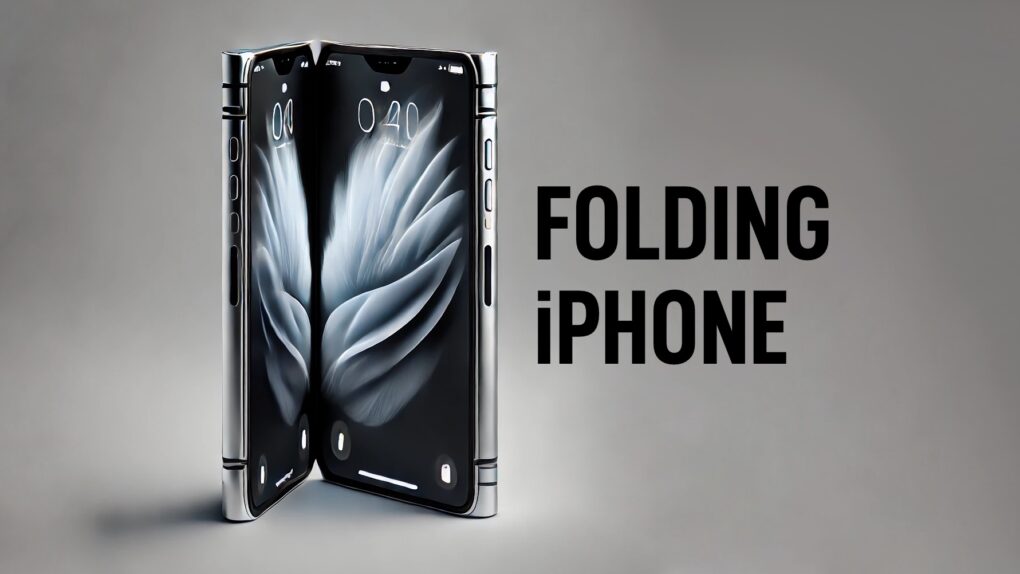
A folding iPhone might look something like this concept. AI concept: ChatGPT/Cult of Mac
To avoid mistakes made by rivals, Apple reportedly will do everything it can to create a crease-free folding iPhone with a durable hinge. According to a report released Friday, that includes producing the hinges using a liquid metal process.
Transform downtime into learning time with the Wiser5 iPhone app. Photo: Cult of Mac Deals
Micro-learning app Wiser5 is like a fusion of Instagram and your favorite classes in school. You can learn about personal finance, math, biology, literature and other solid subjects right on your iPhone — and have fun while doing it.
★★★★☆
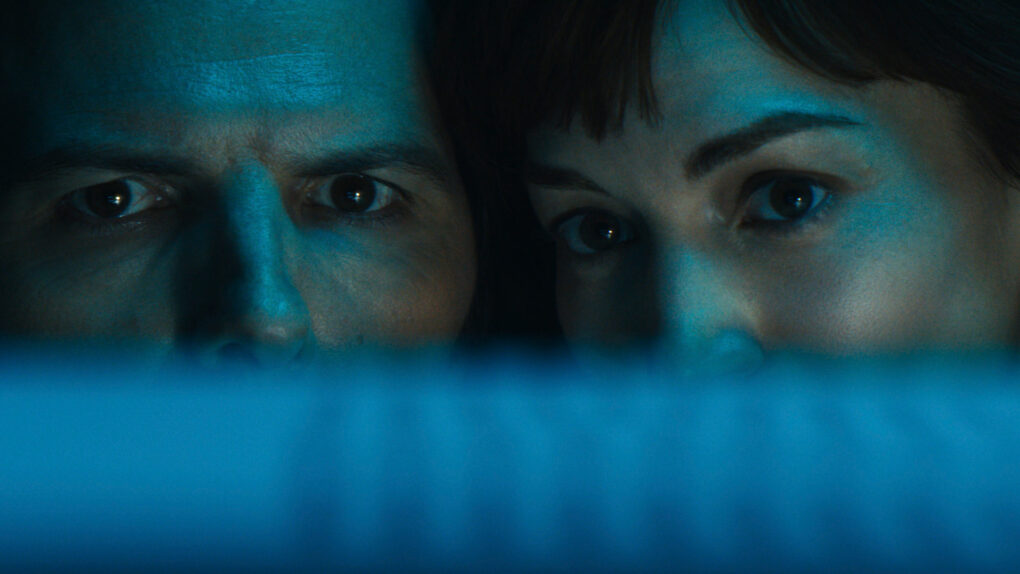
Mark and Helly gaze upon the nearly complete Cold Harbor file and contemplate their demise. Photo: Apple TV+
It’s season finale time! In our Severance season 2 episode 10 recap of “Cold Harbor,” we find Mark S. carrying out a wild plan with his allies while his tattered team makes a dangerous last stand against Lumon Industries. At 75 minutes, the episode’s a long one, directed by Ben Stiller. And with the hit show just renewed for a third season, the Severance season two finale actually asks more questions than it answers — before delivering a twist at the end.
Last week’s penultimate episode gave us a slower burn than expected on the way to Friday’s climactic season finale, but it did its job. As the macrodata refiners scattered while Mark and his sister Devon teamed up with company soldier Harmony Cobel to fight Lumon, it felt more like everything was coming apart than coming to a frenzied boil. But that groundwork set the stage for Friday’s outstanding final episode.
Adam Scott as Mark S. in "Severance." And it looks like he'll be back -- maybe with those celebratory balloons. Photo: Apple TV+
Apple TV+ renewed Severance for a third season Friday, delighting fans of the surreal drama series on the same day its season two finale aired. And Apple CEO Tim Cook and show executive producer and director Ben Stiller had some fun with an X.com post, below.
“What Ben, Dan, Adam and the talented cast and crew behind Severance have brought to the screen is undeniable magic,” said Matt Cherniss, head of Apple TV+ programming. “We’re so proud to be the home for this brilliant series and look forward to audiences experiencing what’s in store for Season 3.”
The series could be a lot of fun, but it might help if you're French or a
Francophile. Photo: Apple TV+
As someone who lived in the French-speaking part of Switzerland for a few years, I’m no stranger to poking fun when I catch a whiff of the sometimes-preposterously self-important and pretentious side of the French persona. And the new Apple TV+ trailer for Carême reeks of it.
While the premise of the streamer’s upcoming French-language series sounds interesting — a rags-to-riches story of the world’s first celebrity chef, who also worked as a spy — the series looks overwhelmingly French.
“Chef. Spy. Lover,” reads the tagline for the historical drama. Apple TV+ calls it “daring” and “provocative.” Ooh la la.
Carême premieres April 30 for those with a taste for that sort of thing.
The losses sound bad, but they're to be expected and represent a drop in the bucket compared to Apple's profits. Photo: Apple TV+
As Apple TV+’s subscriber base continues to grow and the streamer enjoys lots of attention on Friday’s Severance season 2 finale, a new report Thursday suggests the streaming service remains a financial loser for the iPhone giant — to the tune of $1 billion in losses annually. And yet it should come as no surprise Apple TV+ bleeds money.
A fat billion a year in the red sounds bad, but it’s pretty much in line with the plan for losses of up to $20 billion over a decade for the still-nascent streaming service.
Apple can’t keep secrets from tipsters. Concept image: Ed Hardy/Cult of Mac
We aren’t left wondering what the four models in the upcoming iPhone 17 series will look like — not when a picture of “dummy” units posted Thursday reveals the design of each of them.
These show the rumored move from a camera hump to a camera bar in most of Apple’s upcoming handsets, and the back panel on the two Pro models will employ a new design.
★★★★★
The PNY Pro Elite V3 stores terabytes of files and doesn’t empty your wallet. Photo: Ed Hardy/Cult of Mac
The PNY Pro Elite V3 external SSD holds terabytes of files, and can transfer data at up to 1,000MB/s. Another standout feature is cost, with the 2TB variant coming in at just $145 — well below many rival SSDs.
I tested the speed, build and other aspects of the drive with a range of computers to be sure it lives up to expections.
Save on a lightweight second screen for your laptop. Photo: Cult of Mac Deals
Ever tried juggling spreadsheets, emails and a dozen open tabs on one tiny screen? That’s a one-way ticket to frustration. A laptop screen extender like Mobile Pixels’ Duex Plus DS can help.
This 13.3-inch portable second monitor might just become your laptop’s new best friend. The second screen instantly upgrades your setup, whether you’re working remotely, traveling or just flexing your multitasking skills. And for just $179.99 (regularly $259.99), it’s a deal too good to pass up. You can get this deal by using code DISPLAY20, but only through March 30 (and only while stock lasts).
“Assassin’s Creed Shadows” just launched on Mac -- no PC or console needed. Image: Ubisoft
Assassin’s Creed Shadows finally launched on Thursday, and Mac gamers can play the action-packed, role-playing game from Ubisoft at the same time as players on PCs and consoles. Mac owners won’t face the usual wait of months or years. There’s even a version for iPads with M-series processors in development.
The adventure is set in medieval Japan, and players can choose either a samurai or a shinobi (aka ninja) for very different gaming experiences.
Missing MagSafe? A MagSafe sticker is the answer. Image: Cult of Mac
9iPhone 16e owners can easily add an inexpensive MagSafe sticker to make up for Apple leaving this magnetic connection system out of its new handset. Adding MagSafe improves wireless charging and opens the doors to magnetic stands, power banks and clip-on wallets.
Android users frustrated that they can’t take advantage of great accessories designed for iPhone can use one of these stickers, too.
Here’s our buying guide to the best MagSafe stickers we found.
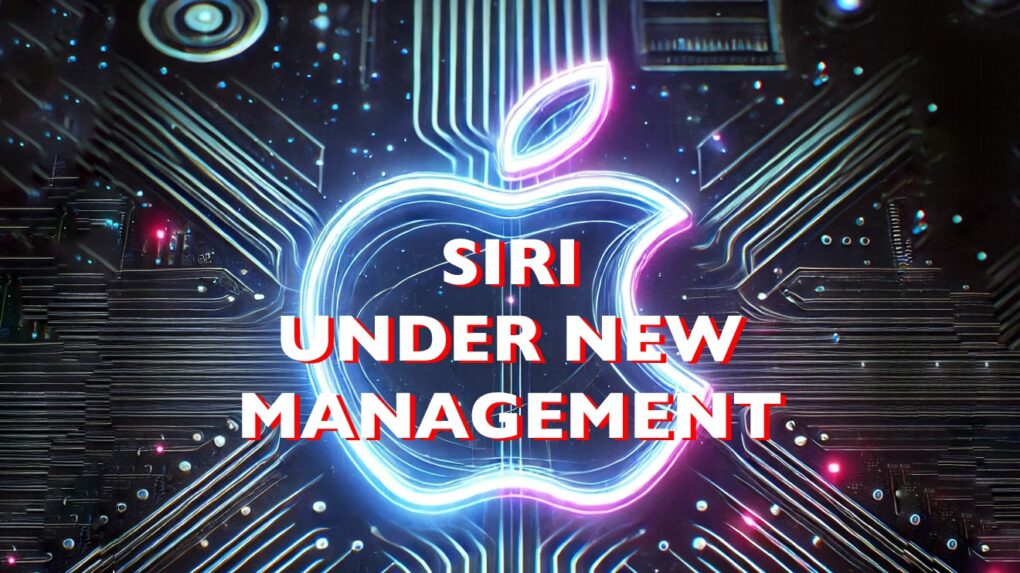
The new head of Siri development has one job: make it stink less. AI image: ChatGPT/Cult of Mac
An Apple reorganization reportedly brings new management to the team struggling to develop an AI-enhanced version of Siri. Apple apparently tapped Mike Rockwell, an exec with one successful Apple product launch already under his belt, to shepherd the promised Siri upgrade.
Clearly, the goal is to accelerate a project that’s been significantly delayed — and has become a major embarrassment for Apple.
YouTube videos looking worse? You are not alone. Photo: YouTube
YouTube videos appearing blurry or excessively buffering on your iPhone? Videos streaming on 144p or 360p resolution despite being on a fast Wi-Fi connection?
You’re not alone in facing these problems. Don’t point fingers at your ISP either — the issue stems from YouTube’s end.
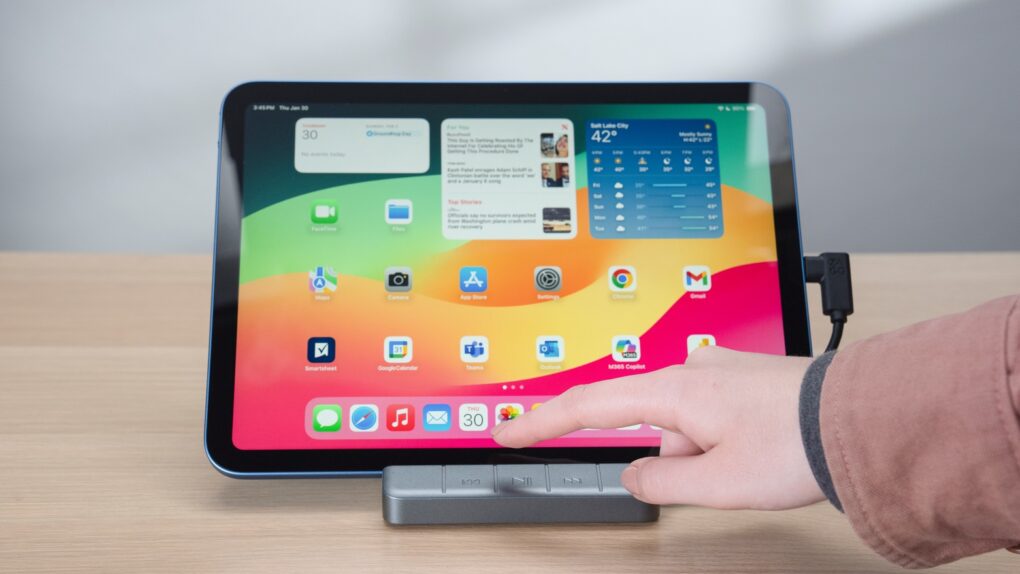
The Zagg 6-Port Media Hub is ideal for fans of watching video on an iPad. Photo: Zagg
Don’t buy a separate stand and hub for your iPad until you check out the Zagg 6-port Media Hub that launched Wednesday. Add an HDMI port, a USB-A port and more to your tablet without taking up any more space on your desktop than a stand alone would.
Plus, it got a big brother: the Zagg Pro Dock is a stand for MacBooks with 10 ports, including dual HDMI and Ethernet.
These are part of a collection of new hubs from Zagg with a range of port options.
The European Union just ordered Apple to make iPhone cooperate better with headphones and smartwatches made by other companies. AI image: Midjourney/Cult of Mac
The European Commission issued “guidance” Tuesday on changes it says Apple must make to comply with the interoperability requirements of the EU’s Digital Markets Act. The new mandates would open up the iPhone to work more closely with third-party smartwatches, headphones and TVs.
Apple says the new rules will undercut user privacy and slow innovation, and vows to make its case to the EU. It remains to be seen whether the changes will take effect only in Europe or globally.
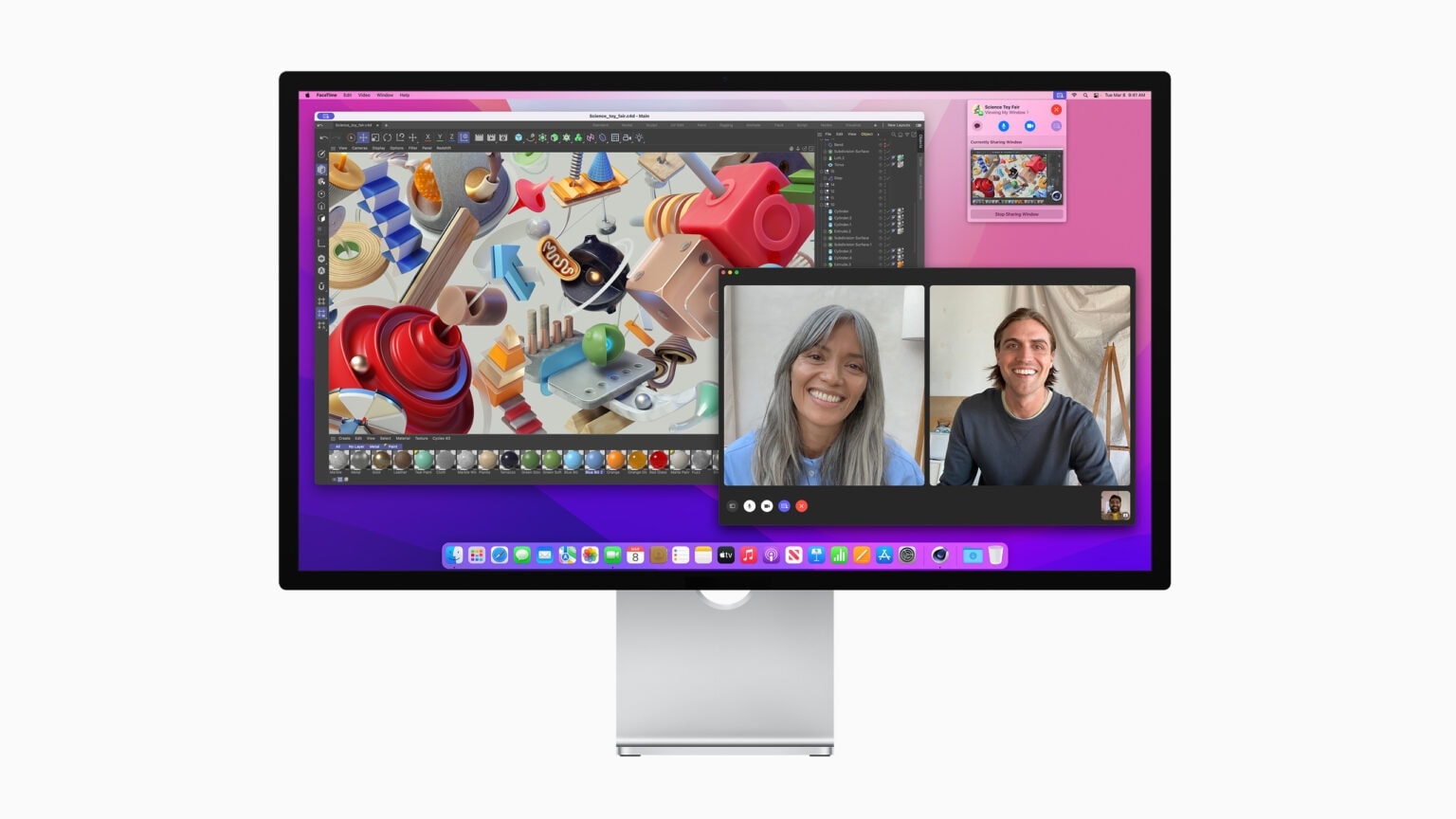
Apple's Studio Display is a great 5K monitor for your Mac. Photo: Apple
Apple’s Studio Display is the perfect monitor for most Apple users, and this deal makes it even better. The high-end monitor packs a gorgeous 27-inch 5K screen and lots of extras.
However, at its retail price of $1,599, the monitor is pretty expensive for what it offers, especially since it is a few years old now. However, a current Apple Studio Display deal on Amazon drops it to just $1,539.95.