Oooh, this is nice. Capture is a one-trick video recording app for iPhones that reduces the whole concept of snapping a video down to its very basics.
Capture Video App For iPhone Lets You Capture Those Moments Before They Pass


Oooh, this is nice. Capture is a one-trick video recording app for iPhones that reduces the whole concept of snapping a video down to its very basics.
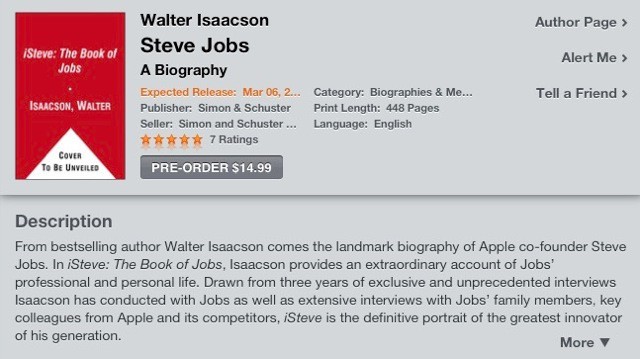
The first authorised biography of Apple CEO Steve Jobs has been given a new title after its author, Walter Isaacson, persuaded publishers to go with something a little more “elegant.”

The U.S. Federal Aviation Administration has given airlines the go ahead to ditch old fashioned flight bags in favor of the iPad — a move that promises to save paper, time and money.
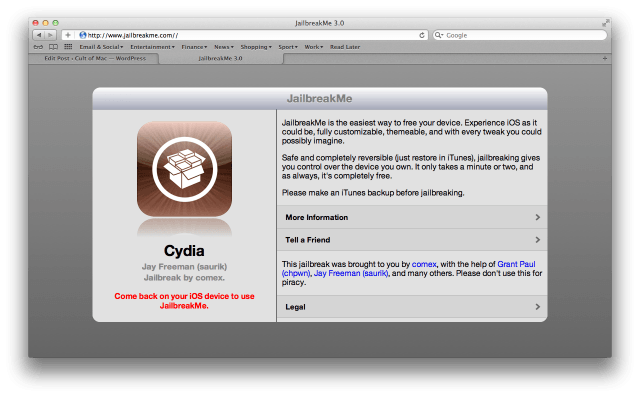
After what seemed like a painfully long wait, Comex has finally relaunched JailbreakMe — the web-based unlock for (nearly) all iOS devices, including the iPad 2, running iOS 4.3.3.

If you think your fingers fly across the iPad touchscreen, try typing the entire English alphabet correctly in 5.26 seconds with just one hand.
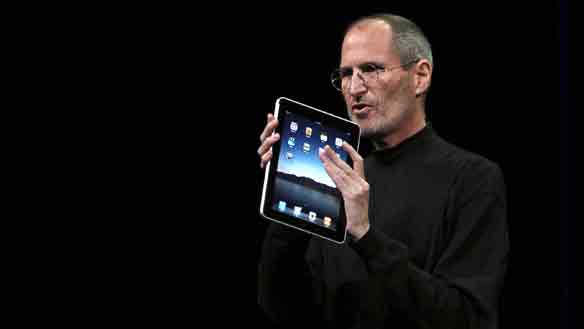
An former executive of an Apple supplier pleaded guilty to leaking Apple secrets.
Walter Shimoon, who once worked at electronic manufacturer Flextronics a supplier of camera parts to Apple, was arrested in 2010 for spilling the beans on actual and forecast sales figures for iPhones and iPods in the third and fourth quarters of 2009.
He’s the 12th person to plead guilty so far in a government investigation of insider trading.
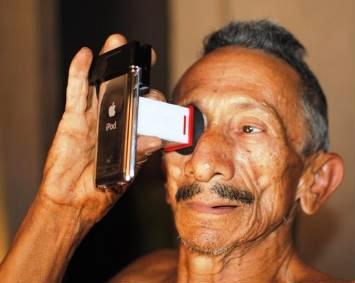
Here’s another way the iPhone is revolutionizing medicine — it’s now a cheap, portable tool for detecting cataracts, the leading cause of blindness worldwide.
Researchers at the Massachusetts Institute of Technology have developed Catra, a cheap plastic lens that clips onto the iPhone’s screen. Using a simple vision test, the Catra software creates a map of cloudy areas that may indicate the onset of cataracts.
The Catra software can provide a diagnosis within minutes and requires no training. It also works on the iPod touch and other smartphones. It’ll be a boon for use in developing nations, the researchers say.
Below is a video explaining how it works. Catra will be shown off at Siggraph in Vancouver next month.
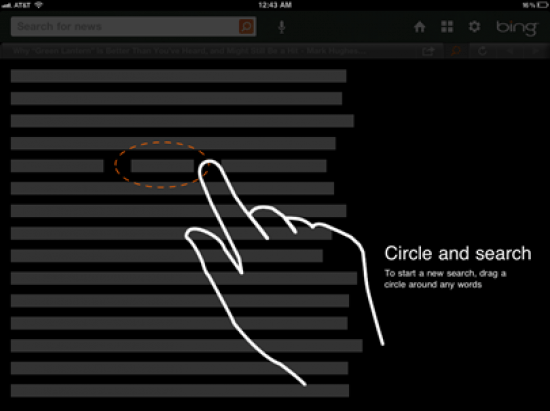
Apple famously solved the copy-and-paste touchscreen challenge with their innovative hold-and-drag-corners approach first introduced in iOS 3.0, but is there a better way? Microsoft thinks so. They think they’ve got an even better way to copy text in the latest version of their Bing for iPad app. It’s called the lasso.

After years of gamers clamoring, one of Nintendo’s hottest properties is coming to the App Store in a unique, exclusive title not available on the 3DS or Wii. That’s right, Pokemon is finally coming to an iPhone or iPad near you…
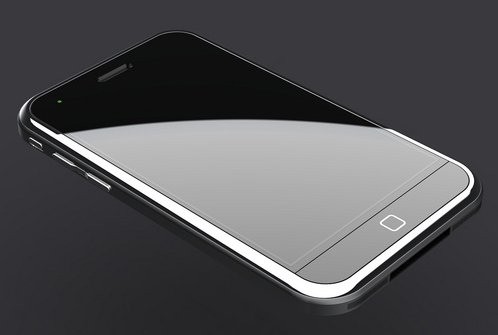
Ever wonder how Apple can bring out products year after year that are so far ahead of the competition in construction and materials that they seem downright futuristic… all while maintaining huge profit margins? It’s because Apple is using its enormous pool of cash-on-hand to lock up cutting-edge tech years before the competition has even heard of it.
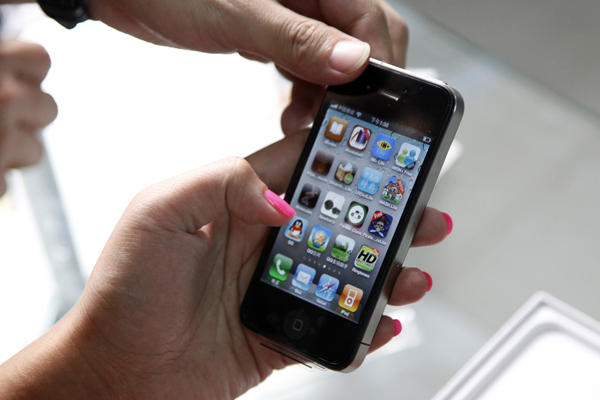
It’s finally happened, the window is closing. Verizon has killed off its unlimited iPhone data plan and has instituted tiered data caps. Here are the new plans, going into effect on Thursday. Warning: for most people, they kinda suck.

While we patiently await the release of Skype for iPad, which was supposed to land last Tuesday, the Skype application for Mac just got a fancy new update that introduces background video calling and group video chat.
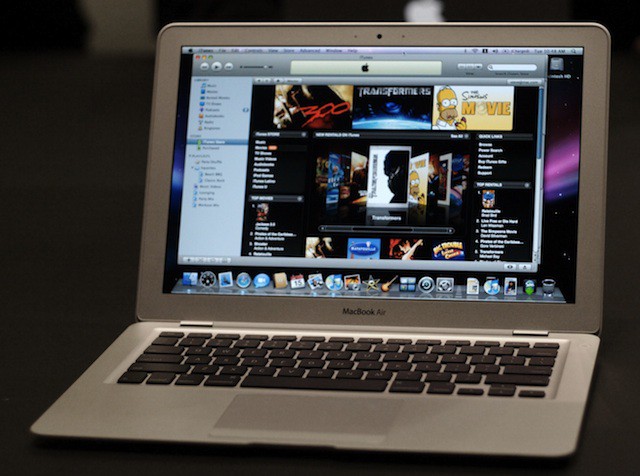
Could the MacBook Air offer a future for notebooks? That’s the belief of one Wall Street analyst who says notebooks could make a comeback with tablets coming out on the losing end.
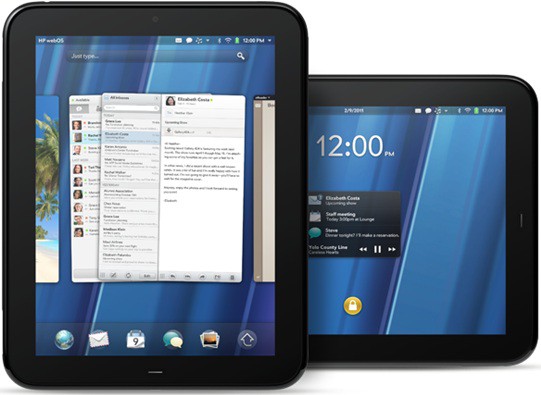
The reviews of HP’s would-be iPad-killer are in, and they all agree on one thing: the HP Touchpad is no iPad, but webOS has a huge amount of promise.
Now an internal email sent out to HP staff has leaked, written by Palm’s Senior Vice President, and it compares webOS’s rough edges along with its promise to Mac OS X ten years ago.

If you were on the fence about whether or not to pay $199 for an iPhone 4 from Verizon Wireless with the iPhone 5 around the corner, will another $50 off get you to commit. A new rumor says that Verizon is planning on dropping the price of the iPhone 4 to $150.
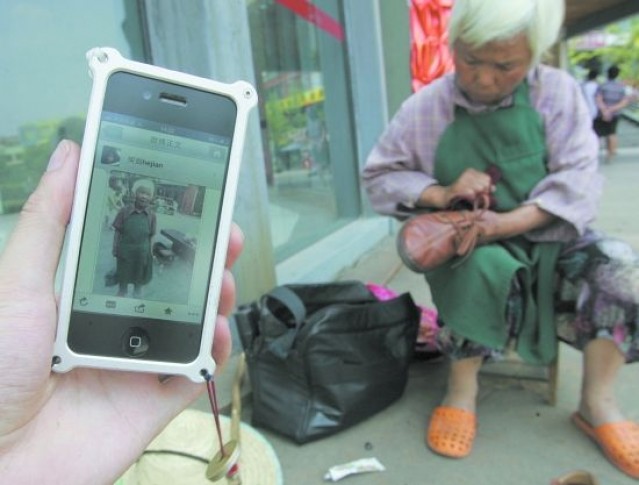
After five years without any contact, Shufang Zhong, a 71-year-old Chinese shoeshiner, was reunited with her daughter thanks to the power of the iPhone and social networking.
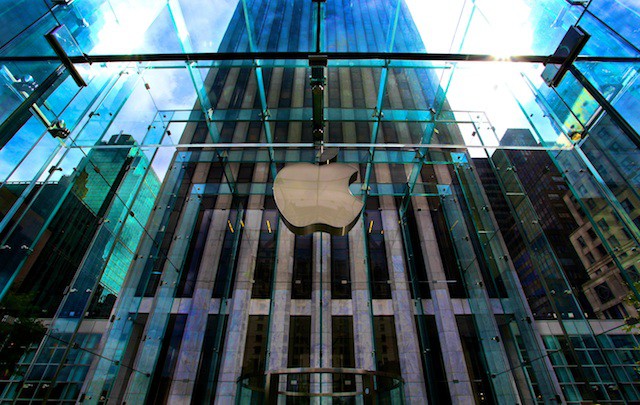
Apple became the latest target of the infamous hacker group Anonymous over the holiday weekend as user data of visitors to a website were released on Twitter.
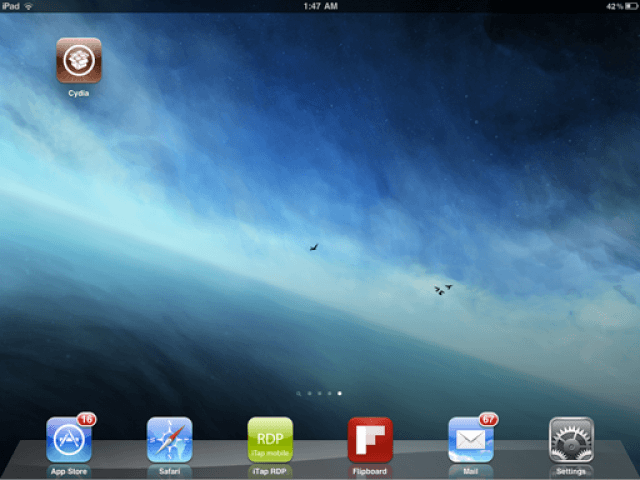
While the release of JailbreakMe 3.0 is expected to be imminent, those of you struggling to wait any longer can now set up your own web-based jailbreak for all devices running iOS 4.3.3 and below. Here’s how!
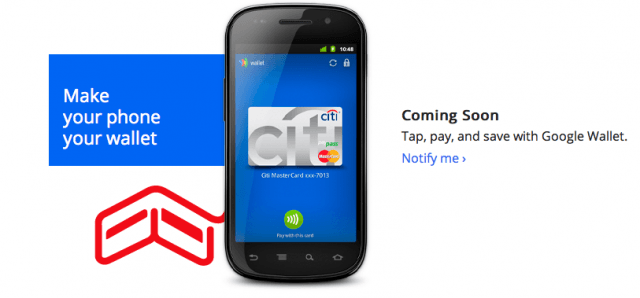
I’ve recently had the opportunity to carry a second phone (a while with Android, awhile with Windows Phone) in addition to my trusty and increasingly busted 3GS (missing volume buttons, broken lock button). I say “opportunity” largely because I’m kind of annoyed that I didn’t buy an iPhone 4 when I had the chance, and now it’s looking like the fall before I’ll get to upgrade to an iPhone 5 or whatever Apple chooses to call it. This makes now an ideal time to take a close look at what the competition is up to. The worst kind of fan is the unthinking, in my view, so I jumped at the chance to know whether my iOS admiration was warranted, and, if not, actually get to preview a handset I could contemplate switching to at some point (for obvious reasons, I would not run the same experiment with other tablets. The iPad really is the only game in town).
Join me, then, for the Apple maniac’s up-close tour of the distinguished competition, through peril, triumph, and confusion, as I take a long, hard look at life with a Nexus S 4G and an HTC HD7, representatives of the very mature Android (Nexus) and the practically beta Windows Phone 7.

JailbreakMe, undoubtedly the easiest method of jailbreaking an iOS device, is set to return imminently with version 3.0 — the all-purpose jailbreak for any device, including the iPad 2, running iOS 4.3.3 and below. Comex has updated the site for the second time in the past week, leading some to speculate the relaunch of the new service will be today.
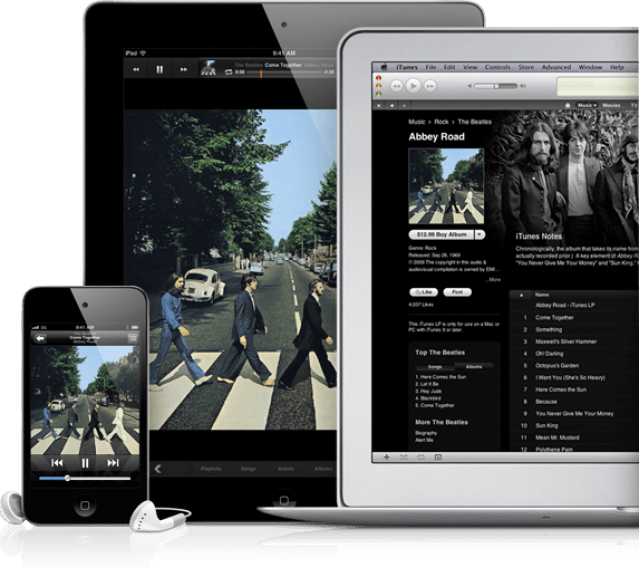
Thanks to the continued growth of Apple’s iOS devices, the iTunes platform that includes the App Store and the iBookstore is set to grow at a rate of 39% over the next three years and rake in a whopping $13 billion in revenue during 2013.
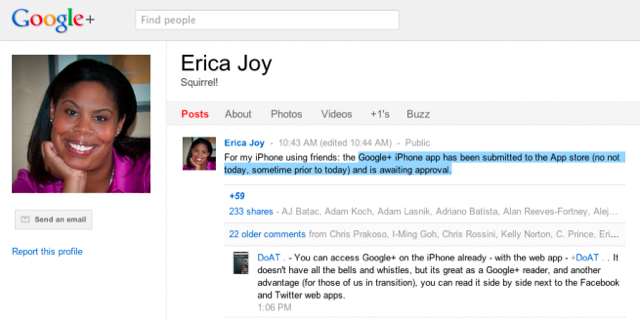
Despite being accessible only to a select few for the time being, the official Google+ app for the iPhone will hit the App Store anytime soon — possibly before the service even goes public.
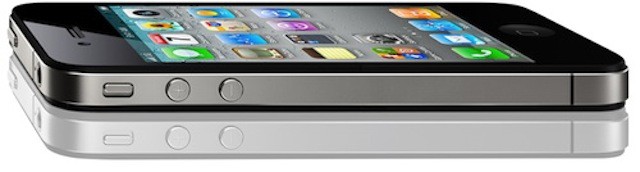
A Taiwan-based component maker in Apple’s supply chain is reportedly set to produce 15 million units of the fifth-generation iPhone, according to a new report — readying the device for a September launch. Though it may not boast that major redesign many had been hoping for.
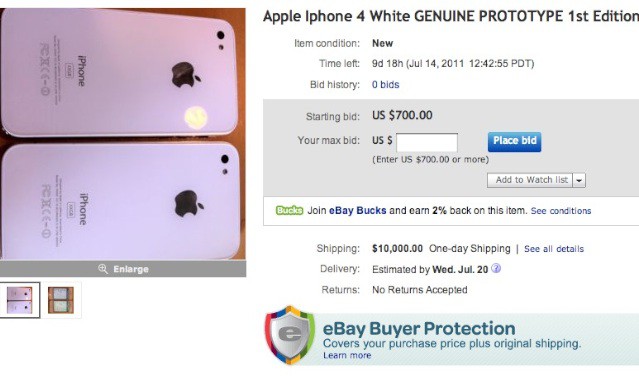
Within a day of a black iPhone 4 prototype hitting eBay, a similar set of iPhones has just hit the popular shopping site. These white iPhone 4s appear to be early prototypes, which are missing the silver ring around the camera, as well as any signs of model numbers or capacities on the back, both of which are X’d out.

Magic Hour is a photo app for people who love the filter effects you get from apps like Instagram and Hipstamatic.