It’s a wonder iPhone, iPad and iPod touch users have time for anything but click on the App Store icon. Apple announced Thursday 15 billion apps have been downloaded in the three years the iTunes store has been open.
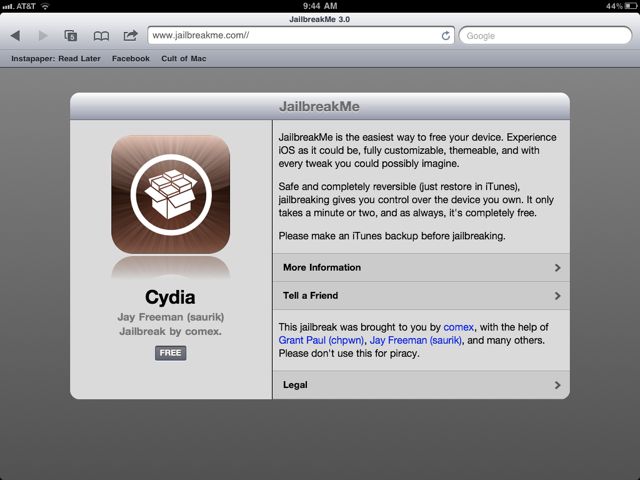
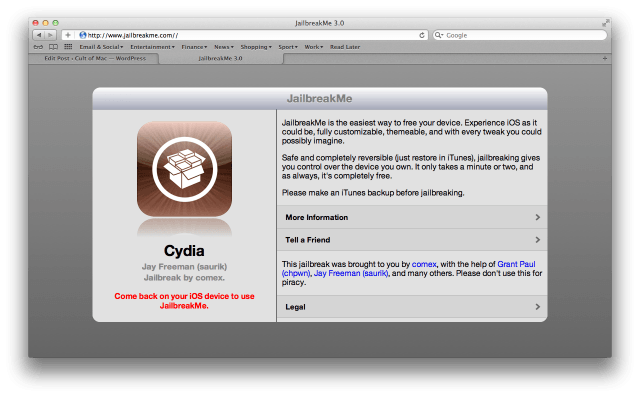
The long-awaited relaunch of the JailbreakMe exploit from Comex finally went live yesterday, and in one day alone, the service hacked a staggering 1,000,000 devices.
While the release of JailbreakMe 3.0 has resulted in jubilation amongst most users, it has curiously prompted a national panic in Germany, where a country-wide warning for all iOS products has been issued by Germany’s Federal Office for Information Security.
If you turn on a television, you can’t miss ads for the iPhone or iPad. The same is true for Europe, where advertisements for the Apple devices are plastered everywhere. Now comes word the iPhone and iPad are two of the most-advertised mobile devices in Europe.
Yesterday, Apple held a private briefing for enterprise contracts in London about Final Cut Pro X, and if you’re a Final Cut Pro X customer hoping that Apple will be patching in missing functionality like XML import and project support for Final Cut Pro 6 and 7, well, sorry chief: you’re just out of luck.
A federal judge Wednesday rejected Apple’s immediate bid to stop online retailer Amazon from using the “App Store” name, reports say. The iPad and iPhone maker had failed to prove “a likelihood of confusion” if Amazon continued using the name, a judge ruled.
TuneUp founder and CEO Gabe Adiv. Photo by Isaac Wexman: http://www.flickr.com/photos/isaacwexman/3555918326/in/set-72157618654001924/
TuneUp is the #1 add-on for iTunes. It cleans up song metadata like missing album info or misspelled names. It also delivers related music videos, and alerts you when favorite artists are playing in town.
It’s easy to use and can do a quick job of cleaning up the messiest library. But it’s not perfect: songs can be mislabeled and there’s been complaints of bugs and crashes. TuneUp costs $39.95/yr or $49.95 one time fee for a bundle. TuneUp also offers a la carte pricing for individual products. A free demo cleans up to 50 songs and removes 25 duplicates.
Yesterday I got a chance to talk to Gabe Adiv, founder and CEO of TuneUp Media,company behind the plug-in.
He gave me some interesting statistics about iTunes and listening habits, as well as thoughts about Apple moving music into the cloud.
In order to ensure its service has the best chance of competing with rival cloud-based music services, especially those that may be coming from Cupertino, Amazon has just introduced an iPad-friendly version of Cloud Player and expanded the music storage capabilities of Cloud Drive.
Just a day after the much-anticipated JailbreakMe 3.0 website went live and over 1,000,000 iOS devices took advantage of the web-based hack, Apple has confirmed it will kill the exploit in an upcoming software update.
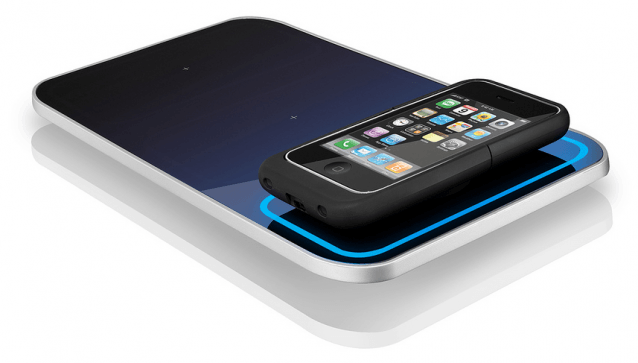
Following its report yesterday that promises a thinner, lighter iPhone 5 by the end of this year, The Wall Street Journal now offers us some information on Apple’s 2012 iPhone, which it says will boast a whole “new way of charging.”
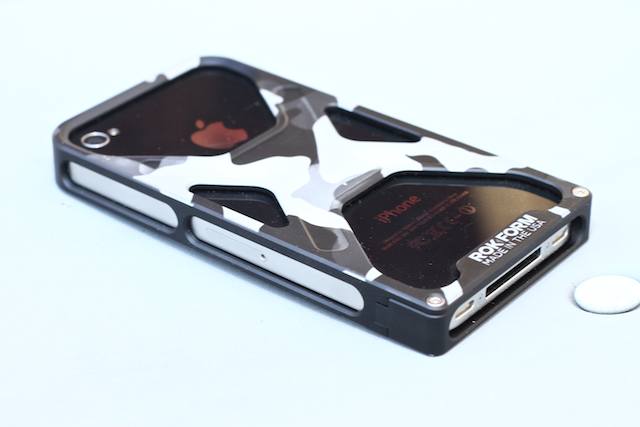
It’s difficult to find stuff made on U.S. soil these days. Heck, sometimes it seems like nothing is made here. But that’s not true of the elite, exo-skeletal Rockform Rokbed iPhone 4 case ($80), intricately machined from a solid block of aluminum: It’s designed and manufactured in the good ol’ U.S.A. (and it’s not shy about saying so), in Orange County, California by one of the most unlikely outfits to make an iPhone case — the motorcycle fanatics at Two Brothers Racing.
The friendly skies weren’t so kind to a Russian pilot who had eight iPads nicked from his luggage somewhere between JFK and Moscow.
Oleg Korneev thought he wasn’t taking many chances with the precious cargo: he used two external locks and shrink wrapped his suitcase before boarding the plane.
We’ve seen keyboard style cases before, but rarely with this level of panache: the Aluminum Keyboard Buddy Case is made in a similar material and shape to the iPad 2, turning your Apple tablet into a reasonable simulacrum of the MacBook Air.
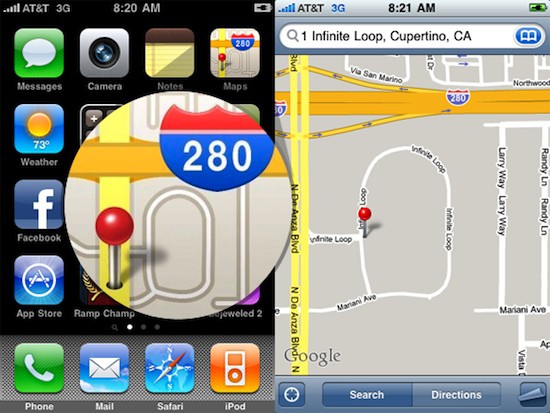
Apple just obtained a U.S. Trademark for “280,” but don’t expect that to be the official name of some new and exciting Apple product. Rather, it is a trademark that covers the logo for Apple’s popular Maps icon.
Yesterday, we reported on 15-year-old Eduard Saakashvili, who typed the entire English alphabet correctly on an iPad with one hand in just 5.26 seconds, setting a new Guinness World Record.
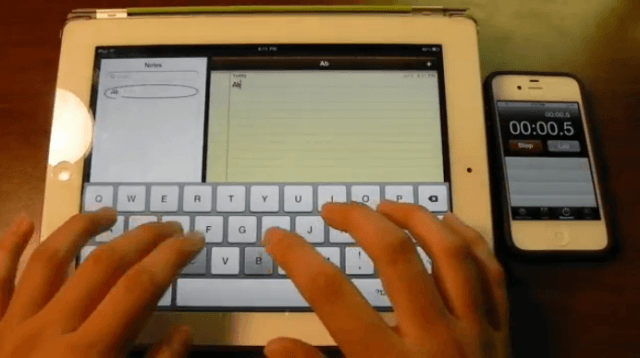
Brian Sweet made this video showing how he touch types the English alphabet on an iPad in about three seconds, albeit using a two-handed approach.
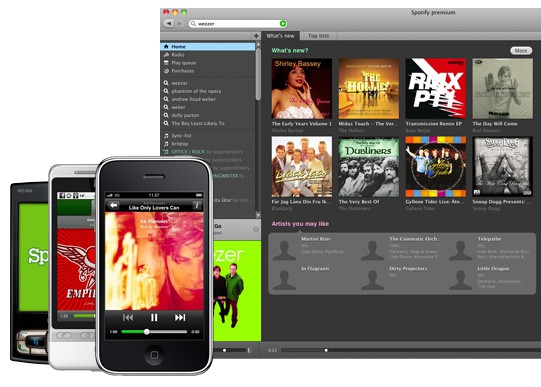
It’s official. Spotify — that wonderful streaming music service that operates like the most fully packed iTunes library in the world — is finally coming to the United States.
Amazon appears confident about its rumored tablet’s chances against the iPad. In fact, the Kindle maker has ordered several million 10-inch units for the entire 2011 year.
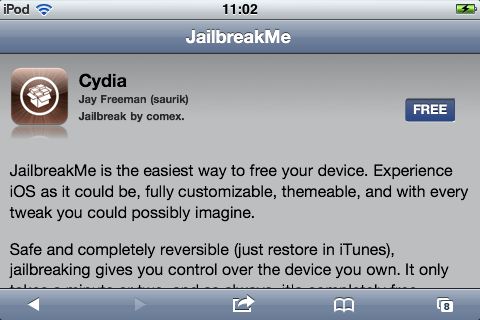
After months of waiting, Comex and the iPhone Dev Team have finally released JailbreakMe v3, allowing any iOS device running iOS 4.3.3 to be jailbroken just by visiting a simple web page.
Even though this is as simple as jailbreaks get, though, there’s still stuff that can go wrong, so we’ve put together this handy guide for any would-be jailbreakers. Here’s how to jailbreak your iPhone or iPod Touch… the right way.
Add Sprint-Nextel to the growing list of U.S. carriers that will offer the iPhone. The carrier is likely to gain the Apple handset by Christmas and it could be a big-seller, one analyst tells investors Wednesday.
Just as Apple recovers from the overwhelming launch demand of its iPad 2, one analyst says the company is preparing to release a second device before year end, with a high-resolution display dubbed the “iPad 2 Plus.”
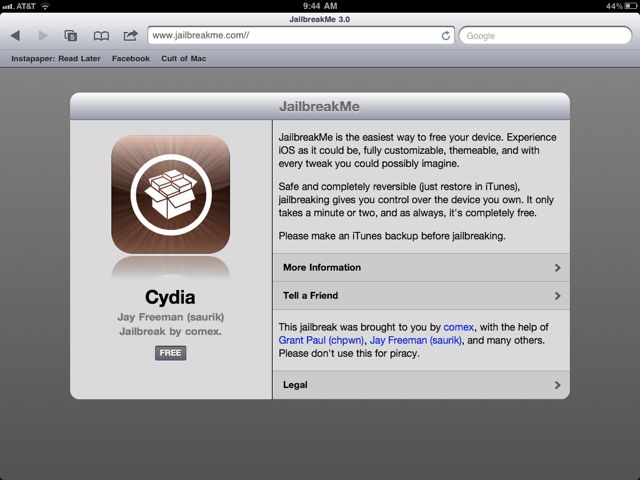
After months of waiting, Comex and the iPhone Dev Team have finally released JailbreakMe v3, allowing any iOS device running iOS 4.3.3 to be jailbroken just by visiting a simple web page.
Even though this is as simple as jailbreaks get, though, there’s still stuff that can go wrong, so we’ve put together this handy guide for any would-be iPad jailbreakers. Here’s how to jailbreak your iPad or iPad 2 the right way.
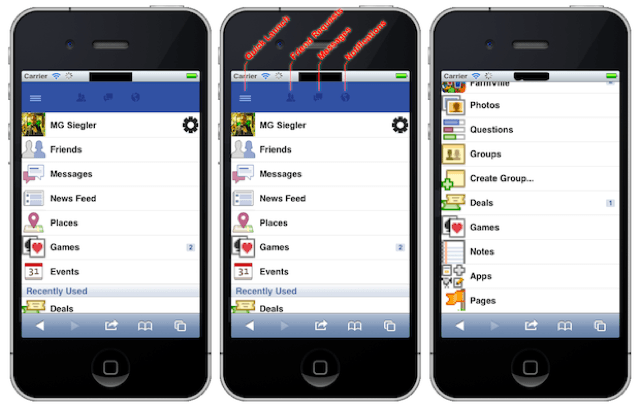
New screenshots demonstrating Facebook’s much-anticipated Project Spartan web app platform, in addition to a tentative launch date for the service, have been published online. And despite Facebook’s promise that the service isn’t intended to rival the App Store, developers say there’s no question.
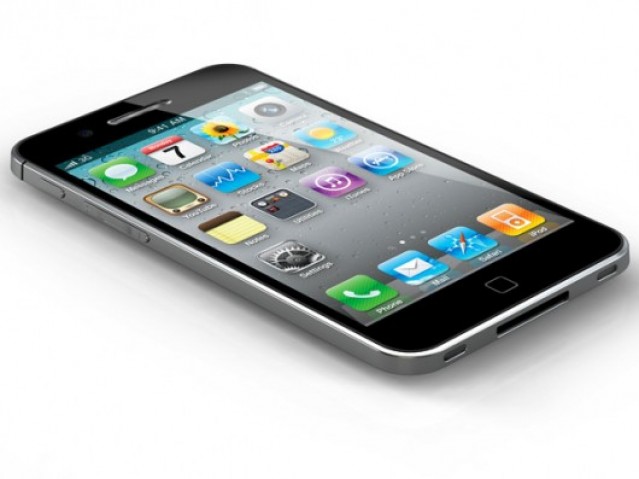
Apple’s iPhone 5, expected to launch later this year, will be “thinner and lighter” than the current device, and will feature a much improved camera, according to The Wall Street Journal.